In the Home Assistant Community New ideas for efficiently and elegantly controlling a smart home are constantly emerging. Besides classic approaches... Dashboards On tablets or wall displays, an alternative approach is increasingly coming into focus: a dedicated display with E-Ink screen.
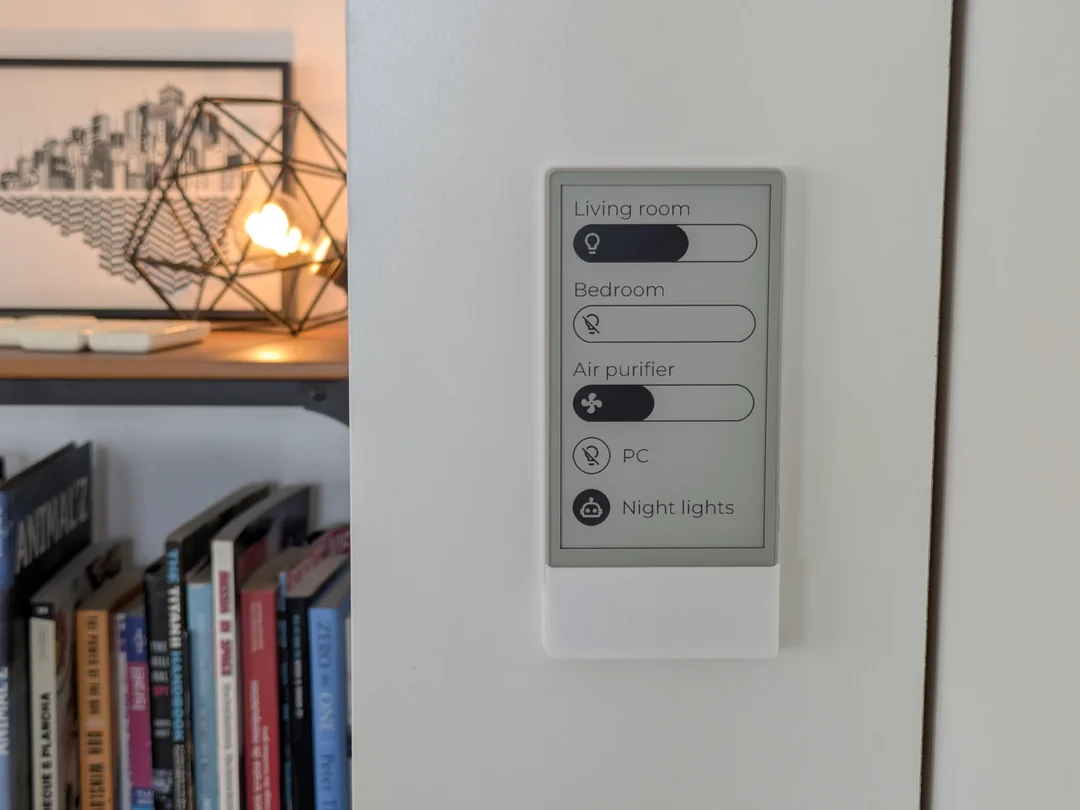
A project recently presented in the subreddit shows how a E-paper display as a stylish control element for Home Assistant which can be used – discreetly, clearly and without the typical disadvantages of classic screens.
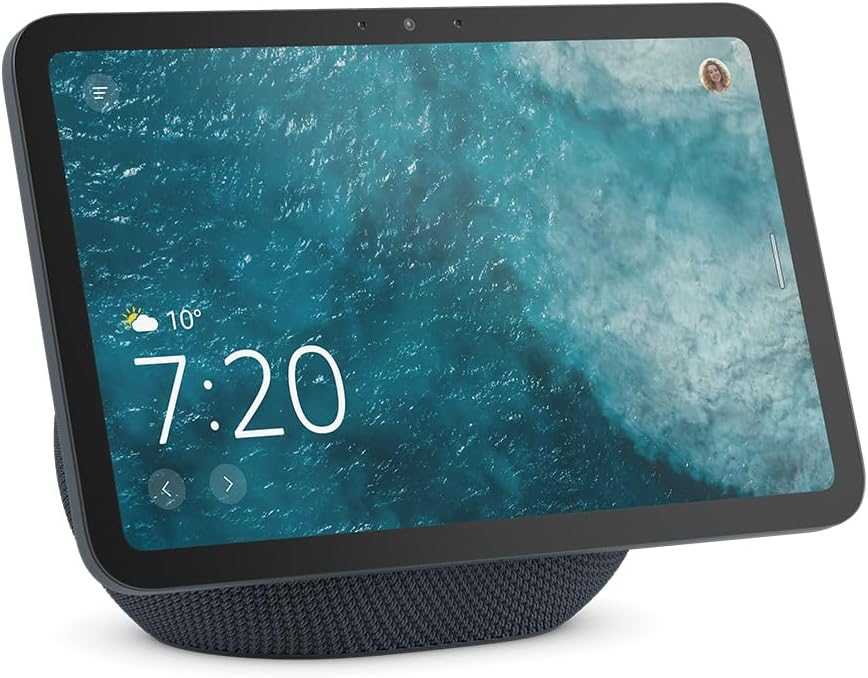
Amazon Echo Show 8 (latest generation)
8.7-inch HD display with room-filling 3D audio and Alexa, Graphite, Smart Home Hub
Zigbee + Matter + Thread Border Router
Idea and motivation: Control Home Assistant without a tablet
The goal of the project is a Permanently available control for Home Assistant, Tablets, which do without a constantly illuminated display. While tablets are flexible, they also have disadvantages: high power consumption, distractions from other apps, and often an excessive range of functions.
A E-Ink display for Home Assistant This offers clear advantages:
- extremely low energy consumption
- very good readability
- calm, minimalist appearance
Hardware: ESP32, E-Ink and 3D printing
The hardware is based on a ESP32 E-Ink touchscreen, for example LilyGo T5 E-Paper S3 Pro* or a M5Stack M5Paper S3*. These devices combine ESP32 with Wi-Fi, a touchscreen, and an e-paper display.
This makes them ideally suited as Home Assistant Client without additional hardware. The wall mount is attached via 3D printing It is manufactured and designed so that the USB cable disappears invisibly. This gives the device a high-quality look and allows it to integrate seamlessly into the living space. The required 3D model Detailed instructions are also available for download. Home Assistant Integration and the necessary software libraries are on GitHub documented.
Direct Home Assistant connection via WebSocket
The following is particularly interesting from a technical point of view: Direct integration with Home Assistant via the WebSocket API. The E-Ink Remote communicates directly with the Home Assistant instance without additional middleware.
This allows, among other things:
- Control lights and switches
- Activate Home Assistant scenes
- Display sensor and status information
Changes are transmitted almost in real time. The user interface is specifically optimized for E-Ink. The typical brief flickering during screen updates is inherent to the technology, but hardly noticeable in everyday use.
Power supply: The biggest limitation
Even though E-Ink displays themselves are extremely energy-efficient, the persistent Wi-Fi connection to Home Assistant Energy. In the current implementation, the integrated battery lasts approximately... one day, if the device is permanently online.
In practice, the Home Assistant remote controls are therefore usually permanently powered via USB.. The community is actively discussing optimizations – we are excited to see upcoming improvements.
Conclusion: E-Ink as an alternative to the home assistant tablet
This project is not a full replacement for a Home Assistant dashboard on the tablet – and that is precisely where its strength lies. It is a specialized control, reduced to the essentials and ideal for fixed functions such as light, scenes or status indicators.
For hobbyists, this project offers an exciting glimpse into alternative operating concepts. The solution is not yet fully developed, but it impressively demonstrates its potential. E-ink displays with home assistant have.
Source/Photo: (Reddit/ Amazon /ZeKWork )
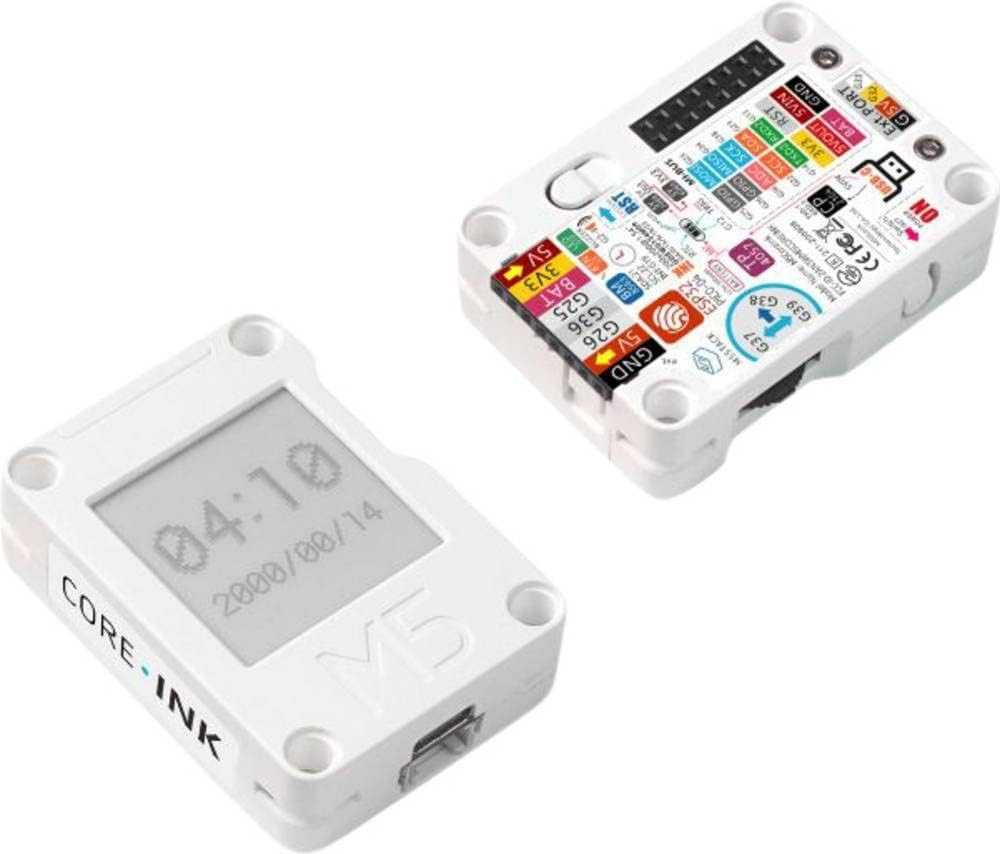
M5 Stack Microcontroller
FRITZ! Smart Energy 250 review – measuring power consumption and using it in Home Assistant
Integrate the IKEA MYGGSPRAY motion sensor with Matter into Home Assistant
Home Assistant 2026.1: New dashboard, smarter automations and better overview
IKEA KAJPLATS LED E27 review – Integrating the Matter lamp into Home Assistant
IKEA TIMMERFLOTTE: Firmware update 1.0.21 now available in Home Assistant via OTA
Integrate IKEA TIMMERFLOTTE into Home Assistant: Matter sensor in practical use
Setting up the IKEA MYGGBETT Home Assistant
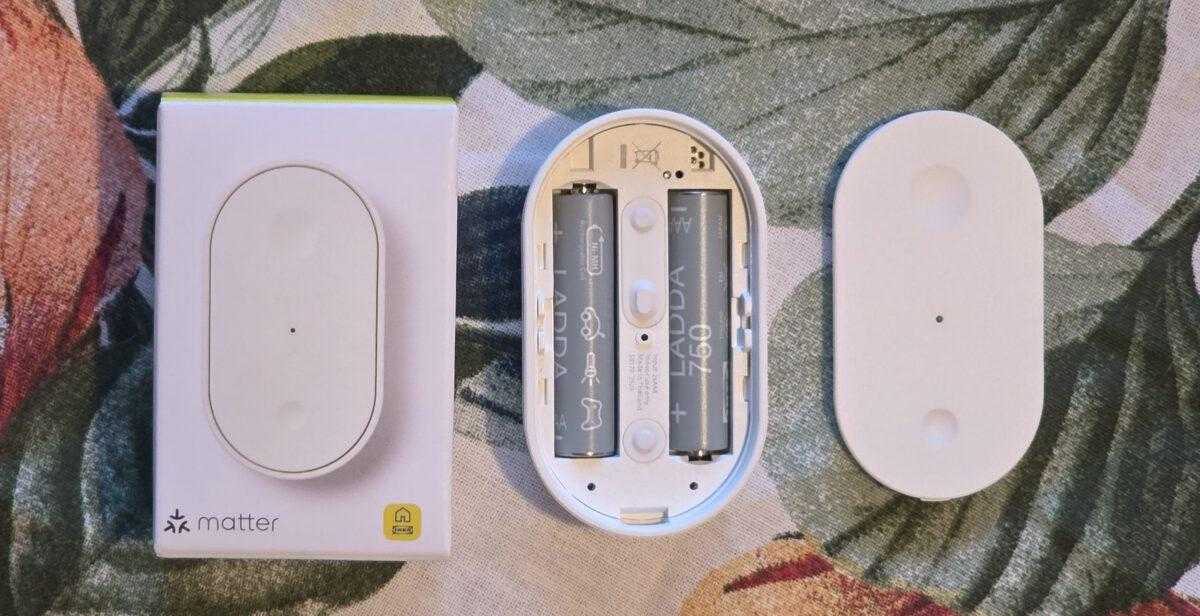
IKEA BILRESA in the test: How the Matter remote control performs in Home Assistant

My name is Christian, and I founded this blog in 2024. I'm a trained communications electronics technician, a tech enthusiast, and a smart home aficionado with many years of experience in the field of networked household appliances. I passionately follow current developments and regularly test new products to provide clear insights and practical recommendations.