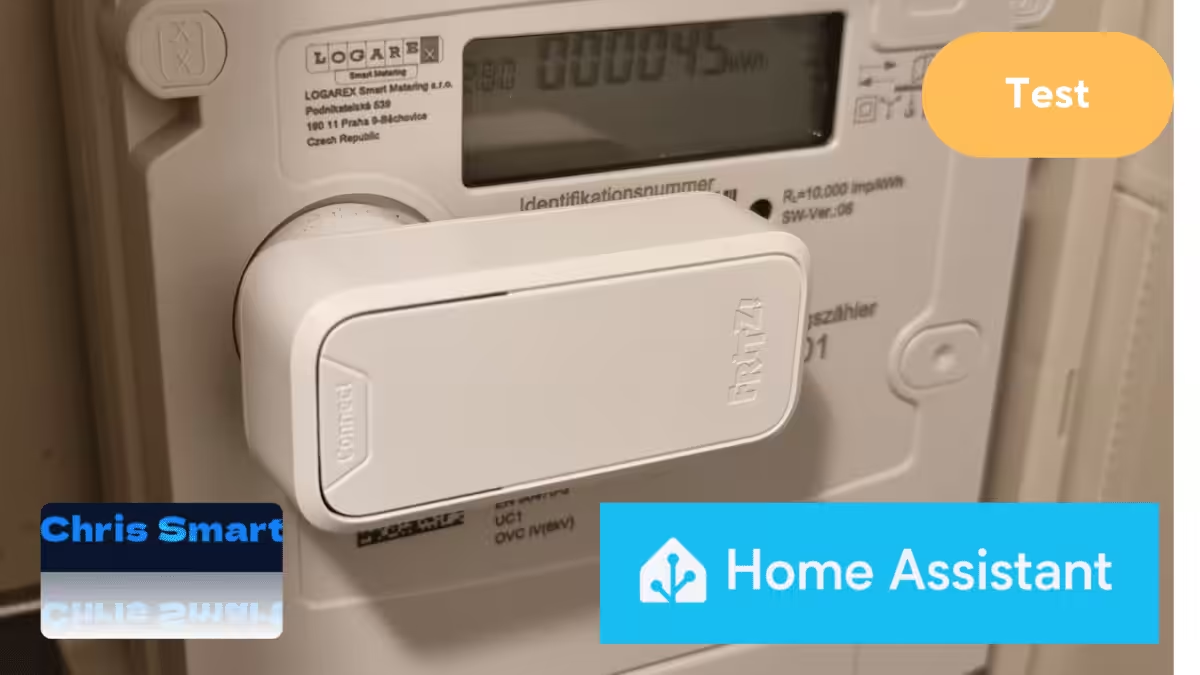
The FRITZ Smart Energy 250 from AVM is a power sensor for digital electricity meters that reads consumption data directly and makes it available in the smart home. We are testing the sensor’s integration with Home Assistant, allowing the energy data to be analysed and used in automations.
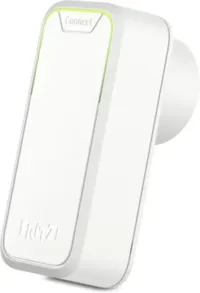
FRITZ!Smart Energy 250
Smart power sensor and electricity consumption meter for optimising energy costs; compatible with FRITZ!Box via DECT, with energy data available in the app or FRITZ!OS
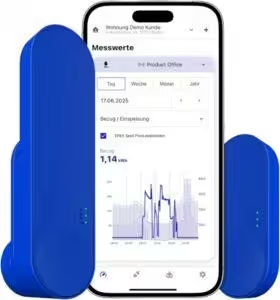
IOmeter SmartMeter
Read a smart electricity meter with an infrared head, Wi-Fi and app – powered by battery or USB-C – compatible with Home Assistant
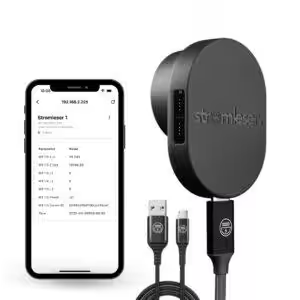
Tasmota electricity meter reader
Read electricity meters via Wi-Fi using Tasmota software for smart-home integration
What is the FRITZ! Smart Energy 250?
The FRITZ!Smart Energy 250 is a battery-powered sensor that uses the optical interface (infrared LED) of digital electricity meters to record current power and meter readings. This information is sent via DECT radio to a compatible FRITZ!Box is sent. In our test, setup through the FRITZ!App Smart Home was especially convenient and self-explanatory, both through the web interface and on mobile devices.
In a separate article we have already tested the FRITZ!Smart Energy 250 in detail and described its setup, installation and the evaluation of consumption data in the FRITZ! system.
Setting up and installing the Smart Energy 250 on the electricity meter
Setup requires a DECT-enabled FRITZ!Box to establish the connection to the FRITZ! Smart Energy 250. Supported models include the FRITZ!Box 5590 Fiber* and the FRITZ!Box 5690 Pro*.
Installation is particularly easy: thanks to the integrated magnet, the sensor is placed directly above the LED and stays securely in position. Both horizontal and vertical mounting are possible.
You can check whether the sensor is positioned correctly and transmitting data in the FRITZ!App Smart Home immediately after installation. As soon as readings appear, installation has been successful.
Tip: AVM’s website provides a list of incompatible meter models. Newer meters are generally compatible (AVM Smart Energy 250 compatibility list).
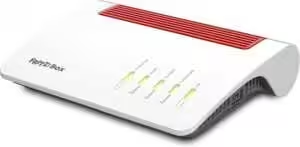
FRITZ!Box 5590 Fiber
Router for a fibre connection (Wi-Fi 6, up to 2,400 Mbit/s at 5 GHz and 1,200 Mbit/s at 2.4 GHz, Wi-Fi mesh, DECT base station, 2.5-gigabit LAN port, suitable for Germany)
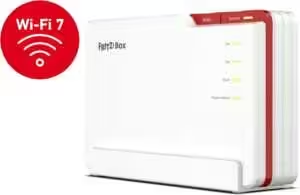
FRITZ!Box 5690 Pro
Premium Wi-Fi 7 DSL and fibre router with tri-band (2.4, 5 and 6 GHz) up to 18.5 Gbit/s, for fibre and DSL connections, Wi-Fi mesh and DECT base station
Requirements for integration with Home Assistant
To integrate the FRITZ!Smart Energy 250 successfully with Home Assistant, a few basic requirements must be met:
- A current version of Home Assistant on suitable hardware, for example:
- Raspberry Pi*
- Home Assistant Green* (recommended)
- Home Assistant Set*
- A FRITZ!Box router with smart-home automation for DECT devices, for example:
- FRITZ!Box 7690* (high-performance option for DSL)
- FRITZ!Box 5690 Pro* (high-end technology for fibre and DSL)
- FRITZ!Box 5590 Fiber* (ideal entry point for fibre)
- FRITZ!Box 6690 Cable* (for demanding cable connections)
Integration with Home Assistant
To integrate it with Home Assistant, select the FRITZ!Box under “Devices & Services” and enter the relevant credentials. The FRITZ!Smart Energy 250 will then be available in Home Assistant.
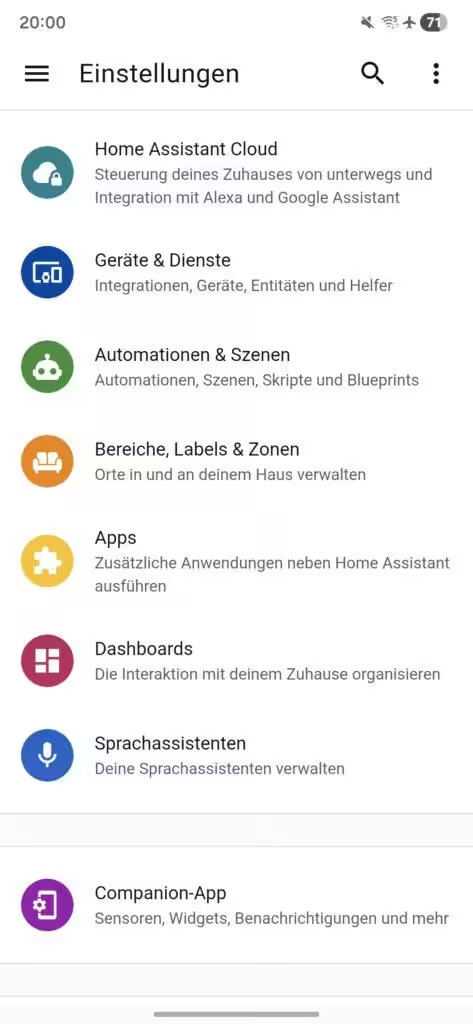
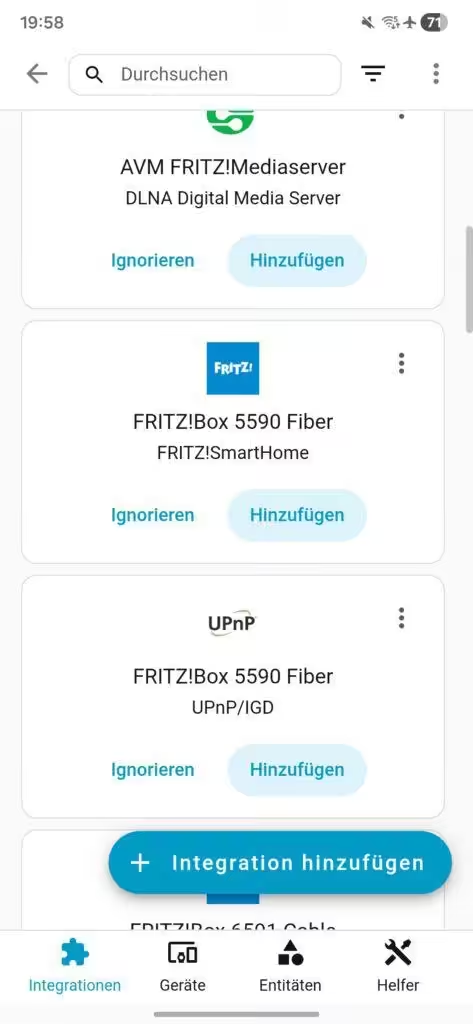
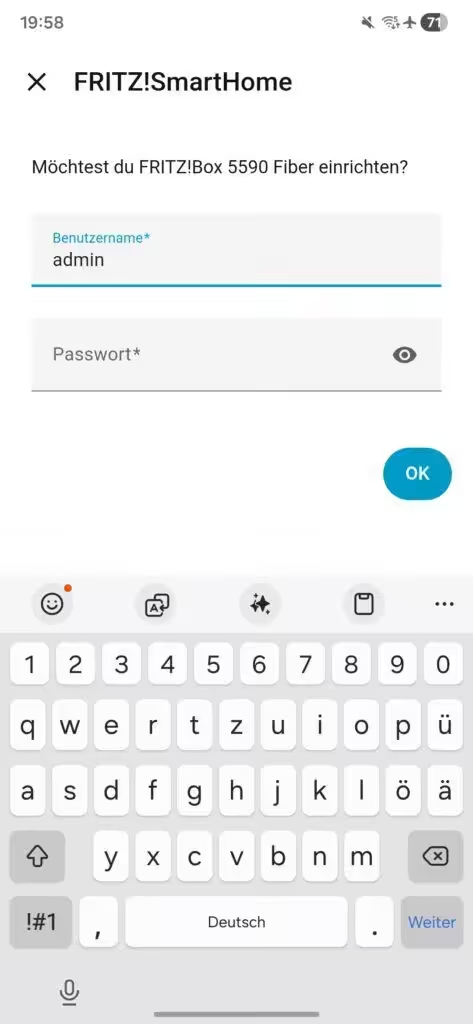
The currently installed firmware version is shown in the device information. It should be at least version 03.73. If an older version is installed, you can update the software using the FRITZ!App or the FRITZ!Box web interface.
The recorded values are shown in the “Sensors” section:
- Energy feed-in: Shows the amount of electricity fed into the grid in kilowatt-hours (kWh).
- Energy consumption: Shows the current electricity consumption meter reading in kilowatt-hours.
By default, both readings are initially labelled “Energy”. They can be renamed individually to make them easier to distinguish.
- Power, voltage and current: These are the current electricity-meter readings collected by the FRITZ!Smart Energy 250.
These values are displayed twice. This is probably related to the use of a bidirectional meter; in practice, however, the displayed values are identical.
Battery: Shows the current charge level of the batteries installed in the sensor.
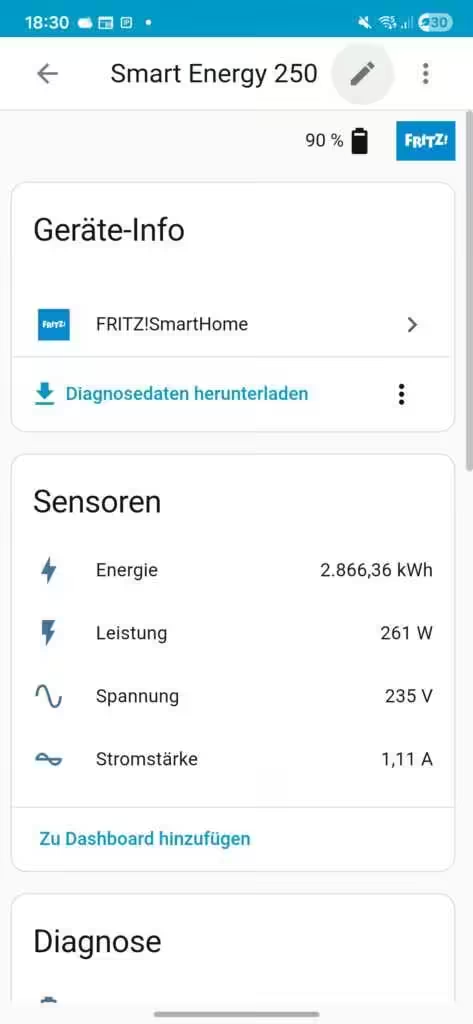
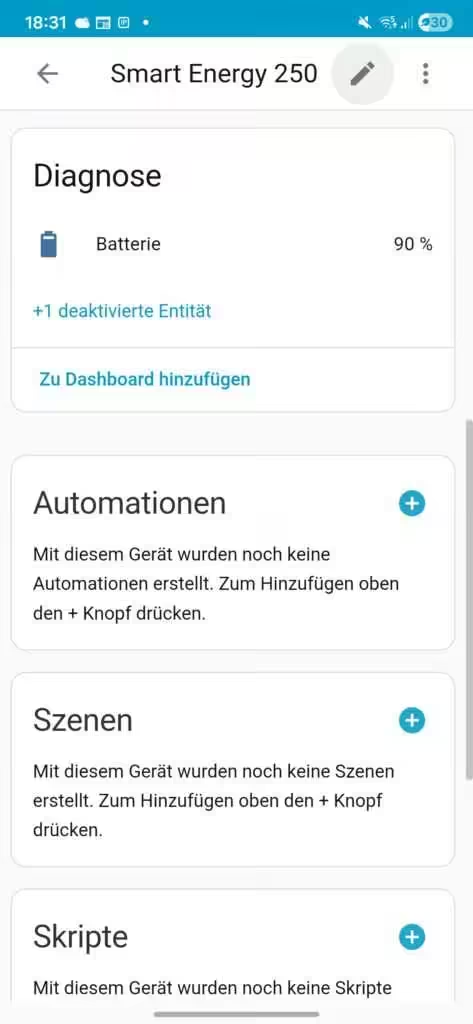
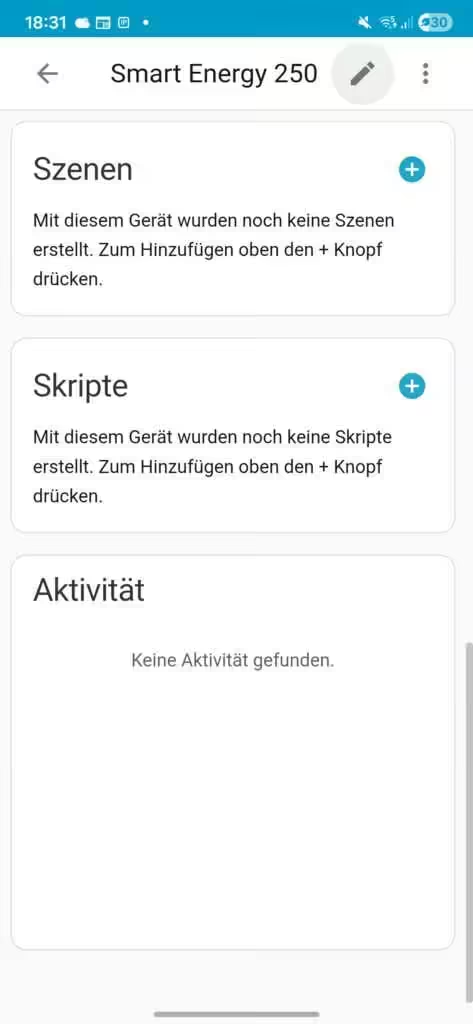
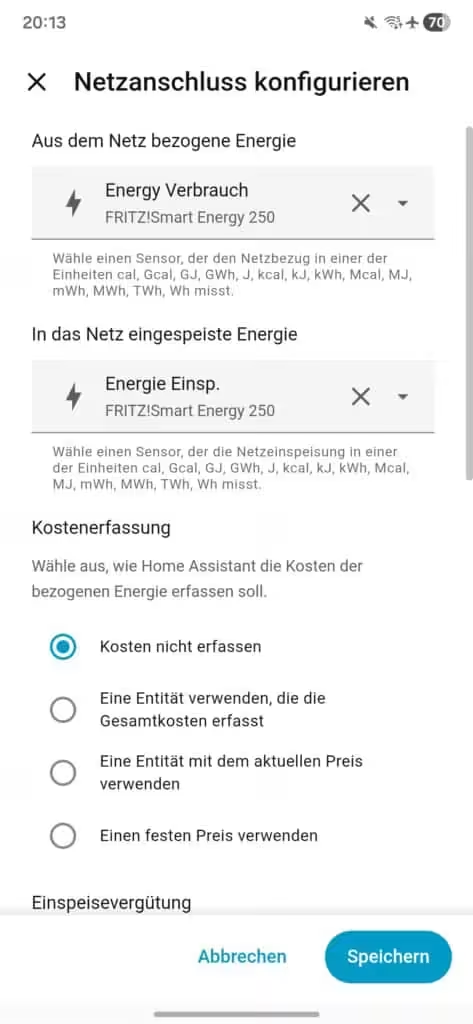
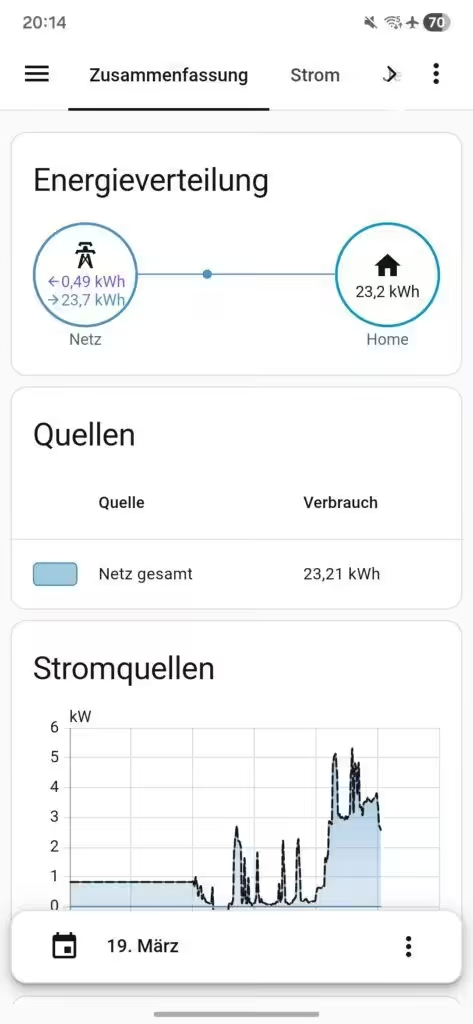
For display in the Energy dashboard in Home Assistant, the “Energy feed-in” and “Energy consumption” sensors must be assigned to the correct categories. Only then can the values be processed and visualised correctly.
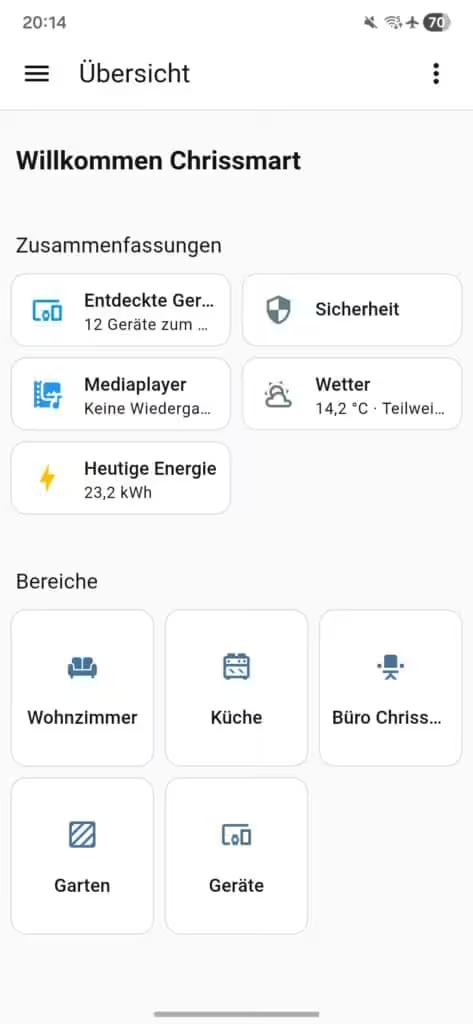
Immediately after setup, the “Today’s energy” section of the dashboard is updated. Detailed analyses in the Energy dashboard generally appear after around two hours, once enough measurement data has been collected.
Conclusion: FRITZ! Smart Energy 250 and Home Assistant
The FRITZ!Smart Energy 250 is a practical power sensor that transfers readings from a digital electricity meter to the smart home reliably and conveniently. Setup through the FRITZ!App Smart Home is intuitive and quick.
Combined with Home Assistant the collected data can be processed further, for example in automations or detailed consumption analyses. This substantially increases its practical value and helps identify potential savings.
Support for bidirectional meters that record fed-in energy opens up additional applications, particularly for balcony solar systems and photovoltaic installations. Feed-in and consumption can therefore be analysed intelligently and used for automated control.
Source/Photo: (fritz.com / Amazon / Chrissmart)
FRITZ!Smart Energy 250
Smart power sensor and electricity consumption meter for optimising energy costs; compatible with FRITZ!Box via DECT, with energy data available in the app or FRITZ!OS
IOmeter SmartMeter
Read a smart electricity meter with an infrared head, Wi-Fi and app – powered by battery or USB-C – compatible with Home Assistant
Tasmota electricity meter reader
Read electricity meters via Wi-Fi using Tasmota software for smart-home integration

Ich bin Christian und habe den Blog 2024 gegründet. Ich bin gelernter Kommunikationselektroniker, technikbegeistert und Smart-Home-Enthusiast mit langjähriger Erfahrung im Bereich vernetzter Haushaltsgeräte. Mit großer Leidenschaft verfolge ich aktuelle Entwicklungen und teste regelmäßig neue Produkte, um verständliche Einblicke und praxisnahe Empfehlungen zu geben.