From Homematic IP app version 3.3.13, radiator thermostats can display the actual measured temperature in the app rather than only the setpoint. This guide explains how to read that value and use it for more efficient heating control.
💬 Funktioniert die Temperaturanzeige bei dir wie erwartet?
Schreib unten in die Kommentare, welche Lösung du nutzt oder ob du noch Fragen zur Umsetzung hast!
What is the actual temperature?
It is the currently measured room temperature, unlike the set temperature configured as the target.
Why is the actual temperature important?
It shows whether the room is warm enough or needs adjustment, improving comfort and saving energy by preventing overheating.
Where does Homematic IP show it?
The radiator thermostat display normally shows only the setpoint. Use these options to view the measured value:
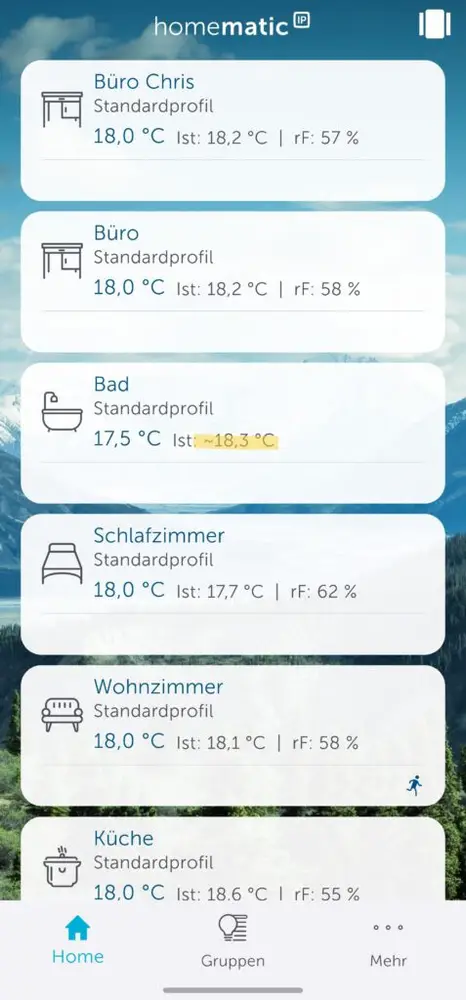
- In the Homematic IP app: From version 3.3.13, the app shows the approximate measured temperature marked with “~”, while the device display continues to show the setpoint. Values from wall thermostats appear without this symbol.
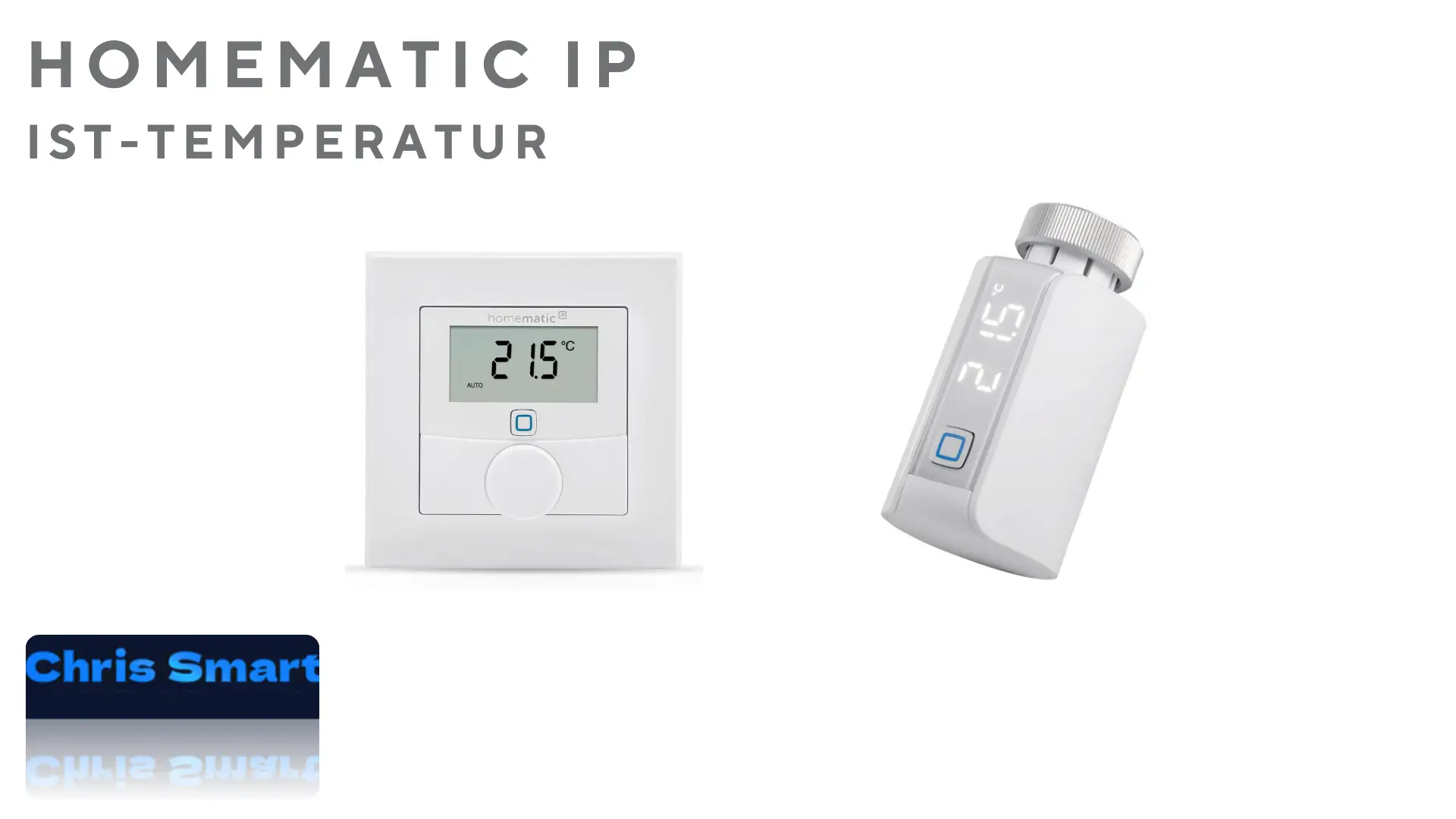
- On a wall thermostat: If a Homematic IP wall thermostat is assigned to the room, it can show the actual temperature and humidity. Its flexible position usually provides a more accurate room value.
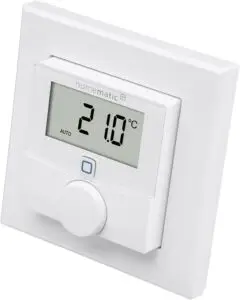
Why does it differ from the setpoint?
The thermostat’s sensor is close to the radiator, so airflow, position and radiator heat affect the reading. It should therefore be treated as an indication and may differ significantly from the room temperature or setpoint.
What can I do if the values differ greatly?
- Check the position: Make sure the thermostat is installed correctly and horizontally so the sensor can capture the ambient temperature.
- Ensure air circulation: Make sure furniture or curtains do not block airflow.
- Use an additional wall thermostat: Use a Homematic IP wall thermostat* positioned freely in the room for a more accurate measurement.
Tips for efficient Homematic IP thermostat use
- Correct placement: Place additional wall thermostats where they accurately capture room temperature and prevent overheating.
- Regular checks: Monitor the measured temperature in the Homematic IP app.
- Automation: Match heating schedules to your routine to save energy and maximize comfort.
Conclusion
The measured temperature helps monitor and optimize heating. Homematic IP makes the value easy to read and use for targeted adjustments.
Suitable Homematic IP products:
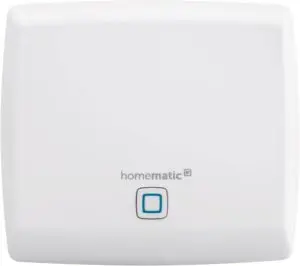
Homematic IP Access Point
Smart home gateway with free app and Amazon Alexa voice control
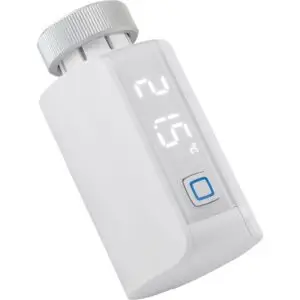
Homematic IP Smart Home Radiator Thermostat Evo
digital heating thermostat, app control, Alexa & Google Assistant, easy installation, energy saving
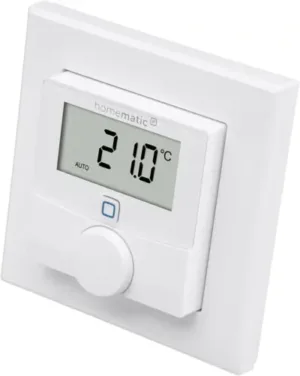
Homematic IP wall thermostat with humidity sensor
digital thermostat for radiator/underfloor heating with app, Alexa, Google Assistant, temperature measurement and energy saving
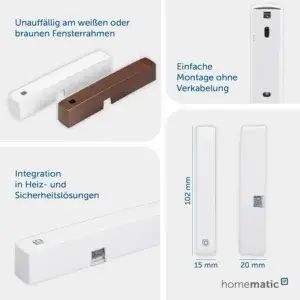
Homematic IP Smart Home window and door contact
Homematic IP Smart Home window and door contact
FAQ – Frequently asked questions
Why does my thermostat not show the exact room temperature?
Because it is close to the radiator, its sensor may read warmer than the actual room temperature.
How can I correct the measured temperature?
The Homematic IP app lets you set a temperature offset to adjust the reading. Open the device settings in the app and configure the offset.
Can I pair a separate temperature sensor?
Yes. Homematic IP wall thermostats and climate sensors measure room temperature more accurately and can be linked to the radiator thermostat.
How does control work with a wall thermostat?
The wall thermostat measures room temperature, and the radiator thermostat controls heating based on that value for greater precision.
Which factors affect the measured value?
The measured temperature can be affected by:
Open windows or doors near the radiator
Heat radiated by the radiator
Room air circulation
Installation height and position of the thermostat
Why do values vary between rooms?
Airflow, radiator output, window insulation, furniture and device position differ between rooms and affect measurements.
Can I see it in the Homematic IP app?
Yes. Select the radiator thermostat or connected wall thermostat. Remember that the value is measured at the device’s location.
What advantage does a wall thermostat offer?
It measures at a more neutral location away from the radiator, providing a more accurate room value and more efficient control.
Source/photo: (Amazon / Homematic IP / Chris Smart)

Ich bin Christian und habe den Blog 2024 gegründet. Ich bin gelernter Kommunikationselektroniker, technikbegeistert und Smart-Home-Enthusiast mit langjähriger Erfahrung im Bereich vernetzter Haushaltsgeräte. Mit großer Leidenschaft verfolge ich aktuelle Entwicklungen und teste regelmäßig neue Produkte, um verständliche Einblicke und praxisnahe Empfehlungen zu geben.