Home Assistant launches with version 2026.1 The new year begins with a compact but specifically improved minor release. The focus is clearly on an optimized user experience, more intuitive automations, and a better structure within the settings. While the update is somewhat smaller due to the holidays, it includes several features that will noticeably simplify everyday life in the smart home.
Optimized home dashboard for mobile devices
The Home Dashboard receives another update with version 2026.1 – this time with a special focus on mobile device usage. On smartphones and tablets, the home dashboard now automatically displays relevant tiles for key functions such as lighting, climate, security, media player, weather, and energy. These appear directly below the preferred entities, provided the corresponding functions are available in the system.
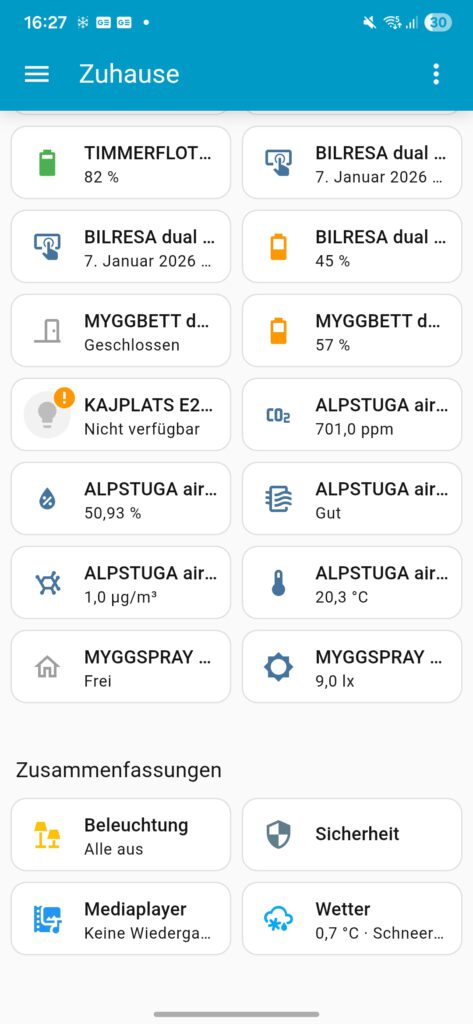

The individual sections will then be displayed as usual. For desktop users, however, nothing changes: the summaries will remain in the sidebar. The result is a significantly improved overview on mobile devices without disrupting existing desktop workflows.
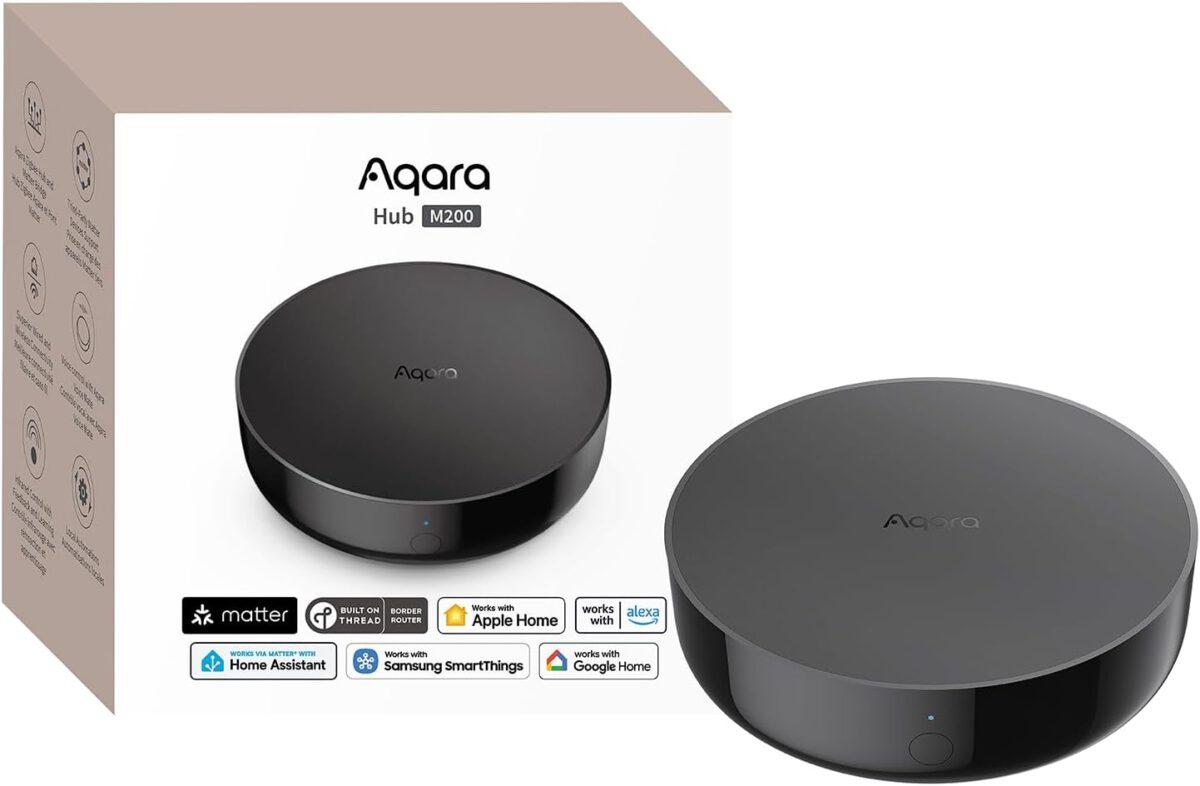
Aqara Smart Hub M200
Matter controller, Thread boundary router with Aqara Zigbee, Bluetooth, WLAN, PoE, IR, supports Amazon Alexa, Apple HomeKit, Home Assistant, SmartThings, Google Home
Unassigned devices directly in view
Also new is a dedicated device view in the home dashboard. Here, Home Assistant lists all devices that are not currently assigned to any category. These previously difficult-to-find, so-called "orphaned" devices can now be quickly identified and managed.
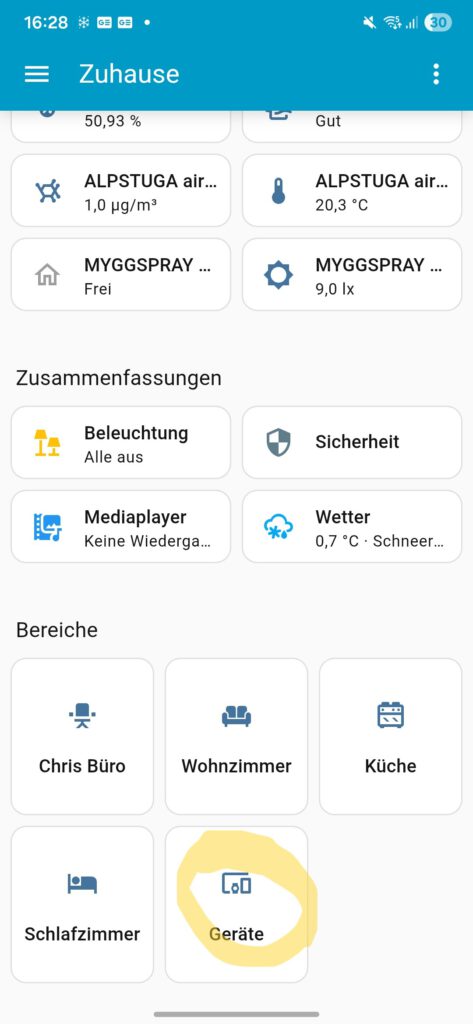
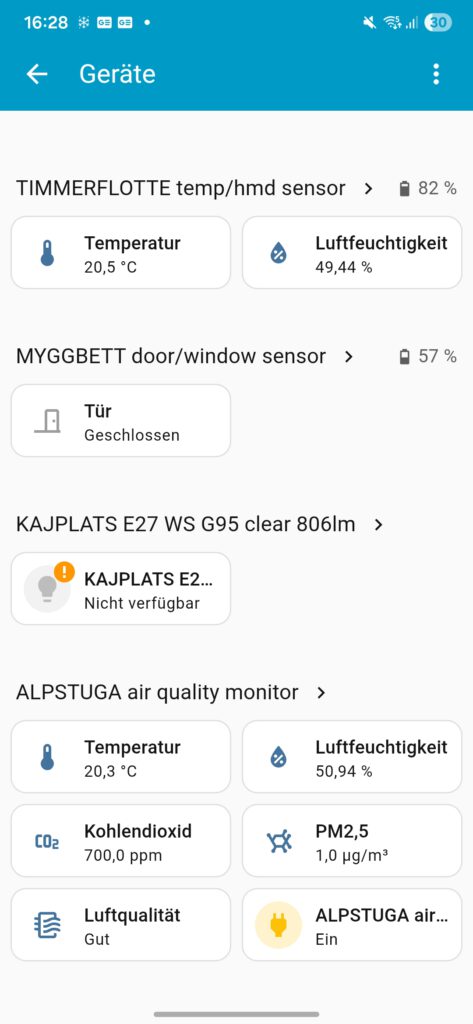
Especially in larger installations, this function saves time and significantly reduces the effort required to maintain the device structure, as searching through the settings is no longer necessary.
Improved conditions for automation
A key theme of Home Assistant 2026.1 is the further development of automations. With purpose-driven, human-centered triggers and conditions, clarity becomes a greater priority. Instead of relying solely on technical state changes, automations can now be defined more clearly and intuitively.
This allows processes to be triggered by various means, including button interactions, changes in climate status (such as exceeding or falling below predefined temperature or humidity levels), the presence of a device, the status of sirens, the activation of scenes, or available software updates. This approach makes it easier for beginners to access more complex automations without limiting the flexibility of experienced users. Currently, this feature is still in the development phase. Home Assistant Labs available and is continuously being expanded.
Faster navigation to log dashboards
The structure of the settings has also been improved in version 2026.1. The new "Protocols" section is now located directly after the basic settings, making supported connection standards more easily accessible. This makes accessing device protocols and their specific configurations significantly simpler.
Home Assistant only displays protocols for which corresponding integrations have actually been set up. Users therefore only see the options relevant to their smart home – this ensures a clearer overview and a more organized user interface.
Conclusion on Home Assistant 2026.1
Home Assistant 2026.1 isn't a feature-packed extravaganza, but it focuses on the right areas. Improved mobile dashboards, more intuitive automations, and clearer navigation make working with the smart home system more pleasant and efficient. These continuous improvements demonstrate Home Assistant's consistent commitment to usability and user-friendliness.
💬 What is your experience with Home Assistant 2026.1?
Have you already installed the update, and what do you think of the differences in the dashboard or automations? Share your tips, problems, or ideas in the comments below—we're eager to hear your opinions!
Source/Photo: (Amazon / HA Release Notes / Chrissmart)
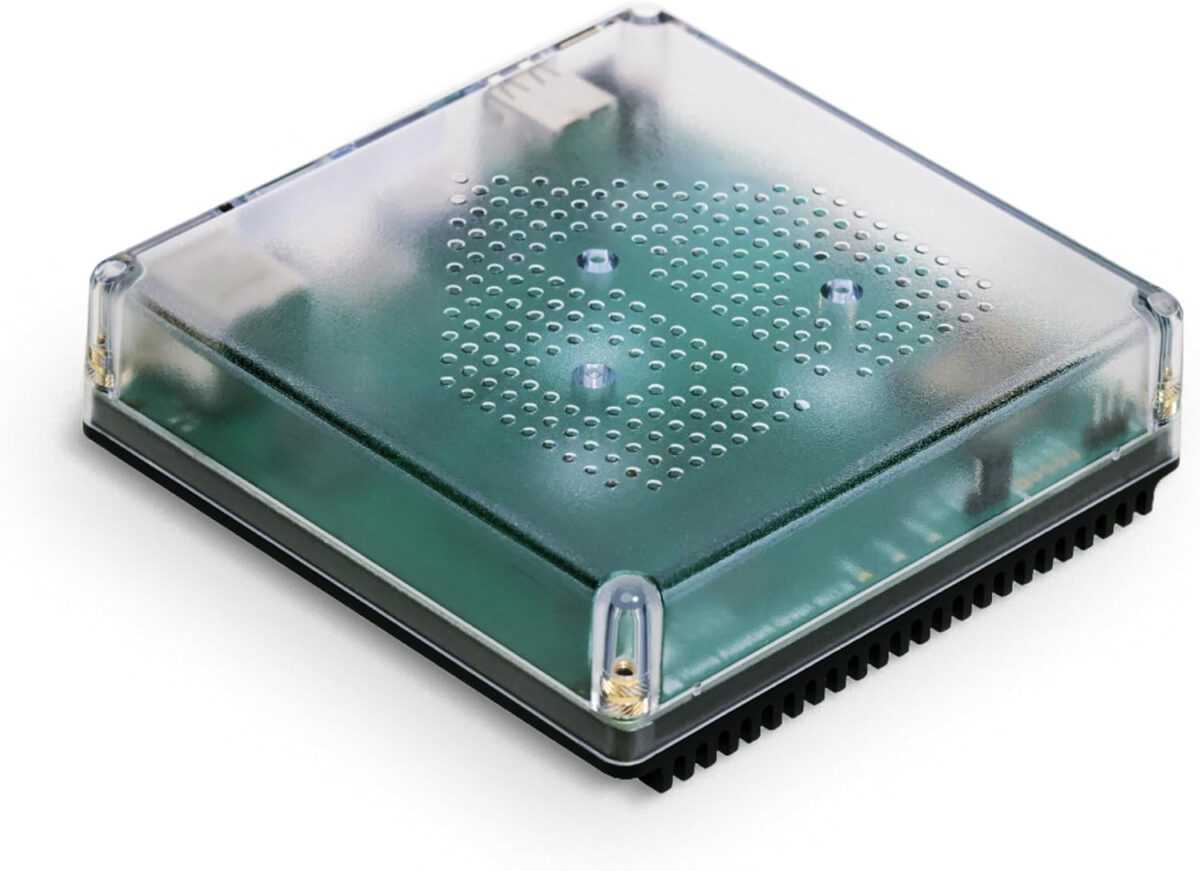
Nabu Casa Home Assistant Green
The easiest way to get started with the Home Assistant – With the Home Assistant already installed, all you need to do is plug in the included power adapter and Ethernet cable to get started.
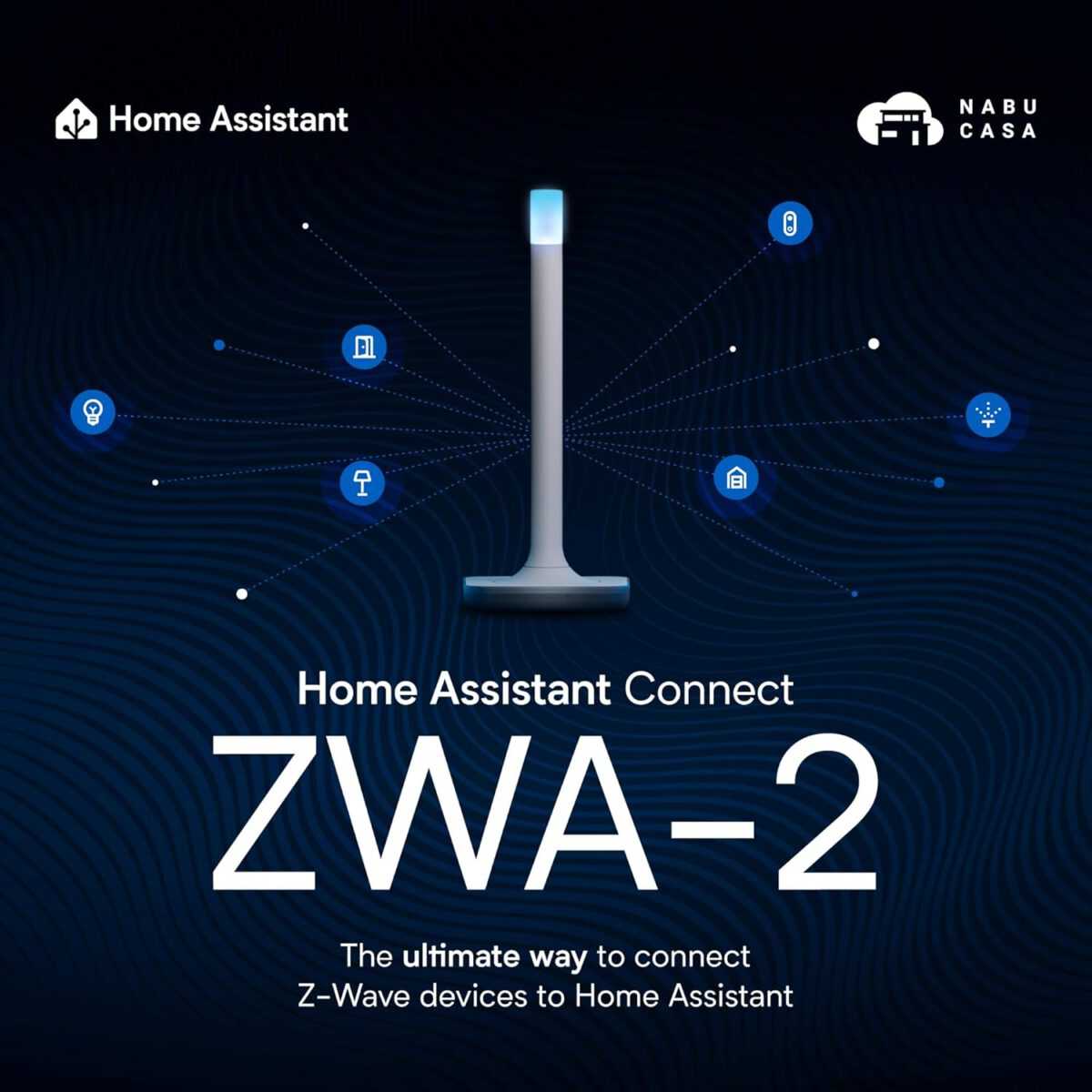
Home Assistant Connect ZWA-2
Connect Z-Wave devices to Home Assistant | Official Home Assistant Hardware

My name is Christian, and I founded this blog in 2024. I'm a trained communications electronics technician, a tech enthusiast, and a smart home aficionado with many years of experience in the field of networked household appliances. I passionately follow current developments and regularly test new products to provide clear insights and practical recommendations.