I am a big fan of Home Assistant, Because hardly any other smart home system evolves as consistently and regularly. With each update, not only does the range of functions grow, but also its everyday usability. This was also the case in February: On February 4, 2026 became Home Assistant 2026.2 released – a release that focuses primarily on Overview, user-friendliness and better organization aims at.
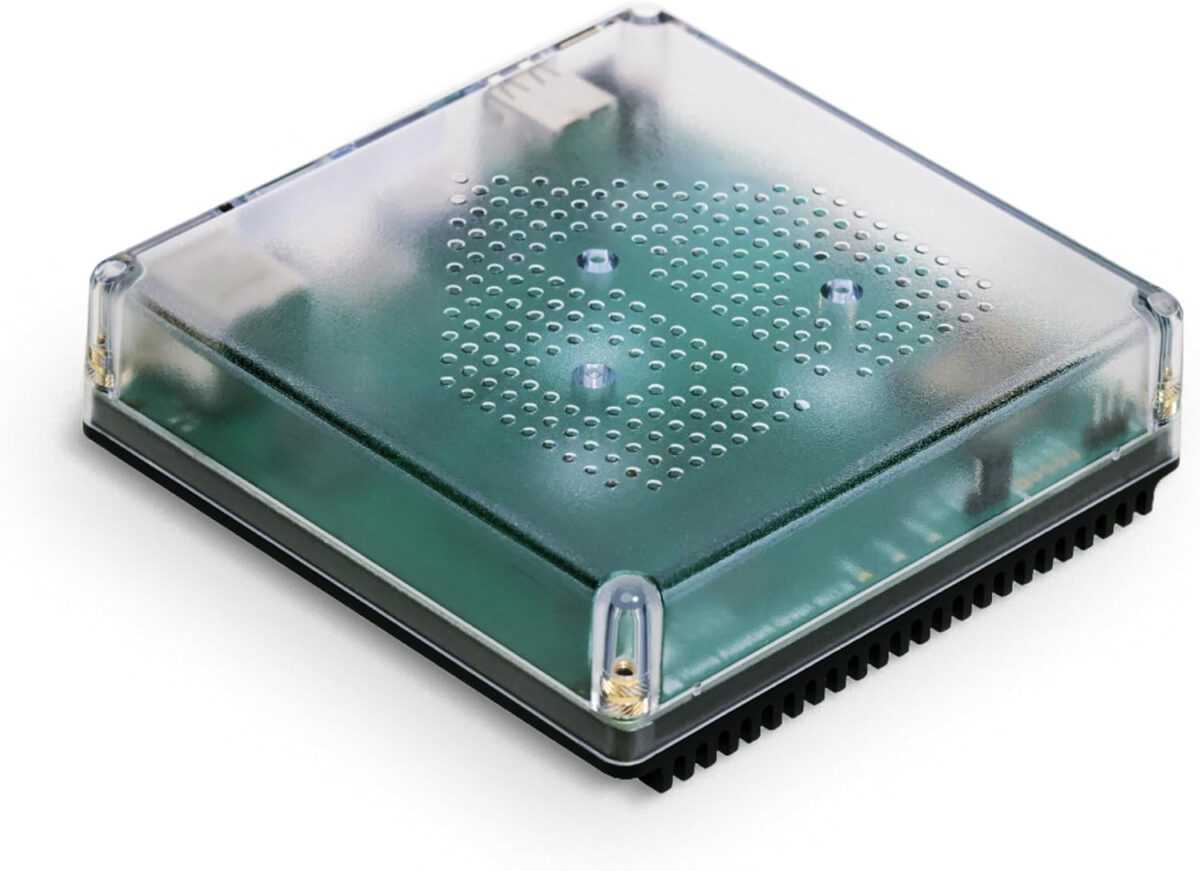
Nabu Casa Home Assistant Green
The easiest way to get started with the Home Assistant – With the Home Assistant already installed, all you need to do is plug in the included power adapter and Ethernet cable to get started.
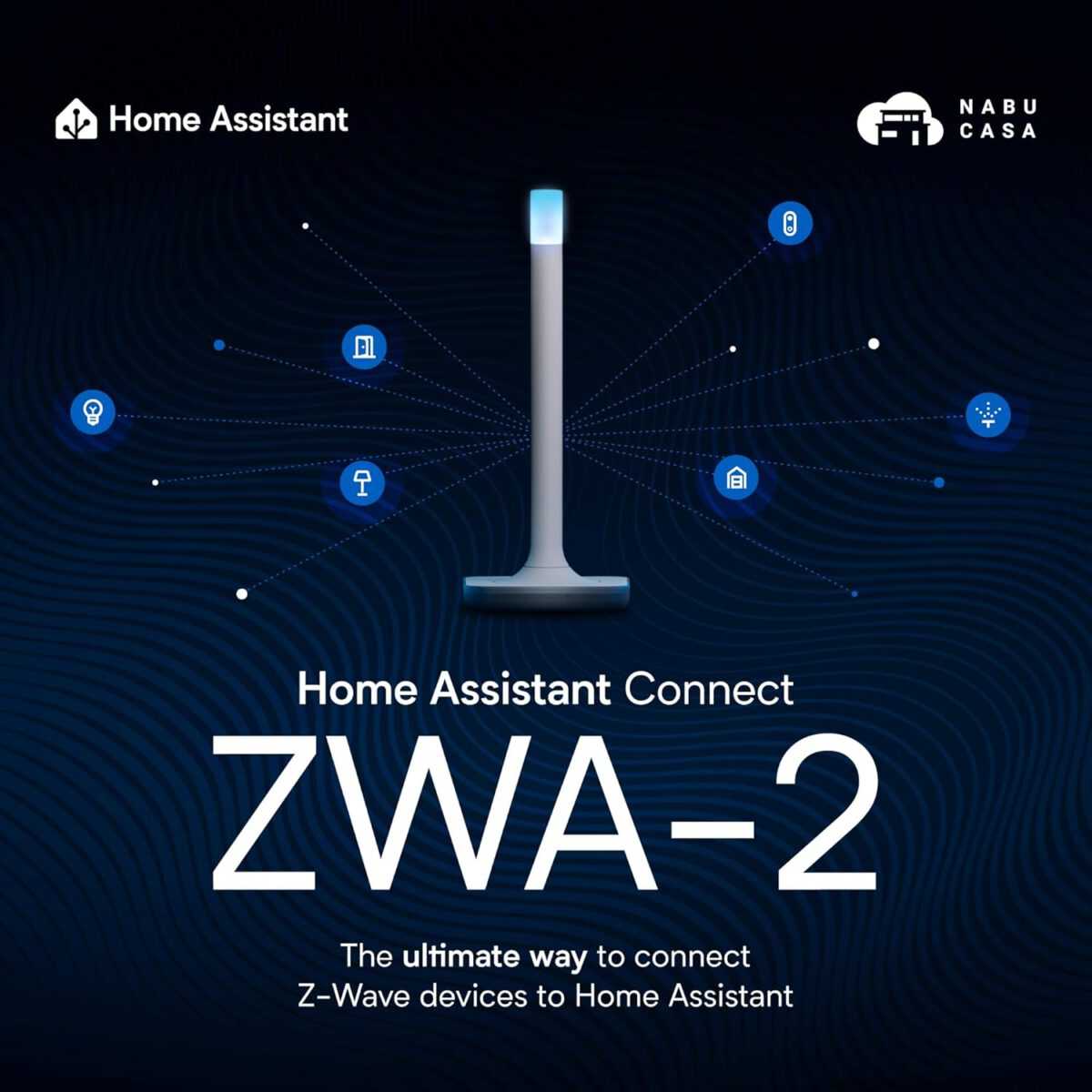
Home Assistant Connect ZWA-2
Connect Z-Wave devices to Home Assistant | Official Home Assistant Hardware
The new Home Dashboard will become the standard.
Version 2026.2 introduces the new Home Dashboard now the official default setting for all new installations. Existing users who have never customized their default view will automatically receive a suggestion to switch. One click is all it takes to try out the new dashboard – and it's definitely worth it.
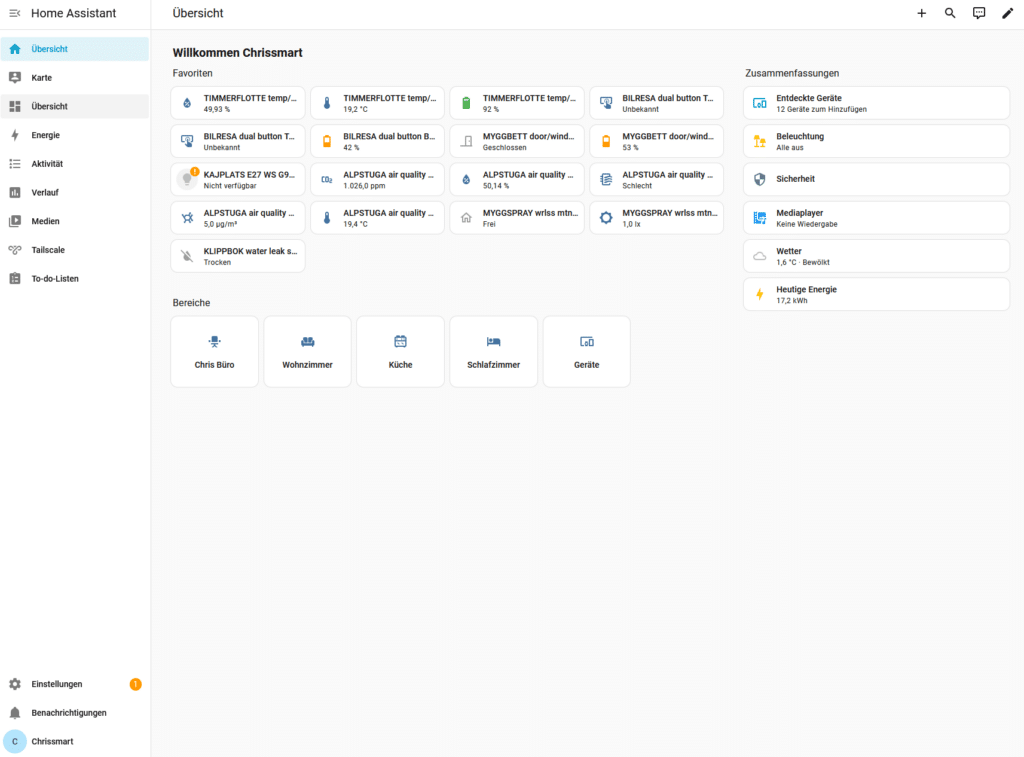
The previous Home Dashboard is now called „"Overview"“ and completely replaces the old default view for new instances. Those who prefer the classic approach can still create their own dashboards: Under Settings → Dashboards → Create The template can be used „"Overview (Legacy)"“ Select. This ensures maximum flexibility.
The new overview is clearly structured, more modern in design, and more geared towards everyday use. Instead of technical details, it focuses on... relevant information and actions The focus is on quickly understanding what is happening in the smart home – without having to search extensively or navigate through menus.
Home Assistant 2026.2 immediately detected devices and kept track of them.
A real highlight is the new map in the area „"Summary"“. There, newly discovered devices Devices are displayed immediately as soon as Home Assistant detects them. From here, devices can be added directly or opened in the device manager – without having to navigate through the settings. This saves time and makes onboarding new hardware much more convenient.
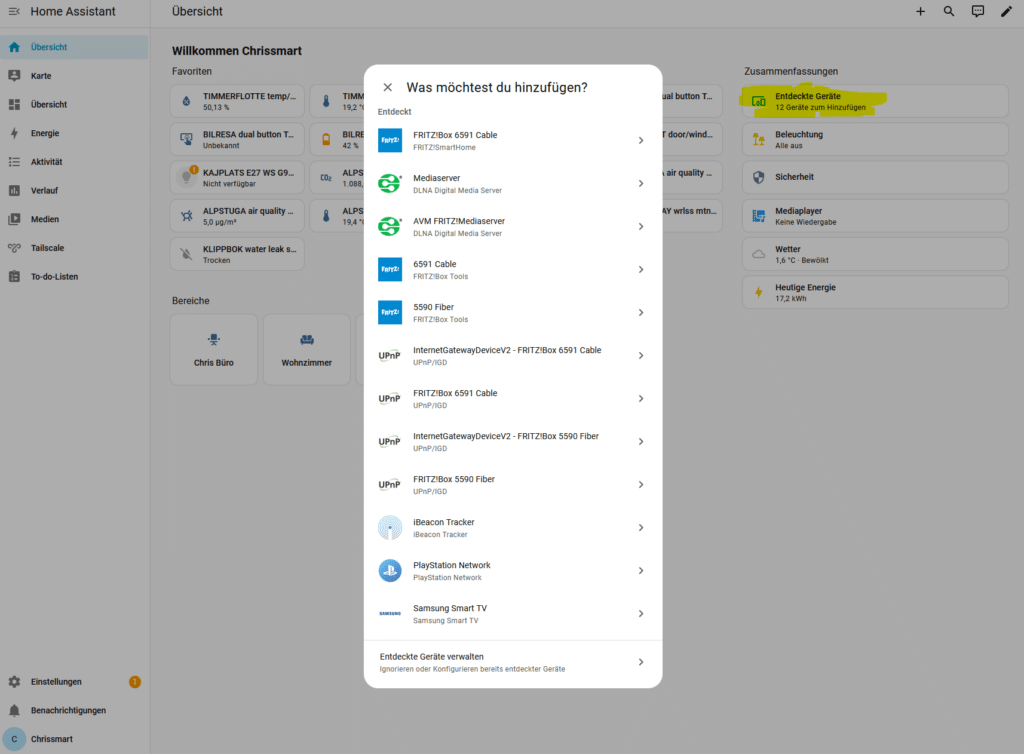
Assign devices to rooms more quickly
Already in Release 2026.1 A separate area was created for unassigned devices Introduced. This will be further improved with 2026.2: New Quick Actions This helps assign devices directly to the appropriate rooms. This keeps the smart home tidy without having to manually configure each device individually.
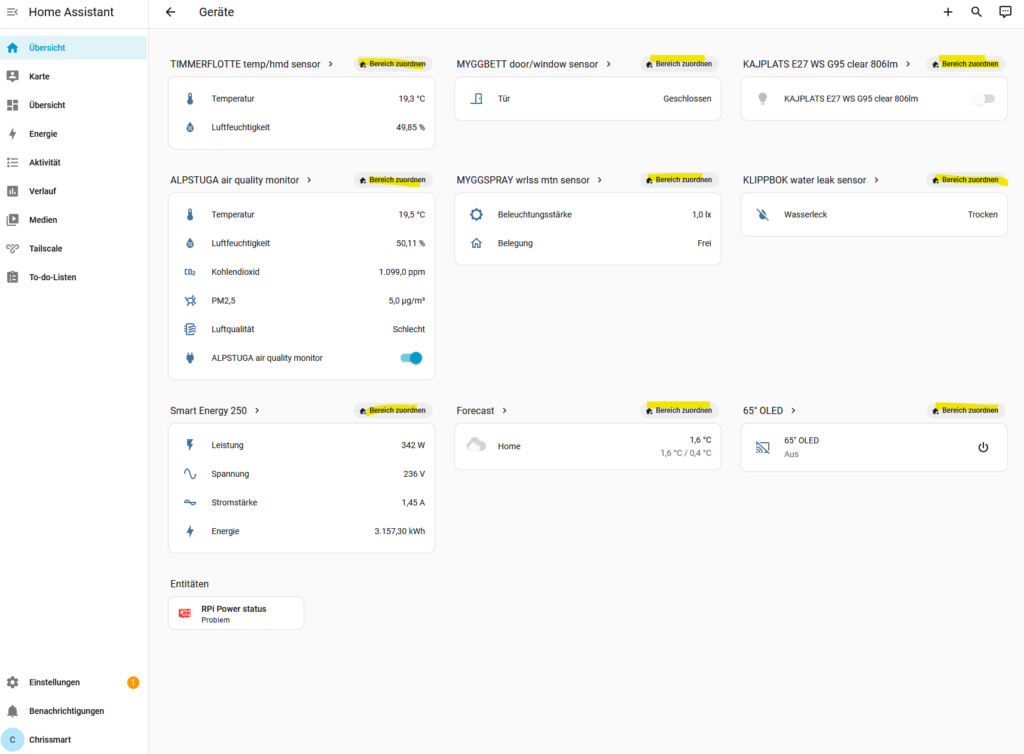
Faster and easier area editing
The editing of areas has also been optimized. For example, if you want to change the primary temperature sensor of a room, the new interface will guide you through the process. „"Edit" button Directly to the appropriate configuration. Temperature or humidity sensors can now be replaced in seconds. Check out the Home Assistant release preview at the end of the article for more information about the new features.
In addition, the user interface was further streamlined: unnecessary white space was removed, back navigation was corrected, and the menu structure was made more consistent overall. The result is navigation that feels significantly smoother and more predictable.
Add-ons are now called apps.
One important – and long overdue – change concerns the terminology: Add-ons will now be called apps.. After much discussion within the community, a term that everyone understands was deliberately chosen. Televisions have apps, smartphones have apps – and now Home Assistant also has apps. This makes it easier for new users to get started and lowers the mental barrier to expanding the system.
The device database needs your help.
Parallel to the release, the Open Home Foundation to collaborate on the new Device database This community-run resource aims to help you make informed decisions about smart home devices. About Home Assistant Labs can you register and anonymized device data Contribute. The more users participate, the better this open knowledge base will be for everyone.
Home Assistant Connect ZWA-2
Connect Z-Wave devices to Home Assistant | Official Home Assistant Hardware
Conclusion Home Assistant 2026.2
Home Assistant 2026.2 It's not a spectacular feature extravaganza, but a well-thought-out release with a focus on Daily routine, overview and user guidance. The new standard dashboard, improved device management, clearer terms like "apps" and the community focus around the device database demonstrate how consistently Home Assistant is evolving.
Source/Photo: (Amazon / HA Release Notes ( / Chris Smart)
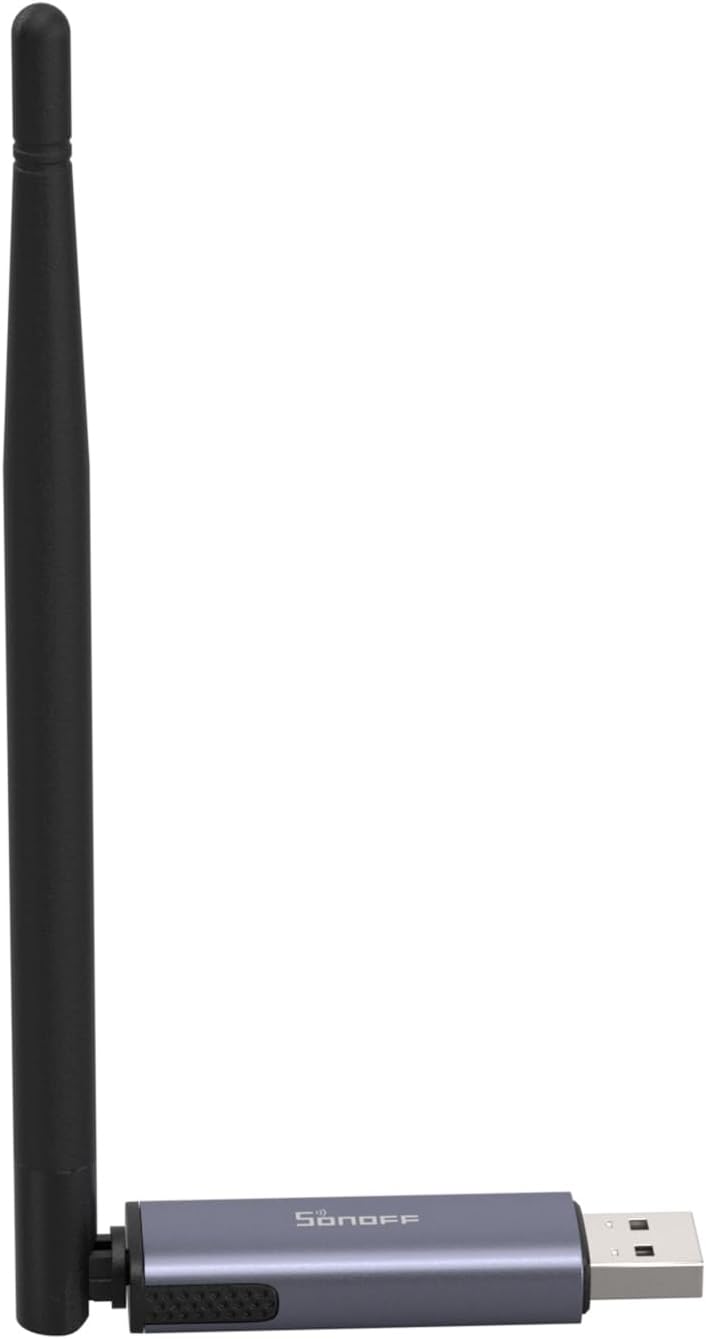
SONOFF Zigbee 3.0 USB Dongle Plus
Zigbee Gateway with EFR32MG24, Thread & Zigbee USB stick, Zigbee Controller for Home Assistant or Zigbee2MQTT

My name is Christian, and I founded this blog in 2024. I'm a trained communications electronics technician, a tech enthusiast, and a smart home aficionado with many years of experience in the field of networked household appliances. I passionately follow current developments and regularly test new products to provide clear insights and practical recommendations.