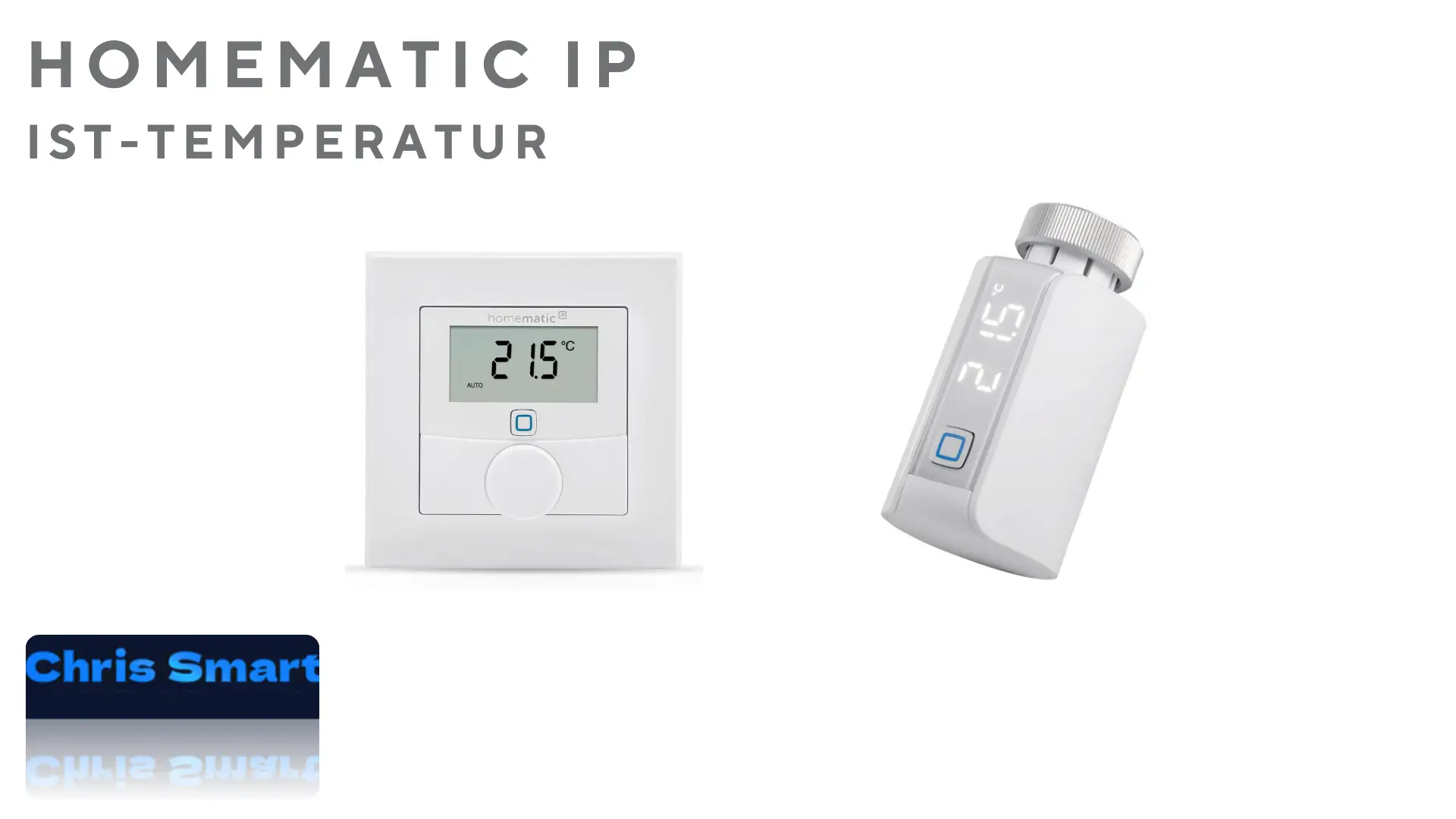
From Homematic IP app version 3.3.13 onwards, it's possible to display the current temperature (actual temperature) of Homematic IP radiator thermostats; previously, only the setpoint was shown. When it comes to smart heating control, correctly using the actual temperature is important. This article explains how to read the actual temperature on Homematic IP radiator thermostats and how this information helps you control your heating more efficiently.
💬 Is your temperature display working as expected?
Write in the comments below which solution you are using or if you have any further questions about the implementation!
What is the current temperature?
The current temperature is the currently measured room temperature. It differs from the target temperature, which you set as the goal value for your smart heating system.
Why is the actual temperature important?
The current temperature gives you an idea of whether the room is already sufficiently heated or whether adjustments are necessary. This allows you to not only increase comfort but also save energy and costs by preventing overheating.
Where is the current temperature displayed on Homematic IP?
The Homematic IP radiator thermostat display only shows the set temperature by default. To find out the current temperature, you can use the following methods:
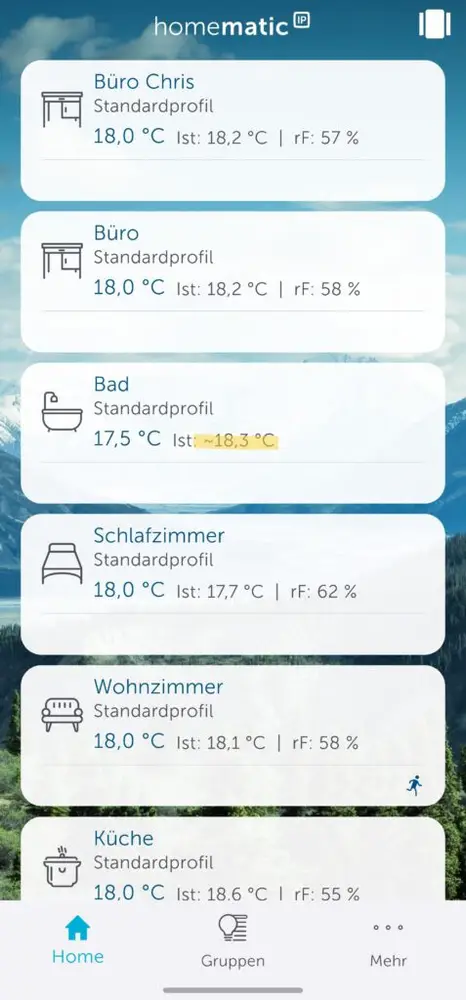
- In the Homematic IP app: From app version 3.3.13 onwards, the current temperature can be displayed in the Homematic IP app. The target temperature continues to be displayed directly on the device's screen, while the app also shows the approximate current temperature. The current temperature is indicated by the symbol "~". The temperatures displayed for the other rooms were measured by a wall thermostat and are therefore shown without a symbol.
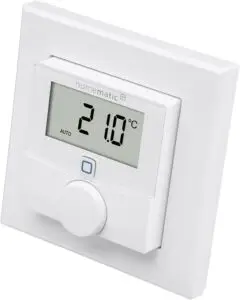
- On the wall thermostatIf a Homematic IP wall thermostat is assigned to a room, the current temperature and humidity are displayed, depending on the configuration. The wall thermostat can be freely positioned within the room, thus providing a more accurate reading of the current temperature.
Why does the actual temperature differ from the target temperature?
The actual temperature is measured by a sensor in the radiator thermostat. Factors such as air circulation and the thermostat's position in the room can influence this measurement. Due to its proximity to the radiator as the heat source, the actual temperature is particularly affected when heating. This can lead to discrepancies. The actual temperature measurement via the radiator thermostat serves more as an indication, as significant differences between the actual and set temperatures can occur.
What can I do if the actual temperature deviates significantly from the target temperature?
- Check positionCheck that the thermostat is correctly positioned and installed. It should be mounted horizontally on the radiator so that the sensor can accurately measure the ambient temperature.
- Ensure air circulationMake sure that no furniture or curtains obstruct air circulation.
- Use additional wall thermostatsUse a Homematic IP wall thermostat*, which you can freely place in the room to measure the actual temperature throughout the entire room more accurately.
Tips for efficient use of Homematic IP thermostats
- Correct placementPosition additional Homematic IP wall thermostats so that the room temperature is accurately measured and unnecessary overheating is avoided.
- Regular check-upsUse the Homematic IP app to keep an eye on the current temperature.
- automation: Adjust heating times to your daily routine to save energy and maximize comfort.
Conclusion
The current temperature is a helpful tool for monitoring and optimizing the performance of your heating system. With the current temperature display on the Homematic IP radiator thermostats, you can easily read these values and adjust them accordingly.
Suitable products from Homematic IP:
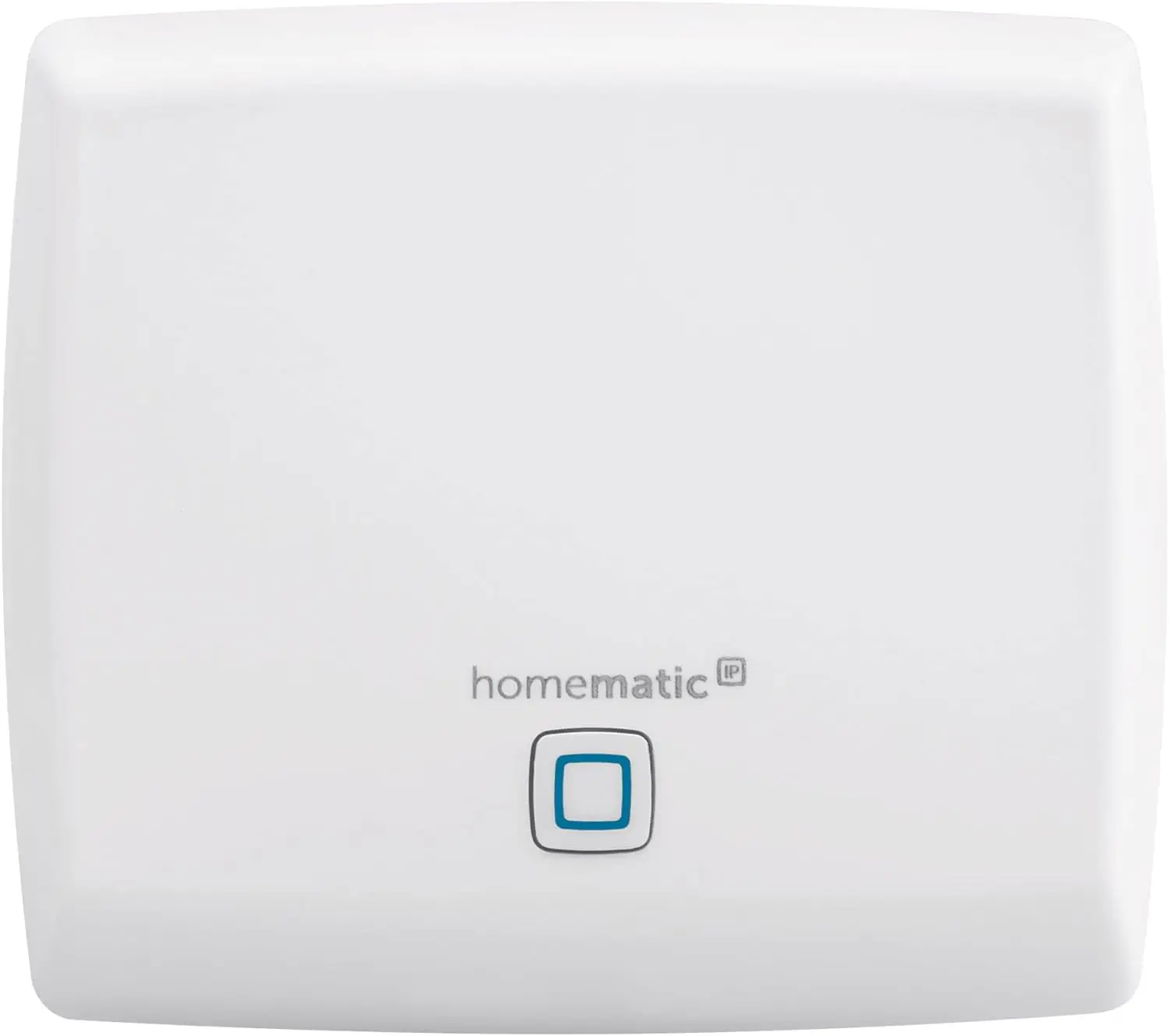
Homematic IP Access Point
Smart Home Gateway with free app and voice control via Amazon Alexa
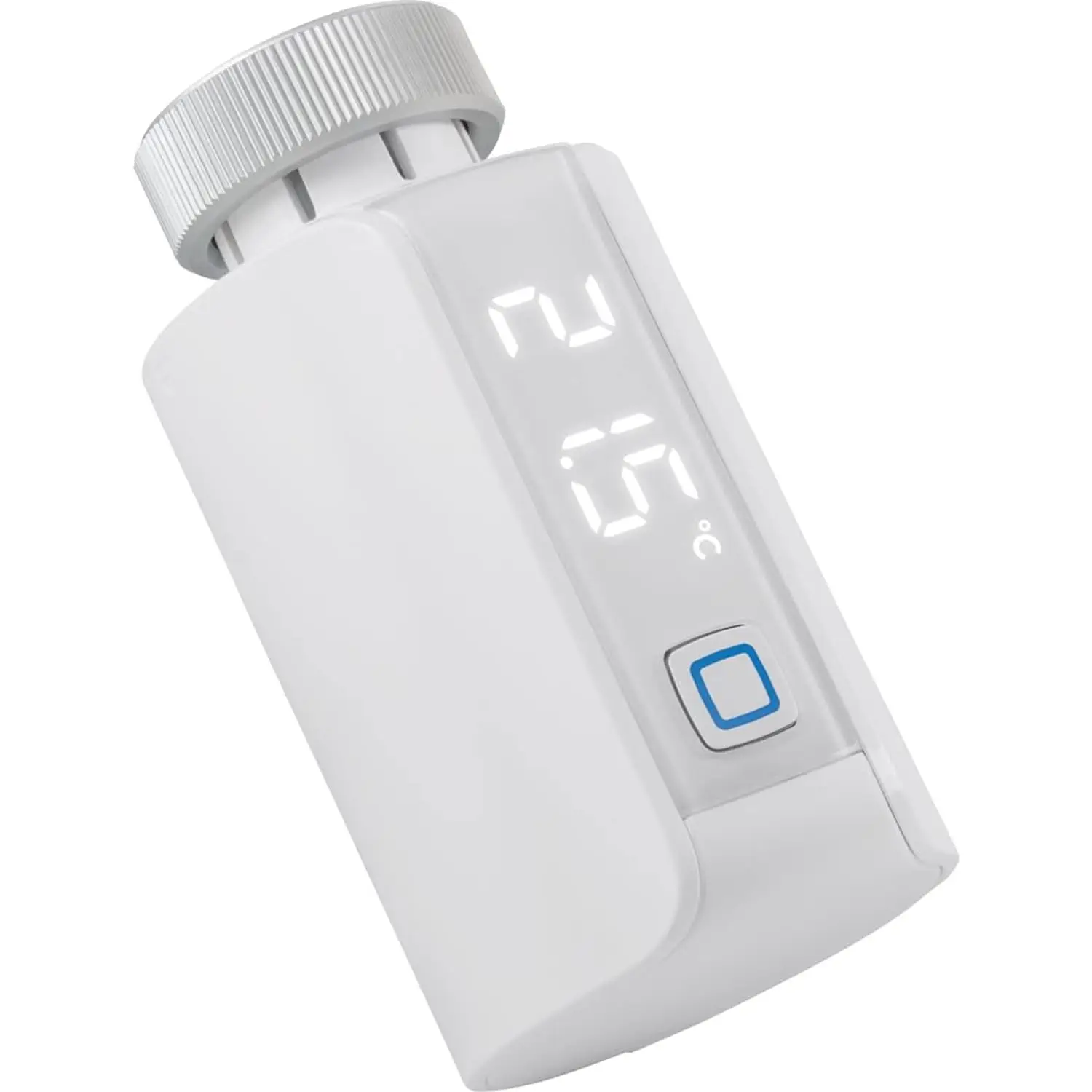
Homematic IP Smart Home Radiator Thermostat – Evo
Digital thermostat for heating, heating thermostat, control via app, Alexa & Google Assistant, easy installation, energy saving
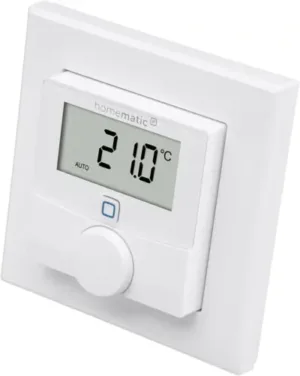
Homematic IP Smart Home wall thermostat with humidity sensor
Digital thermostat for radiators/underfloor heating with app, Alexa, Google Assistant, temperature measurement, energy saving
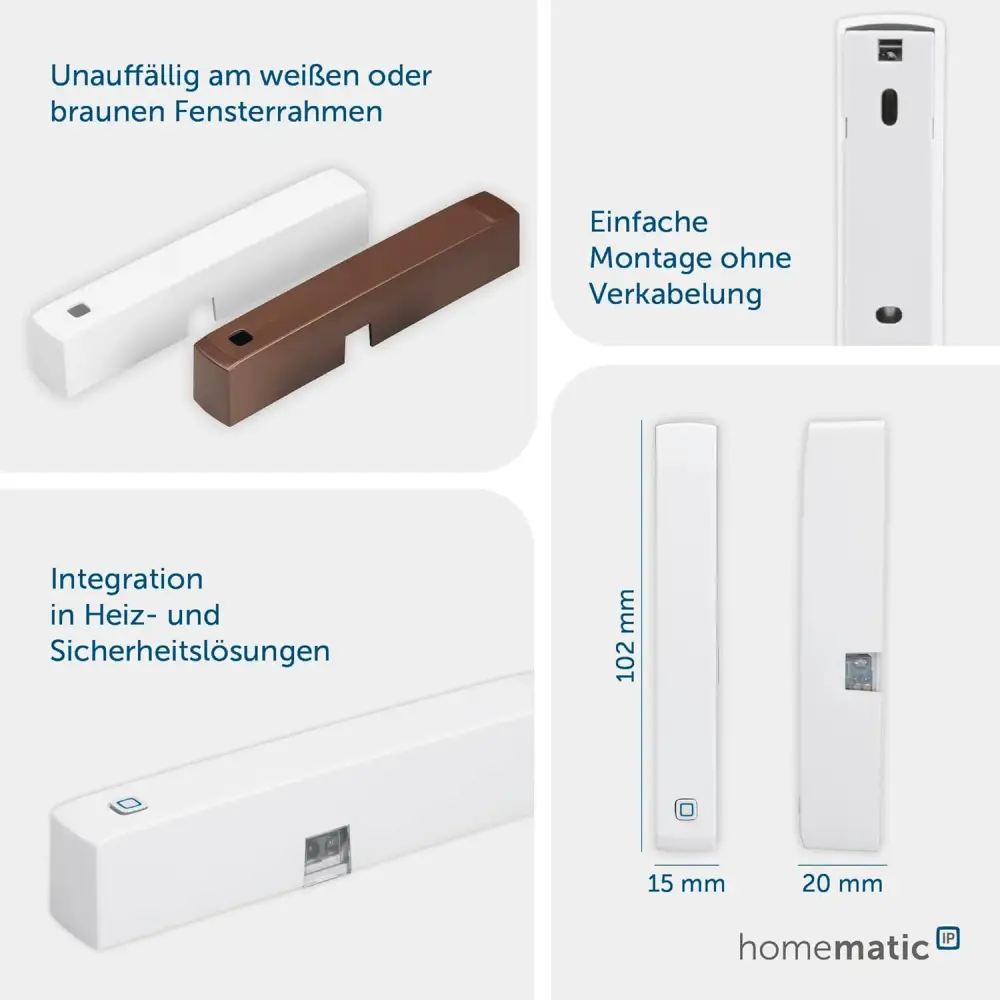
Homematic IP Smart Home Window and Door Contact
Homematic IP Smart Home Window and Door Contact
FAQs – Answers to frequently asked questions
Why doesn't my Homematic IP radiator thermostat display the exact room temperature?
The temperature measured at the radiator thermostat can be distorted by its proximity to the heat source (the radiator). Radiator thermostats measure the temperature directly at their location, which can lead to the temperature appearing higher than the actual room temperature.
How can I correct the measured temperature of the Homematic IP radiator thermostat?
In the Homematic IP app you can Temperature offset Adjust the offset. This allows you to adjust the measured temperature for a more accurate room temperature reading. To do this, go to the settings of the relevant device in the app and configure the offset.
Can I connect a separate temperature sensor to the radiator thermostat?
Yes, Homematic IP offers separate room climate sensors (e.g., wall thermostats) that provide more precise room temperature measurements. These sensors can be linked to the radiator thermostat to improve temperature control.
How does the temperature control work when an additional wall thermostat is connected?
When a wall thermostat is linked to a radiator thermostat, the wall thermostat takes over the measurement of the room temperature. The radiator thermostat then regulates the heating based on the data from the wall thermostat, resulting in more precise control.
What factors influence the actual temperature at the radiator thermostat?
The actual temperature at the radiator thermostat can be influenced by the following factors:
Open windows or doors near the radiator
Heat radiation from the radiator
Room air circulation
Mounting height and position of the thermostat
Why does the actual temperature vary between devices in different rooms?
Every room has different conditions, such as air circulation, radiator output, window insulation, and furnishings, which can affect temperature readings. The device's position in the room also plays an important role.
Can I see the current temperature in the Homematic IP app?
Yes, the current temperature is displayed in the Homematic IP app when you select the corresponding radiator thermostat or a connected wall thermostat. Please note that this is the temperature measured at the device's location.
What advantages does a wall thermostat have over temperature measurement at the radiator thermostat?
A wall thermostat measures the temperature at a more neutral location in the room, away from heat sources such as radiators. This provides you with more precise room temperature readings and more efficient heating control.
Source/Photo: (Amazon / Homematic IP / Chris Smart)

My name is Christian, and I founded this blog in 2024. I'm a trained communications electronics technician, a tech enthusiast, and a smart home aficionado with many years of experience in the field of networked household appliances. I passionately follow current developments and regularly test new products to provide clear insights and practical recommendations.