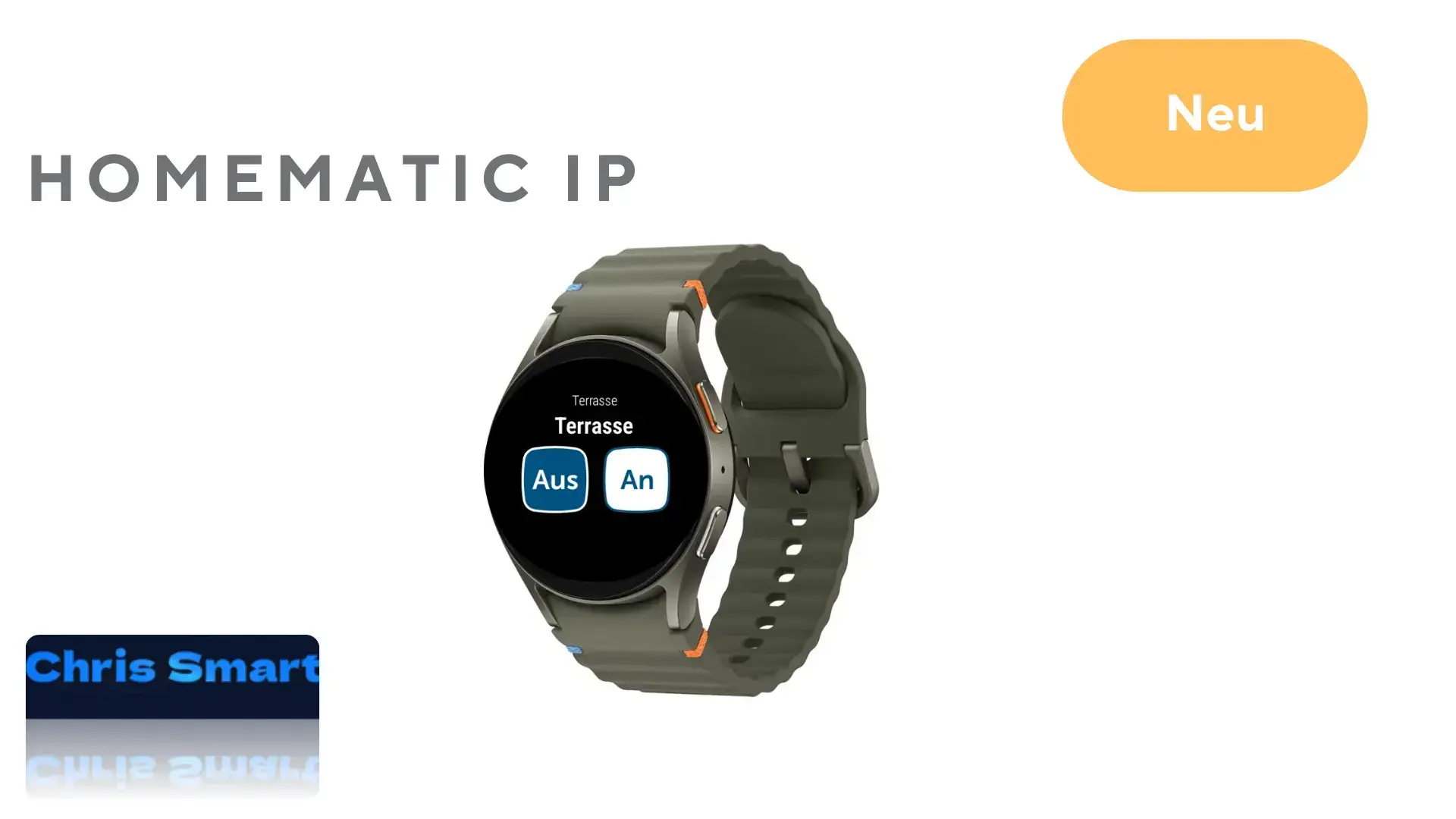
Smart home control is becoming more convenient. Version 3.3.13 of the Homematic IP app adds direct smartwatch control, a useful feature for technology enthusiasts and watch owners.
Smartwatch integration controls devices quickly without taking out a phone, for example switching lights or opening a door through the lock actuator.
Which functions are supported?
The current app version lets you control the following from your wrist:
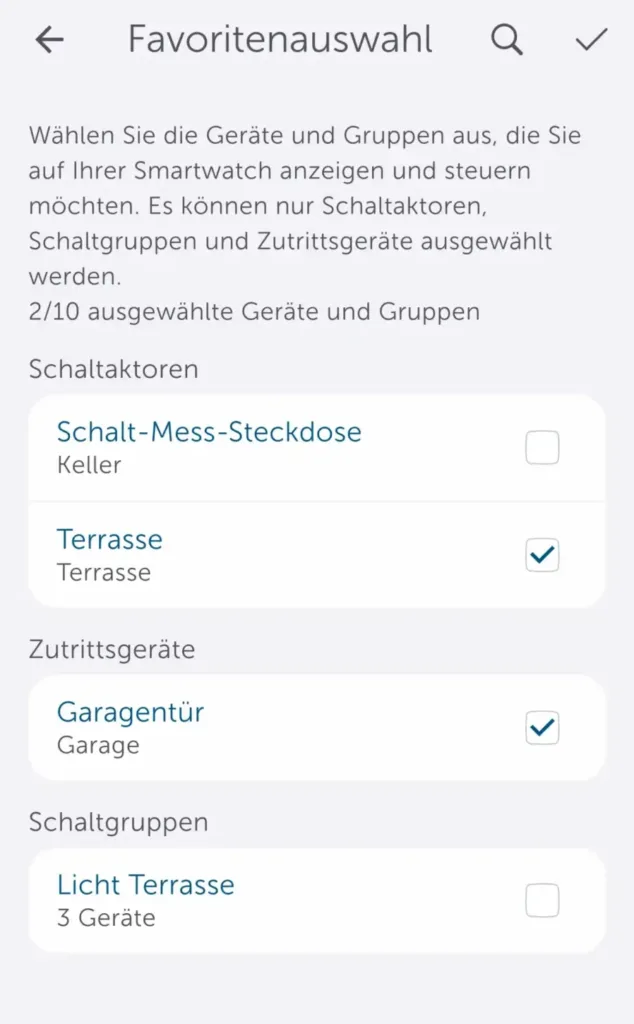
The favorites section shows which functions can be used from the watch.
- Switching actuators such as the switchable socket* or the switch and meter cable*
- Access devices such as the door lock actuator*
- Previously configured switching groups
Compatibility and setup on the Homematic IP smartwatch app
The feature supports Apple Watch models running watchOS 10.0 or later, such as the Apple Watch Series 10*, and Wear OS devices running version 3.0 or later, such as the Google Pixel Watch 3* and Samsung Galaxy Watch7*. Setup takes place through the Homematic IP app on the phone and watch.
The watch must be paired with the phone, and the Homematic IP app must be installed on the watch.
Step 1: Open the Homematic IP app on the phone. Tap More -> Smartwatches under Other -> Add smartwatch.


Step 2: Open the Homematic IP app on the watch.


Step 3: Tap Continue to start pairing.


Step 4: Confirm pairing by pressing the system button on the Access Point.


Step 5: Name the smartwatch in the app and select the devices and switching groups to control. Setup is then complete.


After setup, the selected devices and groups can be controlled directly from the watch.


Source/photo: (Amazon / Homematic IP / Chris Smart)

Ich bin Christian und habe den Blog 2024 gegründet. Ich bin gelernter Kommunikationselektroniker, technikbegeistert und Smart-Home-Enthusiast mit langjähriger Erfahrung im Bereich vernetzter Haushaltsgeräte. Mit großer Leidenschaft verfolge ich aktuelle Entwicklungen und teste regelmäßig neue Produkte, um verständliche Einblicke und praxisnahe Empfehlungen zu geben.