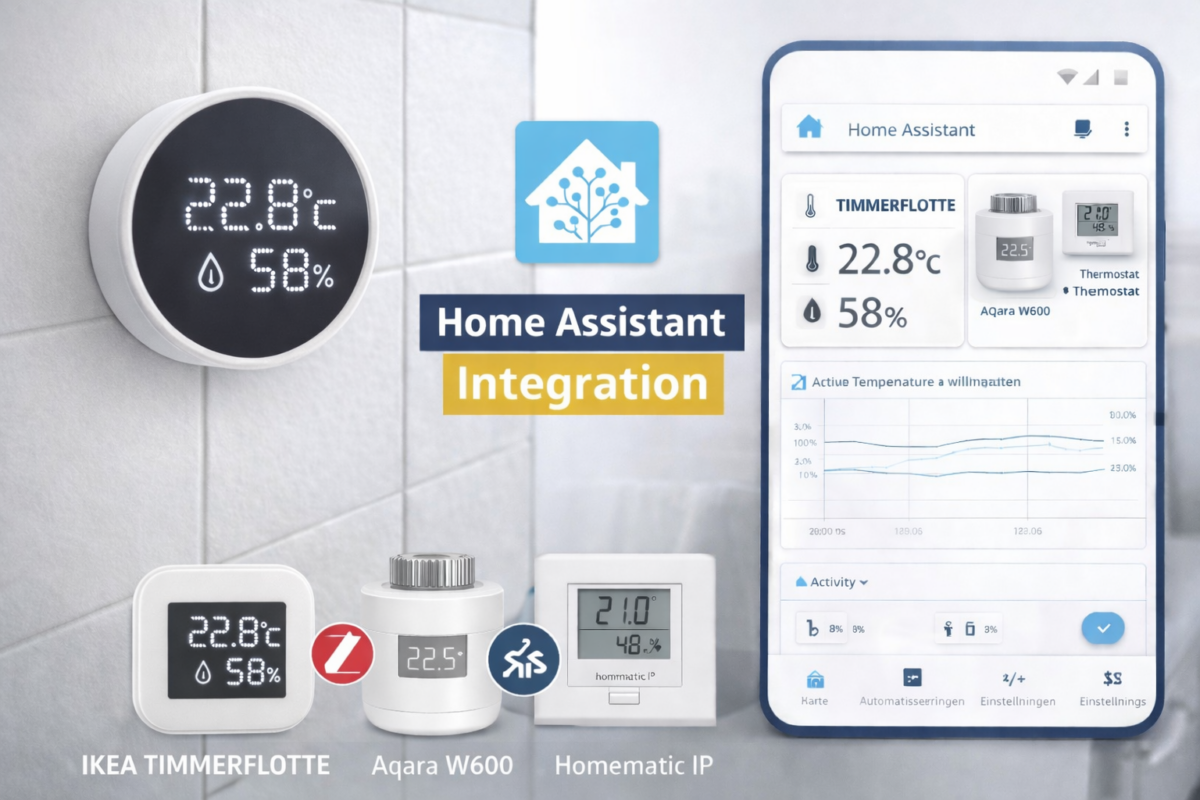
With the TIMMERFLOTTE, IKEA expands its smart home portfolio with a compact solution for measuring temperature and humidity. The sensor is primarily aimed at rooms such as bathrooms, kitchens, or basements, where the indoor climate plays a crucial role. In combination with Home Assistant, the TIMMERFLOTTE can not only be read but also used for targeted automations – for example, for mold prevention.
In this article we show how the IKEA TIMMERFLOTTE can be integrated into Home Assistant, what requirements must be met and what functions are available after setup.
💡Chrissmart is giving away a Timmerflotte to one lucky winner among all those who enter by [date]. 31.01.2026 a comment in the linked Article Leave a message and briefly describe why you are interested in the sensor. Good luck!
What is the IKEA TIMMERFLOTTE?
The TIMMERFLOTTE is a combined Temperature and humidity sensor From IKEA's smart home range, this sensor continuously monitors the environmental conditions of a room and is designed for permanent indoor use. Thanks to its simple, understated design, the sensor can be discreetly mounted on walls or placed on furniture. The sensor features an LED display that shows the current temperature and humidity sequentially when pressed.

TIMMERFLOTTE Temperature/humidity sensor, smart
Requirements for integration with Home Assistant
For the integration to function smoothly, the following prerequisites must be met:
- A current version of Home Assistant on suitable hardware, e.g.:
- Raspberry Pi*
- Home Assistant Green* (Recommendation)
- Home Assistant Yellow*
- A functioning Thread Border Router, e.g.:
- Aqara Smart Hub M200*
- Home Assistant Connect ZBT-2* (Recommendation)
- Amazon Echo Show 11*
- Home Assistant Yellow*
- IKEA TIMMERFLOTTE sensor with integrated sensor AAA batteries*
- Matter QR code or numeric pairing code (on the back of the sensor)
Setting up TIMMERFLOTTE in Home Assistant
Adding Matter devices is currently only possible via the Home Assistant Companion App on the smartphone.
Procedure of the setup:
- Open the Matter integration in the app:
Settings → Add to Home Assistant → Add device → Add Matter device - New Select and scan the QR code or enter the pairing code manually.
- If multiple Thread Border Routers are available, select the desired Thread network.
After a few seconds, the TIMMERFLOTTE appears as a new device in Home Assistant and is ready for further configuration.
TIMER FLEET in Home Assistant: Features and data
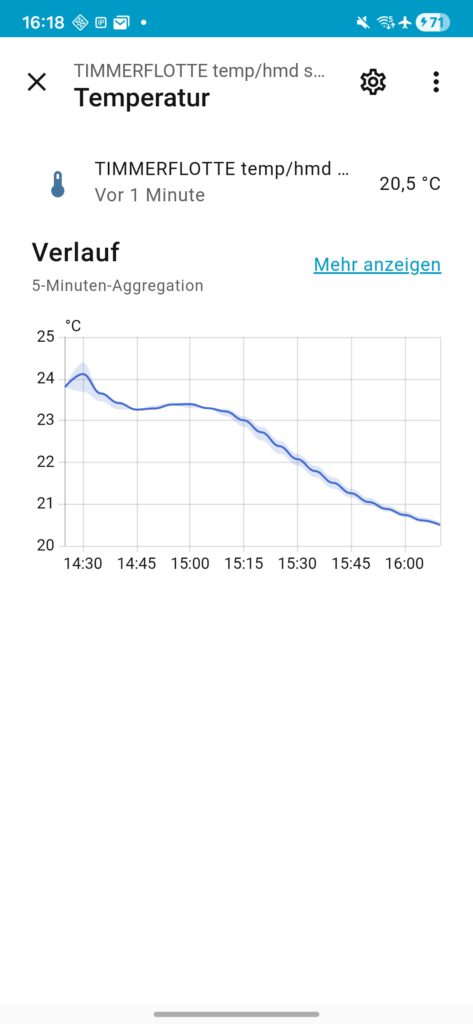
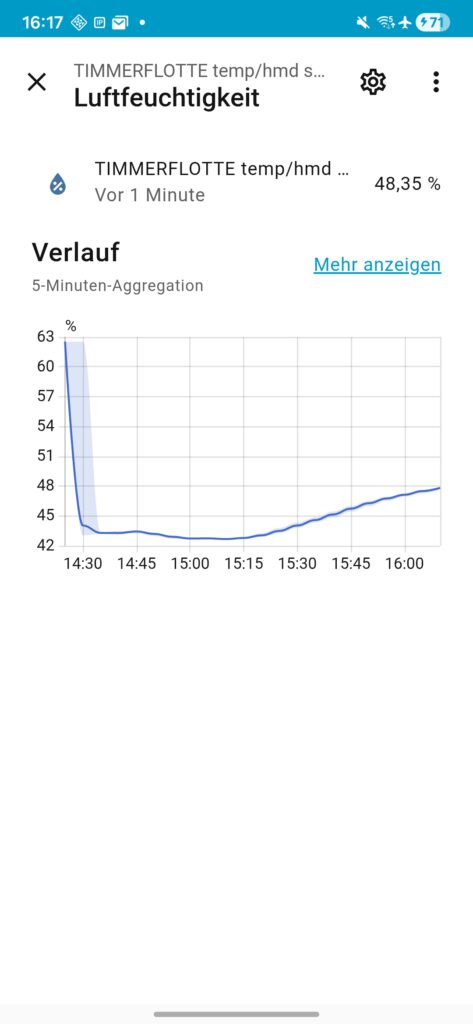
The device information displays details such as the firmware version, hardware version, and connection type (Matter). The sensor overview provides current temperature and humidity readings.
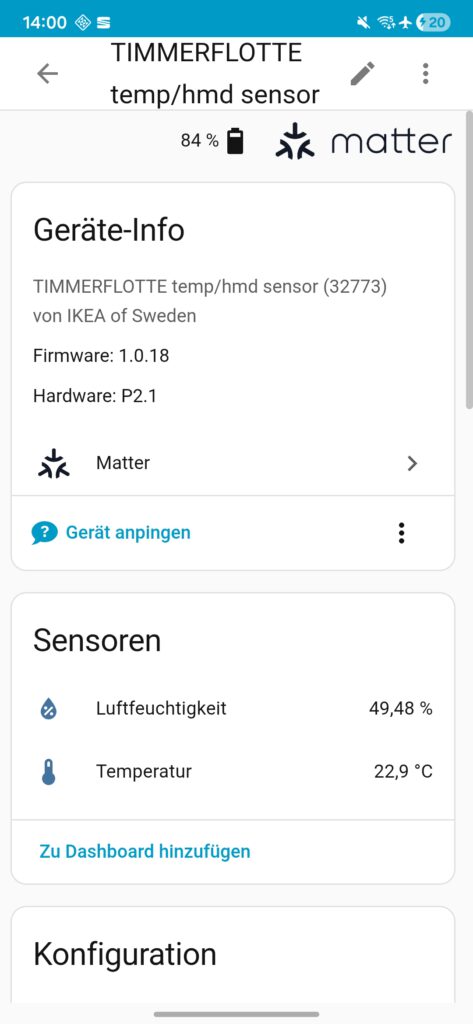
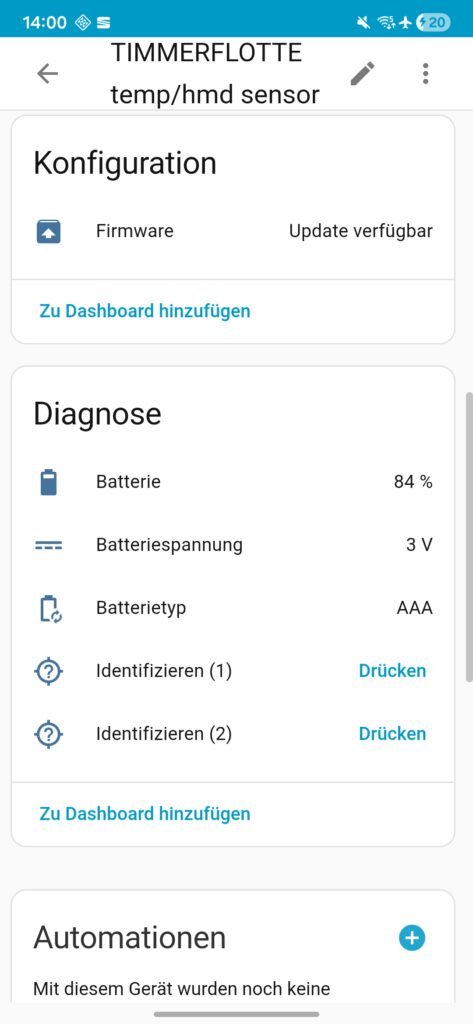
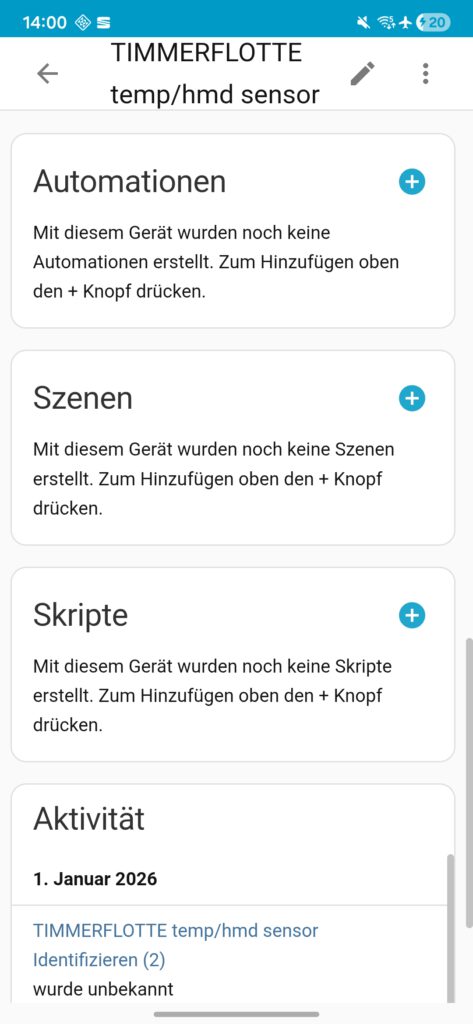
It's noticeable that Home Assistant sometimes displays the measurements with two decimal places, even though the sensor itself only provides one. The display and symbols for the sensor values can be customized.
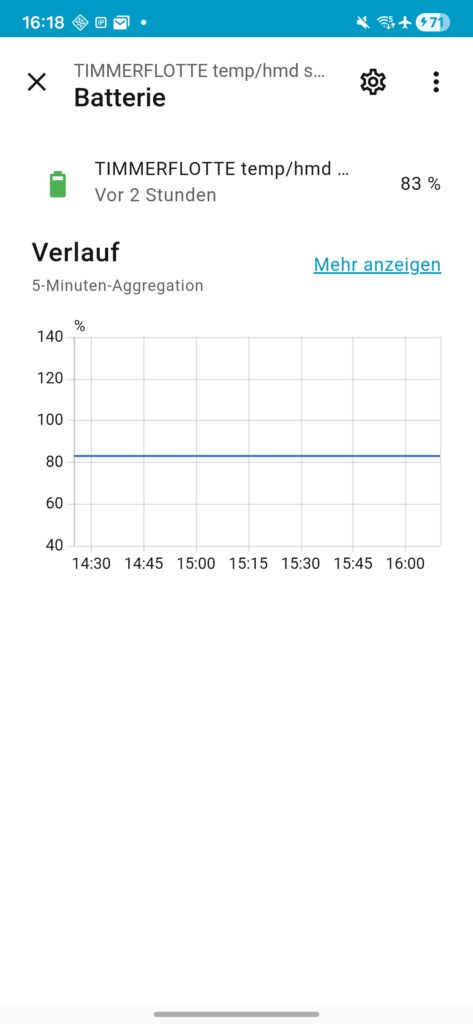
In the area configuration It will show whether the installed firmware version is up to date. Under diagnosis Additional information such as battery charge level (in percent), battery voltage, and battery type (AAA) is available. Furthermore, the sensor can be directly assigned to automations, scenes, or scripts. An activity overview displays the measured values over time, which can also be presented as a graph.
Some parameters can be displayed in detail and as a diagram or as Activity history over time represent.
Practical benefits and automation
In practice, TIMMERFLOTTE in Home Assistant is particularly well-suited for simple yet effective automations. Typical use cases include:
- Automatic activation of a fan/dehumidifier in the bathroom when humidity is high.
- Reducing heating output when the window is open
- Notifications when humidity levels remain consistently critical
- Long-term analysis of the indoor climate to optimize ventilation and heating behavior
Thanks to local processing in Home Assistant, all data remains within the user's own network, which is an important aspect, especially for users who focus on data privacy.
Conclusion
- Advantages:
- Affordable price
- Supports Matter, therefore compatible with many smart home systems
- LED indicator directly on the device
- Simple, round design
- Compatible with standard AAA batteries
- Disadvantages:
- AAA battery not included
- The LED display shows only simple values; there is no large display.
- The LED indicator is not permanently active.
Integrating the IKEA TIMMERFLOTTE into Home Assistant is straightforward, provided a functioning Matter and Thread infrastructure is in place. While Matter ensures simple, cross-platform integration, Home Assistant excels in automation, analysis, and local data processing.
A clear advantage of the IKEA TIMMERFLOTTE is its low purchase price, which even decreased again shortly after its market launch. lowered was. With this, IKEA is deliberately positioning itself in the entry-level segment and making the sensor attractive even for larger installations – such as multiple rooms.
Comparable sensors from other manufacturers are significantly more expensive. For example, the Aqara W600 radiator thermostat currently costs around 35 euros, while the Homematic IP wall thermostat with humidity sensor currently costs about 60 euros.
While these devices sometimes offer additional functions or a different system depth, a direct comparison shows that IKEA's TIMMERFLOTTE offers a very attractive price-performance ratio. offers.
💬 Are you already using Home Assistant or planning to start?
We welcome your experiences, tips and application examples in the comments.
Source/Photo: (Amazon / IKEA / Image generator)
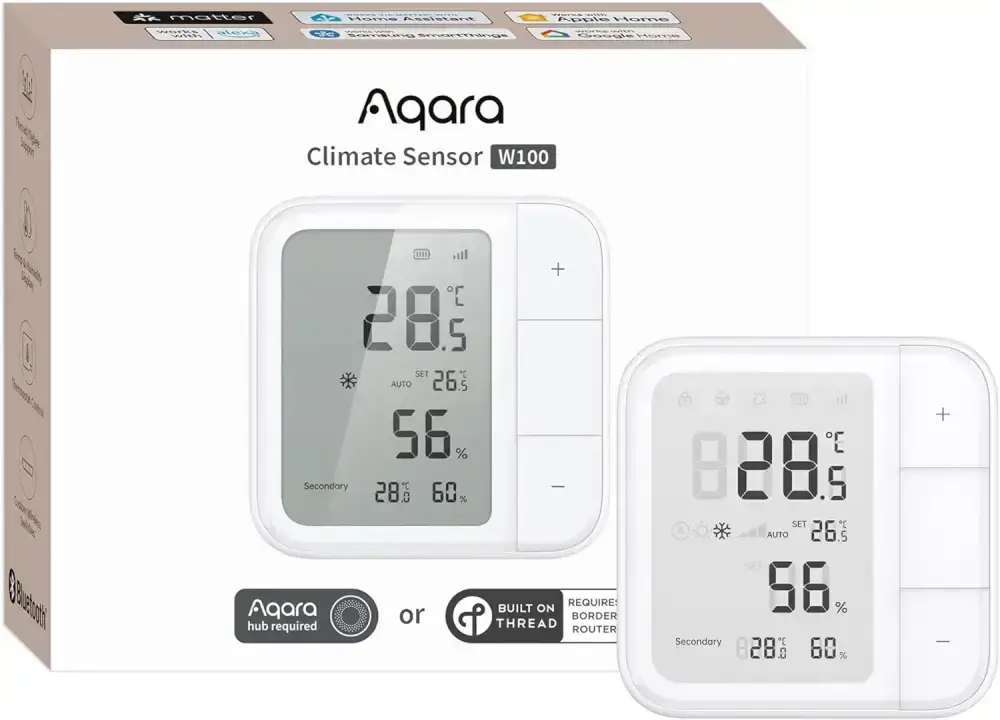
Aqara radiator thermostat W600
Supports Zigbee/Thread, energy saving, voice control, scheduling, geofencing, compatible with Apple HomeKit, Home Assistant, Alexa, Google
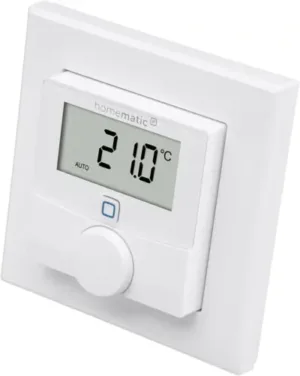
Homematic IP Smart Home wall thermostat with humidity sensor
Digital thermostat for radiators/underfloor heating with app, Alexa, Google Assistant, temperature measurement, energy saving

My name is Christian, and I founded this blog in 2024. I'm a trained communications electronics technician, a tech enthusiast, and a smart home aficionado with many years of experience in the field of networked household appliances. I passionately follow current developments and regularly test new products to provide clear insights and practical recommendations.