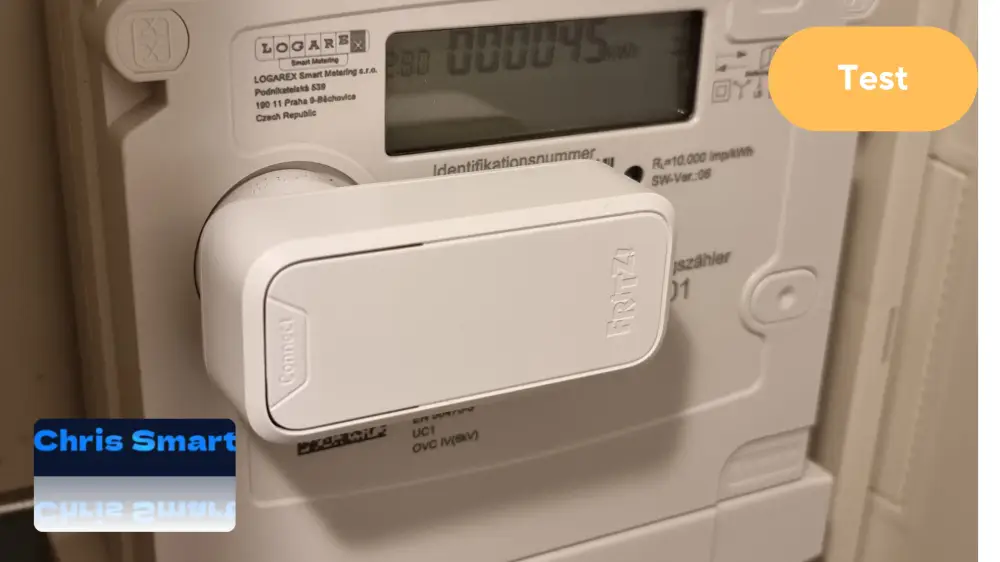
With the FRITZ!Smart Energy 250 AVM expands its smart home portfolio with a clever power sensor (we reported (This device reads the energy consumption of digital meters and integrates seamlessly into the home network.) Our test shows that setup, installation, and operation are surprisingly straightforward. The classic electricity meter is transformed into a smart meter in no time.
What is the FRITZ!Smart Energy 250?
The FRITZ!Smart Energy 250 This is a battery-powered electricity sensor that uses the optical interface of modern digital electricity meters to record consumption data. This data is then transmitted via DECT to a compatible FRITZ!Box – without the need for Wi-Fi or any additional hardware.
This device transforms a conventional electricity meter into an intelligent metering system that makes current energy consumption transparent and reveals potential for saving electricity.
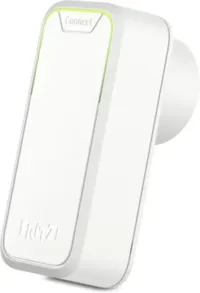
FRITZ!Smart Energy 250
With the FRITZ!Smart Energy 250 Gain complete control over your energy consumption – simply, precisely, and directly via your FRITZ!Box. Take the opportunity to make your digital electricity meter smart – completely without a technician, contract, or mandatory smart meter installation.
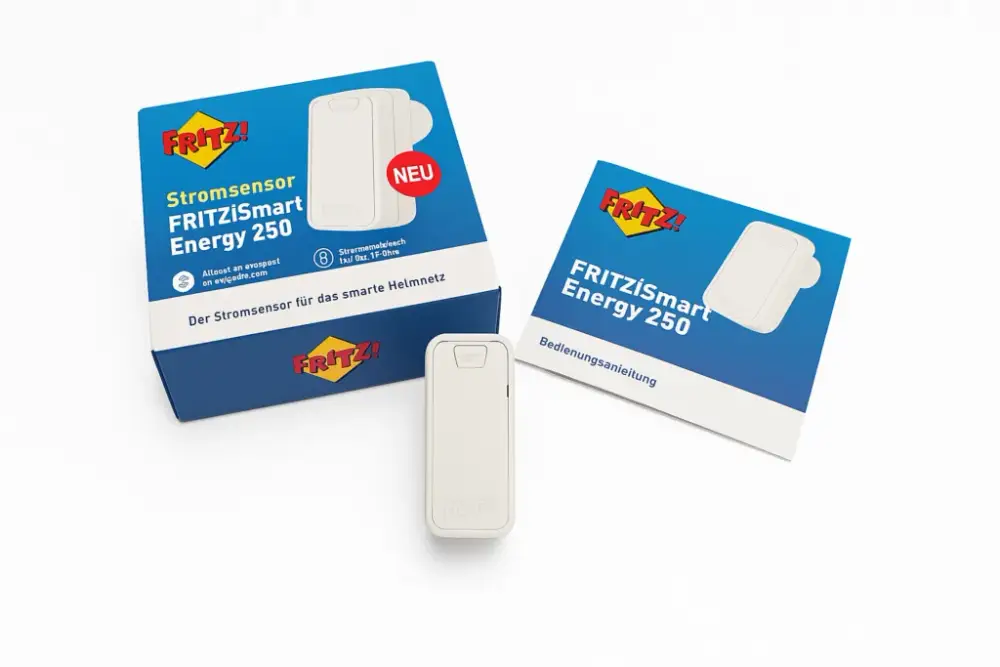
Included in the FRITZ!Smart Energy 250 package
The package includes the FRITZ!Smart Energy 250, a user manual, and two AA batteries, which are already pre-installed. The device is therefore ready for immediate use, and installation can begin.
Setting up the FRITZ!Smart Energy 250
The setup can be done either via the FRITZ!Box web interface or the FRITZ!App Smart Home. The latter is available free of charge for iOS and Android and offers a particularly convenient way to control and monitor smart home devices in the FRITZ! ecosystem.
- FRITZ!App Smart Home open and FRITZ!Smart Energy 250 choose.
- Follow the wizard and connect to the FRITZ!Box.
- The Connect button at FRITZ!Smart Energy 250 Press the button – the device will start flashing green.
- A name for the FRITZ!Smart Energy 250 Awarded – the installation is complete.
Installing a smart meter is straightforward and usually requires no specialist knowledge.
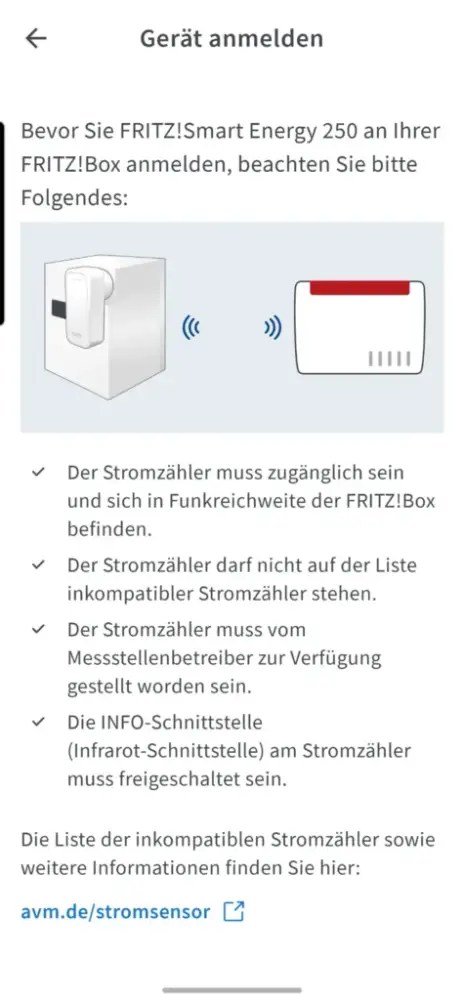
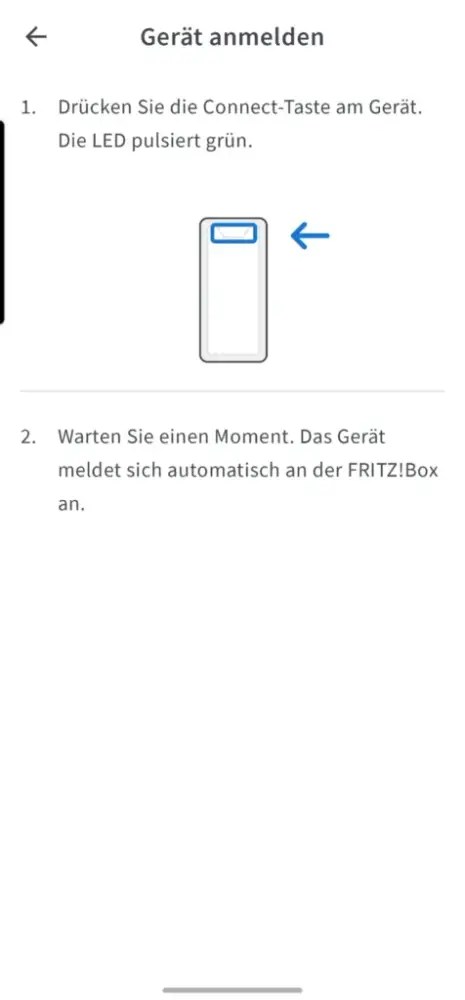
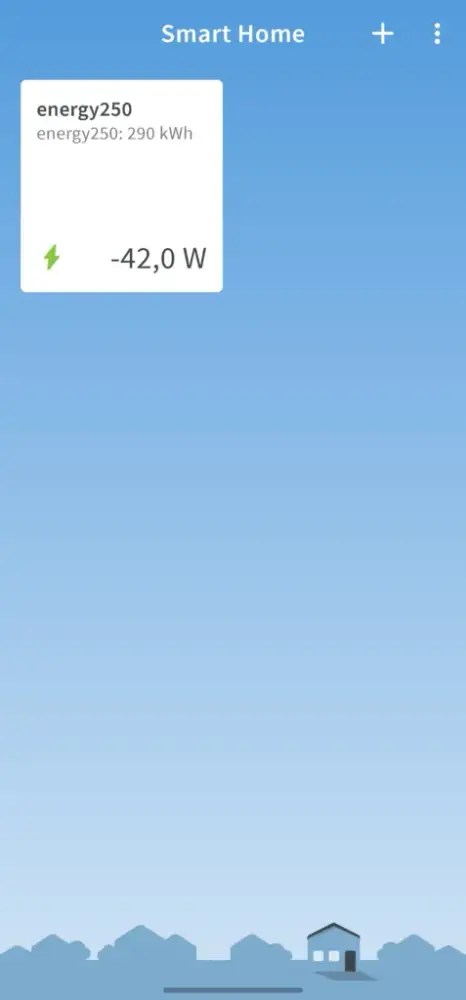
Especially practicalThe app immediately displays the current status, battery level and measured values – even on the go via a secure connection to the FRITZ!Box.
Installation of the FRITZ!Smart Energy 250 on the digital electricity meter
A digital meter with an optical interface (infrared LED) is required. The sensor is simply attached directly above the LED using a magnet – both horizontally and vertically are possible. FRITZ!App Smart Home Immediately after installation, it shows whether the sensor is correctly installed and data is being transmitted.
Tip: The AVM website has a list of incompatible meter models. Newer meters are generally compatible (AVM Smart Energy 250 Compatibility List).
Operation & Evaluation of the FRITZ!Smart Energy 250
The FRITZ!App Smart Home is far more than just a setup aid – it functions as a central control center for the entire smart home with FRITZ! technology.
The following information is available in the app:
- Current power consumption in watts
- Voltage curve and power consumption over the last 60 minutes
- Daily, monthly and annual consumption (in kWh or euros)
- Battery status and connection quality
Other devices, such as smart plugs (e.g., FRITZ!DECT 200) or radiator thermostats, can also be controlled via the app. The user interface is clear and optimized for mobile use.
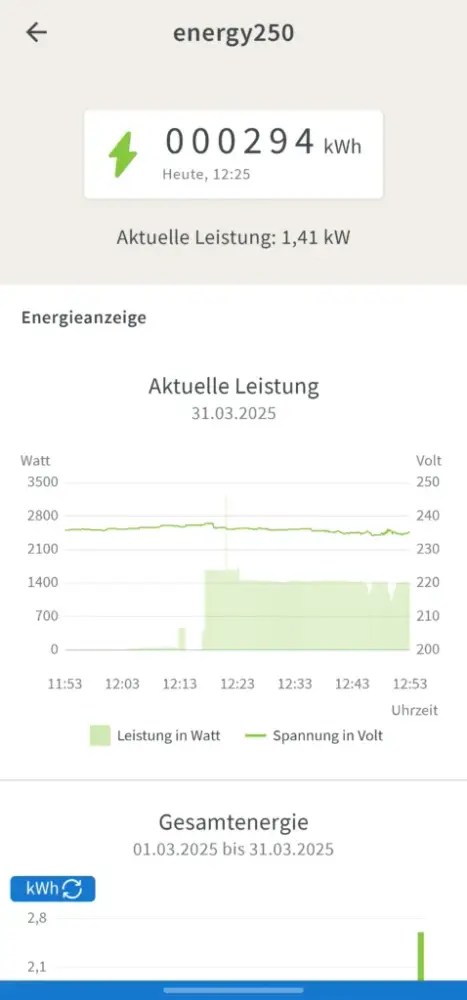
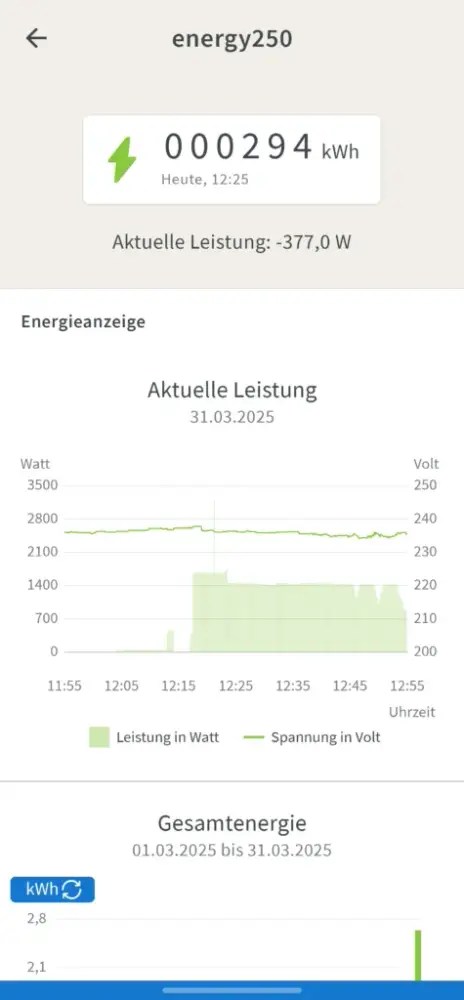
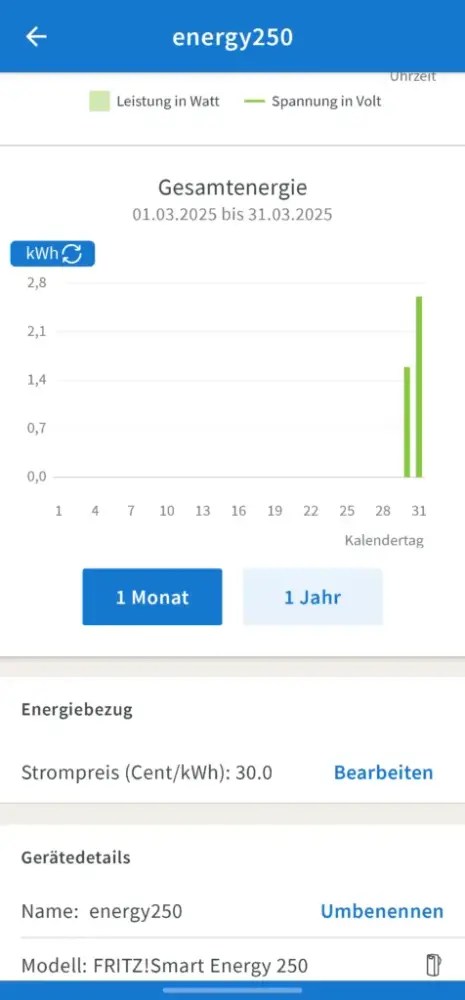
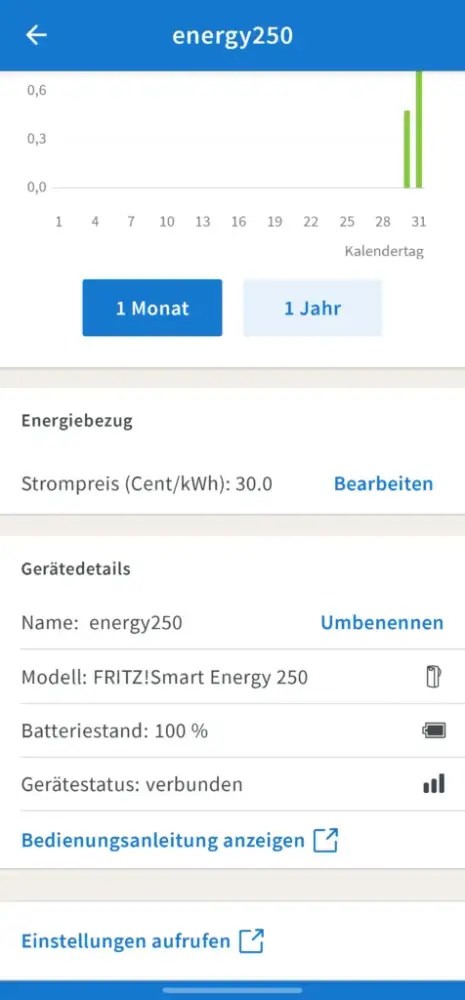
If you have a solar system or a Balcony power plant You can tell you've connected it by the Minus sign before the number The graph shows the current power output, indicating that electricity is currently being fed into the grid. In this case, the graph extends to... 0 watts, however not into the negative range. The total value of the electricity feed-in in kWh is not displayed, even though the bidirectional meter determines this value and displays it.
Conclusion: A practical energy monitor for FRITZ! fans
The FRITZ!Smart Energy 250 This is a great solution for anyone who wants to keep an eye on their electricity consumption – without complicated retrofitting or a separate smart meter tariff. Thanks to DECT technology, no additional connection is needed, and integration into the FRITZ! system works seamlessly.
AVM has partially addressed the criticism regarding the feed-in power with a software update; further information can be found below. Article.
Quick setup
Easy assembly
DECT – no WLAN required
Clear consumption analysis
Ideal for energy monitoring
Only compatible with FRITZ!Box
No indication of power feed-in
Possible alternatives can be found here:
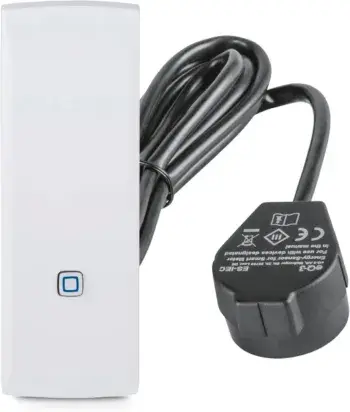
Homematic IP Smart Home interface for smart meters and household meters
Measure energy consumption and save costs, monitor electricity with an app, automate your smart home.
FAQs – Answers to frequently asked questions
Is the FRITZ!Smart Energy 250 compatible with every digital electricity meter?
No, it only works with digital electricity meters with a optical interface (D0). You should check if your meter has this interface.
Do I absolutely need a FRITZ!Box?
Yes, the sensor can be used. only with a compatible FRITZ!Box (e.g. 7590 AX, 7530 AX) connect the Smart home support offers.
How is the current sensor installed?
The sensor is held in place by a built-in [feature/device]. Magnets above the optical interface of the counter. It simply needs to be placed on top and then it stays in place by itself.
Can I track electricity consumption in real time?
Yes, about the FRITZ!Box user interface You can track electricity consumption in near real-time and view historical data.
How does the use of batteries affect the lifespan of the FRITZ!Smart Energy 250?
The battery lifespan depends heavily on usage and the electricity meter. In the best-case scenario, the battery can last up to 160 days, but it can also be less, depending on usage and transmission interval.
How can the power supply of the FRITZ!Smart Energy 250 be ensured alternatively?
The device can also be powered via a normal USB charger, thus eliminating the need for a battery.
How is data transfer handled in battery and USB mode?
In battery mode, data transfer occurs every 2 minutes, while in USB mode, data is transferred every 10 seconds, resulting in a higher strain on the battery.
What happens to the measurement data if the connection to the Fritzbox is interrupted?
If the connection to the Fritzbox is interrupted, the measurement data, especially daily and monthly consumption, will continue to be stored on the device. The data will be synchronized as soon as the connection is restored.
How long can the stored data be kept in the FRITZ!Smart Energy 250?
The stored consumption data is kept for up to 2 years. This data includes daily consumption and can be viewed in monthly, weekly, and yearly views.
Can the USB connection be used for data transfer?
No, the USB connection is solely for powering the device. All data is still transmitted via the Fritzbox or other network connections.
How can you monitor the battery charge level in the device?
The battery charge level is displayed in the app or on the device itself. When using the USB power connection, the device will indicate that it has a 100% battery, as it is being powered directly.
Source/Photo: (fritz.com ( / Amazon / Chrissmart)

My name is Christian, and I founded this blog in 2024. I'm a trained communications electronics technician, a tech enthusiast, and a smart home aficionado with many years of experience in the field of networked household appliances. I passionately follow current developments and regularly test new products to provide clear insights and practical recommendations.