With the FRITZ!Smart Energy 250, AVM expands its smart home portfolio with a clever power sensor that reads the energy consumption of digital meters – and integrates seamlessly into the home network. In our test, it becomes apparent: setup, installation, and operation are surprisingly straightforward. The classic electricity meter quickly becomes a smart meter. In the test, we use the latest firmware version 3.73; previous versions had a reduced range of functions.
What is the FRITZ!Smart Energy 250?
The FRITZ!Smart Energy 250 is a battery-powered electricity sensor that captures consumption data via the optical interface of modern digital electricity meters. This data is sent via DECT to a compatible FRITZ!Box – completely without Wi-Fi or additional hardware.
This device transforms a conventional electricity meter into an intelligent measurement system that makes current energy consumption transparent and reveals potential for saving electricity.
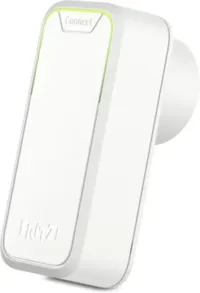
FRITZ!Smart Energy 250
Intelligent power sensor, electricity consumption meter for optimizing energy costs, DECT-compatible with FRITZ!Box, energy consumption via app or FRITZ!OS
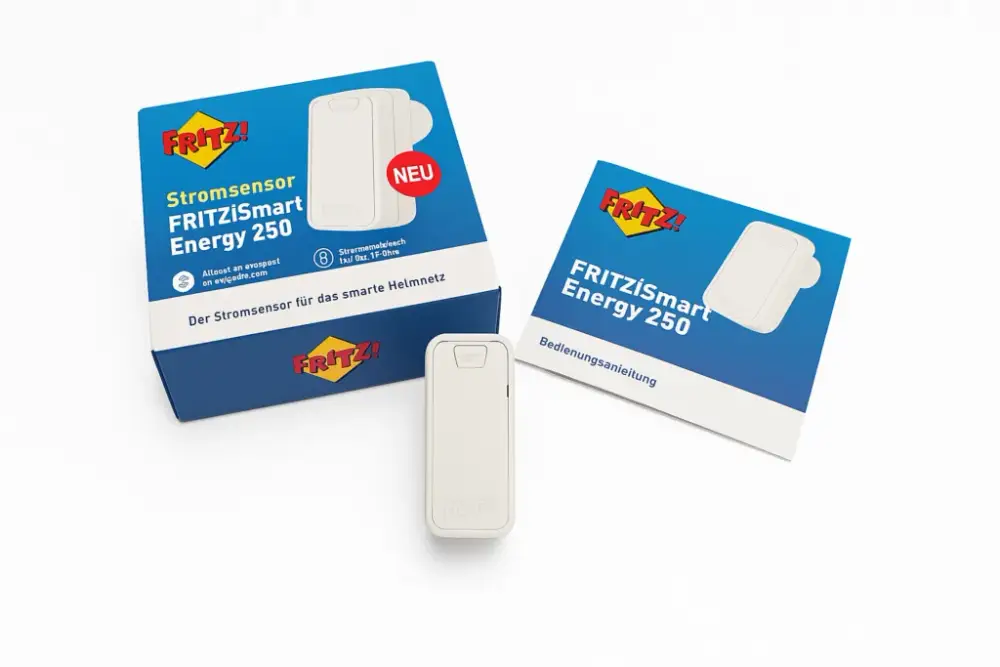
Contents of delivery for FRITZ!Smart Energy 250
The FRITZ!Smart Energy 250, an instruction manual, and 2x AA batteries, which are already pre-installed, are included in the scope of delivery. The device is therefore ready for use and installation can begin.
Setting up the FRITZ!Smart Energy 250
Commissioning can be done either via the FRITZ!Box web interface or the FRITZ!App Smart Home. The latter is available for iOS and Android for free and offers a particularly comfortable way to control and monitor smart home devices in the FRITZ! ecosystem.
- Open FRITZ!App Smart Home and select FRITZ!Smart Energy 250.
- Follow the assistant and connect to the FRITZ!Box.
- Press the Connect button on the FRITZ!Smart Energy 250 – the device will start blinking green.
- Assign a name to the FRITZ!Smart Energy 250 – the installation is complete.
The installation is straightforward and generally proceeds without any obstacles.
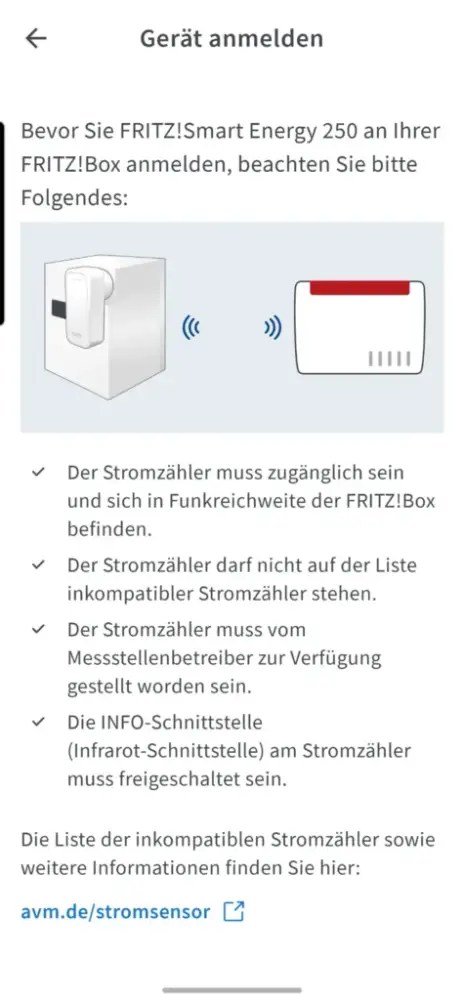
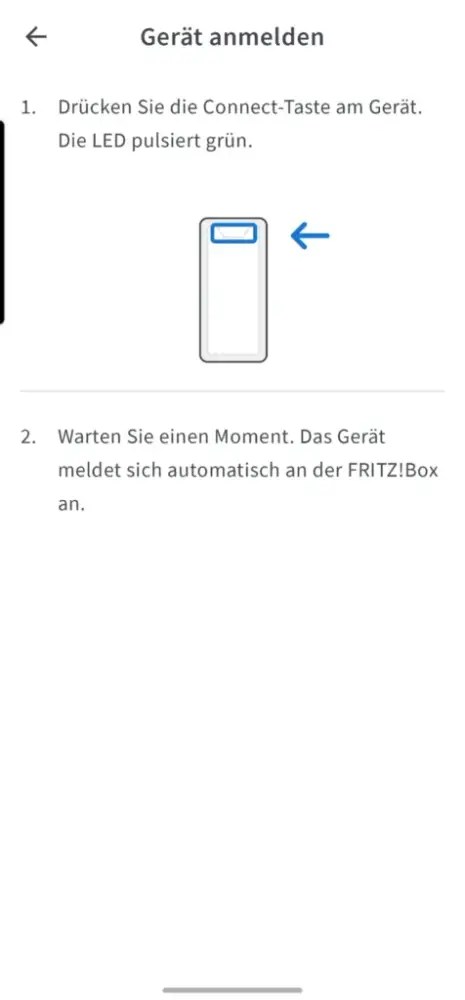

Especially practical: The app immediately shows the current status, battery level, and readings – even on the go via a secure connection to the FRITZ!Box.
Installation of the FRITZ!Smart Energy 250 on the digital electricity meter
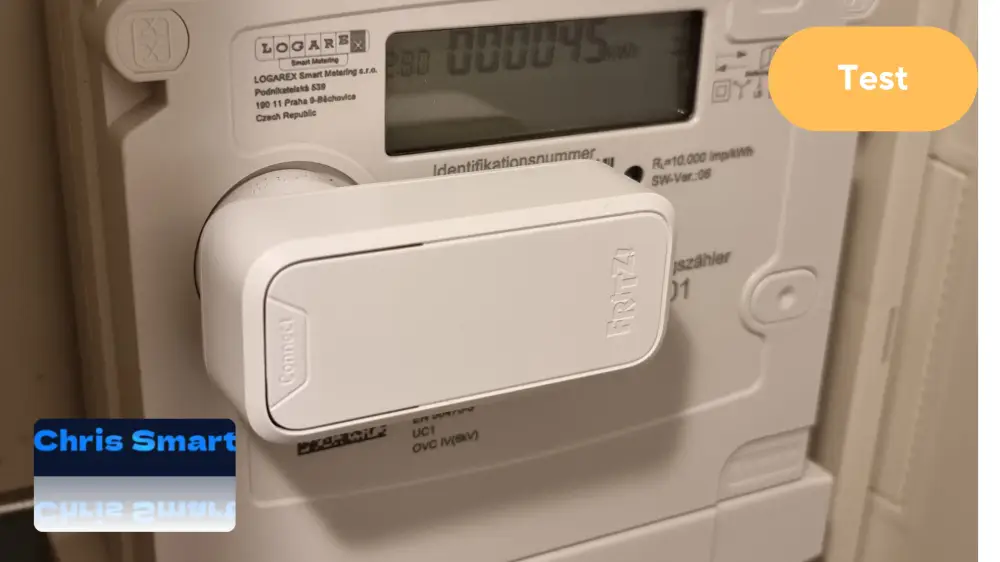
The requirement is a digital meter with an optical interface (infrared LED). The sensor is simply attached directly above the LED using a magnet – possible both horizontally and vertically. The FRITZ!App Smart Home immediately shows after installation whether the sensor is correctly positioned and transmitting data.
Tip: There is a list of incompatible meter models on the AVM website. For newer meters, compatibility is usually given (AVM Smart Energy 250 Compatibility List).
FRITZ!Smart Energy 250
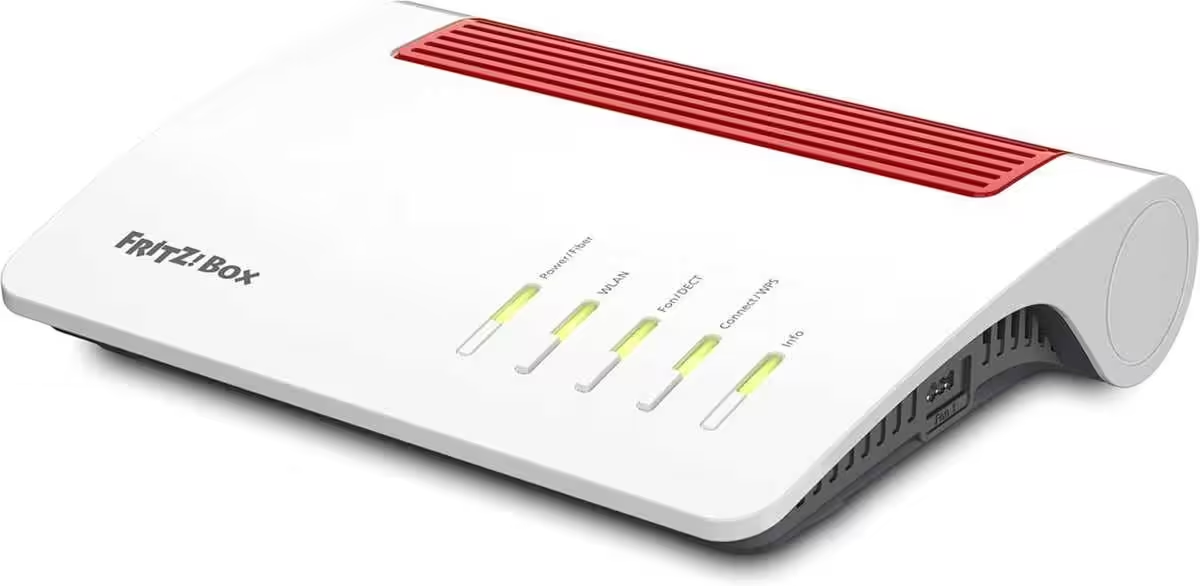
Router for a fiber optic connection (Wi-Fi 6, up to 2,400 MBit/s (5 GHz) and 1,200 MBit/s (2.4 GHz), WLAN mesh, DECT base, 2.5-Gigabit LAN port, suitable for Germany)
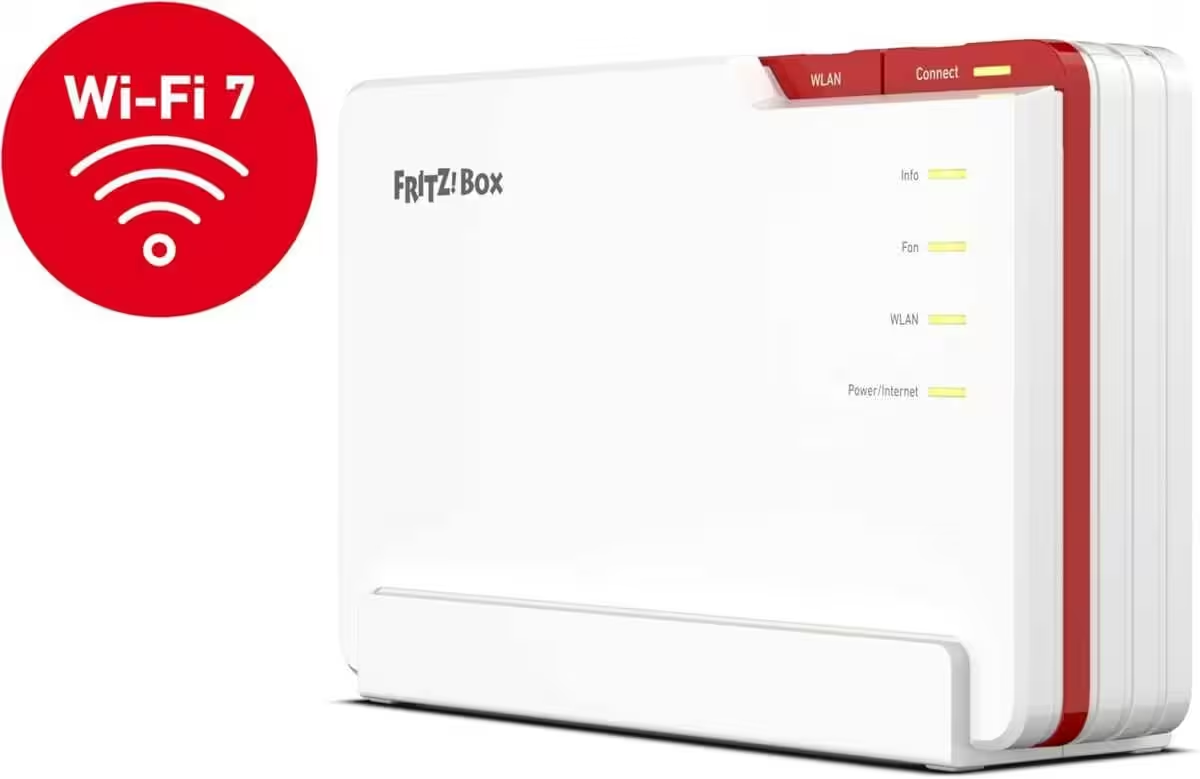
FRITZ!Box 5690 Pro
Wi-Fi 7 premium DSL and fiber optic router with tri-band (2.4 GHz, 5 GHz, 6 GHz) up to 18.5 GBit/s, for fiber & DSL connections, WLAN mesh, DECT base
Operation & Evaluation of the FRITZ!Smart Energy 250
The FRITZ!App Smart Home is much more than just a setup assistant – it functions as the central control center for the entire smart home with FRITZ! technology.
The following information can be accessed in the app:
- Current power consumption in watts
- Voltage trend and power consumption over the last 60 minutes
- Daily, monthly, and yearly consumption (in kWh or euros)
- Battery status and connection quality
Other devices such as smart plugs (e.g., FRITZ!DECT 200) or radiator controllers can also be controlled via the app. The user interface is clear and optimized for mobile use.
Below, we will take a detailed look at the view for the Smart Energy 250.


The total value of the consumption meter „Import“ as well as the power feed-in „Feed-in“ is displayed in kWh and corresponds to the values of the bidirectional meter as well as the display on the screen. If a photovoltaic system or a balcony power plant is connected, it can be recognized by the minus sign regarding the current performance, that currently more electricity is being produced than consumed, and thus electricity is fed into the grid. In this case, the graph enters the negative range. Consumption and feed-in can also be displayed for different periods: day, week, month, or year. Additionally, the calculated costs or revenues per kWh can be entered. This way, the Smart Energy 250 determines the expected costs or – ideally – revenues. Furthermore, information about the device can be displayed, including name, type, firmware version, battery level, and connection quality.
Conclusion: Practical Energy Monitor for FRITZ! Fans
The FRITZ!Smart Energy 250 is a successful solution for everyone who wants to keep an eye on their electricity consumption – without elaborate retrofitting or a separate smart meter tariff. Thanks to DECT technology, no additional connection is necessary, and the integration into the FRITZ! system works smoothly.
The criticism regarding the missing display of feed-in power has been resolved by AVM with a software update 3.73, making it a clear recommendation. Integration into Home Assistant is also possible and is another advantage; in the following article, we have described the simple integration.
Quick setup
Easy installation
DECT – no Wi-Fi needed
Clear consumption evaluation
Ideal for energy monitoring
Integration into Home Assistant is possible
Only compatible with FRITZ!Box
FRITZ!Smart Energy 250
Intelligent power sensor, electricity consumption measuring device for optimizing energy costs, DECT-compatible with FRITZ!Box, energy consumption via app or FRITZ!OS
Possible alternatives can be found here:
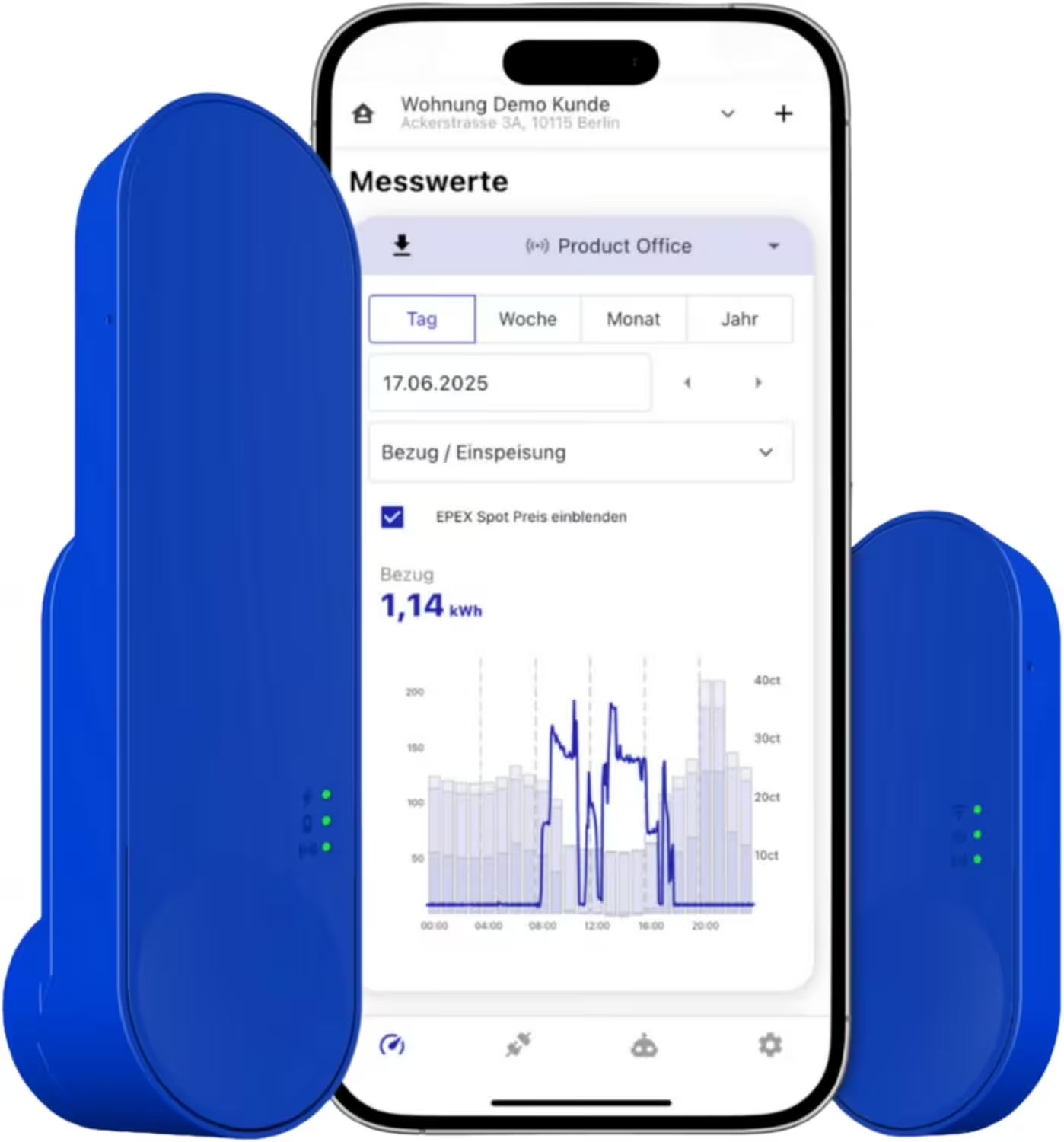
IOmeter SmartMeter
Read smart meter electricity meters with IR read head, Wi-Fi, and app – with battery or USB-C – Compatible with Home Assistant
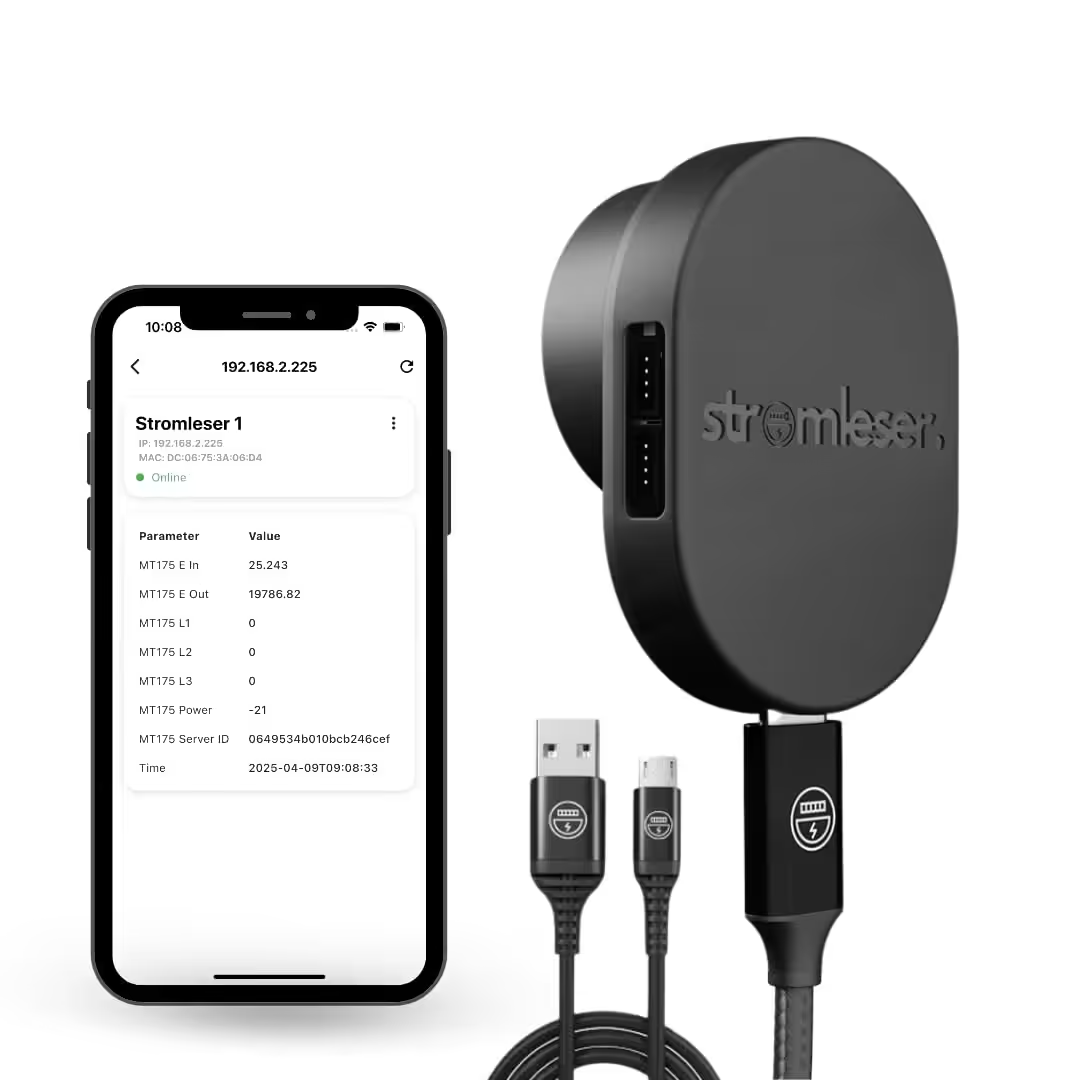
Power Meter Tasmota
Read electricity meters via Wi-Fi, with Tasmota software for smart home integration
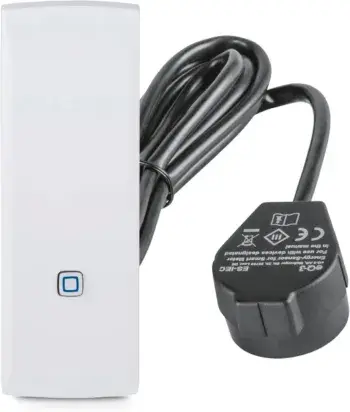
Homematic IP Smart Home Interface for Smart Meters and Household Meters
Measure energy and save costs, monitor electricity with the app, automate Smart Home
FAQs – Answers to the Most Frequently Asked Questions
Is the FRITZ!Smart Energy 250 compatible with every digital electricity meter?
No, it only works with digital electricity meters that have an optical interface (D0). You should check if your meter has this interface.
Do I necessarily need a FRITZ!Box?
Yes, the sensor can only be connected to a compatible FRITZ!Box (e.g., 7590 AX, 7530 AX), which Offers smart home support .
How is the power sensor installed?
The sensor is held by a built-in magnet over the optical interface of the meter. It only needs to be placed on and then stays by itself.
Can I monitor the power consumption in real time?
Yes, via the FRITZ!Box user interface you can monitor energy consumption in almost real time and view historical data.
How does the use of batteries affect the lifespan of the FRITZ!Smart Energy 250?
The lifespan of the batteries depends heavily on usage and the electricity meter. In the best case, the battery can last up to 160 days, but it can also be less, depending on usage and transmission interval.
How can the power supply of the FRITZ!Smart Energy 250 be ensured alternatively?
The device can also be powered using a normal USB charger, so the battery is not needed.
How is data transmission handled in battery and USB mode?
In battery mode, data transmission occurs every 2 minutes, while in USB mode, data is transmitted every 10 seconds, which results in a higher load on the battery.
What happens to the measurement data if the connection to the Fritzbox is interrupted?
If the connection to the Fritzbox is interrupted, the measurement data will continue to be stored in the device, especially the daily and monthly consumption. As soon as the connection is restored, the data will be synchronized.
How long can the stored data be kept in the FRITZ!Smart Energy 250?
The stored consumption data is kept for up to 2 years. This data includes the daily consumption and can be viewed in monthly, weekly, and yearly views.
Can the USB connection be used for data transfer?
No, the USB connection is solely for powering the device. All data is still transmitted via the Fritzbox or other network connections.
How can the battery charge level in the device be monitored?
The battery charge level is displayed in the app or on the device. If the USB power connection is used, the device shows that it has 100% battery because it is being powered directly.
Source/Photo: (fritz.com / Amazon / Chrissmart)

Ich bin Christian und habe den Blog 2024 gegründet. Ich bin gelernter Kommunikationselektroniker, technikbegeistert und Smart-Home-Enthusiast mit langjähriger Erfahrung im Bereich vernetzter Haushaltsgeräte. Mit großer Leidenschaft verfolge ich aktuelle Entwicklungen und teste regelmäßig neue Produkte, um verständliche Einblicke und praxisnahe Empfehlungen zu geben.