Version 3.6.13 of the free Homematic IP app introduces a new update featuring numerous practical improvements for even more convenient smart home control. The focus is on continuous improvement designed to simplify daily use and make the user interface clearer and more intuitive.
Better overview thanks to custom icons for switching actuators
One of the most noticeable new features concerns the visual representation of switching actuators. Users can now select their own icons—such as a lamp for light switches, a power outlet for appliances, or a neutral symbol for general functions. This allows smart home actuators to be identified at a glance, significantly improving clarity and ease of use. This feature is particularly helpful for quickly identifying devices in larger installations.
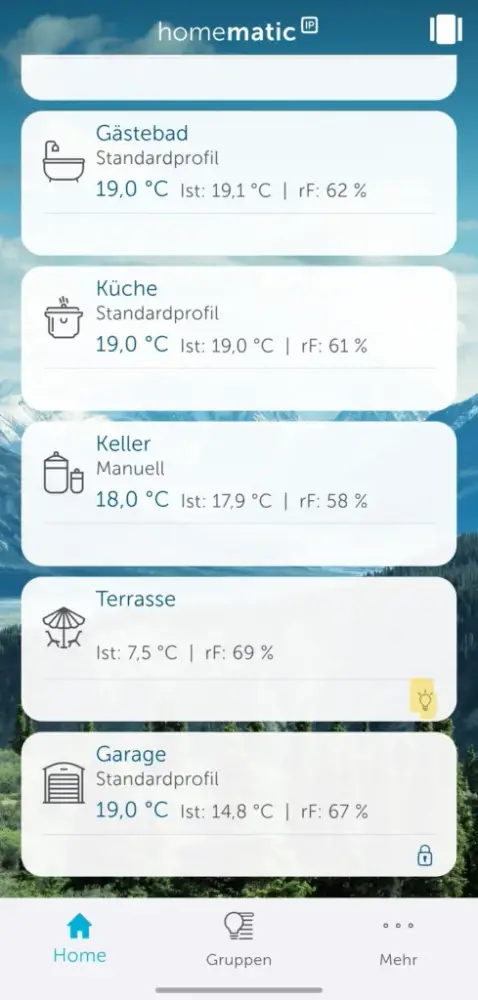

In practical terms, the feature works as follows: when the Homematic IP switch-and-meter cable in the „Terrace“ room is activated, the selected icon is displayed. Since a string of lights is connected in this example, the light bulb icon is a perfect fit.
Filter function for additional services like Amazon Alexa
The integration of external services has also been optimized. A new filter function allows users to specifically determine which devices or groups should be controlled via voice assistants like Amazon Alexa. Instead of automatically linking all connected devices, users can now selectively include or exclude individual components.
This ensures greater control, data privacy, and precision—for instance, when you want to operate only specific lights or power outlets via voice command.
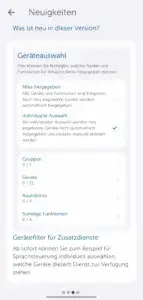
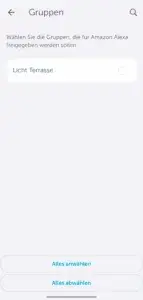

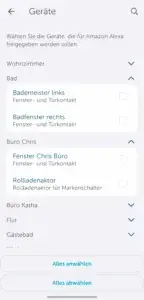
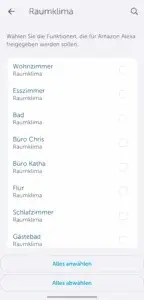
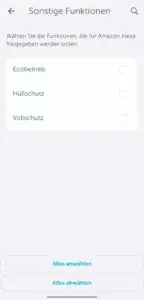
You can find this feature in the main menu under „More“ -> „Voice Control and Additional Services.“
Advanced automation options
The Homematic IP app (version 3.6.13 and later) also introduces expanded automation options. Inputs and buttons on switching, dimming, and shutter actuators can now be directly integrated into automations. This opens up new possibilities for custom scenarios—such as simultaneously turning on multiple lights or triggering specific actions at the push of a button.

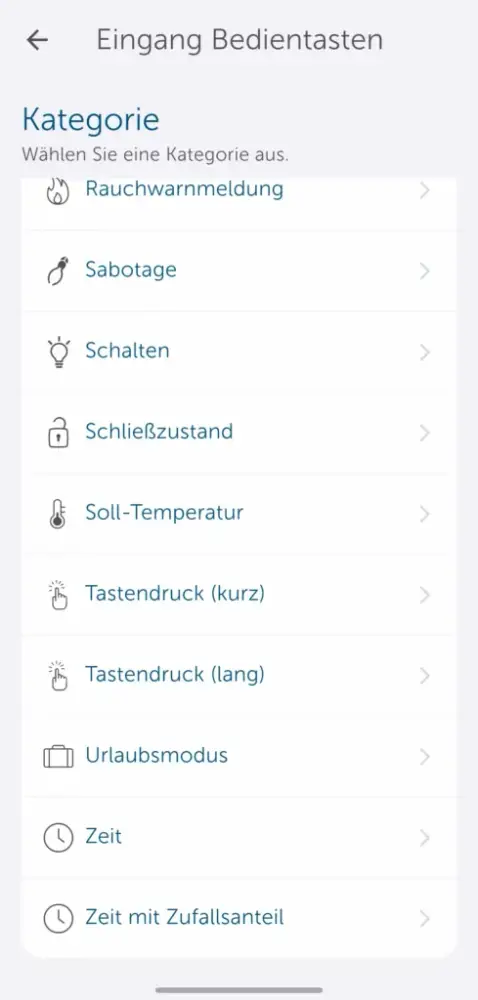
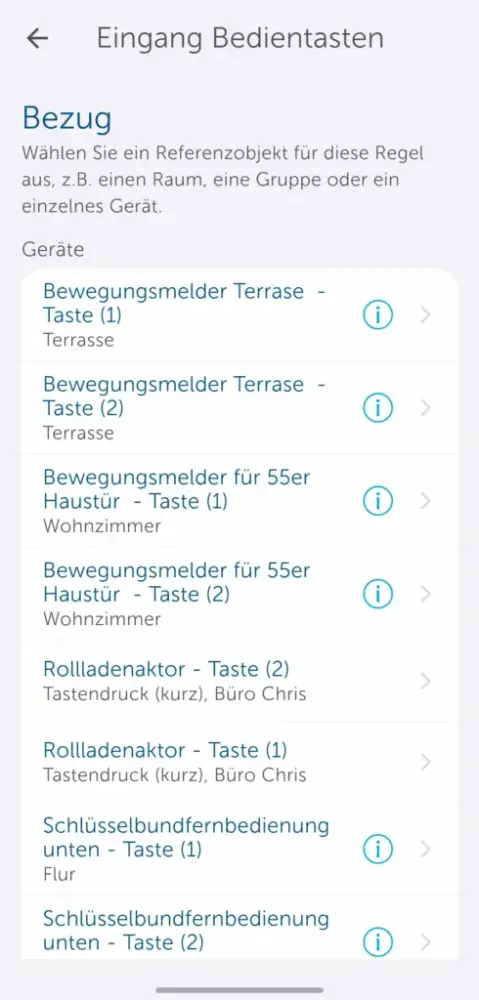
Furthermore, the app now supports defined positions for raising and lowering shading devices. This feature enables even more precise control of blinds or roller shutters, enhancing both convenience and energy efficiency.
Improved control via wearables
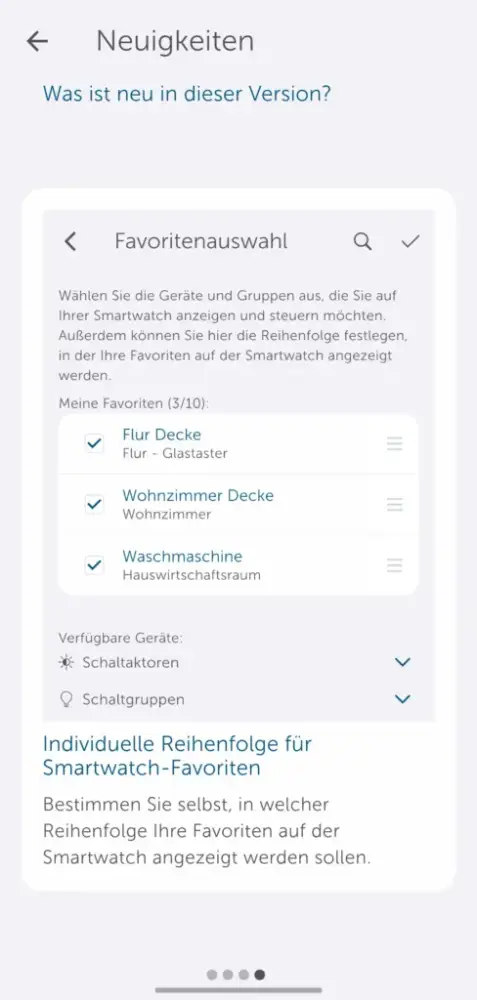
There is also a handy update for users who run the Homematic IP app on smartwatches: favorites can now be sorted manually. This allows you to customize quick access to frequently used devices and scenarios—ideal for when you are on the go or want to operate the system quickly without your smartphone.
We have previously introduced the use of the Homematic IP app on smartwatches in an article and published a review on the subject.
Phased rollout and availability
As usual, the rollout of version 3.6.13 is taking place in stages. The update will be available to all Homematic IP app users within a few days.
💡 Tip: You can perform a manual update via the respective app store.
Conclusion
With update 3.6.13, Homematic IP continues its ongoing product refinement, specifically enhancing ease of use, customization options, and smart home automation capabilities.
The result is an even more intuitive user experience that offers greater control and flexibility—whether via smartphone, voice assistant, or wearable.
💬 Have you tried the new update yet? Let us know in the comments which features you like best—or what you would like to see in future versions!
Source/Photo: (Amazon / Homematic IP)

Ich bin Christian und habe den Blog 2024 gegründet. Ich bin gelernter Kommunikationselektroniker, technikbegeistert und Smart-Home-Enthusiast mit langjähriger Erfahrung im Bereich vernetzter Haushaltsgeräte. Mit großer Leidenschaft verfolge ich aktuelle Entwicklungen und teste regelmäßig neue Produkte, um verständliche Einblicke und praxisnahe Empfehlungen zu geben.