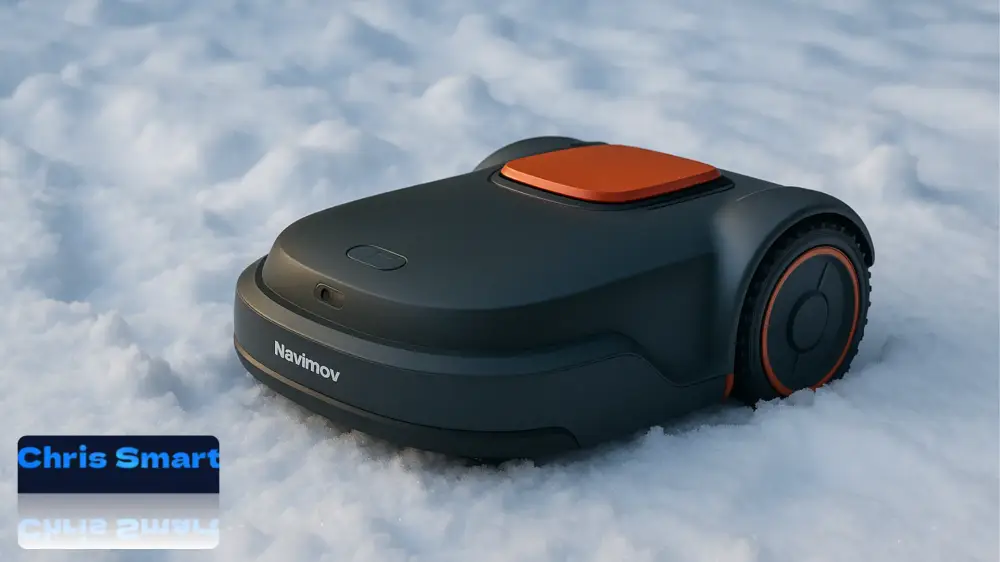
With autumn, the mowing season comes to an end in most gardens. While the lawn enters winter dormancy, your robotic lawnmower also needs a break. To ensure the smart helper is ready for use again in spring, it should be carefully prepared for the winter months. Want to winterise your robotic lawnmower? These tips apply not only to the Navimow i105 and i108, but also to models from other manufacturers such as Husqvarna and Gardena.
Many garden owners underestimate how severely cold, moisture and frost can affect the battery and sensitive electronics. The charging station and antenna are also exposed to the weather and need protection or a dry place for winter storage. Proper winter storage extends the life of the device and prevents unnecessary repairs and costs.
In this guide, we explain step by step how to store your Navimow i Series safely, from battery care and removing the charging station to proper cleaning and storage. This ensures that your robotic lawnmower is ready to go next spring.
Following the correct procedure when winterising a robotic lawnmower can be crucial to its performance in the coming year.
In this article, you will learn step by step:
- how to protect the battery and electronics from frost damage,
- why it is important to mark the location of the charging station,
- how to clean the blades and housing correctly,
- and the best conditions in which to store the robot over winter.
This will ensure that your robotic lawnmower runs smoothly even after a long winter break and that you can start the new season without any problems.
1. What you need for winter storage
Before you begin preparing the mower for winter storage, take a moment to gather all the tools you will need. This ensures that each step runs smoothly and that you do not have to stop partway through. We recommend the following equipment for dismantling, cleaning and safely storing the robotic lawnmower:
- Screwdriver: For loosening the mounting screws on the charging station and antenna. Do not use power tools, as they could damage sensitive parts.
- Brush: Helps to remove grass clippings, soil and dirt thoroughly from the robotic lawnmower.
- Protective gloves: Particularly important when removing the blades to prevent injury.
- 4 silicone pegs: These are included with the mower and mark the exact position of the charging station. They allow you to reinstall the station easily in spring without having to measure again.
With these few but important tools, you are well prepared to winterise your robotic lawnmower and make it winter-proof step by step.
2. Charge the battery and switch off the device
The battery is the heart of your Navimow i and has a major influence on how reliably it works and how long it lasts. As it is a modern lithium-ion battery, it requires special care, particularly during the winter months. Cold and deep discharge can significantly shorten its service life, which makes this step especially important.
Charge the battery correctly
Before storing the robotic lawnmower, charge the battery to around 85% of its capacity. This level is ideal for preventing deep discharge, which can occur when a battery remains completely discharged for a long time. Deep discharge often causes permanent damage and can make the battery unusable.
⚠️ Important:
- Do not charge the battery to 100%, as leaving it fully charged for a prolonged period can also stress the cells.
- Do not store the device with an almost empty battery either.
Switch off the device
Once the battery is charged, switch the device off completely:
- Remove the robotic lawnmower from the charging station.
- Press and hold the OK button for around 3 seconds until the power-off menu appears.
- Confirm with your PIN code if theft protection is enabled.
- The device will shut down in a controlled manner and can then be stored safely.
If you have forgotten the PIN code, you can request a reset in the app under Settings > LAWNMOWER > Reset PIN code.
Battery care during the winter break
Even when your Navimow i is switched off, the battery slowly self-discharges over time. Segway therefore recommends recharging it during prolonged storage. Simply switch the mower on briefly, charge it and then switch it off again.
💡 Tip: Set a reminder in your calendar or on your smartphone so that you can monitor the battery throughout the winter break. This prevents the charge level from falling too low without you noticing.
Why this step is so important
- Longer service life: Proper battery care can extend its useful life by years.
- Ready for spring: If the battery is maintained correctly over winter, your Navimow i will start without problems in spring.
- Lower costs: Replacing a lithium-ion battery is expensive. Proper care helps to avoid unnecessary follow-up costs.
3. Remove the charging station & mark its position
The charging station is the central link between your Navimow i and the power supply. It ensures that the robotic lawnmower is charged on time and follows its mowing schedule reliably. However, it is directly exposed to the weather. Moisture, frost and dirt can damage the contacts over time and impair operation. It is therefore essential to store the station in a dry place during the winter months.
Step-by-step removal guide
- Unplug the power supply
- Disconnect the station from the mains before loosening anything. This improves safety and prevents possible short circuits.
- Disconnect the antenna cable
- Carefully unplug the antenna cable. Do not bend or pull it too sharply, as a broken cable can affect signal quality.
- Remove the screws
- The station is usually secured to the ground with four screws. Remove them with a suitable screwdriver.
- Store the screws carefully, preferably in a small bag, so that you do not have to search for them in spring.
- Mark the location with silicone pegs
- Insert the four silicone pegs into the station’s fixing holes. These markers are extremely useful because they allow you to reinstall the station in exactly the same place in spring.
- This saves you the effort of realigning and measuring the station again to ensure its exact position.
Tips for handling the station
- Leave the pegs in the ground over winter: The silicone pegs are weather-resistant and can remain in the ground. They will help you find the exact position even after several months.
- Label screws and accessories: If you use accessories in several areas of the garden, label the bags of screws or individual parts to avoid mix-ups in spring.
- Clean the contacts: Take the opportunity to clean the metal contacts on the station with a dry cloth. This prevents dirt or moisture from causing corrosion over winter.
Why this step is so important
- Protection from frost and moisture: If the station remains outdoors, frost damage can render it unusable.
- Saves time in spring: The silicone pegs eliminate the need to realign or measure the station again.
- Maintains signal quality: Protecting the antenna and cables prevents connection problems when the new season begins.
💡 Tip: Store the charging station, antenna and mower together in the same box. This keeps all components together and prevents cables or screws from being misplaced.
4. Remove the antenna
The antenna is an essential part of the Navimow i Series because it provides satellite reception and precise navigation. It should also be protected to prevent damage from frost, moisture or mechanical stress during the winter months.
- Loosen the screw: Remove the screw securing the antenna to its bracket. Work carefully to avoid damaging cables and connectors.
- Remove the antenna: Disconnect the antenna from the cable and store it with the charging station and robotic lawnmower in a dry place.
- Alternative – protect it in place: If the antenna is permanently mounted on a wall or post, or under a roof, and is difficult to remove, you can protect it where it is. Use a weatherproof cover such as a sturdy plastic bag, tarpaulin or purpose-made protective cover. The antenna must be fully protected from rain, snow and ice.
⚠️ Note on putting the mower back into service in spring: If you remove the antenna for winter and reinstall it in exactly the same place in spring, the boundary map will usually be retained. If the antenna is installed in a different place or its position has shifted, you may need to recreate the map. Allow some extra time for this when restarting the system.
These steps will keep the Navimow i Series antenna protected and ready to provide precise navigation again in spring.
5. Remove the blades & clean the mower
Thorough cleaning is an important part of winter storage. The blades and underside of the Navimow i Series are heavily used during the season and collect grass and soil, which retain moisture. Storing the robotic lawnmower in this condition can lead to rust, mould or a stiff drive mechanism by spring. Take enough time to complete this step carefully.
- Put on protective gloves: The blades are very sharp and pose a risk of injury. Always wear sturdy gloves before removing them.
- Remove the blades carefully: Undo the screws and set the blades aside. Check their condition while doing so. Replace blunt or damaged blades straight away so that the robot produces a clean cut again next spring.
- Clean the underside: Carefully turn the robotic lawnmower upside down and remove all grass clippings, soil and dirt with a brush. Pay particular attention to the blade holder and wheels, where stubborn residue often accumulates.
- Allow it to dry: Let the device dry completely in a well-ventilated place before packing or storing it. Moisture inside can cause corrosion and damage electronic components.
💡 Tip: Cleaning the robotic lawnmower thoroughly and replacing the blades at the same time saves time in spring and lets you start the new season immediately.

30-piece set of premium robotic lawnmower blades
Replacement blades compatible with Segway Navimow i Series i105E and i108E robotic lawnmowers
6. Packaging & storage
Correct storage is essential to ensure that your Navimow i Series gets through the winter months without damage and is ready for immediate use in spring. Besides temperature, dry conditions, protection from dust and safe storage are particularly important.
- Store all accessories together: Carefully pack the mower, charging station, antenna, cables and screws together. The original packaging is ideal because it is designed for the device and provides excellent protection. Alternatively, use a sturdy transport box or a cardboard box with padding.
- Store the device in a protected place: Choose a dry, frost-free location. A cellar or heated storage room is ideal. Avoid damp rooms such as garden sheds or uninsulated garages, where condensation can form quickly.
- Observe the temperature range: The manufacturer recommends storage at between 5°C and 45°C. Extreme cold or heat can damage the battery and electronics.
- Protect the battery: The battery should not become completely discharged during the winter break. Check its charge level every few months and recharge the robot if necessary.
- Protect it from impacts and pressure: Do not place heavy objects on the packaging. Excessive pressure could damage the housing or sensitive components.
Conclusion
Winter storage for your Navimow robotic lawnmower is more than a precaution. It plays a crucial role in maintaining its durability, reliability and performance. With a little preparation, you can protect the battery, electronics and mechanical parts from cold and moisture.
If you follow the steps described above, your Navimow should be ready for use without problems in spring, allowing you to enjoy a perfectly maintained lawn again straight away.
A few hours of careful maintenance in autumn can prevent expensive repairs or a difficult start to the new season. It helps the mower run reliably and significantly extends its service life.
Have you developed your own winter storage tips, or do you have questions about any of these steps?
Share your experience and tips in the comments below.
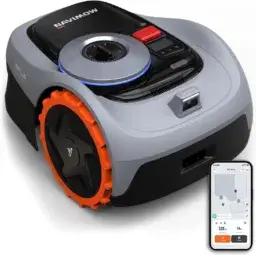
Navimow i105E robotic lawnmower
No boundary wire, up to 600 m²
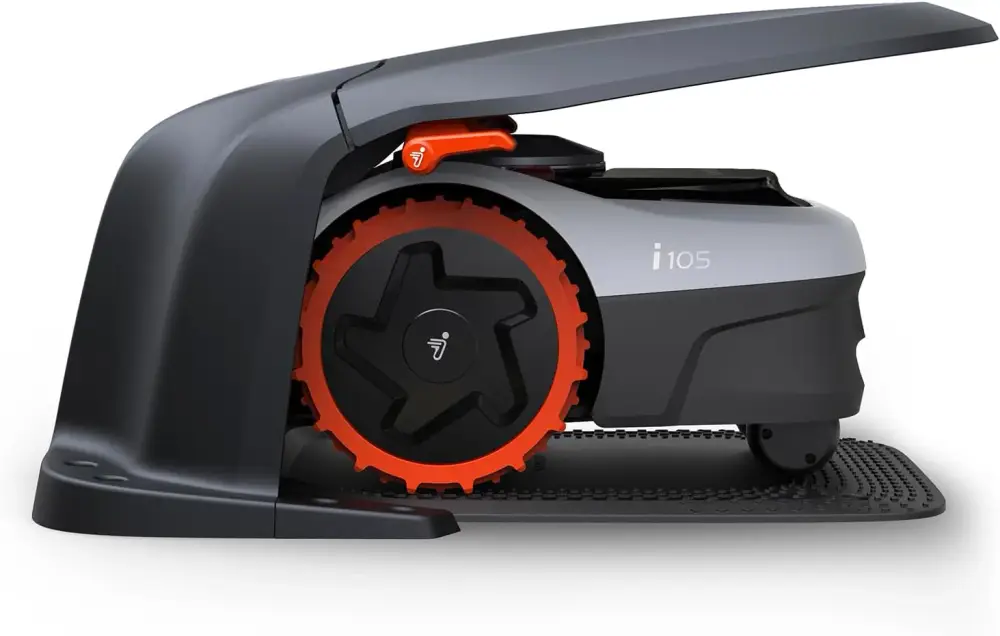
Navimow Garage S
Foldable, no signal obstruction, protection from sun and rain, accessory for Navimow i105E and i108E robotic lawnmowers
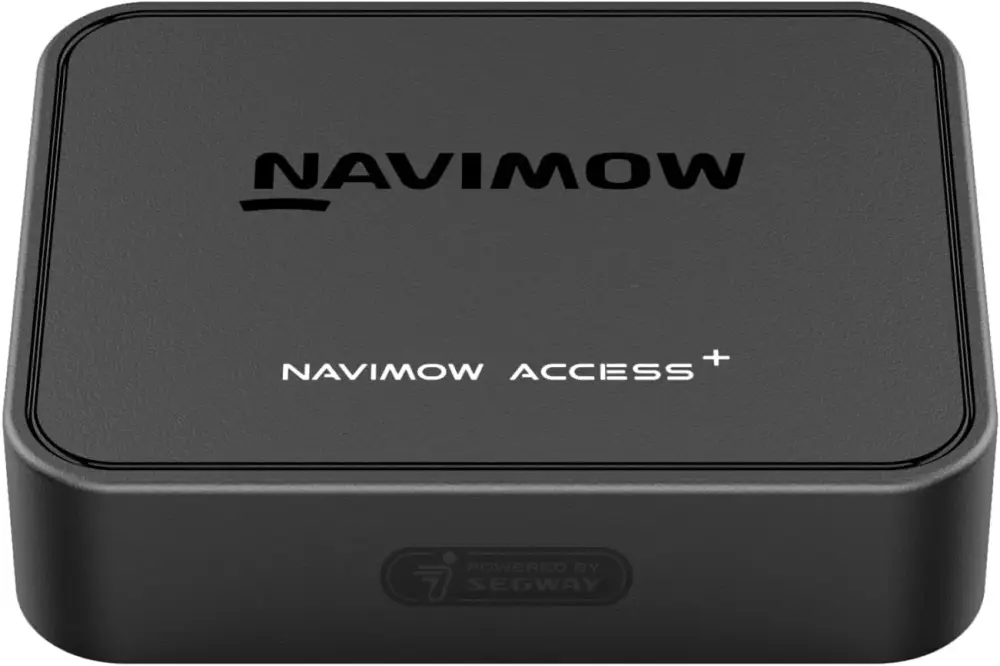
Navimow Access+ 4G module
Required for 4G connectivity and theft protection, accessory for Navimow i105E and i108E robotic lawnmowers
Source/Photo: (Amazon / Navimow / Chrissmart)

Ich bin Christian und habe den Blog 2024 gegründet. Ich bin gelernter Kommunikationselektroniker, technikbegeistert und Smart-Home-Enthusiast mit langjähriger Erfahrung im Bereich vernetzter Haushaltsgeräte. Mit großer Leidenschaft verfolge ich aktuelle Entwicklungen und teste regelmäßig neue Produkte, um verständliche Einblicke und praxisnahe Empfehlungen zu geben.