Home Assistant 2026.6 is now available, and the developers have implemented numerous improvements. The focus is on simpler dashboard creation, more powerful automations and significantly expanded infrared support.
Home Assistant dashboards are easier to create
One of the biggest changes concerns the dashboard editor. Until now, users adding a new card first had to decide which card type to use. This was often confusing for beginners.
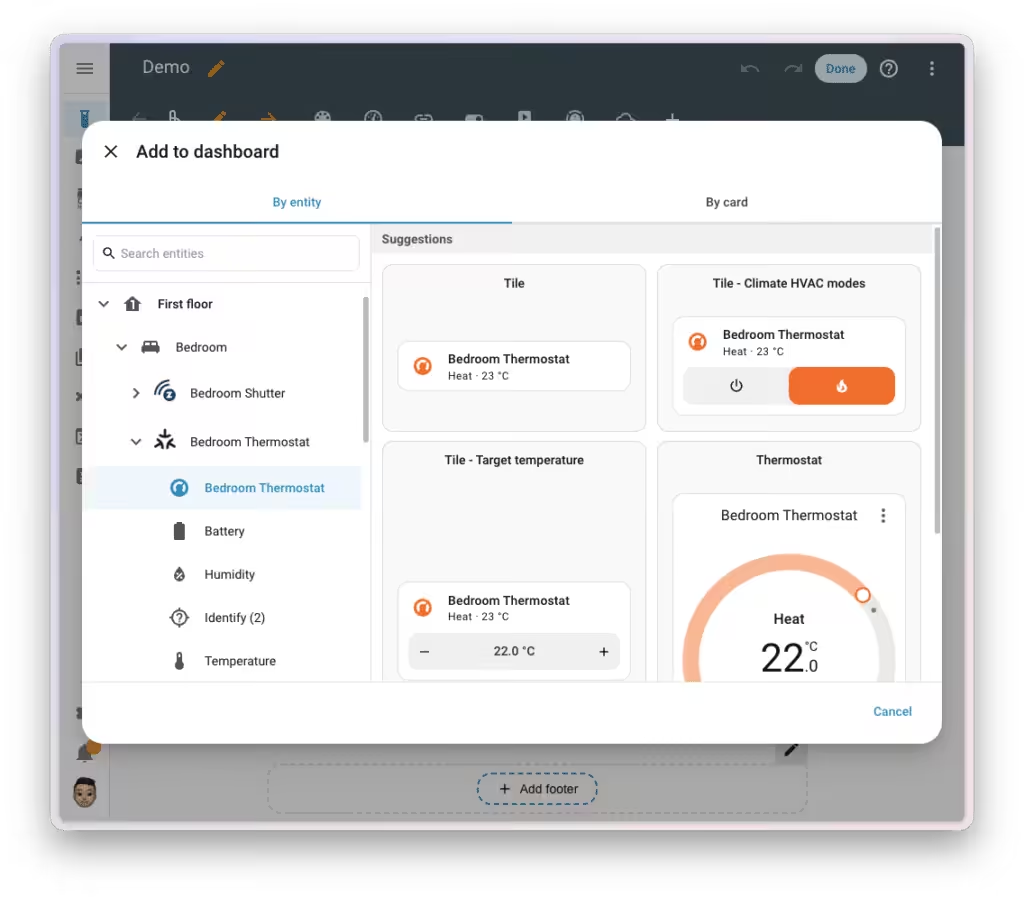
Home Assistant 2026.6 introduces a new “By entity” mode. Instead of selecting a card first, users choose a device or entity. Home Assistant then automatically suggests suitable cards and displays an immediate preview. This makes creating new dashboards much more intuitive.
Weather and media cards gain new features
The popular tile cards are also being expanded.
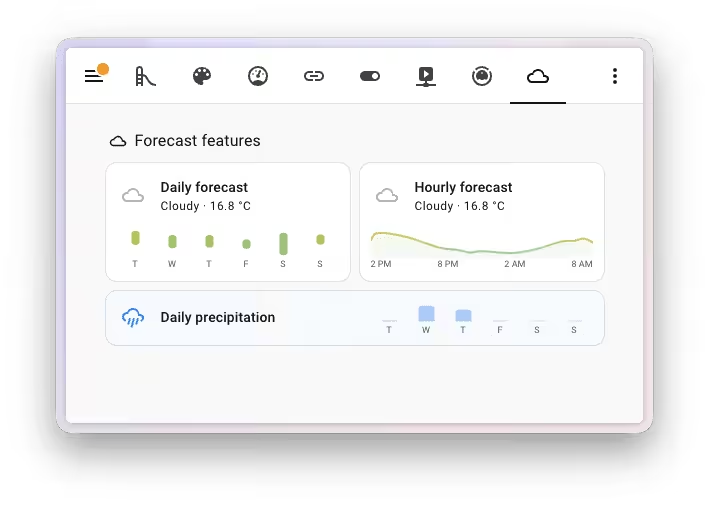
Weather cards can now display temperature and precipitation forecasts directly within the card. The information can be shown compactly next to the title or in the lower section of the card.
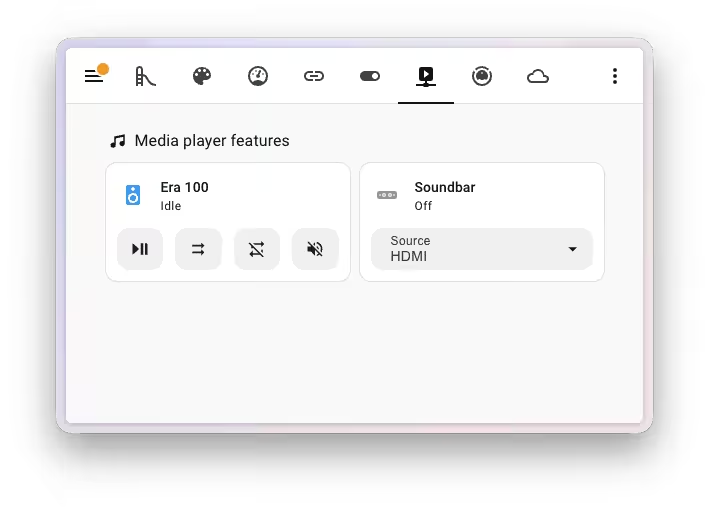
Additional controls are available for media players. New options include mute, shuffle, repeat and a customizable arrangement of the controls. This makes media players more flexible to operate directly from the dashboard.
Automation editor becomes much more convenient
The automation editor also receives numerous improvements. The new status indicators for conditions are particularly useful. Home Assistant now shows directly whether a condition is currently met, making errors much faster to identify.
Further improvements include:
- Display of the entities actually monitored by area triggers
- Search function for triggers and conditions
- Note fields for individual triggers, conditions and actions
- Better error messages for YAML indentation errors
These improvements should make troubleshooting considerably easier, especially for more complex automations.
Infrared can now receive signals too
After native infrared support was first introduced in Home Assistant 2026.4, the next step now follows. In Home Assistant 2026.6, compatible IR devices can not only send signals but also receive them. This allows conventional remote controls to be used as triggers for automations. At the same time, the device status remains better synchronized between the remote control and Home Assistant. This opens up new integration options, especially for TVs and air conditioners.
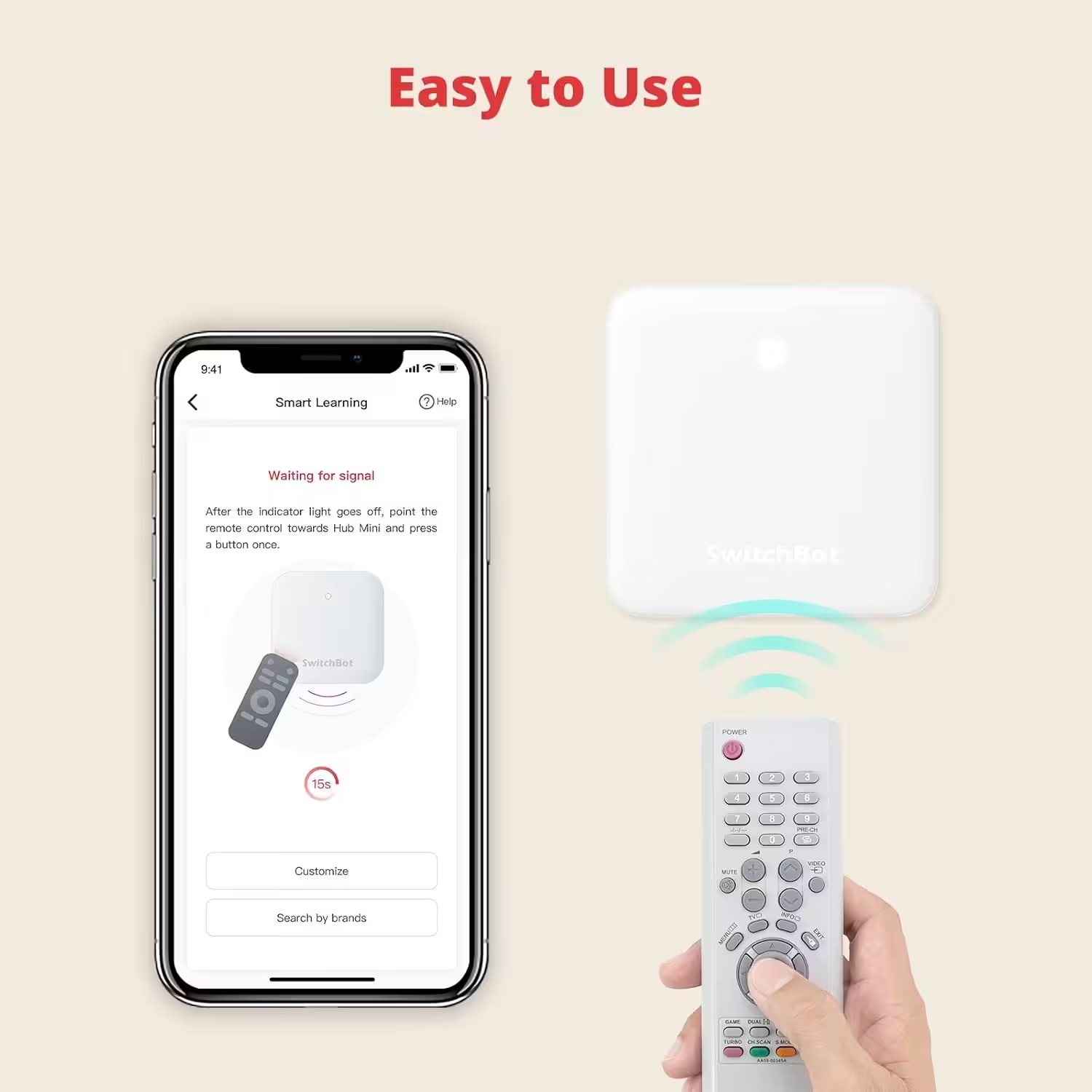
SwitchBot Hub Mini Smart IR
Wi-Fi connection, air-conditioner control, compatible with Alexa, Google Home, Siri and IFTTT (white)
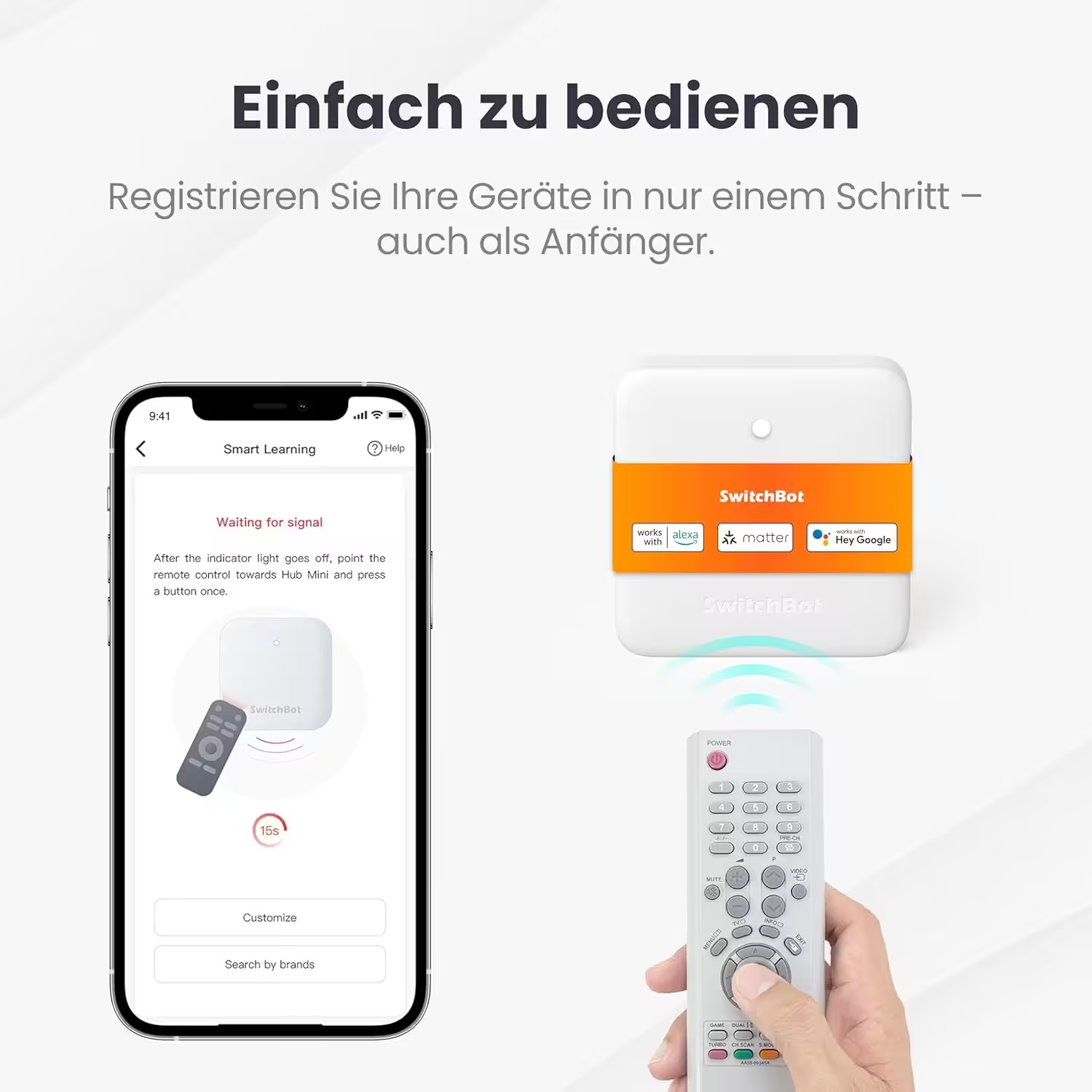
SwitchBot Hub Mini with IR and Matter
Compatible with Alexa, Google Home and Apple Home; controls air conditioners and IR devices by app or voice; connects SwitchBot devices; 2.4 GHz Wi-Fi only
Improvements for Z-Wave locks and Matter
There are also new features for smart locks and Matter. With Home Assistant 2026.6, Z-Wave door locks gain integrated user and credential management directly in Home Assistant. Users can manage PIN codes and access credentials without relying on the lock manufacturer’s app.
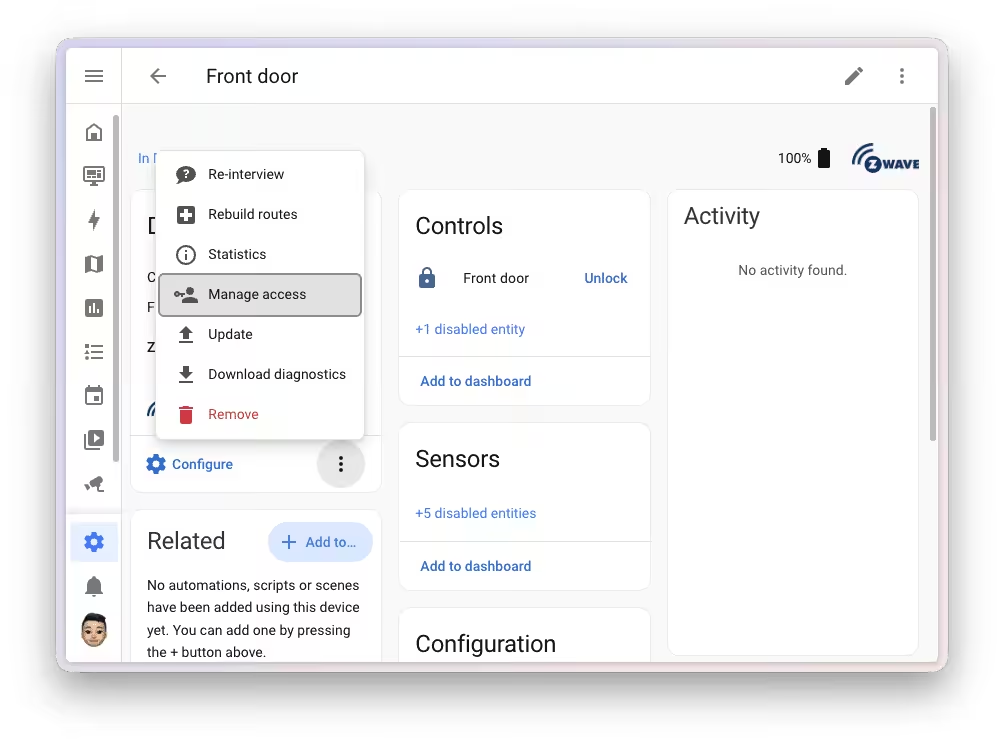
The new “Manage credentials” function on the device page of a compatible Z-Wave lock provides an overview of all stored users and their credentials. New users can be created, while existing permissions can be edited or removed. If someone tries to assign an already used PIN code again, Home Assistant warns the user instead of silently overwriting existing credentials.
Communication takes place directly between Home Assistant and the lock over the Z-Wave network. No cloud connection, manufacturer app or internet connection is required.
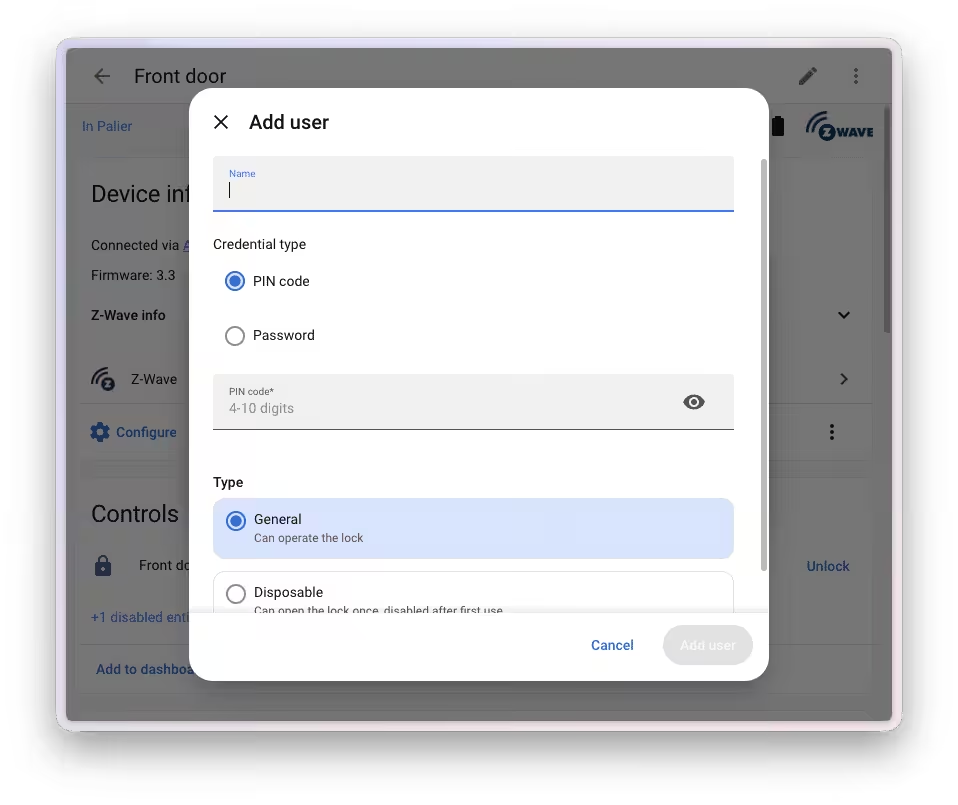
Compared with the existing Matter solution, the Z-Wave version offers additional options. Users can have multiple credentials of the same type, such as a permanent and a temporary PIN code. Compatible locks also support alphanumeric passwords in addition to traditional numeric PINs.
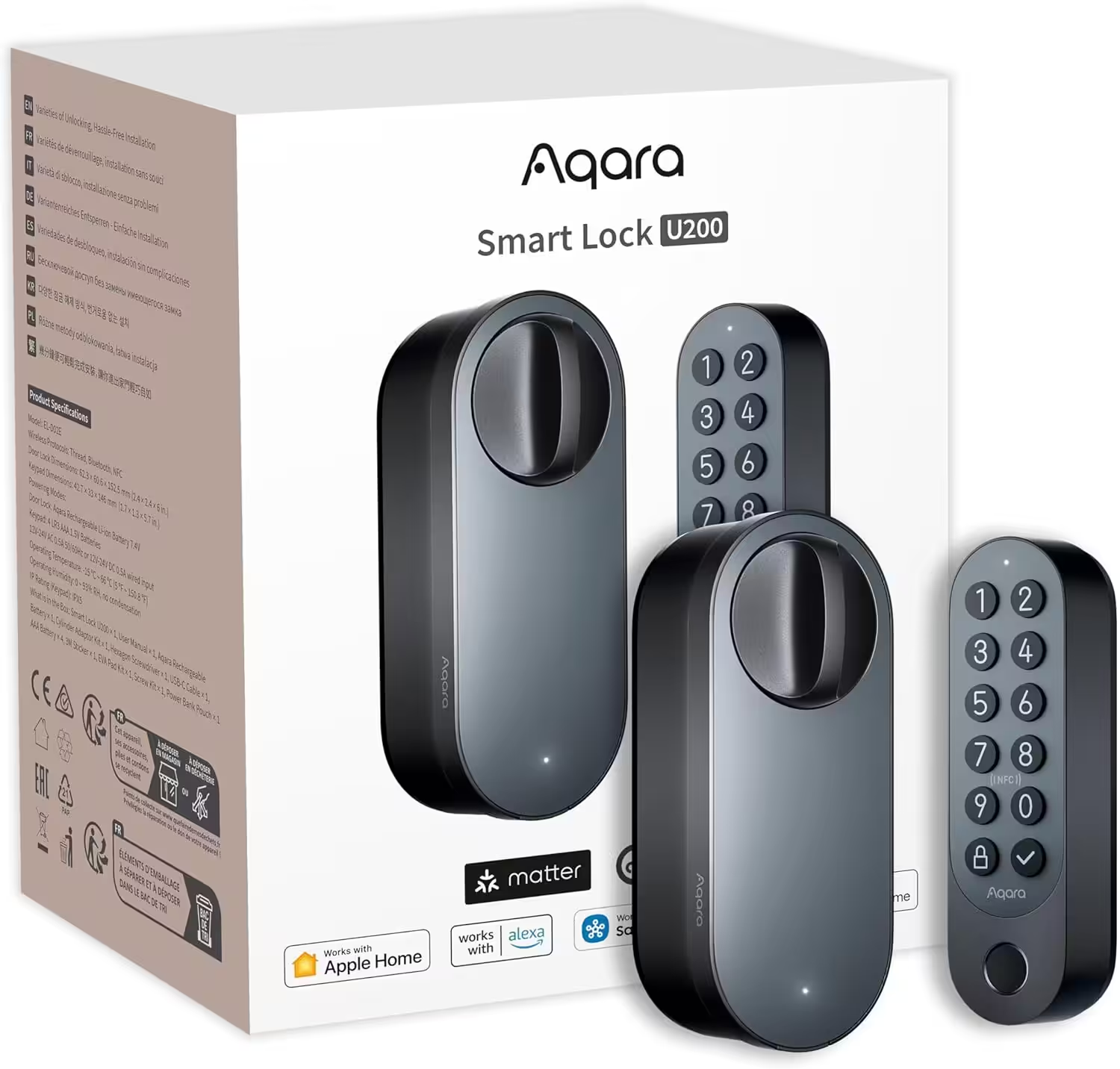
Aqara Smart Lock U200 with fingerprint reader
Matter over Thread smart lock with Apple Home Key and rechargeable battery; supports HomeKit, Google Home, Alexa and SmartThings; black
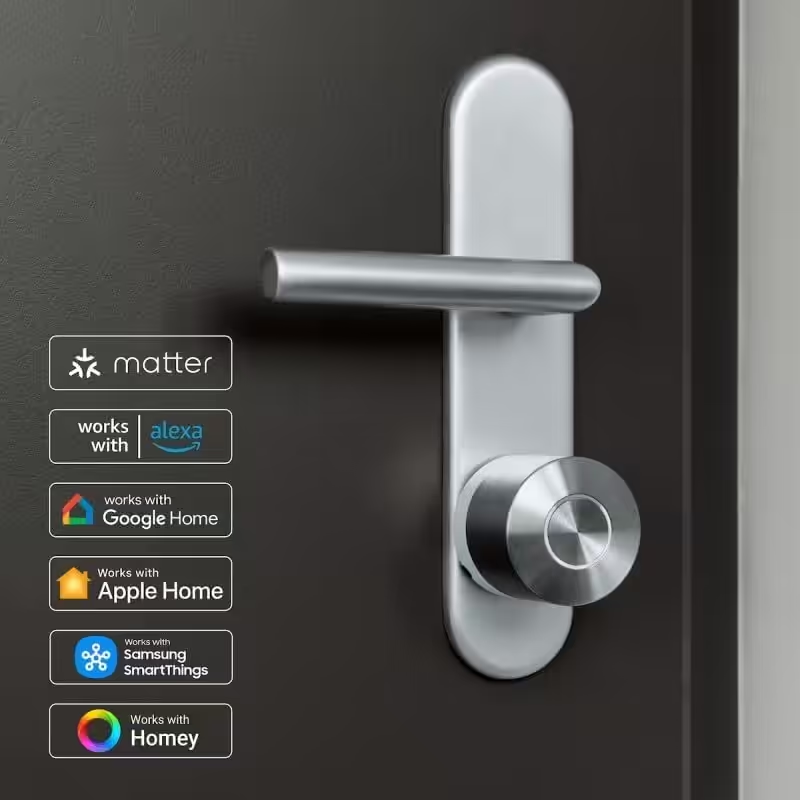
Nuki Smart Lock Pro with Matter
Bluetooth, Wi-Fi & Matter for easy smart-home integration; the electronic lock can secure the door remotely and is easy to retrofit without replacing the cylinder
The Matter integration has also been expanded. New support has been added for sirens connected through Matter. Home Assistant also improves detection of the actual availability of devices behind Matter bridges, making status information more reliable.
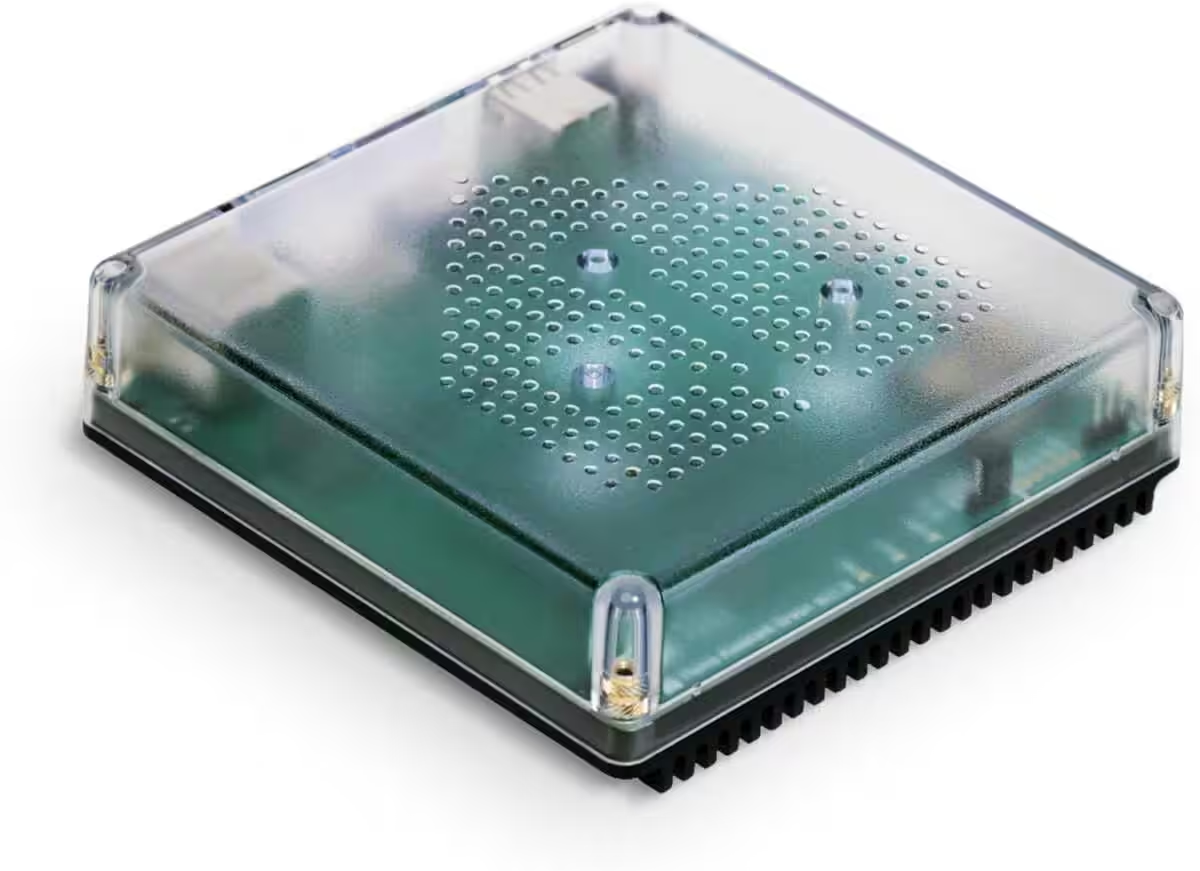
Nabu Casa Home Assistant Green
Der einfachste Weg, um mit dem Heimassistenten zu beginnen – Mit dem bereits installierten Heimassistenten müssen Sie nur das mitgelieferte Netzteil und das Ethernet-Kabel anschließen, um loszulegen | Offizielle Hardware
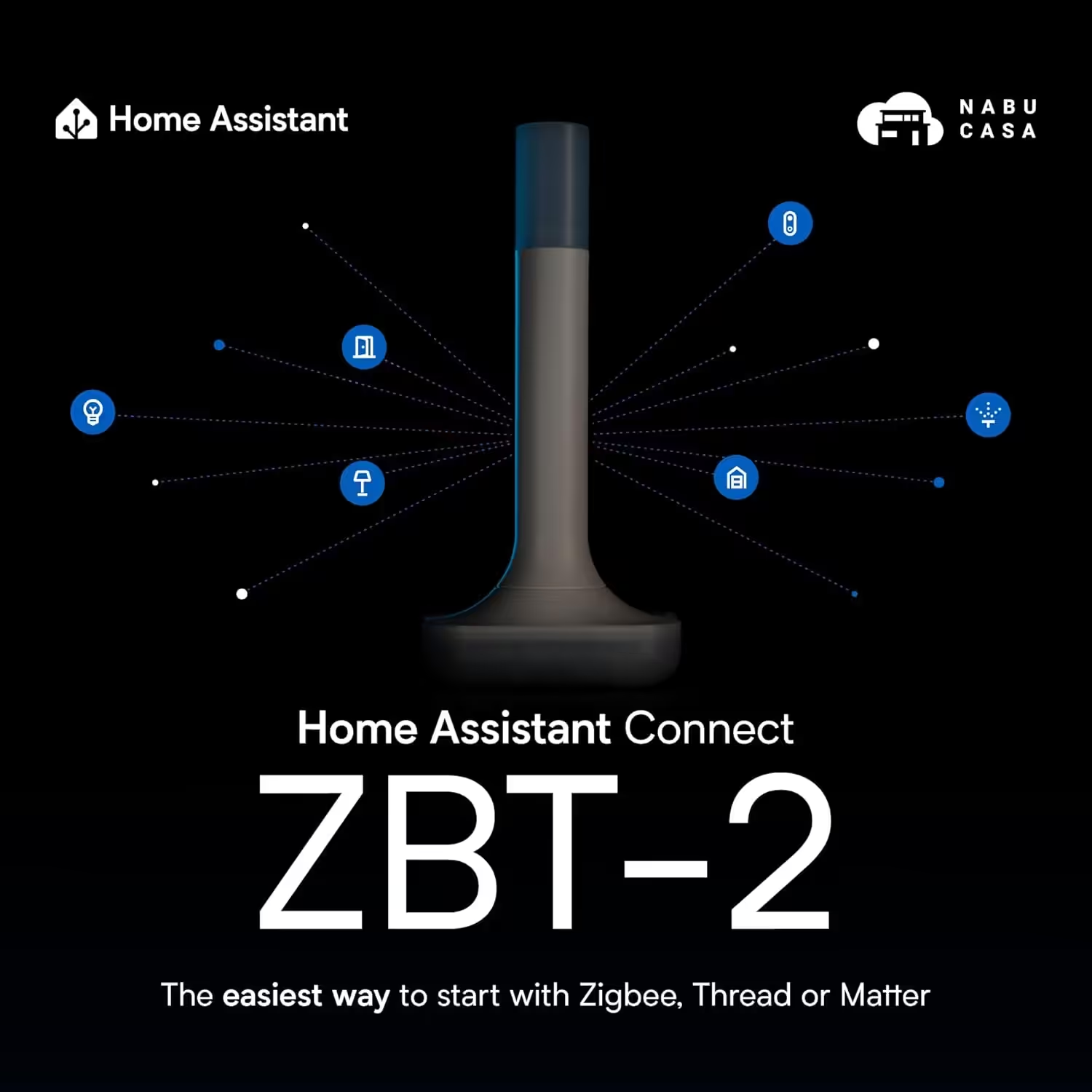
Home Assistant Connect ZBT-2
Home Assistant Connect ZBT-2 | Verbinden Sie Zigbee-, Thread- oder Matter-Geräte mit dem Home Assistant | Offizielle Hardware
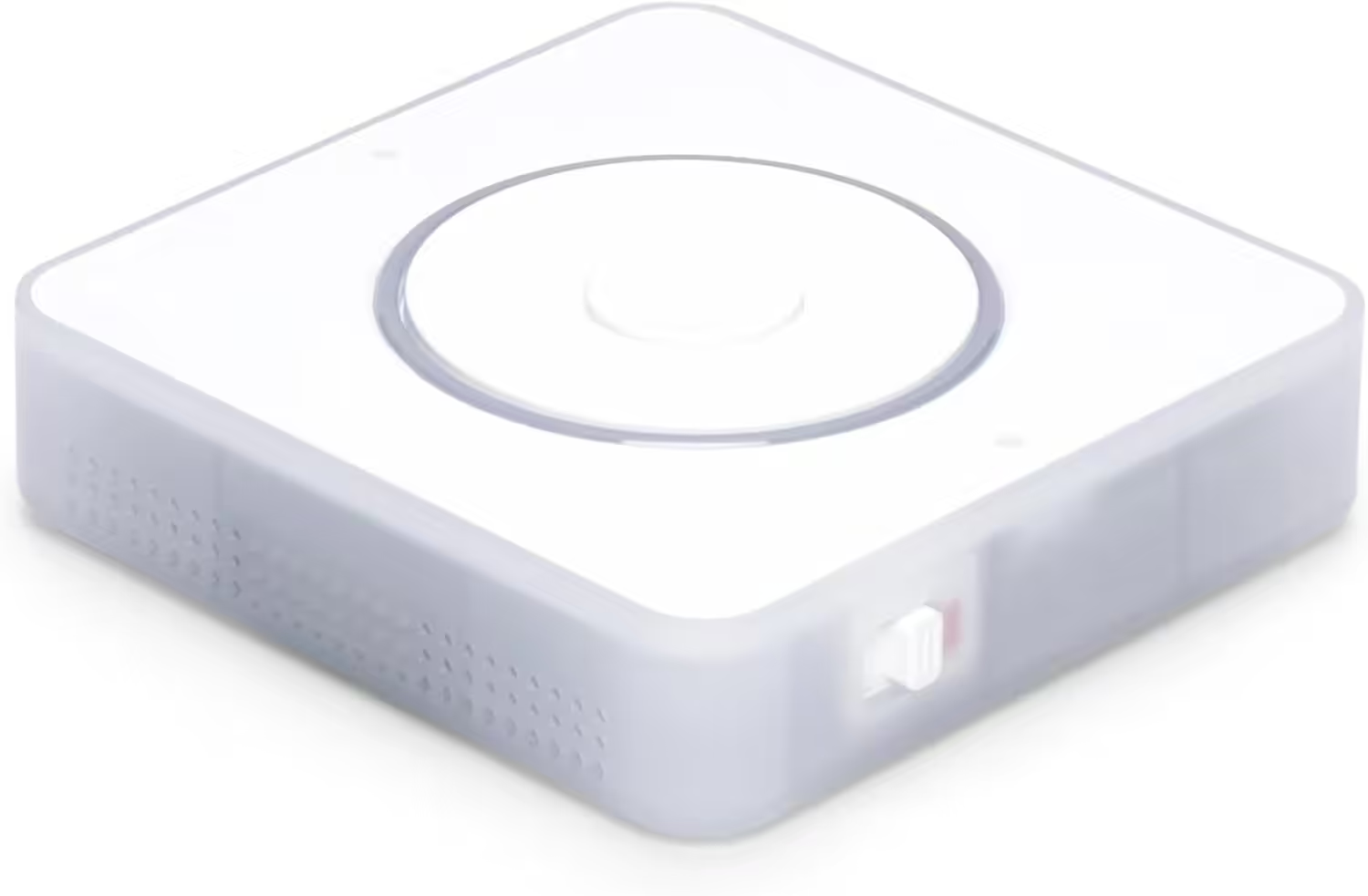
Nabu Casa Home Assistant Voice
Vorschau-Edition | Intelligenter Lautsprecher für lokale Sprachsteuerung | Kompatibel mit Home Assistant | Datenschutzfokus
Source/Photo: (Chris Smart / Amazon / HA Release Notes)

Ich bin Christian und habe den Blog 2024 gegründet. Ich bin gelernter Kommunikationselektroniker, technikbegeistert und Smart-Home-Enthusiast mit langjähriger Erfahrung im Bereich vernetzter Haushaltsgeräte. Mit großer Leidenschaft verfolge ich aktuelle Entwicklungen und teste regelmäßig neue Produkte, um verständliche Einblicke und praxisnahe Empfehlungen zu geben.