Home Assistant 2026.4 is a particularly extensive update that brings both new features and fundamental improvements to existing Home Assistant systems. The focus is on better integration of older devices, much easier creation of automations and a further improved user interface.
Home Assistant is therefore continuing its monthly release cycle and once again showing how the platform is constantly evolving.
Infrared becomes part of the smart home
One of the most important new features in Home Assistant 2026.4 is native support for infrared (IR). What may initially sound like outdated technology proves highly relevant in practice.
Many household devices – including televisions, air conditioners, fans and soundbars – have an infrared receiver but are not connected to the smart home. This is exactly where the update comes in: Home Assistant can now address and control these devices directly.
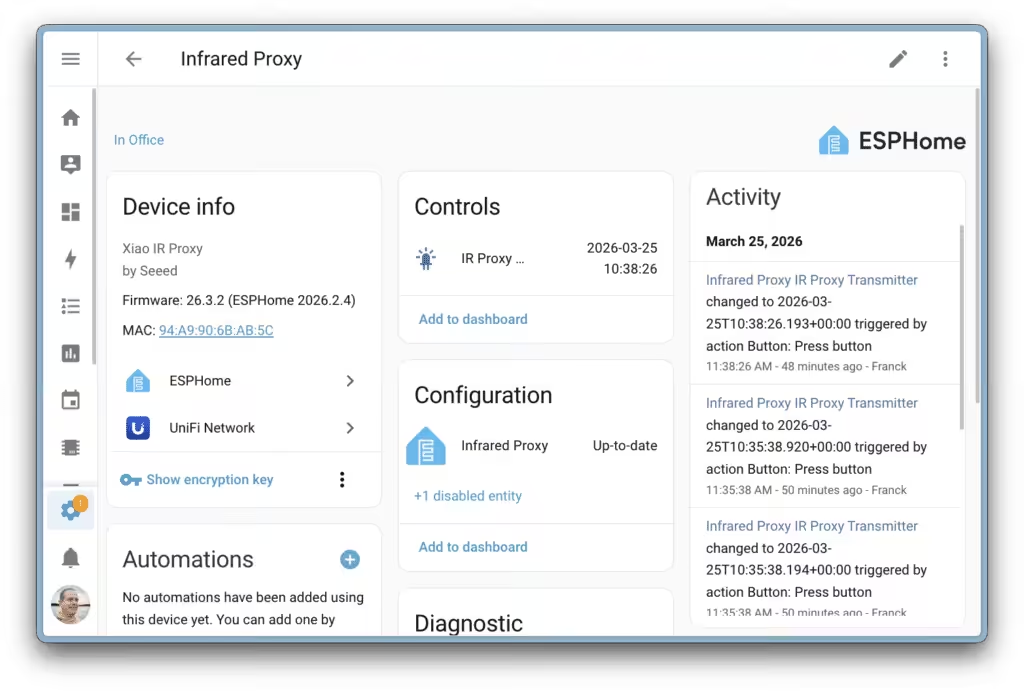
Technically, this is handled by so-called infrared proxies. These are small, inexpensive devices that act as IR transmitters. They receive commands from Home Assistant and transmit them by infrared to the corresponding household devices.
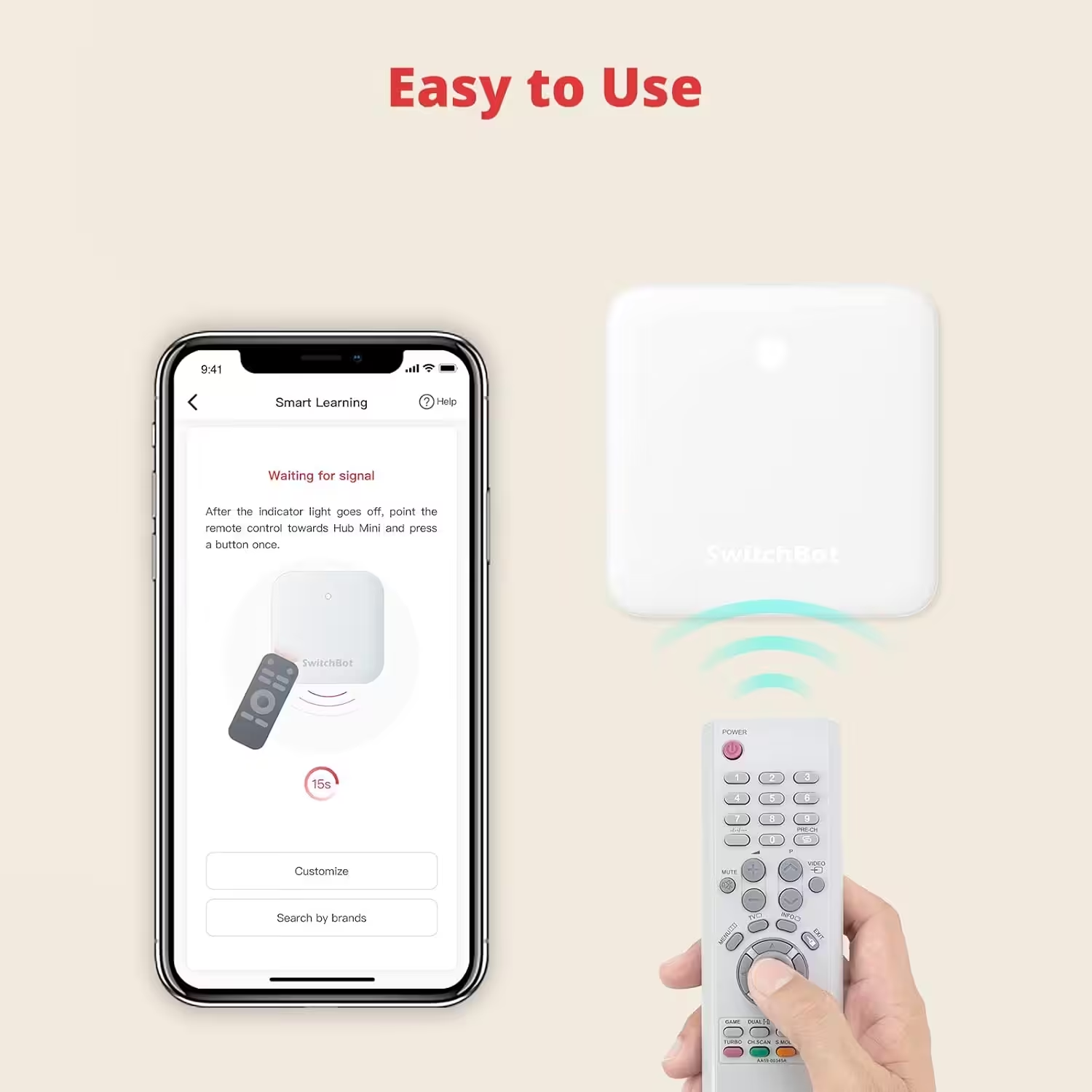
SwitchBot Hub Mini Smart IR
Wi-Fi connection, air conditioner control, compatible with Alexa, Google Home, Siri and IFTTT (white)
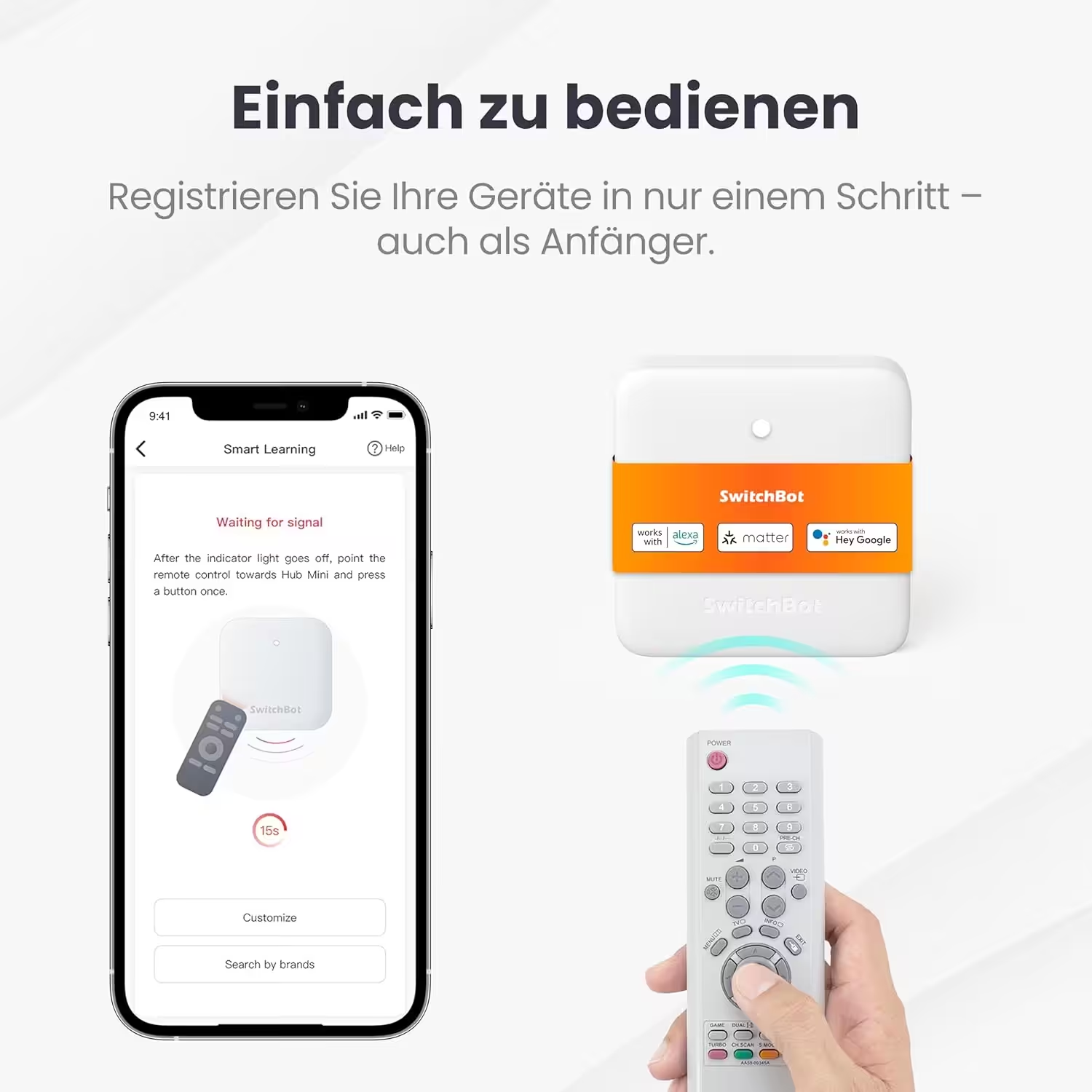
SwitchBot Hub Mini with IR and Matter
Compatible with Alexa, Google Home and Apple Home; controls air conditioners and IR devices by app or voice; connects SwitchBot devices; 2.4 GHz Wi-Fi only
The concept is very similar to the familiar Bluetooth proxies that make Bluetooth devices accessible throughout the home. The difference is that Bluetooth works bidirectionally, while infrared is one-way communication. This means that a device’s current status cannot always be reported directly.
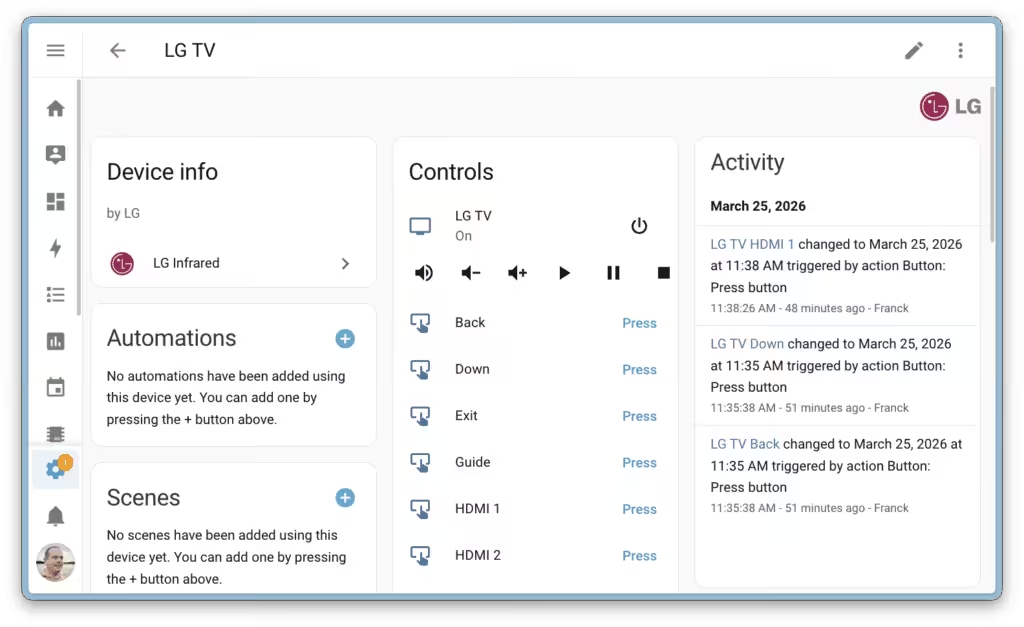
Nevertheless, control works reliably in everyday use because Home Assistant works with so-called “assumed states”. The new integration for LG televisions* is particularly interesting, enabling basic functions such as power on and off, volume control, input switching and navigation.
Another important aspect is sustainability. Instead of replacing working devices with new “smart” versions, existing devices can continue to be used and integrated into the smart home. This saves money and reduces electronic waste.
Automations become much easier and more intuitive
A second major focus of the update is the continued development of automations. Since version 2025.12, Home Assistant has aimed to align automations more closely with real-world use cases. With version 2026.4, this development reaches a new high point.
Purpose-specific triggers and conditions
Instead of dealing with technical parameters such as entity states or numerical thresholds, users can now work directly with clear scenarios. Examples include phrases such as “When a light is turned on” or “When the heating is running”. These purpose-specific triggers and conditions make automations much easier to create and more accessible to less technically experienced users.
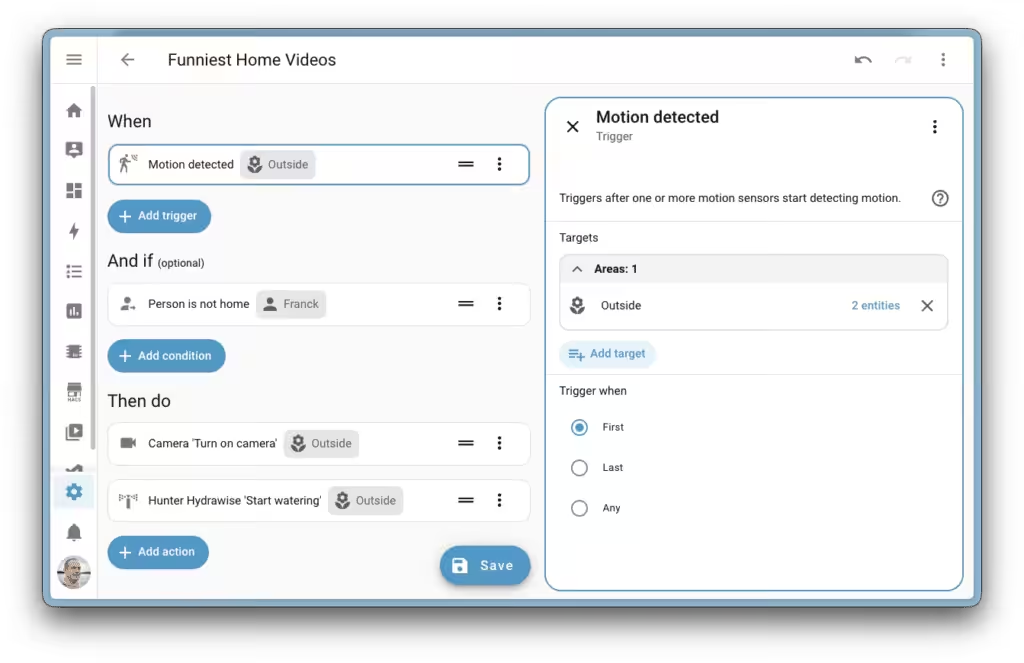
Automations think like real life
A particularly important new feature is the introduction of cross-domain triggers and conditions. Until now, automations were closely tied to technical entities. For example, anyone wanting to detect whether a door had been opened needed to know whether it was represented by a contact sensor or a motorized cover.
This complexity disappears with the new approach. Automations are now based on real-world concepts such as:
- doors and windows
- motion and presence
- temperature and humidity
- energy consumption and battery status
A trigger such as “Door opened” now works regardless of which device is integrated behind it. Likewise, a temperature change from different sources can be taken into account at the same time. The result is a much more intuitive configuration that better reflects actual everyday use.
The new automation functions are currently available as a preview through Home Assistant Labs. They can be enabled in the settings under “System > Labs”. Because the feature has already been developed across several versions, it is considered almost mature. These new options are well worth exploring, especially for users who want to optimize or expand their automations.
Matter integration: fully manage smart door locks
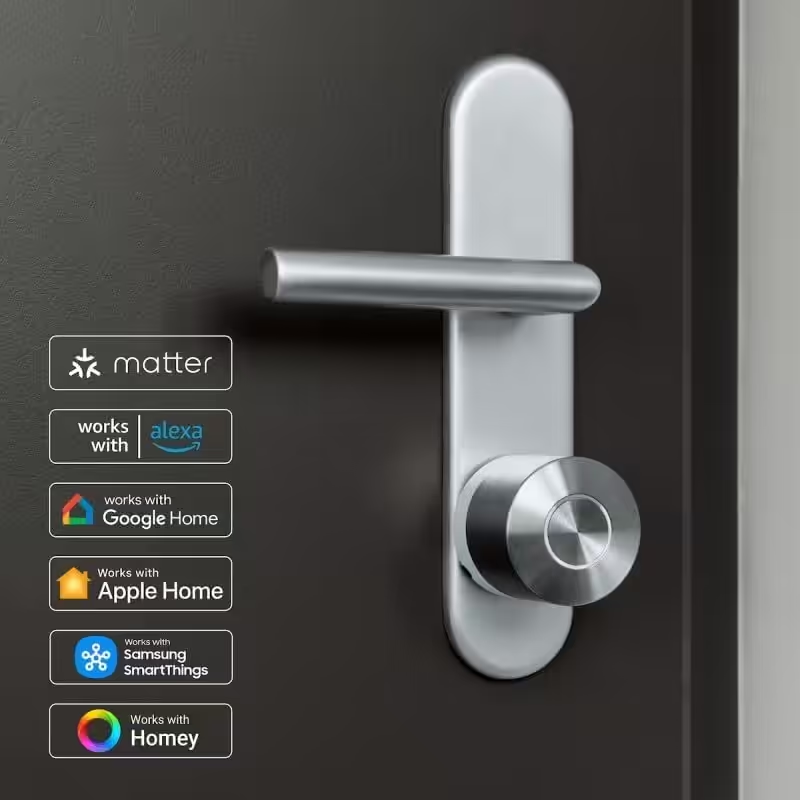
Home Assistant has also expanded its Matter functionality. In the new version, compatible door locks can now be managed completely through the platform. A new function on the device page allows users and access credentials to be managed centrally.
New functions include:
- create new users
- assign individual PIN codes
- define access permissions
- create one-time access codes
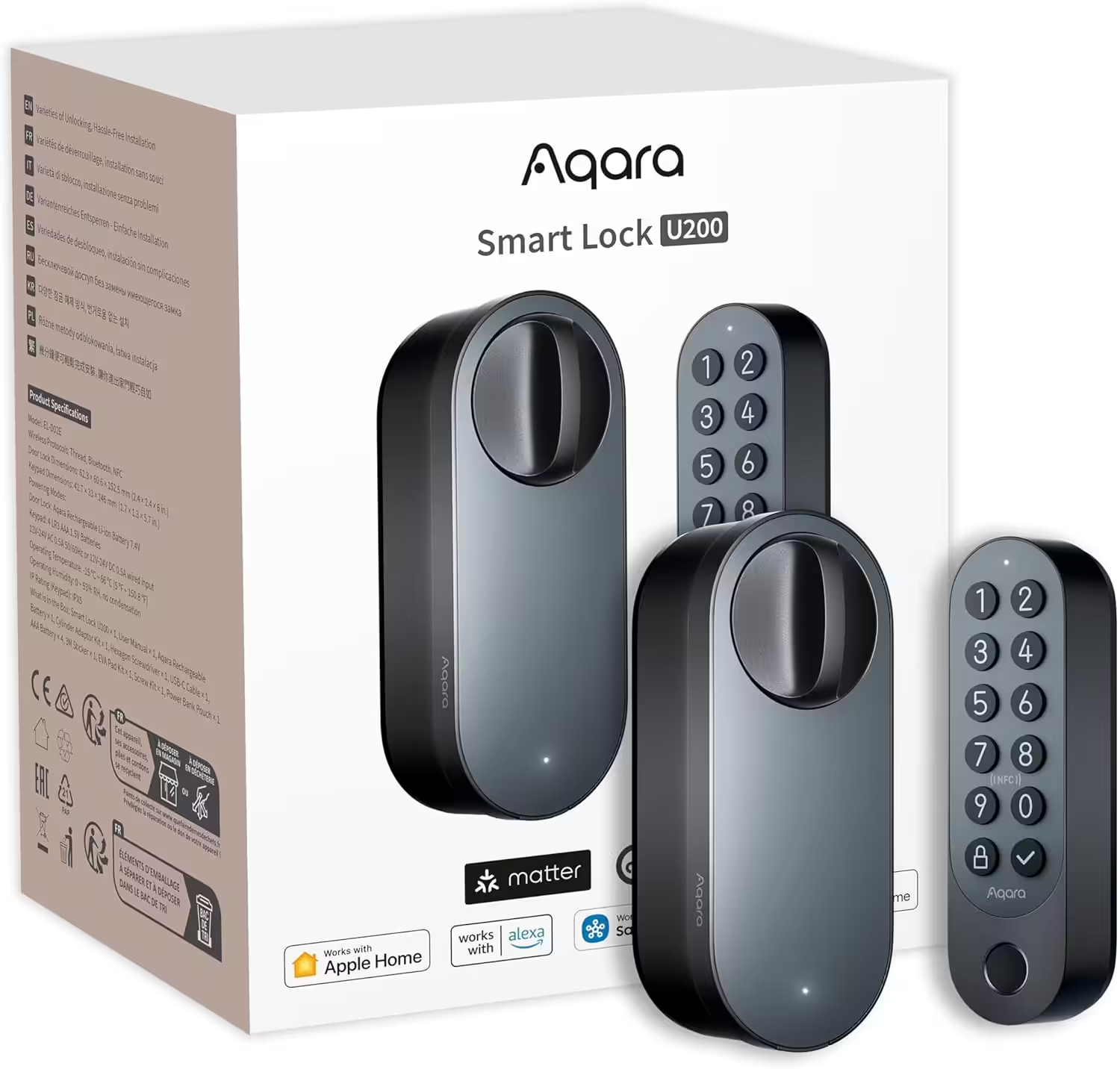
Aqara Smart Lock U200 with fingerprint reader
Matter over Thread, smart lock with Apple Home Key and rechargeable battery, supports HomeKit, Google Home, Alexa and SmartThings, black
Nuki Smart Lock Pro with Matter
Bluetooth, Wi-Fi & Matter; easy smart-home integration; electronic door lock for remote locking; simple retrofit installation without replacing the cylinder
The ability to integrate these functions into automations is particularly interesting. For example, a temporary access code for guests can be created automatically and sent by message. This means Home Assistant is increasingly becoming a central platform for security-related functions in the home.
Dashboard: more clarity, more control, more customization
In addition to functional enhancements, the user interface has also been significantly improved. Dashboard sections can now be assigned individual colors. This makes it possible to group related elements visually and highlight important information. Colors and transparency can be adjusted flexibly, allowing the dashboard to be tailored more closely to personal preferences.
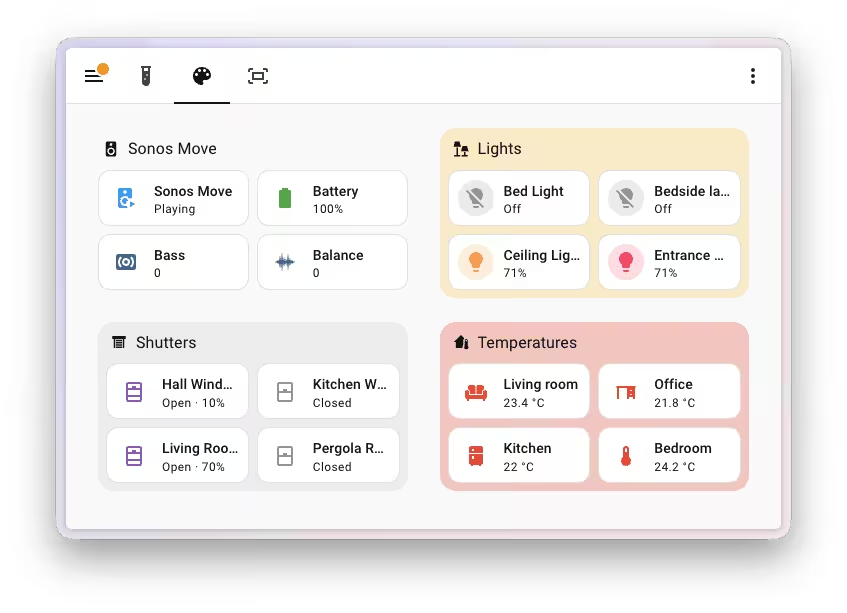
Another practical new feature is the integration of favorites directly into dashboard cards. Preferred light colors or color temperatures, for example, can be saved as shortcuts and displayed directly on the dashboard. This removes the need to open detail menus. The concept has also been expanded to include:
- favorites for blinds and covers
- favorites for valves
- transferring favorites to multiple devices
This saves time and provides consistent operation.
The gauge card has also been redesigned and now has a more modern appearance. Its familiar functions remain available, while the presentation is clearer and better integrated into the overall design. As a result, the dashboard as a whole looks tidier and more modern.
Conclusion
With version 2026.4, Home Assistant delivers one of the most versatile updates in recent months. The update clearly demonstrates how both new and older devices can be integrated into a unified smart home. At the same time, operation is made easier without sacrificing flexibility. Home Assistant therefore remains one of the most powerful and customizable platforms available.
Source/Photo: (Amazon / Home Assistant release notes)
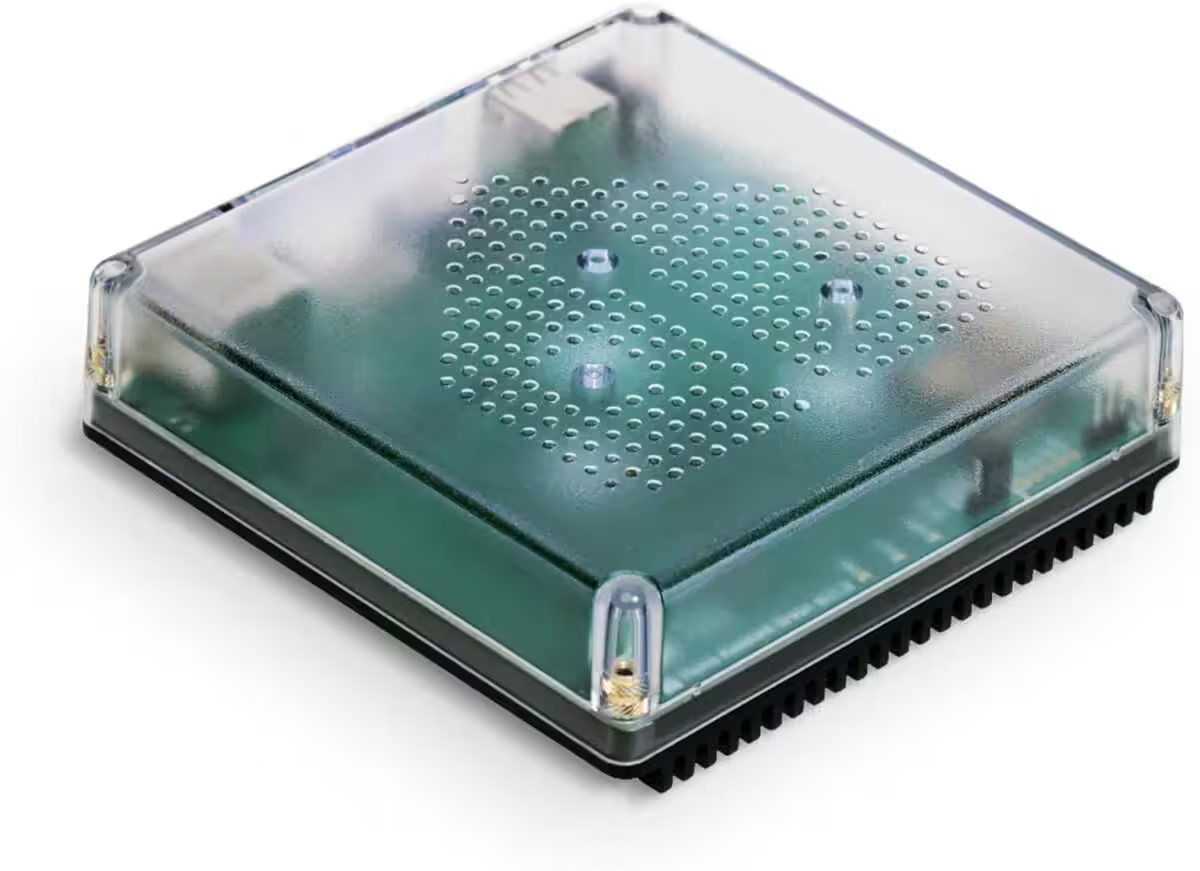
Nabu Casa Home Assistant Green
Der einfachste Weg, um mit dem Heimassistenten zu beginnen – Mit dem bereits installierten Heimassistenten müssen Sie nur das mitgelieferte Netzteil und das Ethernet-Kabel anschließen, um loszulegen | Offizielle Hardware
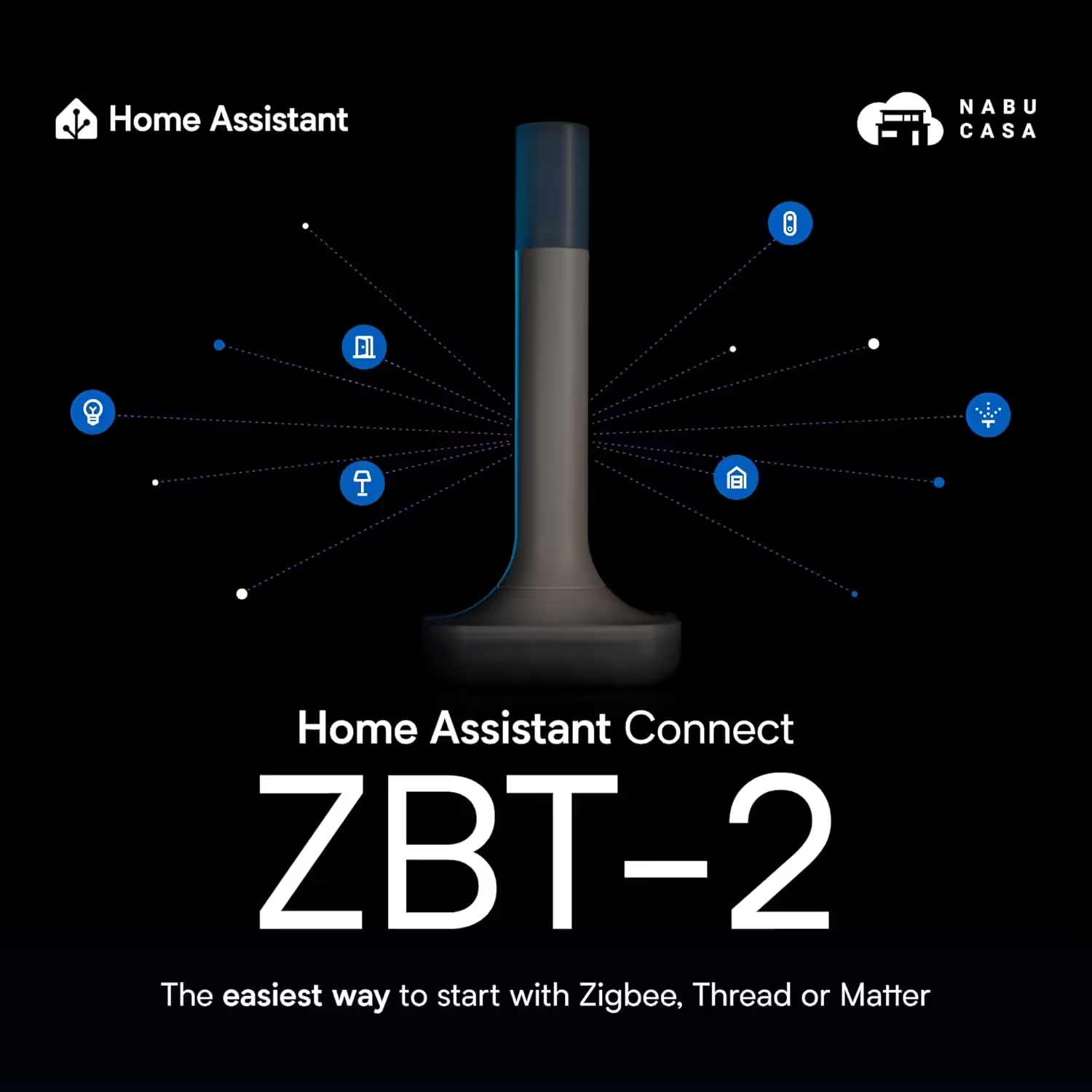
Home Assistant Connect ZBT-2
Home Assistant Connect ZBT-2 | Verbinden Sie Zigbee-, Thread- oder Matter-Geräte mit dem Home Assistant | Offizielle Hardware
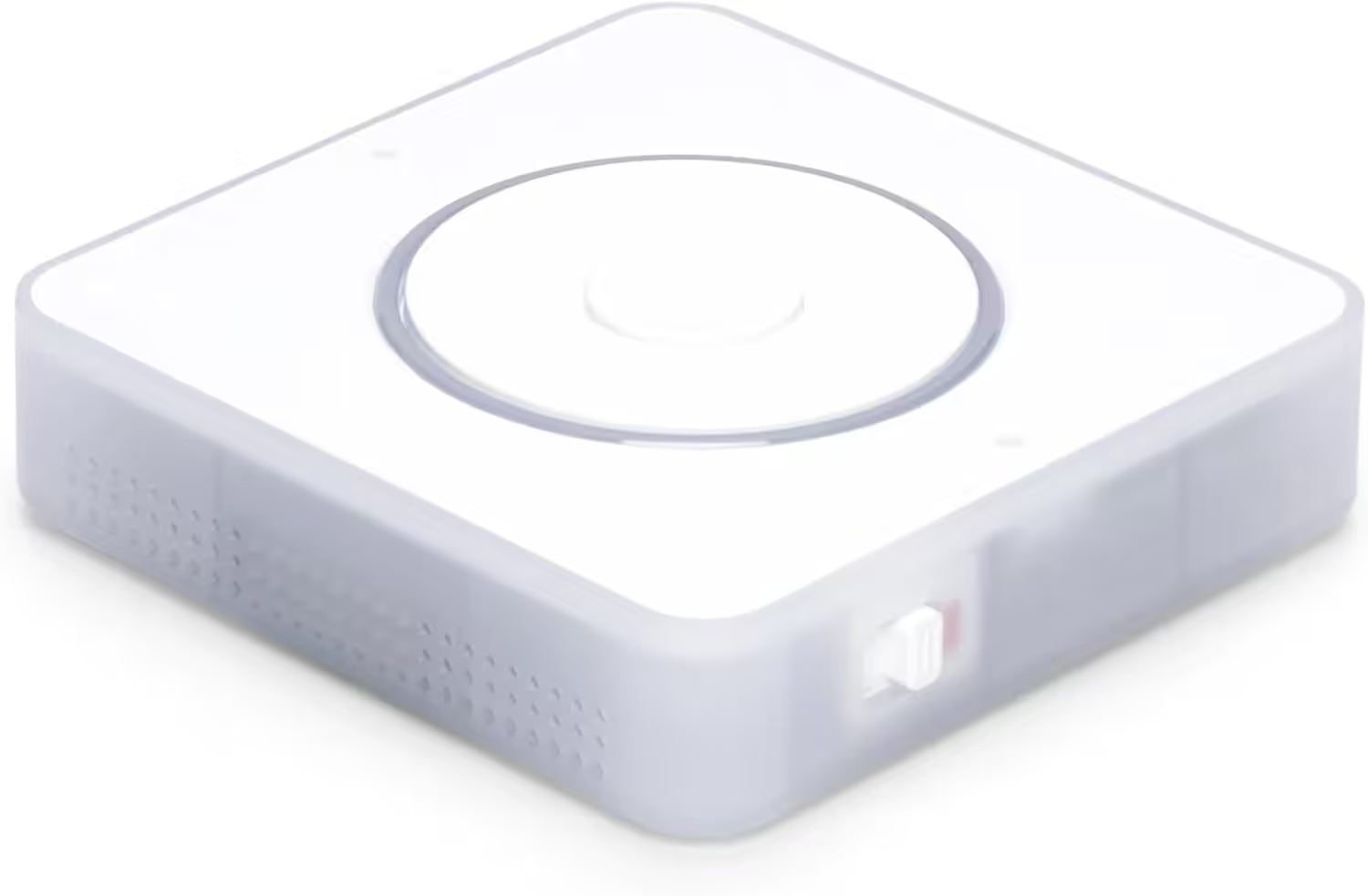
Nabu Casa Home Assistant Voice
Vorschau-Edition | Intelligenter Lautsprecher für lokale Sprachsteuerung | Kompatibel mit Home Assistant | Datenschutzfokus
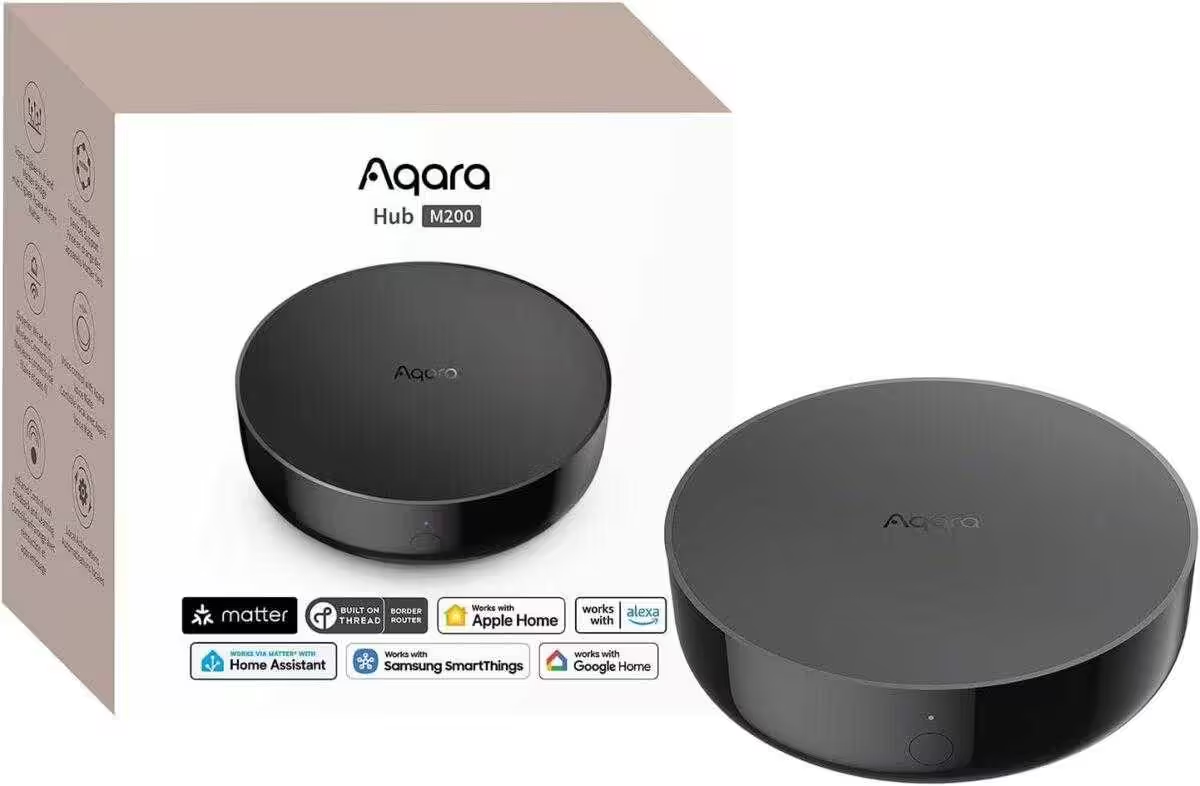
Aqara Smart Hub M200
Matter-Controller, Thread-Grenzrouter mit Aqara Zigbee, Bluetooth, WLAN, PoE, IR, unterstützt Amazon Alexa, Apple HomeKit, Home Assistant, SmartThings, Google Home
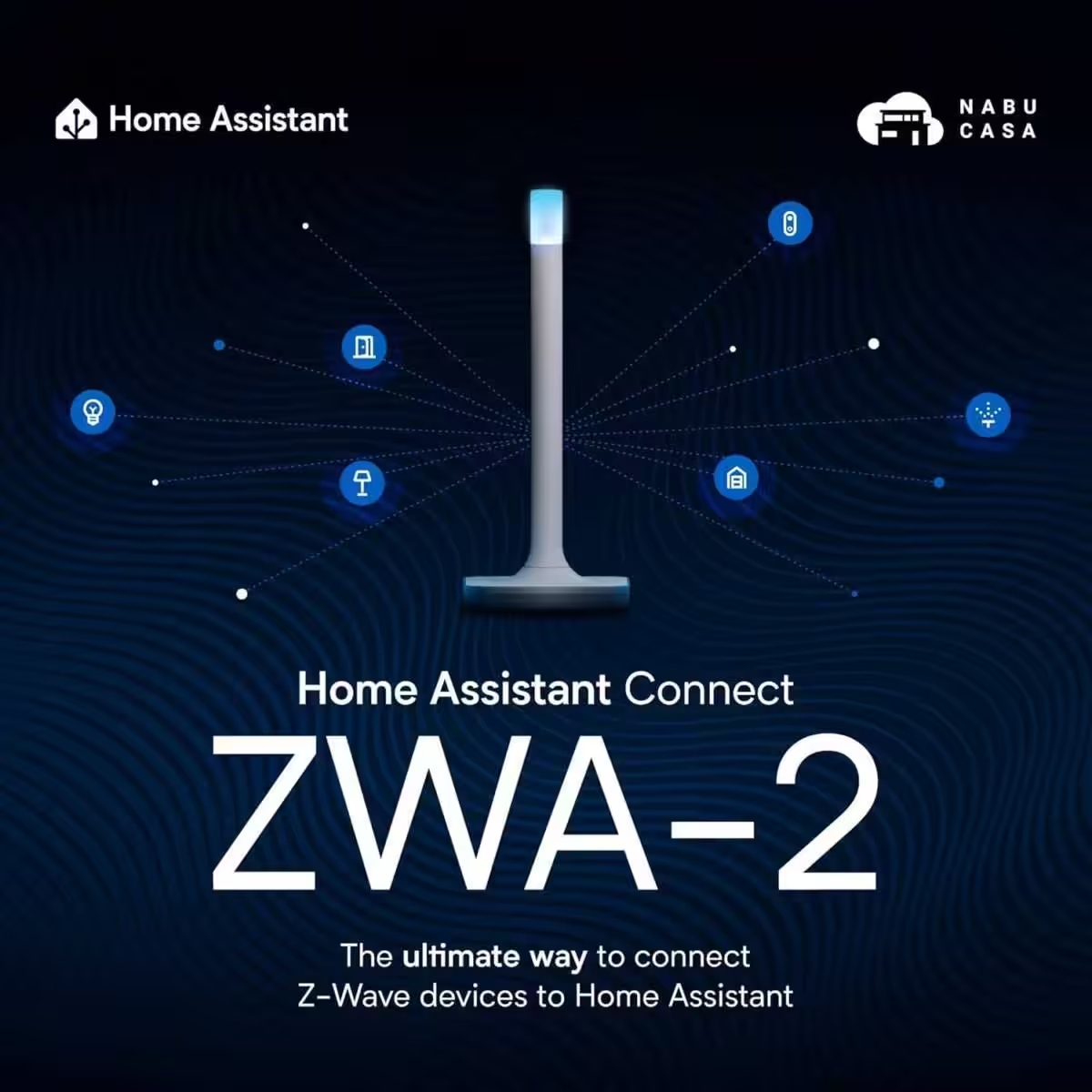
Home Assistant Connect ZWA-2
Verbinden Sie Z-Wave Geräte mit Home Assistant | Offizielle Home Assistant Hardware
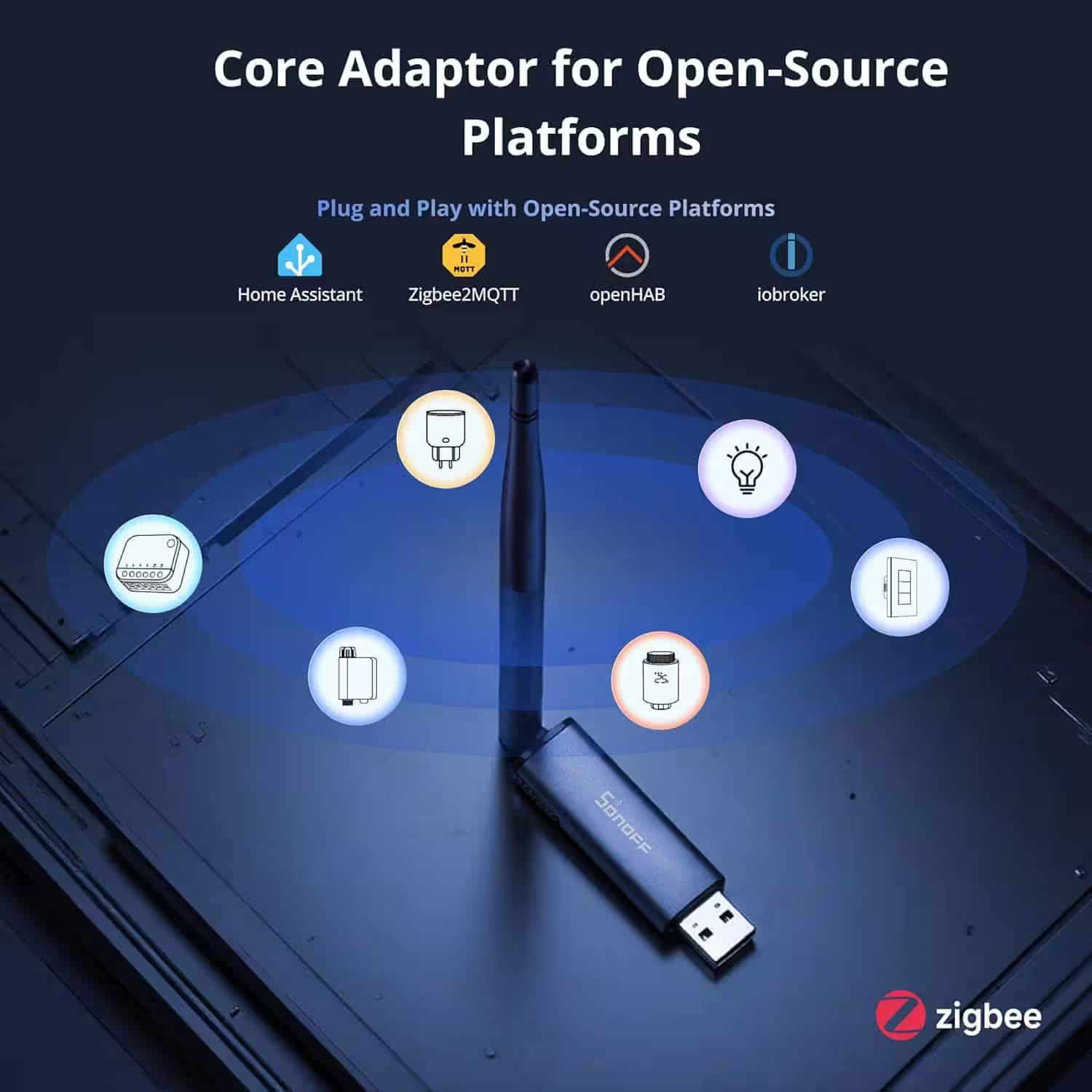
SONOFF Zigbee 3.0 USB Dongle Plus MG24
Zigbee Gateway mit EFR32MG24, Thread & Zigbee USB-Stick, Zigbee Controller für Home Assistant oder Zigbee2MQTT
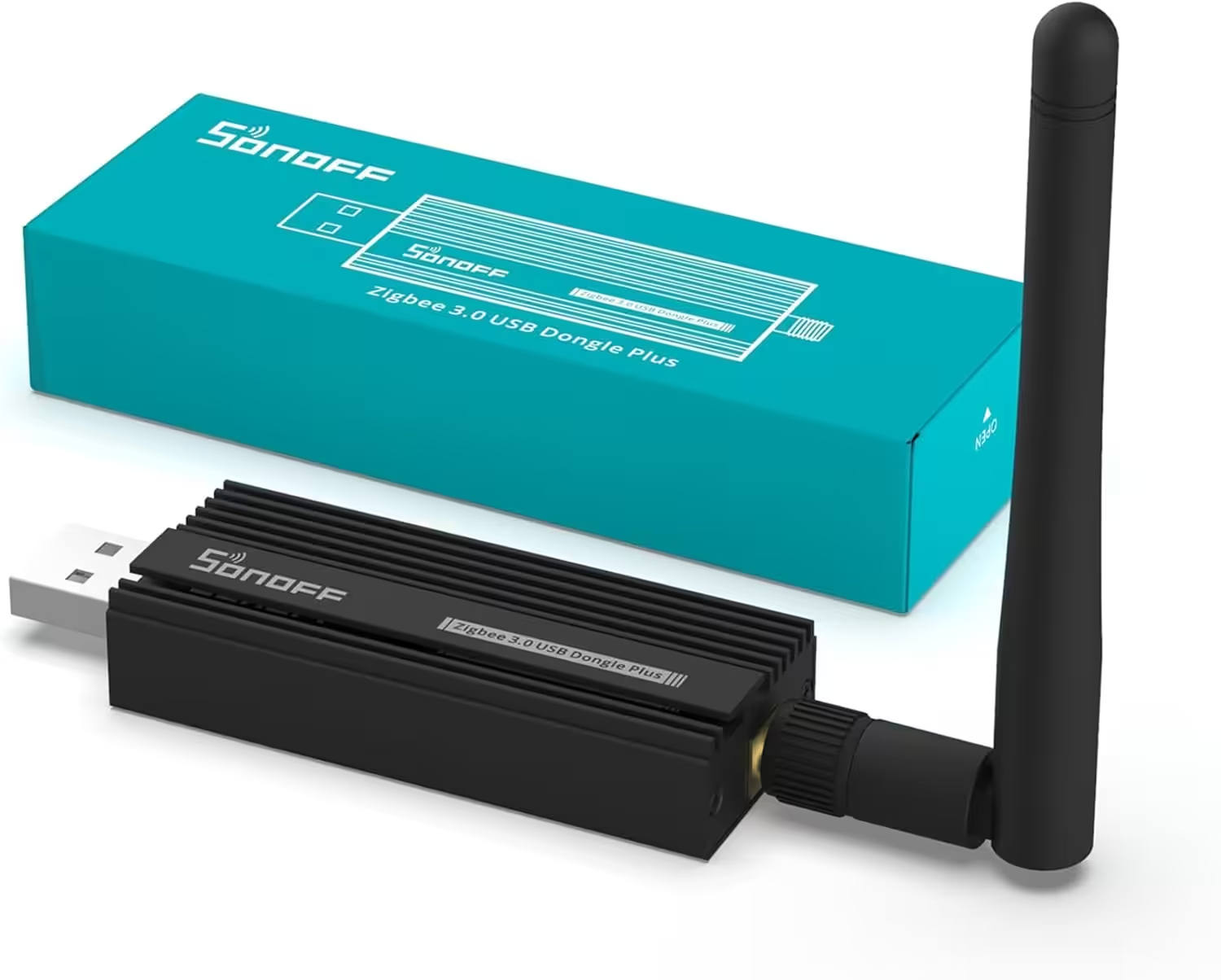
SONOFF Zigbee 3.0 USB Dongle Plus
Zigbee Gateway TI CC2652P + CP2102N Zigbee USB Stick,Zigbee Hub für ZHA in Home Assistant or Zigbee2MQTT,Open HAB etc.
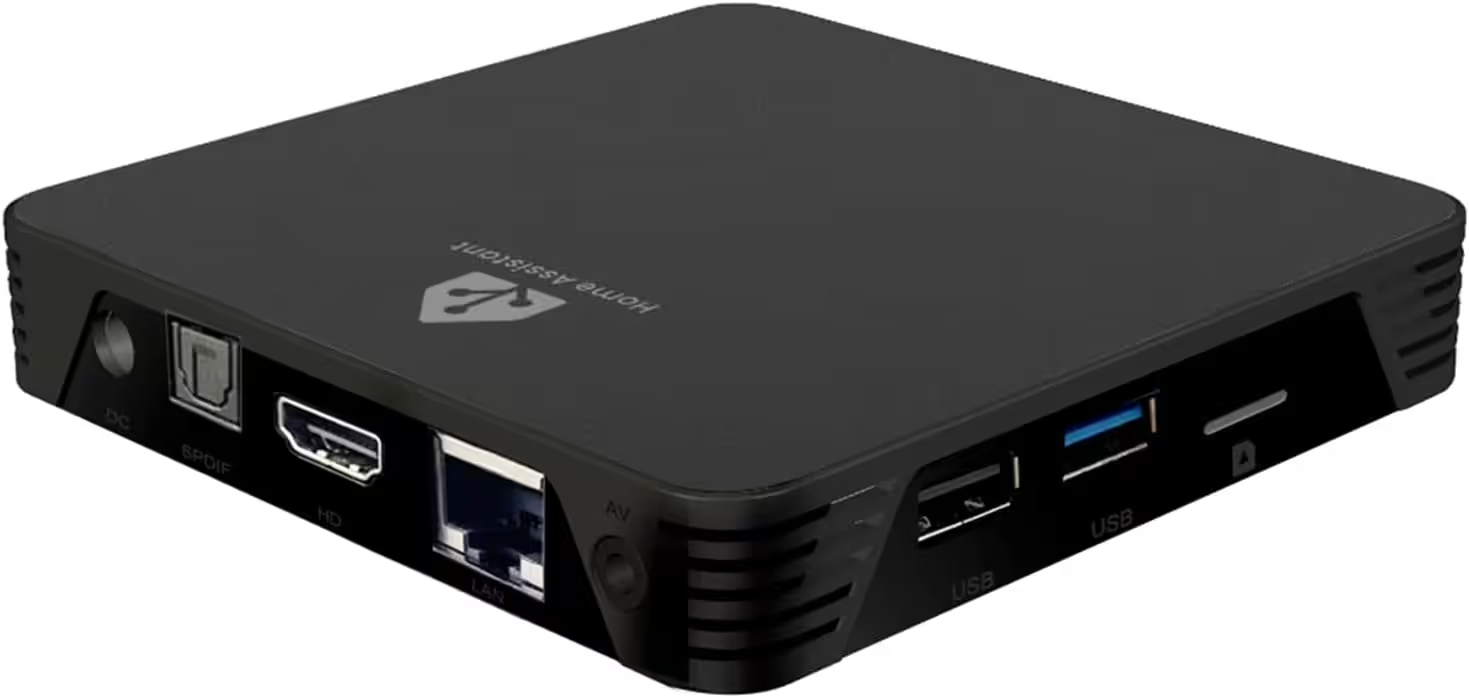
MIUCDA Home Assistant Box
Cortex-A53, ROM 32GB, RAM 4G, USB 3.0 Ports, HA OS Host Smarthomezentrale
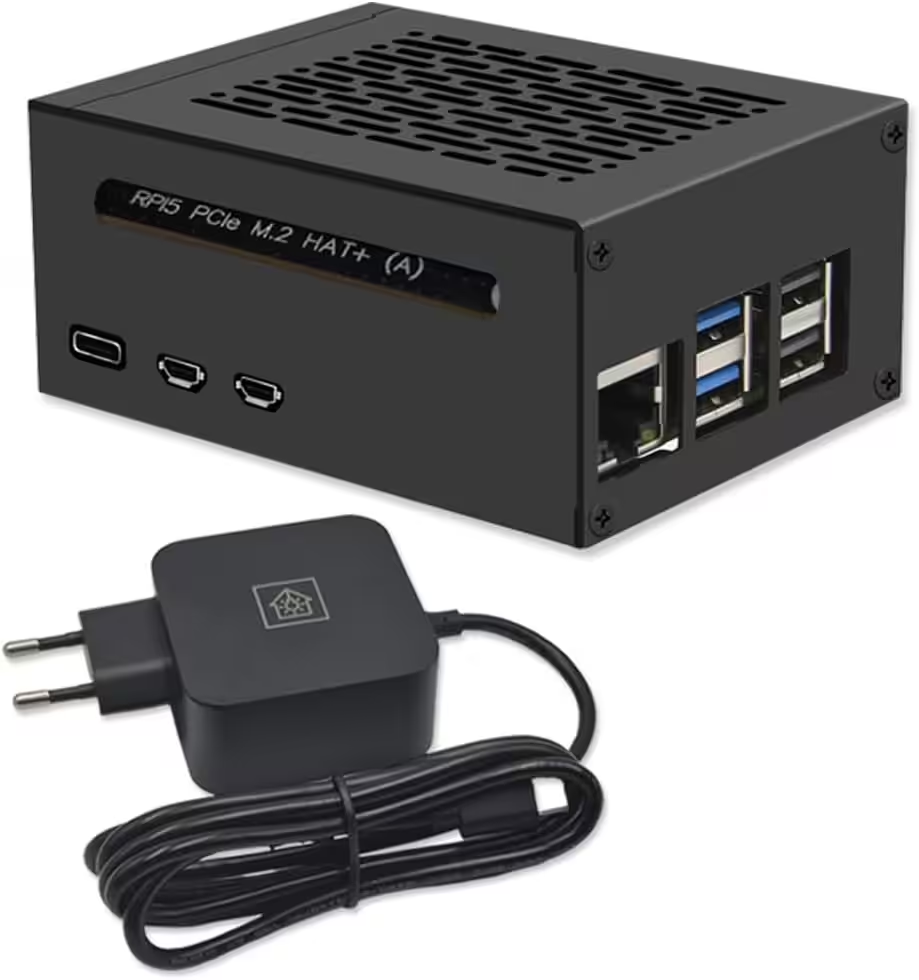
Home Assistant Smarthomezentrale
Raspberry Pi 5 8GB | Air-Flow Metallgehäuse | M.2 250GB NVME | Home Assistant OS
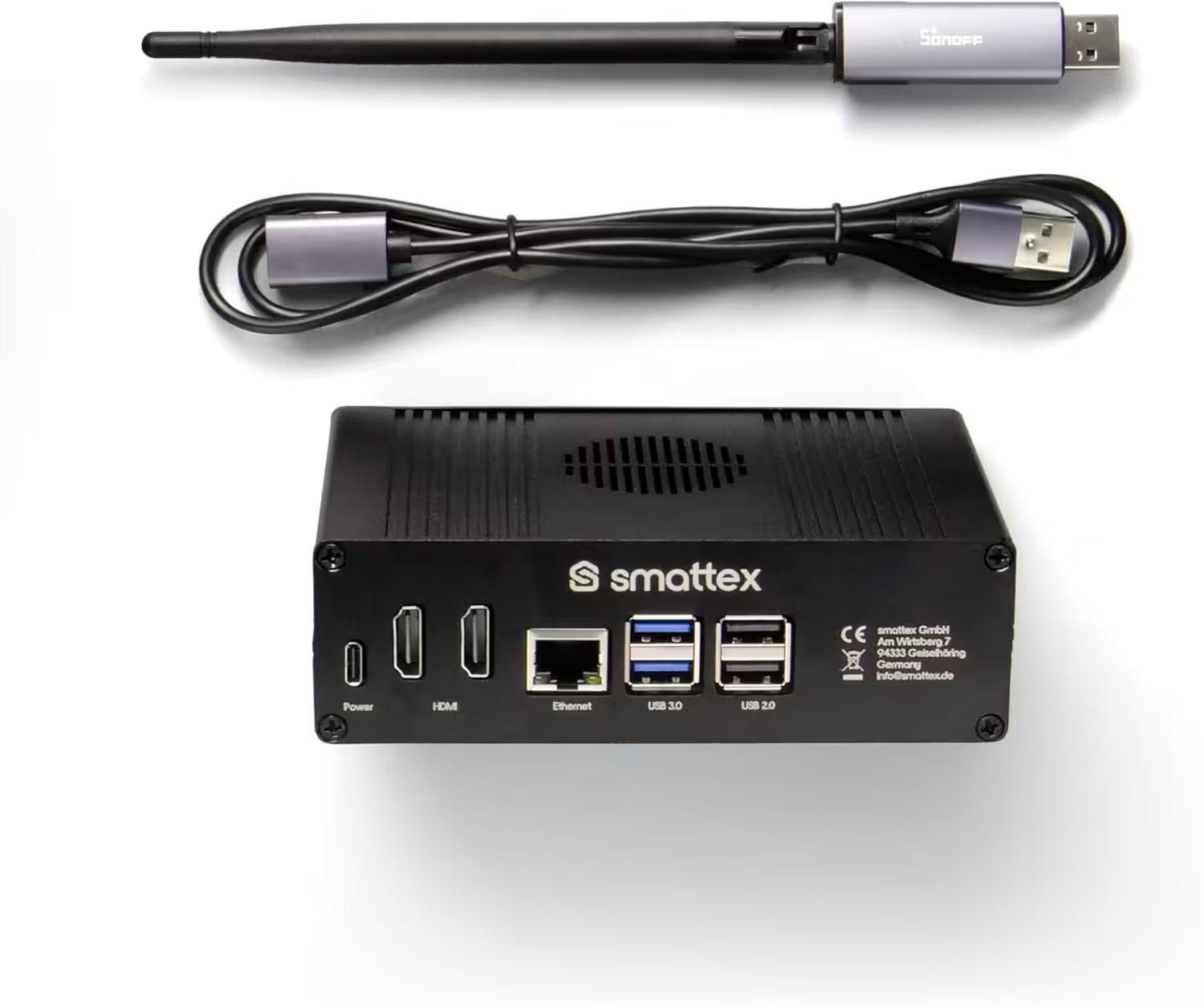
Home Assistant vorinstalliert, inkl. Antenne (Thread Border Router)
Plug & Play Set Black, WiFi, Bluetooth, SSD, Matter, Zigbee optional, sofort (4 GB RAM / 128 GB SSD)

Ich bin Christian und habe den Blog 2024 gegründet. Ich bin gelernter Kommunikationselektroniker, technikbegeistert und Smart-Home-Enthusiast mit langjähriger Erfahrung im Bereich vernetzter Haushaltsgeräte. Mit großer Leidenschaft verfolge ich aktuelle Entwicklungen und teste regelmäßig neue Produkte, um verständliche Einblicke und praxisnahe Empfehlungen zu geben.