I am a huge fan of Home Assistant, as few other smart home systems evolve so consistently and regularly. With every update, not only does the range of features grow, but so does its suitability for everyday use. This holds true for February as well: Home Assistant 2026.2 was released on February 4, 2026—a release focused primarily on clarity, user-friendliness, and better organization.
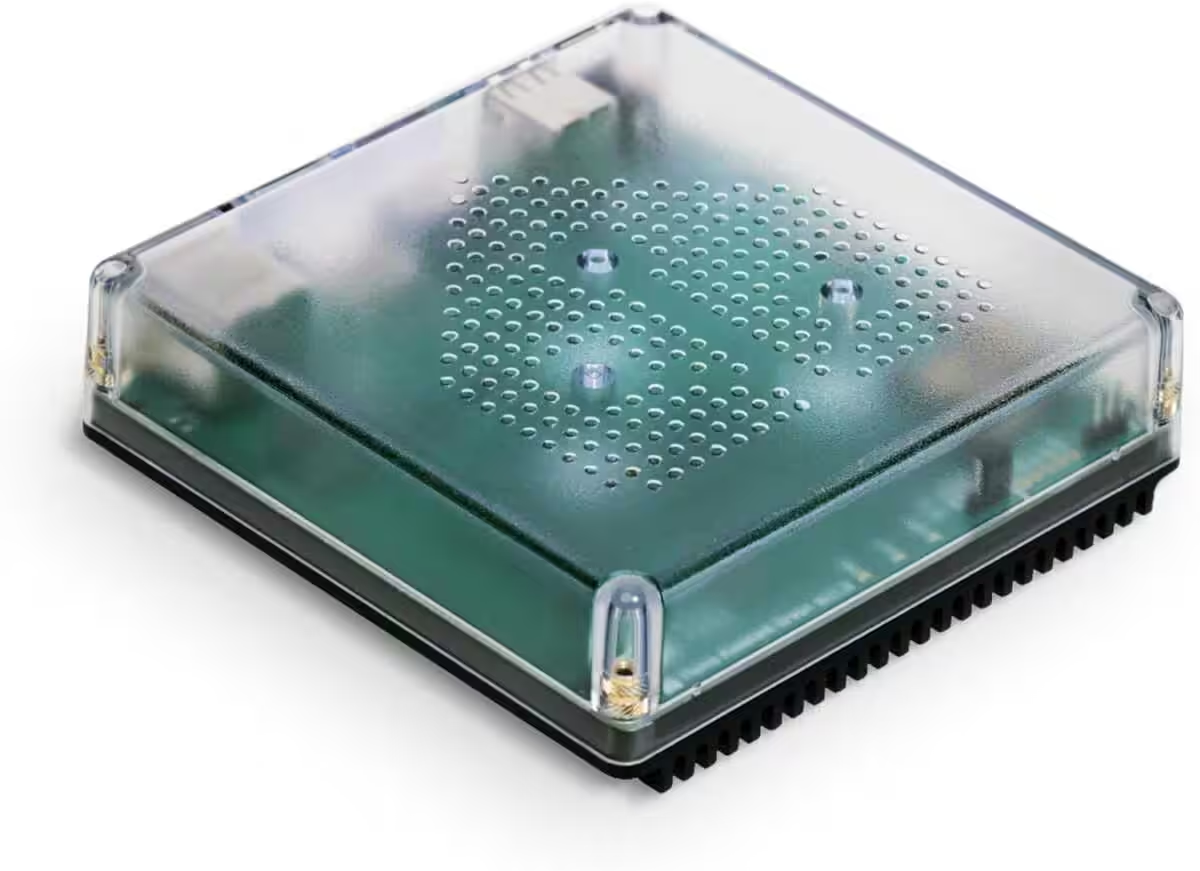
Nabu Casa Home Assistant Green
Der einfachste Weg, um mit dem Heimassistenten zu beginnen – Mit dem bereits installierten Heimassistenten müssen Sie nur das mitgelieferte Netzteil und das Ethernet-Kabel anschließen, um loszulegen.
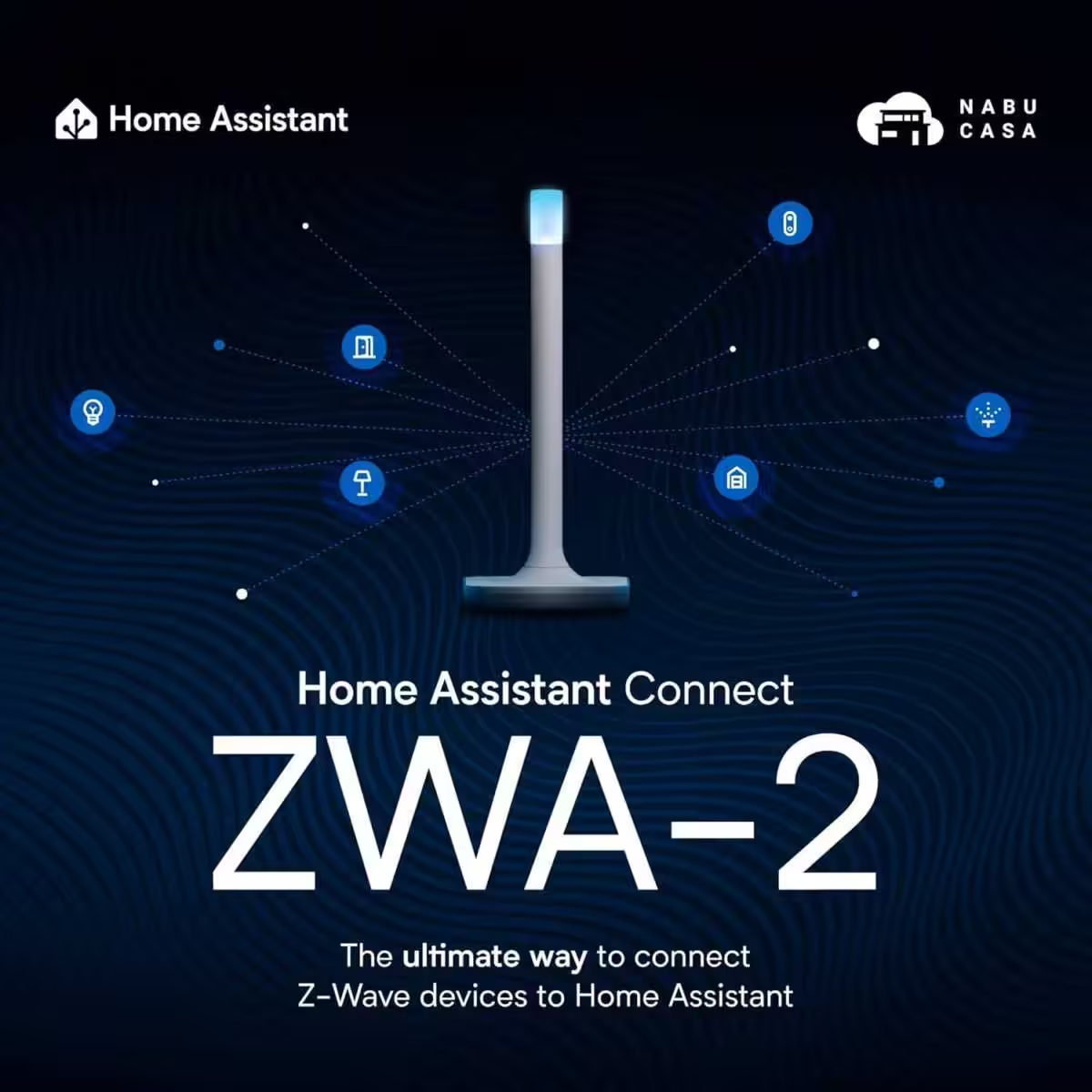
Home Assistant Connect ZWA-2
Verbinden Sie Z-Wave Geräte mit Home Assistant | Offizielle Home Assistant Hardware
The new Home Dashboard becomes the standard
With version 2026.2, the new Home Dashboard is now the official default setting for all new installations. Existing users who have never customized their default view will automatically receive a prompt to switch. A single click is all it takes to try out the new dashboard—and it is well worth doing so.
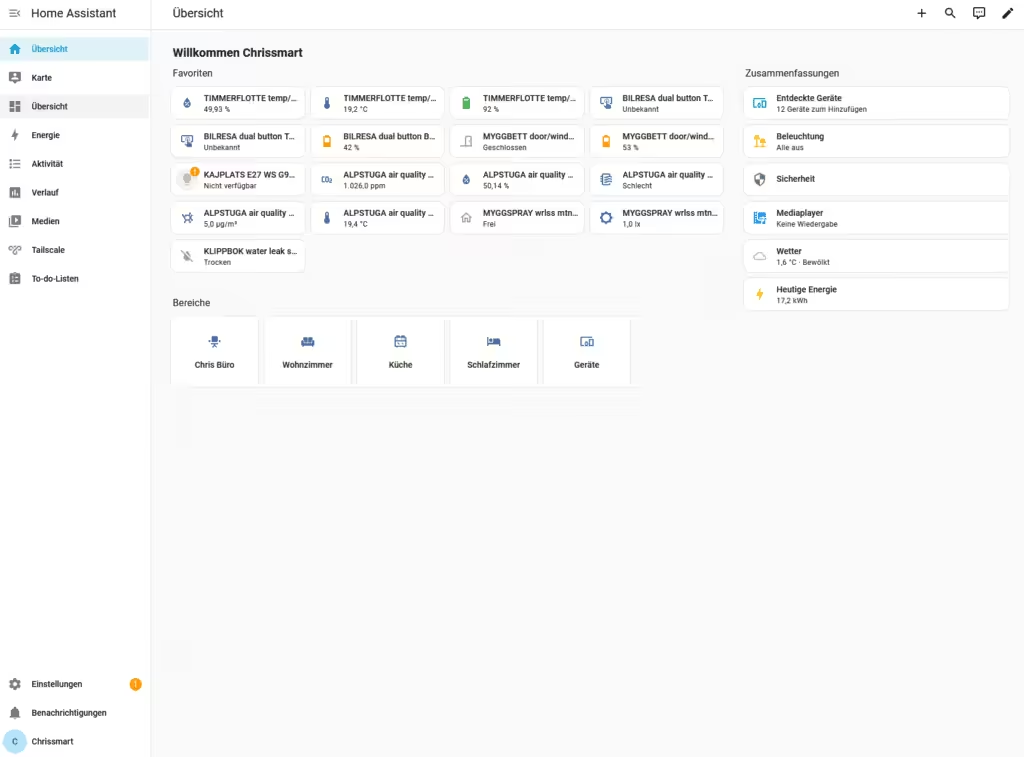
The previous Home Dashboard is now called „Overview“ and completely replaces the old default view for new instances. Those who prefer the classic approach can still create their own dashboards: the „Overview (Legacy)“ template can be selected under Settings → Dashboards → Create. This ensures maximum flexibility.
The new Overview features a clear structure, a modern design, and is better tailored to daily use. Relevant information and actions take center stage, rather than technical details. The goal is to quickly see what is happening in the smart home—without lengthy searches or navigating through menus.
Home Assistant 2026.2: Newly discovered devices at a glance
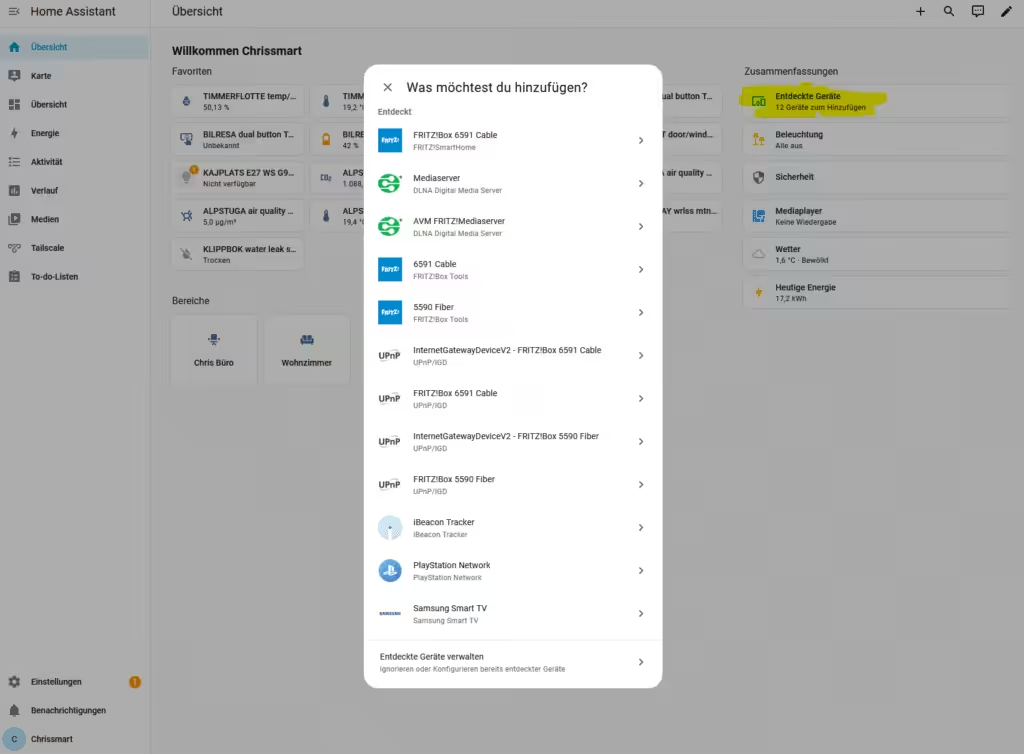
A real highlight is the new card in the „Summary“ section. Newly discovered devices appear there immediately as soon as Home Assistant detects them. From this view, you can add devices directly or open them in device management—without having to navigate through the settings. This saves time and makes onboarding new hardware much more pleasant.
Assigning devices to rooms faster
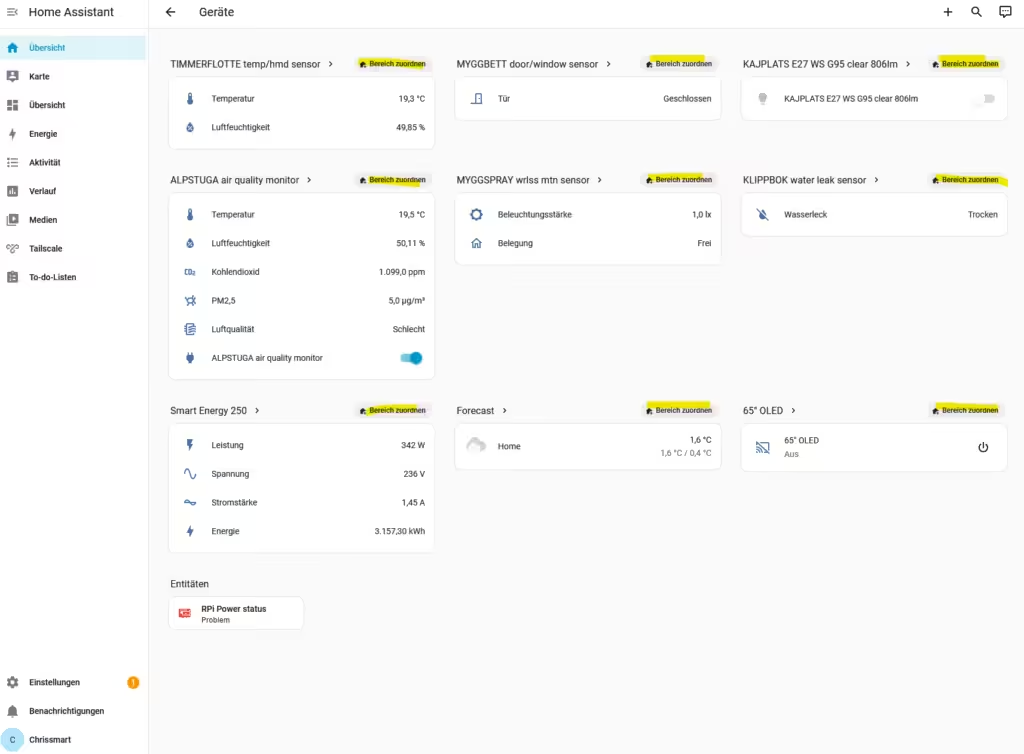
A dedicated section for unassigned devices was introduced in release 2026.1. With 2026.2, this feature is being further improved: new quick actions help assign devices directly to the appropriate rooms. This keeps your smart home organized without the need to manually configure each device individually.
Faster and easier area editing
The handling of areas has also been optimized. For instance, if you want to change a room’s primary temperature sensor, the new „Edit“ button takes you straight to the relevant configuration. Temperature or humidity sensors can now be swapped out in just a few seconds. Feel free to check out the Home Assistant release presentation at the end of this article for more details on the new features.
The user interface has also been further streamlined: unnecessary whitespace has been removed, back-navigation has been corrected, and the menu structure has been made more consistent overall. The result is a navigation experience that feels significantly smoother and more predictable.
Add-ons are now called Apps.
An important—and long-overdue—change concerns terminology: add-ons are now called apps. After much discussion within the community, a term was deliberately chosen that everyone recognizes. TVs have apps, smartphones have apps—and now Home Assistant has apps, too. This makes getting started easier for new users and lowers the mental barrier to extending the system.
The device database needs your help.
Alongside the release, the Open Home Foundation is calling for contributions to its new device database. This community-driven resource aims to help users make informed decisions about smart home devices. You can sign up via Home Assistant Labs to contribute anonymized device data. The more users participate, the better this open knowledge base becomes for everyone.
Home Assistant Connect ZWA-2
Verbinden Sie Z-Wave Geräte mit Home Assistant | Offizielle Home Assistant Hardware
Verdict on Home Assistant 2026.2
Home Assistant 2026.2 isn’t a spectacular fireworks display of new features; instead, it is a well-thought-out release that focuses on everyday usability, clarity, and user guidance. The new default dashboard, improved device management, clearer terminology (such as „Apps“), and the community-driven approach to the device database all demonstrate the consistent evolution of Home Assistant.
Source/Photo: (Amazon / HA Release Notes / Chris Smart)

SONOFF Zigbee 3.0 USB Dongle Plus
Zigbee Gateway mit EFR32MG24, Thread & Zigbee USB-Stick, Zigbee Controller für Home Assistant oder Zigbee2MQTT
Home Assistant 2026.9: 7 Major New Features at a Glance
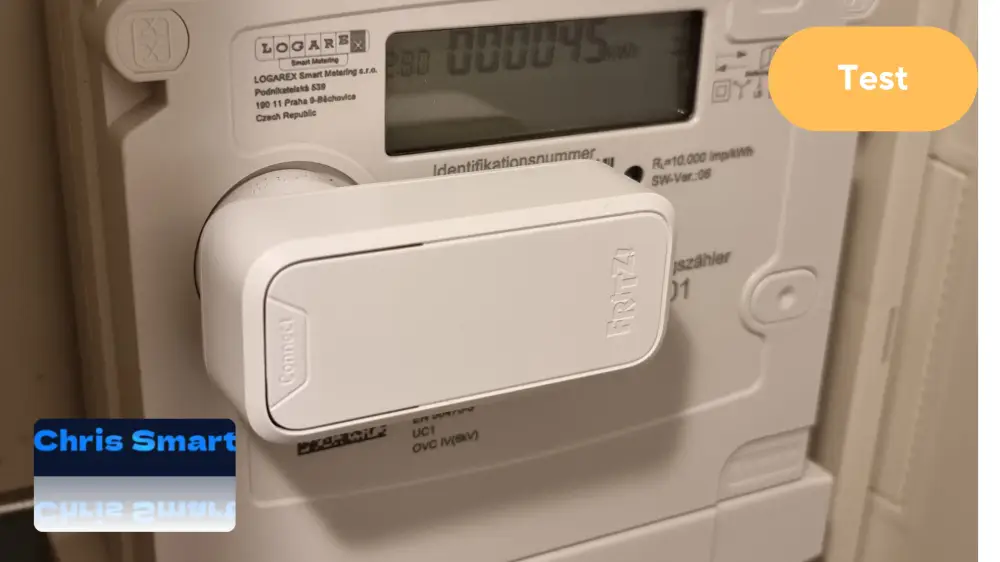
Review: FRITZ!Smart Energy 250 – Power Sensor for Digital Electricity Meters
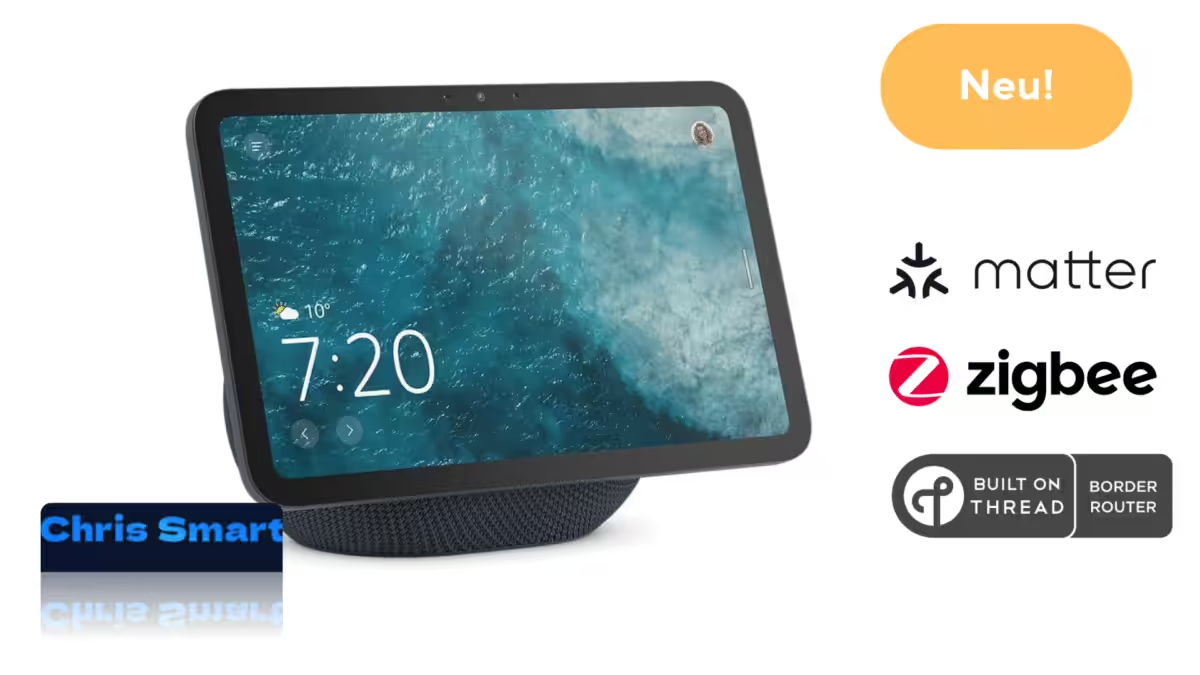
Echo Show 8 as a smart home hub: Overview of Zigbee, Matter, and Thread border router capabilities

Home Assistant 2026.2: More clarity and comfort in the February update
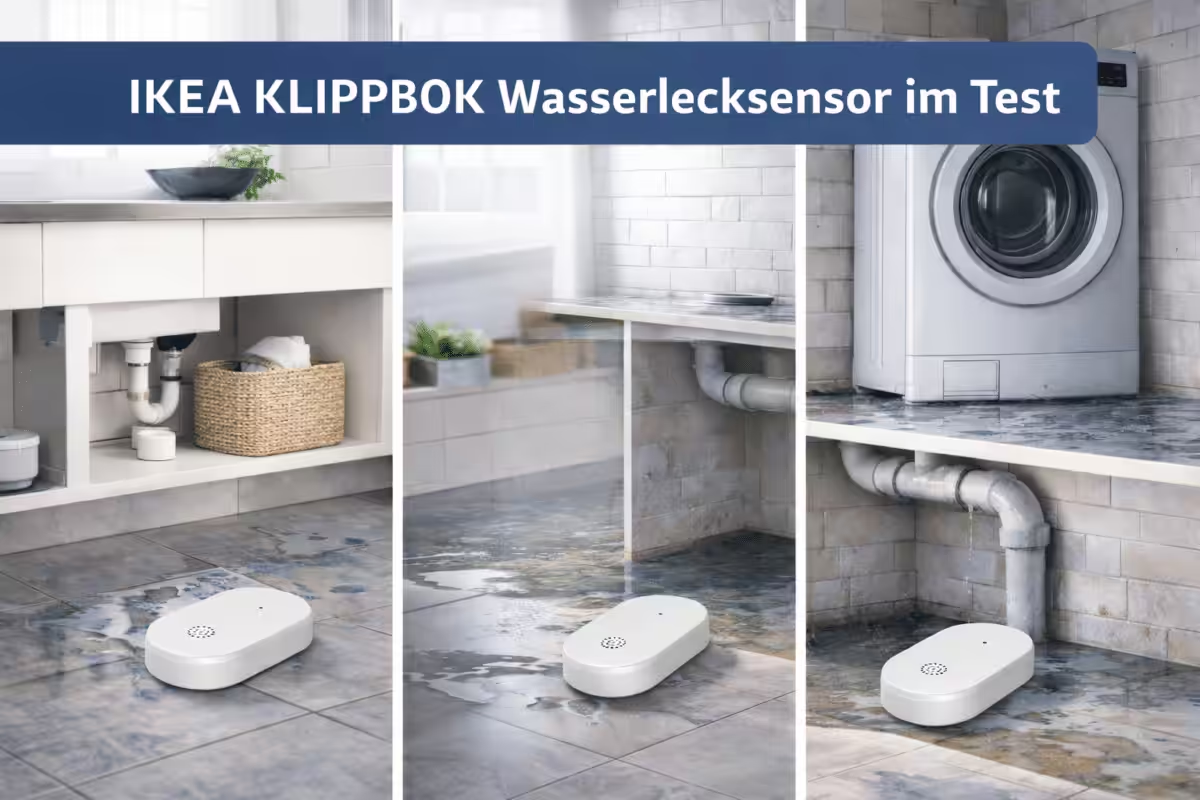
Small, smart, Matter-ready – IKEA’s new KLIPPBOK water leak sensor
Home Assistant 2026.1: New dashboard, smarter automations and a clearer overview

Ich bin Christian und habe den Blog 2024 gegründet. Ich bin gelernter Kommunikationselektroniker, technikbegeistert und Smart-Home-Enthusiast mit langjähriger Erfahrung im Bereich vernetzter Haushaltsgeräte. Mit großer Leidenschaft verfolge ich aktuelle Entwicklungen und teste regelmäßig neue Produkte, um verständliche Einblicke und praxisnahe Empfehlungen zu geben.