Home Assistant 2026.8 is the August update for the smart home platform. The new features include a simpler local web address, new web server settings, clearer cloud management, and more control over entity IDs. The update also adds 15 new integrations as well as additional triggers and conditions for automations.
Home Assistant is continuously developed and generally receives a major feature update. Smaller patches follow throughout the month and mainly address bug fixes.
New installations no longer need port 8123
One of the most noticeable changes affects new installations of Home Assistant OS. Until now, the port number :8123 usually had to be appended to the address for local access. With new installations, this is no longer required by default starting with Home Assistant 2026.8.
Nothing changes for existing systems, however. They remain accessible at their previous address and configured port. After the update, users therefore do not need to adjust either their bookmarks or the connection in the Companion app.
Anyone who still wants to change the web address can now find the relevant options directly in the user interface. The port, the network connection used, and trusted proxies can be configured there.
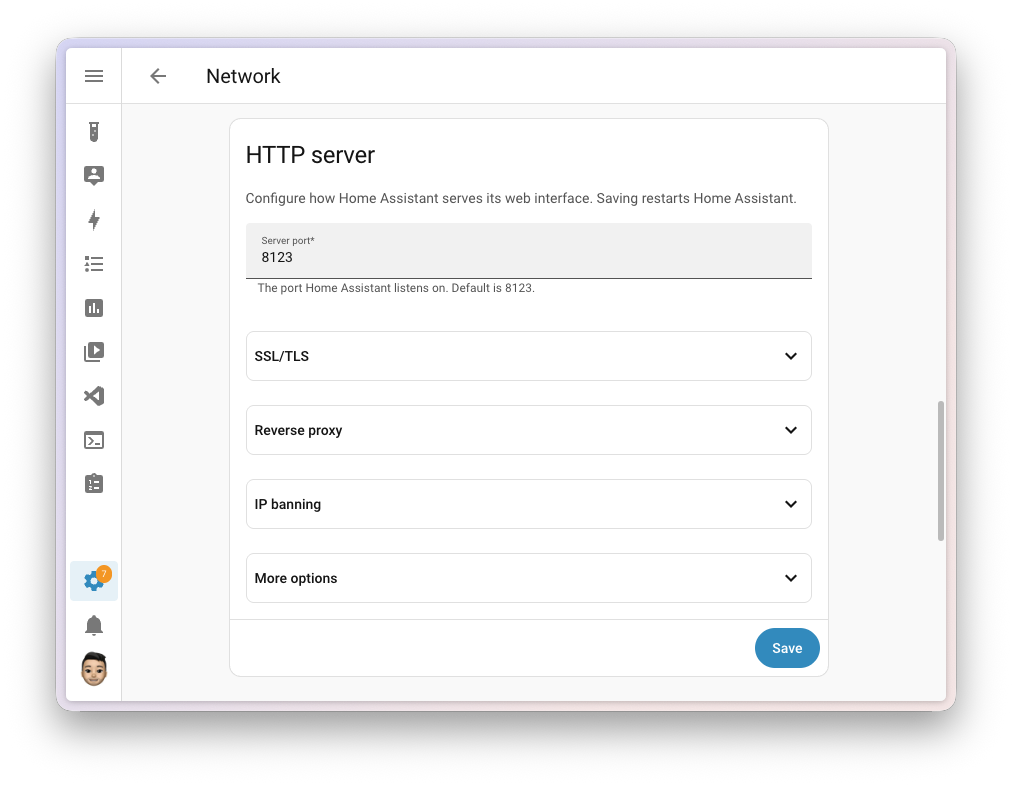
To prevent an incorrect setting from permanently blocking access, Home Assistant includes a safeguard. After a change, the new configuration must be confirmed within five minutes. If it is not confirmed, the system automatically restores the previous settings and restarts.
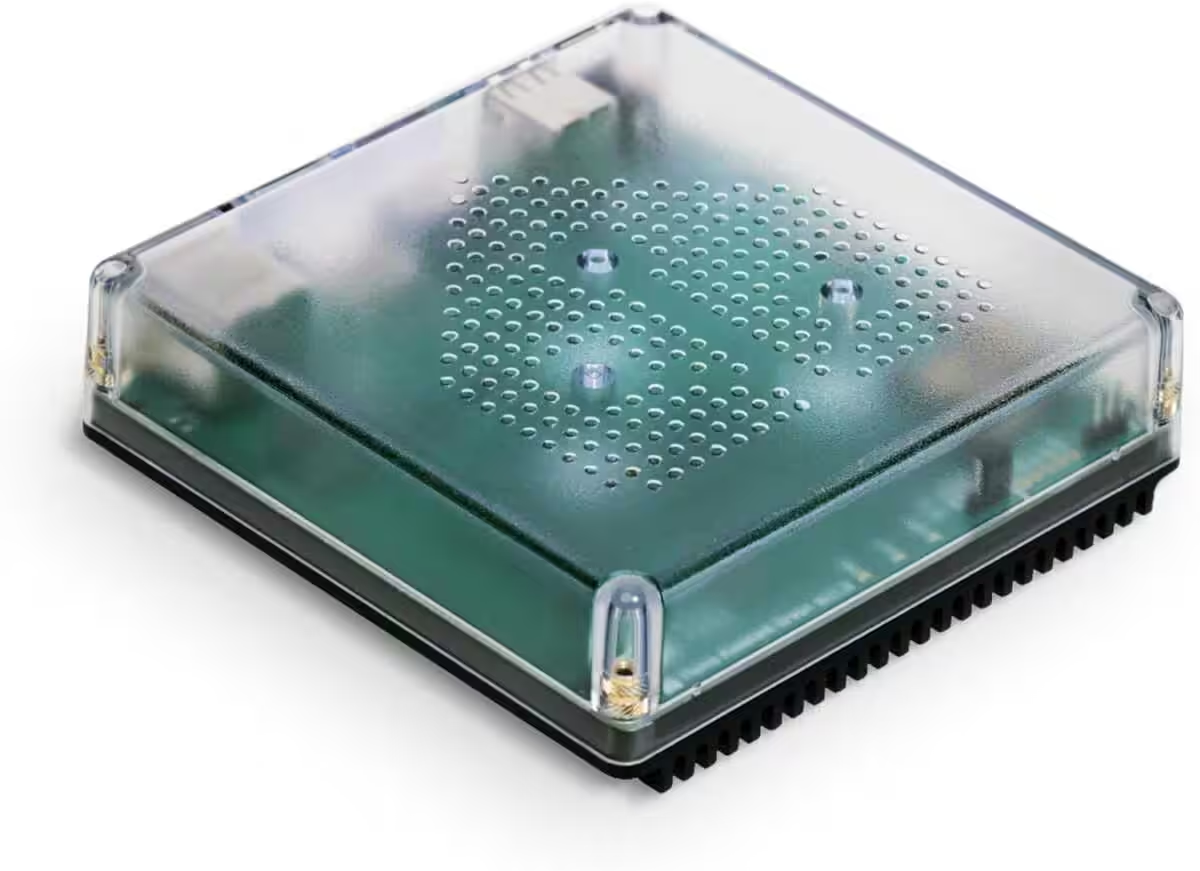
Nabu Casa Home Assistant Green
Der einfachste Weg, um mit dem Heimassistenten zu beginnen – Mit dem bereits installierten Heimassistenten müssen Sie nur das mitgelieferte Netzteil und das Ethernet-Kabel anschließen, um loszulegen | Offizielle Hardware
Home Assistant Connect ZBT-2
Home Assistant Connect ZBT-2 | Verbinden Sie Zigbee-, Thread- oder Matter-Geräte mit dem Home Assistant | Offizielle Hardware
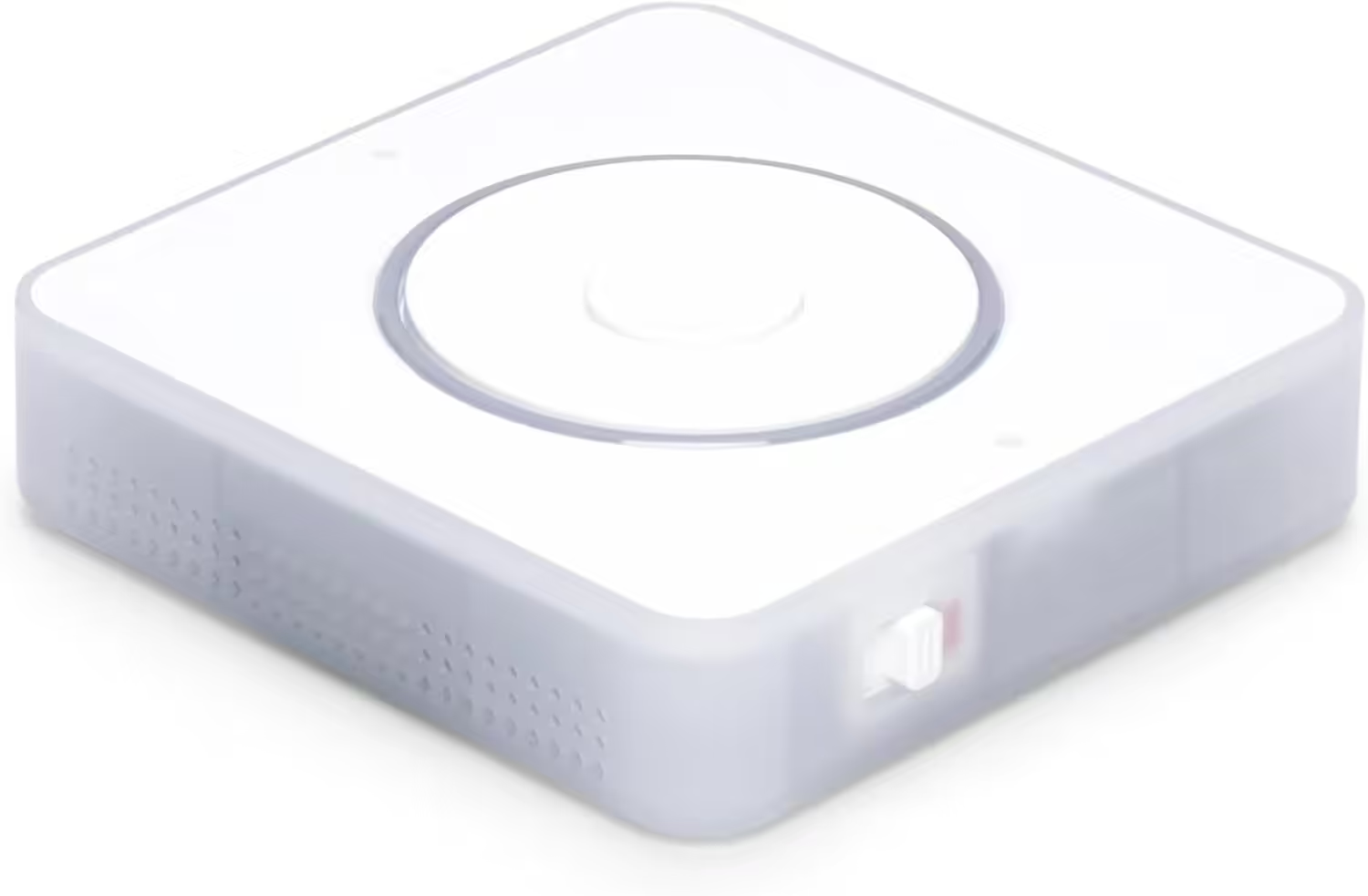
Nabu Casa Home Assistant Voice
Vorschau-Edition | Intelligenter Lautsprecher für lokale Sprachsteuerung | Kompatibel mit Home Assistant | Datenschutzfokus
If the web server was previously configured via YAML, the relevant settings are transferred to the user interface on the first start after the update. A repair notification may then indicate that the old YAML configuration can be cleaned up.
“Developer Tools” becomes “Tools”
With the update, Home Assistant aims to reduce language barriers. Terms such as “Advanced” and “Expert” have therefore been removed from around 43 places in the interface, documentation, and Companion apps. The actual functions remain unchanged. Instead, the new labels are intended to describe more precisely what a setting is used for.
The developer utilities previously called “Developer Tools” are now simply named “Tools”. Among other things, they can be used to inspect states, test templates, and reload individual parts of the configuration. Because these functions are not intended exclusively for developers, the shorter name better reflects their actual purpose.
Home Assistant Cloud becomes clearer
The Home Assistant Cloud settings have also been redesigned. Previously, many functions and switches were grouped together on one long page. Home Assistant 2026.8 now provides an overview page on which the individual cloud functions are presented separately.
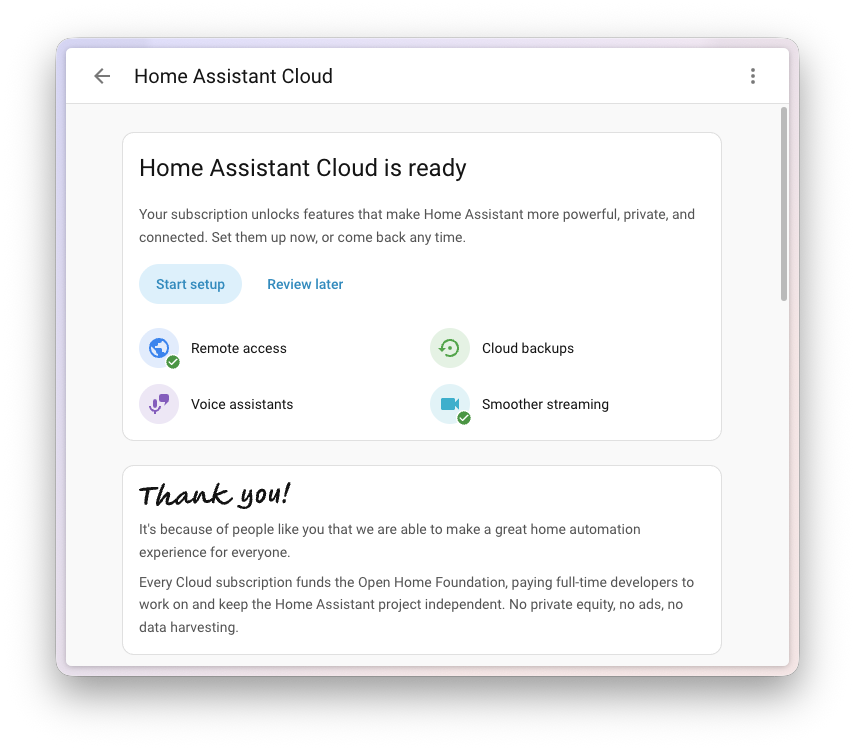
Remote access, encrypted backups, voice assistants, and the Companion app each have their own section. Their respective settings are located on separate subpages.
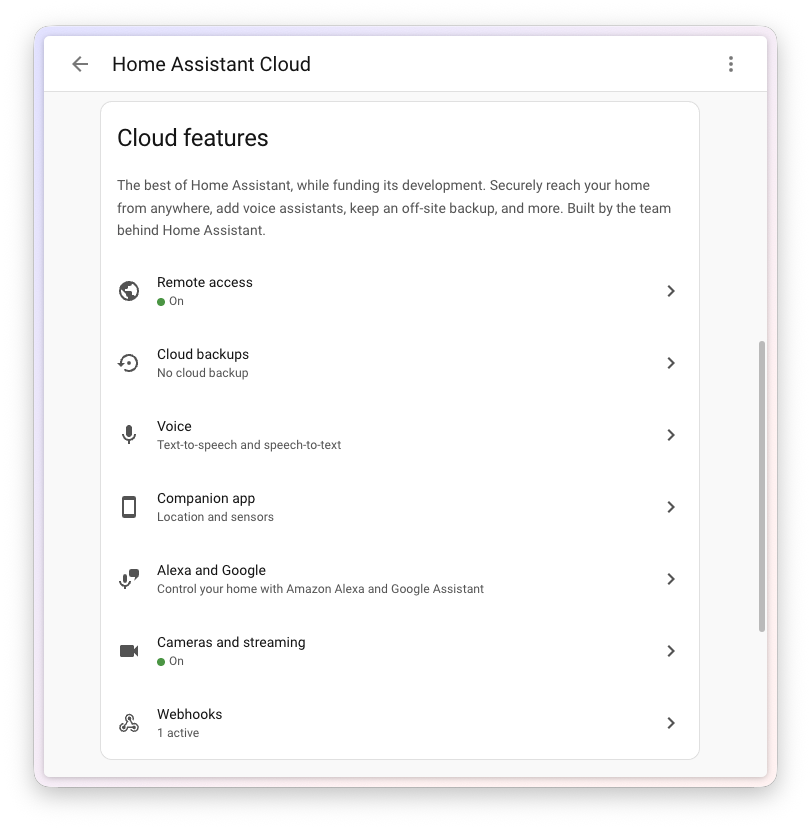
New users are also guided through the setup of Home Assistant Cloud step by step. The process can be paused and continued at a later time.
More control over entity IDs
Entity IDs are used by automations, scripts, and dashboards in Home Assistant to address a sensor or light unambiguously, for example. Home Assistant 2026.8 makes them more flexible to manage.
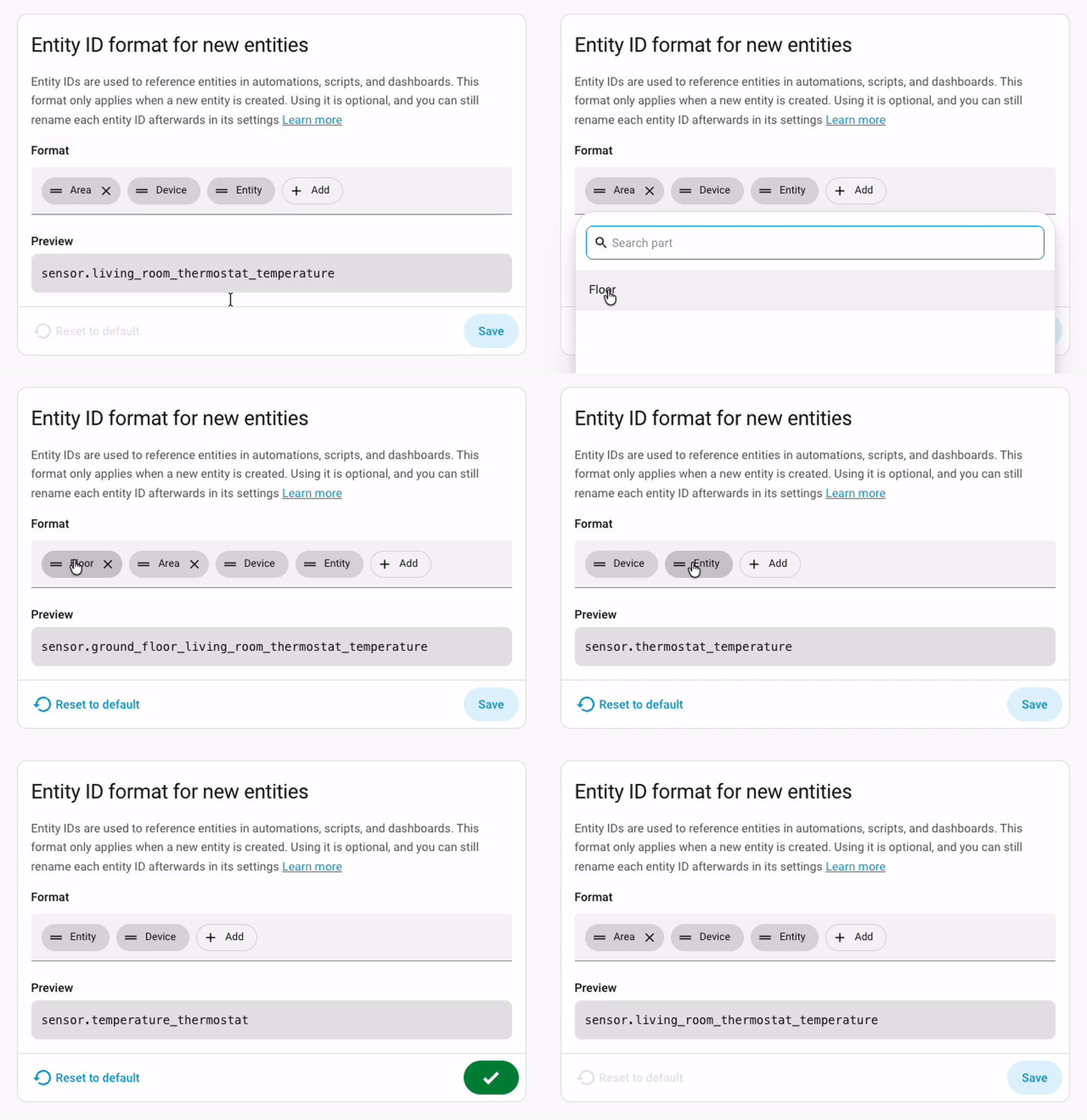
Users can rename an entity ID themselves and determine how the individual parts of the name are arranged. This makes it possible to apply custom naming schemes more consistently without Home Assistant automatically having to include the assigned area in the name.
Devices from multiple integrations are separated
A larger change takes place behind the scenes in device management. If a physical device was previously connected through two different integrations, Home Assistant could merge the entries into a single device. This could lead to conflicts when the two integrations supplied different information about the model or serial number.
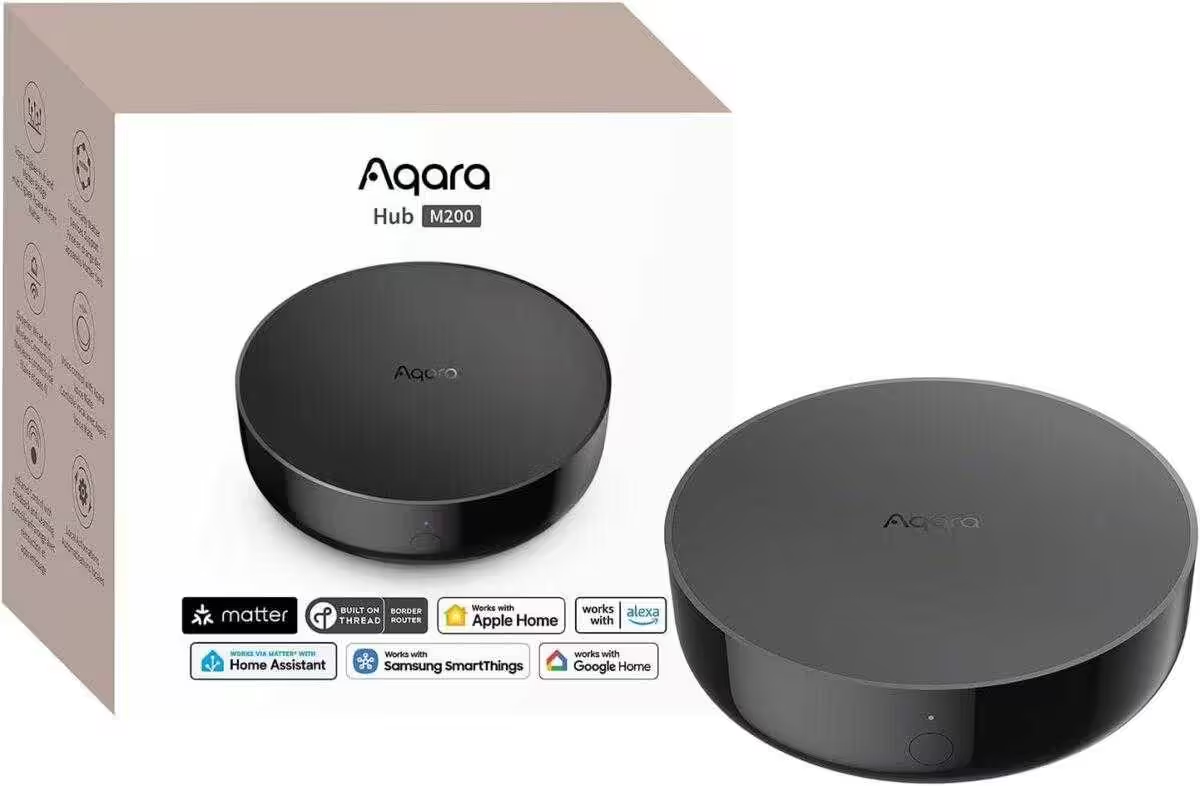
Aqara Smart Hub M200
Matter-Controller, Thread-Grenzrouter mit Aqara Zigbee, Bluetooth, WLAN, PoE, IR, unterstützt Amazon Alexa, Apple HomeKit, Home Assistant, SmartThings, Google Home
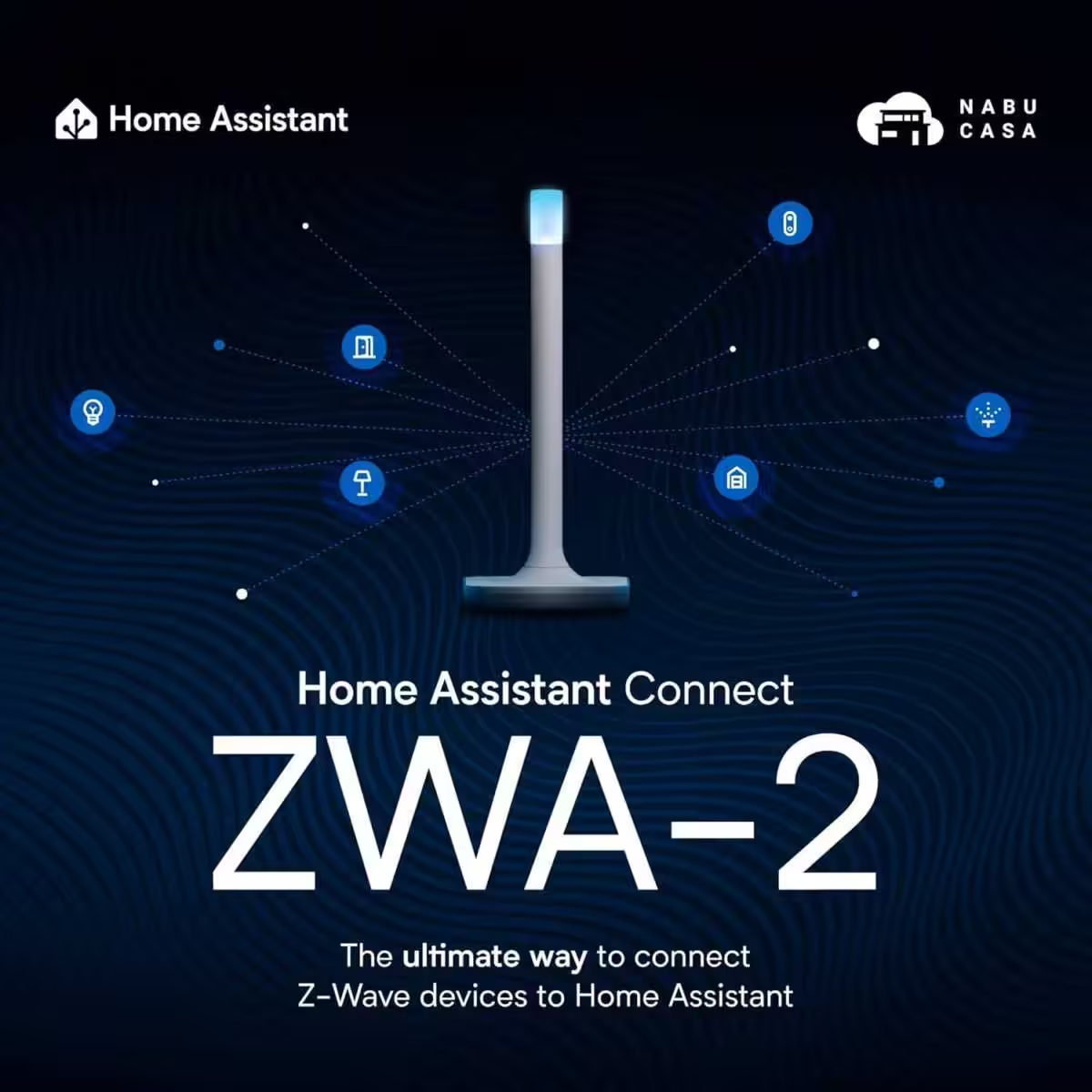
Home Assistant Connect ZWA-2
Verbinden Sie Z-Wave Geräte mit Home Assistant | Offizielle Home Assistant Hardware

SONOFF Zigbee 3.0 USB Dongle Plus MG24
Zigbee Gateway mit EFR32MG24, Thread & Zigbee USB-Stick, Zigbee Controller für Home Assistant oder Zigbee2MQTT
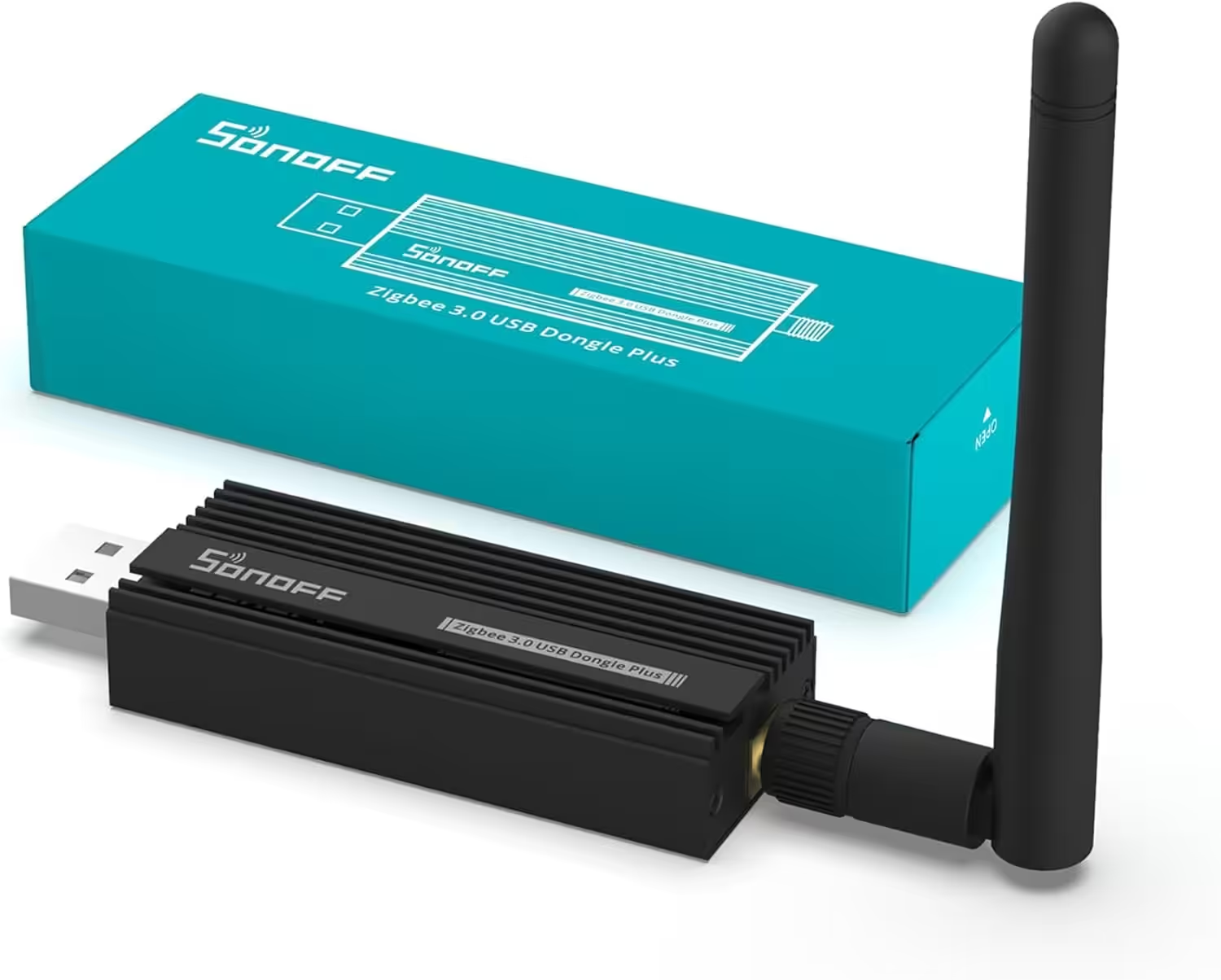
SONOFF Zigbee 3.0 USB Dongle Plus
Zigbee Gateway TI CC2652P + CP2102N Zigbee USB Stick,Zigbee Hub für ZHA in Home Assistant or Zigbee2MQTT,Open HAB etc.
Starting with Home Assistant 2026.8, each integration manages its own device entry. Devices that have already been merged are automatically separated during the update, and their entities are assigned accordingly.
Automations and scripts should normally not be affected. Only configurations that address a device directly via its internal device ID should be checked. Home Assistant may also display a repair notification in affected installations.
New triggers and conditions for automations
The automation editor gains two additional device-related functions. For vibration, there are now not only triggers but also matching conditions. An automation can therefore check, for example, whether a washing machine is still vibrating before sending a notification that the program has finished.
Triggers and conditions for moon phases are also new. Automations can start when the moon phase changes or specifically check whether it is currently a full moon, new moon, or another phase.

MIUCDA Home Assistant Box
Cortex-A53, ROM 32GB, RAM 4G, USB 3.0 Ports, HA OS Host Smarthomezentrale
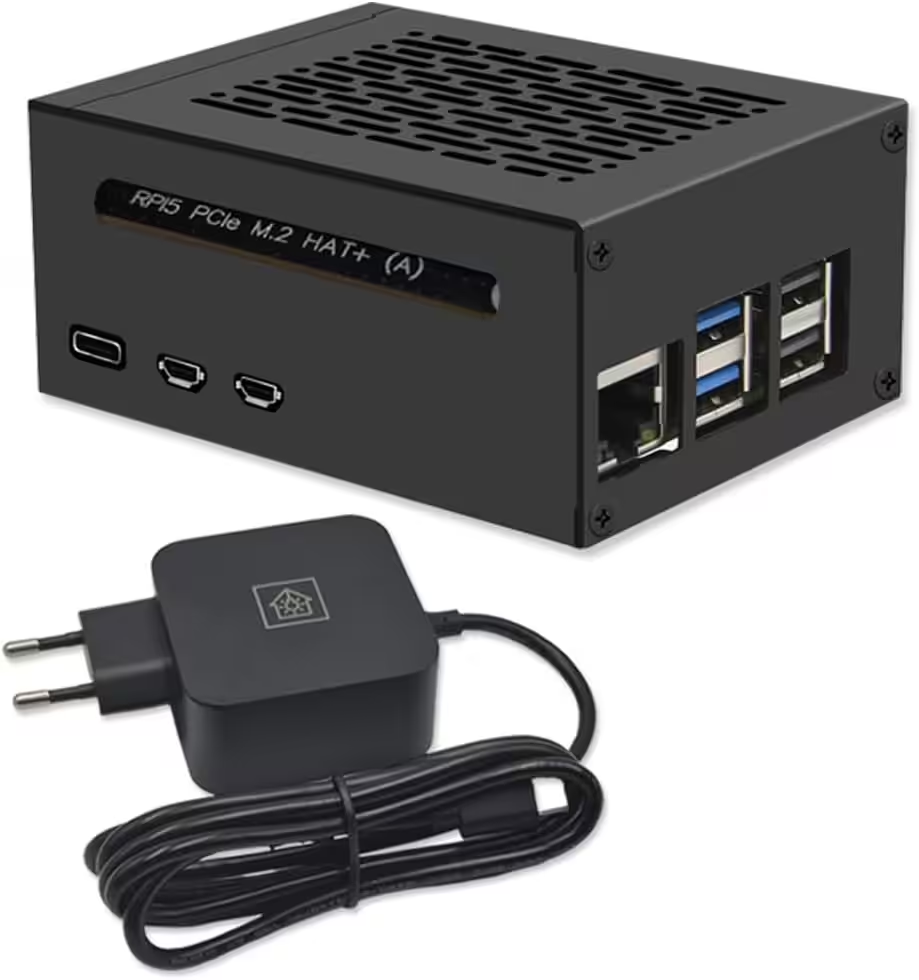
Home Assistant Smarthomezentrale
Raspberry Pi 5 8GB | Air-Flow Metallgehäuse | M.2 250GB NVME | Home Assistant OS
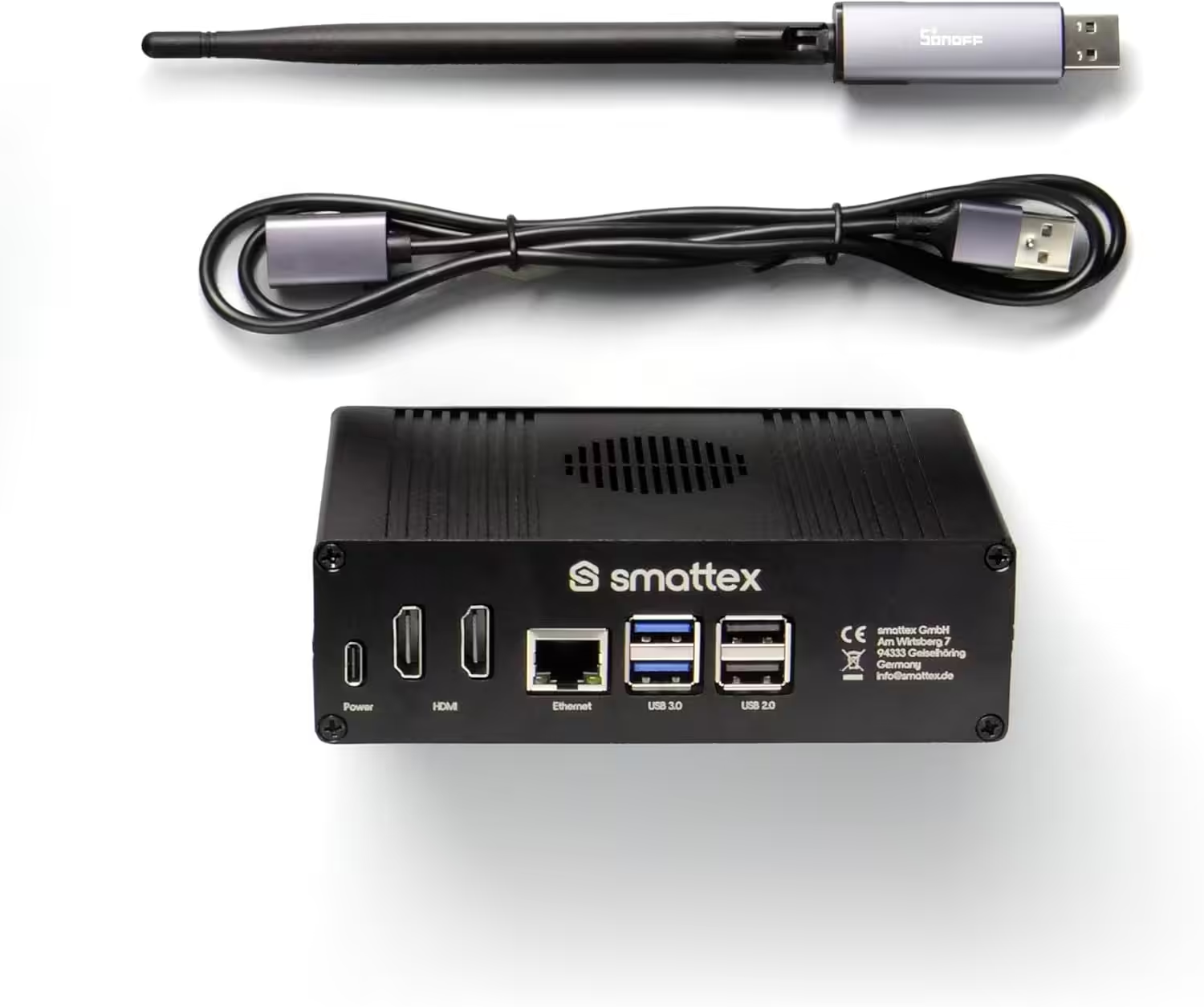
Home Assistant vorinstalliert, inkl. Antenne (Thread Border Router)
Plug & Play Set Black, WiFi, Bluetooth, SSD, Matter, Zigbee optional, sofort (4 GB RAM / 128 GB SSD)
Conclusion on Home Assistant 2026.8
Home Assistant 2026.8 focuses primarily on making the system easier to understand. New installations no longer require an appended port number, important web server settings move into the interface, and Home Assistant Cloud presents its functions more clearly.
Existing users benefit in particular from more flexible management of entity IDs, improvements to the automation editor, and numerous enhancements to existing integrations. The changes to internal device management will probably go unnoticed in most installations. For more complex configurations that use device IDs directly, however, a quick check after the update is advisable.
Source/photo: (Amazon / Home Assistant / Chrissmart)

Ich bin Christian und habe den Blog 2024 gegründet. Ich bin gelernter Kommunikationselektroniker, technikbegeistert und Smart-Home-Enthusiast mit langjähriger Erfahrung im Bereich vernetzter Haushaltsgeräte. Mit großer Leidenschaft verfolge ich aktuelle Entwicklungen und teste regelmäßig neue Produkte, um verständliche Einblicke und praxisnahe Empfehlungen zu geben.