Home Assistant 2026.1 kicks off the new year with an update and delivers a compact but deliberately improved minor release. The focus is clearly on an optimised user experience, easier-to-understand automations and better organisation within the settings. Although the scope is slightly smaller due to the holidays, the update includes several features that noticeably simplify everyday smart home use.
Optimised Home dashboard for mobile devices
The Home dashboard receives another update in version 2026.1, this time with a particular focus on mobile use. On smartphones and tablets, the start dashboard now automatically displays relevant tiles for key functions such as lighting, climate, security, media players, weather and energy. These appear directly below the favourite entities whenever the corresponding functions are available in the system.
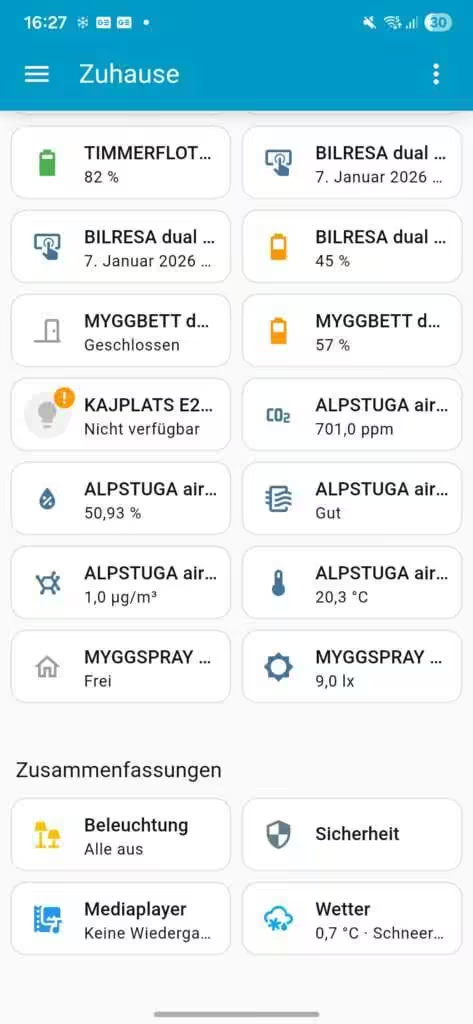
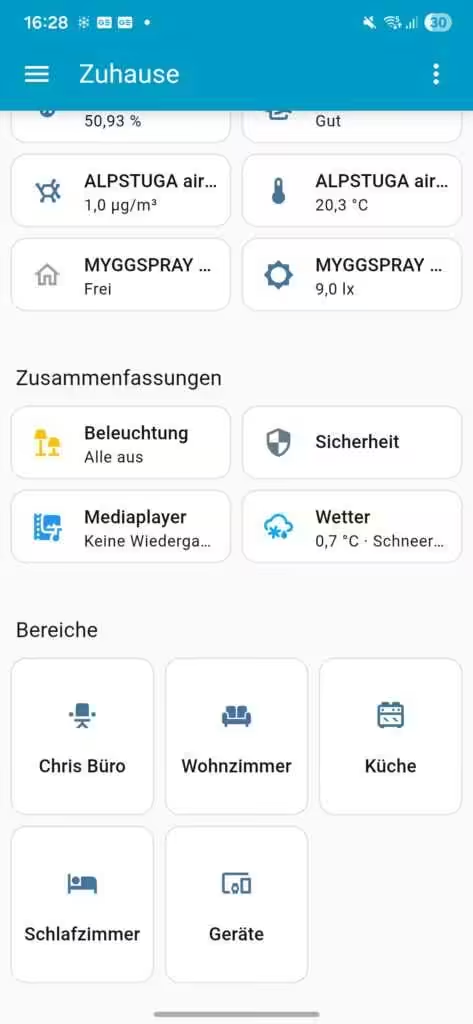
The individual areas are then displayed as usual. Nothing changes for desktop users, however: the summaries remain in the sidebar. The result is a much clearer overview on mobile devices without affecting existing desktop workflows.
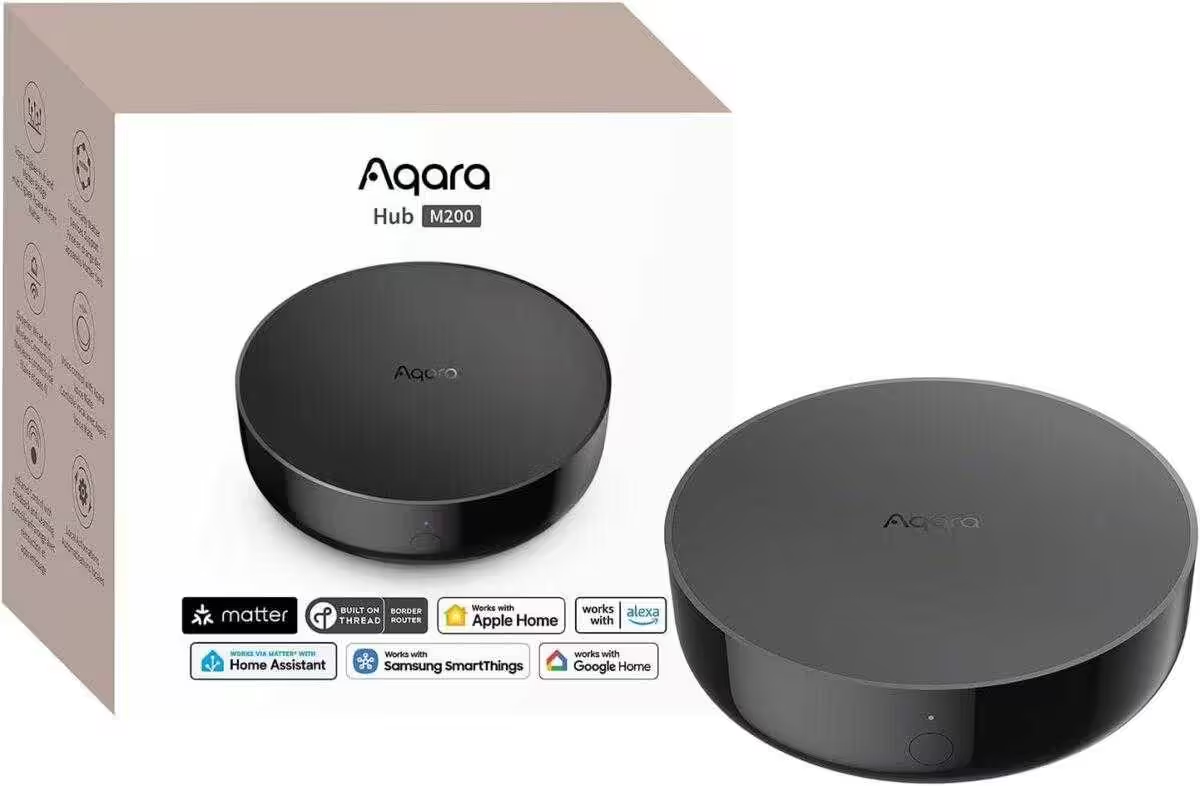
Aqara Smart Hub M200
Matter controller and Thread border router with Aqara Zigbee, Bluetooth, Wi-Fi, PoE and IR; supports Amazon Alexa, Apple HomeKit, Home Assistant, SmartThings and Google Home
Unassigned devices at a glance
Another new feature is a dedicated device view in the start dashboard. Home Assistant lists all devices that are currently not assigned to an area. These previously hard-to-find, so-called “orphaned” devices can now be quickly identified and managed.
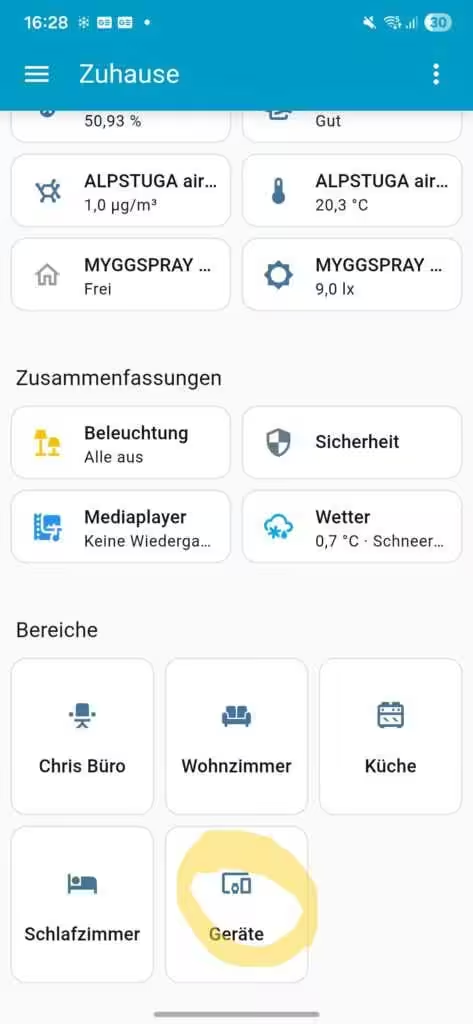
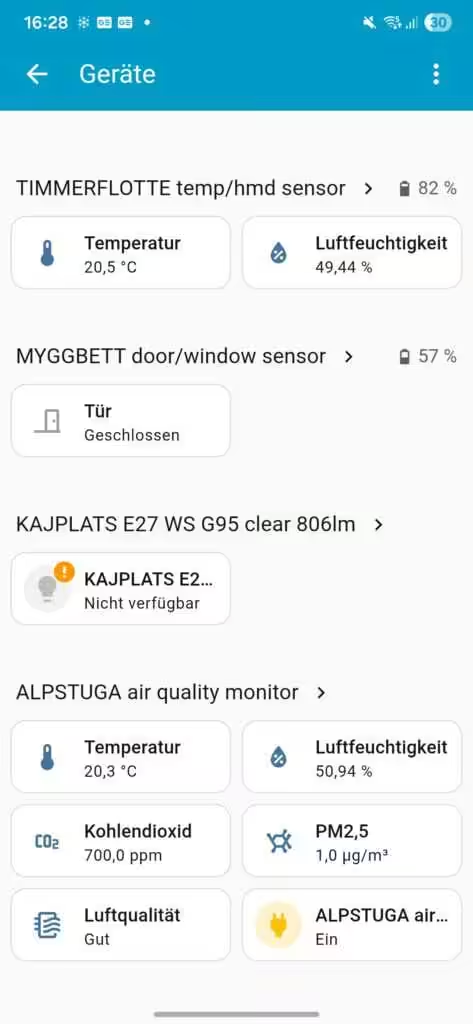
Especially in larger installations, this feature saves time and significantly reduces the effort required to maintain the device structure because there is no need to search through the settings.
Improved conditions for automations
A key theme of Home Assistant 2026.1 is the continued development of automations. Purpose-built, human-oriented triggers and conditions put a stronger emphasis on clarity. Instead of relying exclusively on technical state changes, automations can now be defined more clearly and intuitively.
Workflows can be triggered by button interactions, changes in climate status (for example, when temperature or humidity values rise above or fall below a threshold), the presence of a device, the status of sirens, the activation of scenes or available software updates. This approach makes more complex automations easier for beginners to access without limiting the flexibility of experienced users. The feature is currently still available in Home Assistant Labs and is being continuously expanded.
Faster navigation to protocol dashboards
The settings structure has also been improved in version 2026.1. The new “Protocols” section is now placed directly after the basic settings and makes supported connectivity standards quicker to access. This makes device protocols and their specific configurations much easier to reach.
Home Assistant displays only those protocols for which the corresponding integrations have actually been configured. Users therefore see only the options relevant to their smart home, providing a clearer and tidier user interface.
Conclusion on Home Assistant 2026.1
Home Assistant 2026.1 is not a major burst of new features, but it improves the right areas. Better mobile dashboards, easier-to-understand automations and clearer navigation make everyday work with the smart home system more pleasant and efficient. These continuous refinements in particular demonstrate how consistently Home Assistant is improving usability and user-friendliness.
💬 What has your experience with Home Assistant 2026.1 been like?
Have you already installed the update, and what do you think of the changes to the dashboard or automations? Share your tips, problems or ideas in the comments below — we look forward to hearing your opinions!
Source/Photo: (Amazon / HA Release Notes / Chrissmart)
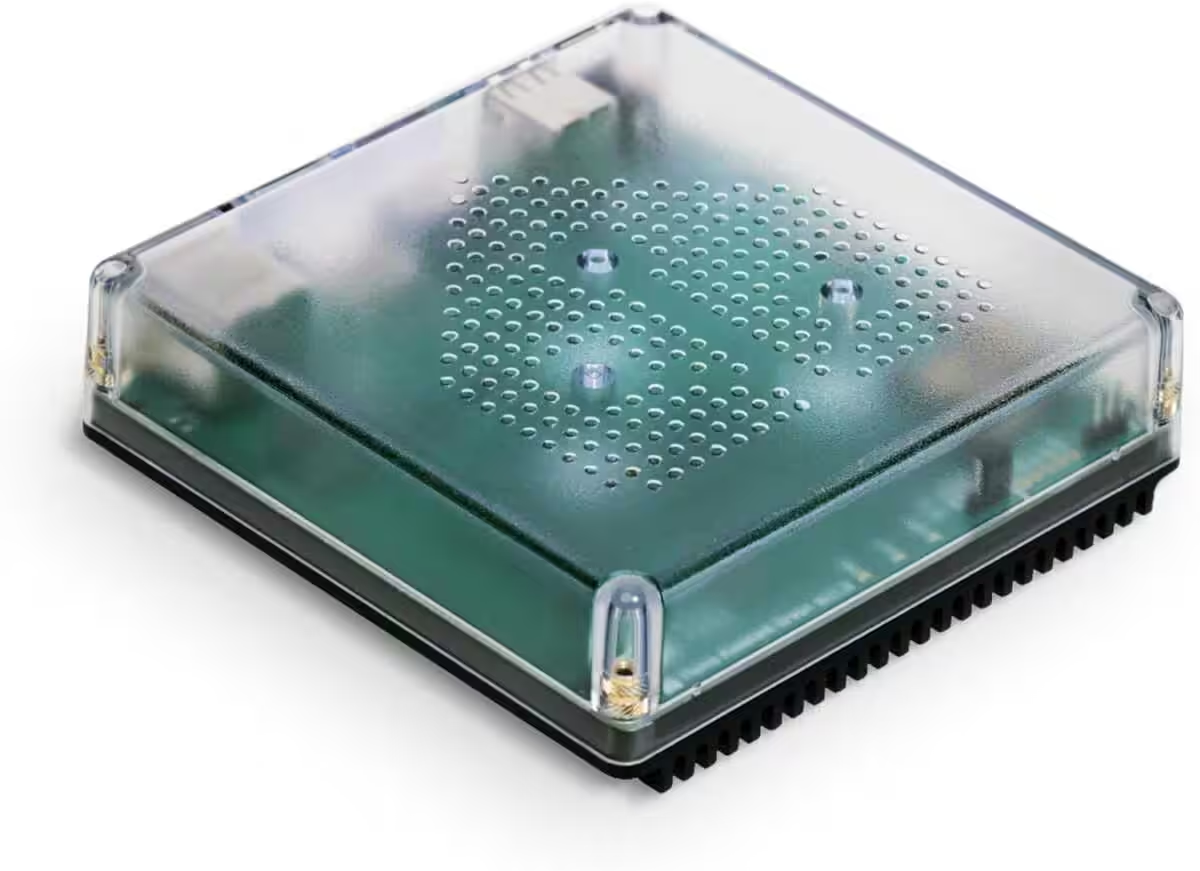
Nabu Casa Home Assistant Green
The easiest way to get started with Home Assistant — with Home Assistant already installed, simply connect the included power supply and Ethernet cable to begin.
Home Assistant Connect ZWA-2
Connect Z-Wave devices to Home Assistant | Official Home Assistant hardware

Ich bin Christian und habe den Blog 2024 gegründet. Ich bin gelernter Kommunikationselektroniker, technikbegeistert und Smart-Home-Enthusiast mit langjähriger Erfahrung im Bereich vernetzter Haushaltsgeräte. Mit großer Leidenschaft verfolge ich aktuelle Entwicklungen und teste regelmäßig neue Produkte, um verständliche Einblicke und praxisnahe Empfehlungen zu geben.