Home Assistant 2026.10 has been available since October 7. The October Home Assistant update makes it easier to work with multiple triggers in an automation and revamps the map view. It also introduces a reorganized user profile, a central Modbus overview and 15 new integrations. The announced renaming of Home Assistant Cloud to Home Assistant Link will follow in December.
Home Assistant automations: Combining multiple triggers
An automation can respond to different events and perform different actions depending on what happens. Hallway lighting is a typical example: when the sensor detects motion, the light turns on. When it subsequently reports no motion, the light turns off. Both sequences can be handled in a single automation.
Home Assistant uses so-called trigger IDs for this. The visual editor now manages the required identifiers automatically. In the “Triggered by” condition, users can directly select which trigger applies to each sequence. Anyone using custom identifiers in YAML can continue to do so. Multiple triggers with the same identifier are still supported.
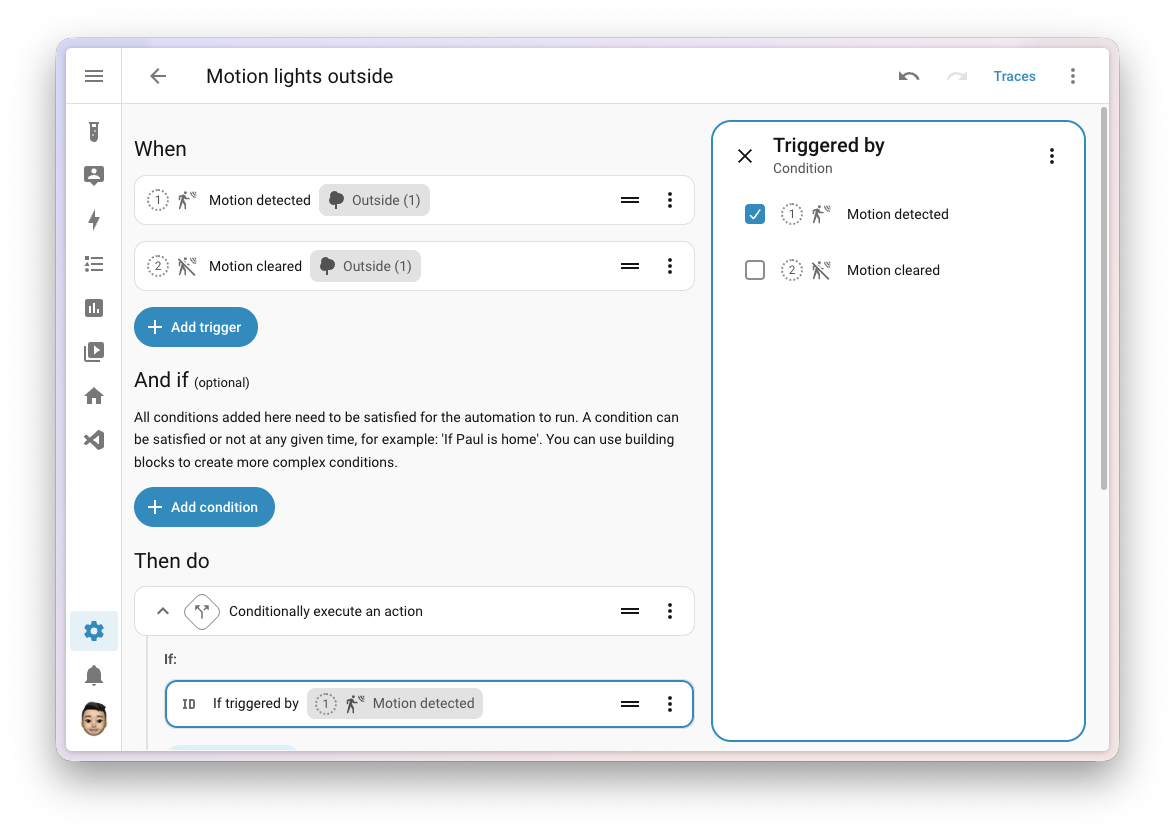
The practical benefit is a clearer overview: related sequences can be maintained in one place. This makes later adjustments easier, particularly in larger installations.
Home Assistant map view: Finding your way more easily
The redesigned map uses vector graphics, so it stays sharp even when zooming in. A dedicated dark map style complements the display. Older devices that do not support vector maps automatically receive a simpler view.
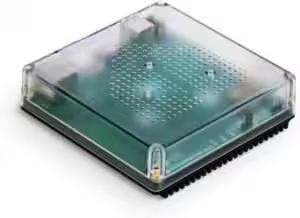
Nabu Casa Home Assistant Green
The easiest way to get started with Home Assistant – with Home Assistant already installed, simply connect the included power supply and Ethernet cable to get started | Official hardware
Home Assistant Connect ZBT-2
Home Assistant Connect ZBT-2 | Connect Zigbee, Thread or Matter devices to Home Assistant | Official hardware
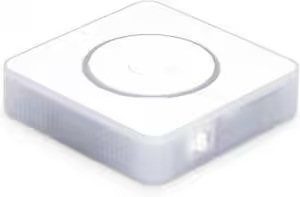
Nabu Casa Home Assistant Voice
Preview Edition | Smart speaker for local voice control | Compatible with Home Assistant | Privacy focused
People are shown with their profile picture or initials. When several people are in the same zone, their markers can be combined into a single group. This prevents individual symbols from obscuring one another.
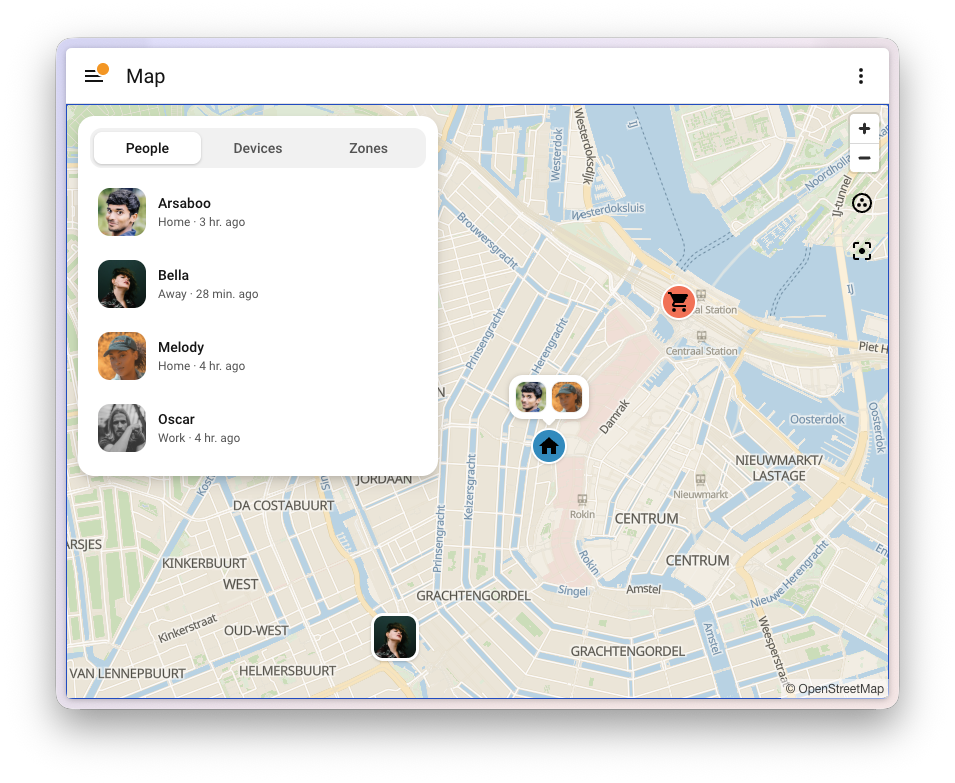
In the panel view, tabs for people, devices and zones complement the map. On a smartphone, this information appears in a sliding panel at the bottom of the screen. Selecting a person or zone also shows recent arrivals and departures. The overview therefore helps both with displaying current locations and with tracking zone changes.
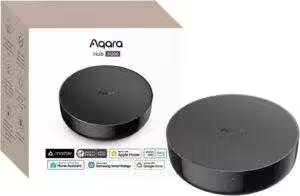
Aqara Smart Hub M200
Matter controller, Thread border router with Aqara Zigbee, Bluetooth, Wi-Fi, PoE, IR, supports Amazon Alexa, Apple HomeKit, Home Assistant, SmartThings, Google Home
Home Assistant Connect ZWA-2
Connect Z-Wave devices to Home Assistant | Official Home Assistant hardware

SONOFF Zigbee 3.0 USB Dongle Plus MG24
Zigbee gateway with EFR32MG24, Thread & Zigbee USB stick, Zigbee controller for Home Assistant or Zigbee2MQTT
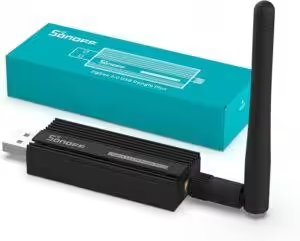
SONOFF Zigbee 3.0 USB Dongle Plus
Zigbee gateway TI CC2652P + CP2102N Zigbee USB stick, Zigbee hub for ZHA in Home Assistant or Zigbee2MQTT, OpenHAB, etc.
A clearer user profile and dashboards
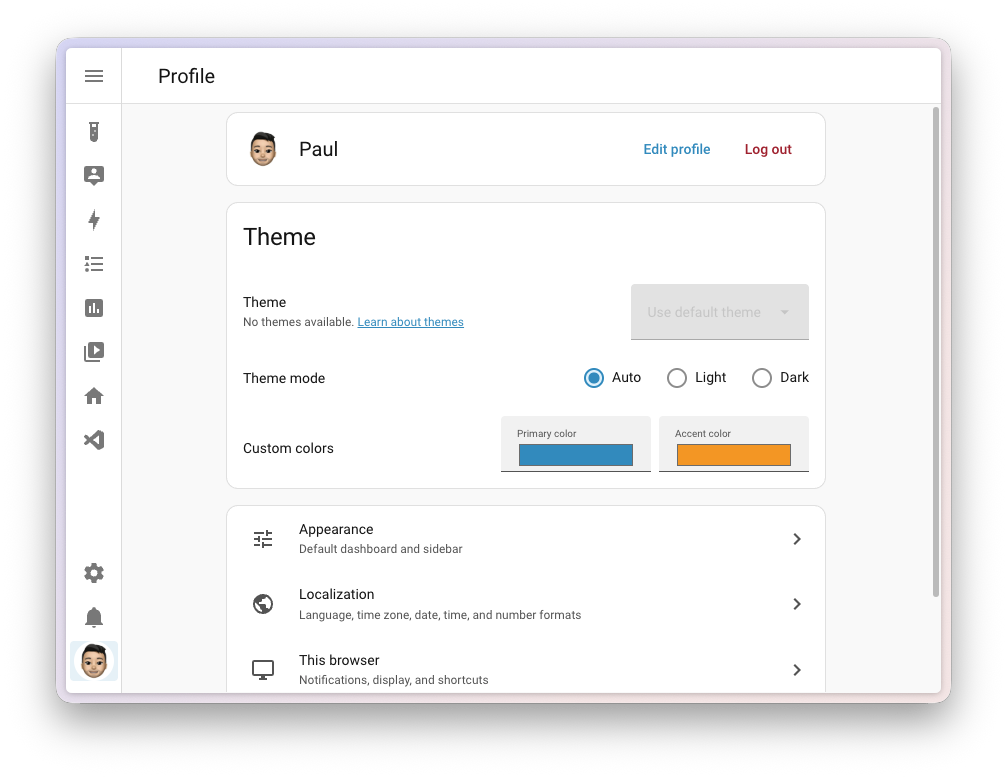
The profile page now groups settings into thematic sections. Each user can also change their own name and profile picture.
Dashboards gain additional options too: card visibility now supports the same conditions as the automation editor. For example, a control card for garden lighting can be displayed only after sunset. Active security alerts also appear on the Home dashboard.
The security alerts build on the features we previously introduced in our article about Home Assistant 2026.9.
SolarEdge Modbus and the new connection overview
A new Modbus panel provides a central view of connections, connected devices and the integrations involved. This continues the modernization started in September, step by step. New additions include SolarEdge Modbus and KACO Modbus.
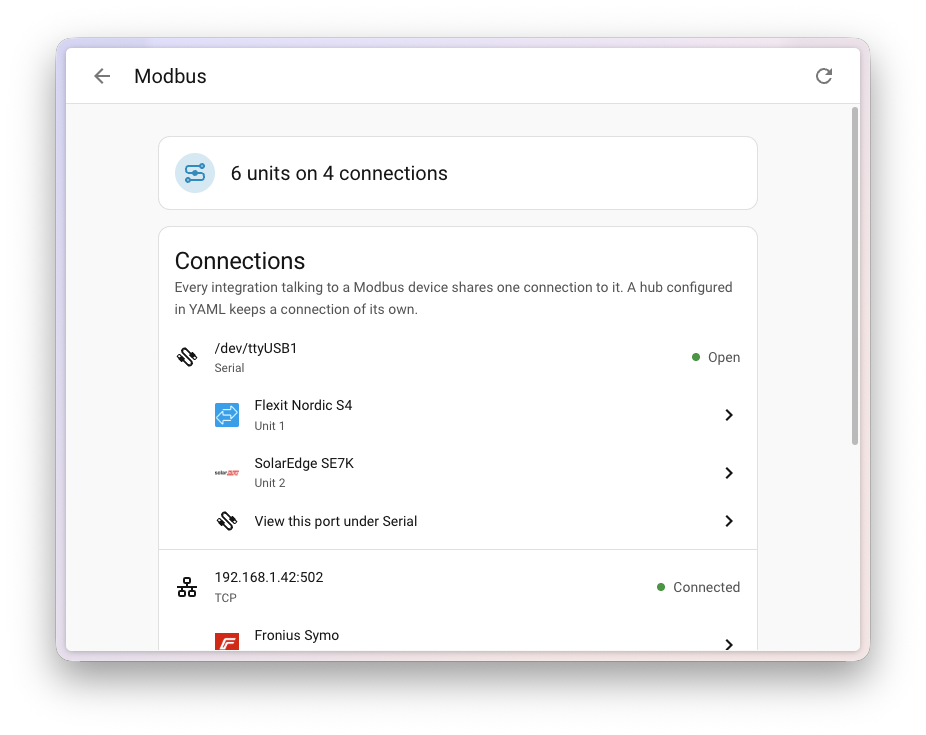
The local SolarEdge integration is particularly interesting for solar installation owners. It allows the inverter to be connected over the network or a serial connection. Available readings include current power, total energy yield and operating status. Connected meters and batteries are recorded as separate devices.
Depending on the installation, settings for battery storage and export limitation are also available. The functions actually supported depend on the hardware and its firmware. This local interface does not provide readings for individual solar panels or optimizers. That distinction matters if the integration is intended to replace an existing cloud connection.
What the October update brings to everyday use
Home Assistant 2026.10 makes existing features easier to access. The simplified trigger selection should be particularly helpful when creating and maintaining automations. The new map makes orientation easier, while the Modbus overview provides a clearer view of installations with multiple energy devices.
Before installing, it is advisable to create a current backup and review the breaking changes in the release notes.
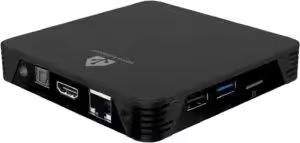
MIUCDA Home Assistant Box
Cortex-A53, 32GB ROM, 4GB RAM, USB 3.0 ports, HA OS host smart home hub
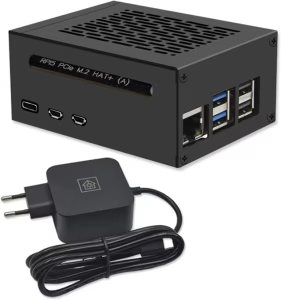
Home Assistant smart home hub
Raspberry Pi 5 8GB | Air-Flow metal case | M.2 250GB NVME | Home Assistant OS
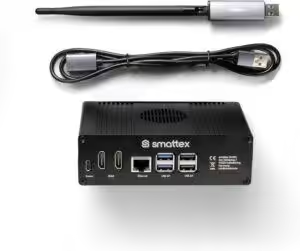
Home Assistant preinstalled, including antenna (Thread border router)
Plug & Play Set Black, Wi-Fi, Bluetooth, SSD, Matter, optional Zigbee, ready to use (4GB RAM / 128GB SSD)
Source/photo: (Amazon / Home Assistant / Chrissmart )

Ich bin Christian und habe den Blog 2024 gegründet. Ich bin gelernter Kommunikationselektroniker, technikbegeistert und Smart-Home-Enthusiast mit langjähriger Erfahrung im Bereich vernetzter Haushaltsgeräte. Mit großer Leidenschaft verfolge ich aktuelle Entwicklungen und teste regelmäßig neue Produkte, um verständliche Einblicke und praxisnahe Empfehlungen zu geben.