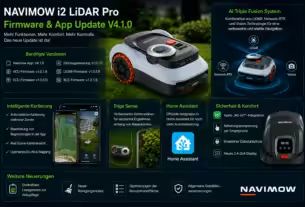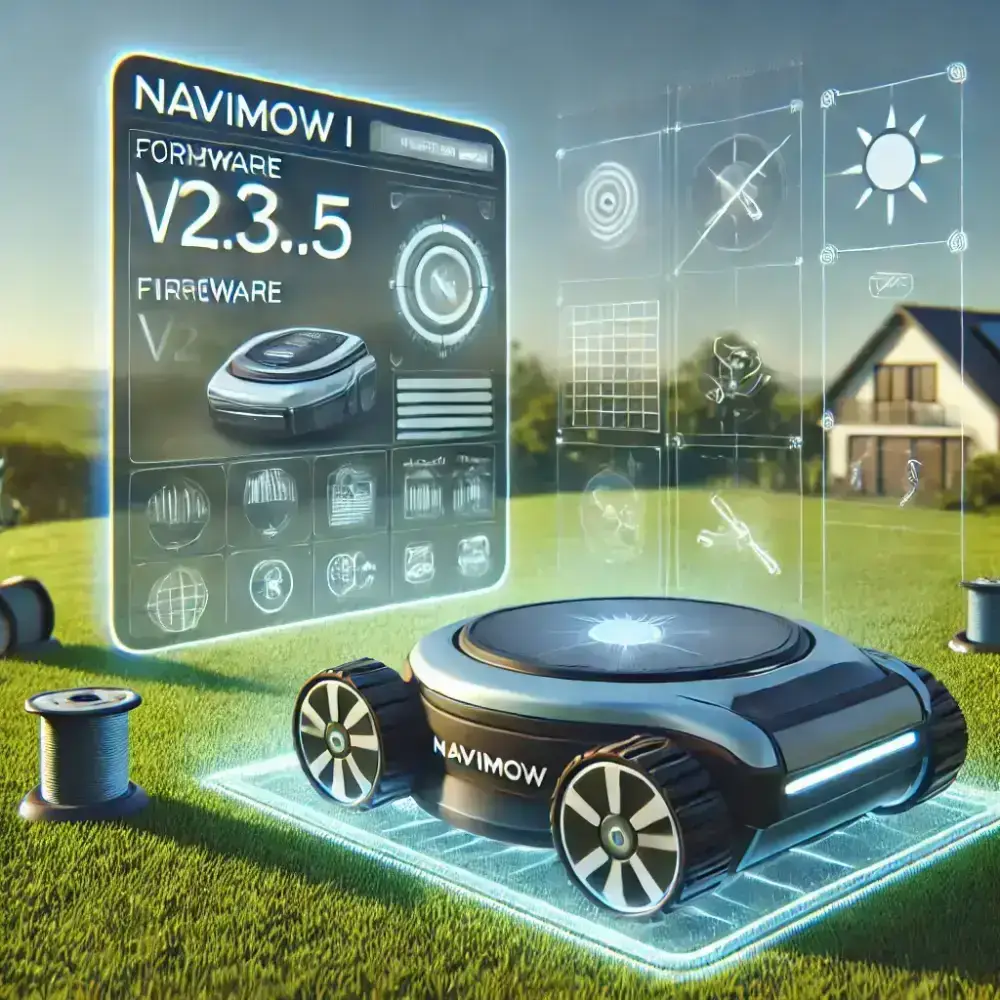
While your robotic lawn mower enjoys its well-earned winter break in the garage or basement, Navimow continues to improve its products. The latest software update further optimizes the i Series, especially the i105E and i108E. Firmware V2.3.5 brings technical improvements and makes the Navimow app easier to use.
What is new in firmware V2.3.5?
According to the manufacturer’s release notes, firmware V2.3.5 includes the following improvements and fixes:
Improved “animal-friendly” function:
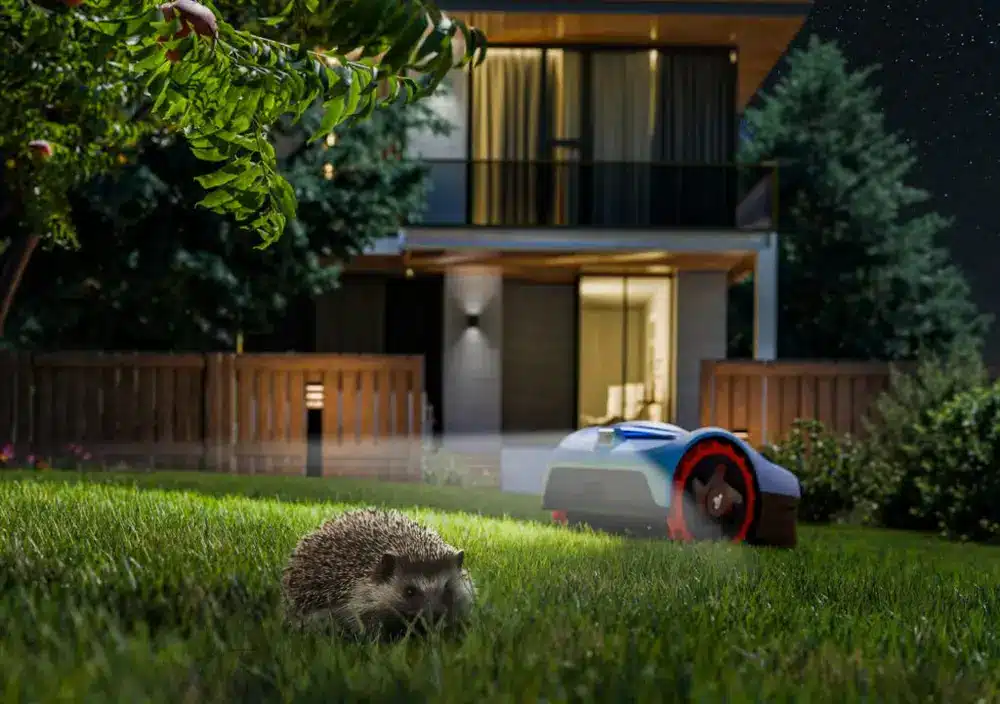
The function has been optimized to improve animal safety in the garden. The mower should recognize small animals such as hedgehogs more reliably and avoid hitting them. The camera and sensor technology was likely fine-tuned to reduce false detections. The mower may also operate more quietly so it does not disturb animals unnecessarily.
Performance improvements:
The mower’s efficiency has been improved. This may include more precise navigation, shorter mowing times or more reliable operation overall. Unfortunately, the release notes do not provide further details.
Known issues fixed:
Several unspecified bugs have been fixed, which should improve the mower’s overall stability and reliability. Navimow did not provide specific details about these fixes.
New live chat in the app:
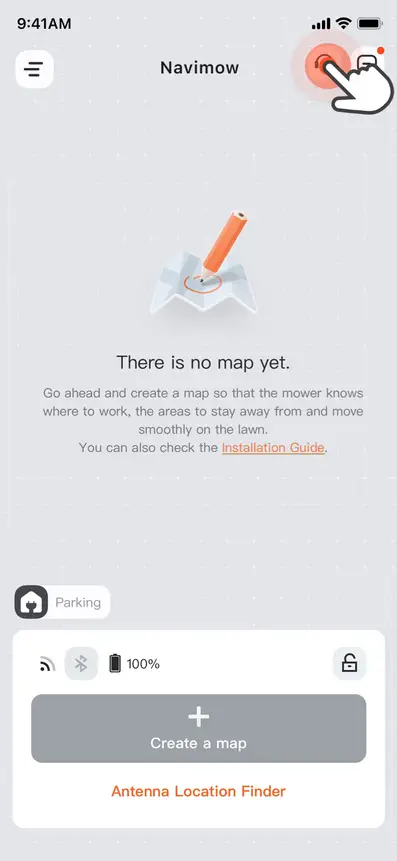
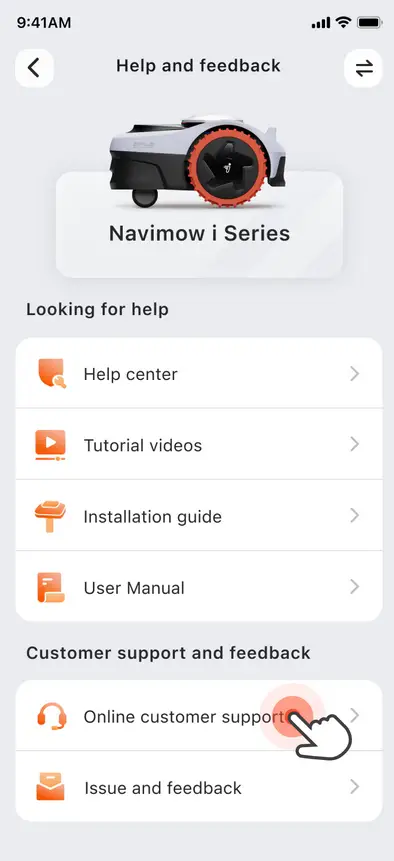
A key new feature lets users contact customer service directly through the Navimow app. A clearly visible “Online Customer Support” icon now starts a live chat. This makes it easier to get help with problems or questions and significantly improves the app’s usability.
Conclusion
Firmware V2.3.5 delivers functional and safety-related improvements that make the Navimow robotic lawn mower more effective and easier to use. Optimizing the animal-friendly function is particularly important for protecting small animals such as hedgehogs and improving acceptance of robotic mowers.
The live chat is another step forward for customer support, providing quick and straightforward help directly in the app. Use the winter break to update your Navimow so it is ready for spring.
Source/photo: (Chrissmart / ChatGPT / Amazon / Navimow / Release notes)
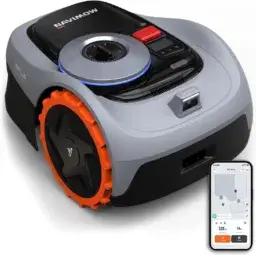
Navimow i105E robotic mower
Wire-free, for areas up to 600 m²
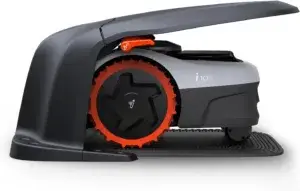
Navimow Garage S
Hinged design, no signal blocking, protection from sun and rain, accessory for Navimow i105E and i108E robotic mowers
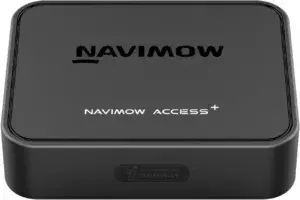
Navimow Access+ 4G module,
Required for 4G connectivity and theft protection, accessory for Navimow i105E and i108E robotic mowers
FAQ – Frequently asked questions:
How do I install firmware V2.3.5 on my Navimow?
The update is delivered through the Navimow app. Once it is available, you will receive a notification in the app. Installation then takes place wirelessly as an over-the-air update.
What does firmware V2.3.5 include for the Navimow i105E and i108E?
The update improves the animal-friendly function, optimizes mower performance and fixes several known issues. It also adds live chat to the Navimow app so users can contact customer service directly.
Where can I find more information about the update?
More details are available in the Navimow app or on the manufacturer’s official website, including the full release notes.
Is the update available for all Navimow models?
Firmware V2.3.5 is intended specifically for the Navimow models i105E and i108E Other models may receive different updates.
Do I need to install the update immediately?
Installing it as soon as possible is recommended so you benefit from the new features and improvements. The optimized animal-friendly function is an especially important safety feature.
What is the new live chat in the Navimow app?
The update adds live chat for customer support. Users can contact the service team directly in the app by tapping the “Online Customer Support” icon on the home screen.

Ich bin Christian und habe den Blog 2024 gegründet. Ich bin gelernter Kommunikationselektroniker, technikbegeistert und Smart-Home-Enthusiast mit langjähriger Erfahrung im Bereich vernetzter Haushaltsgeräte. Mit großer Leidenschaft verfolge ich aktuelle Entwicklungen und teste regelmäßig neue Produkte, um verständliche Einblicke und praxisnahe Empfehlungen zu geben.