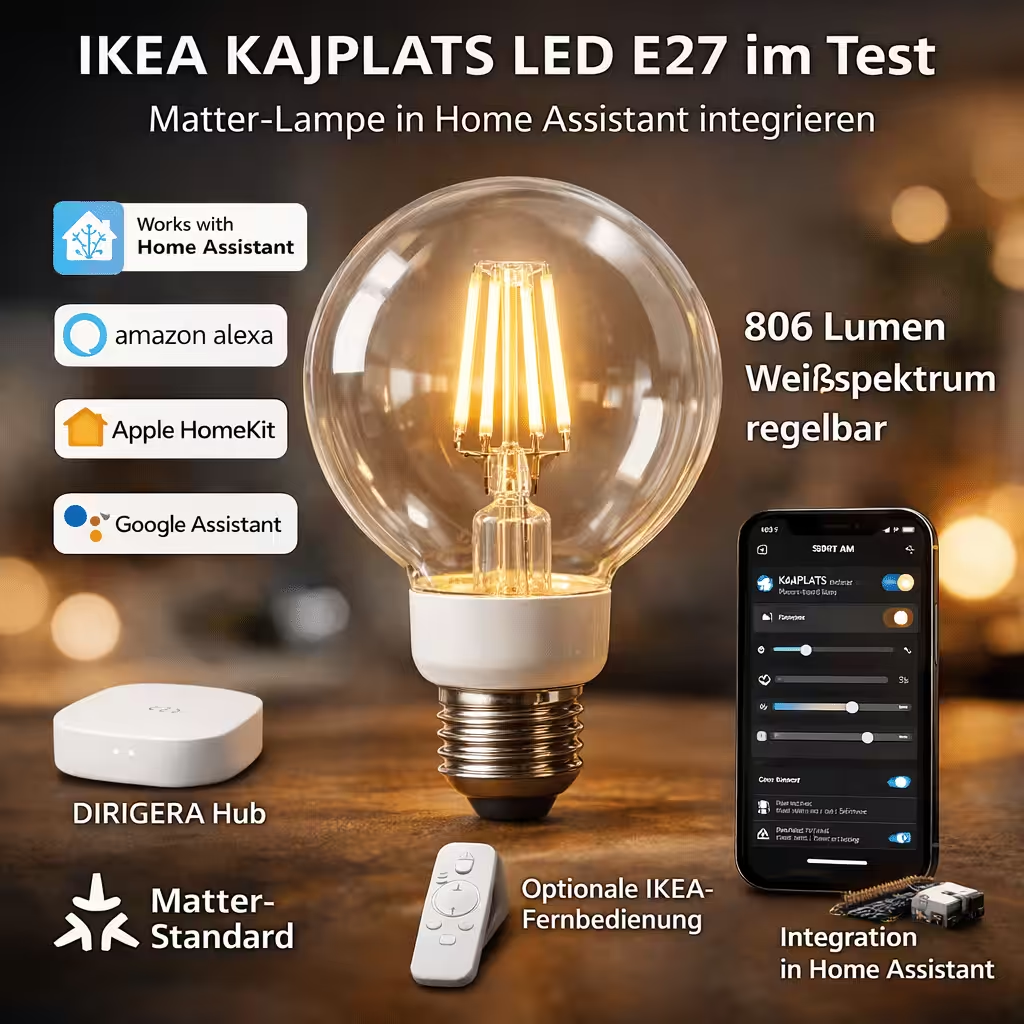
With the KAJPLATS E27 LED bulb, IKEA is expanding its range with a decorative smart home light source. The bulb is designed for users who want to automate their lighting flexibly while integrating it into modern systems such as Home Assistant, Aqara, Amazon Alexa, Google Home and Apple HomeKit.
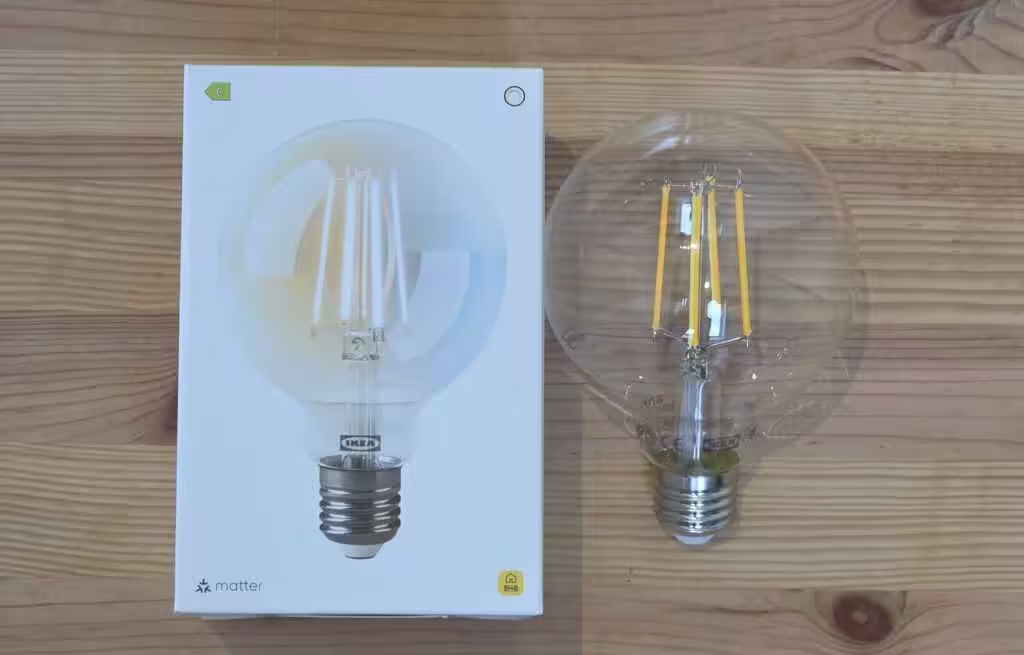
Brief introduction: IKEA KAJPLATS LED bulb
IKEA’s KAJPLATS LED E27 is a smart bulb with 806 lumens in a classic round shape (95 mm). It supports an adjustable white spectrum from warm to cool light. A dimming function allows the brightness to be adjusted continuously. This makes it suitable for functional uses such as cooking or working as well as for softer, dimmed lighting in living areas.
💡 Interested in IKEA smart home products?
We have tested various IKEA smart home devices and successfully integrated them into Home Assistant These include the MYGGSPRAY motion sensor, BILRESA remote control, MYGGBETT door and window sensor as well as the TIMMERFLOTTE temperature and humidity sensor. Our articles explain how the integration works, which functions are available in Home Assistant and what we learned in everyday use.
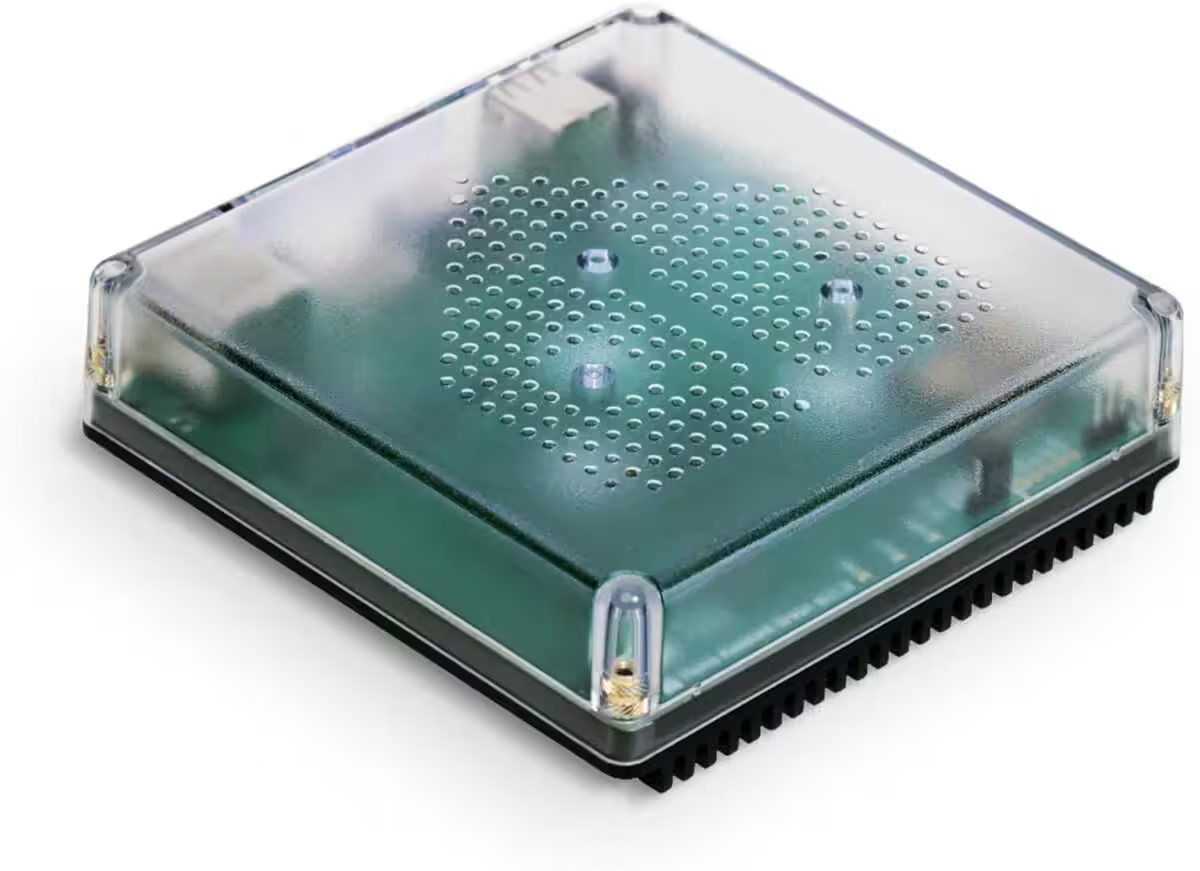
Nabu Casa Home Assistant Green
The easiest way to get started with Home Assistant—simply connect the included power supply and Ethernet cable | Official hardware
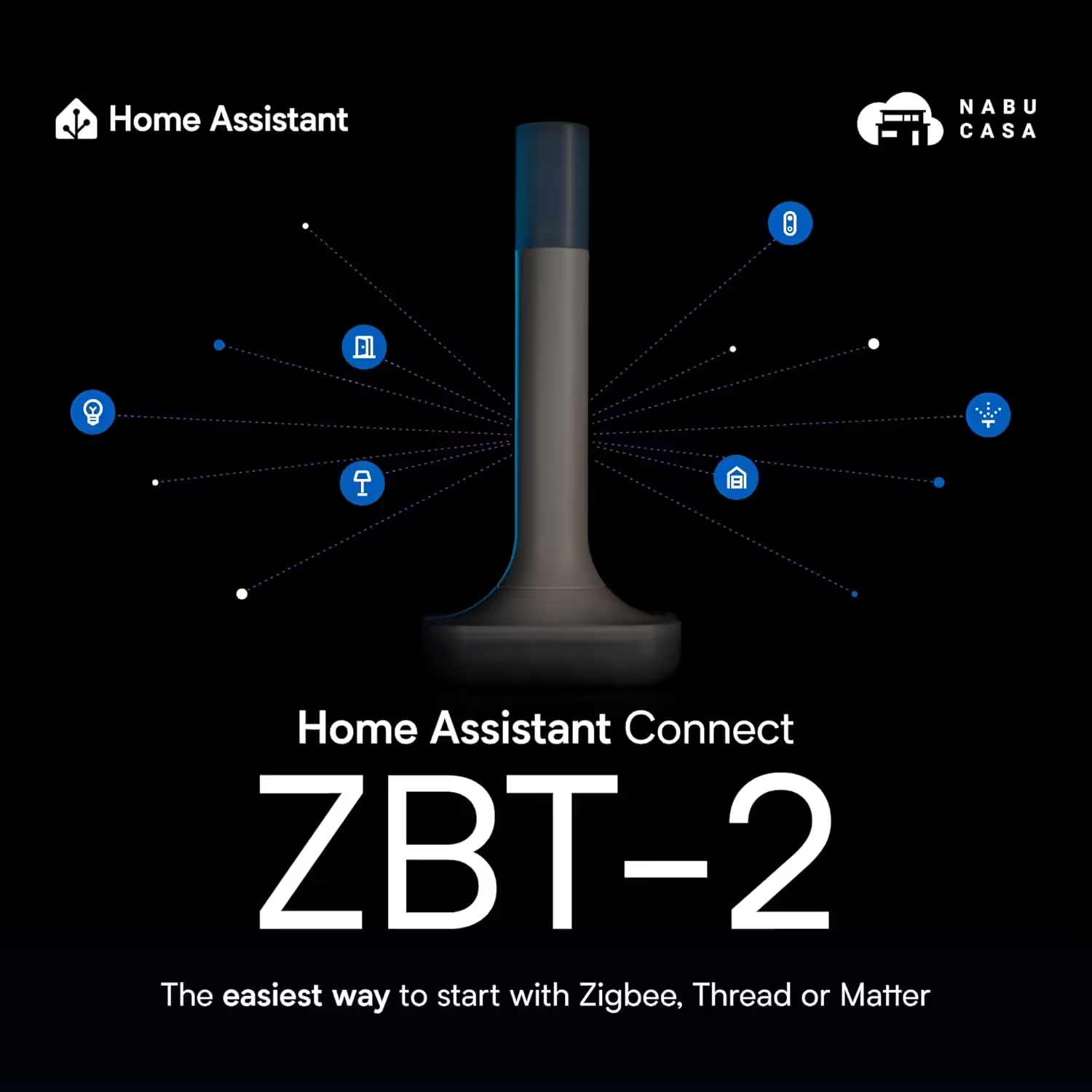
Home Assistant Connect ZBT-2
Home Assistant Connect ZBT-2 | Connect Zigbee, Thread or Matter devices to Home Assistant | Official hardware
Nabu Casa Home Assistant Voice
Preview Edition | Smart speaker for local voice control | Compatible with Home Assistant | Privacy focused
Matter standard
Technically, the KAJPLATS E27 LED bulb is based on the open Matter standard. This makes it compatible across manufacturers and allows it to connect not only to the DIRIGERA hub but also to other common smart home systems, including solutions from Amazon, Apple, Google, Homey and Samsung.
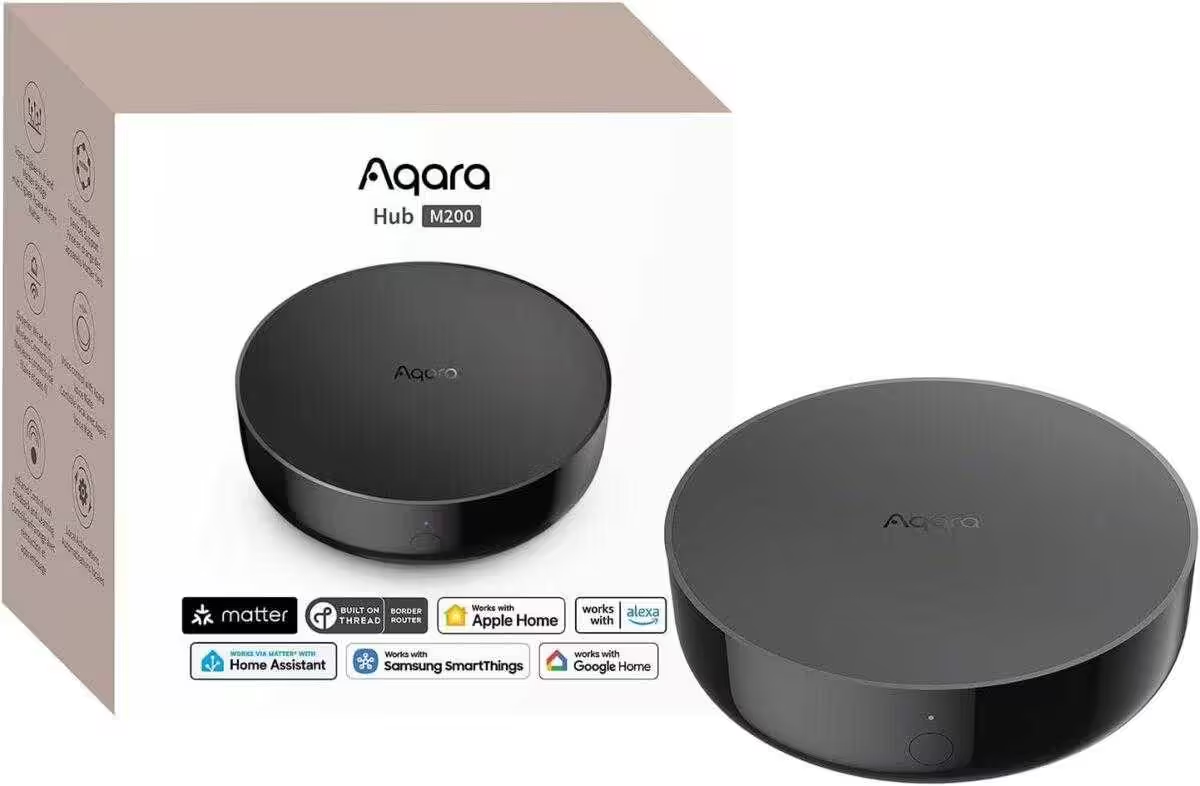
Aqara Smart Hub M200
Matter controller, Thread Border Router with Aqara Zigbee, Bluetooth, Wi-Fi, PoE and IR; supports Amazon Alexa, Apple HomeKit, Home Assistant, SmartThings and Google Home
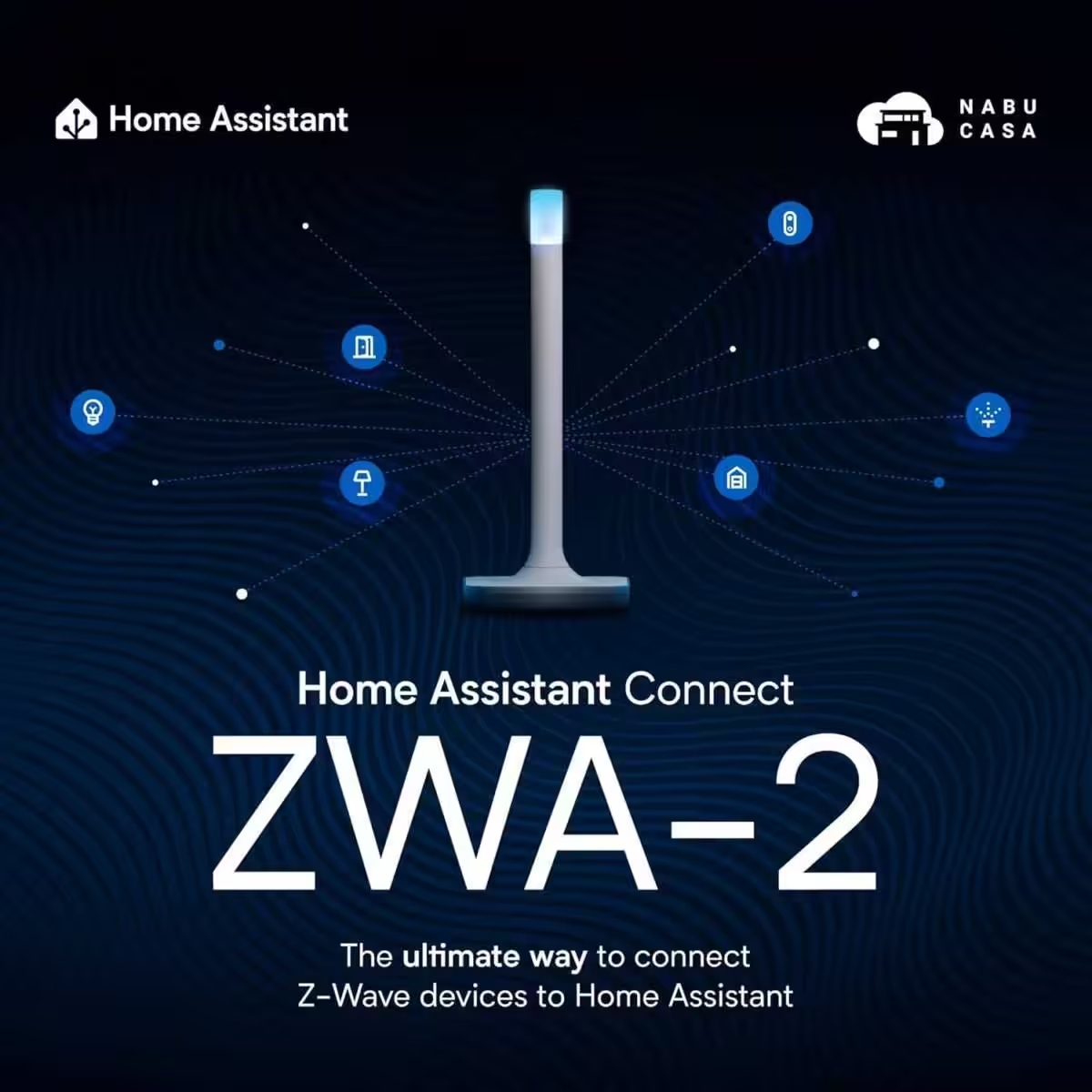
Home Assistant Connect ZWA-2
Connect Z-Wave devices to Home Assistant | Official Home Assistant hardware
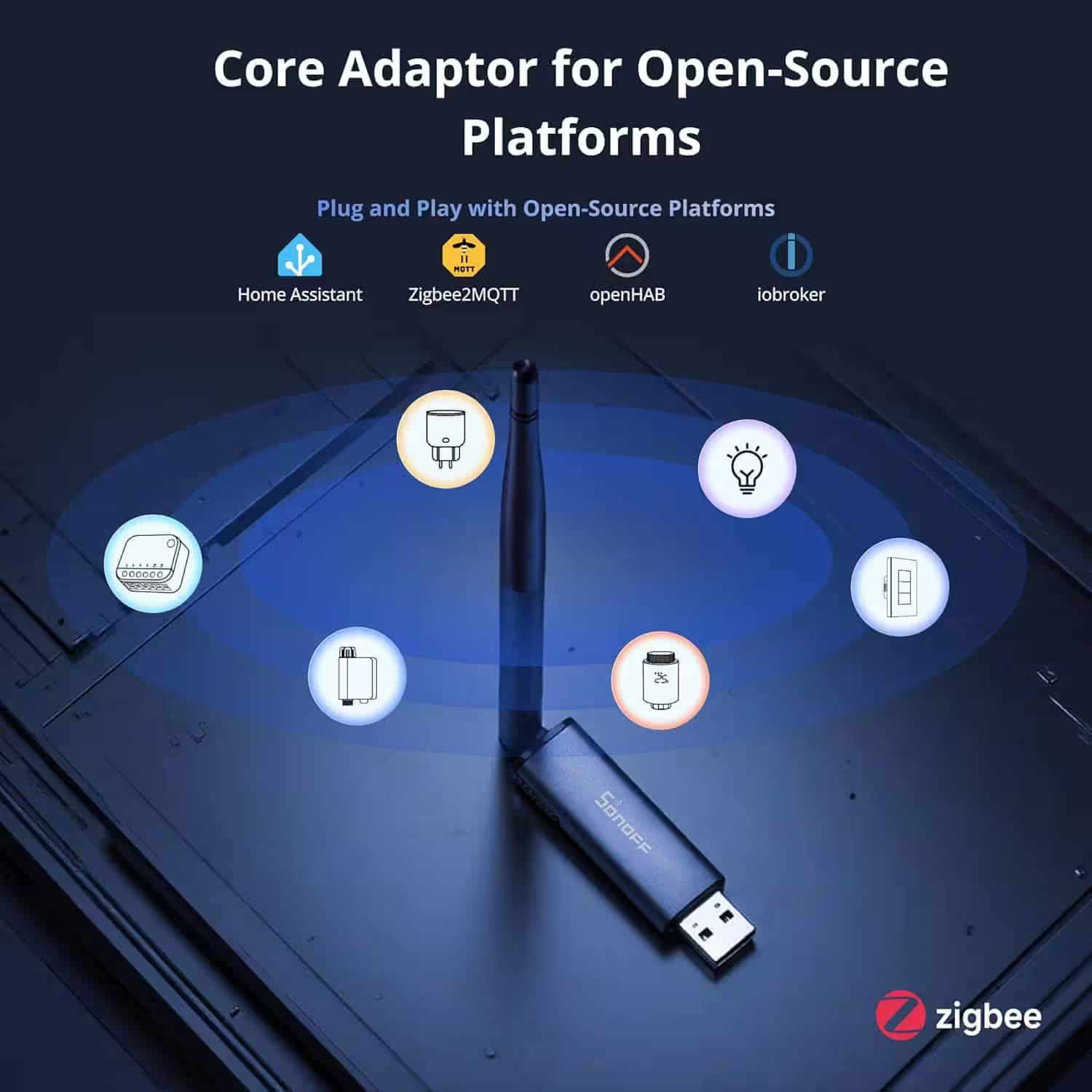
SONOFF Zigbee 3.0 USB Dongle Plus MG24
Zigbee gateway with EFR32MG24, Thread & Zigbee USB stick, Zigbee controller for Home Assistant or Zigbee2MQTT
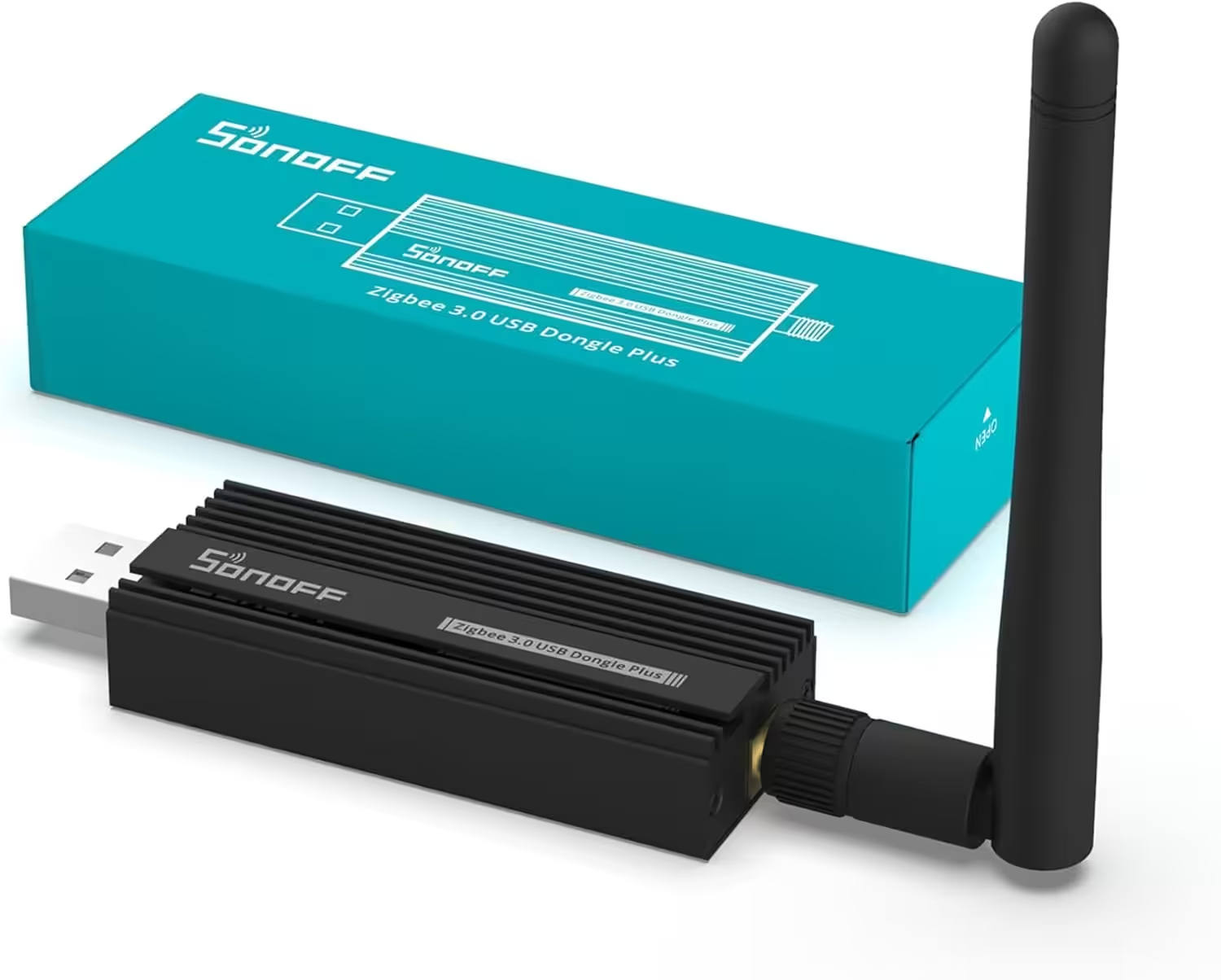
SONOFF Zigbee 3.0 USB Dongle Plus
Zigbee Gateway TI CC2652P + CP2102N Zigbee USB Stick,Zigbee hub for ZHA in Home Assistant or Zigbee2MQTT, OpenHAB etc.
Requirements for integration into Home Assistant
The following basic requirements must be met to integrate the IKEA KAJPLATS E27 LED bulb successfully into Home Assistant:
- A current version of Home Assistant running on suitable hardware, such as:
- Raspberry Pi*
- Home Assistant Green* (recommended)
- Home Assistant Yellow*
- A working Thread Border Router, such as:
- Matter QR code or numerical pairing code
Setting up IKEA KAJPLATS in Home Assistant
Matter devices can currently only be added via the Home Assistant Companion App on a smartphone.
After being switched on, the bulb is available for setup for 15 minutes. The setup window can be restarted by switching it off and on again.
If the bulb was previously connected to another smart home system, it can be reset by switching it on and off six times. When the reset is successful, the bulb flashes twice briefly the next time it is switched on.
Setup procedure
- Open the Matter integration in the app:
Settings → Add to Home Assistant → Add device → Add Matter device - Select New and scan the QR code or enter the pairing code manually. The code is located on the lower part of the bulb near the base.
- If several Thread Border Routers are available, select the desired Thread network.
After a few seconds, the bulb appears as a new device in Home Assistant and is ready for further configuration. It integrates seamlessly and provides basic functions such as switching on and off, dimming and use in scenes and automations. Combined with sensors, schedules or presence detection, the light can become a fully integrated part of your smart home.
IKEA KAJPLATS in Home Assistant: functions and data
The device information shows the firmware version, hardware version and connection type (Matter). The default device name can be changed freely.


Under Controls, Home Assistant shows whether the bulb is on or off. The detailed view allows continuous dimming and adjustment of the colour temperature either freely or using four presets. It also shows how long the bulb has been on or since when it has been off.
The Configuration section allows you to set the minimum and maximum brightness (0–255), the on/off transition time in seconds and the behaviour after power is restored.
Under Diagnostics, the Identify function is available. Once confirmed, the bulb flashes several times, making it easier to distinguish from other lights.


The bulb can also be assigned directly to automations, scenes or scripts. Our system contains two automations that control the bulb using the IKEA BILRESA remote control: Button 1 switches it on and Button 2 switches it off again.
Finally, the Activity section clearly displays all interactions with the bulb and every configuration change.
Using KAJPLATS with an IKEA remote control
The bulb can also be connected directly to an IKEA BILRESA remote control without using a smart home system. The following steps are required:
- Insert the bulb into a socket and switch it on.
- Press the pairing button on the back of the remote control four times to activate pairing mode.
- Hold the remote control close to the bulb for 30 seconds.
- If pairing is successful, the bulb flashes twice briefly.
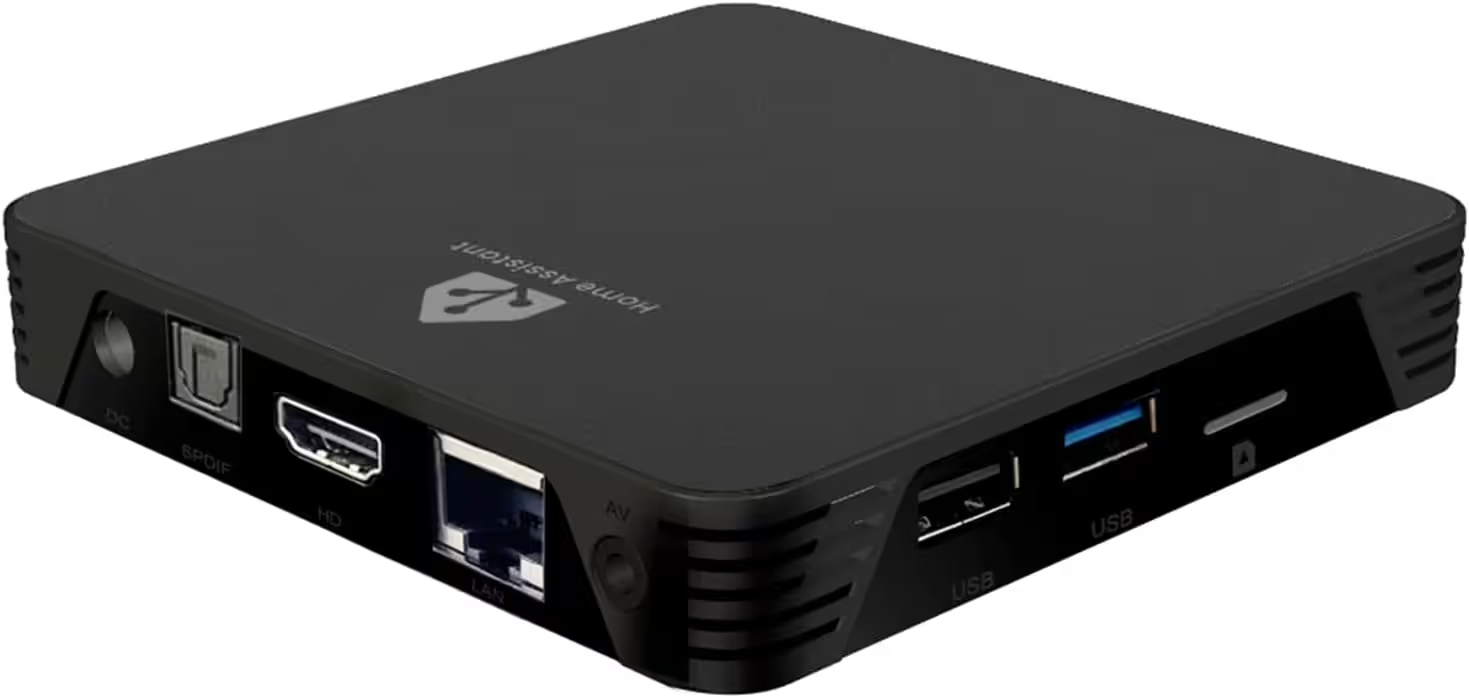
MIUCDA Home Assistant Box
Cortex-A53, ROM 32GB, RAM 4G, USB 3.0 Ports, HA OS host smart home hub
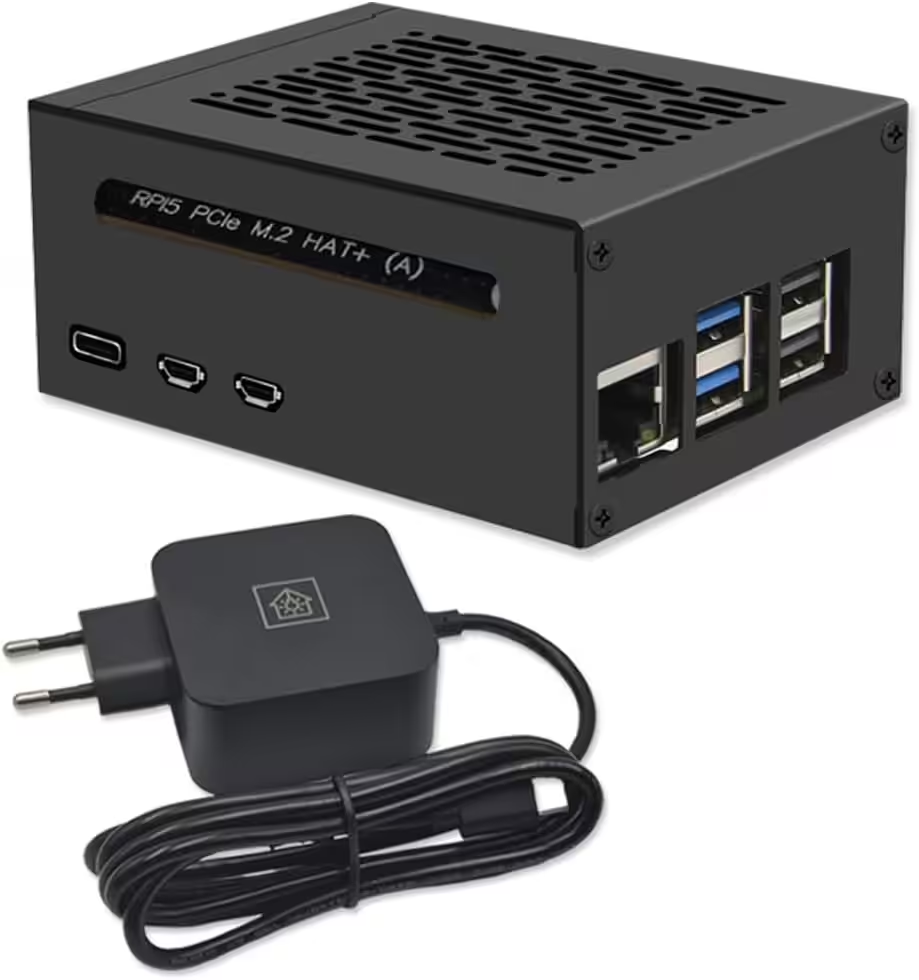
Home Assistant smart home hub
Raspberry Pi 5 8GB | Air-Flow Metallgehäuse | M.2 250GB NVME | Home Assistant OS
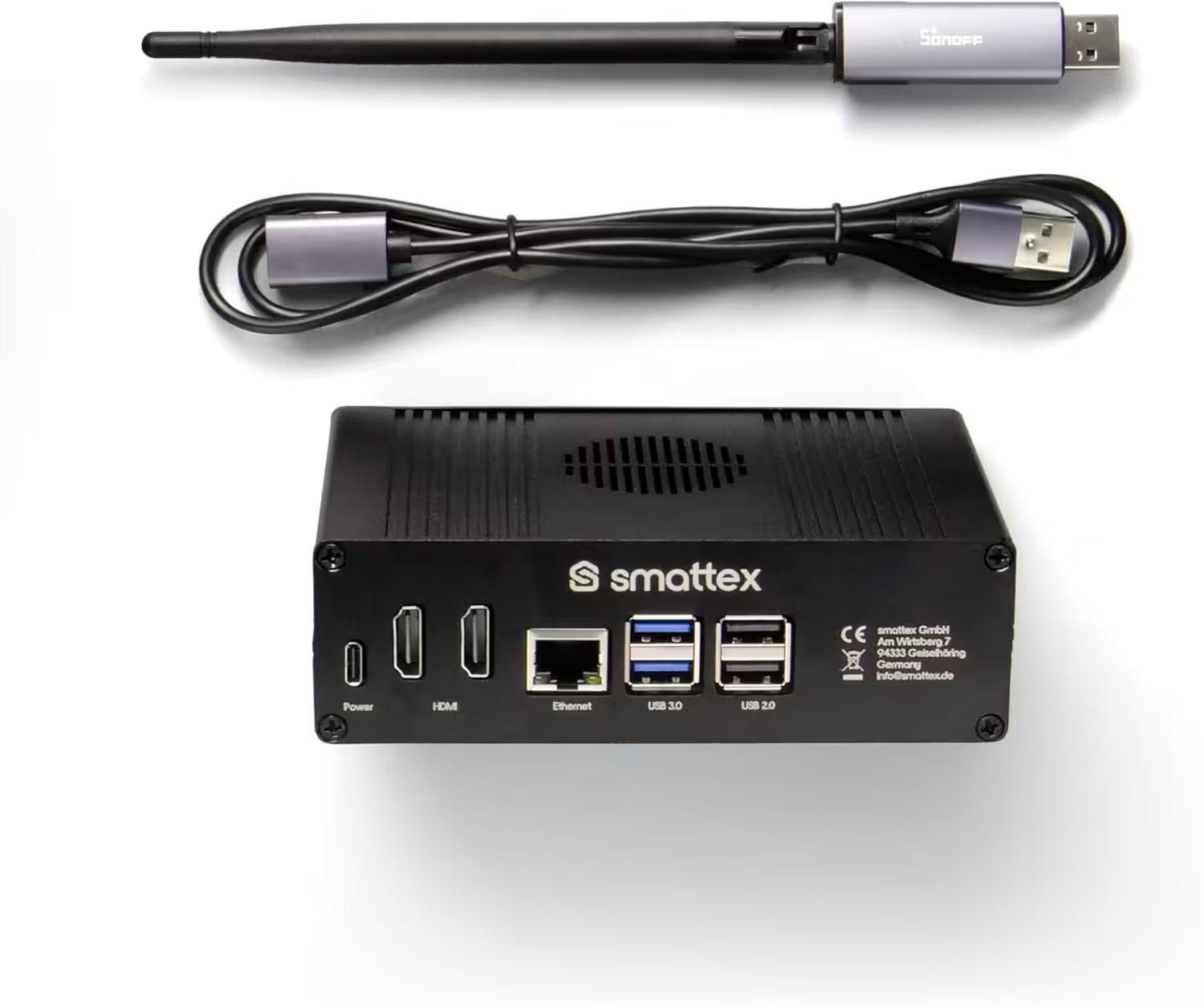
Home Assistant pre-installed, including antenna (Thread Border Router)
Plug & Play Set Black, WiFi, Bluetooth, SSD, Matter, Zigbee optional, ready to use (4 GB RAM / 128 GB SSD)
Conclusion
The IKEA KAJPLATS E27 LED bulb offers an easy introduction to smart lighting. With its adjustable white spectrum, dimming function and Matter support, it is suitable for both simple lighting control and more advanced automations.
Combined with its appealing design and open system architecture, KAJPLATS is a flexible solution for modern smart home systems. Another advantage is the price of €7.99. Comparable products from other manufacturers, such as Philips Hue, often cost more than twice as much and do not always offer open Matter support.
Source/photo: (Amazon / IKEA / image generator)
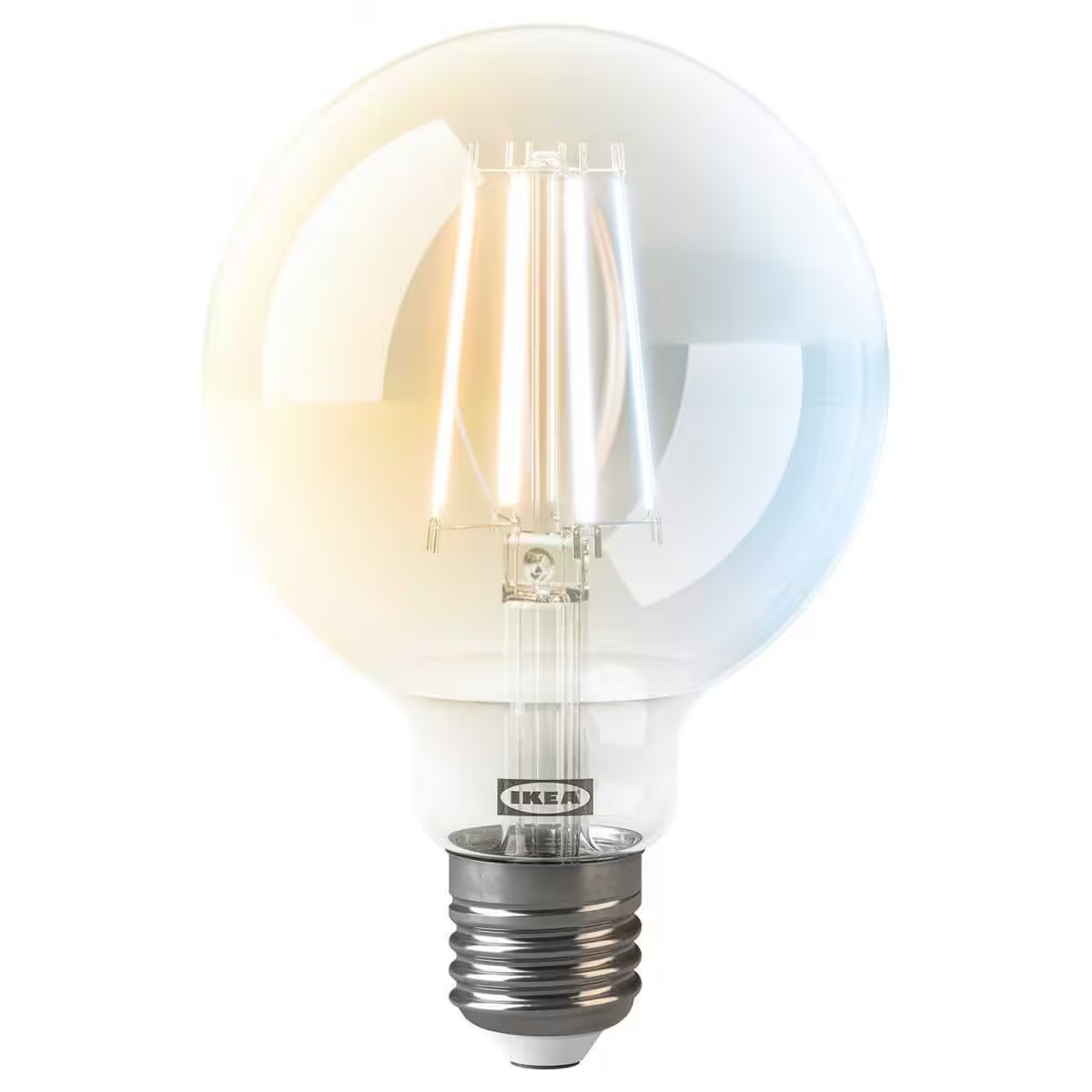
KAJPLATS
E27 LED bulb, 806 lm, smart white spectrum, clear/round, 95 mm
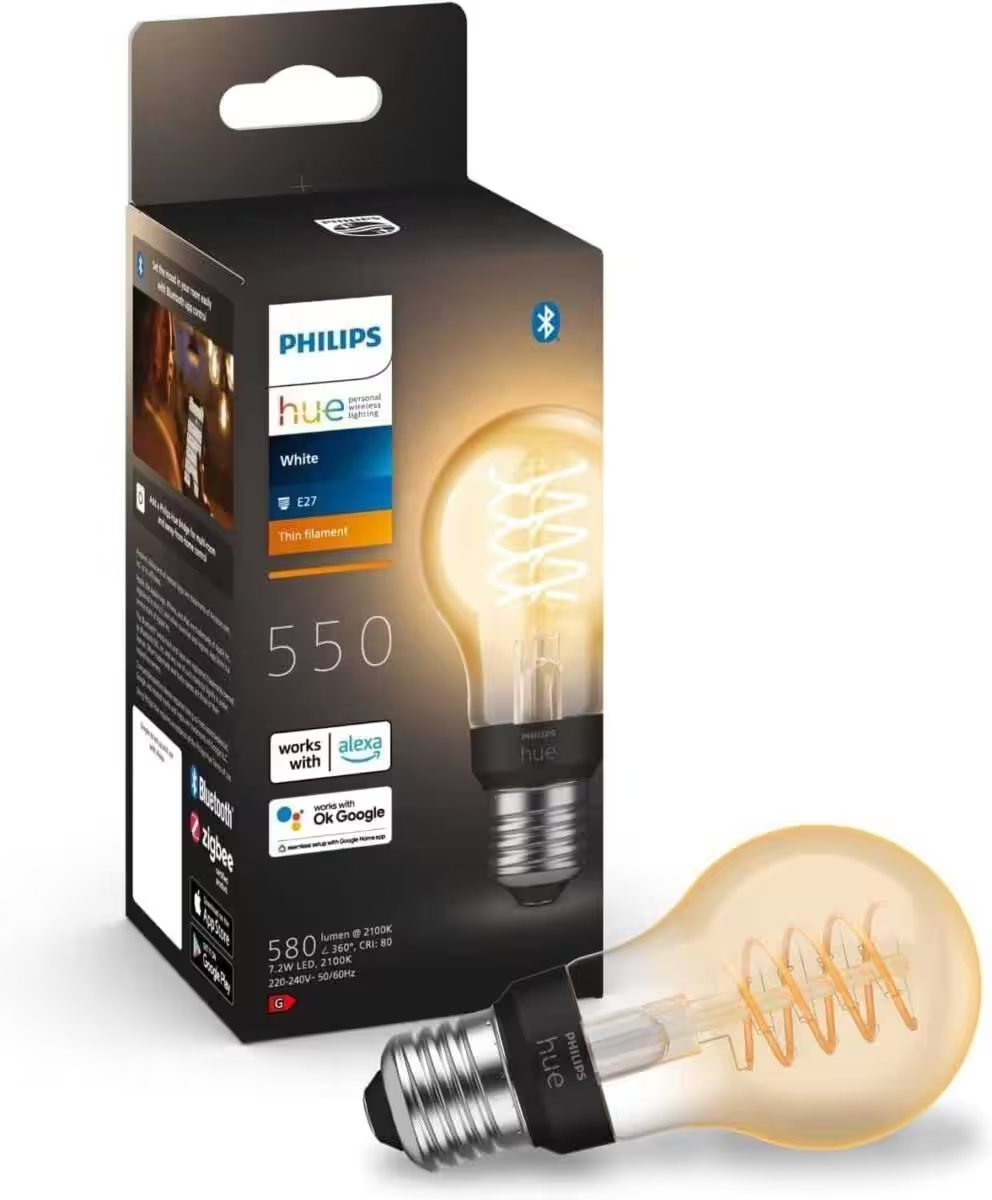
Philips Hue White E27 filament bulb (550 lm)
dimmable standard LED bulb for the Hue lighting system with warm white light and smart voice control



Ich bin Christian und habe den Blog 2024 gegründet. Ich bin gelernter Kommunikationselektroniker, technikbegeistert und Smart-Home-Enthusiast mit langjähriger Erfahrung im Bereich vernetzter Haushaltsgeräte. Mit großer Leidenschaft verfolge ich aktuelle Entwicklungen und teste regelmäßig neue Produkte, um verständliche Einblicke und praxisnahe Empfehlungen zu geben.