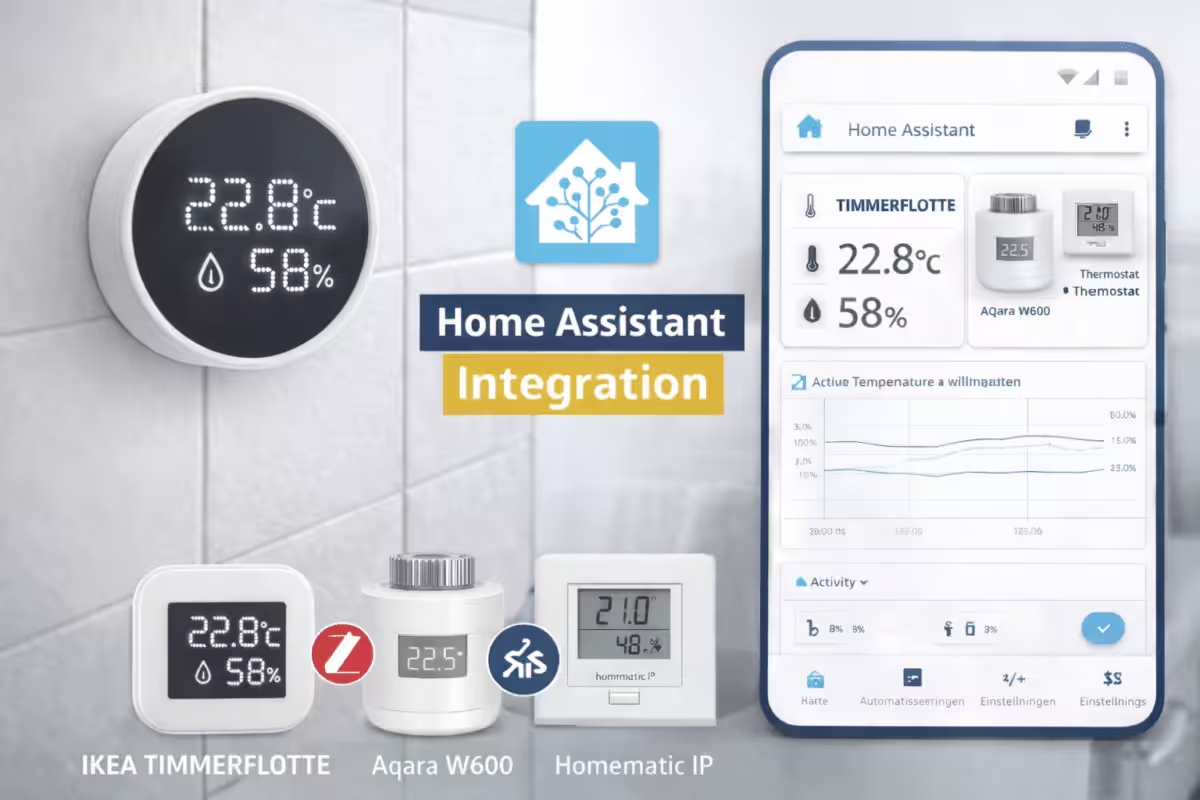
With TIMMERFLOTTE, IKEA is expanding its smart home range with a compact solution for measuring temperature and humidity. The sensor is aimed primarily at rooms such as bathrooms, kitchens or basements, where the indoor climate plays a key role. When combined with Home Assistant, TIMMERFLOTTE can not only be monitored but also used for targeted automations—for example, to help prevent mould.
This article explains how to integrate IKEA TIMMERFLOTTE into Home Assistant, which requirements must be met and which functions are available after setup.
What is IKEA TIMMERFLOTTE?
TIMMERFLOTTE is a combined temperature and humidity sensor from IKEA’s smart home range. It continuously records a room’s ambient readings and is designed for permanent indoor use. Thanks to its simple, understated design, the sensor can be mounted discreetly on a wall or placed on furniture. It has an LED display that shows the current temperature and humidity in sequence when the sensor is pressed.
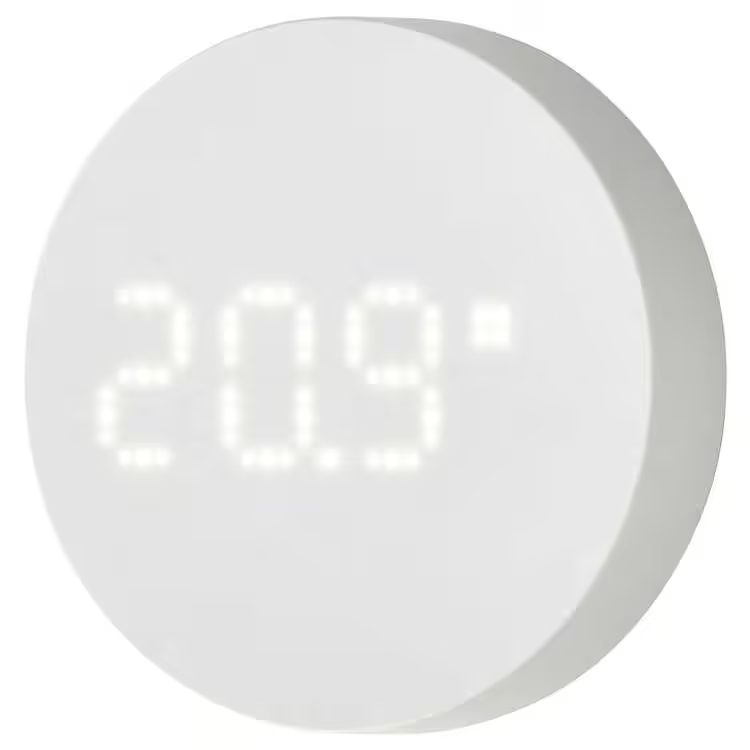
TIMMERFLOTTE Temperature/humidity sensor, smart
Requirements for integration into Home Assistant
The following requirements must be met for a smooth integration:
- A current version of Home Assistant running on suitable hardware, such as:
- Raspberry Pi*
- Home Assistant Green* (recommended)
- Home Assistant Yellow*
- A working Thread Border Router, such as:
- IKEA TIMMERFLOTTE sensor with inserted AAA rechargeable batteries*
- Matter QR code or numerical pairing code (on the back of the sensor)
Setting up TIMMERFLOTTE in Home Assistant
Matter devices can currently only be added via the Home Assistant Companion App on a smartphone.
Setup procedure:
- Open the Matter integration in the app:
Settings → Add to Home Assistant → Add device → Add Matter device - Select New and scan the QR code or enter the pairing code manually.
- If several Thread Border Routers are available, select the desired Thread network.
After a few seconds, TIMMERFLOTTE appears as a new device in Home Assistant and is ready for further configuration.
💡 Interested in IKEA smart home products?
We have tested various IKEA smart home devices and successfully integrated them into Home Assistant These include the MYGGSPRAY motion sensor, BILRESA remote control, MYGGBETT door and window sensor as well as the KAJPLATS E27 LED bulb. Our articles explain how the integration works, which functions are available in Home Assistant and what we learned in everyday use.
IKEA TIMMERFLOTTE in Home Assistant: functions and data
The device information shows the firmware version, hardware version and connection type (Matter), among other details. The sensor overview provides the current temperature and humidity readings.
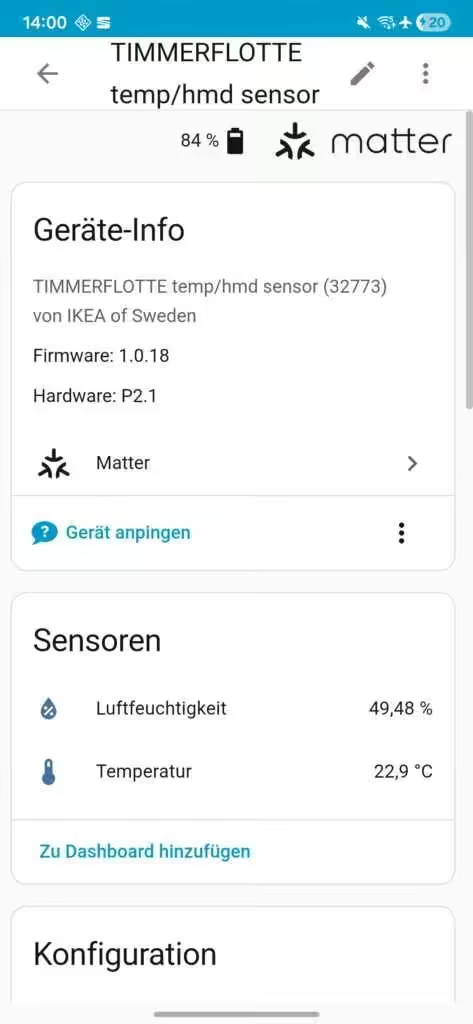
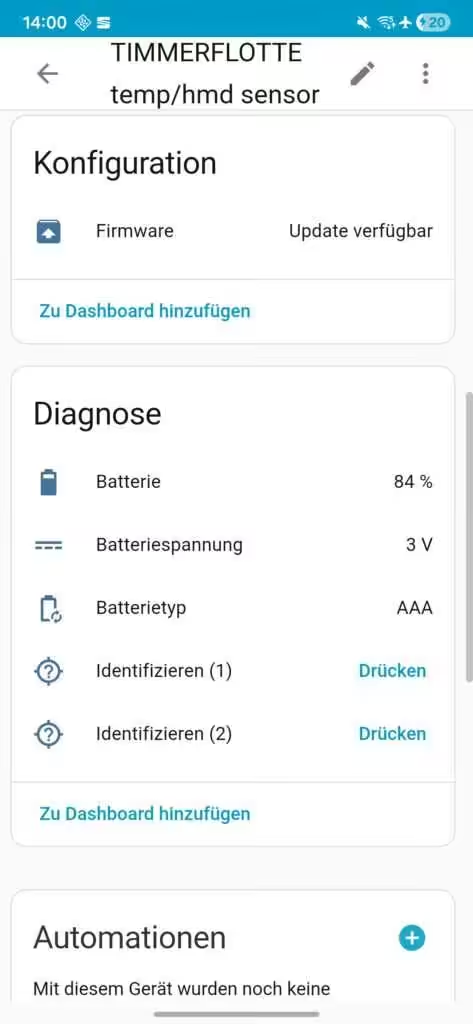
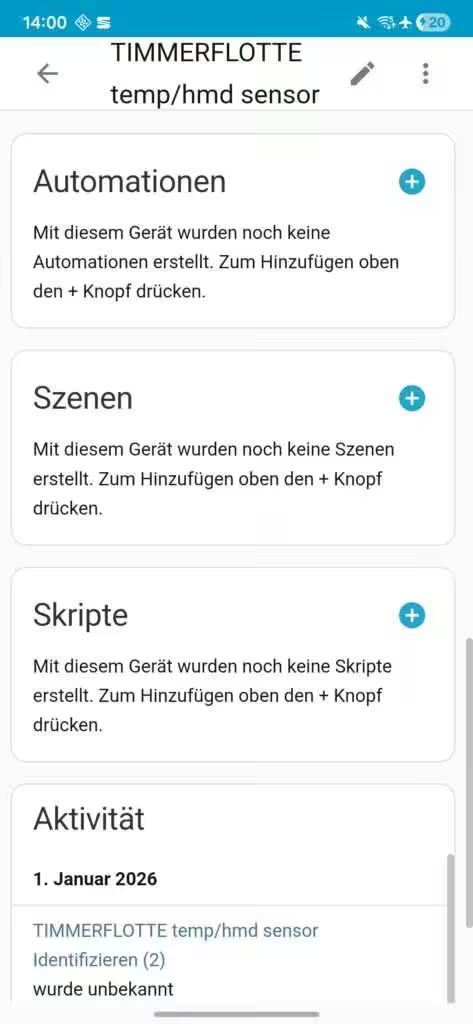
One noticeable detail is that Home Assistant sometimes displays readings with two decimal places even though the sensor itself only provides one. The display and icons for the sensor values can be customised.
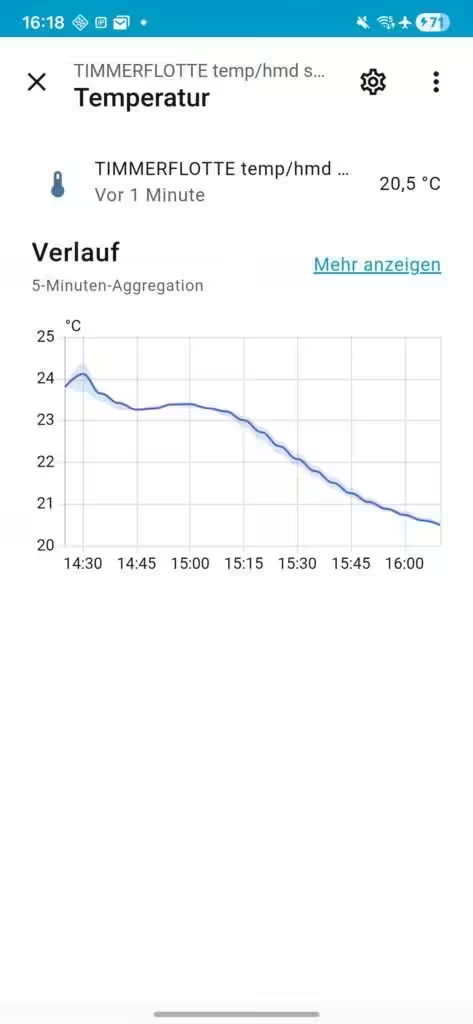
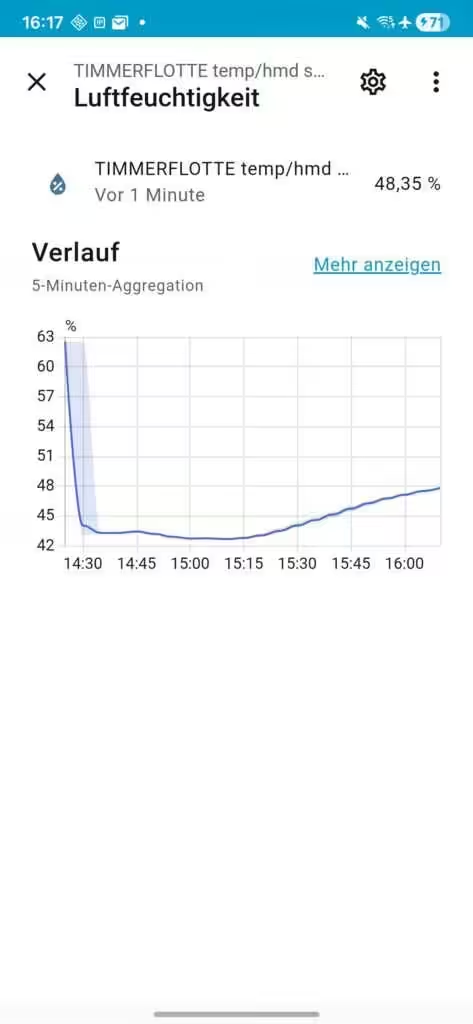
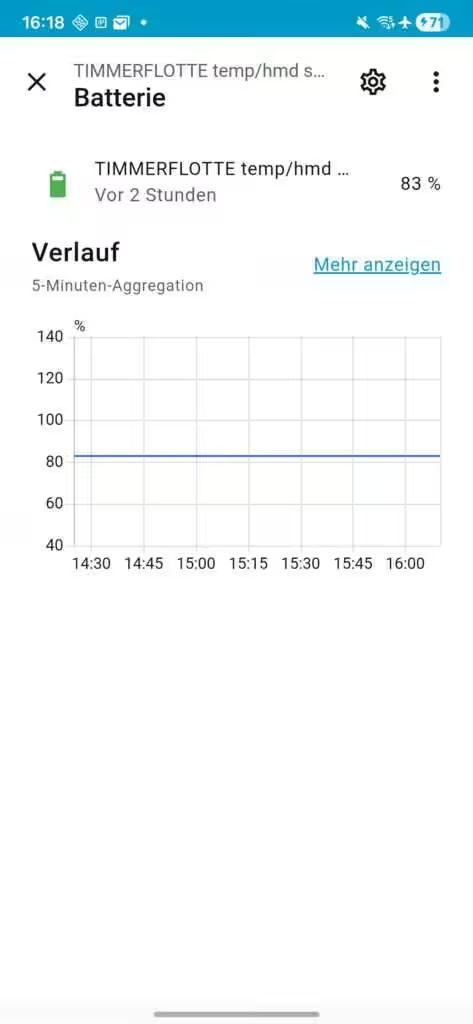
The Configuration section indicates whether the installed firmware is up to date. Under Diagnostics, additional information such as battery level in percent, battery voltage and the battery type used (AAA) is available. The sensor can also be assigned directly to automations, scenes or scripts. An activity overview shows how the readings change over time and can also be displayed as charts.
Some parameters can be viewed in detail and displayed as charts or as an activity history over time.
Practical benefits and automations
In practice, TIMMERFLOTTE in Home Assistant is especially suitable for simple but effective automations. Typical use cases include:
- Automatically switching on a fan or dehumidifier when bathroom humidity is high
- Reducing heating output when a window is open
- Notifications when humidity remains at critical levels
- Long-term analysis of the indoor climate to optimise ventilation and heating
Because Home Assistant processes the data locally, everything stays on your own network—an important consideration for privacy-conscious users.
Conclusion
- Advantages:
- Affordable price
- Supports Matter, making it compatible with many smart home systems
- LED display directly on the device
- Simple, round design
- Compatible with standard AAA rechargeable batteries
- Disadvantages:
- AAA rechargeable batteries are not included
- LED display only shows basic values; there is no large screen
- LED display is not permanently active
Integrating IKEA TIMMERFLOTTE into Home Assistant is straightforward as long as a working Matter and Thread infrastructure is available. Matter makes cross-platform integration easy, while Home Assistant excels at automation, analysis and local data processing.
A clear advantage of IKEA TIMMERFLOTTE is its low purchase price, which was even reduced shortly after launch. IKEA is deliberately positioning the sensor as an entry-level product, making it attractive even for larger installations across several rooms.
Comparable sensors from other manufacturers are considerably more expensive. The Aqara W600 radiator thermostat currently costs around €35, while the Homematic IP wall thermostat with humidity sensor is about €60.
These devices may offer additional functions or deeper integration with their respective systems, but a direct comparison shows that IKEA’s TIMMERFLOTTE delivers excellent value for money.
💬 Do you already use Home Assistant, or are you planning to get started?
We look forward to your experiences, tips and use cases in the comments.
Source/photo: (Amazon / IKEA / image generator)
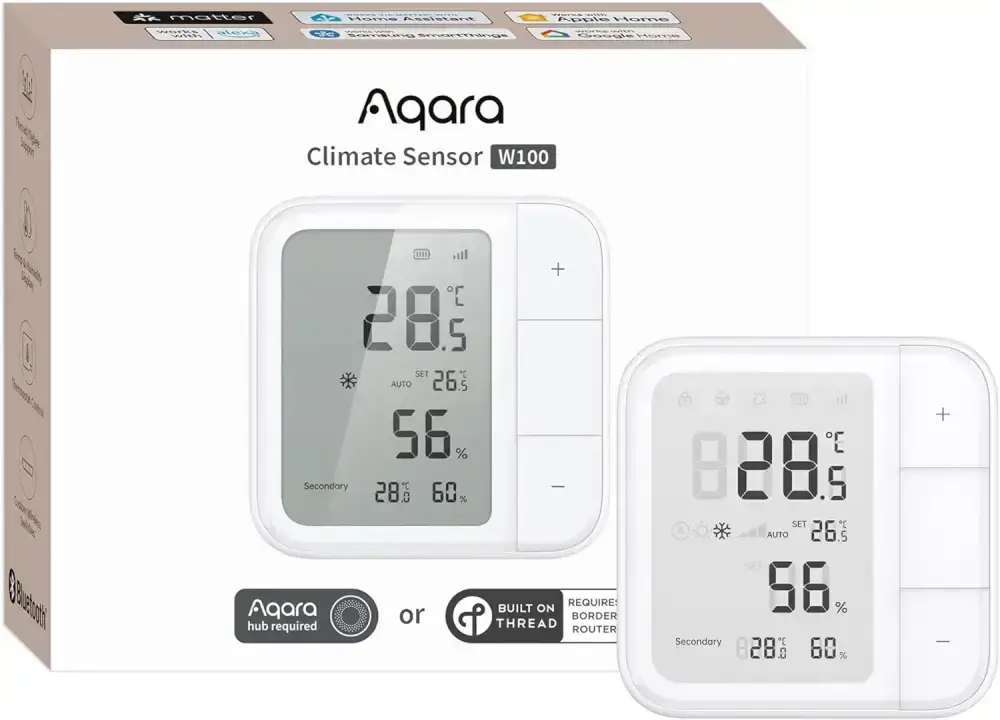
Aqara W600 radiator thermostat
Supports Zigbee/Thread, energy saving, voice control, schedules and geofencing; compatible with Apple HomeKit, Home Assistant, Alexa and Google
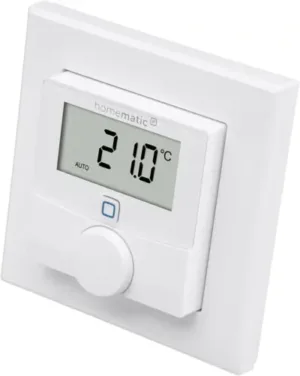
Homematic IP wall thermostat with humidity sensor
digital thermostat for radiators/underfloor heating with app, Alexa, Google Assistant, temperature measurement and energy saving



Ich bin Christian und habe den Blog 2024 gegründet. Ich bin gelernter Kommunikationselektroniker, technikbegeistert und Smart-Home-Enthusiast mit langjähriger Erfahrung im Bereich vernetzter Haushaltsgeräte. Mit großer Leidenschaft verfolge ich aktuelle Entwicklungen und teste regelmäßig neue Produkte, um verständliche Einblicke und praxisnahe Empfehlungen zu geben.