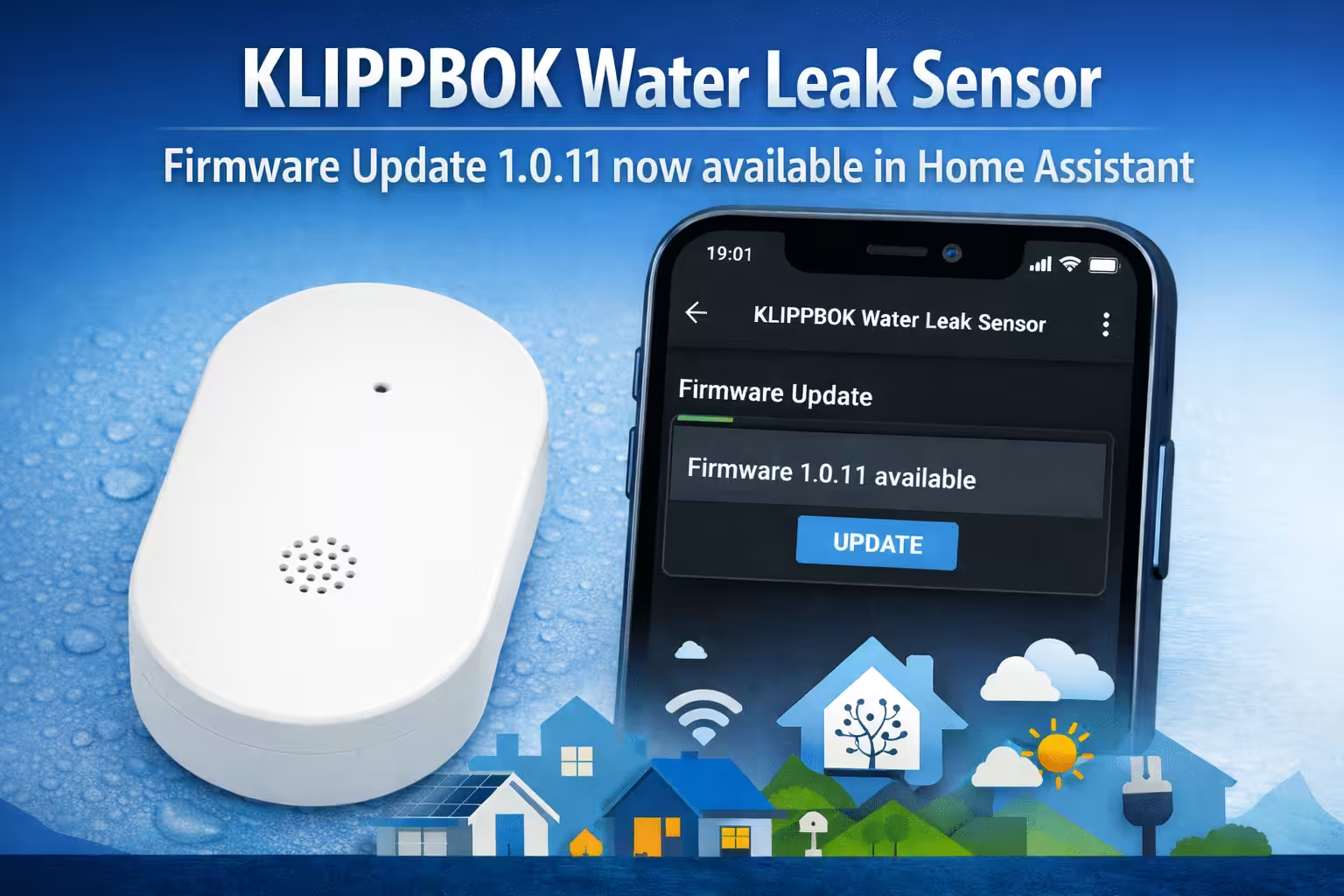
IKEA has given its smart KLIPBPOK Water Leakage Sensor missed a new firmware update: Version 1.0.11 It is now also over Home Assistant available and can be updated directly via the dashboard. The water leak sensor is based on the open Matter Standard, It is small, easy to install and has already been popular with many users for monitoring critical areas such as under the sink, washing machine or heating system.
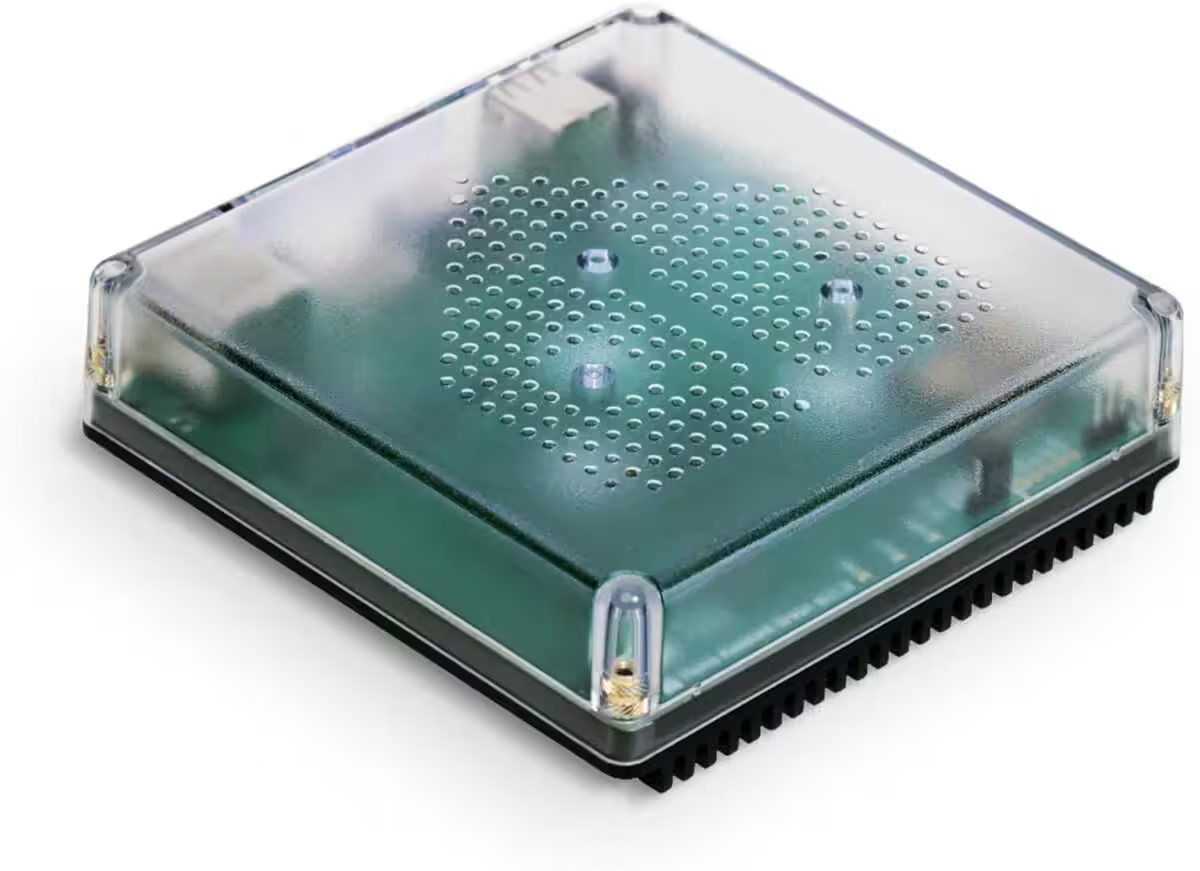
Nabu Casa Home Assistant Green
The easiest way to get started with the Home Assistant – With the Home Assistant already installed, all you need to do is plug in the included power adapter and Ethernet cable to get started.
What's new in IKEA KLIPPBOK Firmware 1.0.11?
The new firmware version 1.0.11 is the current one from the Connectivity Standards Alliance (CSA) certified version for the KLIPBPOK sensor. The update is therefore available via official channels and is implemented using the Matter standard.
Compared to the previous version 1.0.7 Update 1.0.11 could primarily include:
- General stability and reliability improvements
- Improved compatibility with smart home hubs and Matter ecosystems
- Potentially a more stable connection and possibly lower energy consumption.
IKEA has not yet released any official information about the firmware update that provides concrete insights into the included improvements. Neither the IKEA product page, nor Matter documentation, nor a public changelog contains detailed information about the changes in version 1.0.11.
The currently available sources only confirm that Firmware 1.0.11 It is listed as the current version. Therefore, statements about the actual content of the update can currently only be made based on community observations and user experiences.
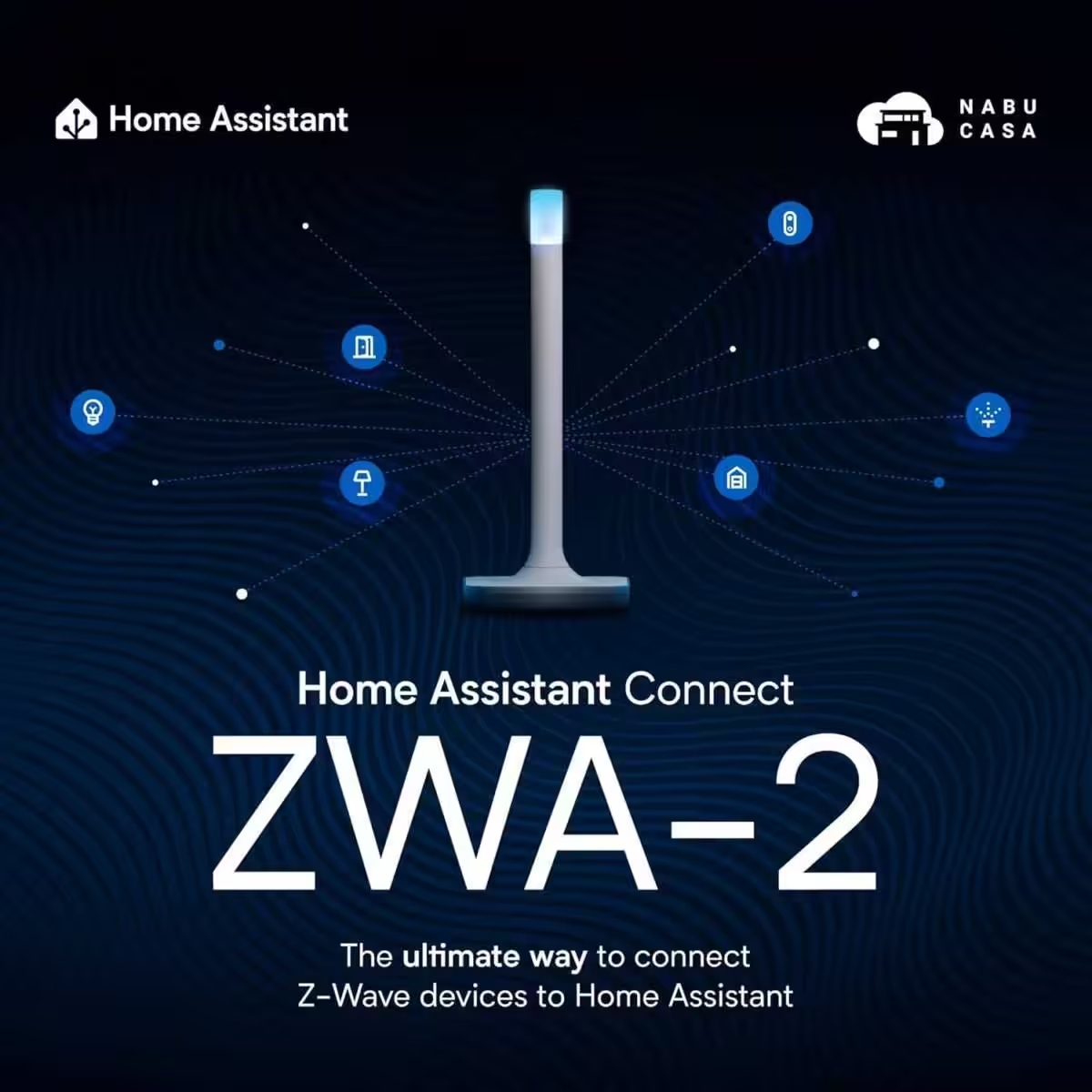
Home Assistant Connect ZWA-2
Connect Z-Wave devices to Home Assistant | Official Home Assistant Hardware

SONOFF Zigbee 3.0 USB Dongle Plus
Zigbee Gateway with EFR32MG24, Thread & Zigbee USB stick, Zigbee Controller for Home Assistant or Zigbee2MQTT
What is your experience?
💬 Have you already installed firmware update 1.0.11 via Home Assistant? Did it solve any problems or introduce new ones? Feel free to share your experiences and tips in the [link to relevant forum/section]. Comments.
Firmware update directly in Home Assistant
The firmware update can be initiated via the Home Assistant device overview; the sensor must be connected and integrated for this to work. Once an update is available, Home Assistant will display a notification in the device section indicating the new firmware version. Users can initiate the OTA (Over-The-Air) update directly from within Home Assistant, similar to other Matter devices.
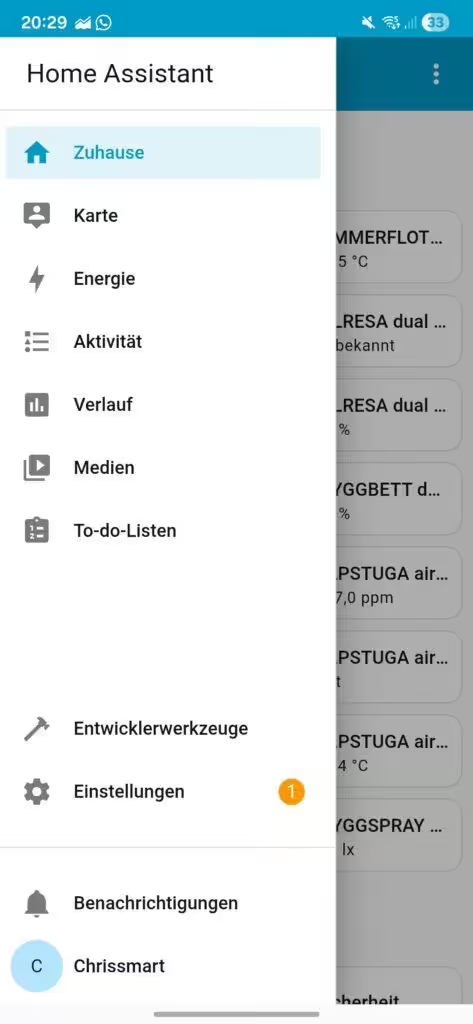
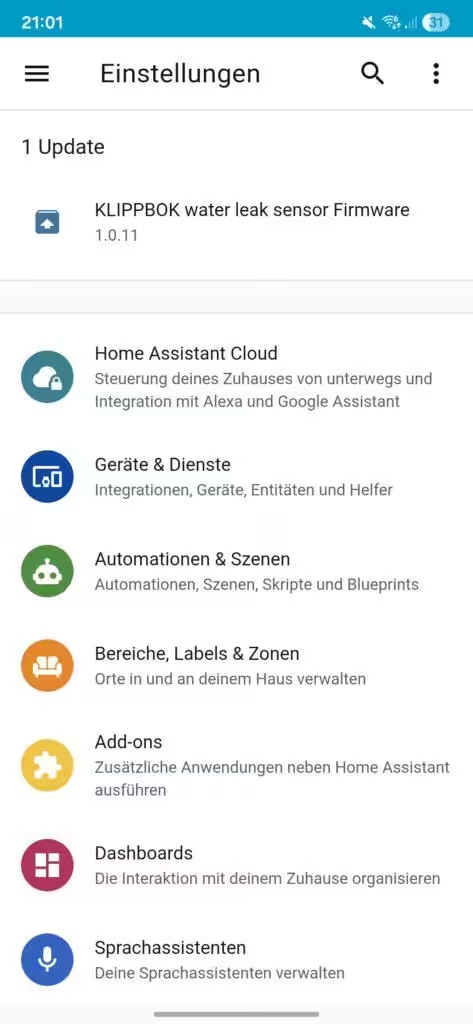
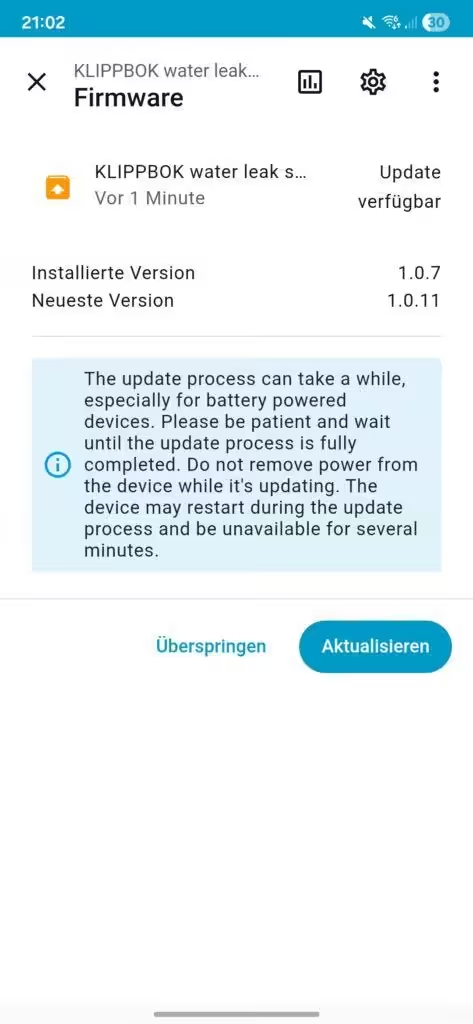
Some users report that the update notification initially displays as "not available" on some devices. Often, briefly re-pairing the sensor or waiting a few hours until the firmware status is correctly detected resolves the issue.
Source/Photo: (Amazon / CSA / Image generator)
Amazon Echo Show 8 (latest generation)
8.7-inch HD display with room-filling 3D audio and Alexa, Graphite, Smart Home Hub
Zigbee + Matter + Thread Border Router
Nabu Casa Home Assistant Green
The easiest way to get started with the Home Assistant – With the Home Assistant already installed, all you need to do is plug in the included power adapter and Ethernet cable to get started.
Current offers
Blink Outdoor Camera 2K+
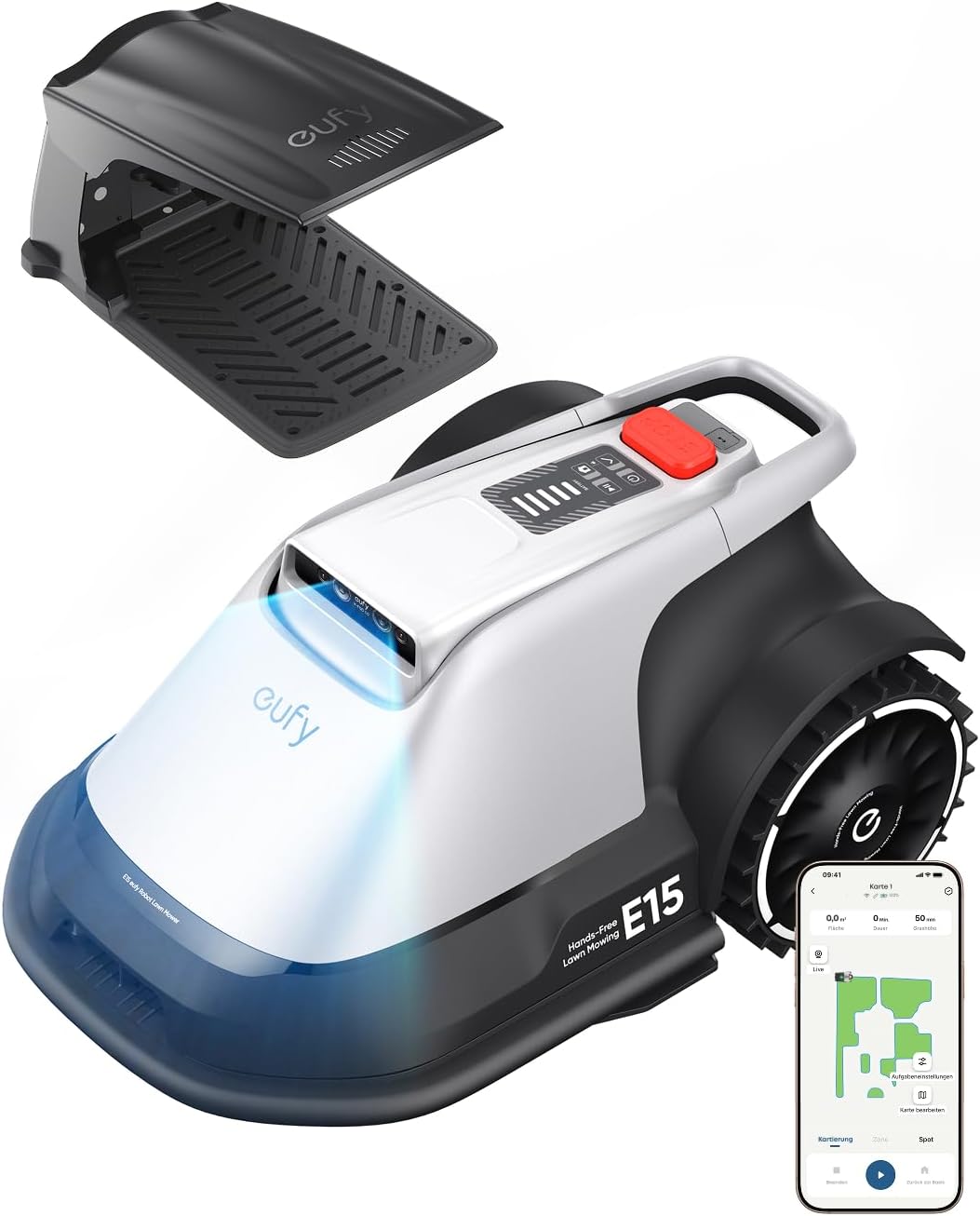
eufy E15 robotic lawnmower without boundary wire
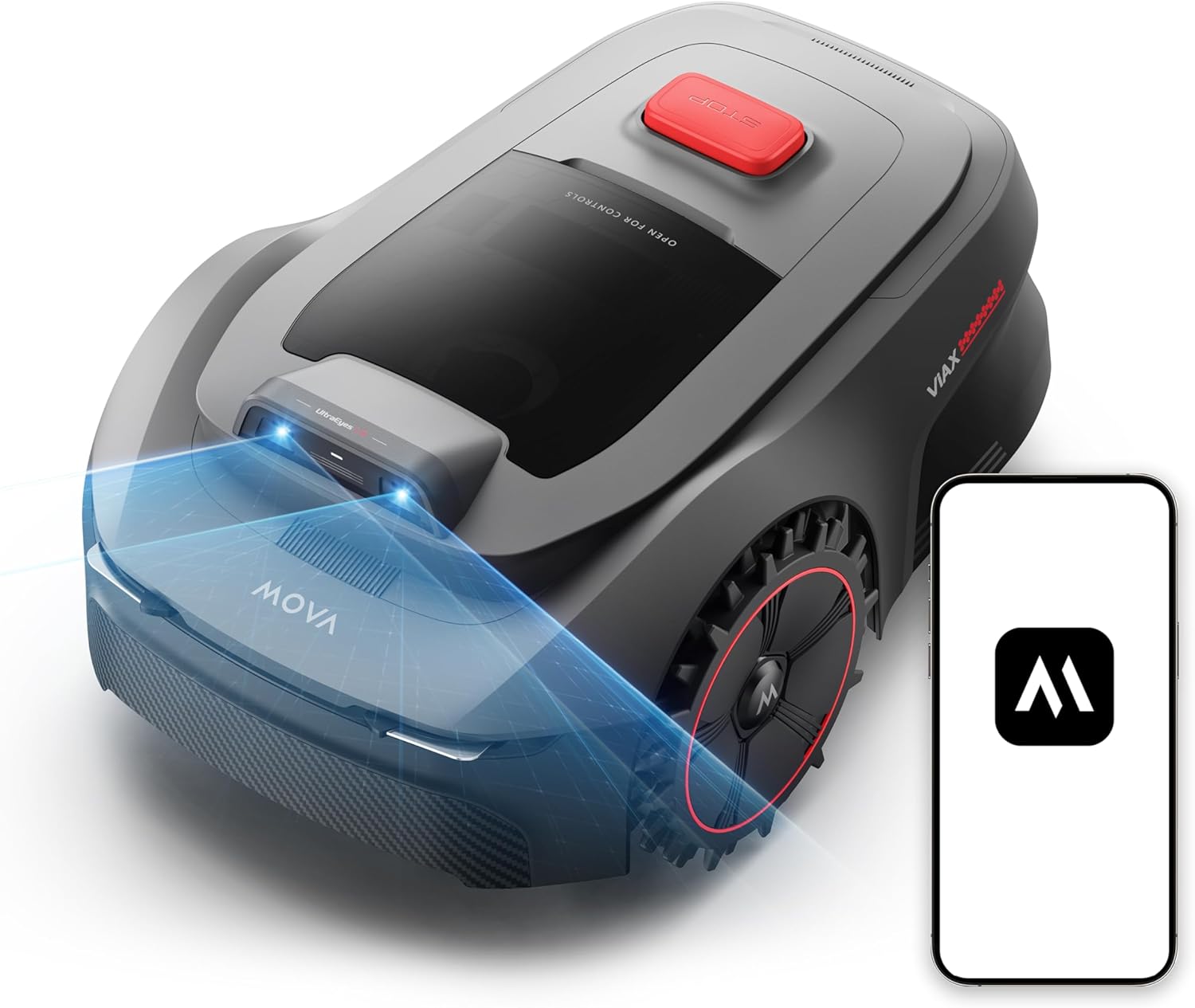
MOVA ViAX 250 robotic lawnmower without boundary wire
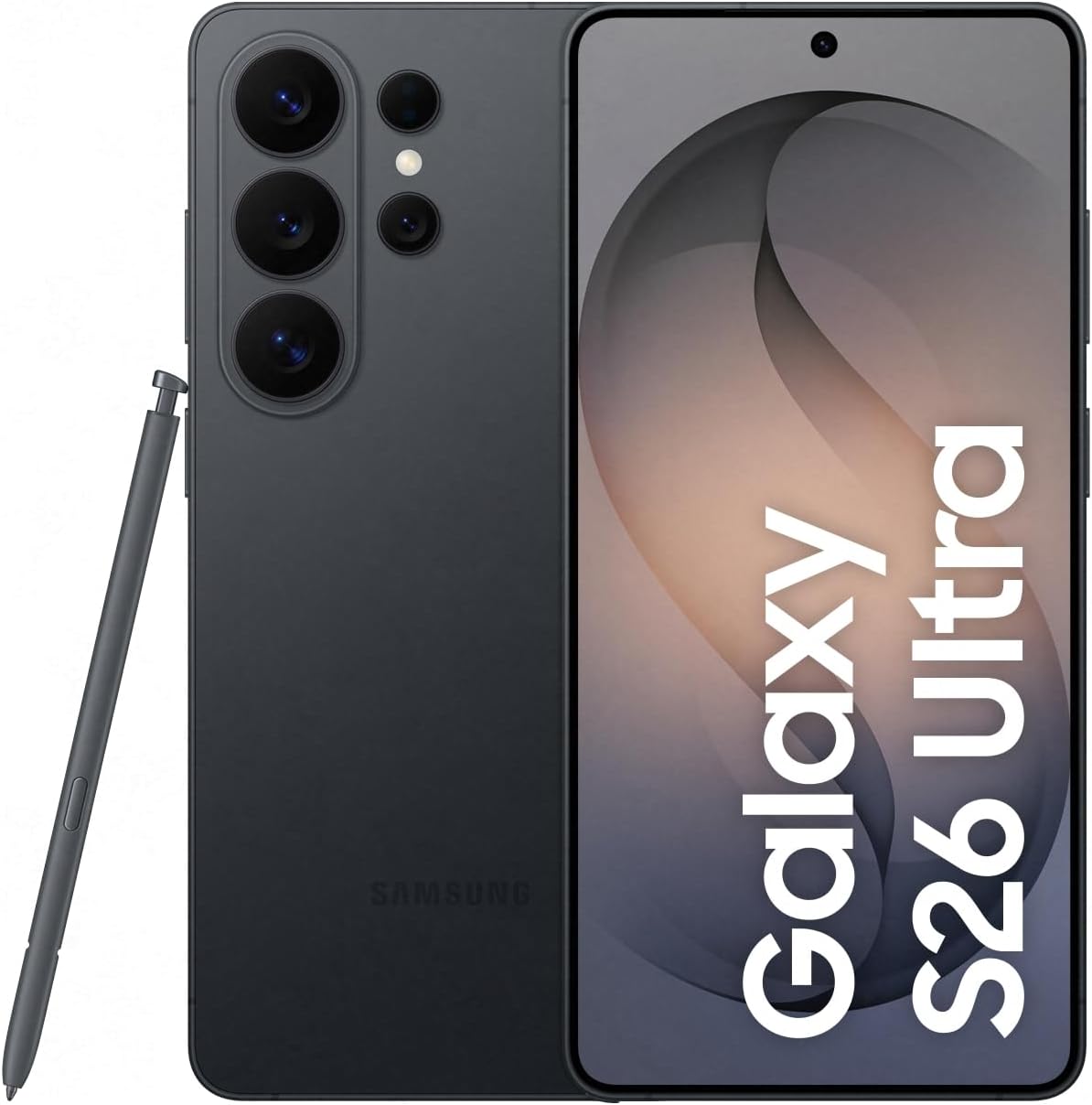
Samsung Galaxy S26 Ultra AI
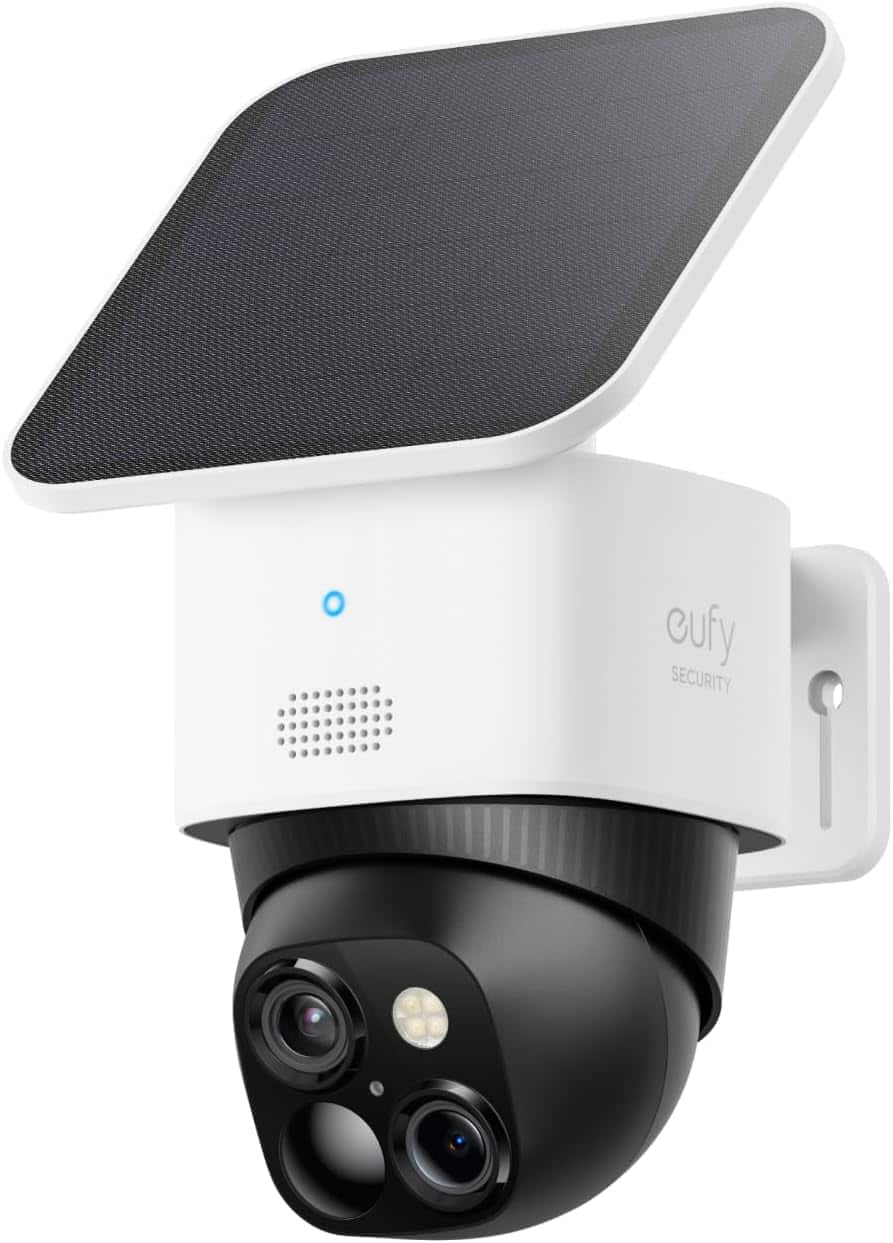
eufy Security SoloCam S340
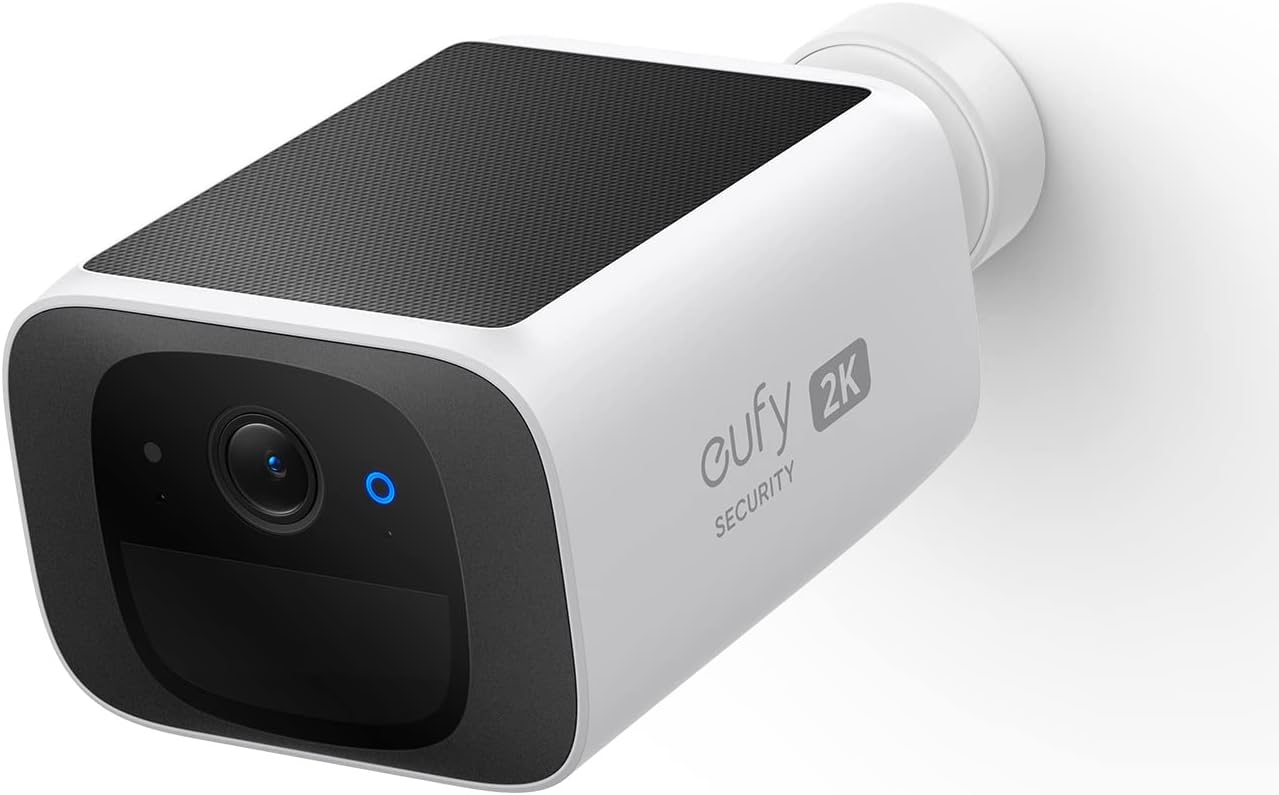
eufy Security SoloCam S220

My name is Christian, and I founded this blog in 2024. I'm a trained communications electronics technician, a tech enthusiast, and a smart home aficionado with many years of experience in the field of networked household appliances. I passionately follow current developments and regularly test new products to provide clear insights and practical recommendations.

Appreciate the recommendation. Will try it out.