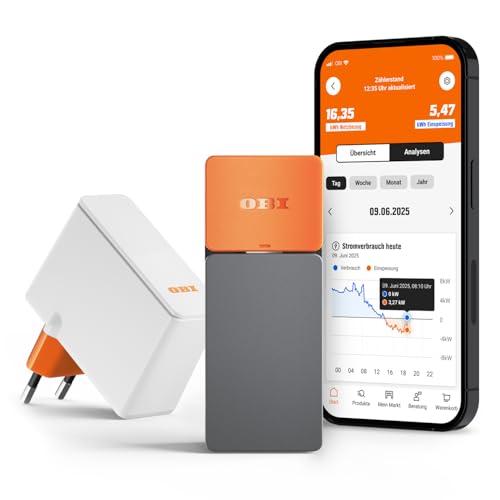
Rising electricity prices and a desire for greater transparency regarding energy consumption are driving the growing popularity of smart electricity meters. With the OBI ENERGY TRACKER*, the home improvement retailer OBI offers an optical reader head for digital electricity meters that captures real-time power consumption and visualizes it in an app. However, the device becomes particularly interesting when used with Home Assistant, as a community integration allows the readings to be incorporated into that platform as well.
With a regular price of around 30 euros and frequent offers for under 15 euros, the OBI ENERGY TRACKER is one of the most affordable solutions of its kind. But how well does it actually integrate with Home Assistant? What data is available, and can this budget-friendly smart meter keep up with established solutions like the FRITZ! Smart Energy 250*?
We have already thoroughly tested the FRITZ! Smart Energy 250 and demonstrated how to integrate it into Home Assistant.
Scope of delivery
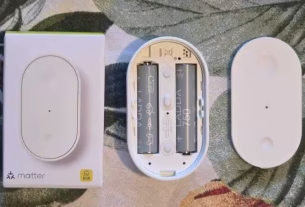
The OBI ENERGY TRACKER comes with a straightforward package containing all the components needed for setup. In addition to the sensor itself, the box includes a bridge for data transmission and a USB cable. Depending on the chosen operating mode, the sensor can be powered either by two AA batteries or continuously via the USB-C port; however, the batteries are not included.
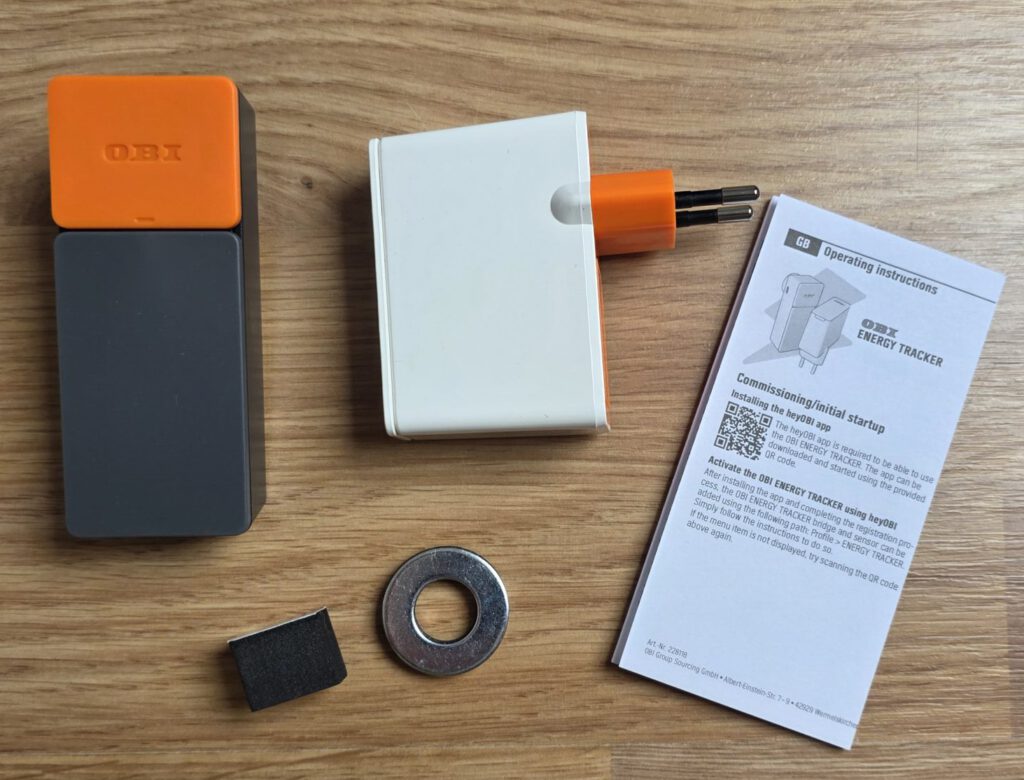
Specifically, the packaging contains:
- OBI ENERGY TRACKER Sensor
- Bridge for data transmission
- Metal adhesive ring for electricity meters without magnetic mounting
- Spacers for top-side mounting
- Quick Start Guide

Simple installation on the digital electricity meter
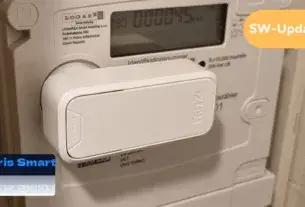
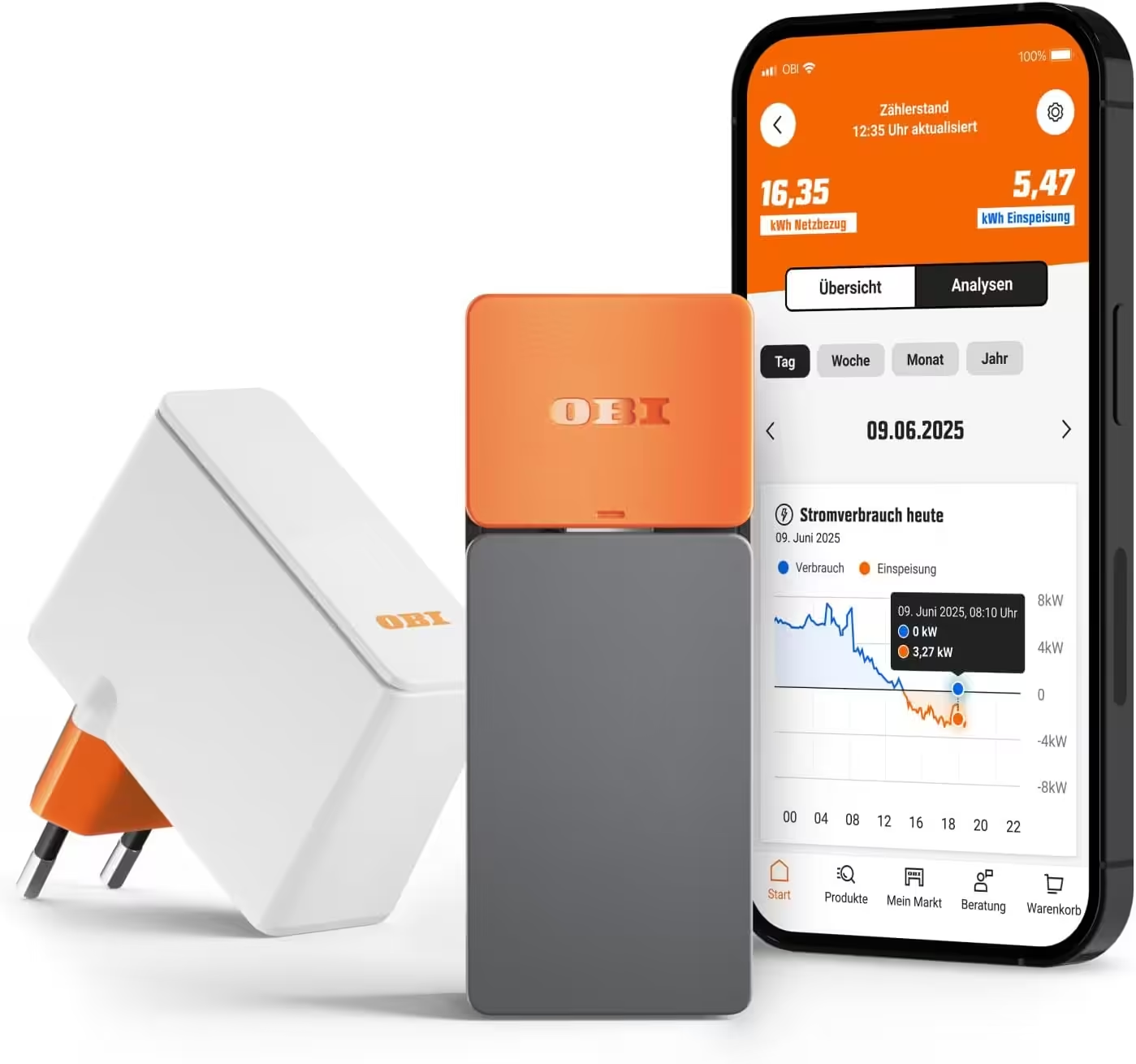
The OBI ENERGY TRACKER consists of a sensor and a bridge. The sensor is attached to the digital electricity meter’s optical D0 interface—located on either the front or the top of the meter—and reads the measurement data provided there. The bridge then connects the sensor to the home Wi-Fi network and transmits the data in encrypted form to the heyOBI app.
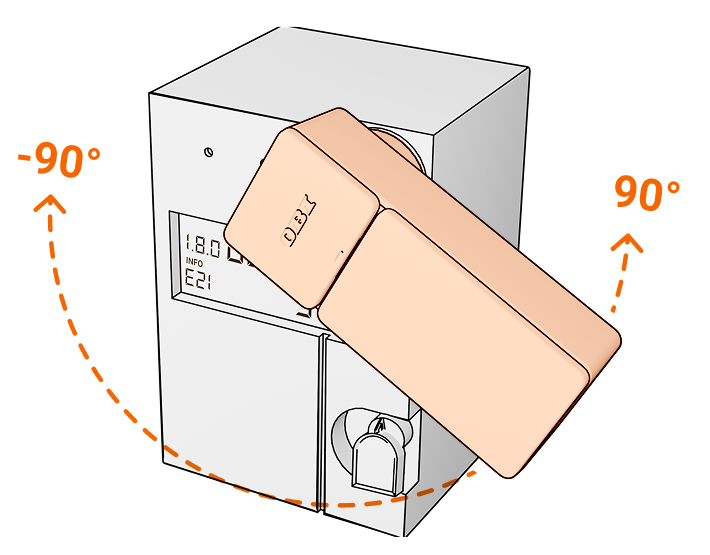
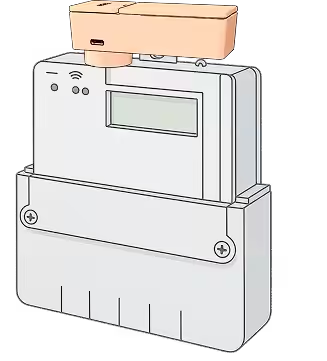
OBI recommends a compatibility check prior to setup. Users can verify on the product page whether their digital electricity meter is supported. For some meter models, a PIN from the respective grid operator is also required to unlock the meter’s full dataset.
Conveniently analyze electricity consumption
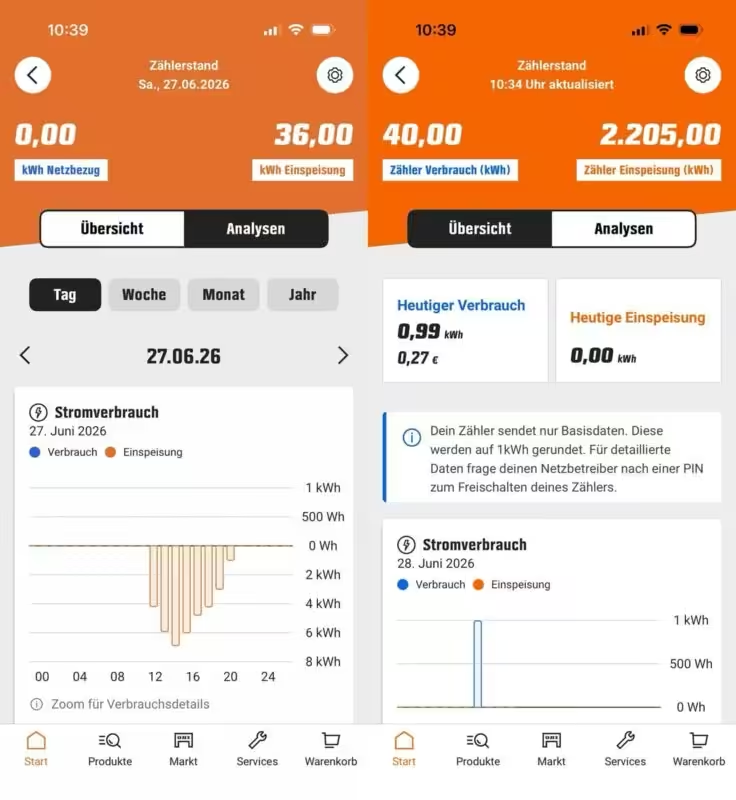
The ENERGY TRACKER is set up and used via the free heyOBI app for Android and iOS. The electricity meter data read by the device is clearly displayed and analyzed over various timeframes. This gives users a better overview of their energy consumption and allows them to track how their electricity usage changes on a daily, weekly, or monthly basis.
Integration into Home Assistant is possible.
In addition to the official usage via the heyOBI app, a community solution for Home Assistant already exists. The OBI ENERGY TRACKER can currently be integrated into Home Assistant using a custom integration for the Home Assistant Community Store (HACS). This integration utilizes data from the heyOBI account and makes the retrieved electricity meter readings directly available as sensors within Home Assistant.
This allows consumption data to be used in the energy dashboard or integrated into automations, for example. In this way, current electricity consumption can be combined with balcony power plants, battery storage systems, or other devices and utilized for intelligent energy management.
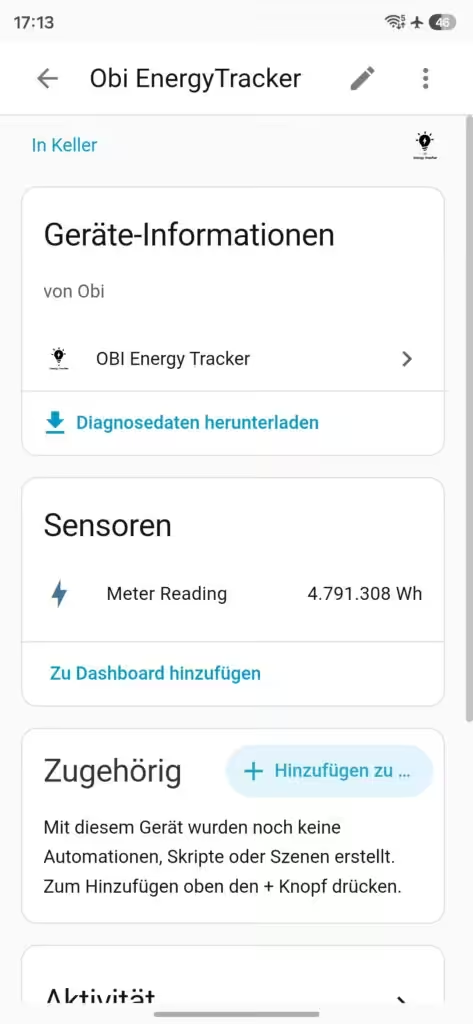
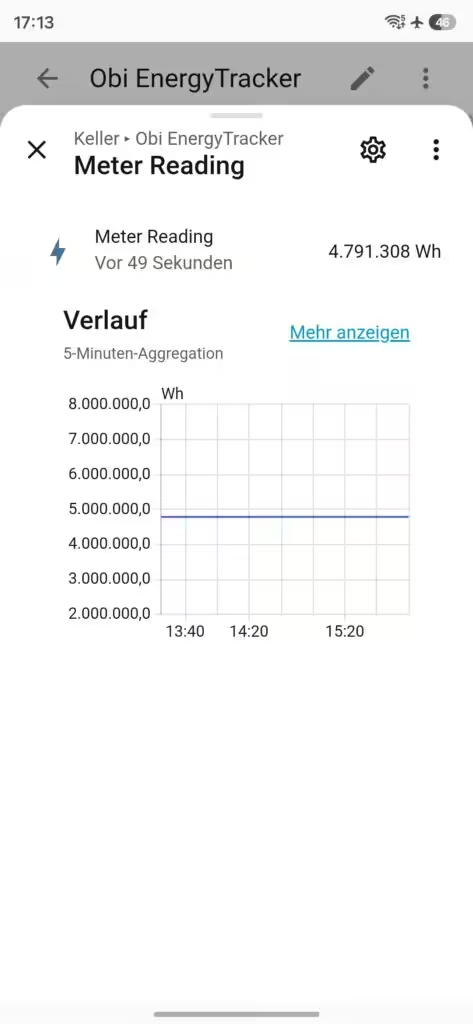
Currently, the community integration for Home Assistant provides only power consumption or meter readings as sensor data. Other measurements that the OBI ENERGY TRACKER captures and displays in the heyOBI app are not yet available in Home Assistant. We hope that a future official integration from OBI will expand the range of functions and make additional measurements available directly within Home Assistant.
The FRITZ! Smart Energy 250 serves as a good reference point, as it already provides significantly more measurement data within Home Assistant. In addition to current power consumption, it displays—among other things—voltage, current, and meter readings for electricity consumption as well as feed-in from a balcony power plant or photovoltaic system (provided a compatible bi-directional meter is used). A comparable range of functions would also significantly enhance the OBI ENERGY TRACKER’s capabilities in Home Assistant.
Encrypted data transmission
According to OBI, the electricity meter data captured by the sensor is transmitted to the backend in encrypted form. Only technically necessary information—such as network access credentials and certificates—is stored on the device itself. The actual consumption data is processed on the servers and subsequently visualized in the heyOBI app.
Conclusion
With an RRP of €29.99, the OBI ENERGY TRACKER* is one of the most affordable smart meters on the market. This makes the system a comparatively low-cost entry point for monitoring electricity consumption, especially for beginners or owners of balcony solar power systems*. Integration with Home Assistant is already available, though it does not yet offer the full range of features found in the more expensive FRITZ! Smart Energy 250*.
You can find possible alternatives here:
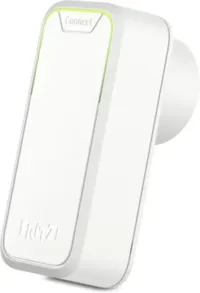
FRITZ!Smart Energy 250
Smart power sensor and electricity meter for optimizing energy costs; DECT-compatible with FRITZ!Box; monitor energy consumption via app or FRITZ!OS.
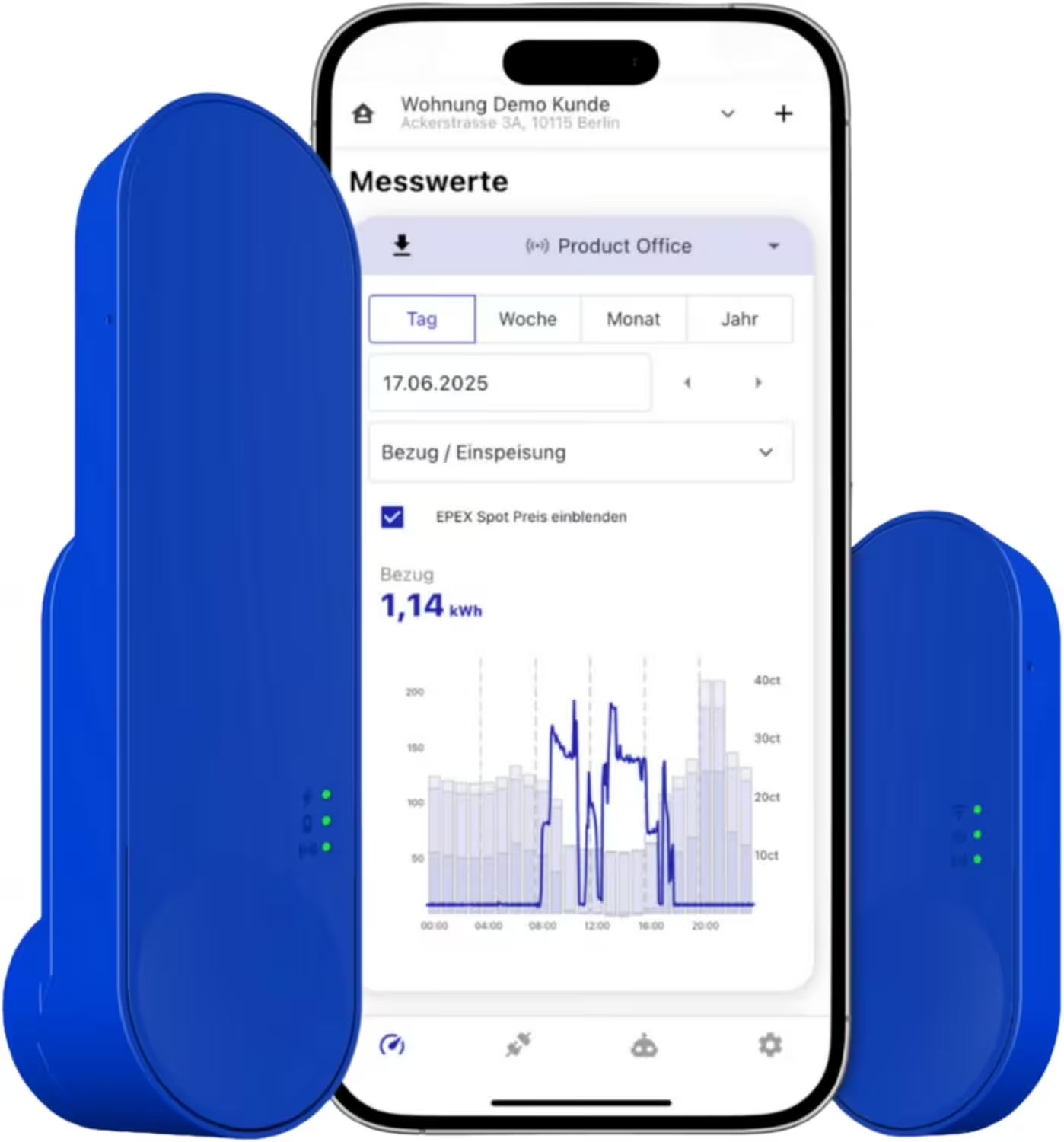
IOmeter SmartMeter
Reading smart electricity meters with an IR reader head, Wi-Fi, and app – battery or USB-C powered – Home Assistant compatible
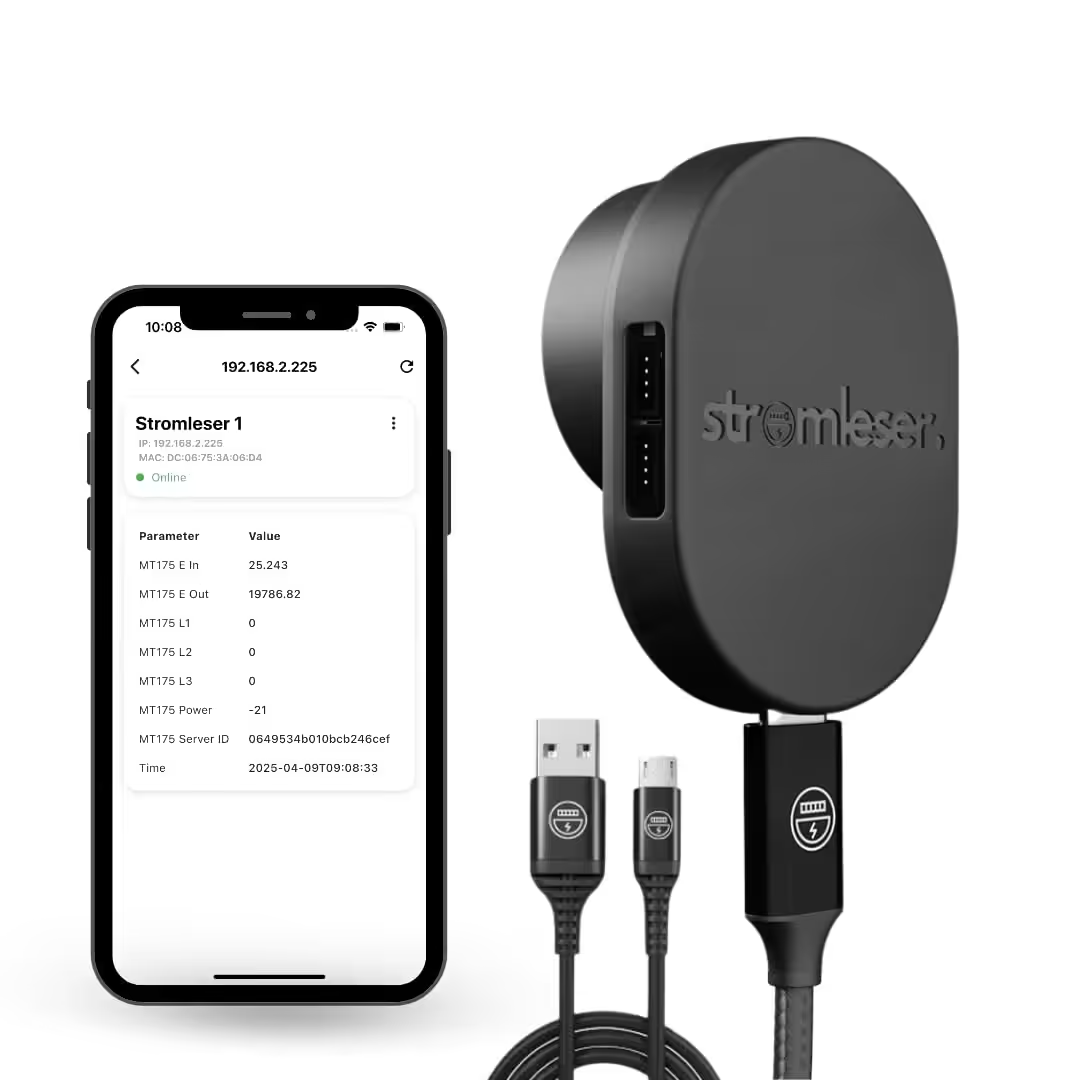
Tasmota electricity meter
Wi-Fi electricity meter reader with Tasmota software for smart home integration
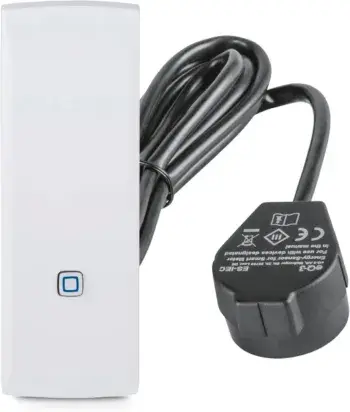
Homematic IP Smart Home Interface for Smart Meters and Household Meters
Measure energy and save costs, monitor electricity via app, automate your smart home.
Source/Photo: ( Obi / Amazon / Chrissmart / stadt-bremerhaven )

Ich bin Christian und habe den Blog 2024 gegründet. Ich bin gelernter Kommunikationselektroniker, technikbegeistert und Smart-Home-Enthusiast mit langjähriger Erfahrung im Bereich vernetzter Haushaltsgeräte. Mit großer Leidenschaft verfolge ich aktuelle Entwicklungen und teste regelmäßig neue Produkte, um verständliche Einblicke und praxisnahe Empfehlungen zu geben.