Many owners of balcony solar systems with battery storage want to feed as little electricity as possible into the public grid. Ideally, the system should supply only as much power as the household actually needs. Current systems often use dedicated smart meters that measure electricity consumption almost in real time and adjust the inverter output accordingly. However, this requires installation by an electrician, and I initially wanted to avoid the associated costs.
I therefore took a different approach and connected devices that were already available. With the FRITZ! Smart Energy 250*, an Anker SOLIX Solarbank* and Home Assistant*, I implemented a working zero-feed-in solution without adding another smart meter to the fuse box.
The Starting Point
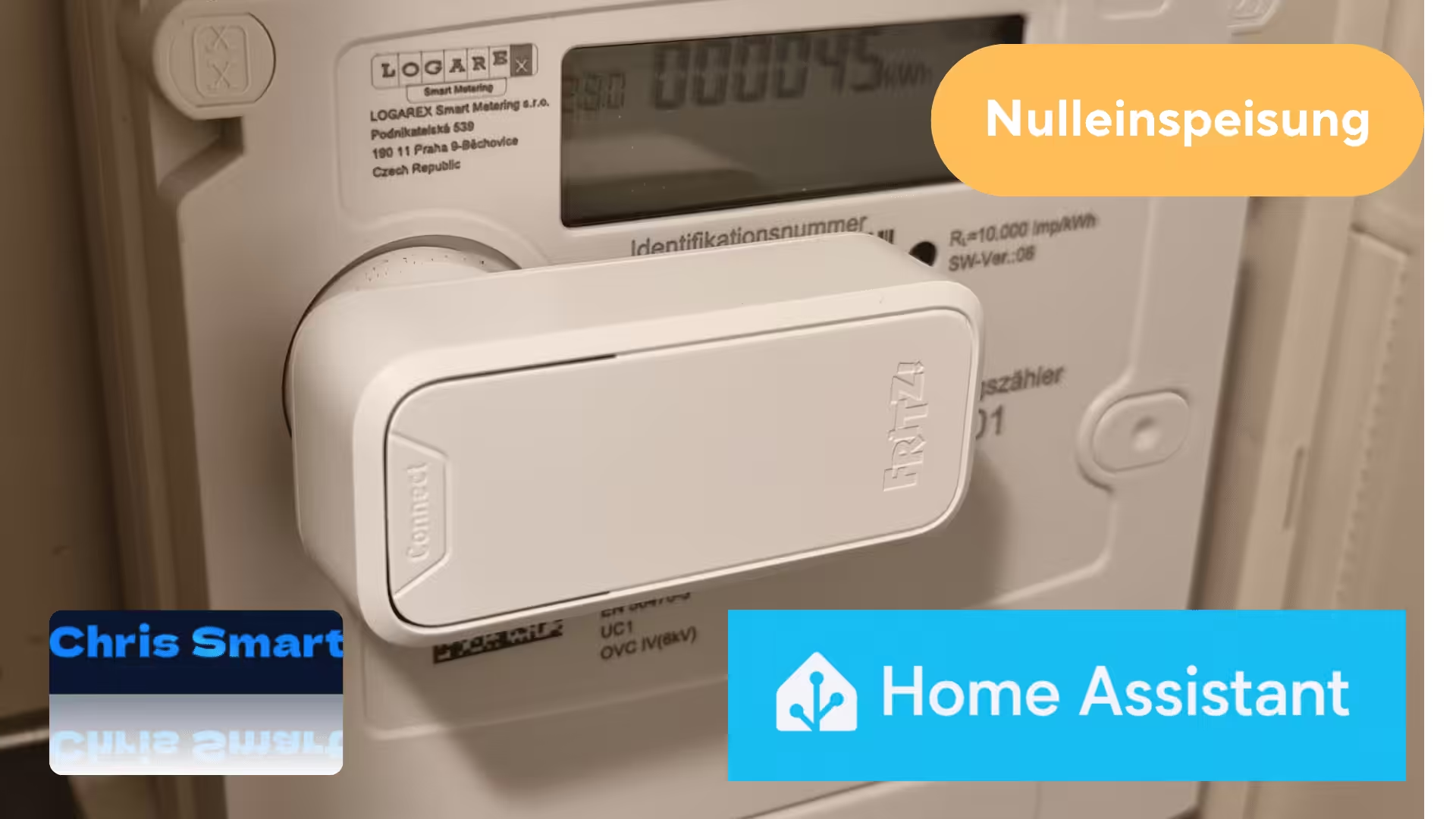
I have been using the FRITZ! Smart Energy 250 to read my digital electricity meter for some time. The sensor is placed directly on the meter’s optical D0 interface and transmits the readings to the FRITZ!Box* via DECT.
The data is then made available in Home Assistant through FRITZ!SmartHome. It can be visualized in the Energy Dashboard and used for automations.
For power generation, I use a balcony solar system with integrated battery storage and a maximum feed-in output of 800 watts. In my case, this is an Anker SOLIX Solarbank 2 E1600 Pro*. The Anker Solix integration for Home Assistant now also supports other models, such as the Anker Solarbank 2 E1600 AC* and the Anker Solarbank 3 E2700*. The list of supported devices is continuously expanding, and current models such as the Anker SOLIX Solarbank 4 Pro* are also expected to be supported soon.
Before implementing the Home Assistant solution, I operated the Solarbank in the Anker app’s custom mode. This mode uses a schedule with fixed feed-in values for different times of day. I created the feed-in curve from several measurements taken throughout the day and tried to match it as closely as possible to my household’s base load. During the day, for example, the Solarbank was able to cover a large share of continuously running loads such as the refrigerator, home-office equipment and internet router.
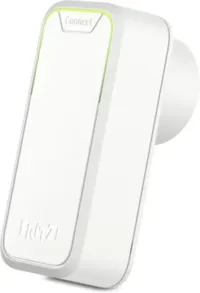
FRITZ!Smart Energy 250
Smart electricity sensor and power consumption meter for optimizing energy costs; connects to a FRITZ!Box via DECT; energy consumption available in the app or FRITZ!OS
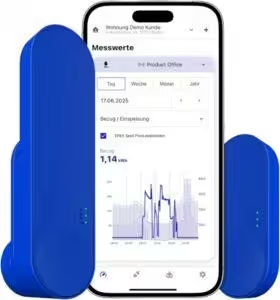
IOmeter SmartMeter
Read a smart electricity meter with an infrared reading head, Wi-Fi and app; battery or USB-C powered; compatible with Home Assistant
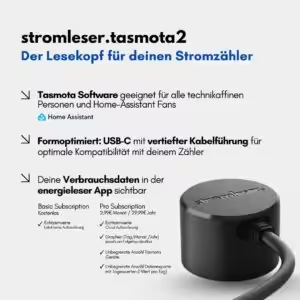
Tasmota 2 electricity reader
Read an electricity meter via Wi-Fi using Tasmota software for smart-home integration
How Zero Feed-In Works in Home Assistant
The entire control process runs through an automation in Home Assistant. The FRITZ! Smart Energy 250 acts as the sensor for the current power flow at the grid connection point.
sensor.fritz_smart_energy_250_leistungThe power measured by the electricity meter is compared with the balcony solar system’s currently configured feed-in output.
sensor.solarbank_2_e1600_pro_ac_hausabgabeHome Assistant calculates a new target value from this difference and then sends it to the Anker SOLIX Solarbank.
number.solarbank_2_e1600_pro_system_einspeisevorgabeThe feed-in output is adjusted continuously. Changes in the FRITZ! Smart Energy 250 power reading act as the trigger. A 10-second delay is also included to avoid unnecessary control operations.
The automation aims to keep grid consumption or grid feed-in as close to 0 watts as possible. A tolerance of ±5 watts is defined so that the Solarbank does not react to every tiny fluctuation.
abs > 5 The feed-in output can be adjusted flexibly between 0 and 800 watts.
 {{ [current_value + (stromverbrauch ), 800] | min }}
 {{ [current_value + stromverbrauch, 0] | max }}
The sensor and entity names used in this example come from my installation and may be different in yours. You can find the correct names in Home Assistant’s device and entity details.
Below is the complete YAML code for my automation. You can add it in Home Assistant under Automations: create a new automation, open the three-dot menu and select Edit in YAML.
alias: Nulleinspeisung mit Anker Solix Solarbank E1600
description: Attempts to keep power consumption at 0 watts with Anker Solix Solarbank E1600
triggers:
  - trigger: state
    entity_id:
      - sensor.fritz_smart_energy_250_leistung
    enabled: true
conditions: []
actions:
  - repeat:
      while:
        - condition: template
          value_template: >
            {% set stromverbrauch =
            states('sensor.fritz_smart_energy_250_leistung') | float(0) %} {{
            stromverbrauch | abs > 5 }}
      sequence:
        - action: number.set_value
          target:
            entity_id: number.solarbank_2_e1600_pro_system_einspeisevorgabe
          data:
            value: >
              {% set stromverbrauch =
              states('sensor.fritz_smart_energy_250_leistung') | float(0) %} {%
              set current_value =
              states('sensor.solarbank_2_e1600_pro_ac_hausabgabe') | float(0) %}
              {% if stromverbrauch > 0 %}
                {{ [current_value + (stromverbrauch ), 800] | min }}
              {% else %}
                {{ [current_value + stromverbrauch, 0] | max }}
              {% endif %}
        - delay:
            hours: 0
            minutes: 0
            seconds: 10
            milliseconds: 0
mode: single
💬 I look forward to hearing about your experiences, optimization suggestions and ideas for improving the automation in the comments.
Potential Improvements to the DIY Zero-Feed-In Solution
The biggest drawback of the FRITZ! Smart Energy 250 is its comparatively low update rate. The data is usually transmitted to Home Assistant only every 30 to 60 seconds.
That is naturally not ideal for very fast control. In practice, however, the solution has proved to work surprisingly well.
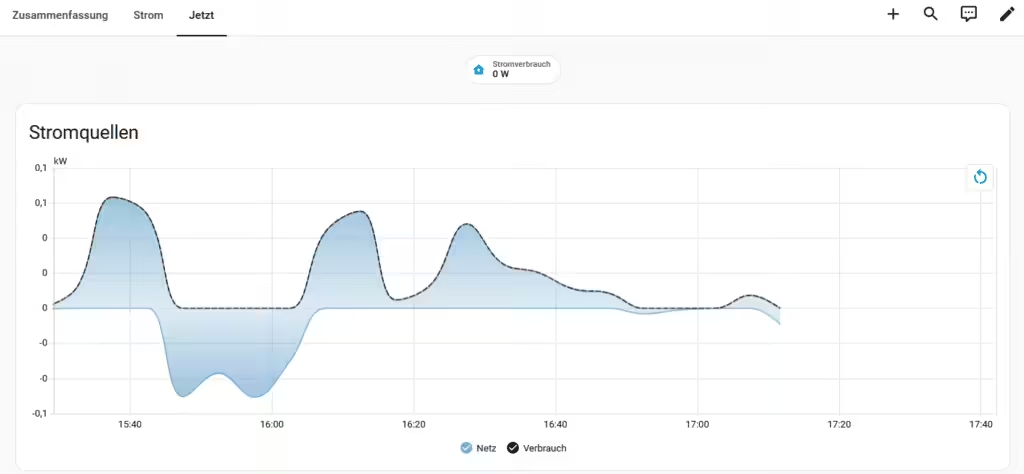
The control steps are clearly visible in the FRITZ! Smart Energy 250 measured-power graph.
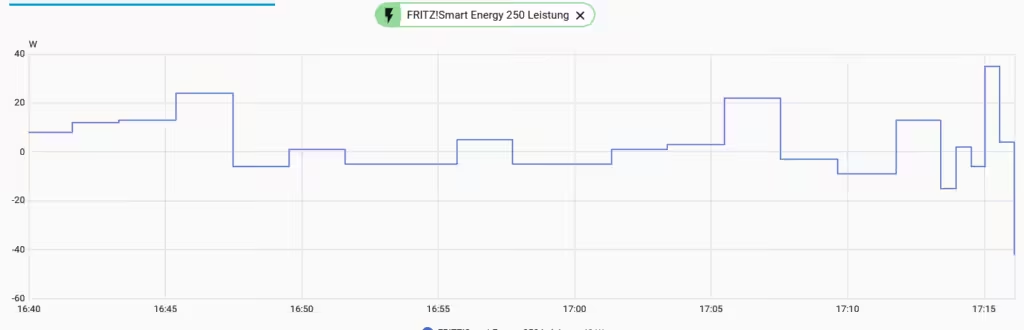
Typical loads such as refrigerators, entertainment electronics, lighting and computers generally do not cause extremely rapid load changes. The Solarbank can therefore reliably offset a large share of daily electricity consumption. Short load peaks, for example from a kettle, oven or induction hob, cannot be fully compensated because the readings are transmitted with a delay. During these brief periods, electricity is drawn from the grid until the control catches up.
Conclusion
Although the FRITZ! Smart Energy 250 was not originally designed to control balcony solar systems, it works surprisingly well with Home Assistant as a data source for a simple zero-feed-in solution. Its update interval of roughly 30 to 60 seconds prevents perfect real-time control, but the accuracy is entirely sufficient for many applications. Anyone who already owns a smart-meter infrared reading head* and an Anker SOLIX Solarbank can implement intelligent power control with manageable effort, significantly reduce electricity fed into the public grid and increase self-consumption. Despite a few limitations, the solution performs well in everyday use. It is especially appealing because existing hardware can continue to be used without installing additional components.


Source/Photo: (Amazon / solarmodule-gladbeck / HA Anker / Chrissmart)

Ich bin Christian und habe den Blog 2024 gegründet. Ich bin gelernter Kommunikationselektroniker, technikbegeistert und Smart-Home-Enthusiast mit langjähriger Erfahrung im Bereich vernetzter Haushaltsgeräte. Mit großer Leidenschaft verfolge ich aktuelle Entwicklungen und teste regelmäßig neue Produkte, um verständliche Einblicke und praxisnahe Empfehlungen zu geben.