With the MYGGSPRAY motion sensor, IKEA offers a compact Matter-enabled motion sensor that works not only within the IKEA ecosystem but also with open platforms such as Home Assistant. This article explains how the sensor works, what you need and how to integrate it into Home Assistant.


IKEA MYGGSPRAY at a glance
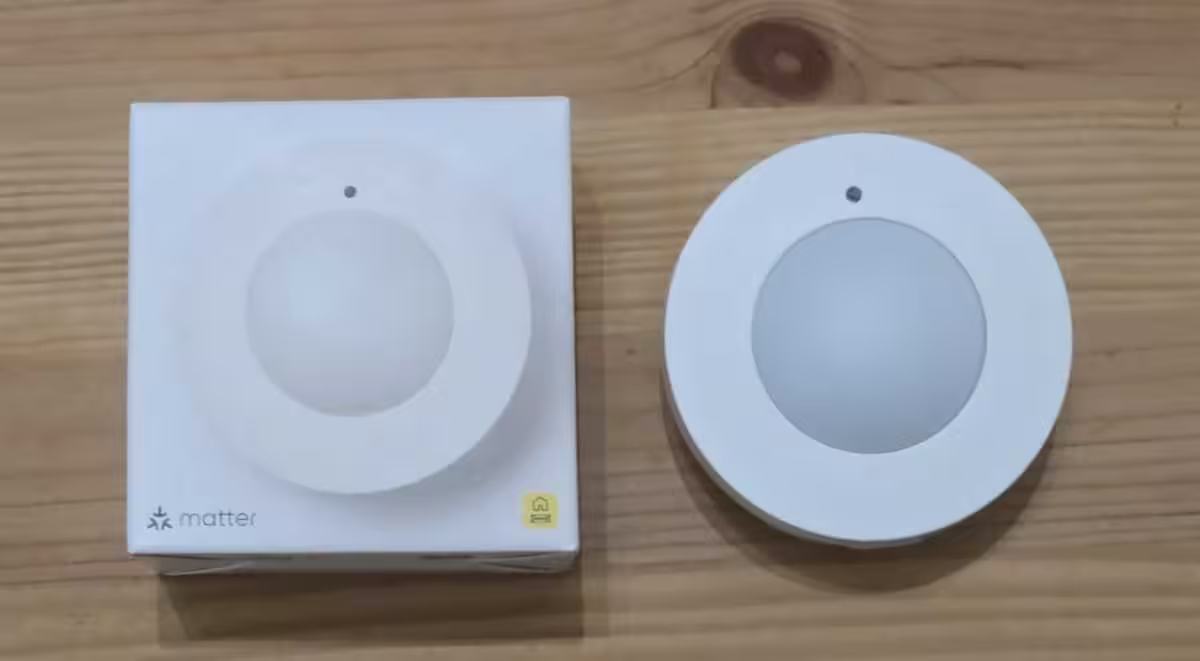
The IKEA MYGGSPRAY wireless motion sensor is a small, round sensor made of white plastic. It detects motion and also measures ambient light, allowing lights and other devices to be controlled according to movement or dusk. Its understated design makes it easy to install discreetly in rooms, stairwells, garages, bicycle parking areas or outbuildings.
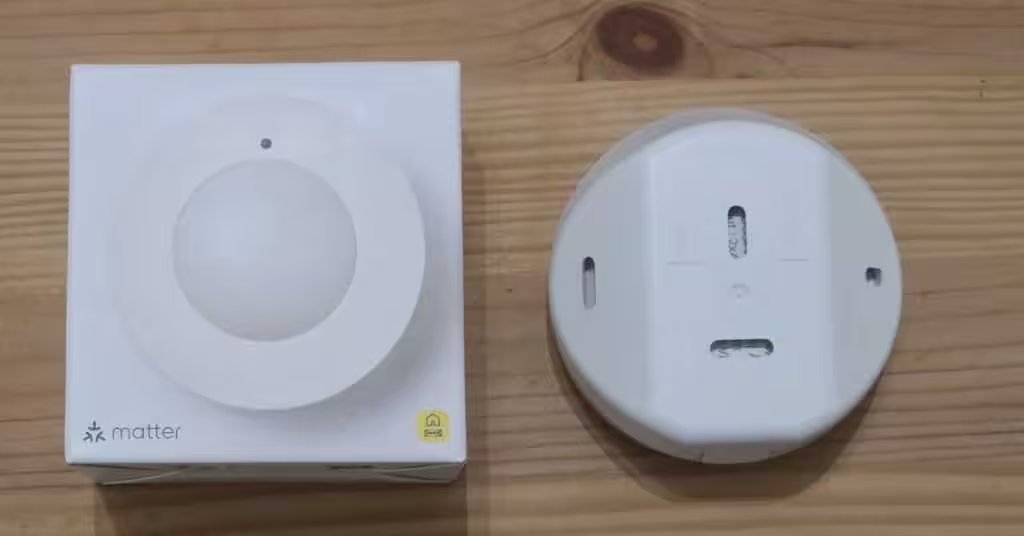
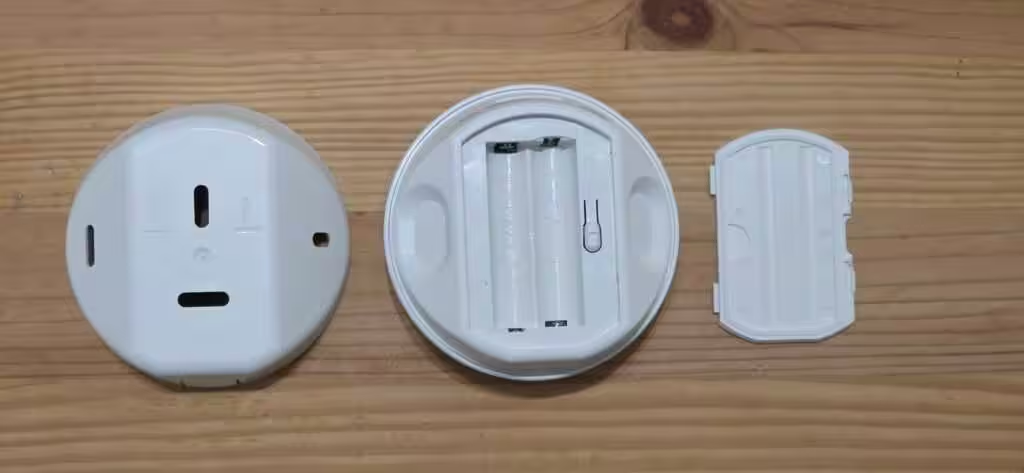
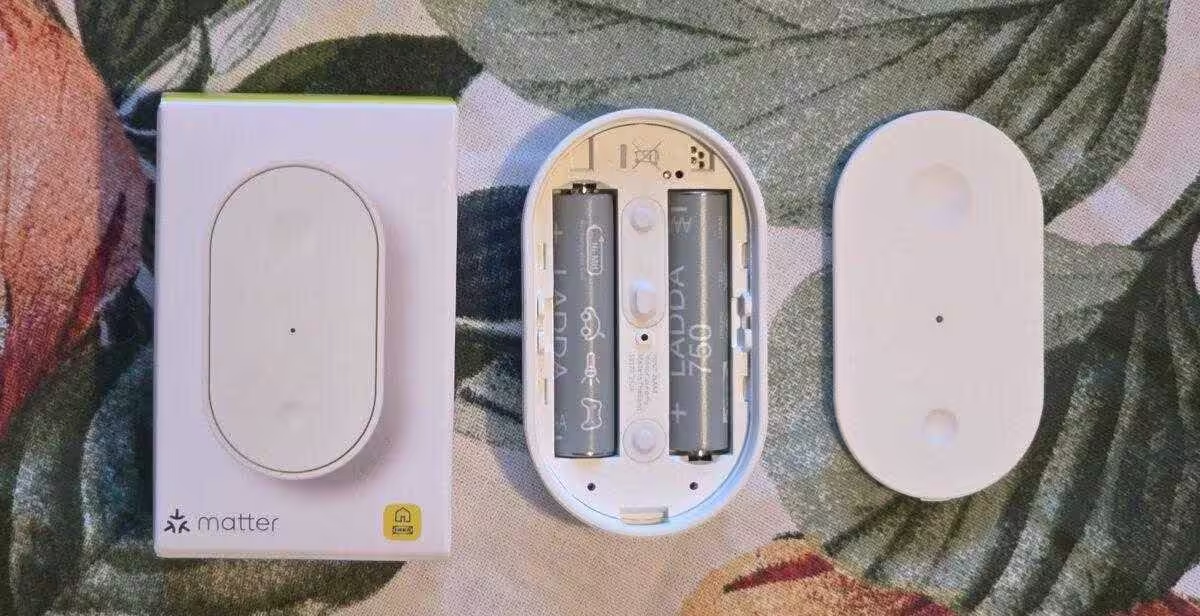
The removable back is shaped to support corner mounting. You can attach the sensor using screws or the supplied adhesive pads. It is powered by two AAA batteries, with IKEA specifying a battery life of up to 15 months. The sensor is suitable for indoor and outdoor use, although outdoor installations should be protected from direct exposure to the weather.
Nabu Casa Home Assistant Green
The easiest way to get started with Home Assistant – simply connect the included power supply and Ethernet cable to the preinstalled system | Official hardware
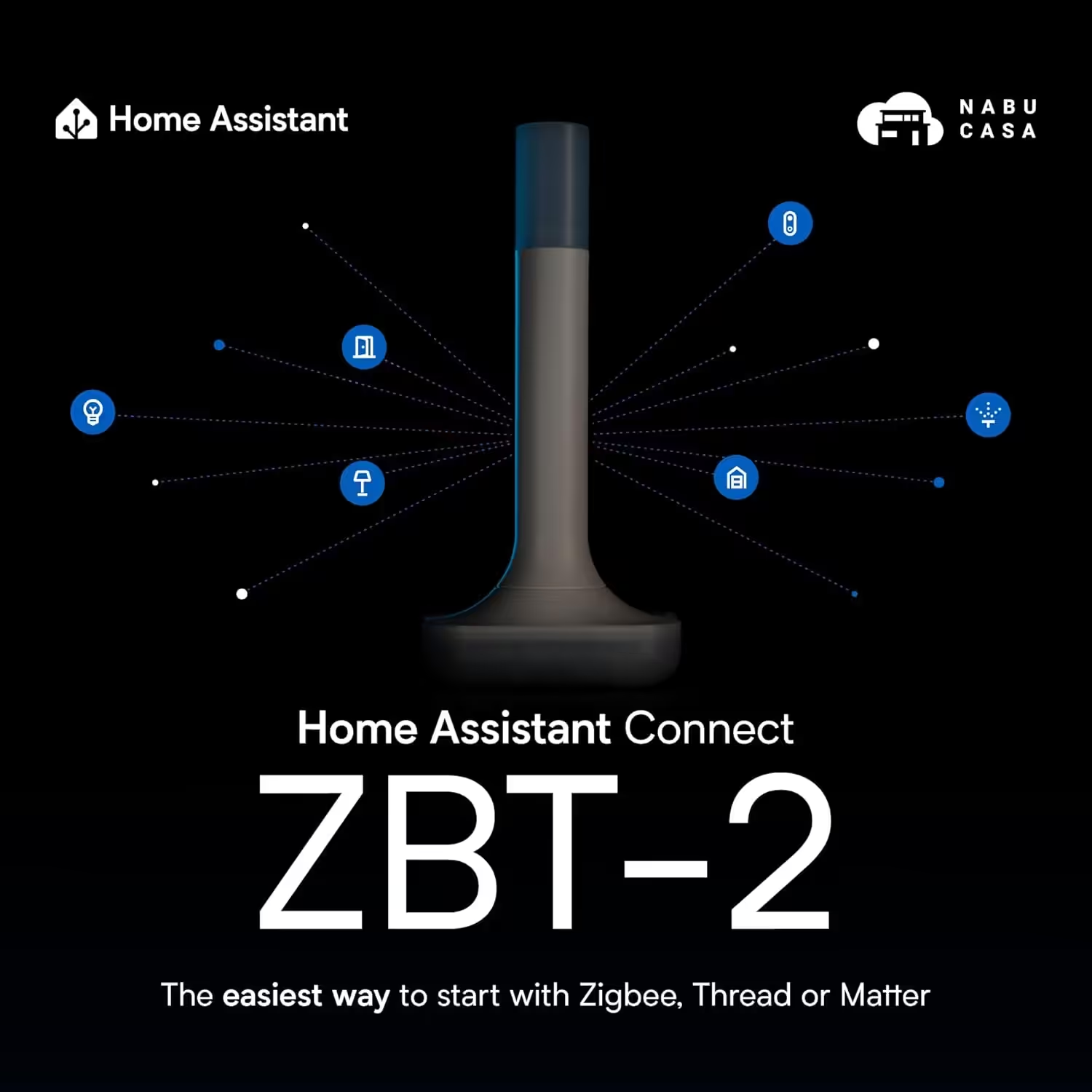
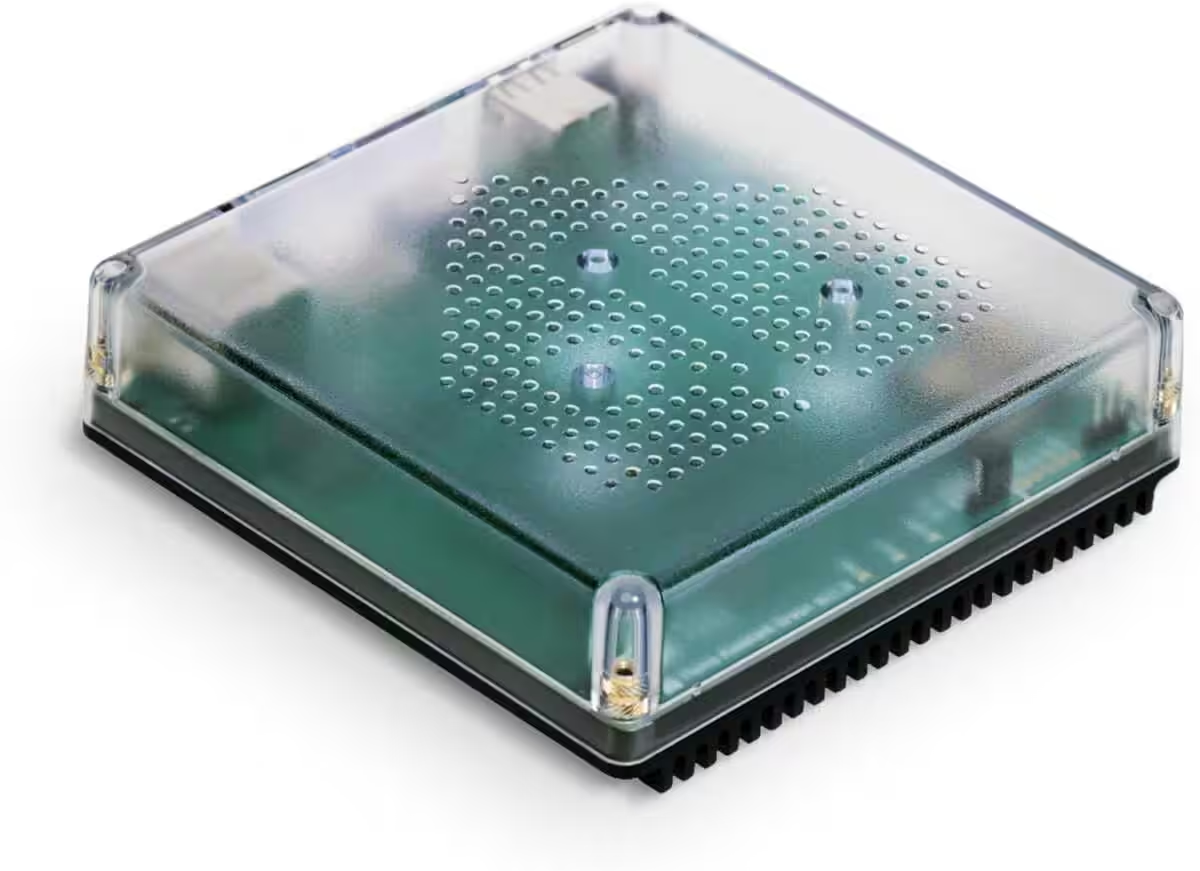
Home Assistant Connect ZBT-2
Home Assistant Connect ZBT-2 | Connect Zigbee, Thread or Matter devices to Home Assistant | Official hardware
Nabu Casa Home Assistant Voice
Preview Edition | Smart speaker for local voice control | Compatible with Home Assistant | Privacy-focused
IKEA MYGGSPRAY and Matter
MYGGSPRAY is based on the open Matter standard, making it compatible with products from different manufacturers. It can connect to platforms such as Amazon Alexa, Apple HomeKit, Google Home, Homey and Samsung SmartThings. Matter therefore makes the sensor highly flexible.
Requirements for integration with Home Assistant
For a smooth integration, you will need the following:
- A current version of Home Assistant running on suitable hardware, such as:
- A working Thread Border Router, such as:
- IKEA MYGGSPRAY with AAA rechargeable batteries* installed
- The Matter QR code or numeric pairing code printed on the front of the instructions and on top of the sensor.
💡 Interested in IKEA smart home products?
We have tested various IKEA smart home devices and successfully integrated them into Home Assistant. These include the MYGGBETT door and window sensor, BILRESA remote control, TIMMERFLOTTE temperature and humidity sensor as well as the KAJPLATS E27 LED bulb. Our articles explain how integration works, which features are available in Home Assistant and what we learned in everyday use.
Setting up MYGGSPRAY in Home Assistant
Matter devices are currently added through the Home Assistant Companion app on a smartphone.
After you insert the batteries, the sensor starts automatically and remains in pairing mode for 15 minutes. Briefly removing a battery restarts this period. If the sensor is already connected to another system, use the button inside the battery compartment to reset it.
Step by step
- In the app, open: Settings → Add to Home Assistant → Add device → Add Matter device
- Select New, then scan the QR code or enter the pairing code manually
- If you have several border routers, select the desired Thread network
After a few seconds, MYGGSPRAY appears as a new device in Home Assistant.
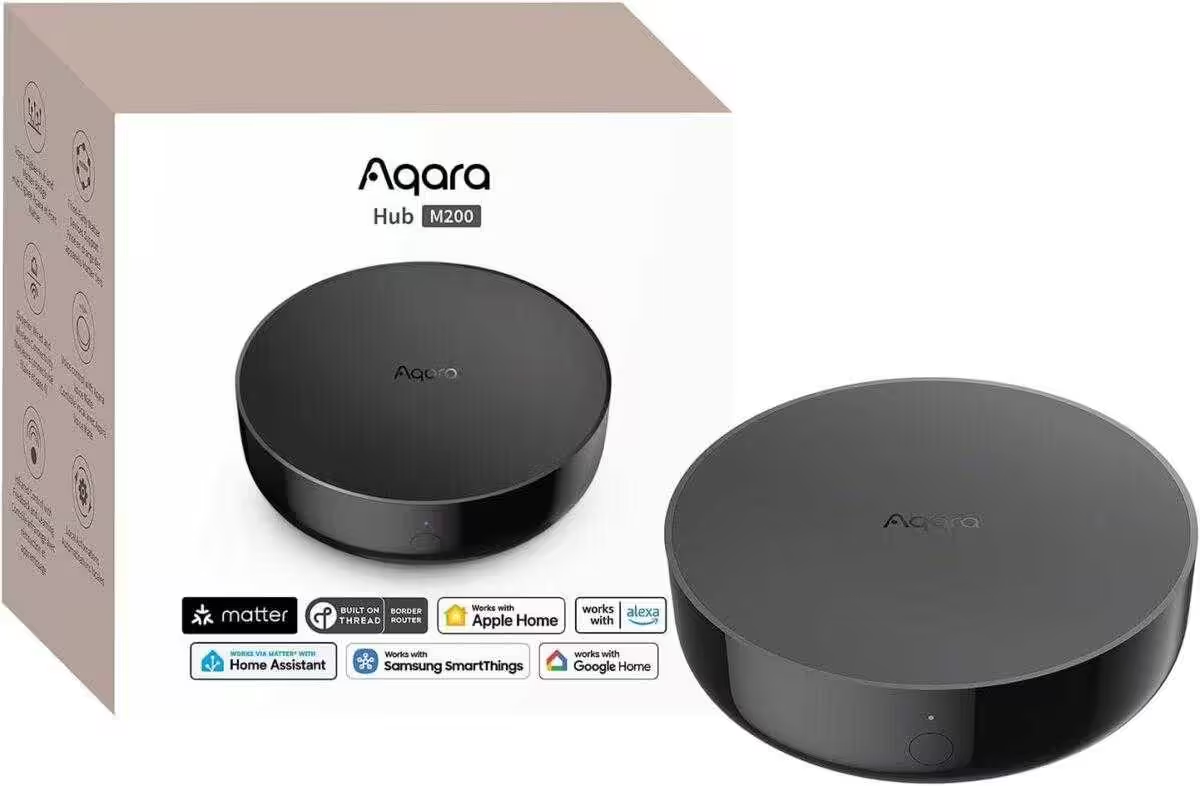
Aqara Smart Hub M200
Matter controller and Thread Border Router with Aqara Zigbee, Bluetooth, Wi-Fi, PoE and IR; supports Amazon Alexa, Apple HomeKit, Home Assistant, SmartThings and Google Home
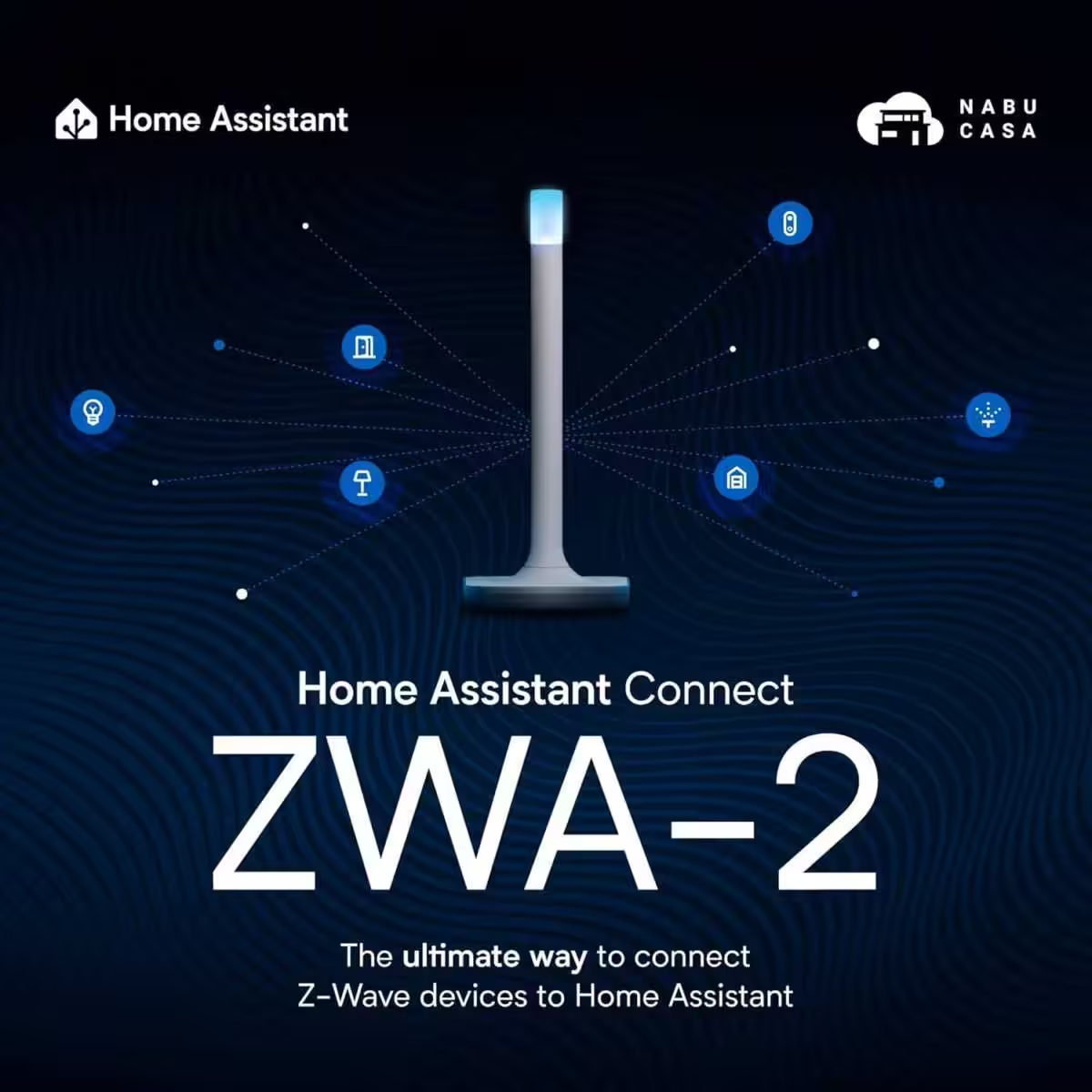
Home Assistant Connect ZWA-2
Connect Z-Wave devices to Home Assistant | Official Home Assistant hardware

SONOFF Zigbee 3.0 USB Dongle Plus MG24
Zigbee gateway with EFR32MG24, Thread & Zigbee USB stick, controller for Home Assistant or Zigbee2MQTT
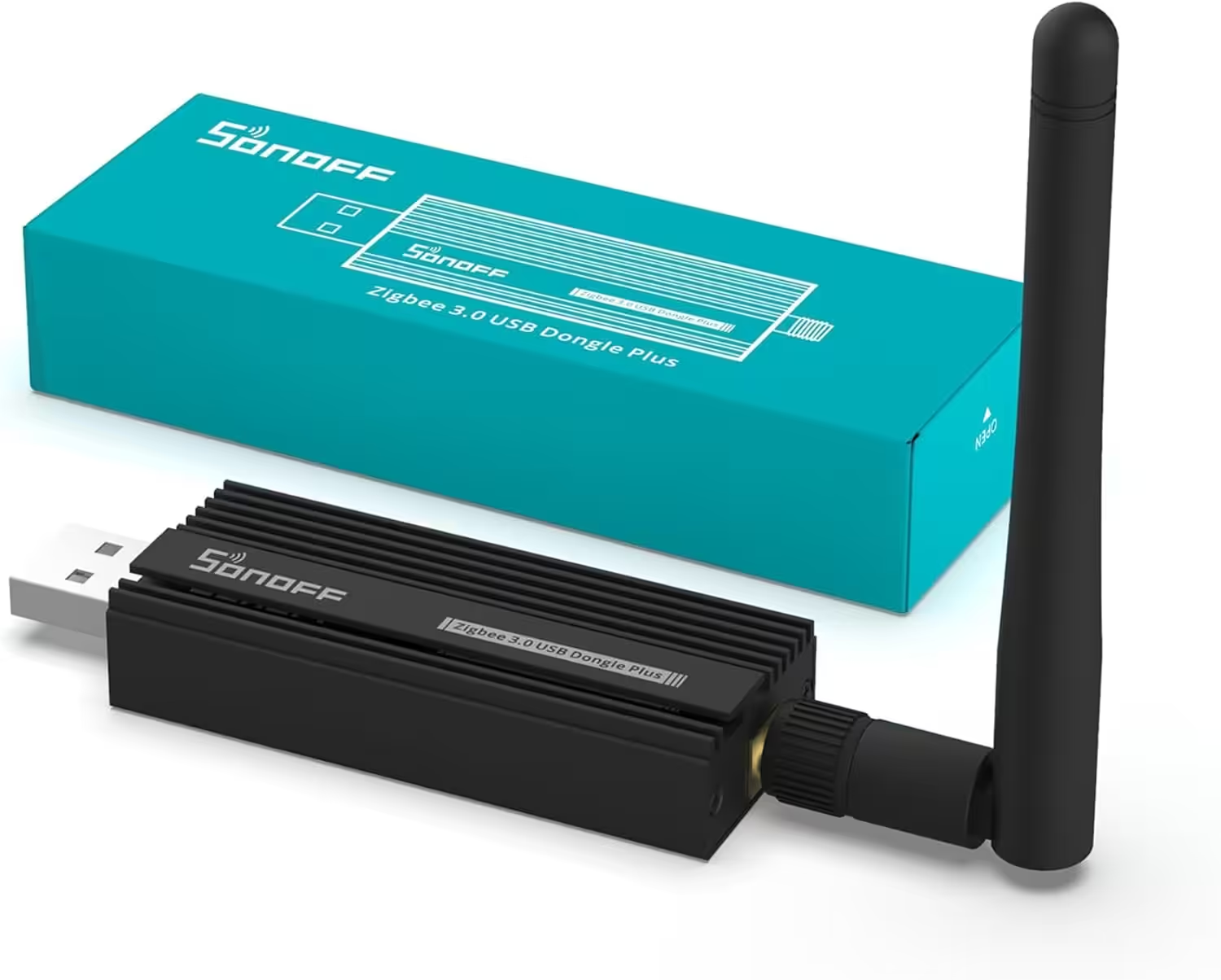
SONOFF Zigbee 3.0 USB Dongle Plus
Zigbee gateway with TI CC2652P and CP2102N USB stick; hub for ZHA, Home Assistant, Zigbee2MQTT and OpenHAB
MYGGSPRAY in Home Assistant: features and data
The device information shows the firmware version, hardware version and connection type (Matter). The sensor overview indicates whether motion is currently detected and displays the measured light level.
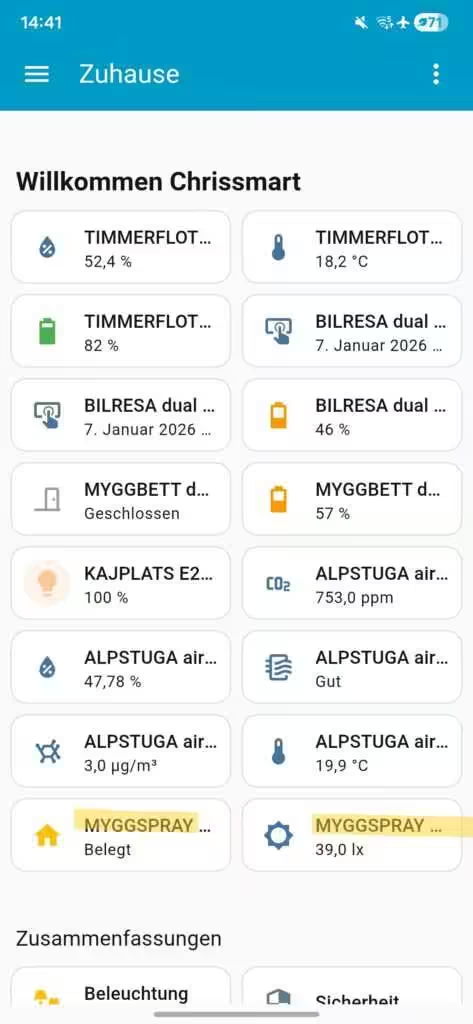
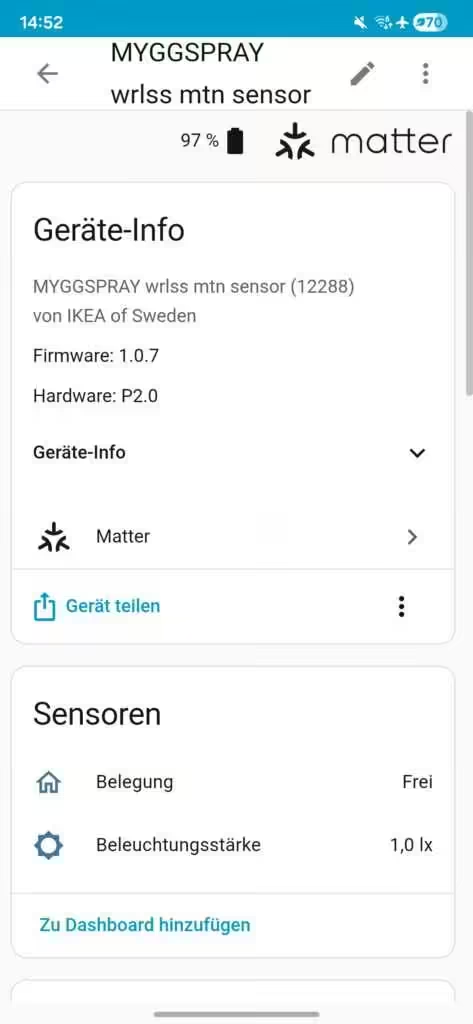
The status switches between Clear and Occupied. You can adjust the label in Home Assistant, for example by renaming the Occupancy attribute to Motion.
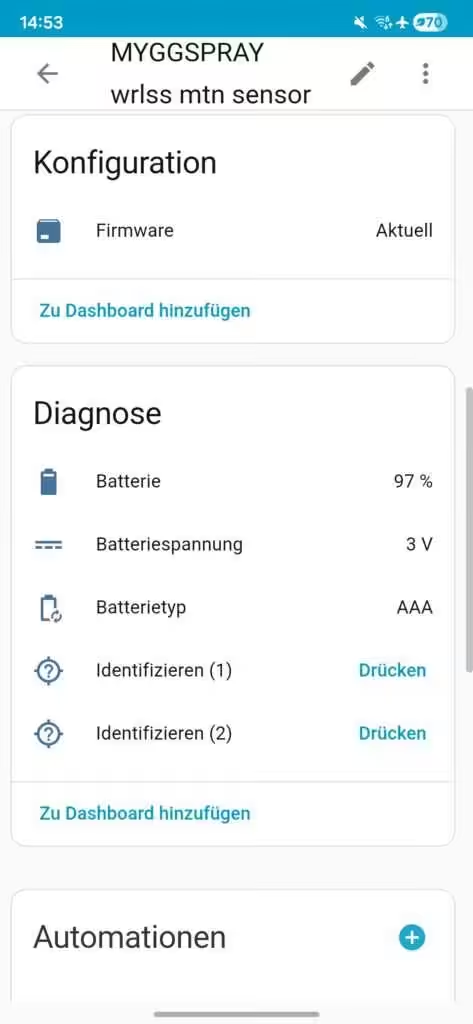
Under Configuration, Home Assistant shows whether the firmware is up to date. The Diagnostics section provides the battery level, battery voltage and battery type (AAA). An Identify function is also available and lights the status LED.
The sensor can be assigned directly to automations, scenes or scripts. Any actions that use the sensor are also listed here, while Activity shows its most recent events.
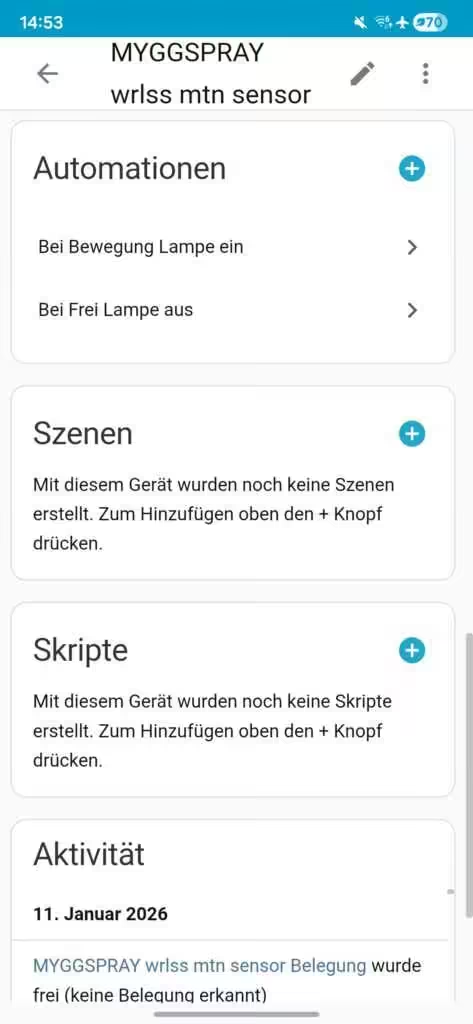
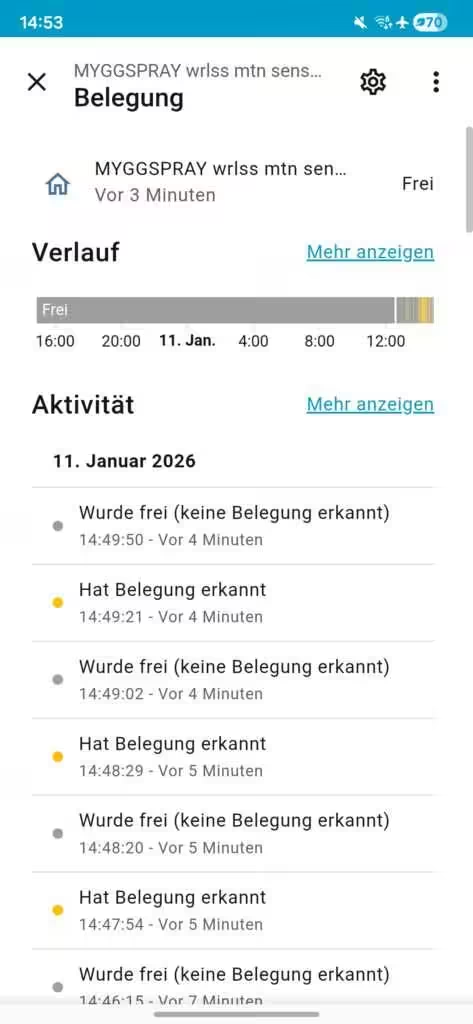
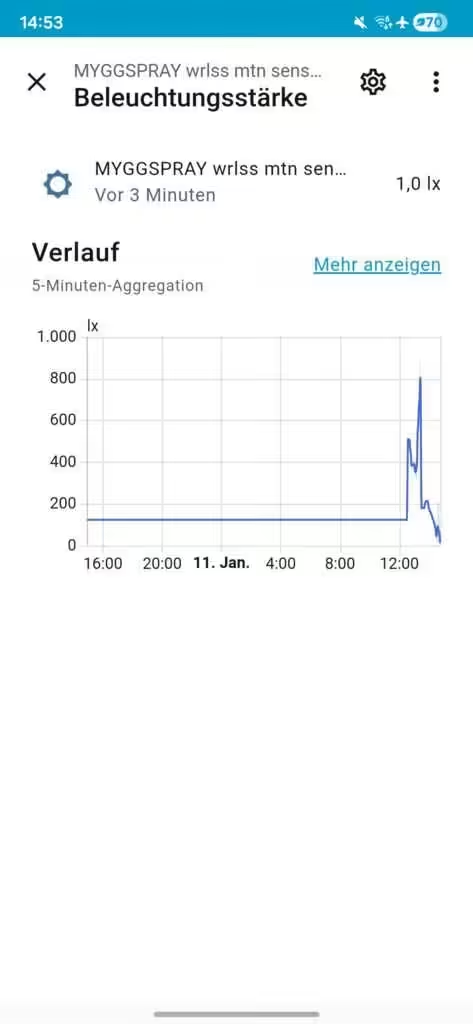
Some values can be opened in detail and displayed as a chart or as an activity history over time.
Practical example: automations with MYGGSPRAY
In the test, MYGGSPRAY was paired with an IKEA KAJPLATS E27 LED bulb. The light switches on when motion is detected and turns off automatically when no further movement is detected. Setting this up in Home Assistant took only a few minutes and used two automations. The duration for which the Motion detected state remains active cannot be adjusted. In the test, the light switched off after about 30 seconds without further movement.
MIUCDA Home Assistant Box
Cortex-A53, 32 GB ROM, 4 GB RAM, USB 3.0 ports, HA OS smart home hub
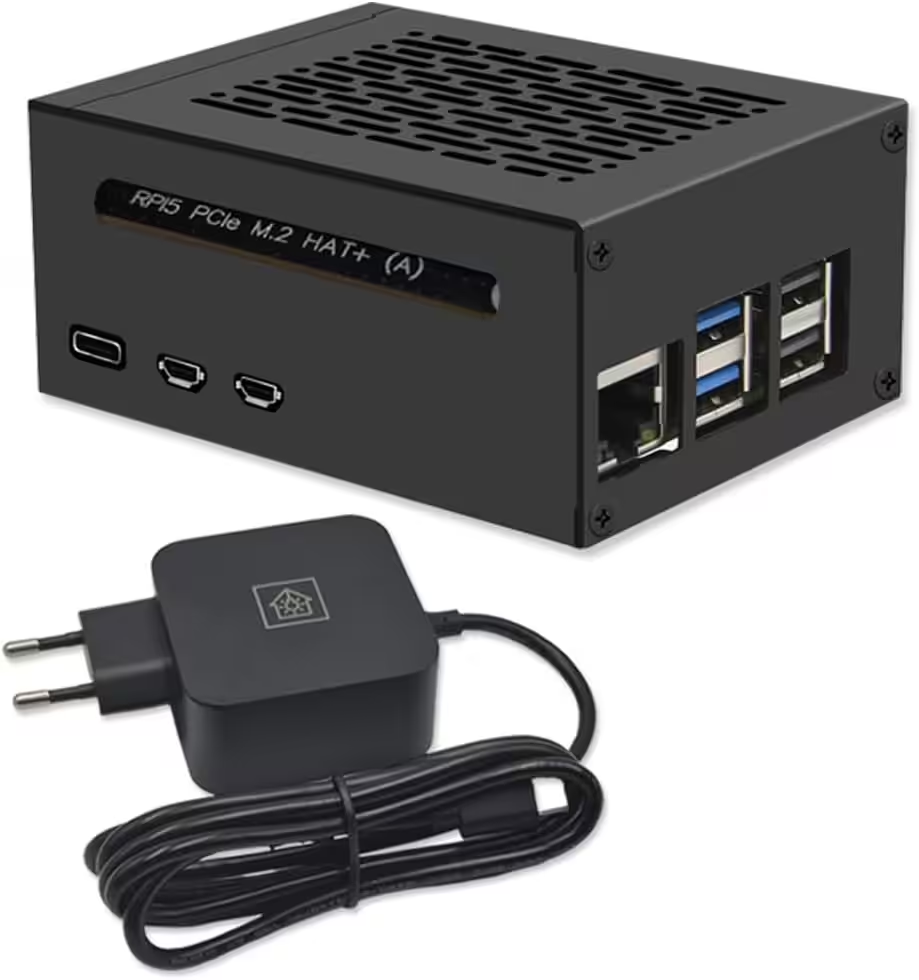
Home Assistant smart home hub
Raspberry Pi 5 8 GB | Airflow metal case | M.2 250 GB NVMe | Home Assistant OS
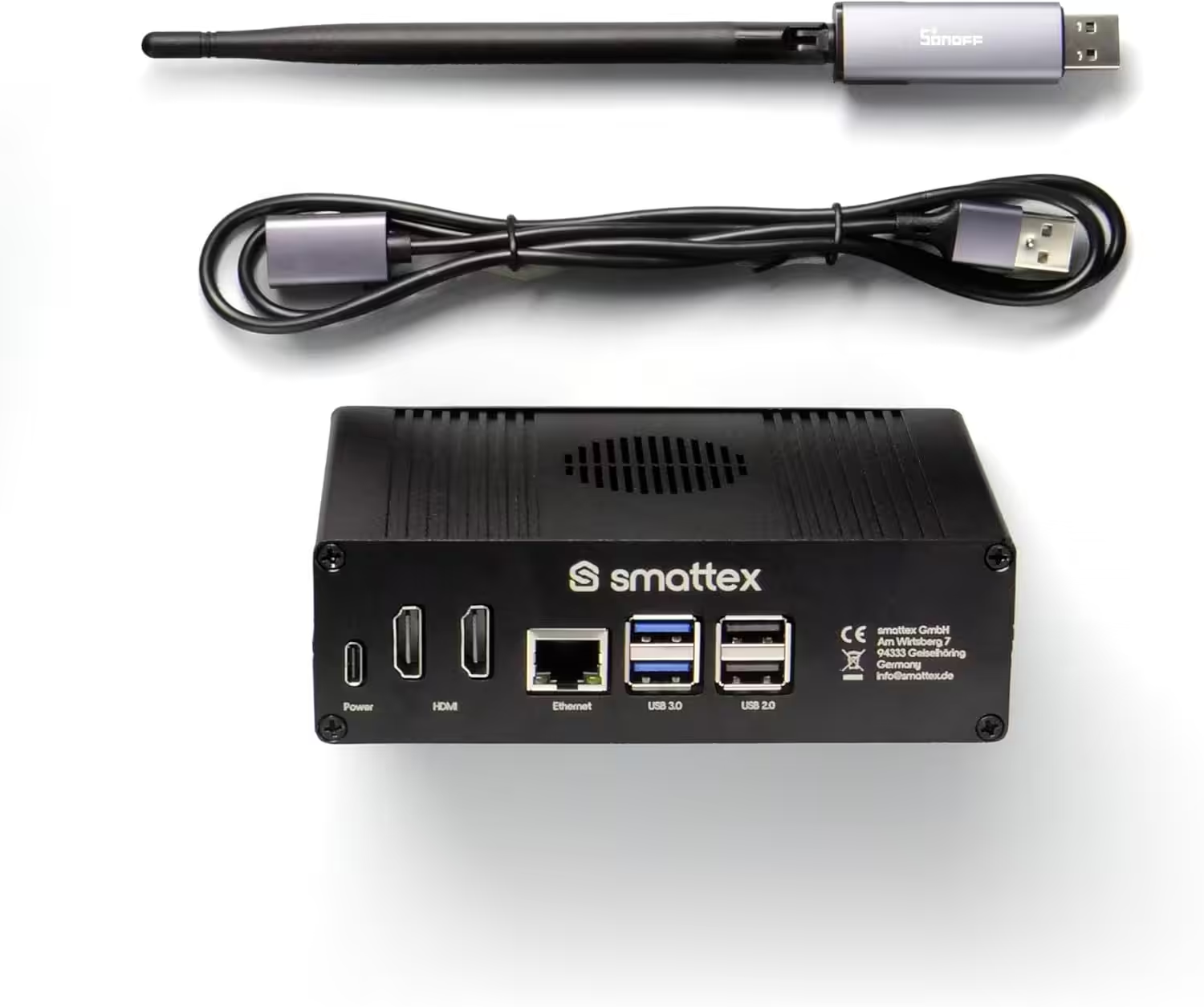
Home Assistant preinstalled, including antenna (Thread Border Router)
Plug & Play Set Black, Wi-Fi, Bluetooth, SSD, Matter, optional Zigbee, ready to use (4 GB RAM / 128 GB SSD)
Conclusion
The IKEA MYGGSPRAY motion sensor is a compact and versatile Matter sensor that stands out for its easy integration with Home Assistant. It suits many indoor and sheltered outdoor uses and provides a solid basis for automated lighting and device control.
Another advantage is its attractive price, which is lower than comparable solutions from manufacturers such as Homematic or Aqara.
💬 How do you use IKEA MYGGSPRAY in Home Assistant? Share your automations and experiences in the comments.
Source/Photo: (Amazon / IKEA / Chris Smart)
MYGGSPRAY wireless motion sensor, smart
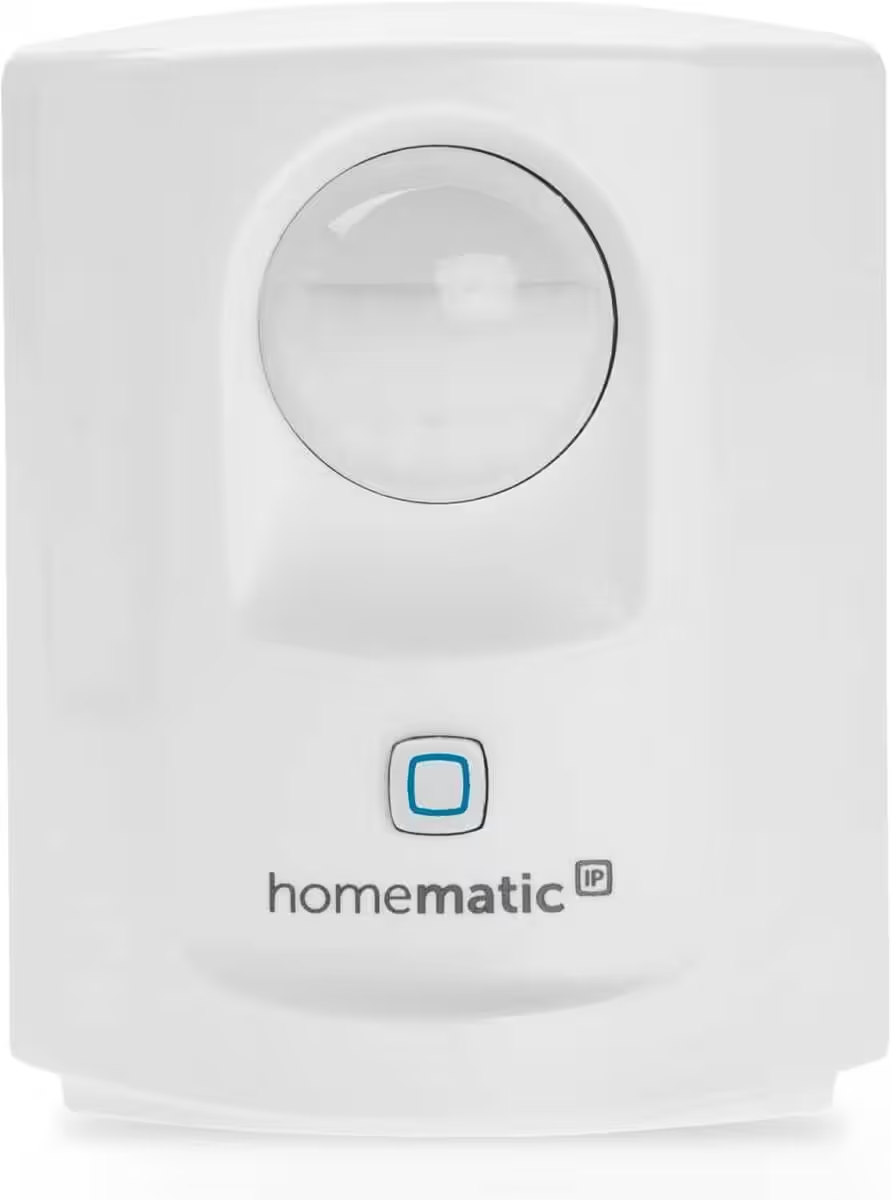
Homematic IP Smart Home motion sensor with twilight sensor – indoor
Smart home accessory with app support, alarm functions, lighting control and energy-saving features
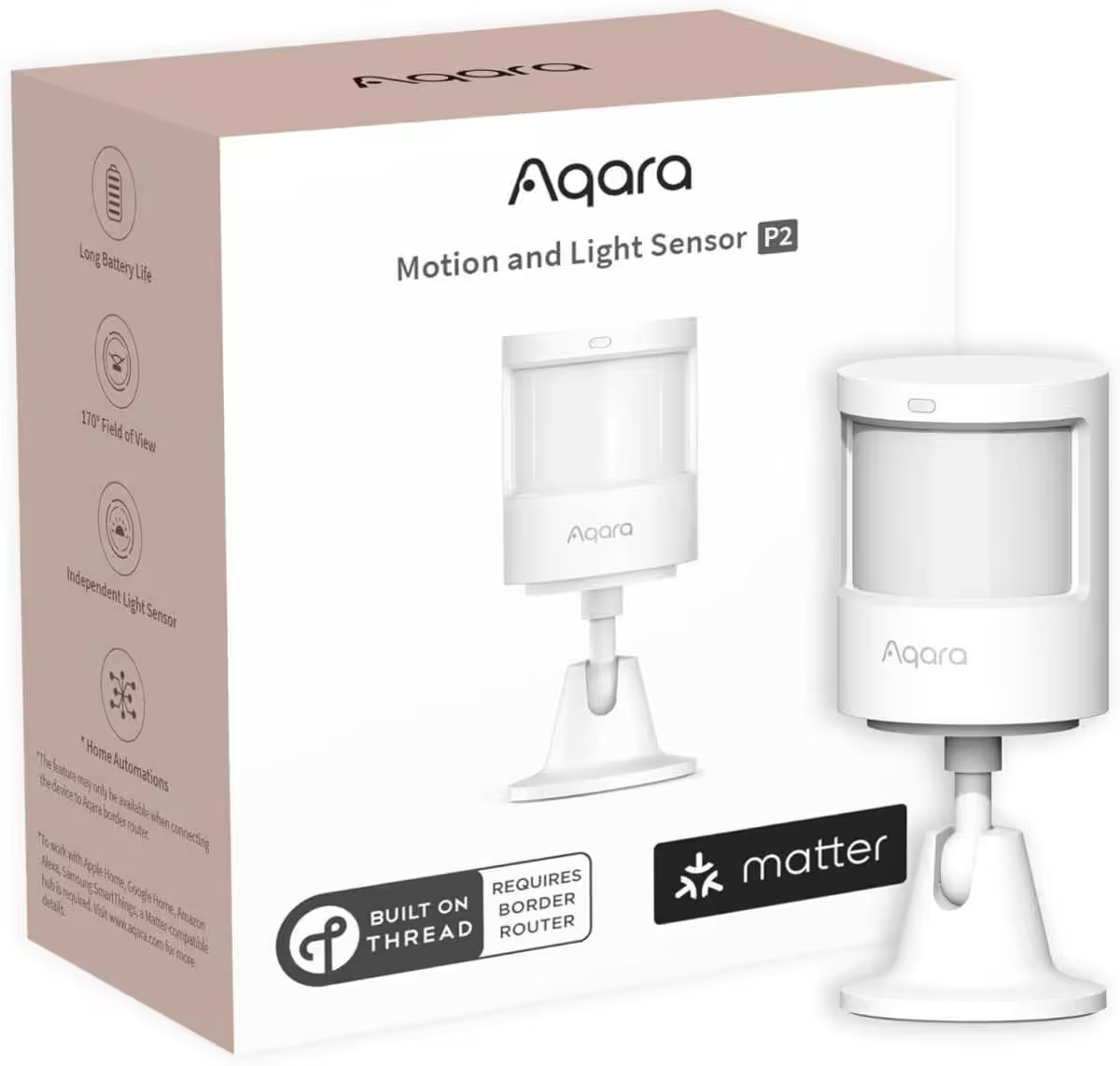
Aqara Motion and Light Sensor P2
Matter over Thread, requires a Thread Border Router, supports Apple Home, Google Home, Alexa and SmartThings
Home Assistant 2026.8.1: Hotfix soll Probleme beheben

Home Assistant 2026.8: Das steckt im neuen Update

Home Assistant 2026.7: Das bislang größte Update für Automatisierungen ist da
Nulleinspeisung mit FRITZ! Smart Energy 250 und Anker Solix in Home Assistant
IKEA BILRESA Firmware-Update 1.9.15 bringt Matter 1.4
FRITZ! Smart Energy 250 im Home Assistant Energie Dashboard einrichten

Ich bin Christian und habe den Blog 2024 gegründet. Ich bin gelernter Kommunikationselektroniker, technikbegeistert und Smart-Home-Enthusiast mit langjähriger Erfahrung im Bereich vernetzter Haushaltsgeräte. Mit großer Leidenschaft verfolge ich aktuelle Entwicklungen und teste regelmäßig neue Produkte, um verständliche Einblicke und praxisnahe Empfehlungen zu geben.