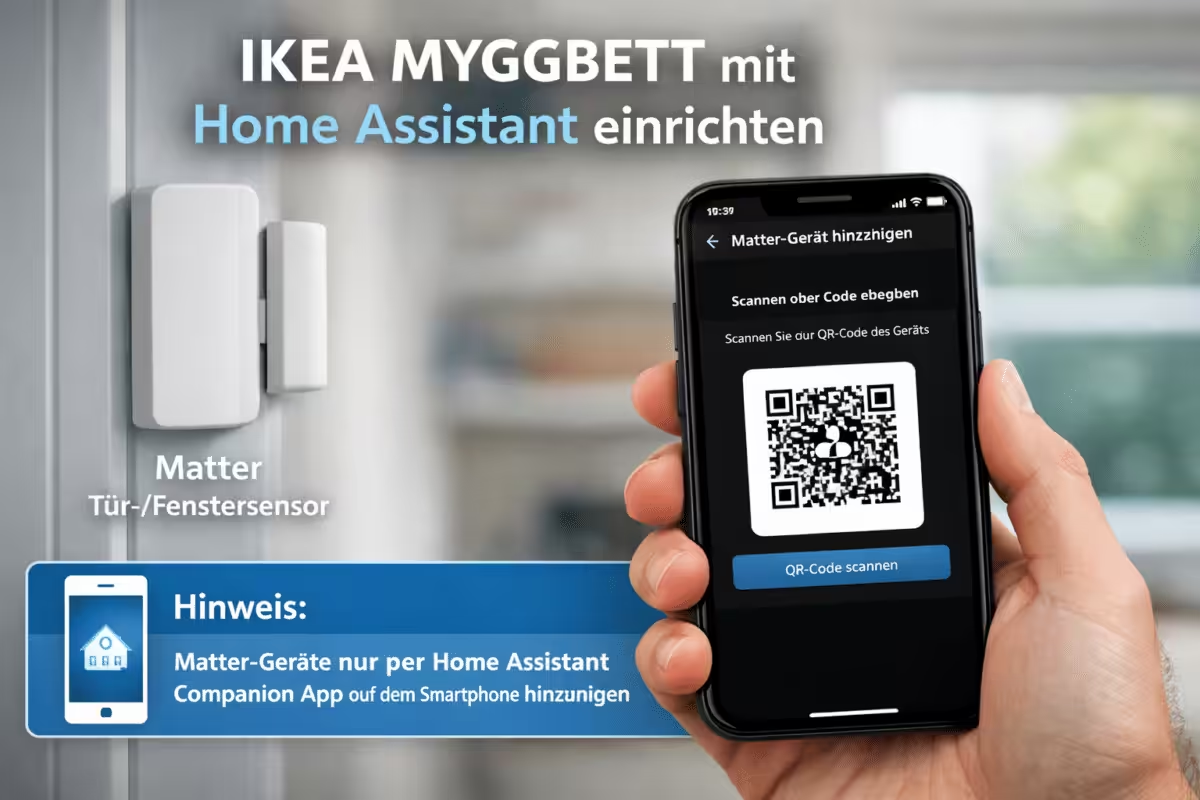
El sensor de puerta y ventana IKEA MYGGBETT se puede integrar directamente en Home Assistant gracias al estándar abierto Matter. Por tanto, no es imprescindible utilizar un hub tradicional de IKEA ni de otro fabricante. El sensor se comunica mediante Thread y se añade a Home Assistant.
Esto hace que MYGGBETT resulte especialmente interesante para quienes desean usar su hogar inteligente de forma local, independiente del fabricante y sin una conexión obligatoria a la nube. Otros fabricantes, como Homematic IP, ofrecen una solución similar, por ejemplo con la central domótica CCU3, pero esta no admite otros estándares como Thread.


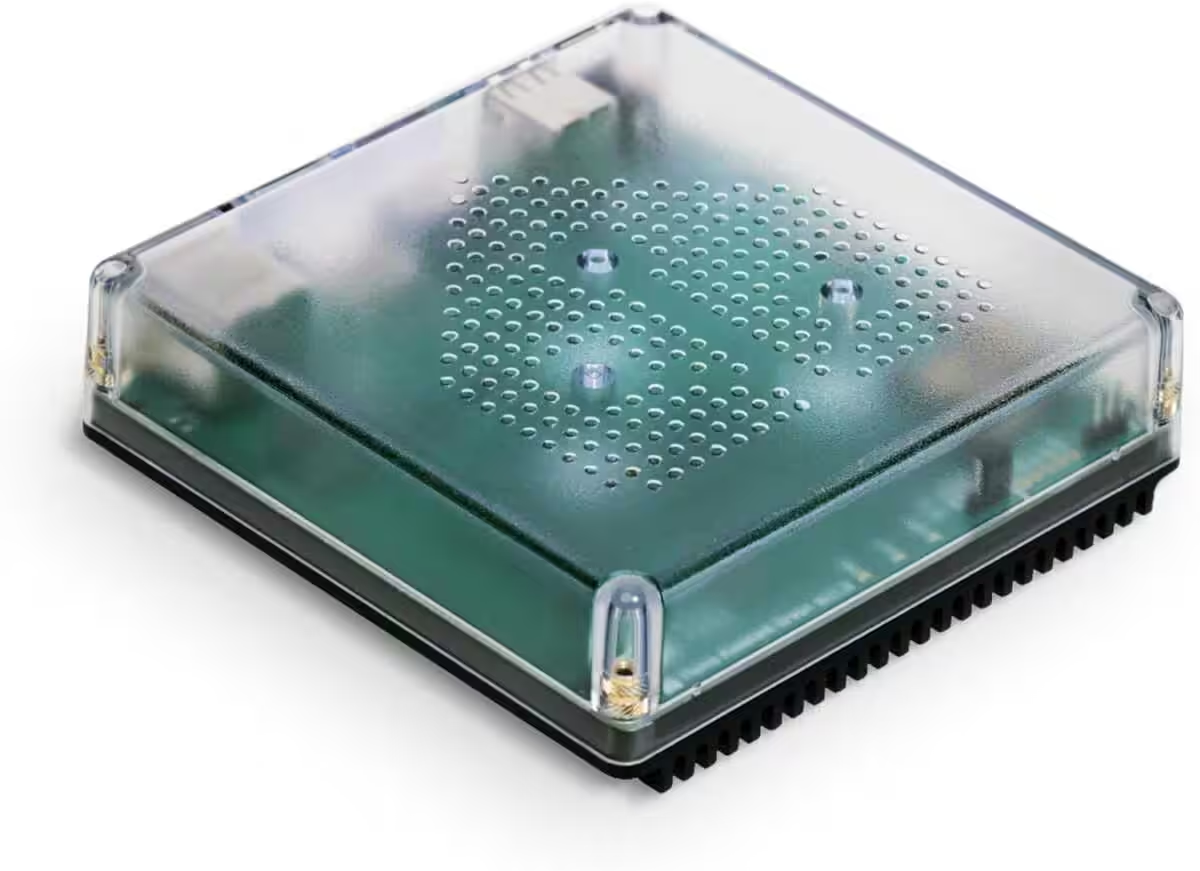
Nabu Casa Home Assistant Green
Der einfachste Weg, um mit dem Heimassistenten zu beginnen – Mit dem bereits installierten Heimassistenten müssen Sie nur das mitgelieferte Netzteil und das Ethernet-Kabel anschließen, um loszulegen | Offizielle Hardware
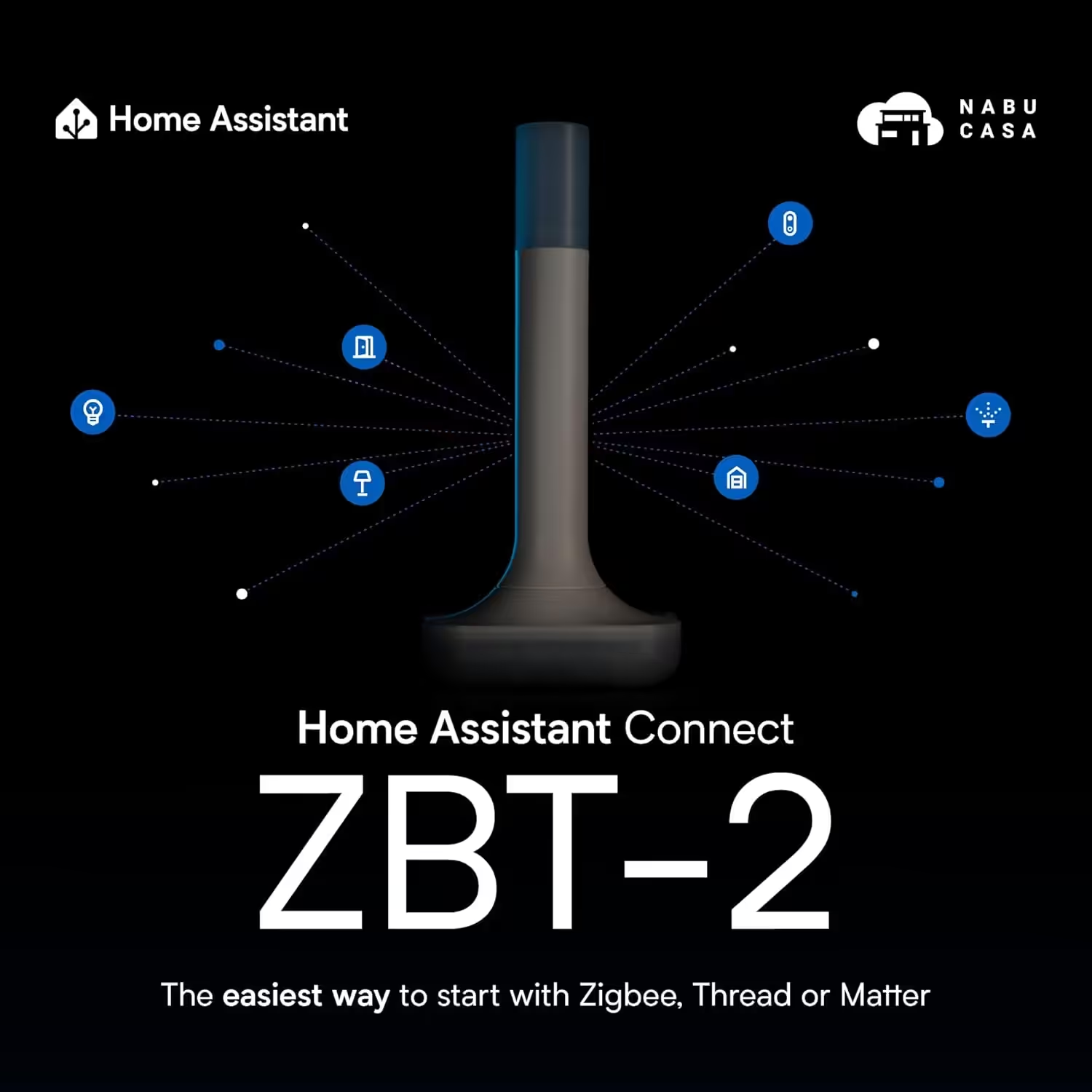
Home Assistant Connect ZBT-2
Home Assistant Connect ZBT-2 | Verbinden Sie Zigbee-, Thread- oder Matter-Geräte mit dem Home Assistant | Offizielle Hardware
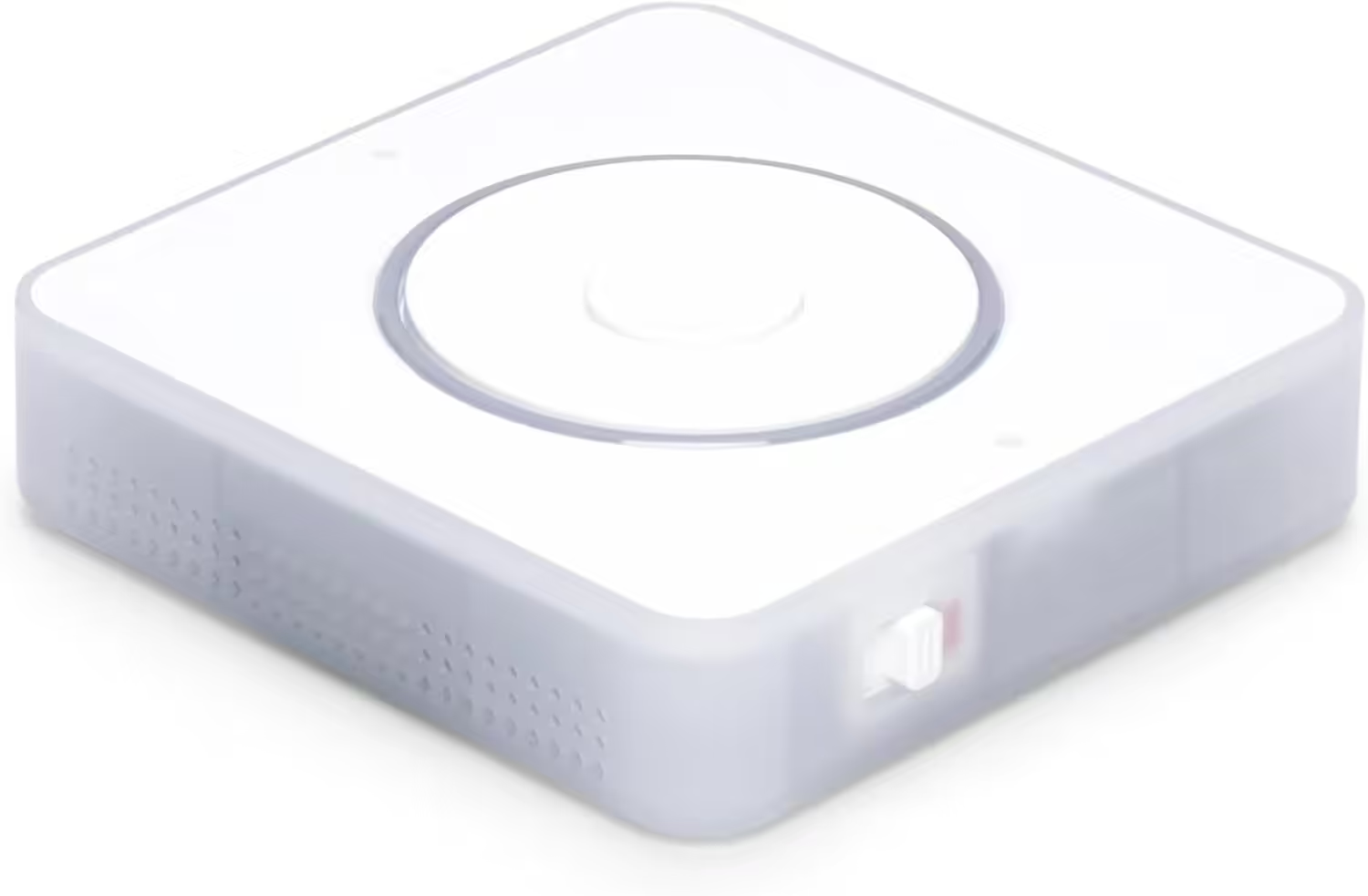
Nabu Casa Home Assistant Voice
Vorschau-Edition | Intelligenter Lautsprecher für lokale Sprachsteuerung | Kompatibel mit Home Assistant | Datenschutzfokus
Requisitos detallados
Para que la integración funcione correctamente, deben cumplirse los siguientes requisitos:
- Una versión actual de Home Assistant en un equipo adecuado, por ejemplo:
- Raspberry Pi*
- Home Assistant Green*
- Home Assistant Yellow* (recomendación de Chrissmart)
- Un Thread Border Router operativo, por ejemplo:
- Sensor MYGGBETT con una batería AAA recargable*
- Código QR de Matter o código numérico de emparejamiento (en el sensor o en el embalaje)
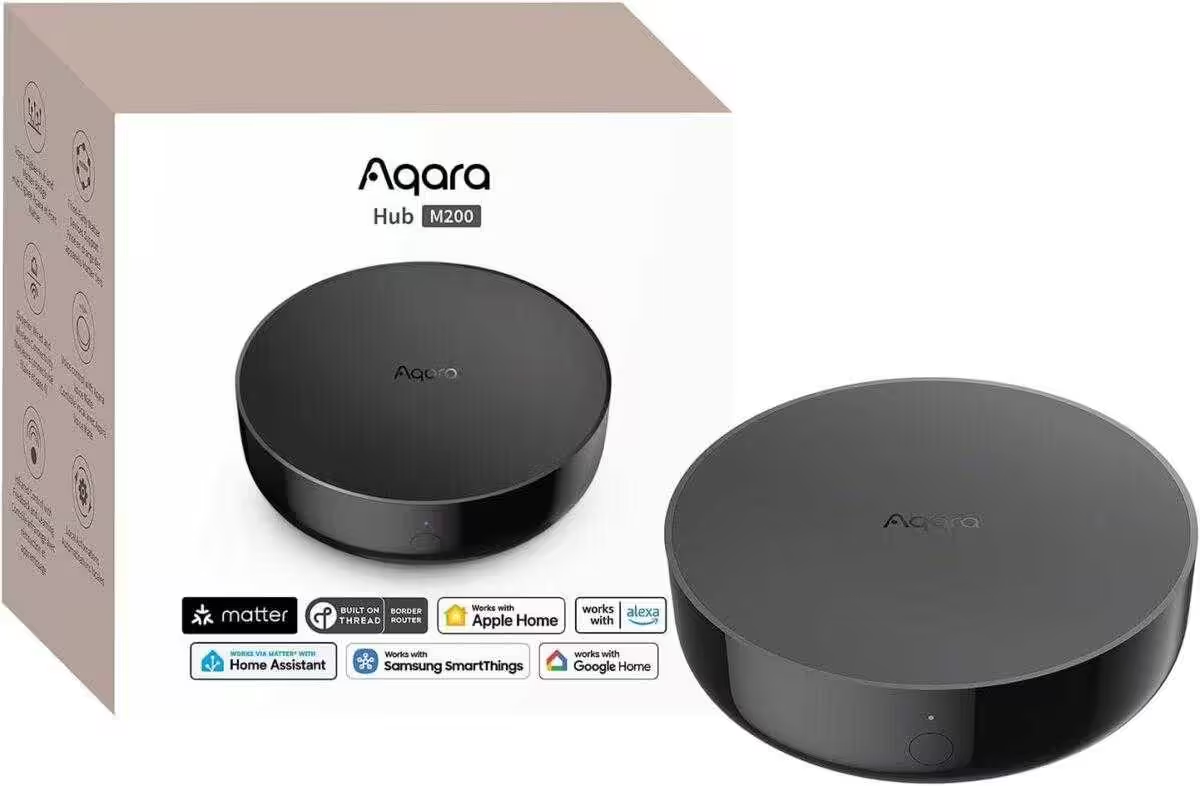
Aqara Smart Hub M200
Matter-Controller, Thread-Grenzrouter mit Aqara Zigbee, Bluetooth, WLAN, PoE, IR, unterstützt Amazon Alexa, Apple HomeKit, Home Assistant, SmartThings, Google Home
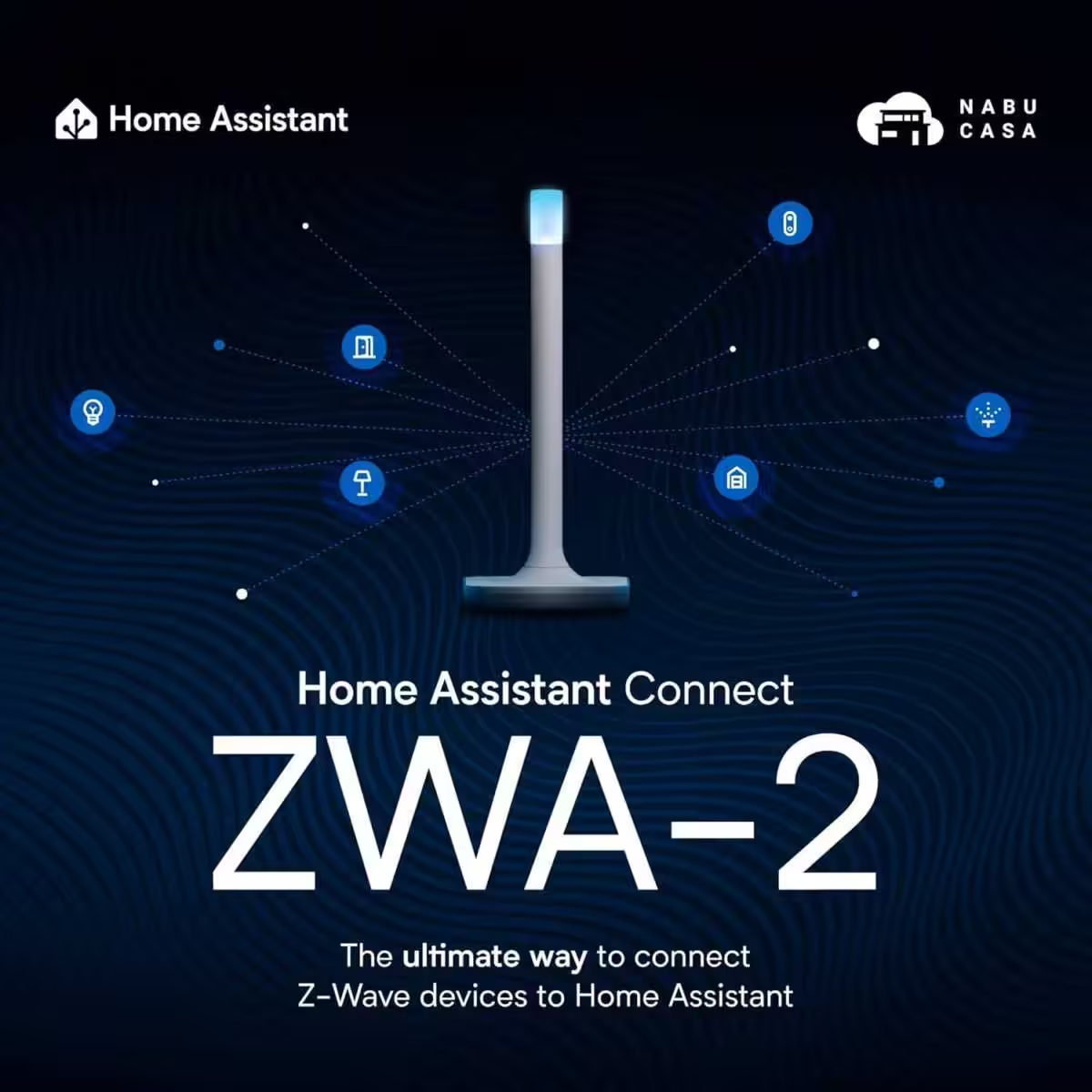
Home Assistant Connect ZWA-2
Verbinden Sie Z-Wave Geräte mit Home Assistant | Offizielle Home Assistant Hardware
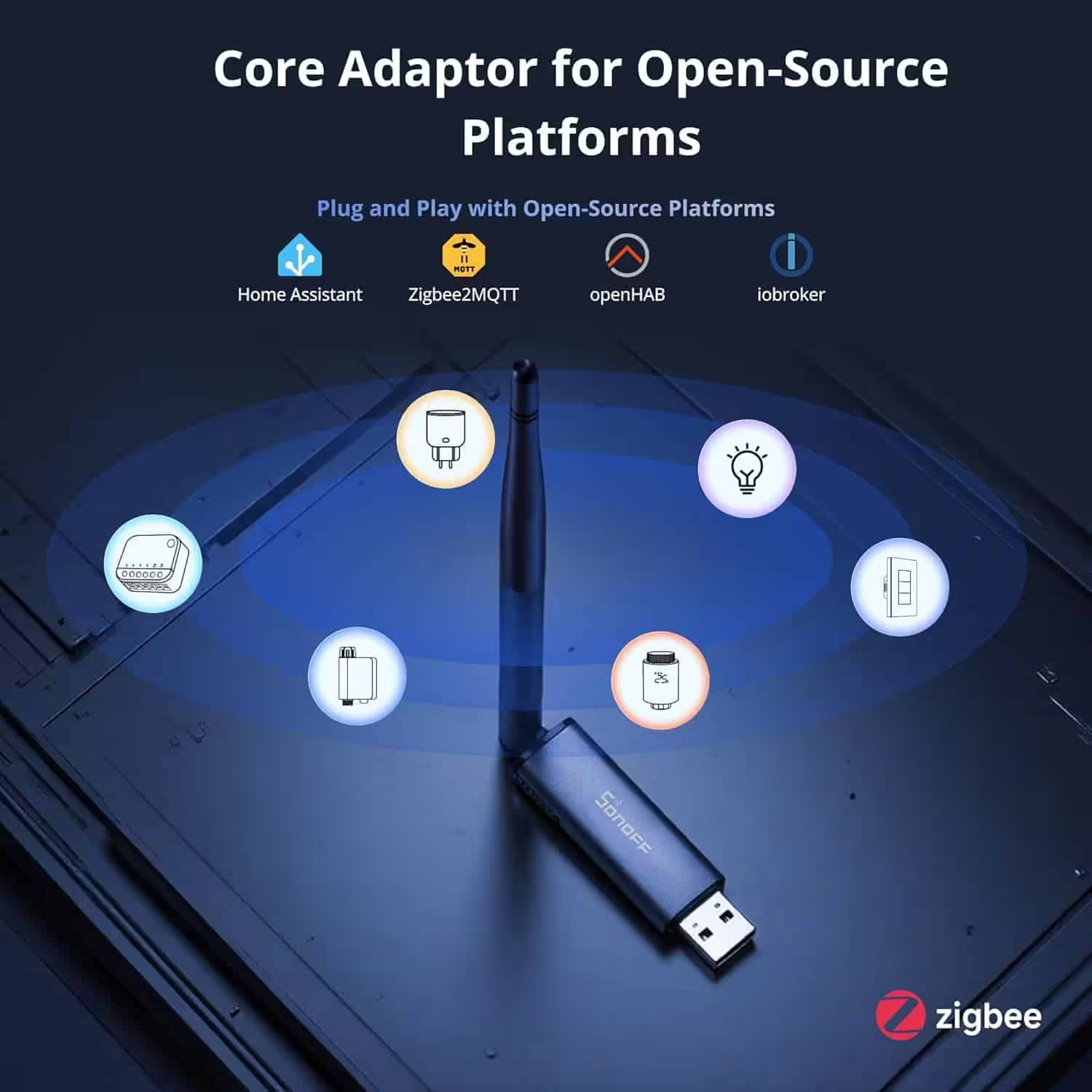
SONOFF Zigbee 3.0 USB Dongle Plus MG24
Zigbee Gateway mit EFR32MG24, Thread & Zigbee USB-Stick, Zigbee Controller für Home Assistant oder Zigbee2MQTT
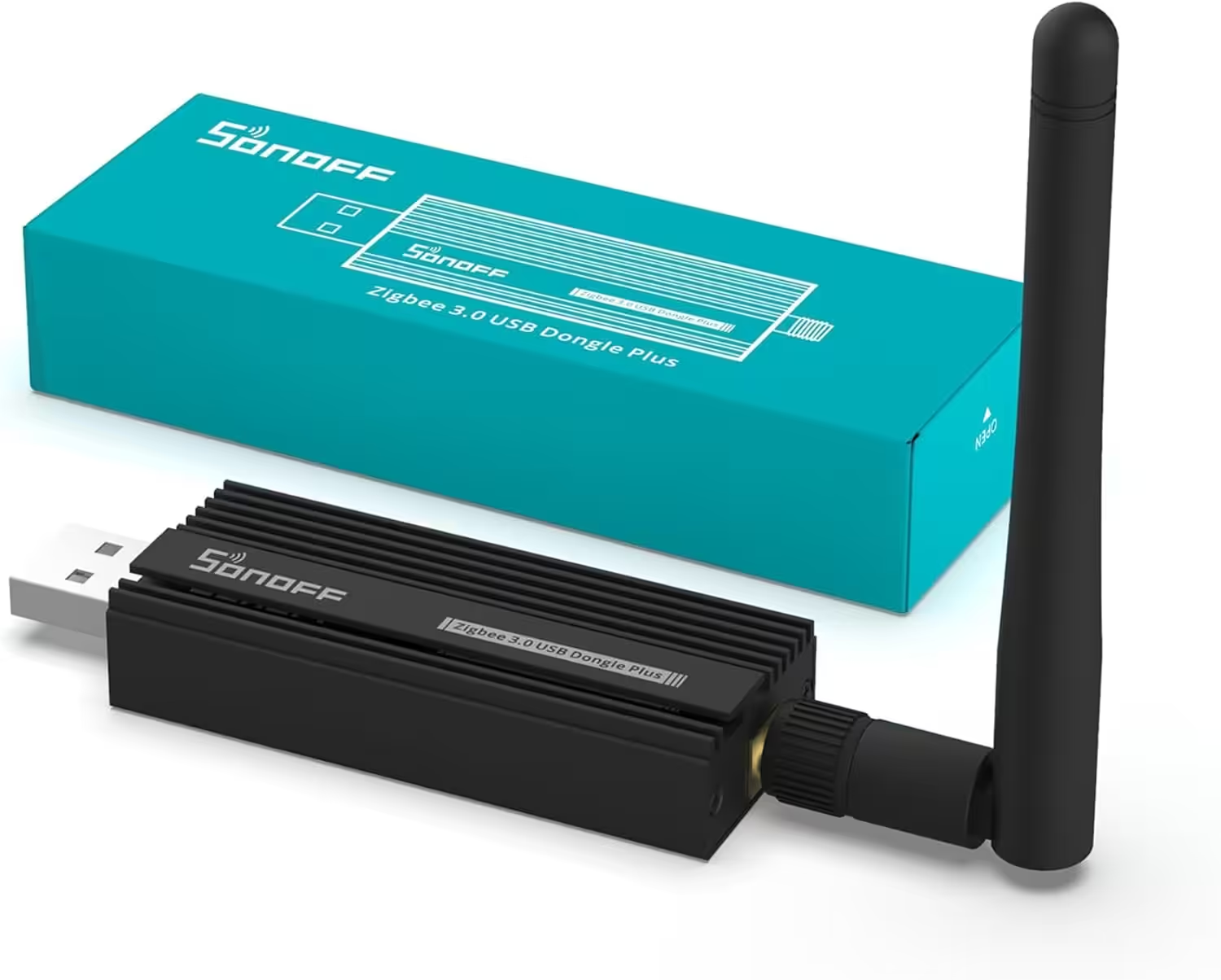
SONOFF Zigbee 3.0 USB Dongle Plus
Zigbee Gateway TI CC2652P + CP2102N Zigbee USB Stick,Zigbee Hub für ZHA in Home Assistant or Zigbee2MQTT,Open HAB etc.
Configurar IKEA MYGGBETT en Home Assistant
Para añadir dispositivos Matter se necesita la aplicación Home Assistant Companion en el smartphone, ya que actualmente el emparejamiento solo es posible mediante la aplicación.
Abrir la integración Matter:
Ajustes → Añadir a Home Assistant → Añadir dispositivo → Añadir dispositivo Matter y seleccionarla.
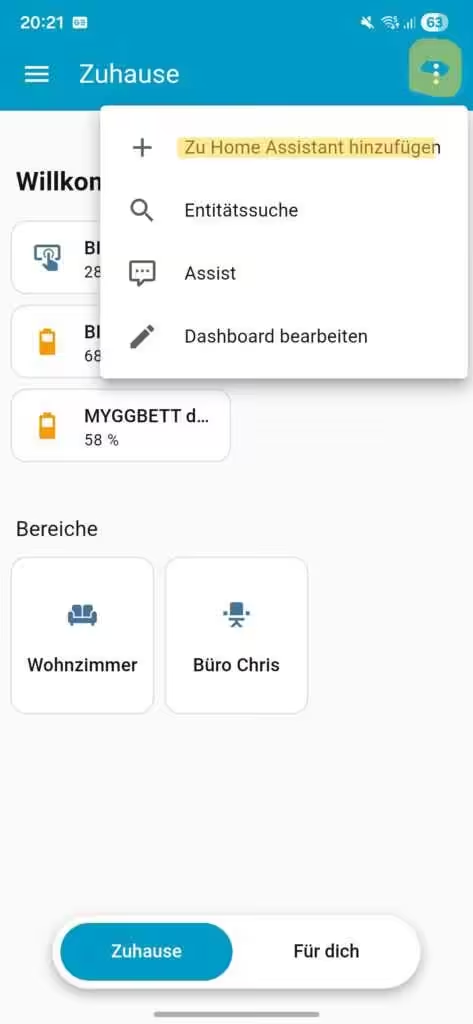
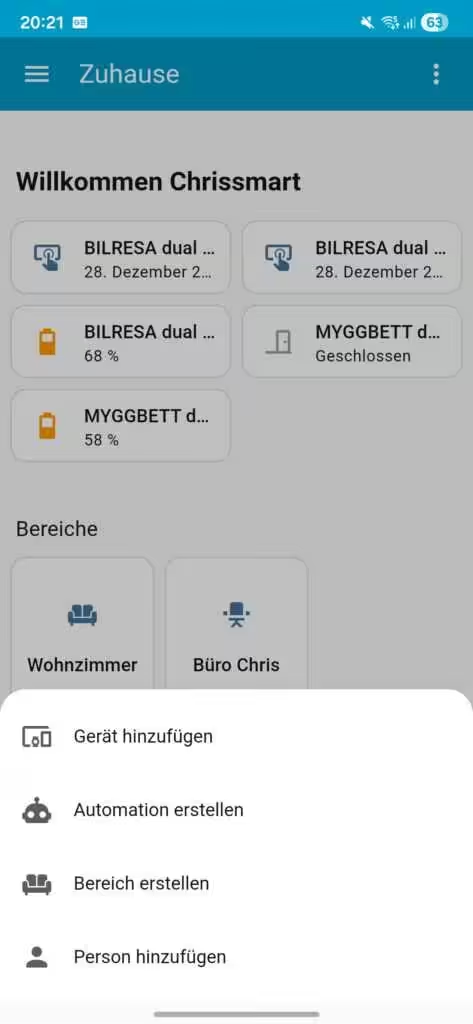
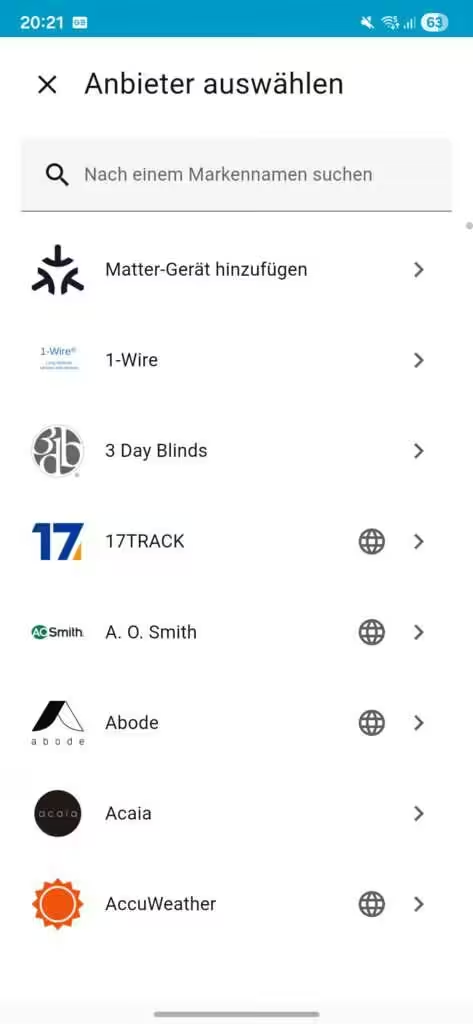
Añadir el dispositivo:
Nuevo seleccionar → escanear el código QR o introducir manualmente el código de emparejamiento → Preparar la configuración
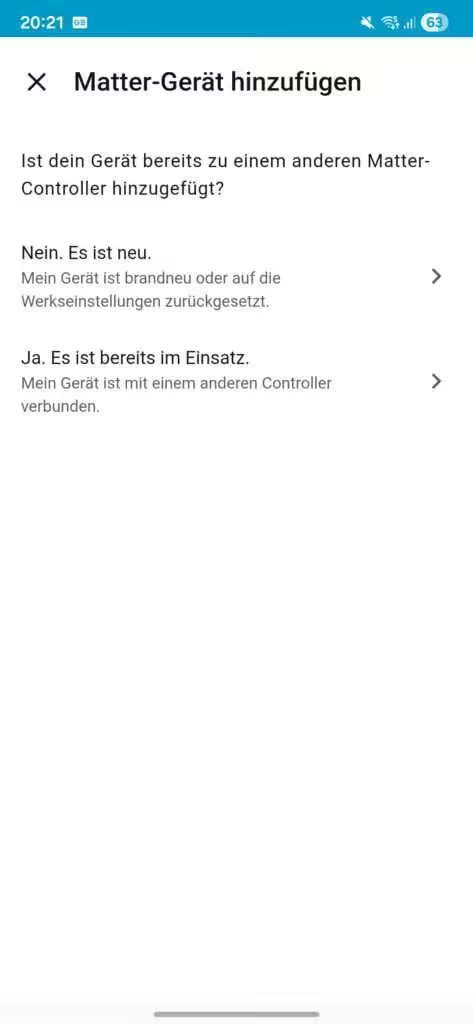
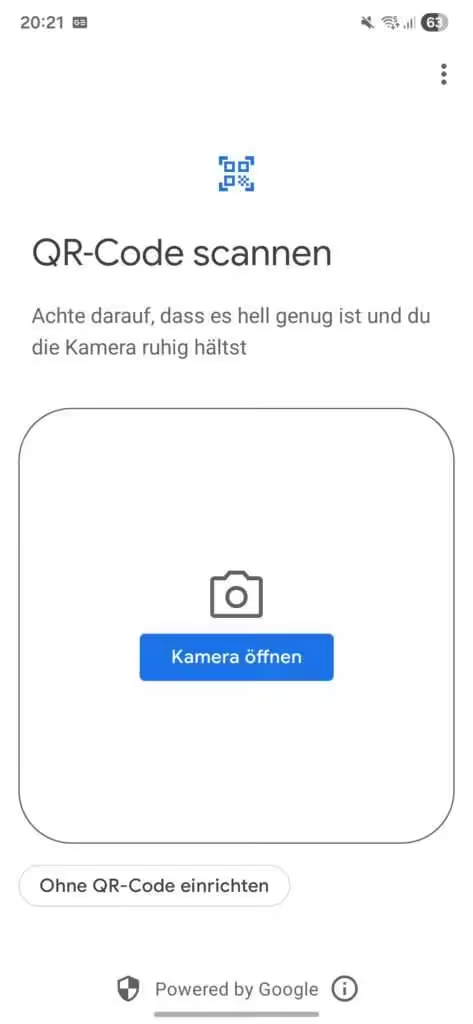
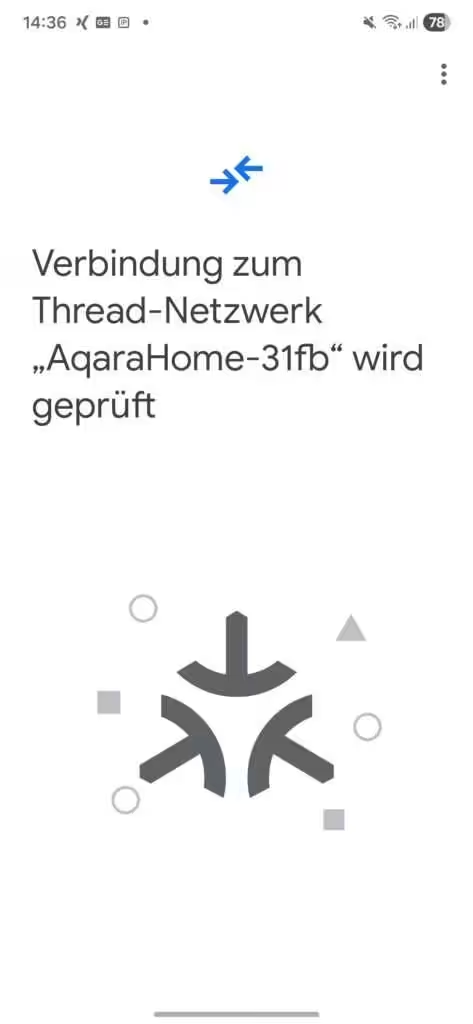
Seleccionar la red Thread:
Si hay varios Border Routers disponibles, selecciona la red Thread deseada. Tras unos segundos, MYGGBETT debería aparecer como un nuevo dispositivo.
💡 Du interessierst dich für IKEA Smart-Home-Produkte?
Wir haben verschiedene IKEA Smart-Home-Geräte getestet und erfolgreich in Home Assistant integriert. Dazu zählen unter anderem der MYGGSPRAY Bewegungsmelder, BILRESA Fernbedienung, TIMMERFLOTTE Temperatur und Luftfeuchtigkeitssensor sowie das KAJPLATS LED-Leuchtmittel E27. In unseren Artikeln zeigen wir, wie die Integration funktioniert, welche Funktionen in Home Assistant zur Verfügung stehen und welche Erfahrungen wir im Alltag gemacht haben.
IKEA MYGGBETT en Home Assistant
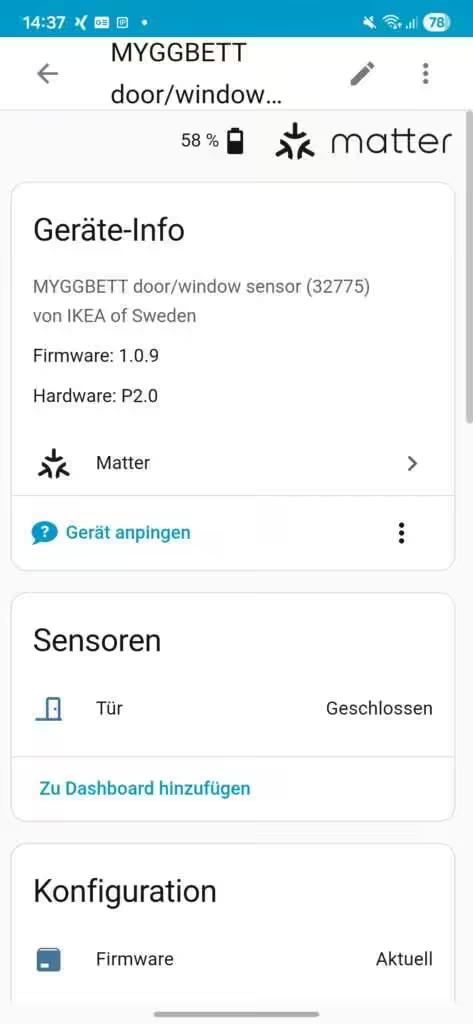
La información del dispositivo muestra la versión del firmware, la versión del hardware y el tipo de conexión (Matter). La tarjeta del sensor indica el estado «abierto» o «cerrado» según el estado actual del sensor. El icono de la puerta se puede sustituir por una ventana u otro similar.
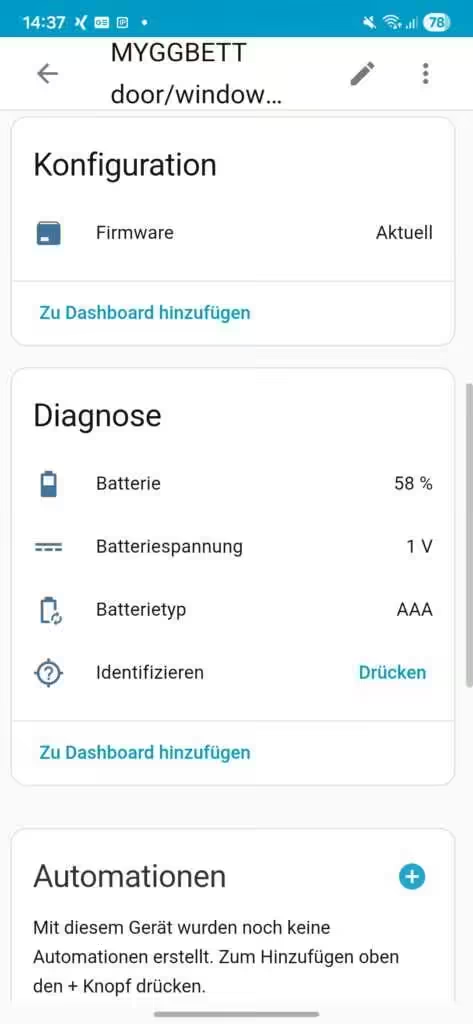
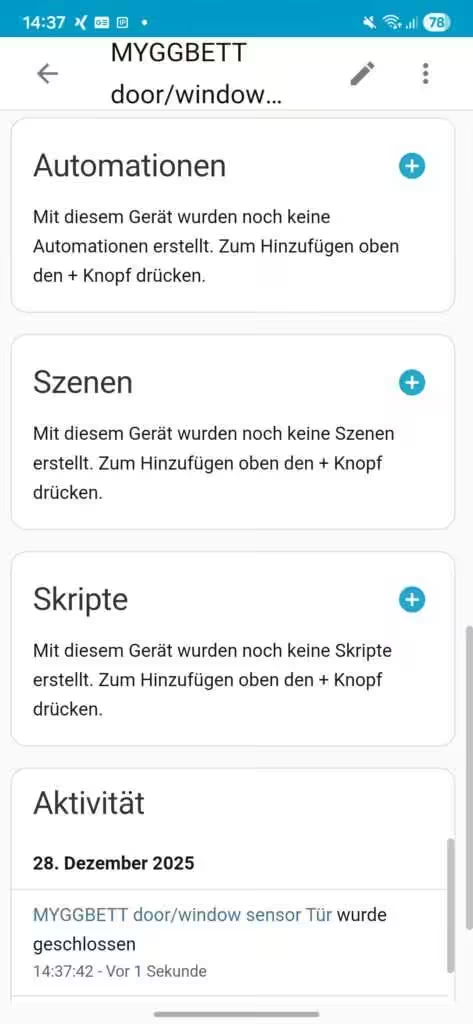
En Configuración se indica si la versión del firmware instalada está actualizada. En el apartado Diagnóstico se pueden consultar el nivel de batería en porcentaje y la tensión de la batería. También aparece el tipo de batería utilizado (AAA). Además, el sensor se puede asignar a automatizaciones, escenas o scripts. La tarjeta Actividad ofrece un historial.
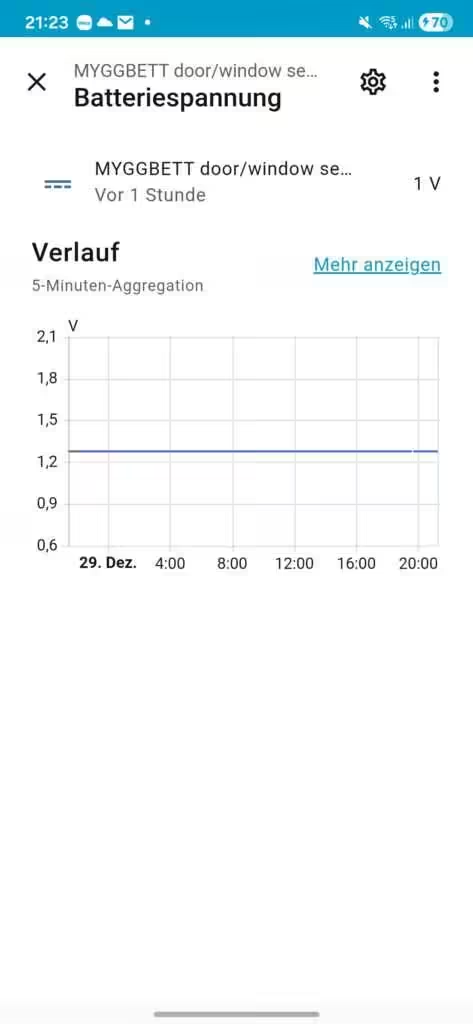
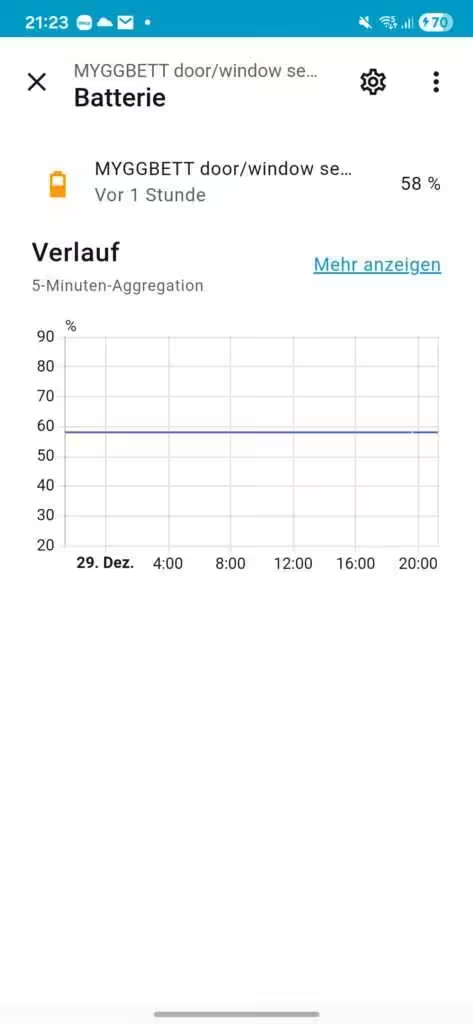
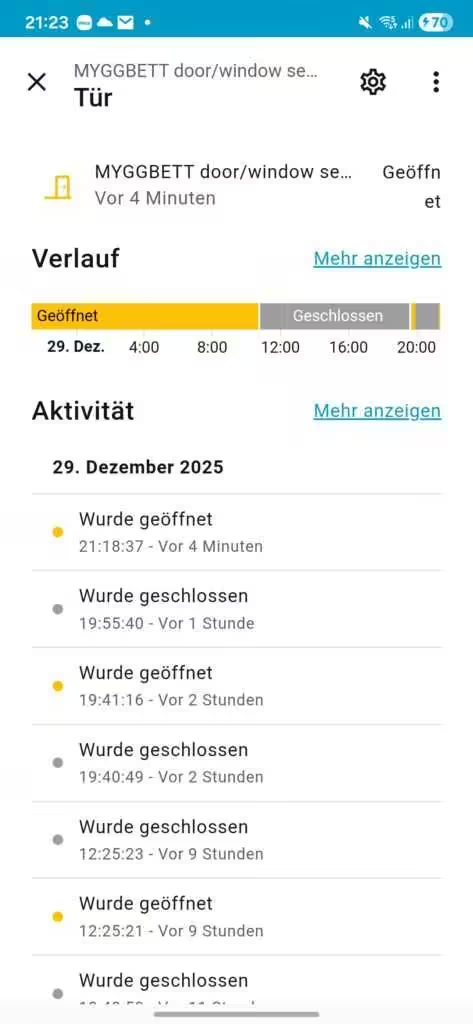
Algunos parámetros se pueden abrir en detalle y mostrar como gráfico o como historial de actividad a lo largo del tiempo.
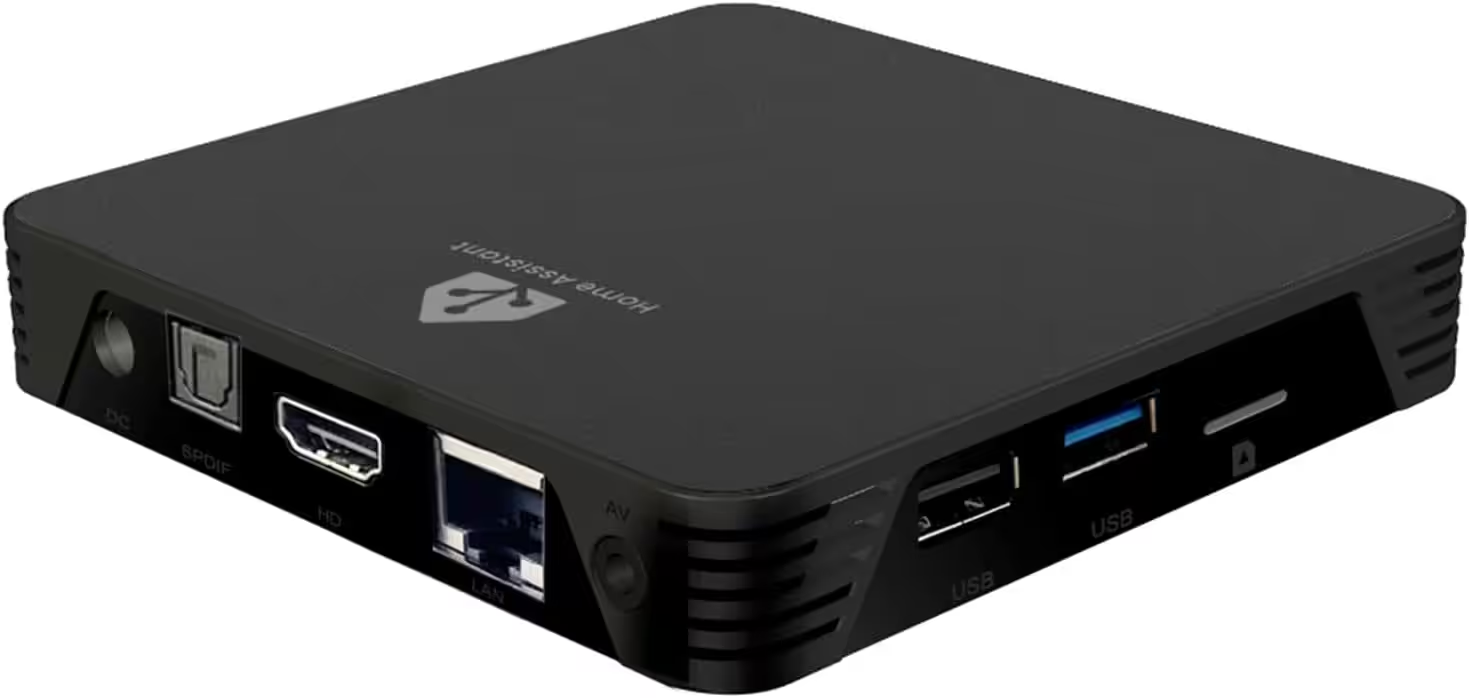
MIUCDA Home Assistant Box
Cortex-A53, ROM 32GB, RAM 4G, USB 3.0 Ports, HA OS Host Smarthomezentrale
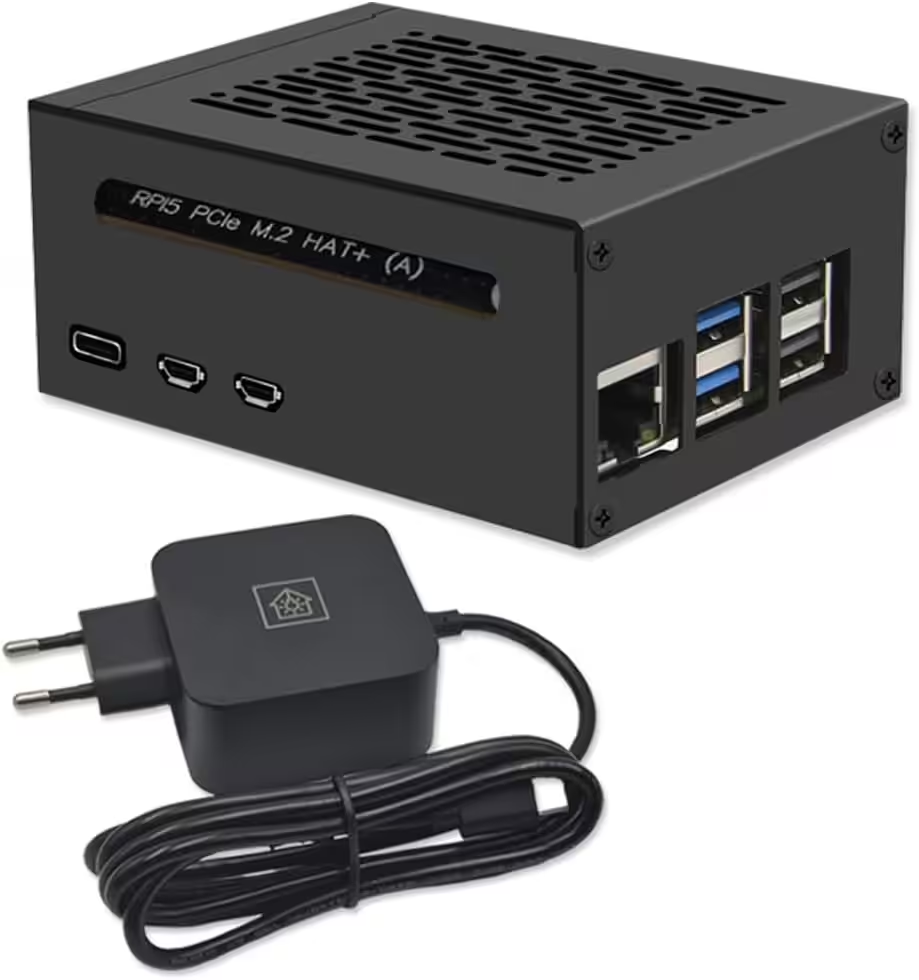
Home Assistant Smarthomezentrale
Raspberry Pi 5 8GB | Air-Flow Metallgehäuse | M.2 250GB NVME | Home Assistant OS
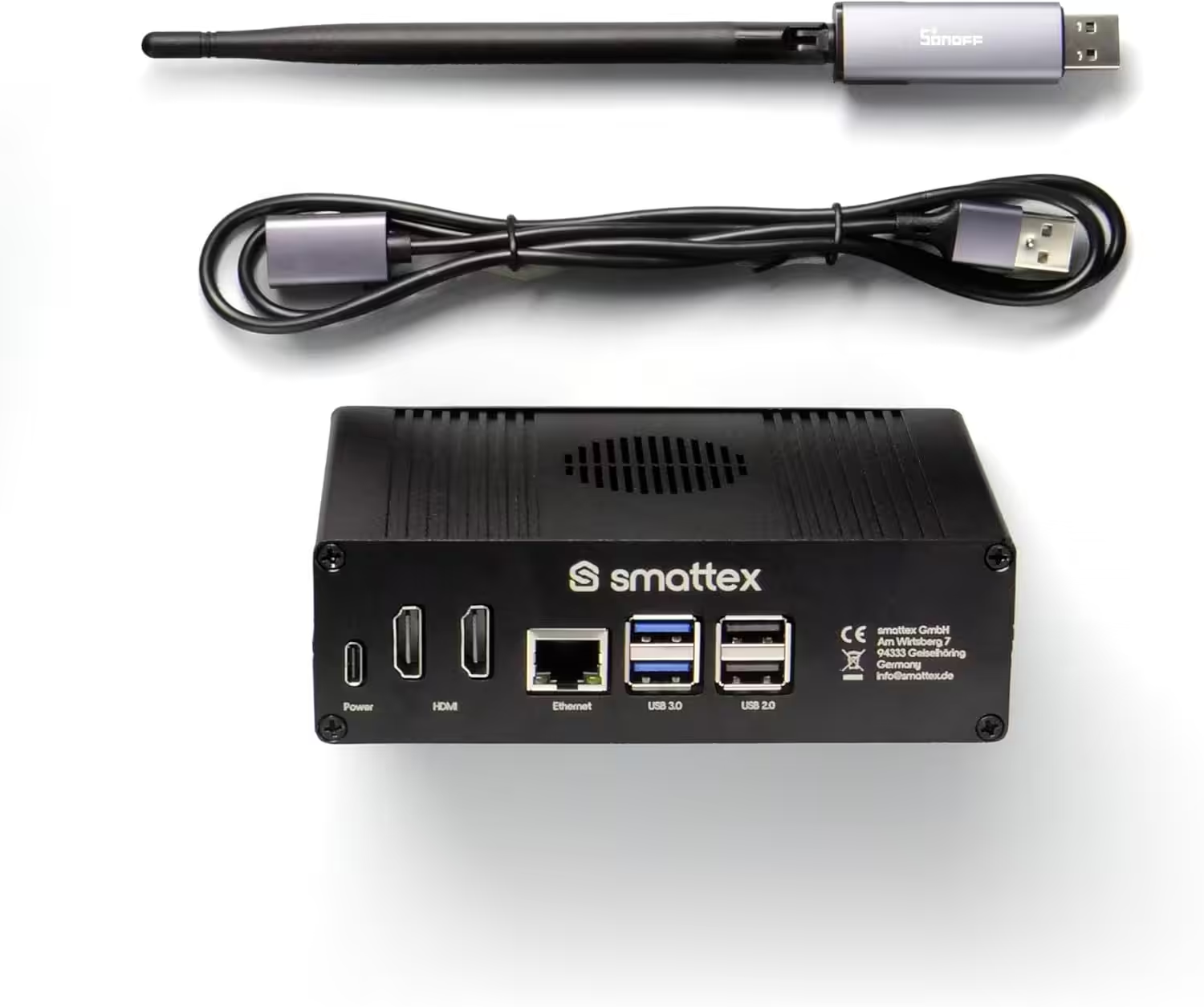
Home Assistant vorinstalliert, inkl. Antenne (Thread Border Router)
Plug & Play Set Black, WiFi, Bluetooth, SSD, Matter, Zigbee optional, sofort (4 GB RAM / 128 GB SSD)
Conclusión
Con el sensor de puerta y ventana MYGGBETT, IKEA demuestra lo práctico que puede ser el estándar Matter en el día a día. La integración con Home Assistant es estable, rápida y sin complejidad innecesaria.
El sensor prescinde deliberadamente de funciones adicionales y se centra en su tarea principal: detectar de forma fiable el estado de puertas y ventanas. Para los usuarios de Home Assistant que apuestan por estándares abiertos y automatizaciones locales, MYGGBETT es una opción útil y de precio atractivo.
Fuente/Fotos: (Amazon / IKEA)
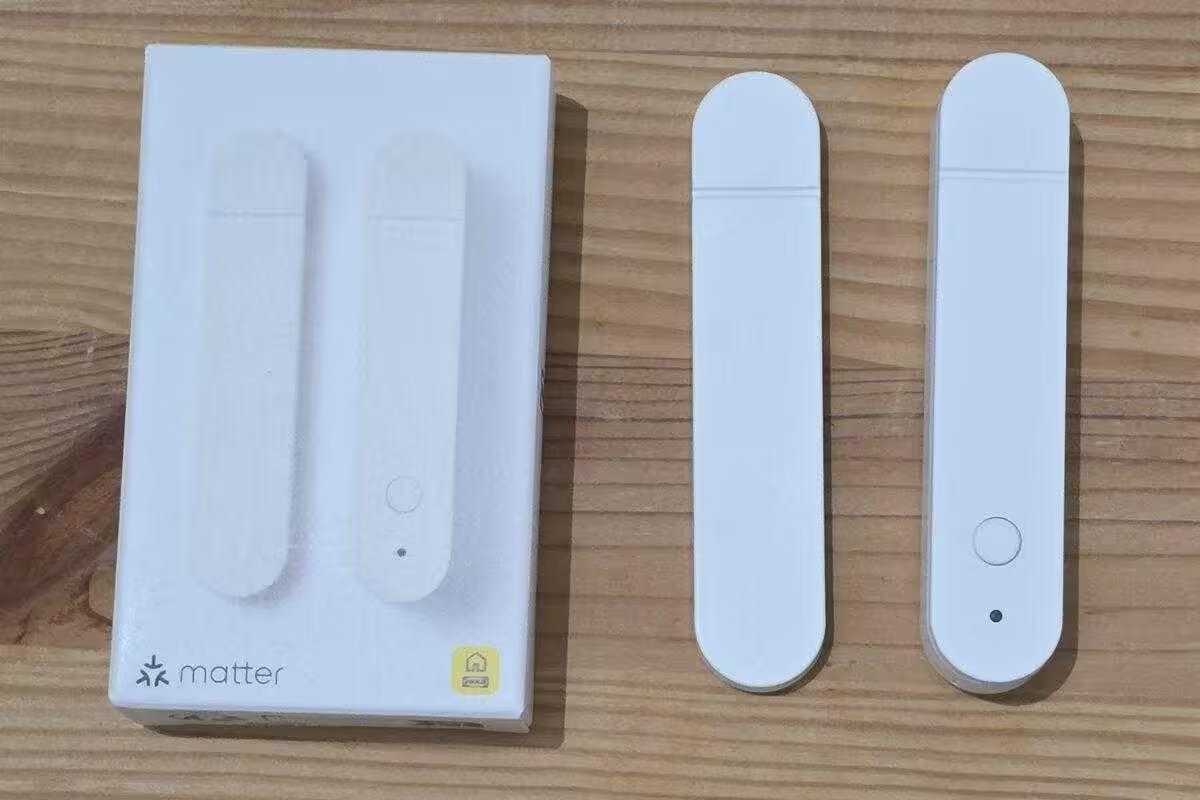
MYGGBETT
Sensor inteligente de puerta/ventana
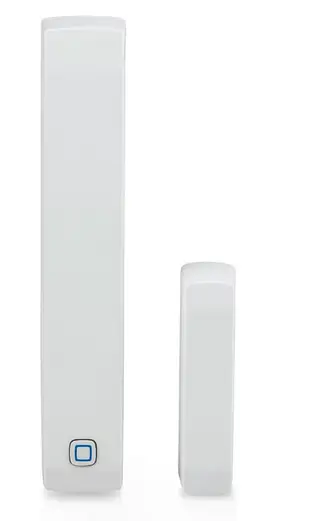
Contacto magnético Homematic IP Smart Home para puertas y ventanas
Sensor digital para una calefacción eficiente, control de ventanas mediante app, ahorro de energía, Alexa y Google Assistant
💬 Welche IKEA Smart-Home-Produkte nutzt ihr aktuell? Teilt gerne eure Erfahrungen in den Kommentaren.

Ich bin Christian und habe den Blog 2024 gegründet. Ich bin gelernter Kommunikationselektroniker, technikbegeistert und Smart-Home-Enthusiast mit langjähriger Erfahrung im Bereich vernetzter Haushaltsgeräte. Mit großer Leidenschaft verfolge ich aktuelle Entwicklungen und teste regelmäßig neue Produkte, um verständliche Einblicke und praxisnahe Empfehlungen zu geben.