With Home Assistant 2026.7, the Open Home Foundation is releasing one of the most significant updates in recent years. The focus is a completely redesigned automation experience intended to make getting started much easier. At the same time, the Matter integration receives a new technical foundation, Zigbee management has been modernized, and numerous detailed improvements are intended to make Home Assistant more convenient to use.
Automations now focus on intent
Until now, users often had to know which entity type or trigger was required for a specific task. Whether it was a state change, numeric value, or device trigger, beginners in particular first had to familiarize themselves with Home Assistant’s internal structure.
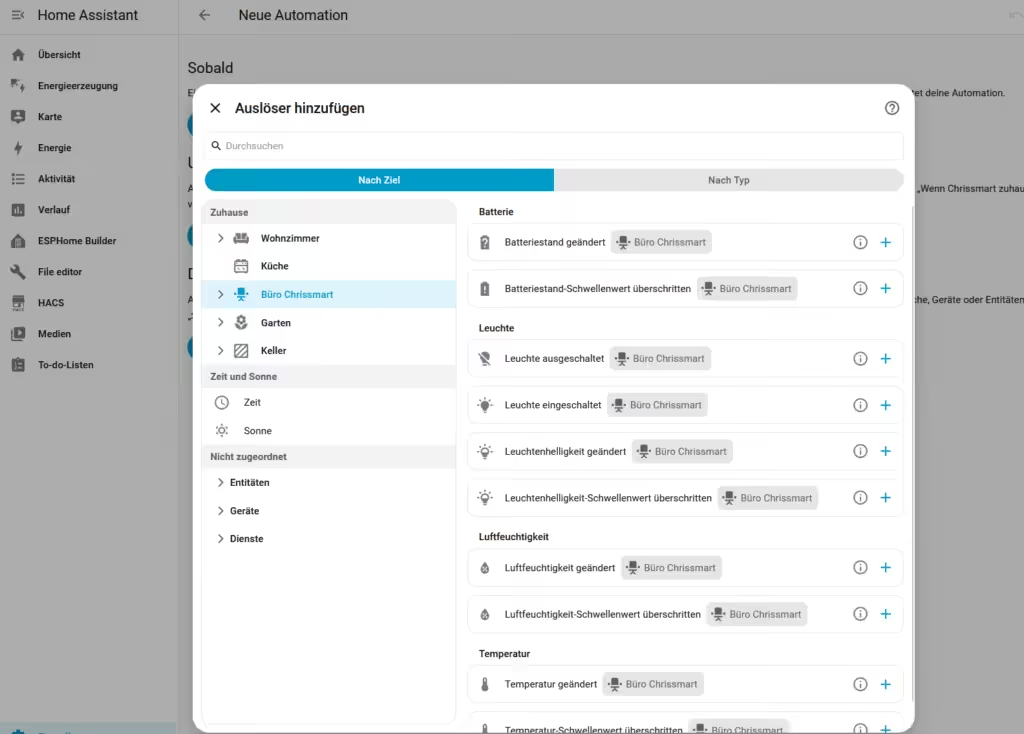
With Home Assistant 2026.7, the desired action takes center stage instead. When creating an automation, users can directly select events such as “motion detected,” “door opened,” “battery almost empty,” or “temperature falls below a threshold.” The platform then assigns the appropriate entities and states automatically. This is designed to make automations easier to understand without restricting experienced users. Existing automations and YAML configurations continue to work unchanged.
Areas instead of individual devices
Instead of selecting individual sensors or devices, automations can now refer directly to an area. If another motion sensor is installed in the living room, for example, existing automations can include it automatically.
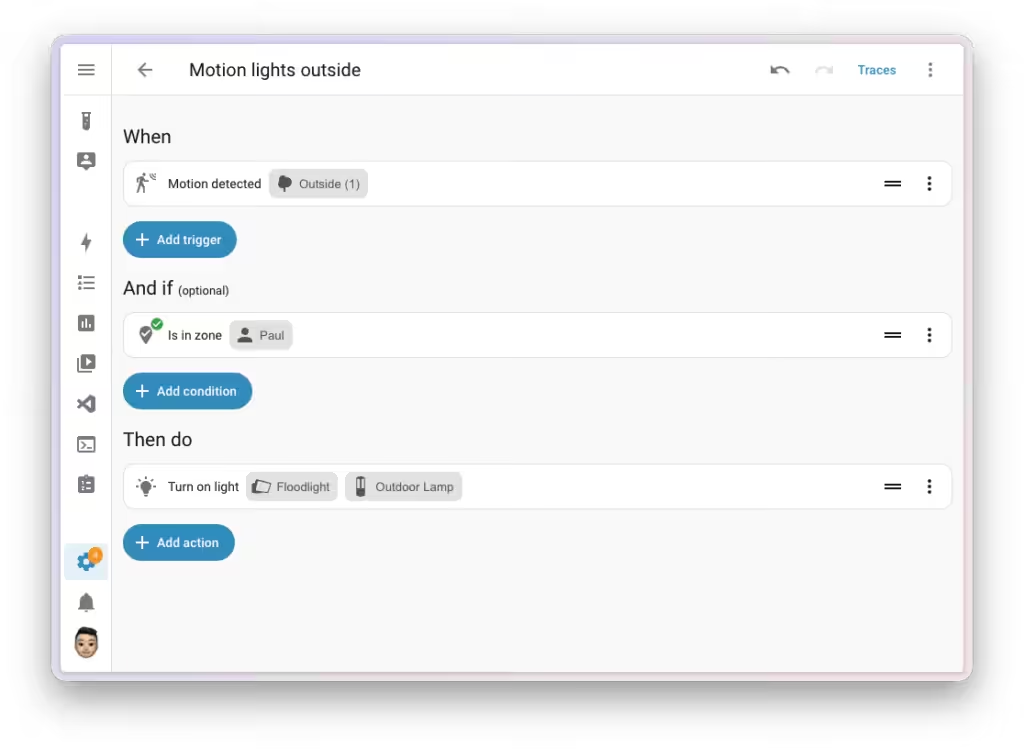
Integrations also benefit from this concept. Developers can provide their own triggers and conditions. Events such as “charging completed” or “wash cycle finished” can then be selected directly without resorting to complex sensor queries.
Activity replaces the classic logbook
The new Activity view presents events as a clear timeline. Colored status indicators, icons, and improved grouping make it easier to understand changes within the smart home.
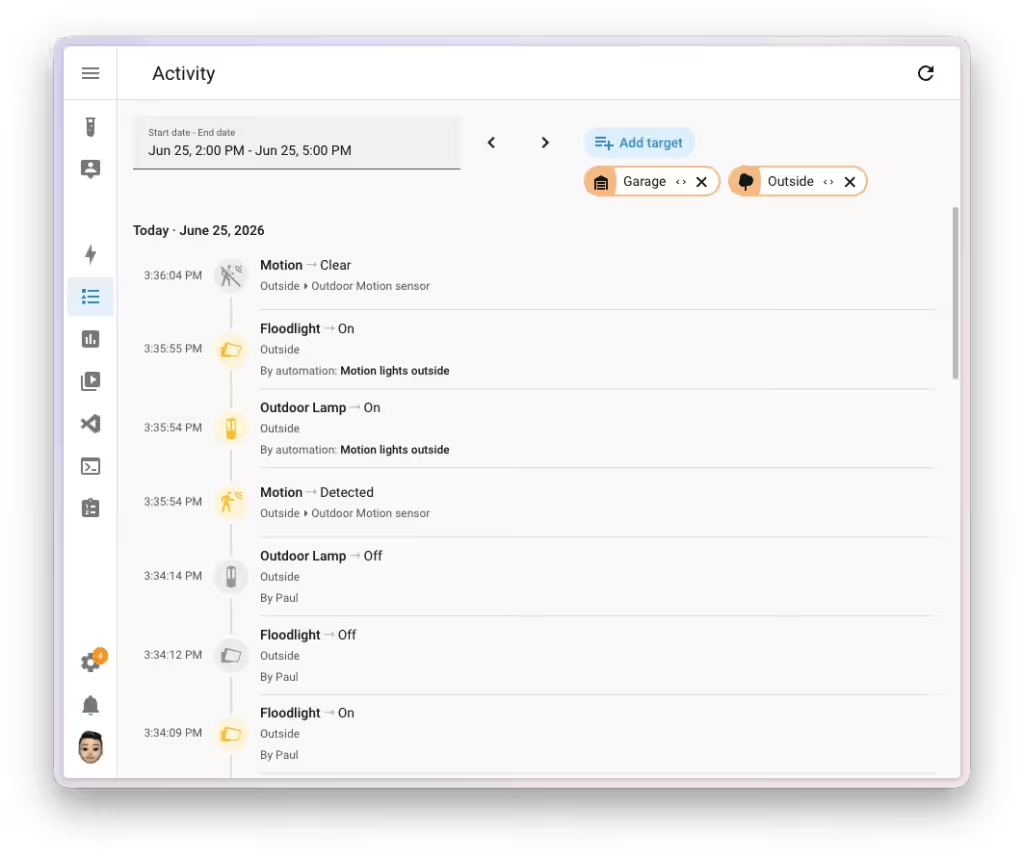
The new cause display is particularly helpful. Home Assistant will more often show what triggered an event—for example, a user, an automation, or an integration. This makes troubleshooting complex installations much easier.
Much clearer Zigbee management
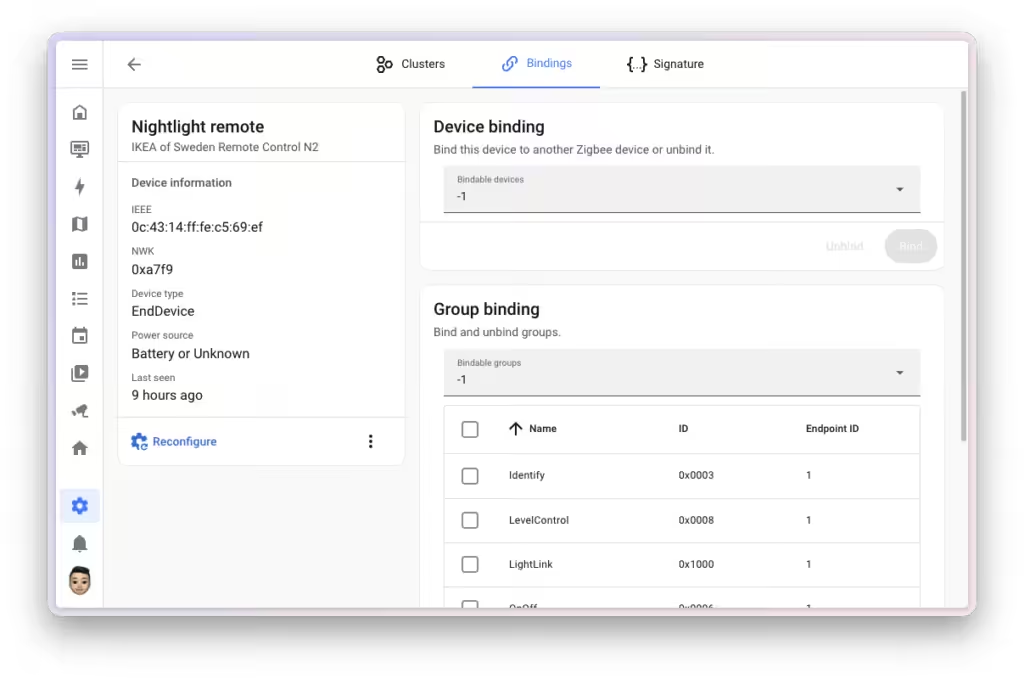
Device management has been completely redesigned. Functions such as clusters, bindings, and neighbor information are now structured more clearly and easier to access. Users with larger Zigbee networks in particular should be able to reach important diagnostic functions more quickly.
Practical everyday improvements
Alongside the major new features, Home Assistant 2026.7 includes many smaller improvements that make daily use of the smart home platform easier.
Available updates can now be installed in one step using a new “Update all”button. Dedicated settings areas have also been added for infrared and RF devices, making them easier to manage.
Raspberry Pi owners also benefit from the update: firmware updates can now be initiated directly through Home Assistant without requiring additional tools.
In addition, the development team expands the platform with ten new integrations, improves numerous existing integrations, and fixes many smaller bugs. As with every monthly release, stability and performance have also been optimized in several areas.
These many detailed improvements may be less noticeable in everyday use than the new automation logic, but they help make Home Assistant more convenient and reliable overall. A complete overview of all changes is available in the Release Notes.
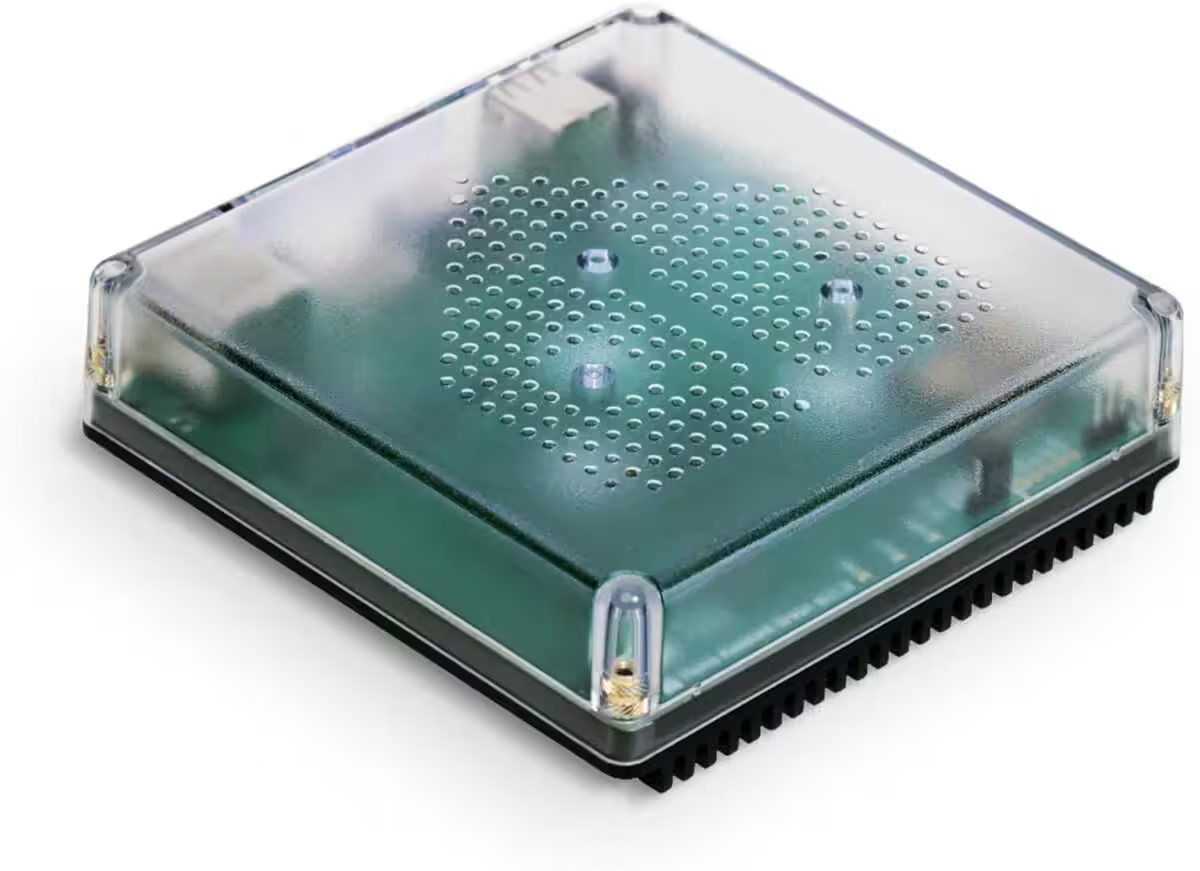
Nabu Casa Home Assistant Green
Der einfachste Weg, um mit dem Heimassistenten zu beginnen – Mit dem bereits installierten Heimassistenten müssen Sie nur das mitgelieferte Netzteil und das Ethernet-Kabel anschließen, um loszulegen | Offizielle Hardware
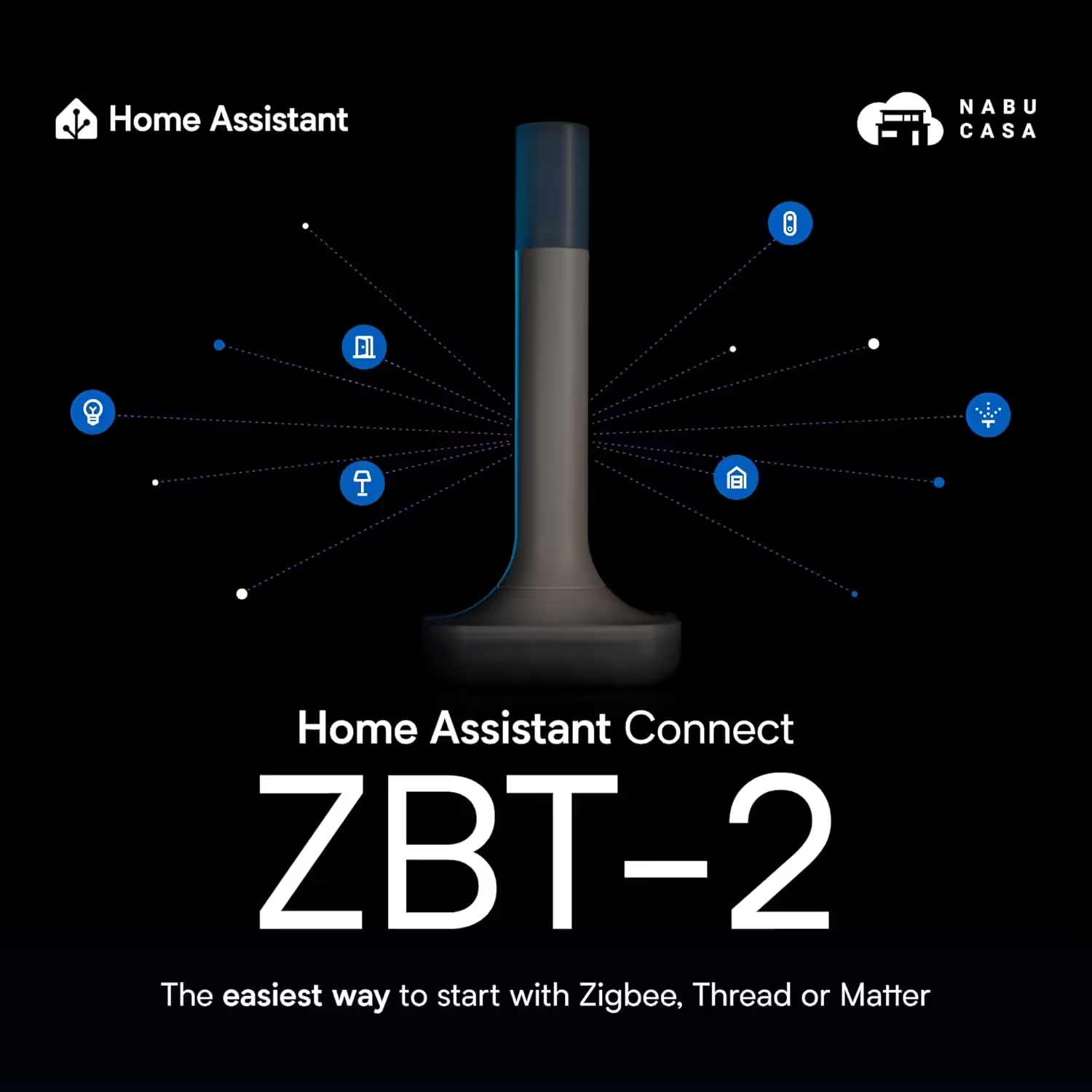
Home Assistant Connect ZBT-2
Home Assistant Connect ZBT-2 | Verbinden Sie Zigbee-, Thread- oder Matter-Geräte mit dem Home Assistant | Offizielle Hardware
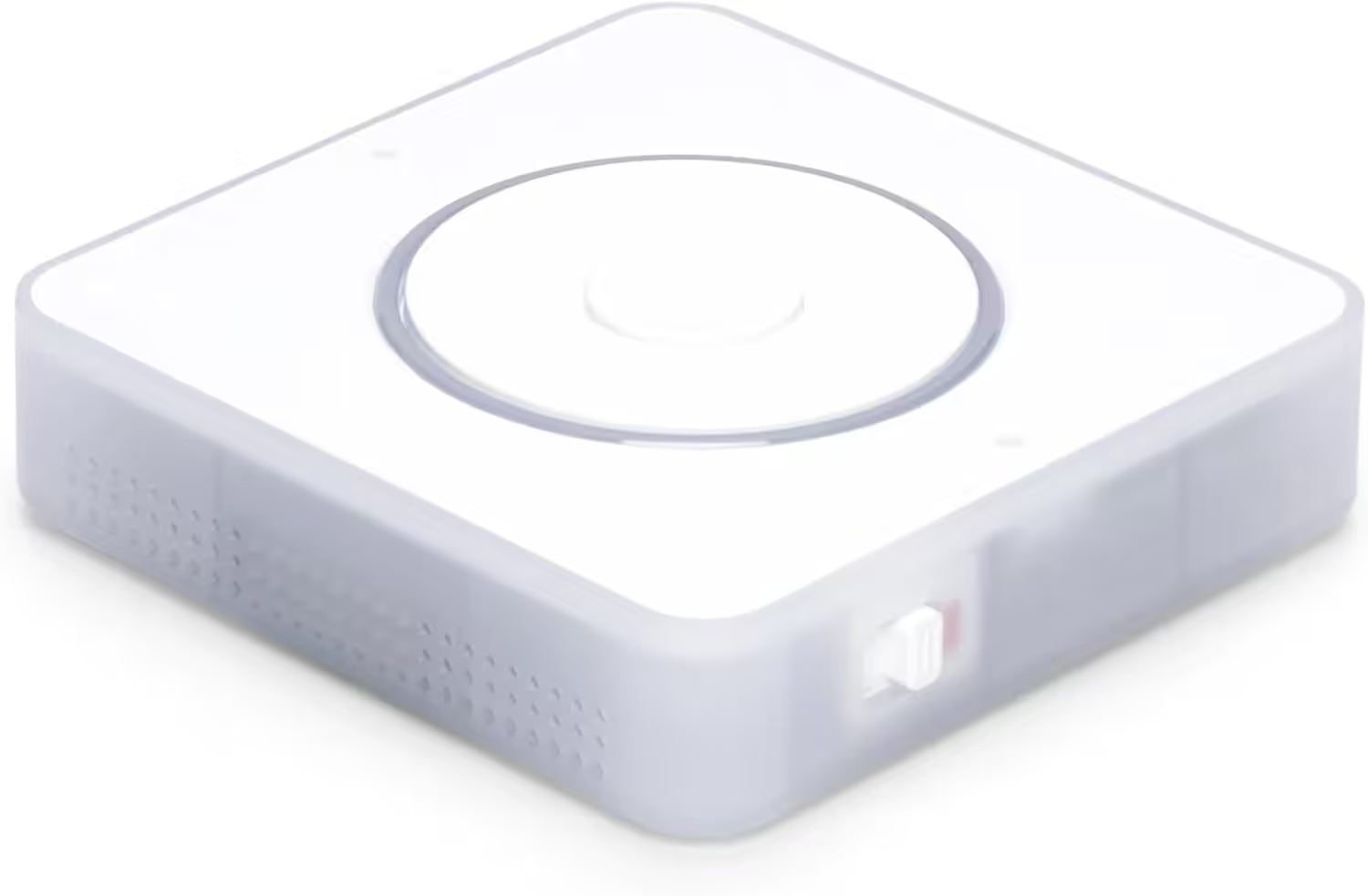
Nabu Casa Home Assistant Voice
Vorschau-Edition | Intelligenter Lautsprecher für lokale Sprachsteuerung | Kompatibel mit Home Assistant | Datenschutzfokus
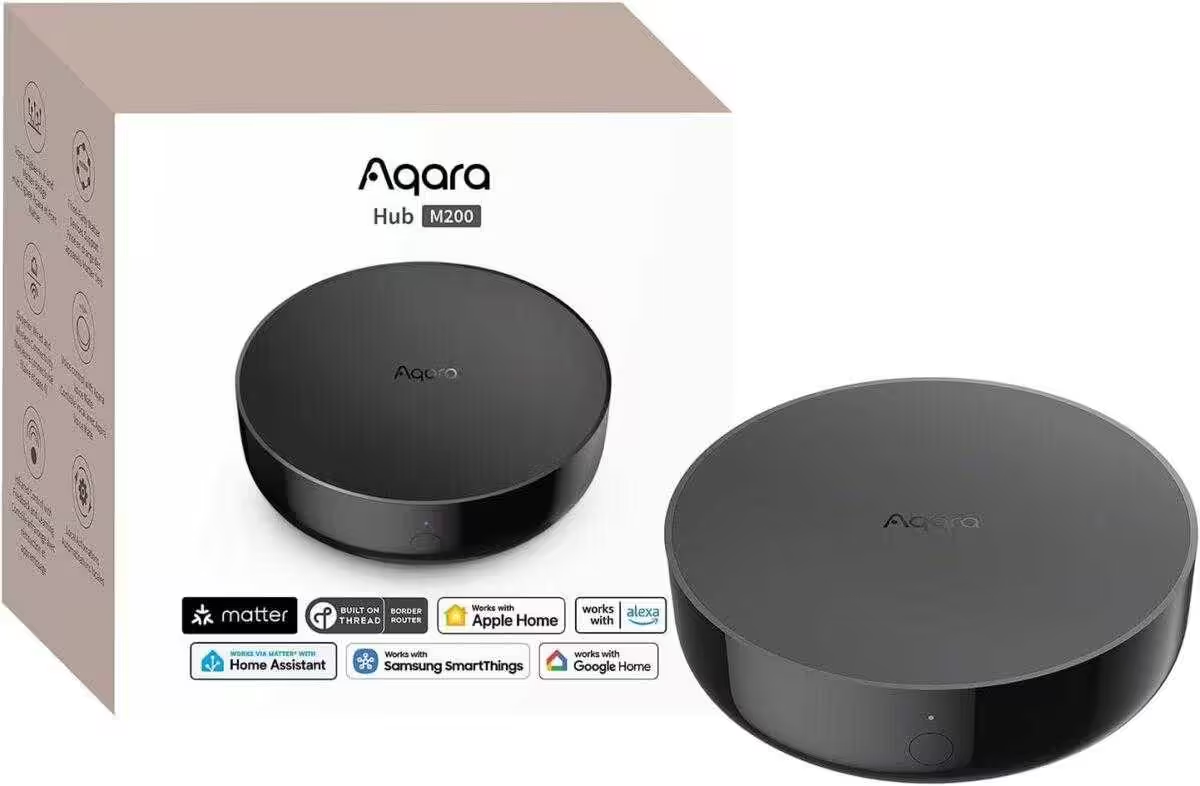
Aqara Smart Hub M200
Matter-Controller, Thread-Grenzrouter mit Aqara Zigbee, Bluetooth, WLAN, PoE, IR, unterstützt Amazon Alexa, Apple HomeKit, Home Assistant, SmartThings, Google Home
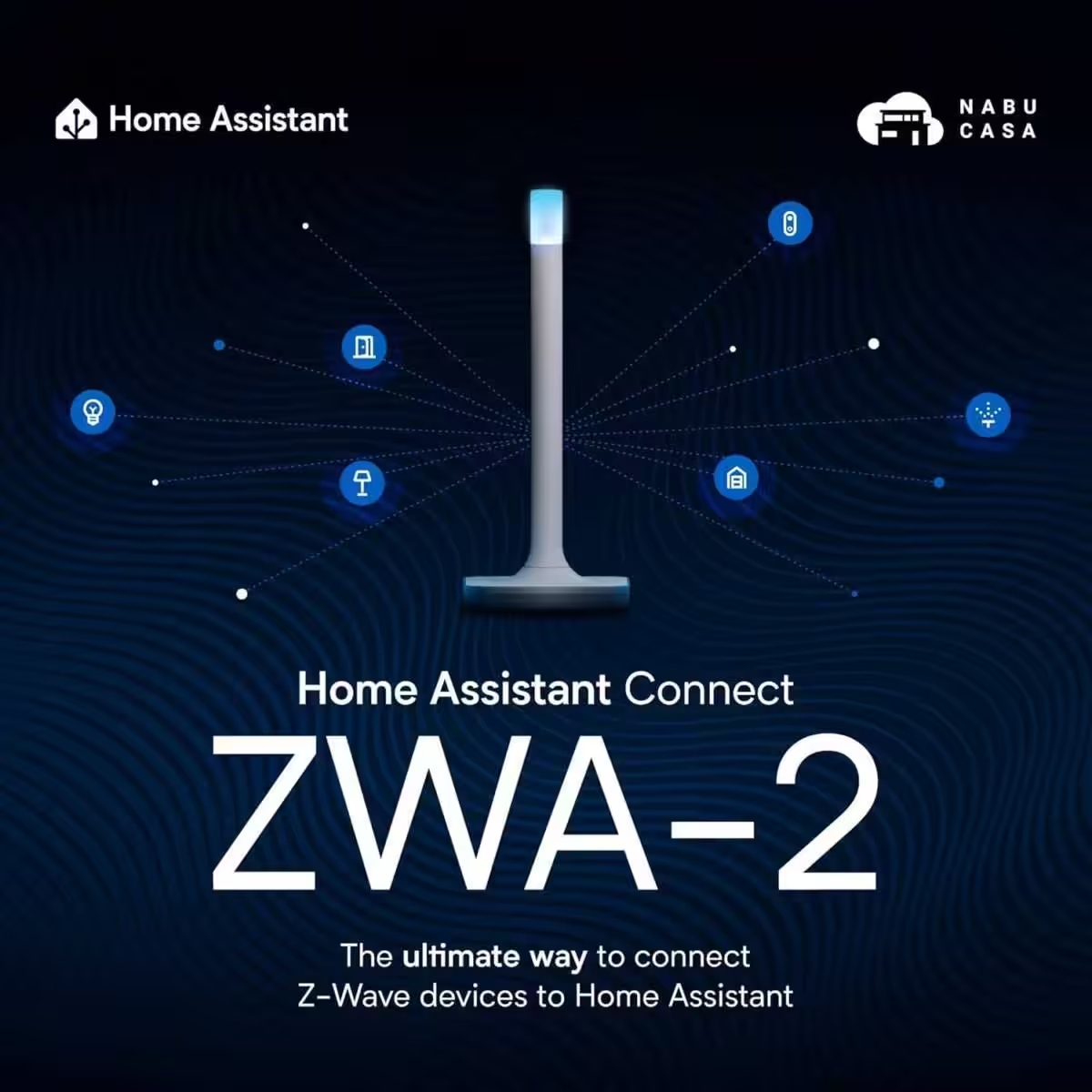
Home Assistant Connect ZWA-2
Verbinden Sie Z-Wave Geräte mit Home Assistant | Offizielle Home Assistant Hardware

SONOFF Zigbee 3.0 USB Dongle Plus MG24
Zigbee Gateway mit EFR32MG24, Thread & Zigbee USB-Stick, Zigbee Controller für Home Assistant oder Zigbee2MQTT
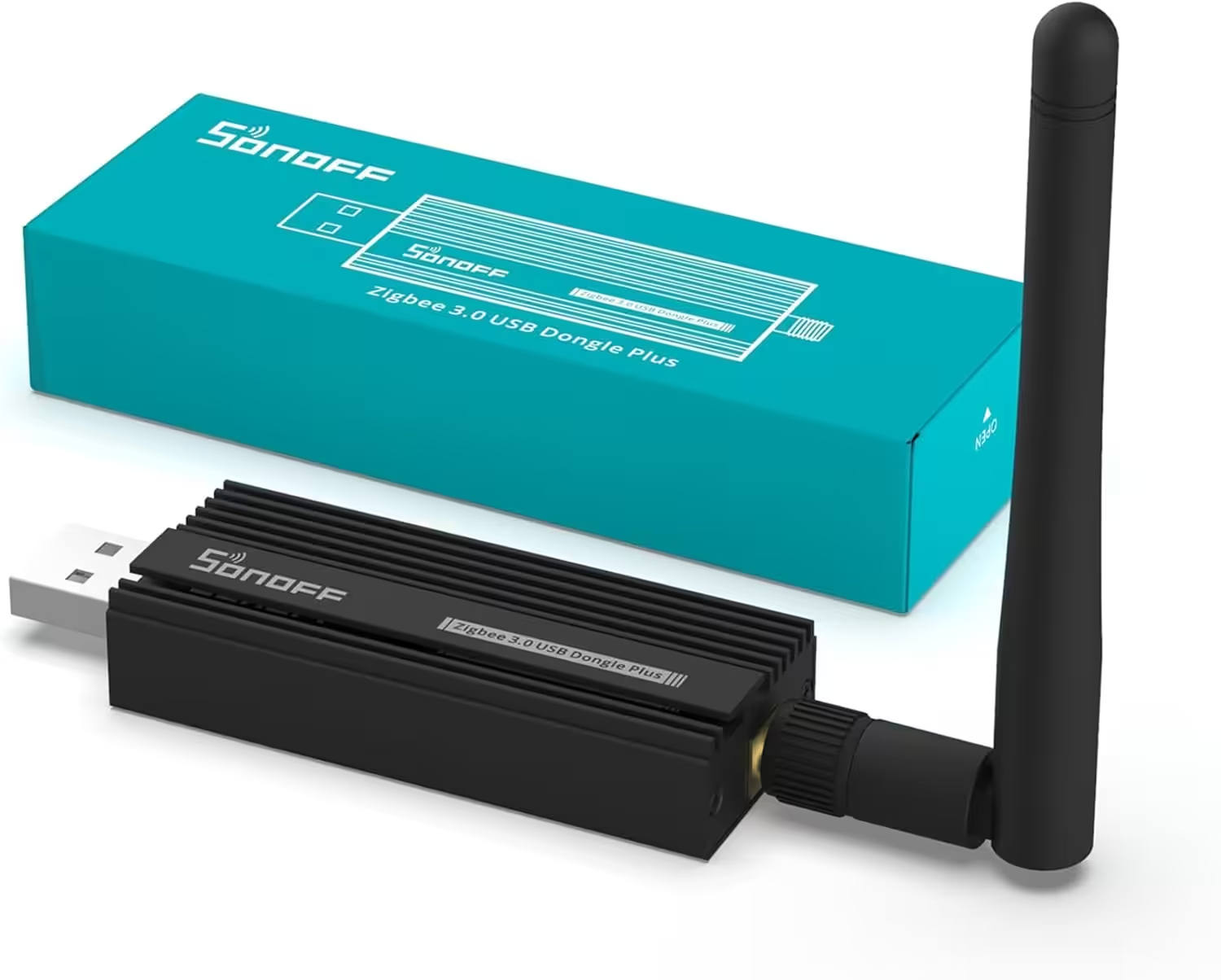
SONOFF Zigbee 3.0 USB Dongle Plus
Zigbee Gateway TI CC2652P + CP2102N Zigbee USB Stick,Zigbee Hub für ZHA in Home Assistant or Zigbee2MQTT,Open HAB etc.
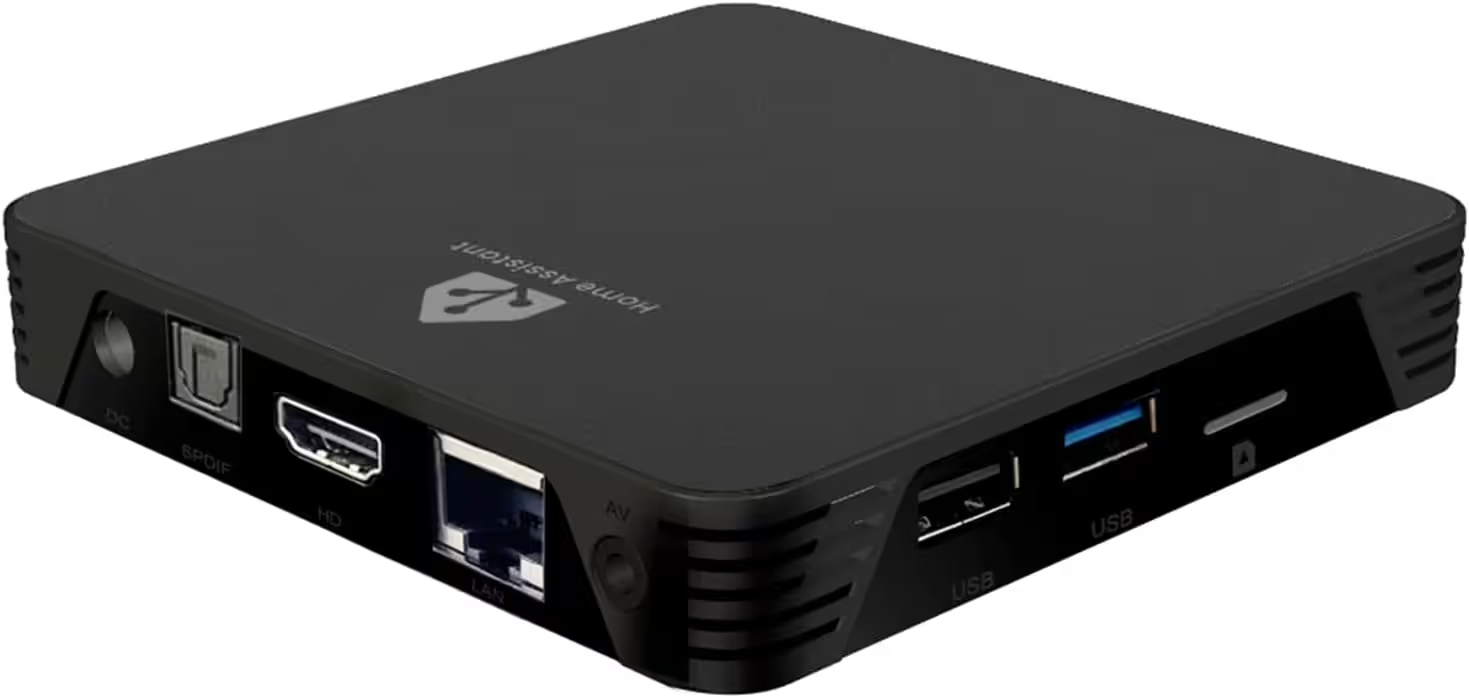
MIUCDA Home Assistant Box
Cortex-A53, ROM 32GB, RAM 4G, USB 3.0 Ports, HA OS Host Smarthomezentrale
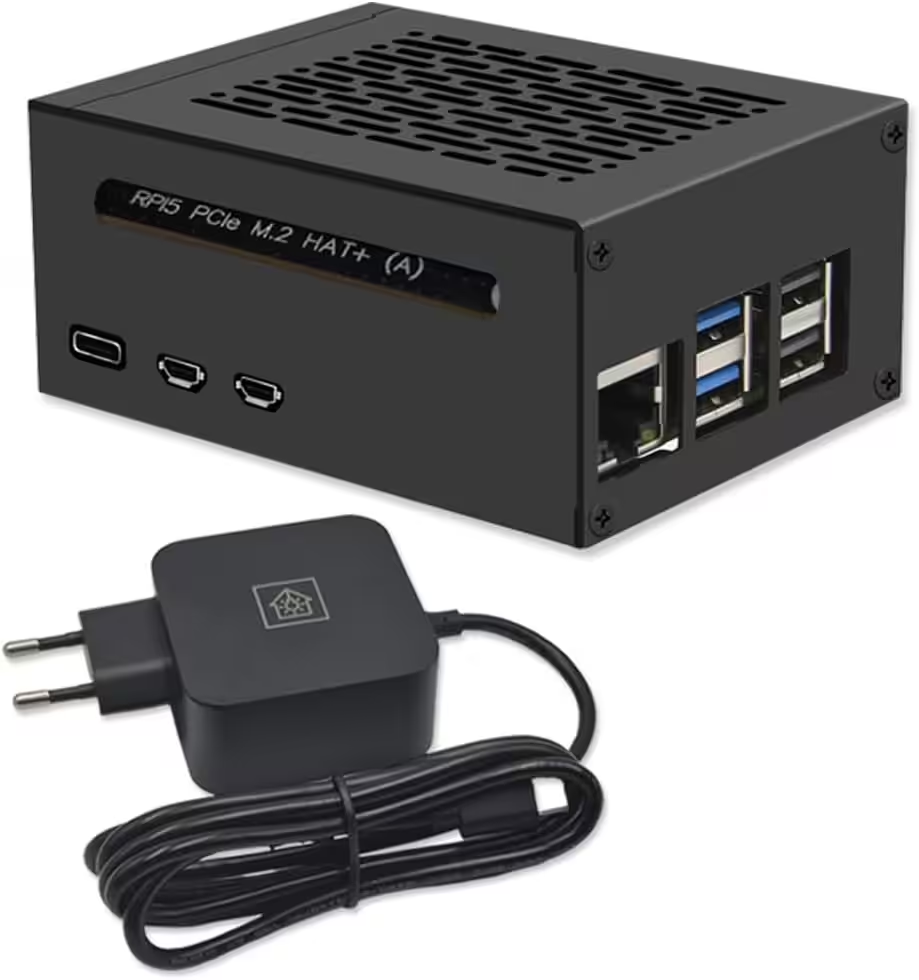
Home Assistant Smarthomezentrale
Raspberry Pi 5 8GB | Air-Flow Metallgehäuse | M.2 250GB NVME | Home Assistant OS
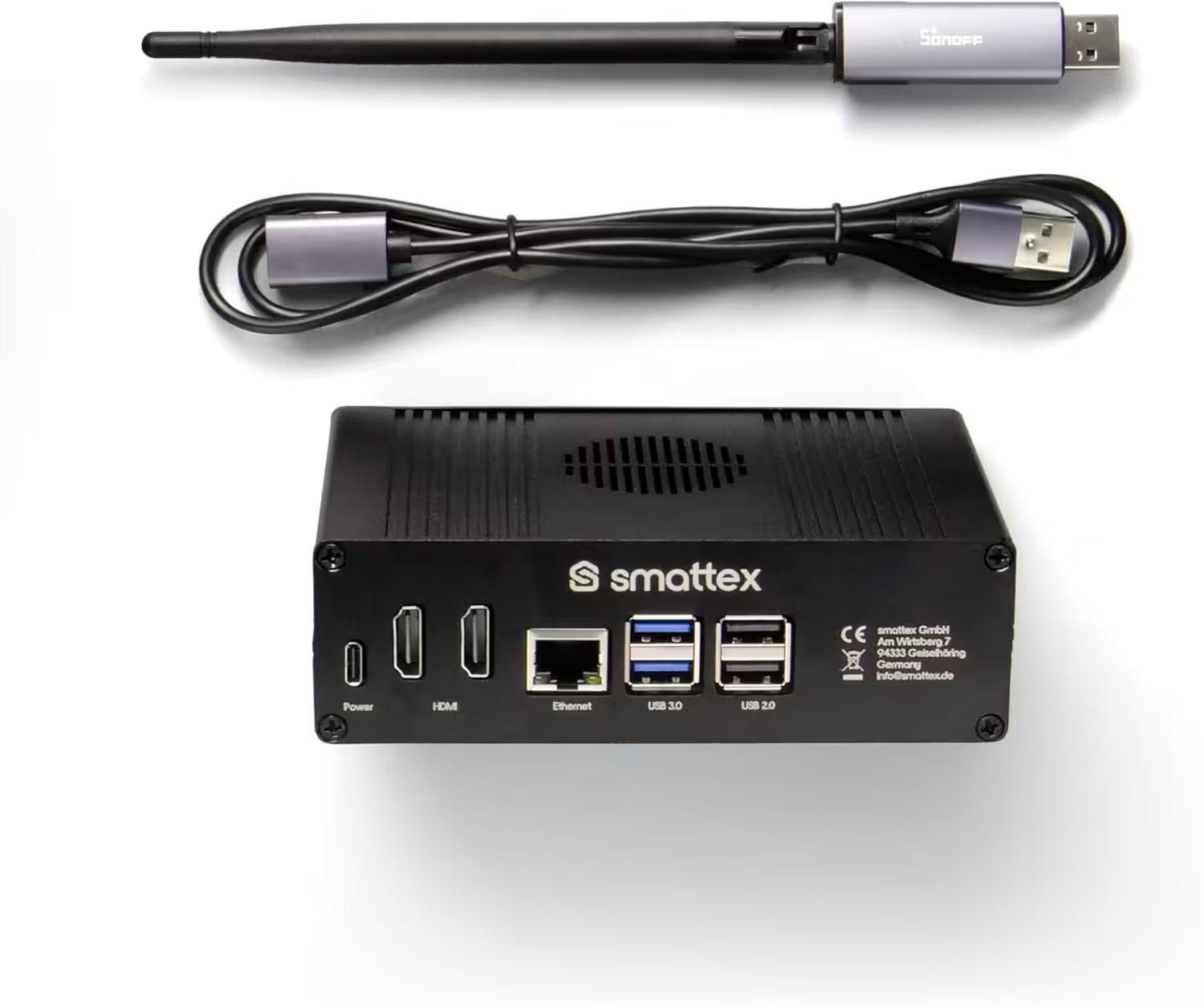
Home Assistant vorinstalliert, inkl. Antenne (Thread Border Router)
Plug & Play Set Black, WiFi, Bluetooth, SSD, Matter, Zigbee optional, sofort (4 GB RAM / 128 GB SSD)
Source/photo: (Amazon / Home Assistant / Chrissmart)

Ich bin Christian und habe den Blog 2024 gegründet. Ich bin gelernter Kommunikationselektroniker, technikbegeistert und Smart-Home-Enthusiast mit langjähriger Erfahrung im Bereich vernetzter Haushaltsgeräte. Mit großer Leidenschaft verfolge ich aktuelle Entwicklungen und teste regelmäßig neue Produkte, um verständliche Einblicke und praxisnahe Empfehlungen zu geben.