Home Assistant receives major monthly updates on a regular basis. These releases introduce new features, but larger changes can also cause unexpected issues. That appears to have happened with Home Assistant 2026.8: after installing the update, our system was no longer accessible.
Home Assistant Becomes Unreachable After the Update
Home Assistant 2026.8 was released on August 5, 2026. One of the larger changes affects the built-in web server. Parts of the HTTP configuration that were previously managed through YAML have been moved to the user interface. New Home Assistant OS installations now also use port 80 by default instead of port 8123. Existing installations should keep their previous port according to the release notes.
After the update, our Home Assistant installation could no longer be opened at its usual address. The web interface, including the login page, was unavailable.
A user describes a similar situation in a recent Reddit post. After updating to Home Assistant 2026.8, access was only possible intermittently. In some cases the IP address could not be found, while other attempts ended with a timeout.
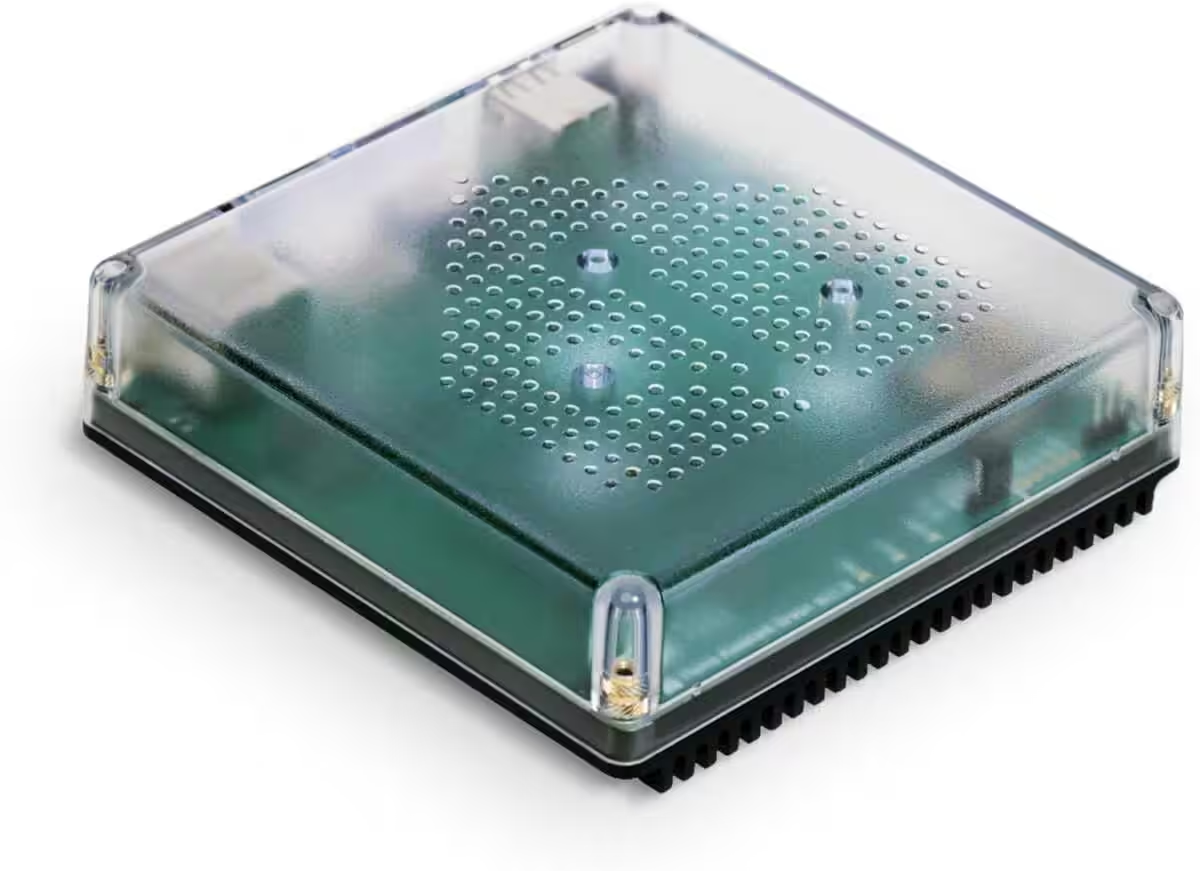
Nabu Casa Home Assistant Green
The easiest way to get started with Home Assistant – With Home Assistant preinstalled, simply connect the included power supply and Ethernet cable to get started | Official hardware
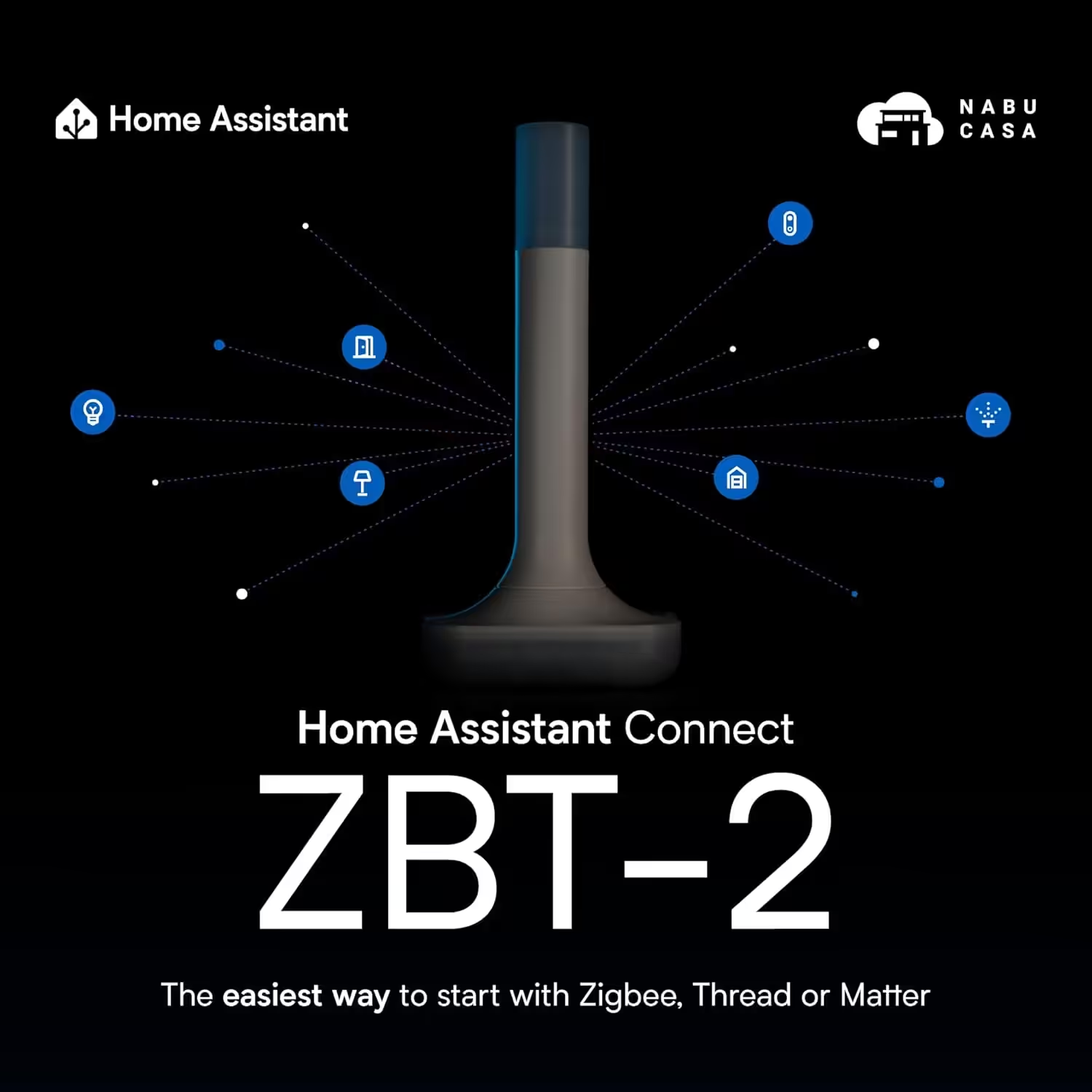
Home Assistant Connect ZBT-2
Home Assistant Connect ZBT-2 | Connect Zigbee, Thread, or Matter devices to Home Assistant | Official hardware
Nabu Casa Home Assistant Voice
Preview Edition | Smart speaker for local voice control | Compatible with Home Assistant | Privacy-focused
Several commenters reported comparable problems. Other users installed Home Assistant 2026.8 without any issues, however, which suggests that not every system was affected.
Restoring Home Assistant from a Backup
Because the user interface was no longer accessible, troubleshooting was difficult. Several checks did not resolve the problem on our installation. In the end, the only remaining option was to restore a previously created backup.
After restoring the backup and returning to the previous version, Home Assistant was accessible again. Several users in the Reddit discussion also recommend restoring a known-good backup.
The incident once again highlights the importance of regular Home Assistant backups. A current backup should be created before installing a major monthly update. The only copy should not remain on the Home Assistant system itself; an additional copy should be stored on a NAS, a network drive, or in cloud storage.
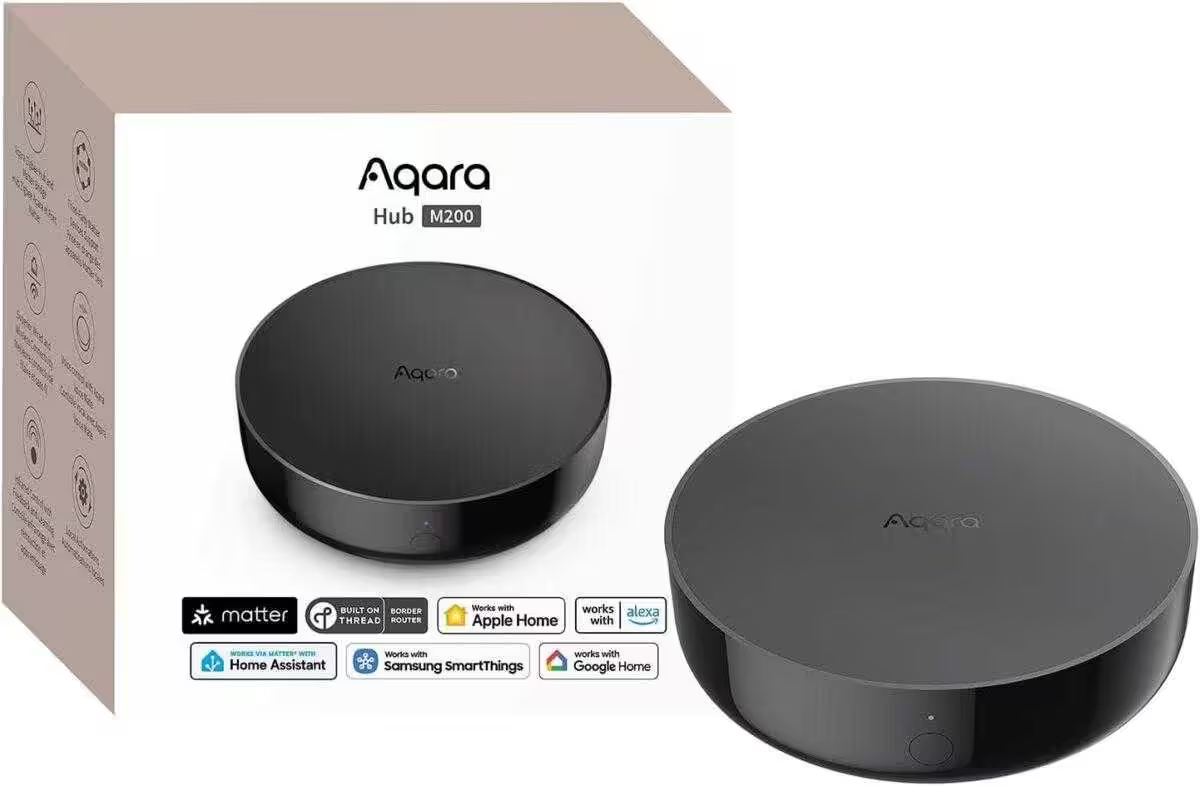
Aqara Smart Hub M200
Matter controller and Thread border router with Aqara Zigbee, Bluetooth, Wi-Fi, PoE and IR; supports Amazon Alexa, Apple HomeKit, Home Assistant, SmartThings and Google Home
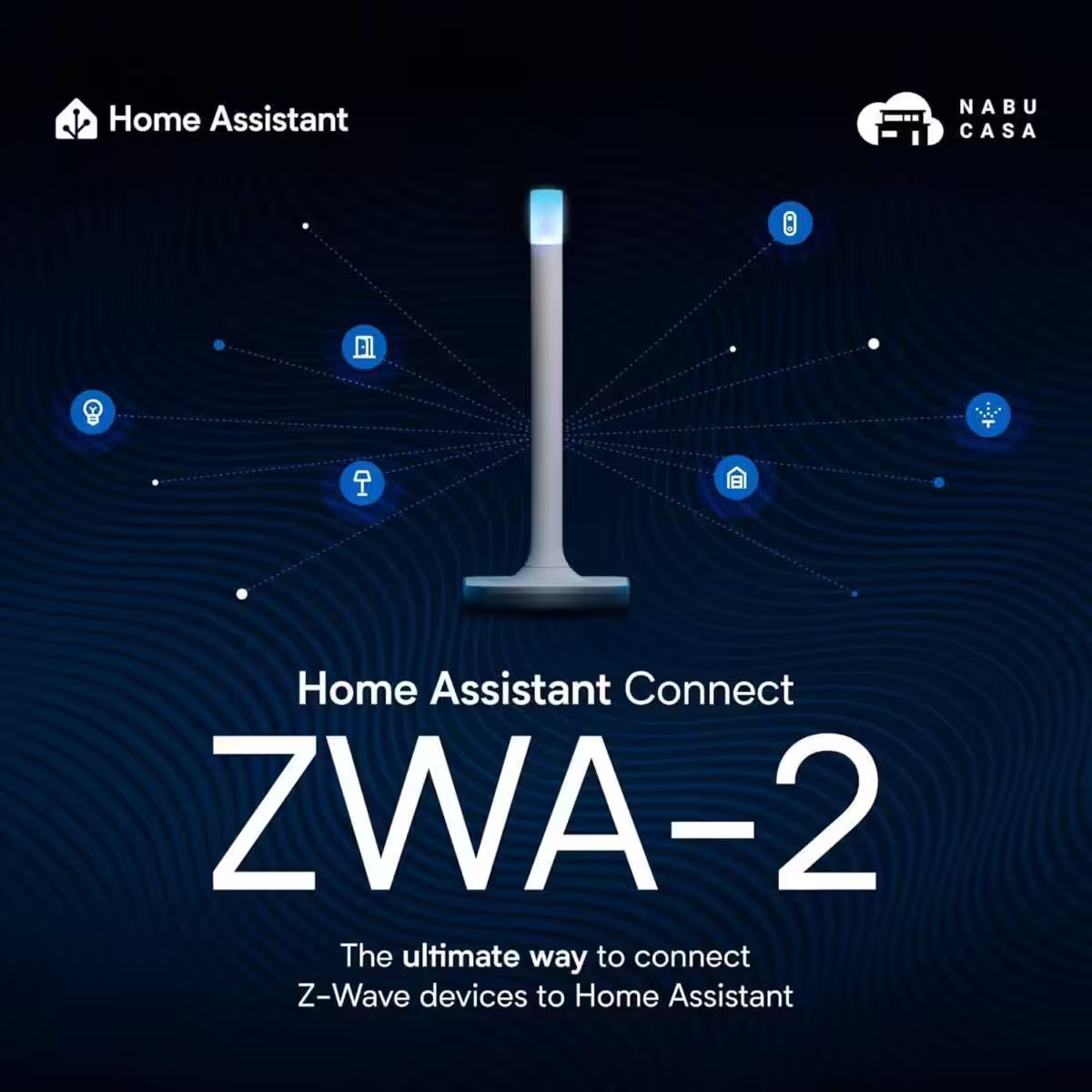
Home Assistant Connect ZWA-2
Connect Z-Wave devices to Home Assistant | Official Home Assistant hardware

SONOFF Zigbee 3.0 USB Dongle Plus MG24
Zigbee gateway with EFR32MG24, Thread & Zigbee USB stick, Zigbee controller for Home Assistant or Zigbee2MQTT
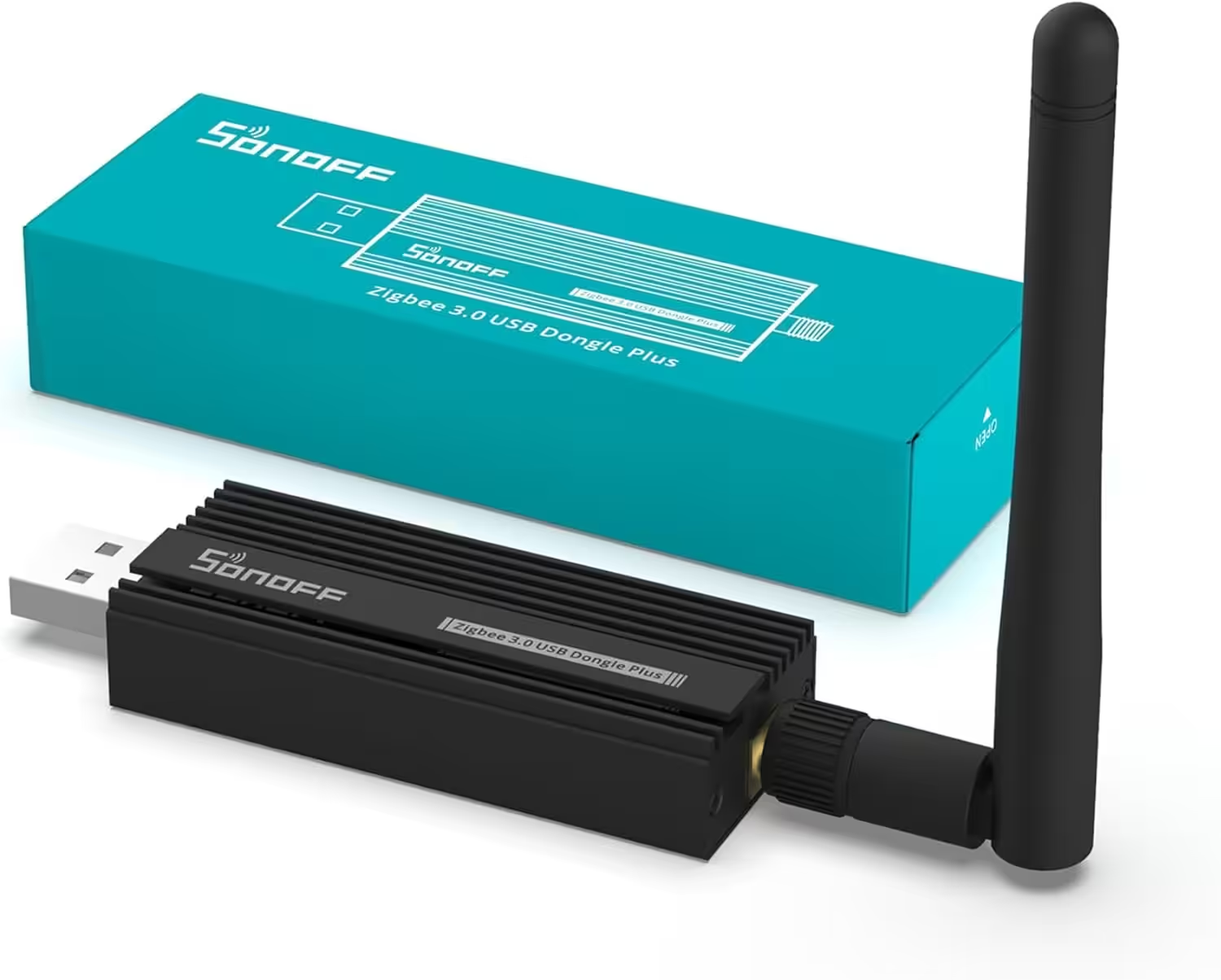
SONOFF Zigbee 3.0 USB Dongle Plus
Zigbee gateway with TI CC2652P + CP2102N USB stick, Zigbee hub for ZHA in Home Assistant or Zigbee2MQTT, OpenHAB, etc.
The official documentation also recommends storing backups outside the system. This ensures that the backup remains available if the installation can no longer be reached or the storage device fails.
Conclusion: Not Every Update Needs to Be Installed Immediately
On August 7, Home Assistant released version 2026.8.1, the first hotfix for the 2026.8 release. After updating our installation to this version, the problem has not reappeared so far. Home Assistant is accessible as usual again.
New Home Assistant versions regularly add useful features. This case nevertheless shows that it can be worth waiting before installing a major monthly release.
For systems used in production, waiting for the first hotfix may be the safer approach. Many minor issues are resolved within the first few days after a new release.
Anyone who still wants to update early should create a current backup and store it externally first. If something goes wrong, Home Assistant can then be restored to a working state quickly.
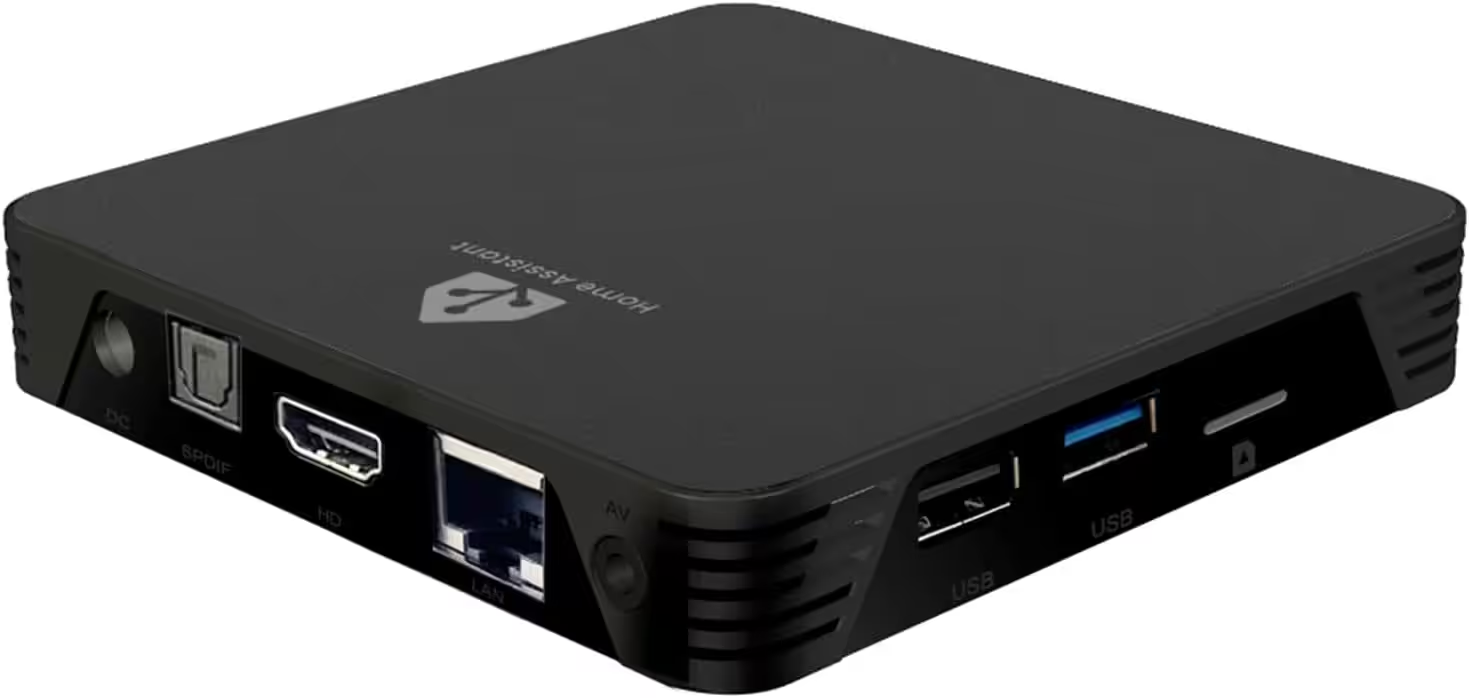
MIUCDA Home Assistant Box
Cortex-A53, 32 GB ROM, 4 GB RAM, USB 3.0 ports, HA OS host smart home hub
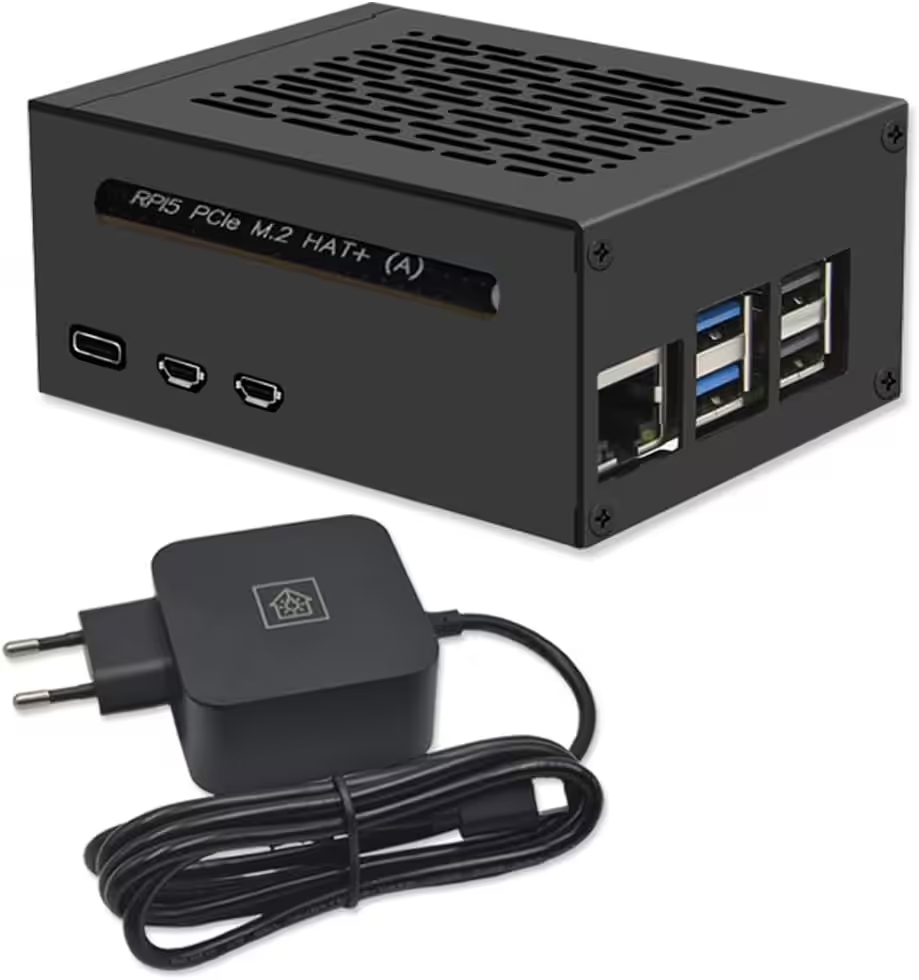
Home Assistant Smart Home Hub
Raspberry Pi 5 8 GB | Airflow metal case | M.2 250 GB NVMe | Home Assistant OS
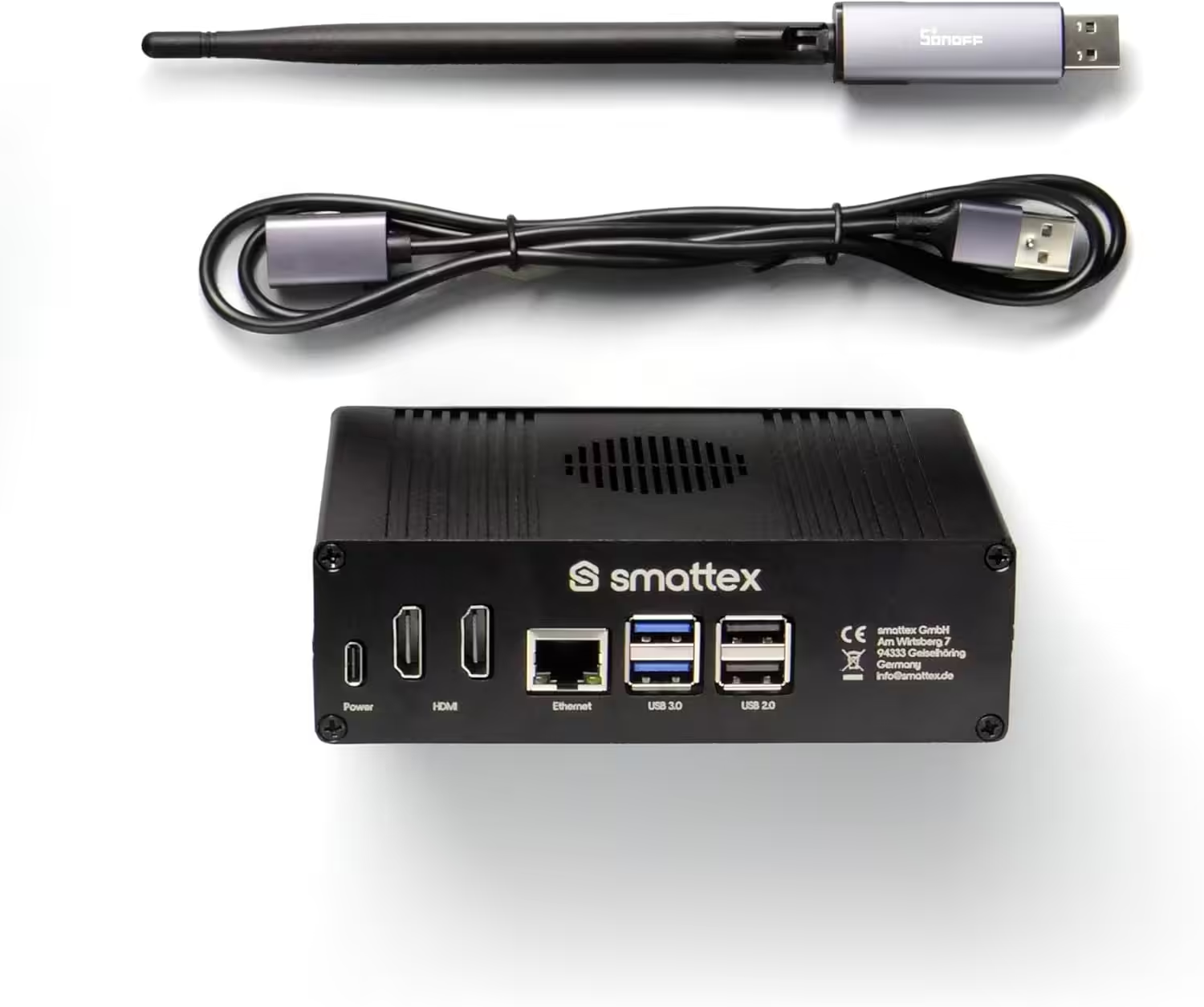
Home Assistant preinstalled, including antenna (Thread Border Router)
Plug & Play Set Black, Wi-Fi, Bluetooth, SSD, Matter, optional Zigbee, ready to use (4 GB RAM / 128 GB SSD)
Source/photo: (Amazon / Home Assistant / ChrisSmart)

Ich bin Christian und habe den Blog 2024 gegründet. Ich bin gelernter Kommunikationselektroniker, technikbegeistert und Smart-Home-Enthusiast mit langjähriger Erfahrung im Bereich vernetzter Haushaltsgeräte. Mit großer Leidenschaft verfolge ich aktuelle Entwicklungen und teste regelmäßig neue Produkte, um verständliche Einblicke und praxisnahe Empfehlungen zu geben.