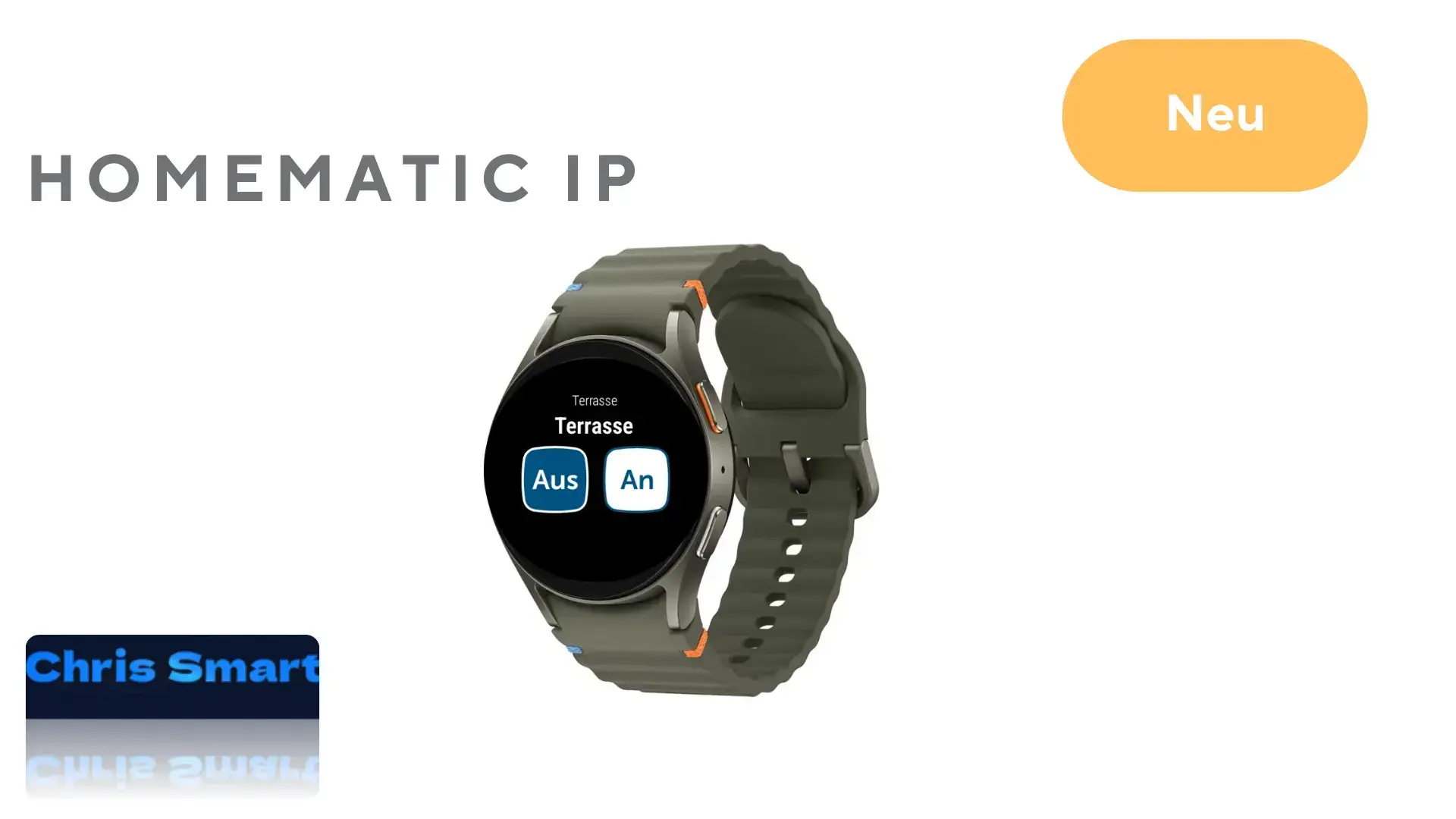
The smart home world is becoming increasingly convenient and intuitive – and Homematic IP demonstrates with the latest version of its app how modern living can be made even smarter. With the update to version 3.3.13, the Homematic IP app expands its functionality and introduces a feature that will particularly appeal to tech enthusiasts and smartwatch owners: Homematic IP control directly via the smartwatch.
Integrating smartwatches allows for quick and convenient control of devices without having to pick up your smartphone. This is particularly practical for everyday tasks such as switching devices like lights on and off or opening doors using the door lock actuator.
Which functions are supported on the smartwatch?
In the current version of the Homematic IP app, the following devices can be conveniently controlled from your wrist via your smartwatch:
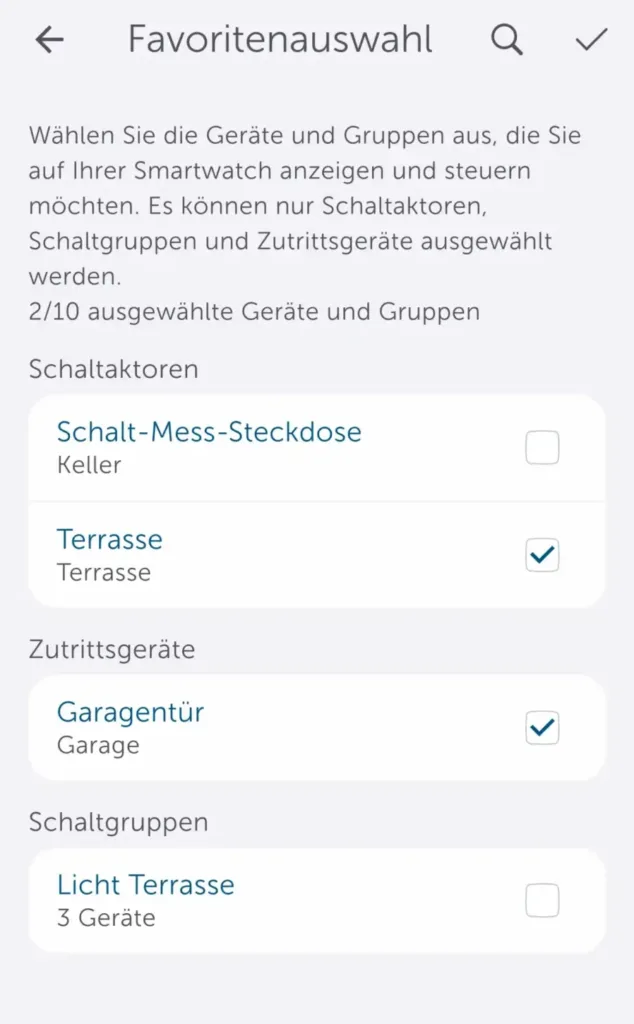
The favorites selection in the Homematic IP app indicates which functions can be controlled via the smartwatch.
- Switching actuators such as the Switched socket* or the Switching and measuring cable*
- Access devices such as the Door lock drive*
- Switch groups that have already been configured
Compatibility and setup on the Homematic IP smartwatch
The new feature is compatible with common smartwatch models, including Apple Watch (from watchOS version 10.0 onwards), such as the Apple Watch Series 10* and Wear OS devices (from Wear OS version 3.0 onwards), such as the Google Pixel Watch 3* and Samsung Galaxy Watch7*. Setup is seamless via the Homematic IP app on the smartphone and smartwatch.
A connection between the smartwatch and smartphone is required. The Homemetic IP app must be installed on the smartwatch.
Step 1: Open the Homematic IP app on your smartphone, tap More in the main menu -> select Smartwatches under Other -> tap Add Smartwatch


Step 2: Open the Homematic IP app on the smartwatch.


Step 3: Pair the smartwatch by tapping Next.


Step 4: To confirm the pairing of your smartwatch, press the system button on your Assess Point.


Step 5: Assign a username to your smartwatch in the Homematic IP app. Then select the devices and switching groups you want to control on your smartwatch. The configuration is then complete.


After configuration, you can operate the desired devices and switching groups directly on the smartwatch.


Source/Photo: (Amazon / Homematic IP / Chris Smart)

My name is Christian, and I founded this blog in 2024. I'm a trained communications electronics technician, a tech enthusiast, and a smart home aficionado with many years of experience in the field of networked household appliances. I passionately follow current developments and regularly test new products to provide clear insights and practical recommendations.