The world of smart home technology is developing rapidly, making your everyday life increasingly convenient. A particularly exciting example is the Homematic IP app, which now offers seamless integration with smartwatches. But what does this mean for you, and how can you get the most out of this feature? Let's take a look at the advantages and use cases.
The new feature is compatible with common smartwatch models.
The new feature is compatible with common smartwatch models, including the Apple Watch (from watchOS version 10.0 onwards) such as the Apple Watch Series 10* and Wear OS devices (from Wear OS version 3.0 onwards), such as the Google Pixel Watch 3* and Samsung Galaxy Watch7*.
The Homematic IP App: A brief overview
Homematic IP is one of the leading smart home systems. With the Homematic IP app, you can control a wide variety of components – from radiator thermostats and lighting controls to security systems such as window and door sensors. The app is intuitively designed and provides an overview of the status of all connected devices.
What are the benefits of smartwatch support?
The integration of smartwatches significantly expands the operating possibilities. Instead of taking out your smartphone, you can now control selected functions via your smartwatch. This is particularly practical when your hands are full or your smartphone isn't readily available.
The features currently available on the smartwatch include:
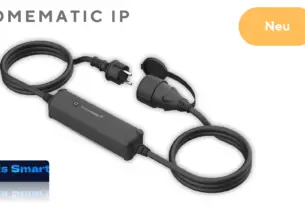
Control of lights, heating or other technical devices via switching actuators, such as the Switched socket* or the Switching and measuring cable*.
Opening and locking doors with the Door lock drive*.
Activation and deactivation of switching groups, which were previously configured in the Homematic IP app.
Easy setup of the Homematic IP Smartwatch app
Connecting the Homematic IP app to your smartwatch is straightforward.
- Make sure your smartwatch is paired with your smartphone.
- Download the latest version of the Homematic IP app.
- Activate the smartwatch function via the app's settings.
- Choose which functions and scenarios should be available on the watch.
You can find detailed instructions on how to set up the Homematic IP app on your smartwatch in this article: Homematic IP App – Control via Smartwatch.
Practical use cases for the Homematic IP Smartwatch App
The integration of smartwatches makes using the smart home system even more convenient in many situations:
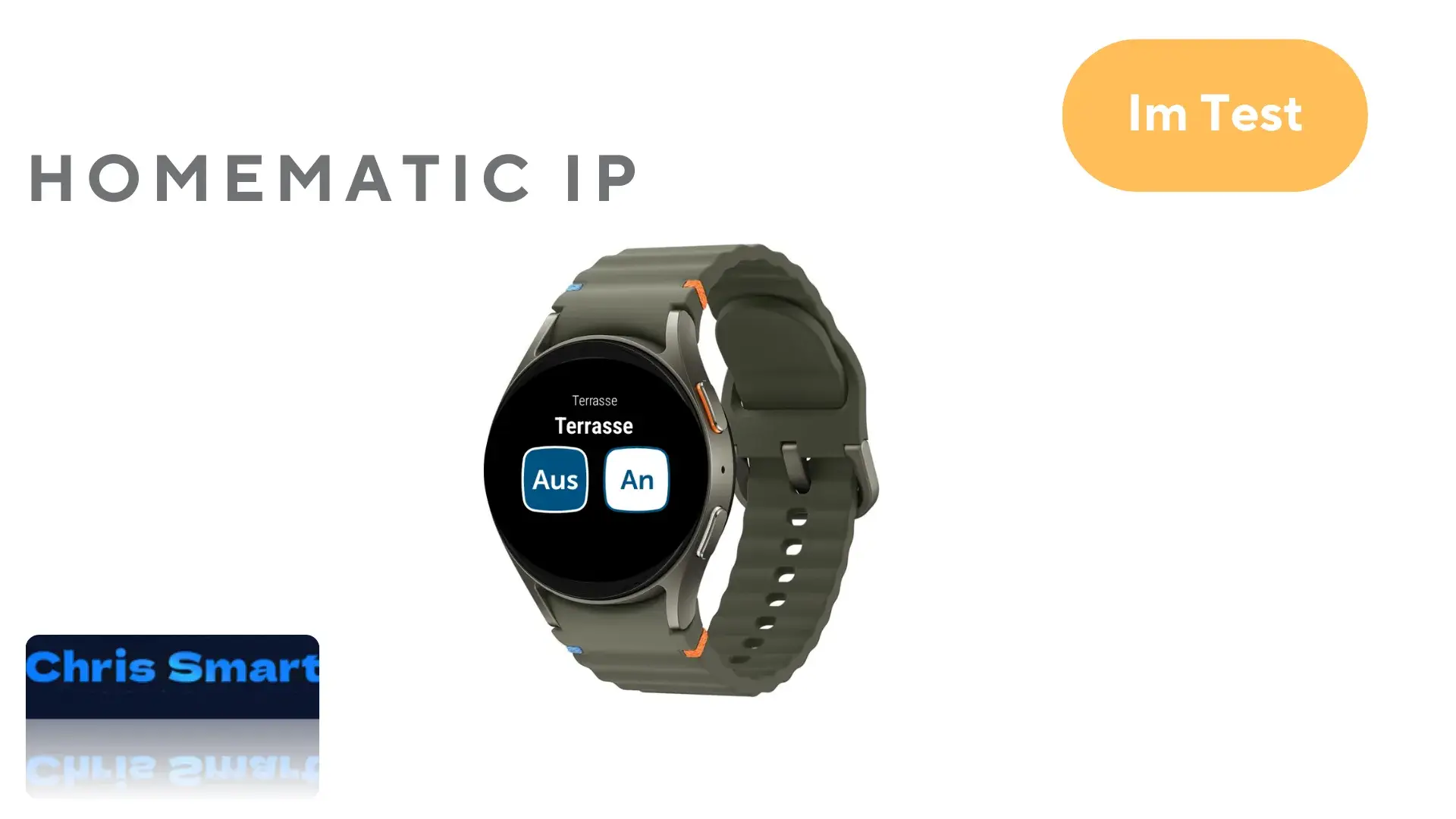
Lighting control: Control your lighting using your smartwatch and a compatible Homematic IP switching actuator. Operation via the smartwatch is simple: The selected switching actuators are displayed in the smartwatch app, sorted by their respective rooms. The current status is highlighted in blue, and you can choose between "Off" and "On".


Control of switching actuators: Predefined switching groups can be controlled via the smartwatch. For example, you can switch on outdoor lighting for a defined period of time. Controlling switching groups works similarly to controlling individual lights.


Upon entering or leaving the house: Opening and closing the front door can be controlled with a quick command via smartwatch. This is particularly convenient, as there's no need to use the smartphone. If the Door lock drive* with a Keypad* However, when connected, a code must be entered via the smartwatch, which somewhat complicates operation.


Conclusion
The addition of smartwatch support to the Homematic IP app is a major step towards greater convenience and flexibility. It makes your smart home even smarter by literally bringing control to your wrist. For existing Homematic IP users, this update offers real added value.
However, some fundamental functions are currently missing and should be integrated. Basic functions, such as controlling heating thermostats or activating the alarm mode, are currently unavailable. Unfortunately, push notifications for events like motion detection or water leaks are also missing.
Do you have any suggestions for Homematic IP features that you'd like to control on your smartwatch? If so, please leave a comment with your suggestion!
Source/Photo: (Homematic IP/Chris Smart)

My name is Christian, and I founded this blog in 2024. I'm a trained communications electronics technician, a tech enthusiast, and a smart home aficionado with many years of experience in the field of networked household appliances. I passionately follow current developments and regularly test new products to provide clear insights and practical recommendations.