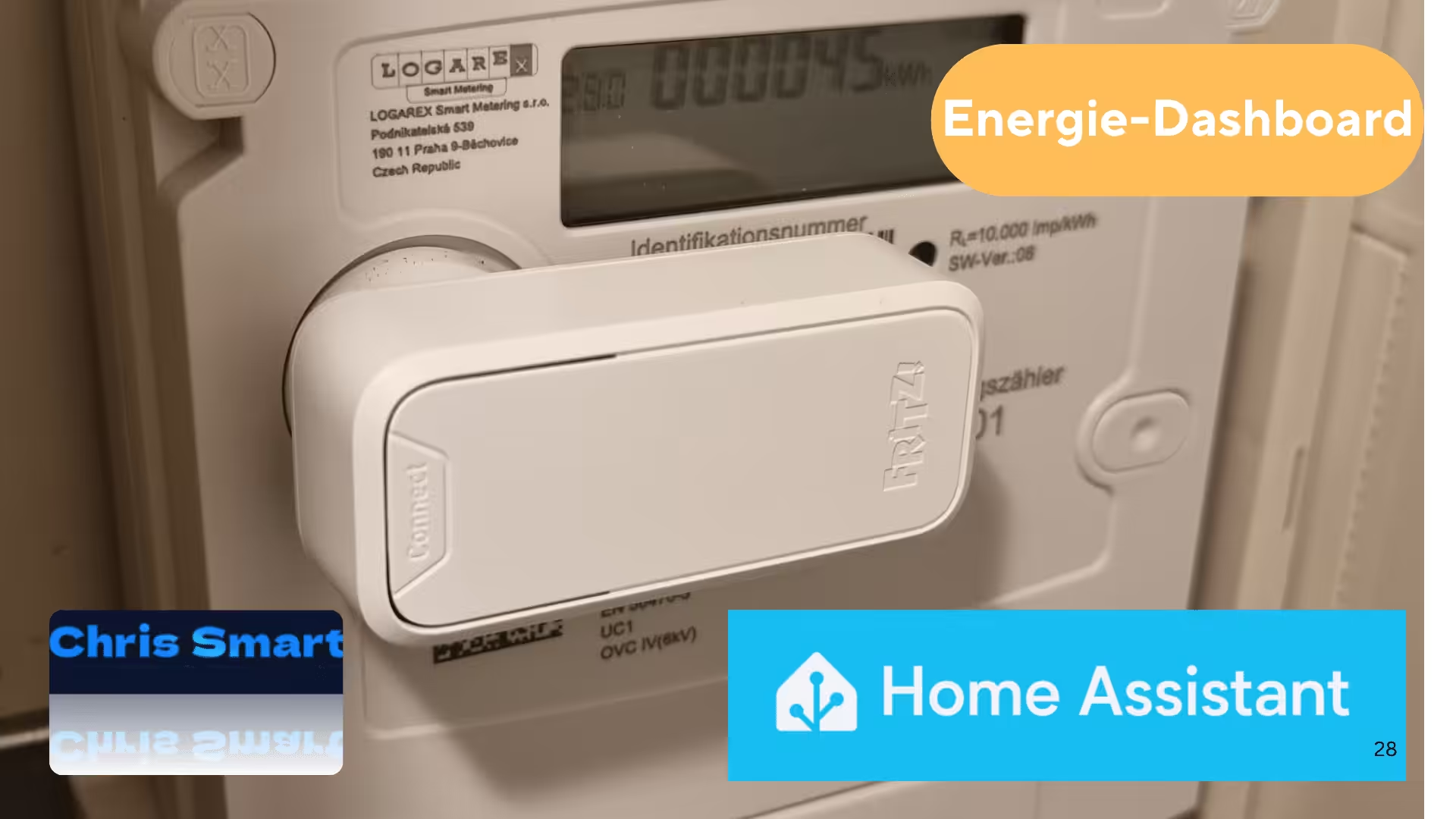
With the FRITZ! Smart Energy 250* AVM offers a simple way to read digital electricity meters and integrate the data into your own smart home. The sensor becomes particularly interesting in conjunction with Home Assistant, This is because the measured values can be used directly in the energy dashboard. This gives you a detailed overview of electricity consumption, grid feed-in, and – in the case of a photovoltaic system or balcony power plant – also of self-consumption or feed-in.
Requirements: FRITZ!Smart Energy 250 and Home Assistant
The following components are required for the integration to work:
- FRITZ! Smart Energy 250*
- Compatible digital electricity meter
- A Fritz Router* with intelligent automation in the smart home for DECT devices, e.g.:
- FRITZ!Box 7690* (High-performance for DSL)
- FRITZ!Box 5690 Pro* (High-end technology for fiber optics and DSL)
- FRITZ!Box 5590 Fiber* (Perfect entry point for fiber optics)
- FRITZ!Box 6690 Cable* (For the highest cable demands)
- A current version of Home Assistant on suitable hardware, e.g.:
- Raspberry Pi*
- Home Assistant Green* (Recommendation)
- Home Assistant Set*
- FRITZ!Smart Energy 250 (configured)
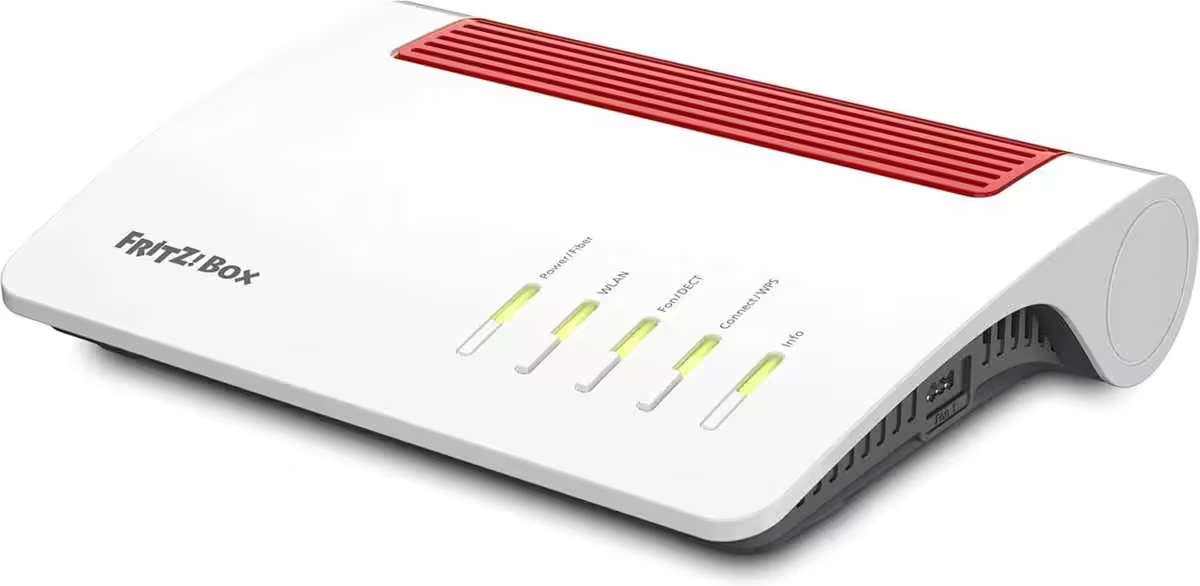
FRITZ!Smart Energy 250
Router for a fiber optic connection (Wi-Fi 6, up to 2,400 Mbps (5 GHz) and 1,200 Mbps (2.4 GHz), WLAN Mesh, DECT base, 2.5 Gigabit LAN port, suitable for Germany)
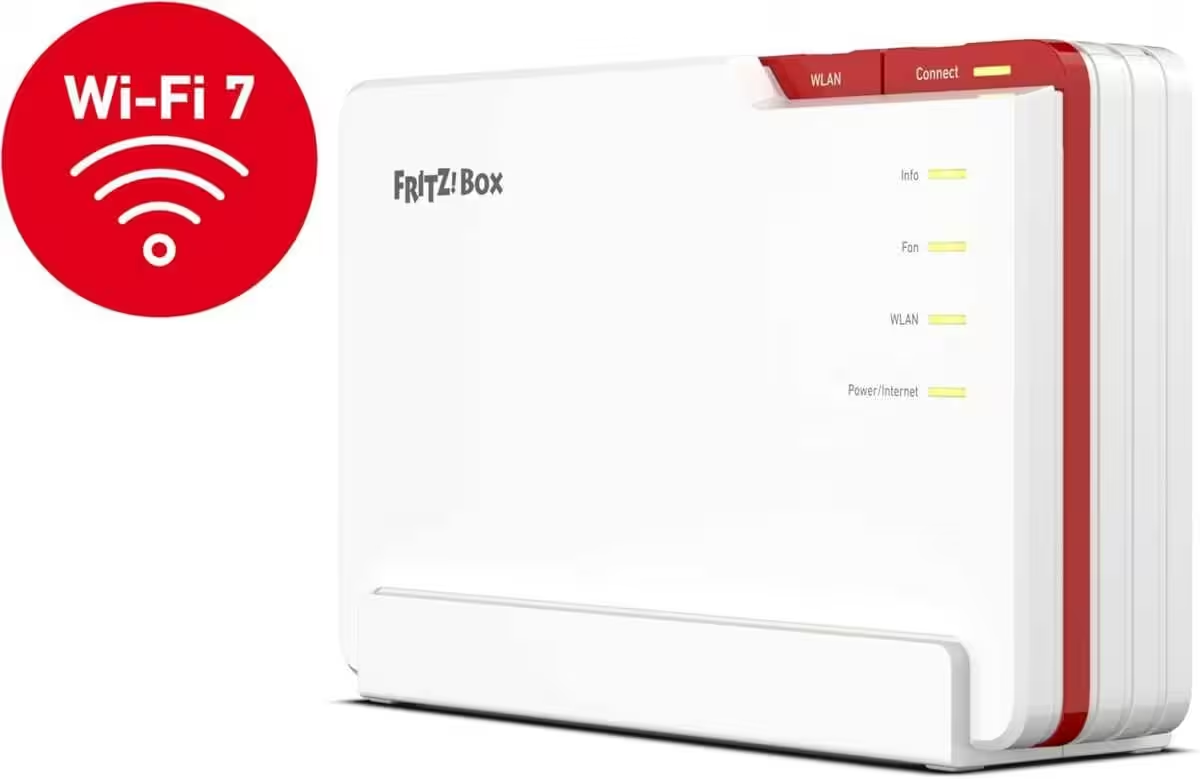
FRITZ!Box 5690 Pro
Wi-Fi 7 Premium DSL and fiber optic router with tri-band (2.4 GHz, 5 GHz, 6 GHz) up to 18.5 Gbit/s, for fiber optic & DSL connections, WLAN Mesh, DECT base
These sensors are provided by the FRITZ! Smart Energy 250.
After setup, several entities are created. The following sensors are particularly relevant for the energy dashboard:
- Energy consumption (kWh)
- Energy feed-in (kWh)
- Current power (W)
- Voltage (V)
- Current (A)
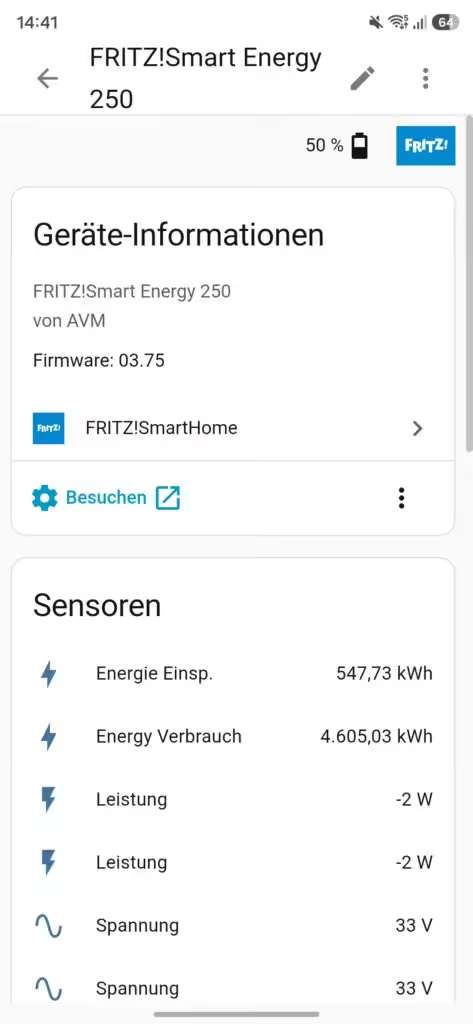
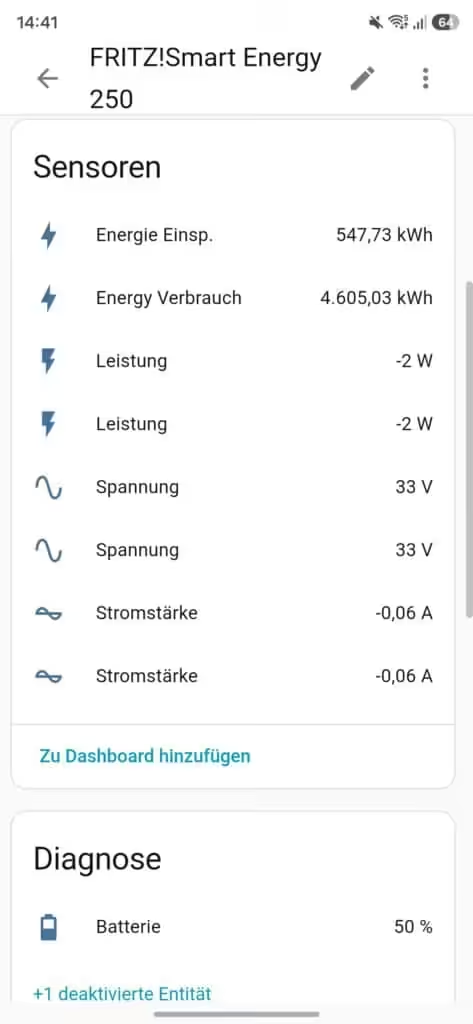
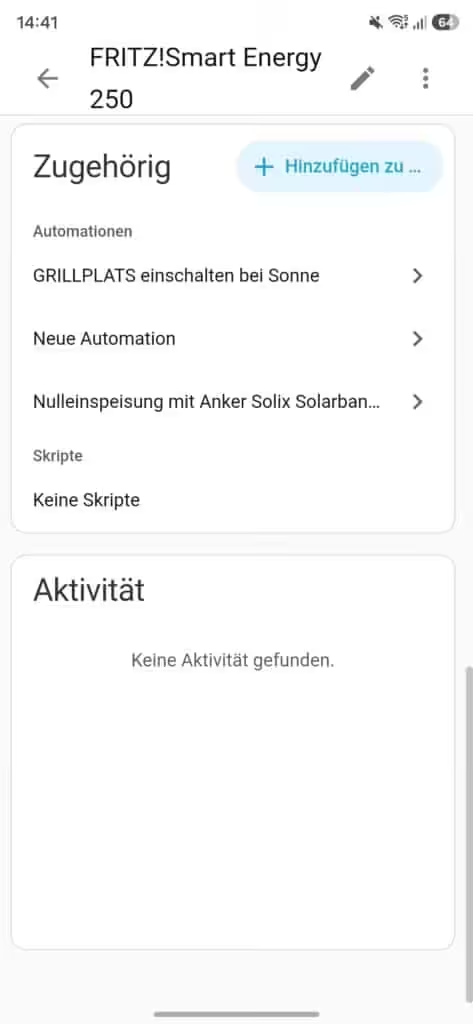
The two energy sensors form the basis for integration into the energy dashboard. Some values are displayed twice. This is likely due to the use of a bidirectional meter; however, in practice, the displayed values do not differ.
Setting up FRITZ! Smart Energy 250 in the Energy Dashboard
For the display in Energy Dashboard Home Assistant requires that the "Energy Input" and "Energy Consumption" sensors be correctly assigned to the corresponding categories.
To do this in Home Assistant Settings → Dashboards → Energy go and over the three points or the Pen Select the option in the upper right corner. The sensors can then be assigned to the corresponding areas.
Configure network connection:
- Energy drawn from the grid -> sensor.fritz_smart_energy_250_energie
- Energy fed into the grid -> sensor.fritz_smart_energy_250_energie_2
The names of the sensors to be assigned can be displayed in the detailed view of the FRITZ!Smart Energy 250; simply click on the specific sensor.
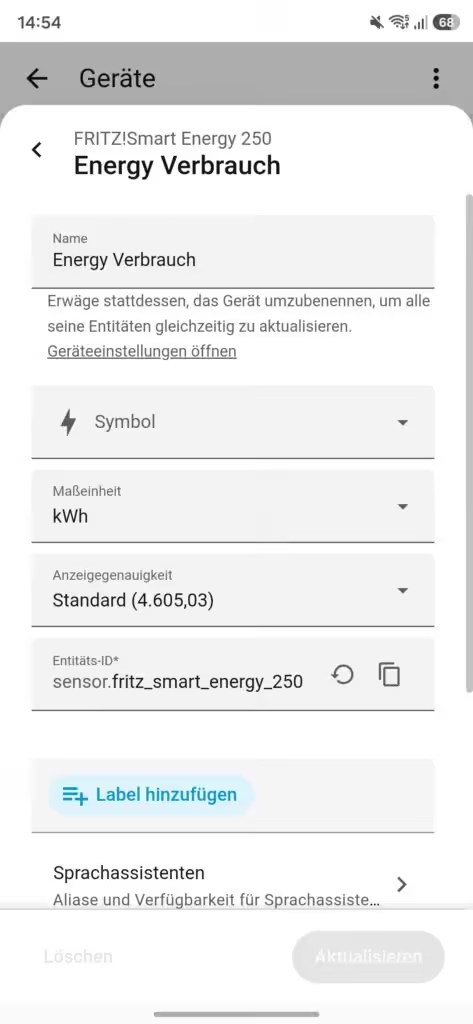
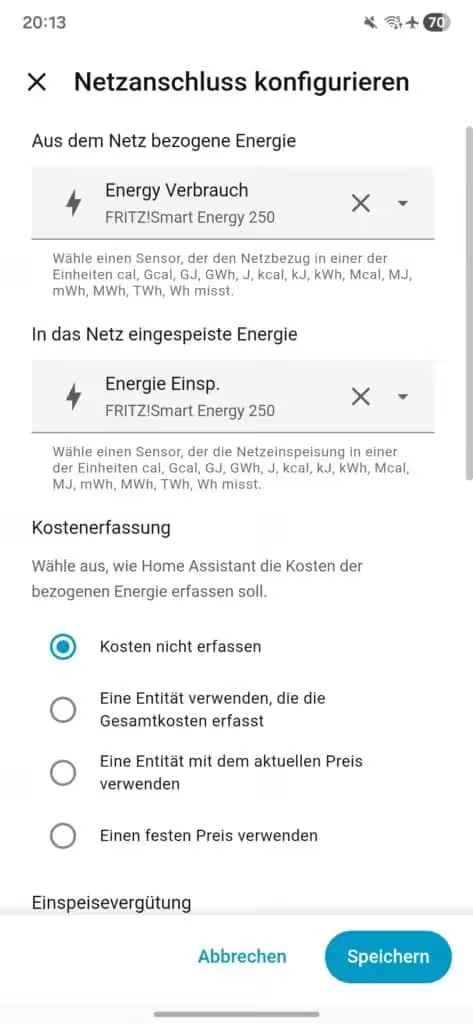
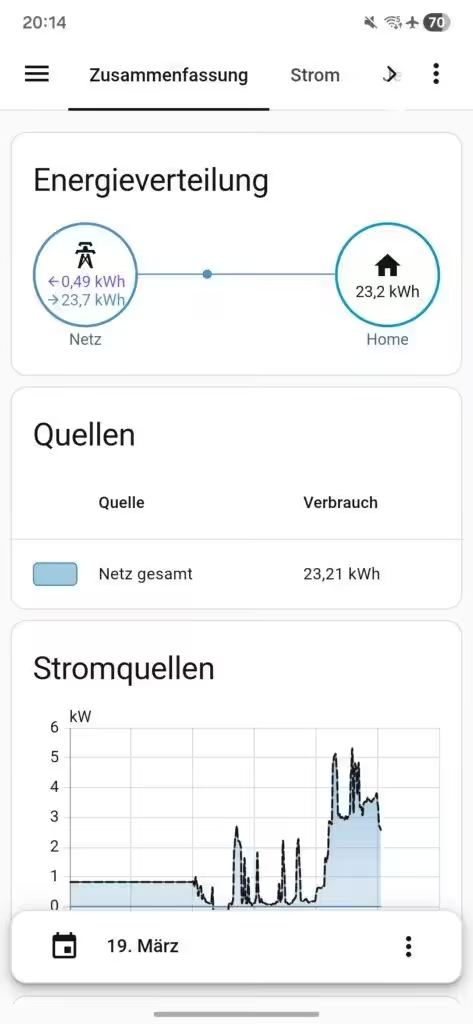
After configuring the energy dashboard, it displays the sensor readings from the FRITZ!Smart Energy 250 and creates a graph of the energy distribution and power consumption throughout the day.
Utilizing current performance for automation
In addition to energy meters, the FRITZ! Smart Energy 250 also provides the current power consumption in watts. This allows you to create automations, monitor a balcony power plant, switch off appliances during periods of high load, or control a wallbox. The measured values are regularly transmitted to Home Assistant via the FRITZ!Box. Because the data is transmitted cyclically, updates do not occur in real time, but at intervals.
Conclusion
The FRITZ! Smart Energy 250 integrates seamlessly with Home Assistant and is an excellent data source for the energy dashboard. A particularly useful feature is that both electricity consumption and feed-in are taken directly from the digital electricity meter. This provides a complete overview of energy flows in the household without the need for additional hardware.
One minor drawback is the cyclical data transmission. The measured values are typically updated only every 30 to 60 seconds and are therefore not available in real time. This is hardly noticeable for visualization in the energy dashboard. Most automations can also be implemented without problems, as the delay is usually negligible in everyday use. Only for very fast control systems, such as dynamic zero-feed-in from balcony power plants or PV systems, might the update rate be a limitation.

Possible alternatives can be found here:
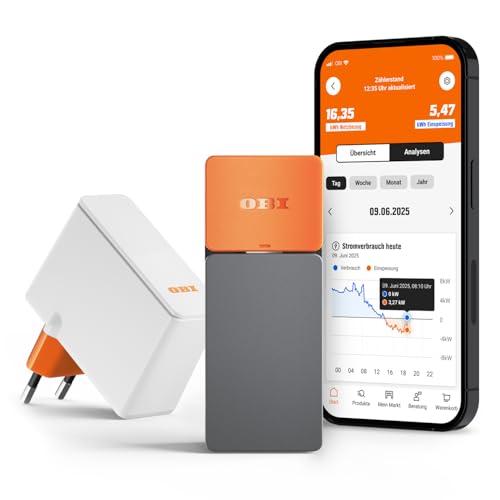
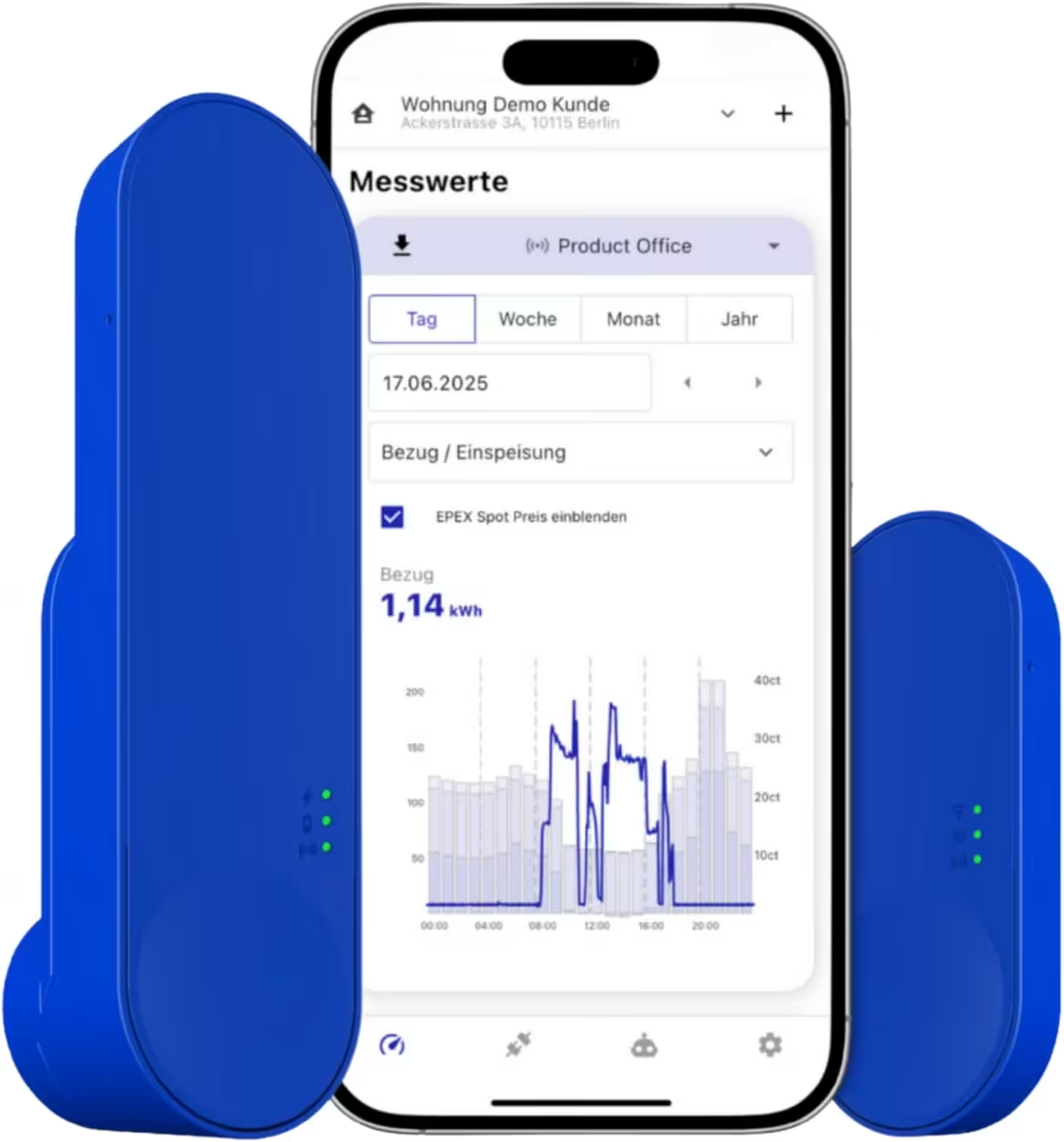
IOmeter SmartMeter
Smart meter electricity meter reading with IR read head, WLAN and app – with battery or USB-C – Home Assistant compatible
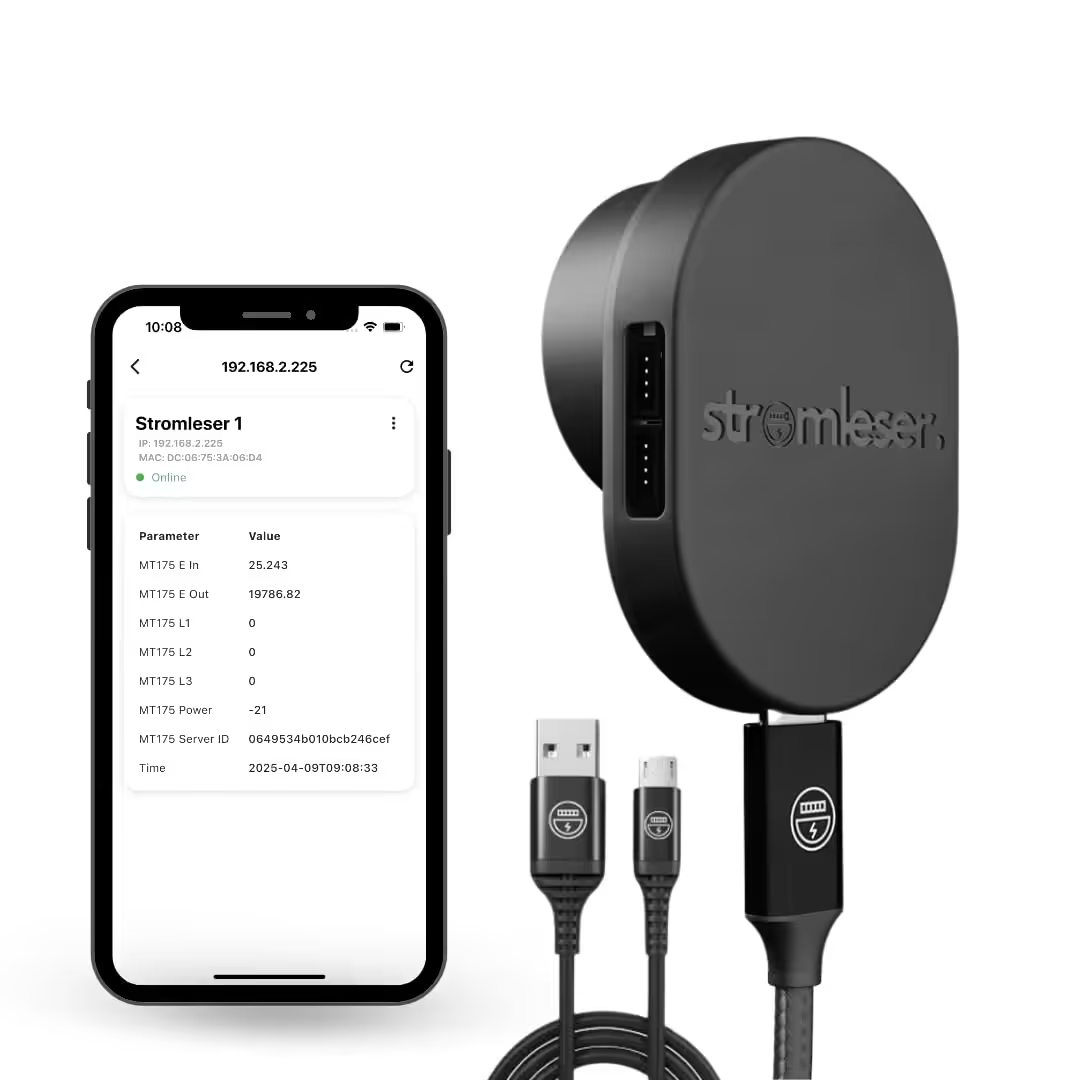
Tasmota electricity meter
Read electricity meters via Wi-Fi, using Tasmota software for smart home integration
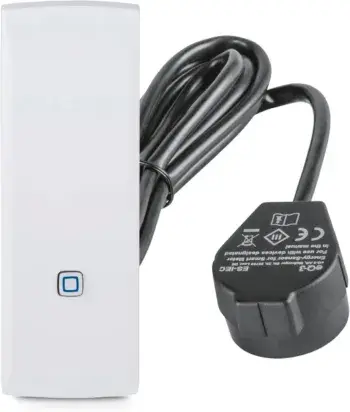
Homematic IP Smart Home interface for smart meters and household meters
Measure energy consumption and save costs, monitor electricity with an app, automate your smart home.
Source/Photo: (fritz.com ( / Amazon / Chrissmart)

My name is Christian, and I founded this blog in 2024. I'm a trained communications electronics technician, a tech enthusiast, and a smart home aficionado with many years of experience in the field of networked household appliances. I passionately follow current developments and regularly test new products to provide clear insights and practical recommendations.