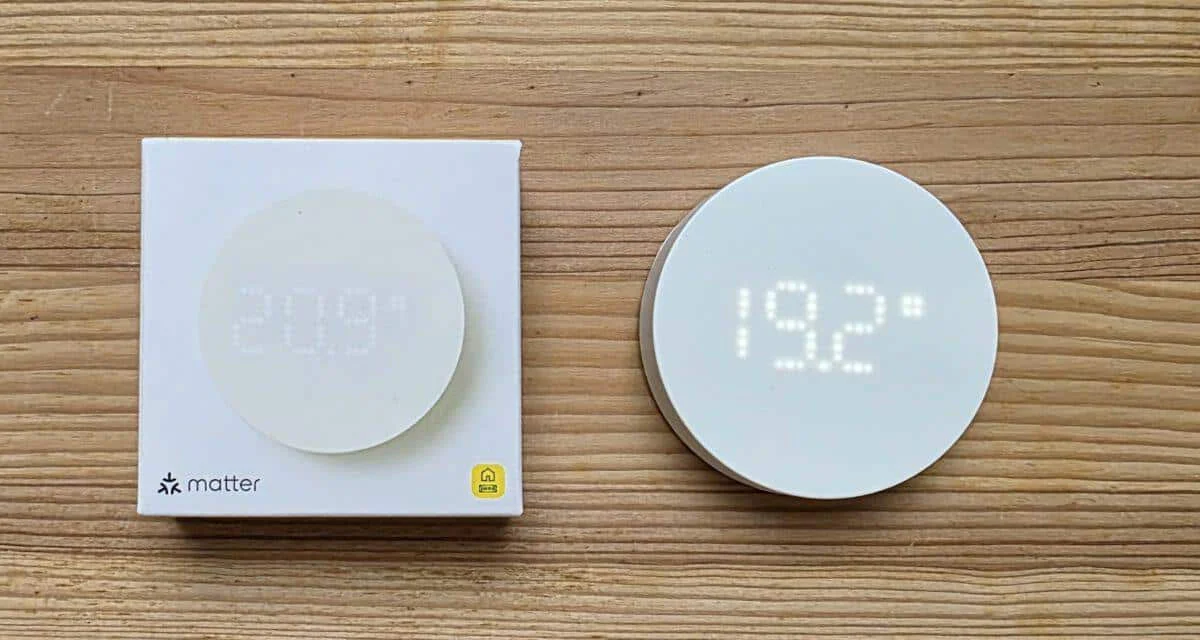
IKEA Timmerflotte tested: IKEA's new temperature and humidity sensor is currently one of the cheapest smart home sensors available. Matter support. I tested the sensor in everyday use and checked how easy the IKEA Timmerflotte is to set up, how reliably it measures temperature and humidity, and how well it is suited for smart home automation.
Official Home Assistant hardware
Nabu Casa Home Assistant Green
The easiest way to get started with Home Assistant – With Home Assistant already installed, all you need to do is plug in the included power adapter and Ethernet cable to get started | Official Hardware
Home Assistant Connect ZBT-2
Home Assistant Connect ZBT-2 | Connect Zigbee, Thread or Mater devices with Home Assistant | Official Hardware
Nabu Casa Home Assistant Voice
Preview Edition | Smart speaker for local voice control | Compatible with Home Assistant | Privacy focus
What is the IKEA timer fleet?
The recently introduced IKEA Timmerflotte is a compact Temperature and humidity sensor, which about Matter over Thread IKEA communicates. It clearly positions it as an affordable entry point into cross-platform sensor technology.
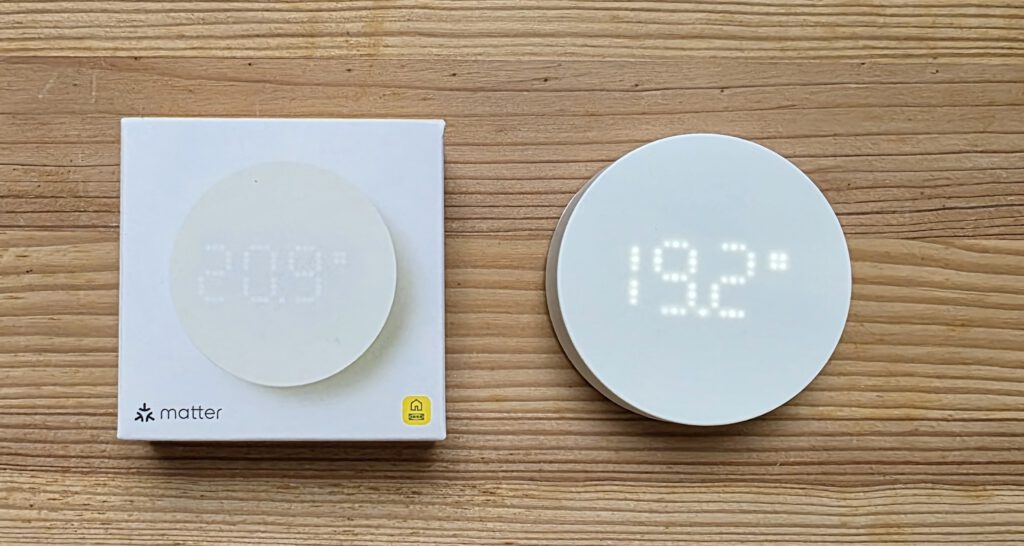
Technical specifications at a glance:
- Measurement of temperature and relative humidity
- Radio standard: Matter (Thread)
- Operation with 2 x AAA batteries
- Integrated display for showing measured values
- Significantly cheaper than comparable sensors
Setup & Installation with Matter Hub
For the operation, a Matter-enabled hub with Thread-Border router Required devices include, for example, Apple HomePod mini, Apple TV, Google Nest Hub, Homey, or SmartThings. In my case, it's an Aqara Smart Hub M200.
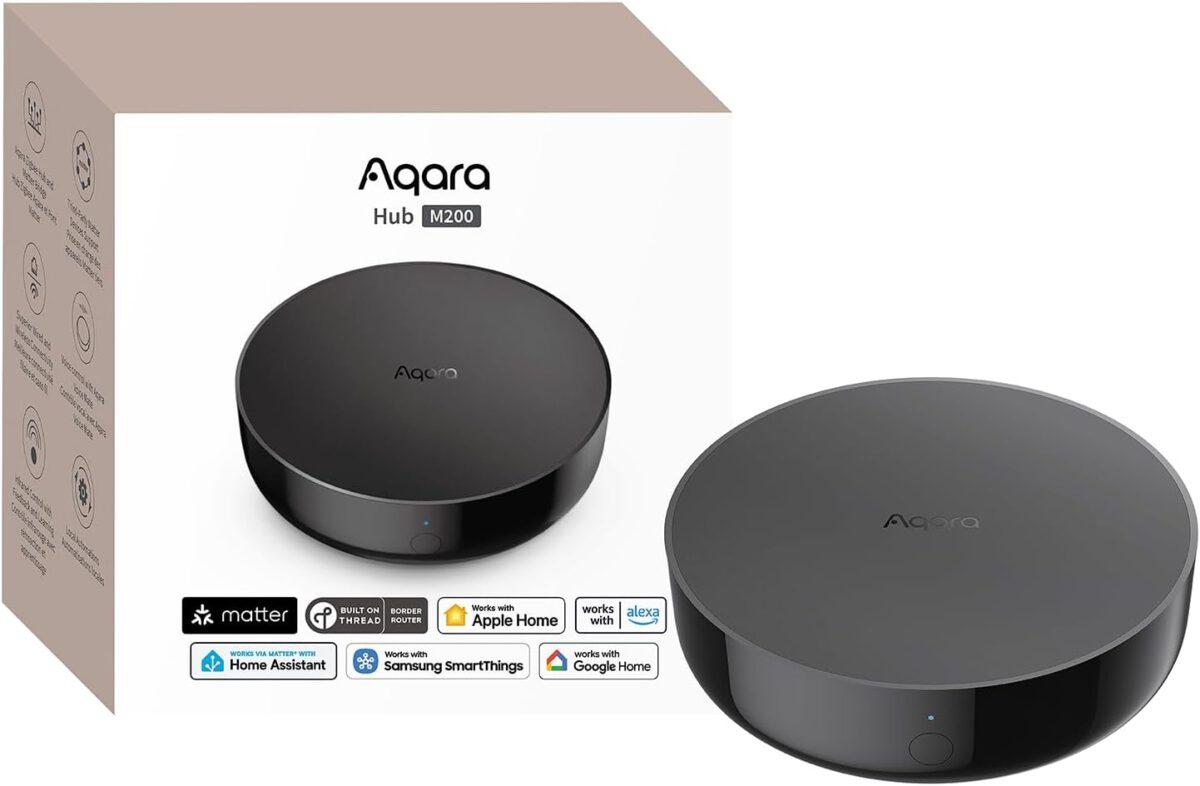
Aqara Smart Hub M200
Matter controller, Thread boundary router with Aqara Zigbee, Bluetooth, WLAN, PoE, IR, supports Amazon Alexa, Apple HomeKit, Home Assistant, SmartThings, Google Home
IKEA Timmerflotte furniture set put to the test:
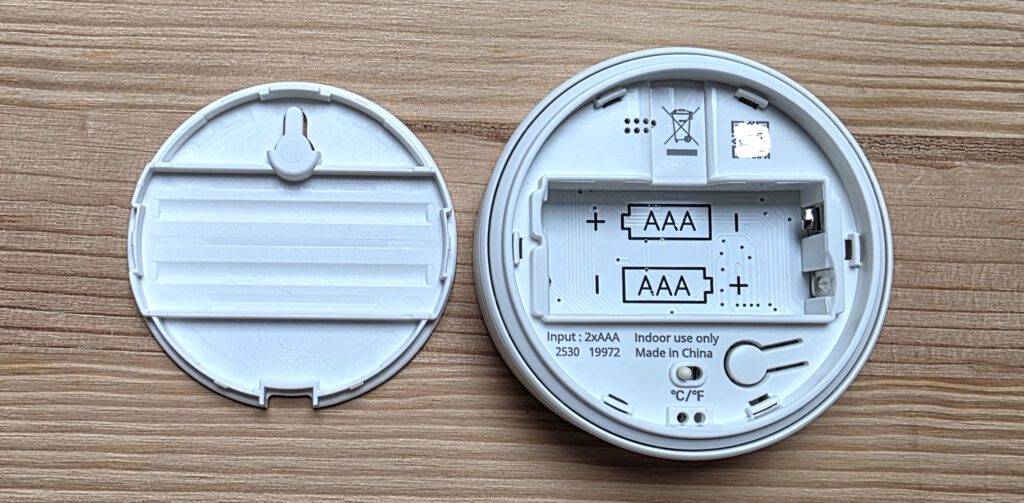
To set up the IKEA Timmerflotte First, the The case bottom was opened with a screwdriver. will be. For the operation will be two AAA batteries or AAA rechargeable batteries needed not included in the scope of delivery are.

12-pack rechargeable AAA NiMH batteries
High capacity, 850 mAh, 1.2 V, rechargeable up to 500 times, pre-charged
- After inserting the batteries, the sensor automatically moves into the Pairing mode. In this state, the timer fleet can be equipped with a Matter-enabled hub be connected.
- The active pairing mode is indicated by the flashing status indicator the sensor is clearly identifiable.
- In the Aqara app, select "Add Matter device" and scan the Matter code from the back of the sensor.
- Select room, change the name of the temperature and humidity measurement if necessary, and the sensor is integrated.
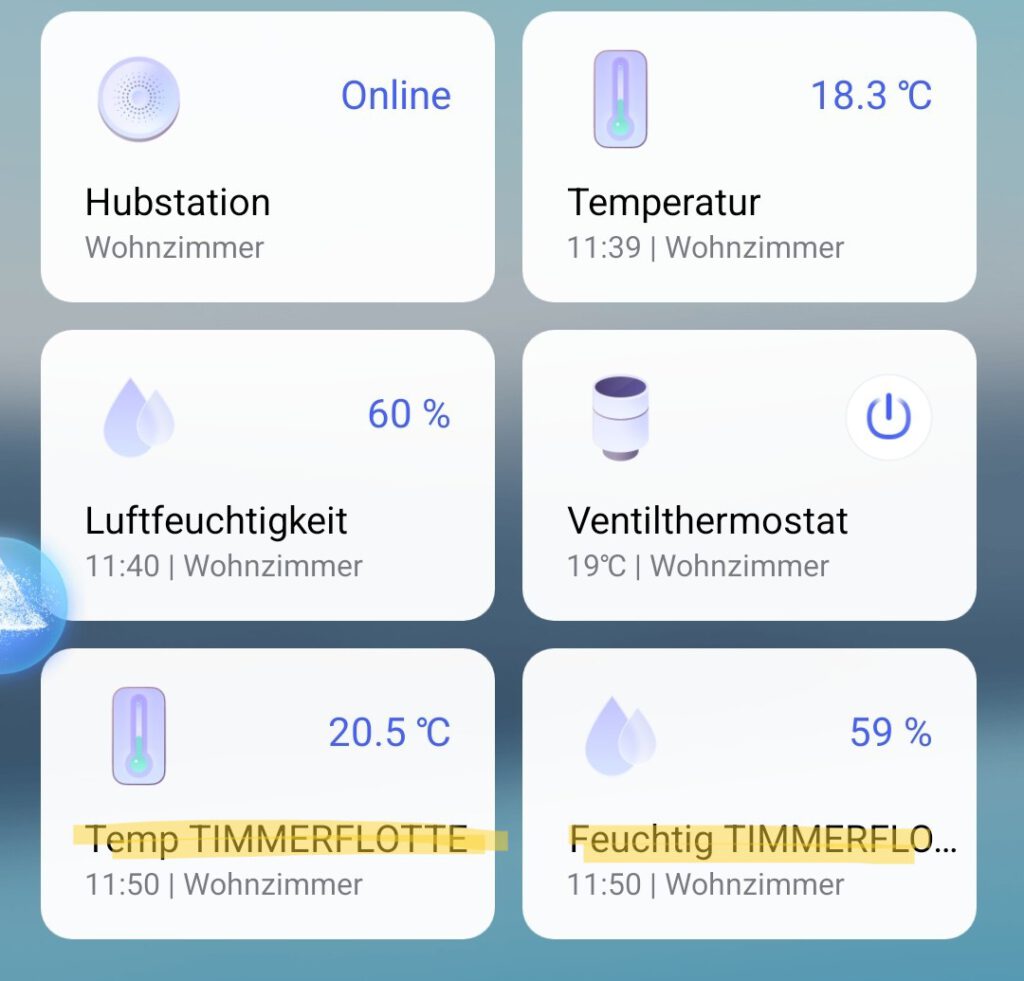
Once the sensor has been added to the Aqara app, it is ready for use and begins transmitting temperature and humidity values.
The setup performed well in the test. fast and stable. Positive: The Timmerflotte can be without the IKEA app or IKEA gateway integrate directly into existing systems.
Aqara Smart Hub M200
Matter controller, Thread boundary router with Aqara Zigbee, Bluetooth, WLAN, PoE, IR, supports Amazon Alexa, Apple HomeKit, Home Assistant, SmartThings, Google Home
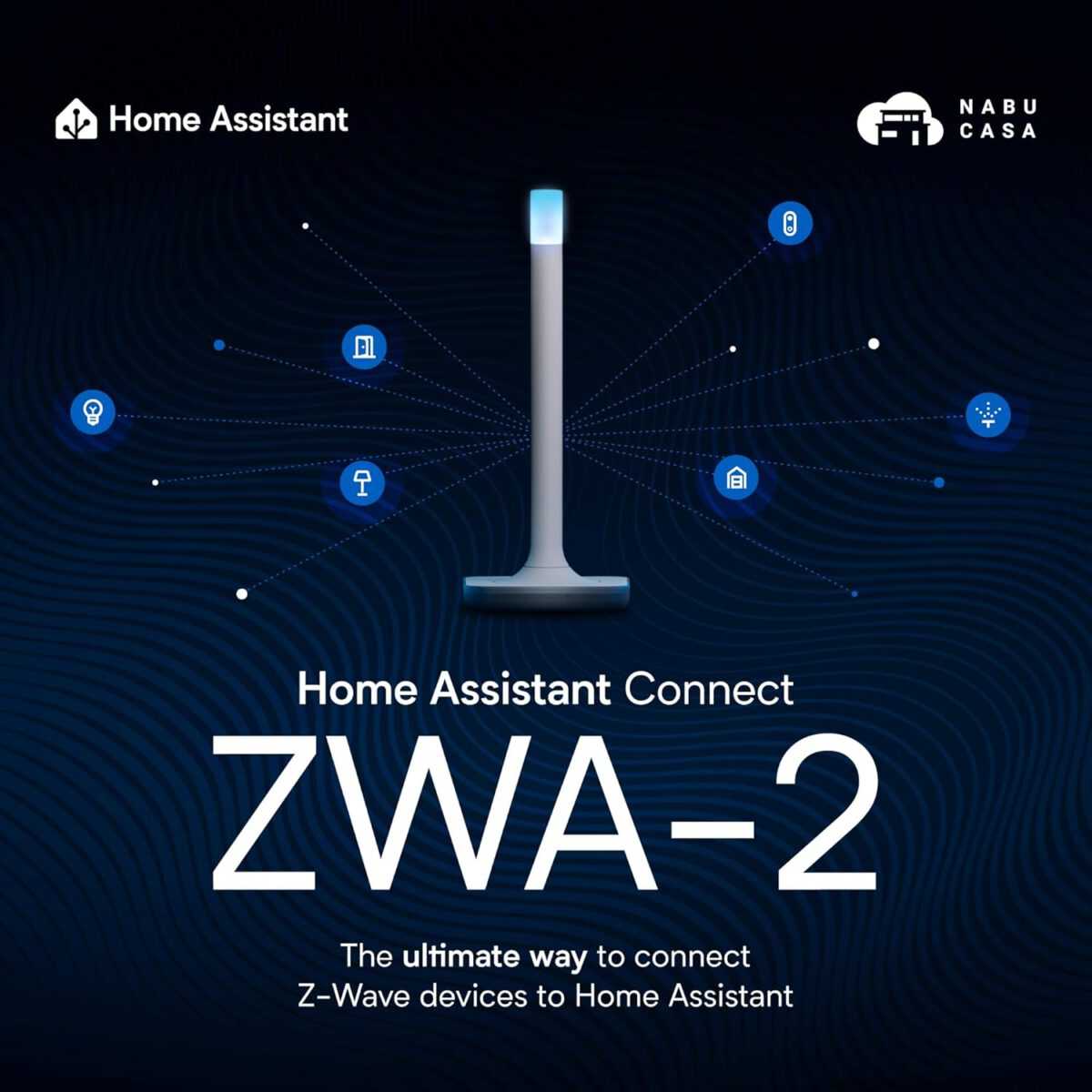
Home Assistant Connect ZWA-2
Connect Z-Wave devices to Home Assistant | Official Home Assistant Hardware

SONOFF Zigbee 3.0 USB Dongle Plus MG24
Zigbee Gateway with EFR32MG24, Thread & Zigbee USB stick, Zigbee Controller for Home Assistant or Zigbee2MQTT
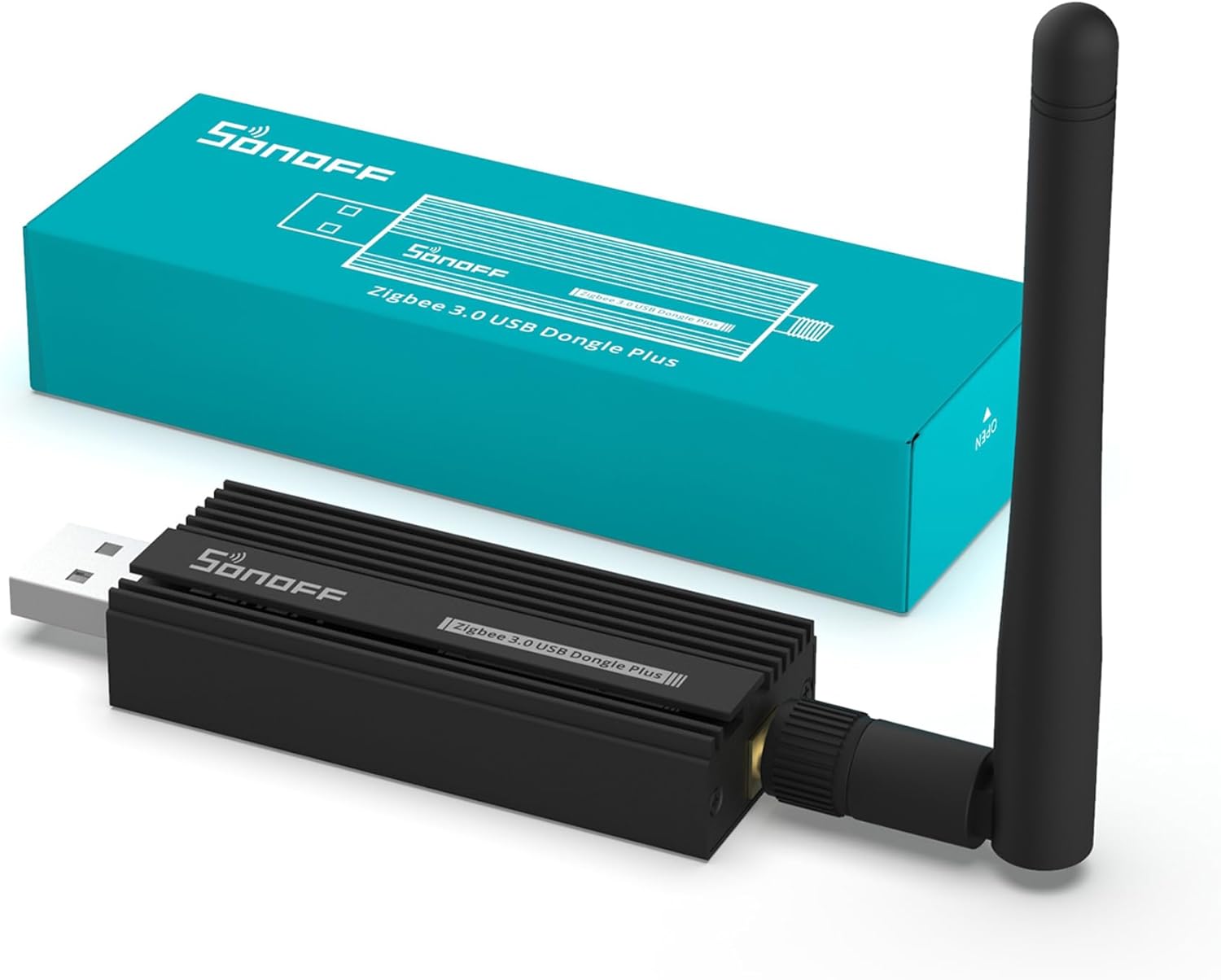
SONOFF Zigbee 3.0 USB Dongle Plus
Zigbee Gateway TI CC2652P + CP2102N Zigbee USB Stick, Zigbee Hub for ZHA in Home Assistant or Zigbee2MQTT, Open HAB etc.
IKEA Timmerflotte tested: Features & characteristics
The sensor continuously measures room temperature and relative humidity. The readings can be displayed on the screen by pressing a button; otherwise, the display remains off. They are also permanently available in the respective smart home app.


The measured values appeared different when compared to reference sensors. realistic and stable. The update rate is sufficient and perfectly adequate for typical applications. The design is simple and functional. The plastic casing appears practical and is absolutely appropriate considering the price.


The Settings options in the device card of the IKEA Timmerflotte within the Aqara app The information displayed is straightforward. It shows the battery charge level as well as the currently measured values for temperature and humidity.
Furthermore, the icons for the device display can be customized, and the device location or room assignment can be changed. However, the Aqara app for the Timmerflotte does not offer a graphical representation of the measured values over time.
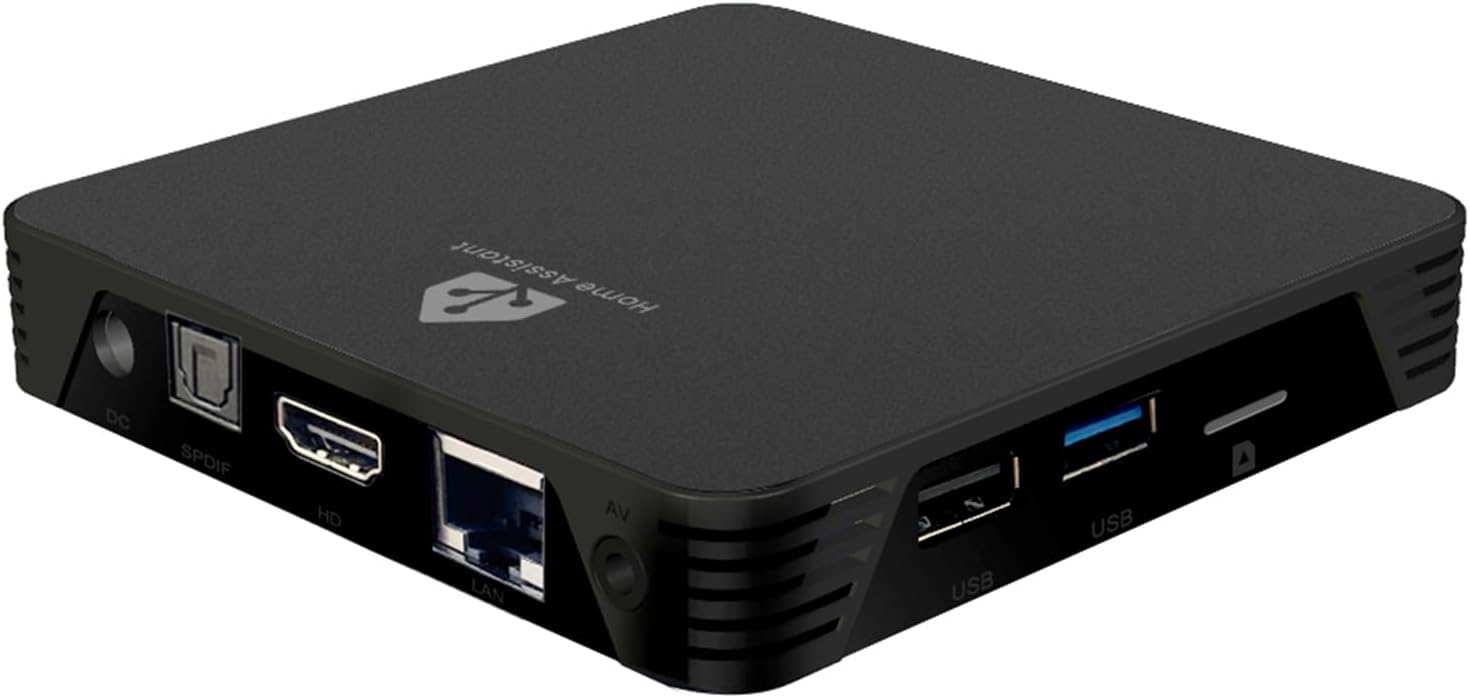
MIUCDA Home Assistant Box
Cortex-A53, ROM 32GB, RAM 4G, USB 3.0 ports, HA OS host smart home central
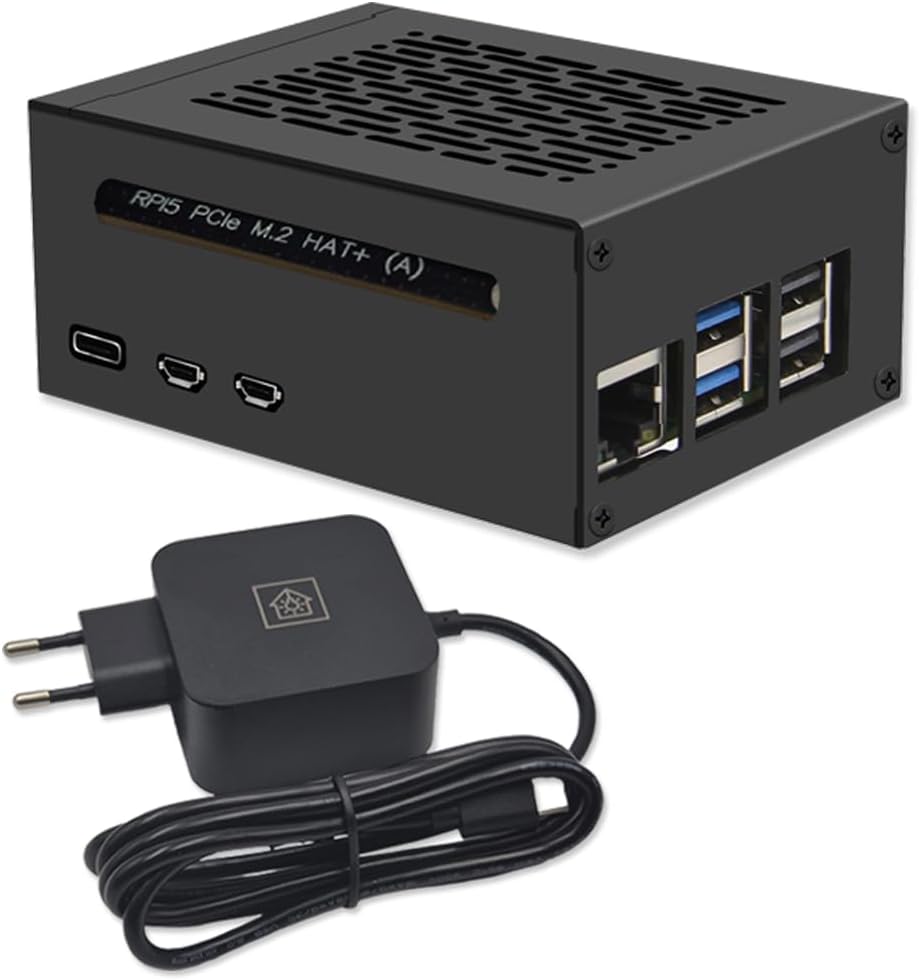
Home Assistant smart home central
Raspberry Pi 5 8GB | Air-Flow Metal Case | M.2 250GB NVMe | Home Assistant OS
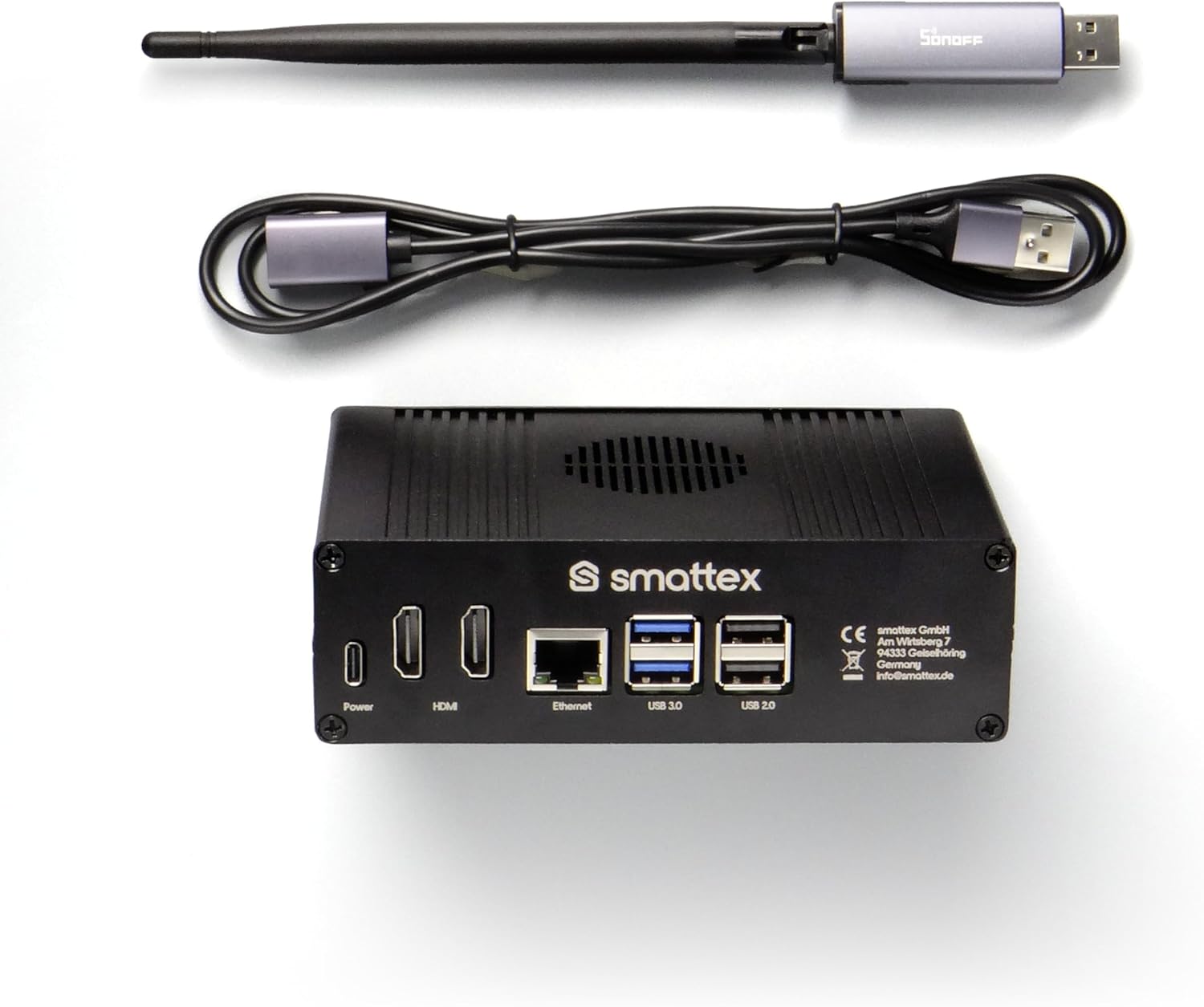
Home Assistant pre-installed, including antenna (Thread Border Router)
Plug & Play Set Black, WiFi, Bluetooth, SSD, Matter, Zigbee optional, instant (4 GB RAM / 128 GB SSD)
Conclusion: How good is the IKEA Timmerflotte really?
In practical testing, the IKEA Timmerflotte as surprisingly solid Matter sensor with a very attractive price-performance ratio. The manufacturer-independent integration without an additional gateway is a particularly positive feature.

TIMMERFLOTTE Temperature/humidity sensor, smart
Source/Photo: (IKEA / Amazon )

My name is Christian, and I founded this blog in 2024. I'm a trained communications electronics technician, a tech enthusiast, and a smart home aficionado with many years of experience in the field of networked household appliances. I passionately follow current developments and regularly test new products to provide clear insights and practical recommendations.

Hi Chris,
Thanks for the article! I've been interested in the sensor ever since IKEA first announced it.
This would be my first Matter device, and I'd like to test its integration with Home Assistant. I especially like that it runs on AAA batteries.
I would be delighted to win it.
Great article! I would love to have a Timmerflotte — if only because it's the most beautiful thermometer/humidity sensor combination currently available.
I've already been to several IKEA stores and haven't been able to find it anywhere. Unfortunately, it's never available online.
I would be absolutely thrilled to receive this device. Kind regards and keep up the great work 🙏
Thanks for the great article. I'm just starting my smart home journey with Home Assistant. I've already bought the first smart thermostats, but since we have a large room, a dedicated sensor like the Timmerflotte would be a fantastic addition.
Hi Chris, I use AVM Fritz! and would appreciate a sensor to test.
My requirements for the technology are that it must be uncomplicated and simple, as I don't want to invest time or effort in complex programming. Another important factor for me is interoperability between different manufacturers and the price.
Best regards, Vanessa
I tested the new Ikea sensors with the smaller Aqara Hub M100, and it works perfectly. I only used the Aqara app for the initial setup of the hub; after that, I added the hub and sensors to Home Assistant and am now happy that, at a very reasonable price, I can control my radiators not only based on the temperatures directly at the thermostats, but also based on the actual temperature somewhere else in the rooms.
Hi Andreas, thanks for your comment. The article https://chrissmart.de/ikea-myggbett-im-test-matter-tuer-und-fenstersensor/ This might also be interesting; they're giving away a MYGGBETT door and window sensor. Regards, Chris
Congratulations Andreas, you've won the IKEA Timmerflotte! Please send me your address to info@chrissmart.de. Regards, Chris
I've also tried it out and would of course be happy to get a second one for the bedroom 🙃 So far, it's a good smart sensor. Easy to set up. The only drawback, but acceptable, is that the temperature can't be displayed continuously.
Hi Micha, thanks for your comment. The article https://chrissmart.de/ikea-myggbett-im-test-matter-tuer-und-fenstersensor/ This might also be interesting if there's interest in a MYGGBETT door and window sensor. Regards, Chris