The FRITZ Smart Energy 250 AVM's is a power sensor for digital electricity meters that reads consumption data directly and makes it available in the smart home. We are testing it. the integration of the sensor into Home Assistant, in order to evaluate the energy data and integrate it into automation systems.
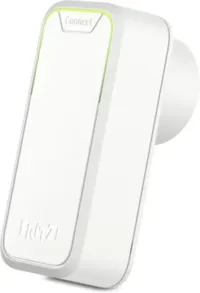
FRITZ!Smart Energy 250
Intelligent power sensor, electricity consumption meter for optimizing energy costs, compatible with FRITZ!Box via DECT, energy consumption via app or FRITZ!OS
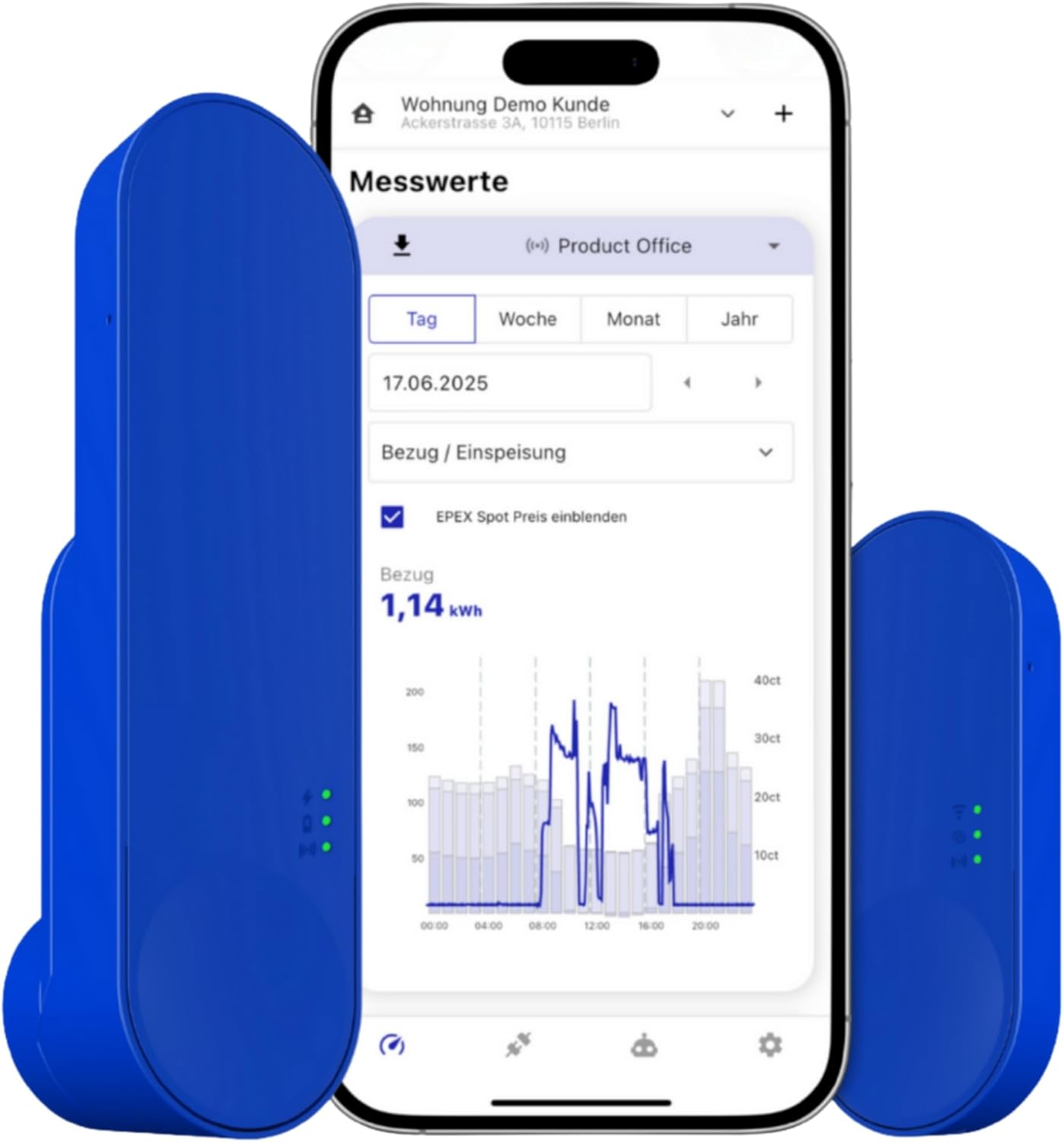
IOmeter SmartMeter
Smart meter electricity meter reading with IR read head, WLAN and app – with battery or USB-C – Home Assistant compatible
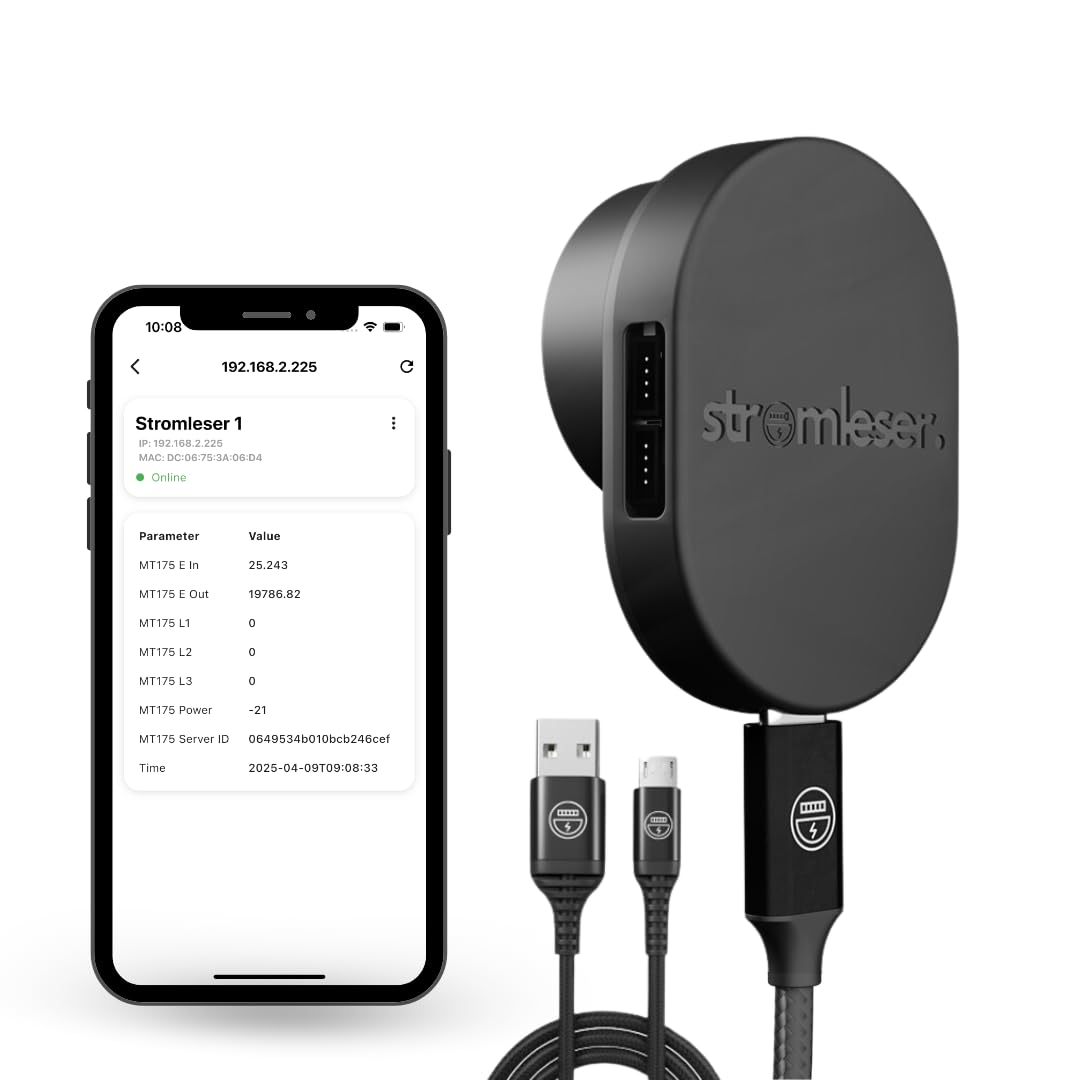
Tasmota electricity meter
Read electricity meters via Wi-Fi, using Tasmota software for smart home integration
What is the FRITZ! Smart Energy 250?
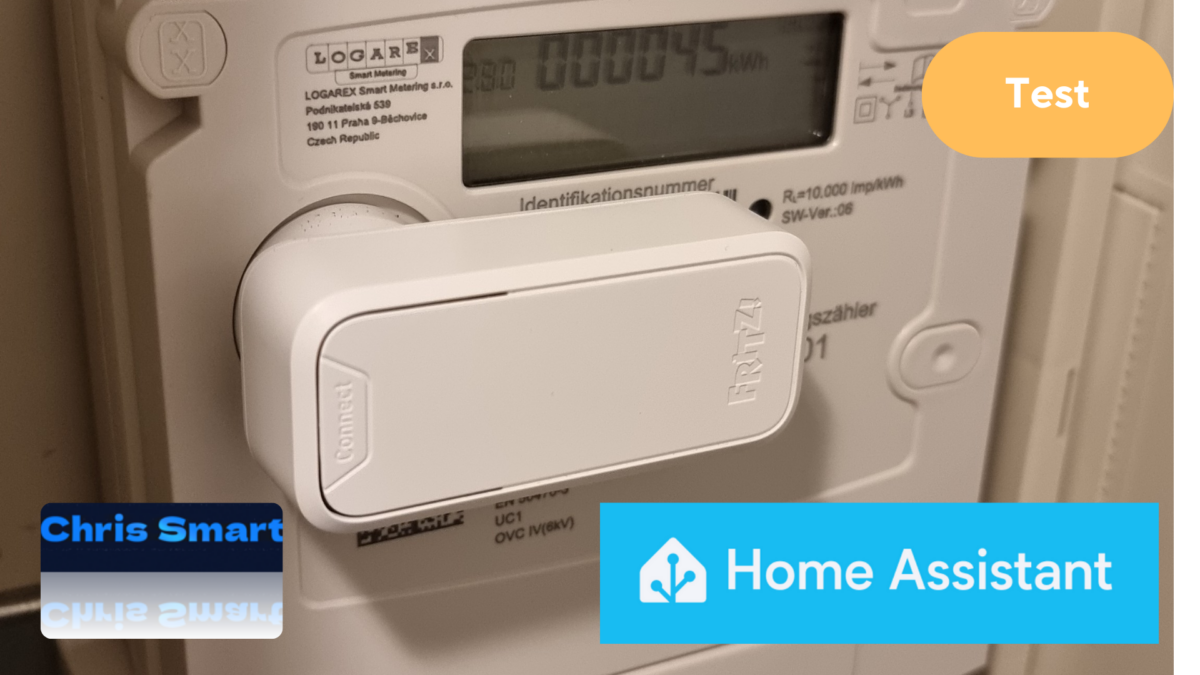
The FRITZ!Smart Energy 250 is a battery-powered sensor that uses the optical interface (infrared LED) The digital electricity meter records data on current power consumption and meter reading. This information is transmitted via DECT radio to a compatible FRITZ!Box sent. In our test, the setup via the FRITZ!App Smart Home Both via the web interface and on mobile devices, it is particularly convenient and self-explanatory.
In a separate article We have already extensively tested the FRITZ!Smart Energy 250 and described the setup, installation and evaluation of the consumption data in the FRITZ! system.
Setting up and installing the Smart Energy 250 at the electricity meter
A DECT-enabled FRITZ!Box is required for setup, which establishes the connection to the FRITZ! Smart Energy 250. Supported models include, among others: FRITZ!Box 5590 Fiber* and the FRITZ!Box 5690 Pro*.
Installation is particularly easy: Thanks to the integrated magnet, the sensor is attached directly above the LED and stays securely in place on its own. Both horizontal and vertical mounting are possible.
Whether the sensor is correctly positioned and transmitting data can be checked directly after installation in the FRITZ!App Smart Home. As soon as measurement values are displayed, the installation is successful.
Tip: The AVM website has a list of incompatible meter models. Newer meters are generally compatible (AVM Smart Energy 250 Compatibility List).
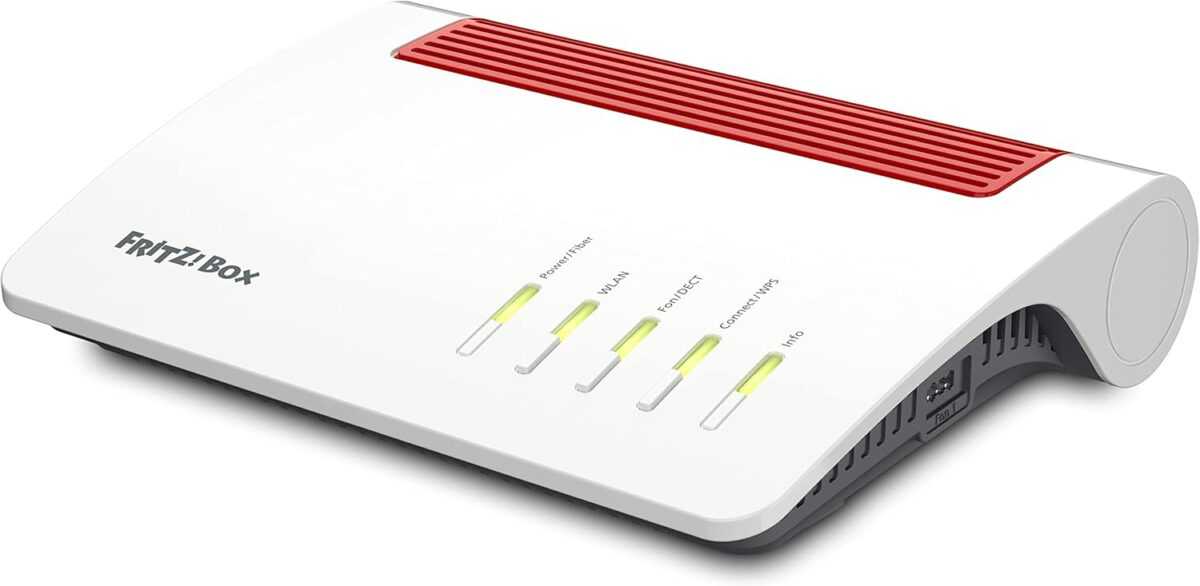
FRITZ!Box 5590 Fiber
Router for a fiber optic connection (Wi-Fi 6, up to 2,400 Mbps (5 GHz) and 1,200 Mbps (2.4 GHz), WLAN Mesh, DECT base, 2.5 Gigabit LAN port, suitable for Germany)
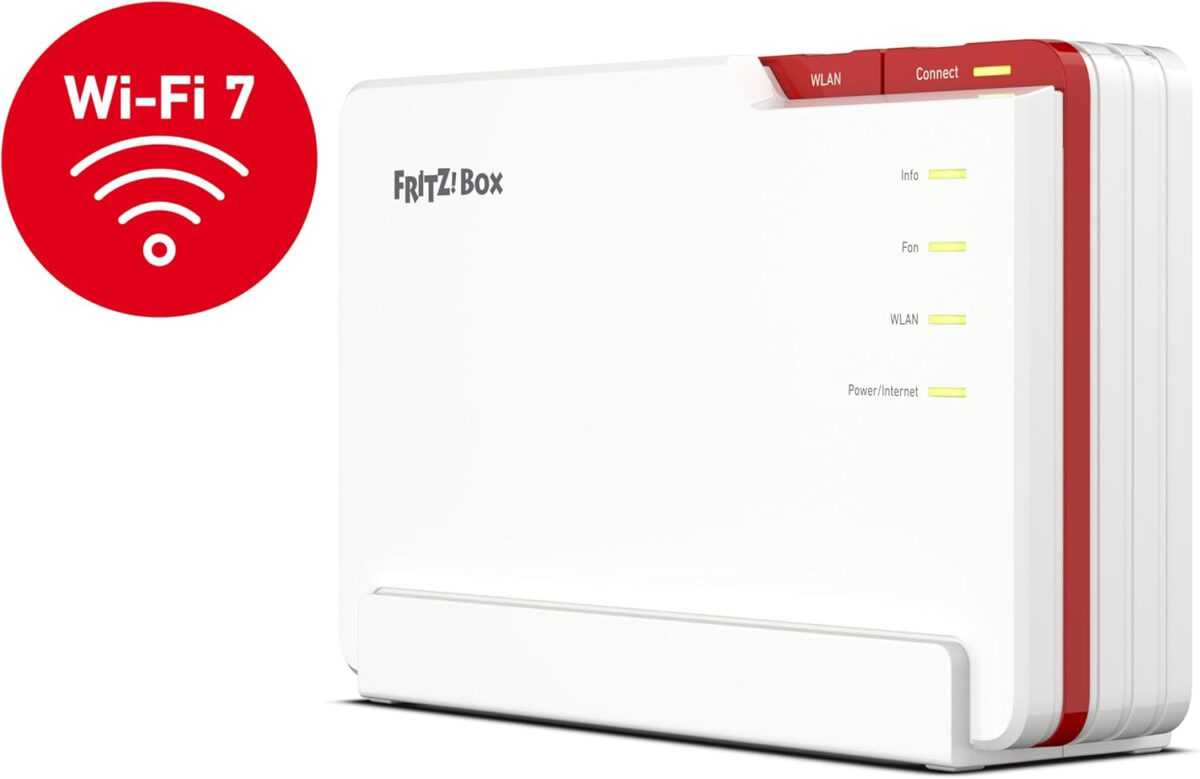
FRITZ!Box 5690 Pro
Wi-Fi 7 Premium DSL and fiber optic router with tri-band (2.4 GHz, 5 GHz, 6 GHz) up to 18.5 Gbit/s, for fiber optic & DSL connections, WLAN Mesh, DECT base
Requirements for integration with Home Assistant
In order for the FRITZ!Smart Energy 250 to be successfully integrated into Home Assistant, some basic requirements must be met:
- A current version of Home Assistant on suitable hardware, e.g.:
- Raspberry Pi*
- Home Assistant Green* (Recommendation)
- Home Assistant Set*
- A Fritz Router with intelligent automation in the smart home for DECT devices, e.g.:
- FRITZ!Box 7690* (High-performance for DSL)
- FRITZ!Box 5690 Pro* (High-end technology for fiber optics and DSL)
- FRITZ!Box 5590 Fiber* (Perfect entry point for fiber optics)
- FRITZ!Box 6690 Cable* (For the highest cable demands)
Integration with Home Assistant
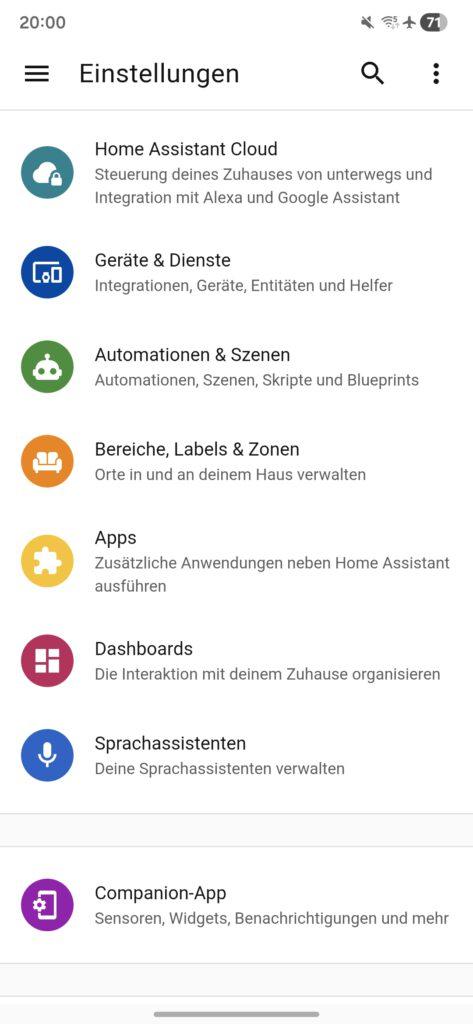
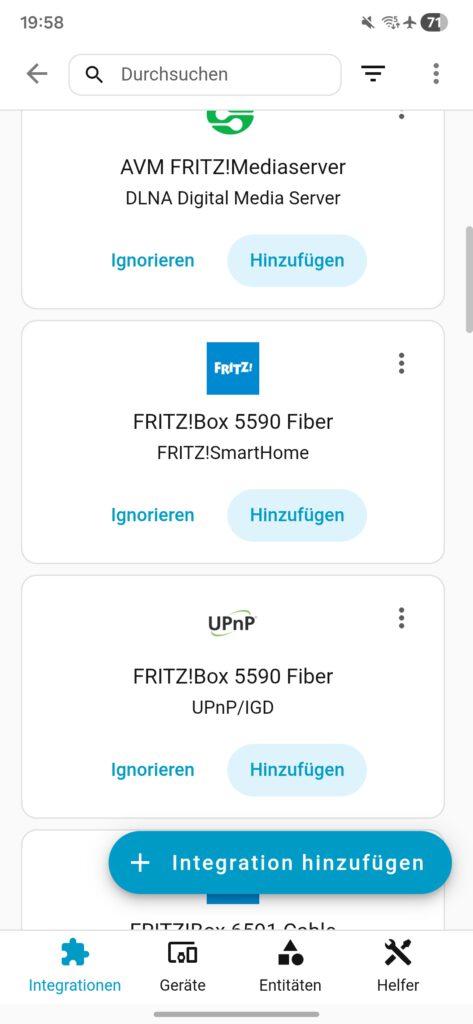
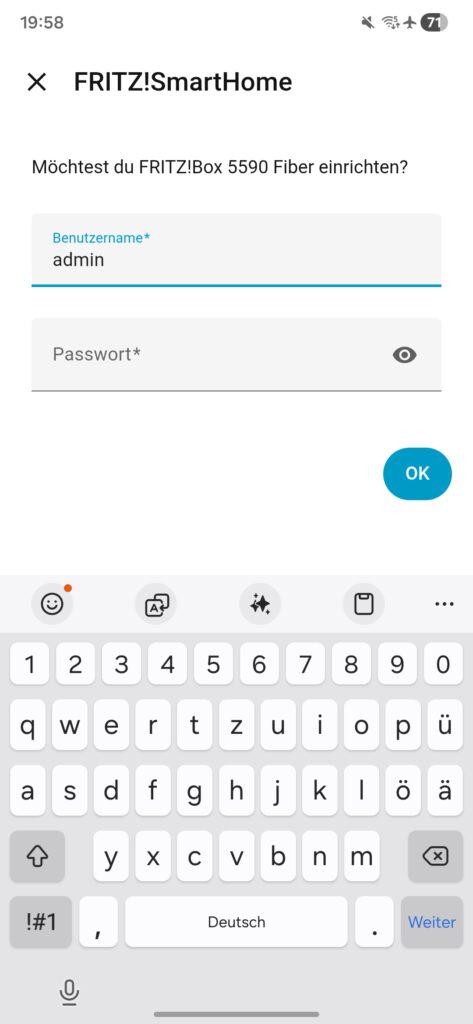
To integrate with Home Assistant, select the FRITZ!Box under "Devices & Services" and enter the corresponding access data. The FRITZ!Smart Energy 250 will then be available in Home Assistant.
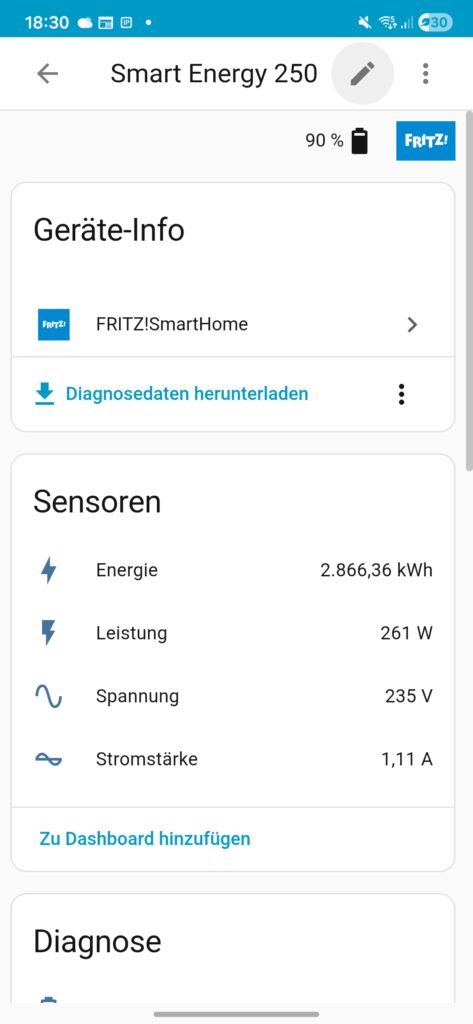
The currently installed firmware version can be viewed in the device information. This should be at least version 03.73. If an older version is installed, a software update can be performed via the FRITZ!App or the FRITZ!Box web interface.
The recorded measurement values are displayed in the "Sensors" section:
- Energy feed-in: Shows the amount of electricity fed into the grid in kilowatt hours (kWh).
- Energy consumption: Displays the current meter reading of electricity consumption in kilowatt hours.
By default, both measurements are initially labelled "Energy". These can be renamed individually to allow for better differentiation.
- Power, voltage and current: Correspond to the current readings of the electricity meter, which are read by the FRITZ!Smart Energy 250.
These values are displayed twice. This is probably due to the use of a bidirectional meter; however, in practice the displayed values do not differ.
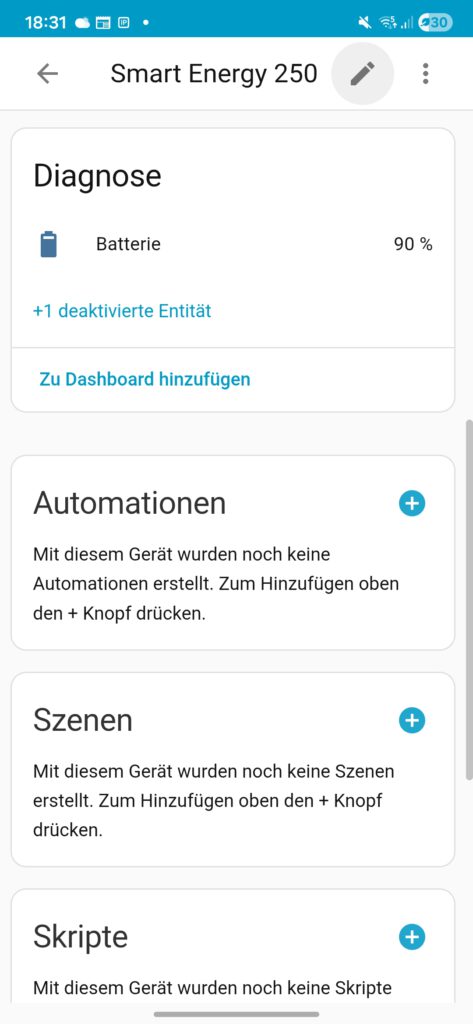
battery: Displays the current charge level of the batteries inserted in the sensor.
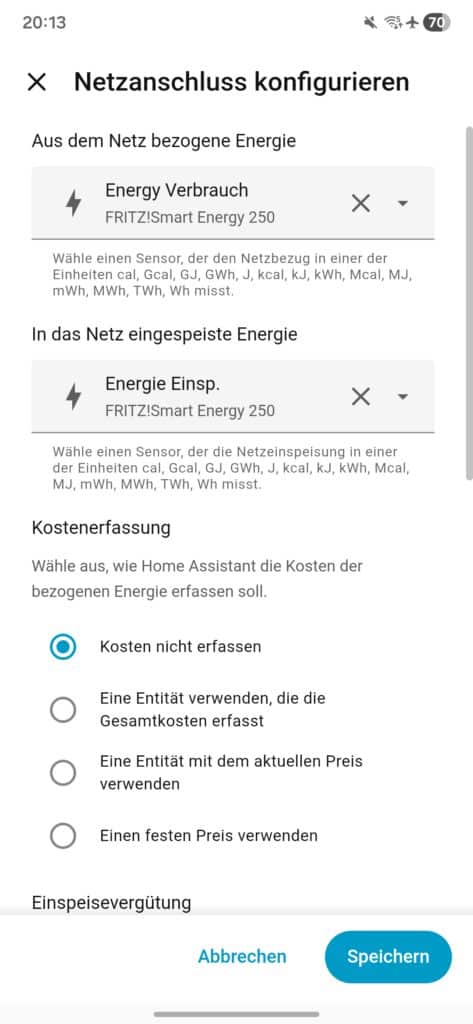
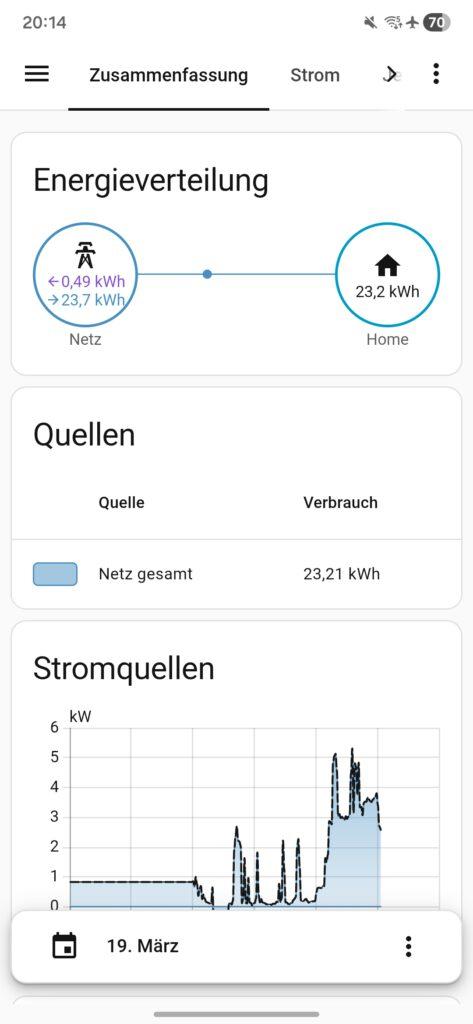
For the display in Energy Dashboard Home Assistant requires that the "Energy Input" and "Energy Consumption" sensors be correctly assigned to their respective categories. Only then can the values be processed and visualized correctly.
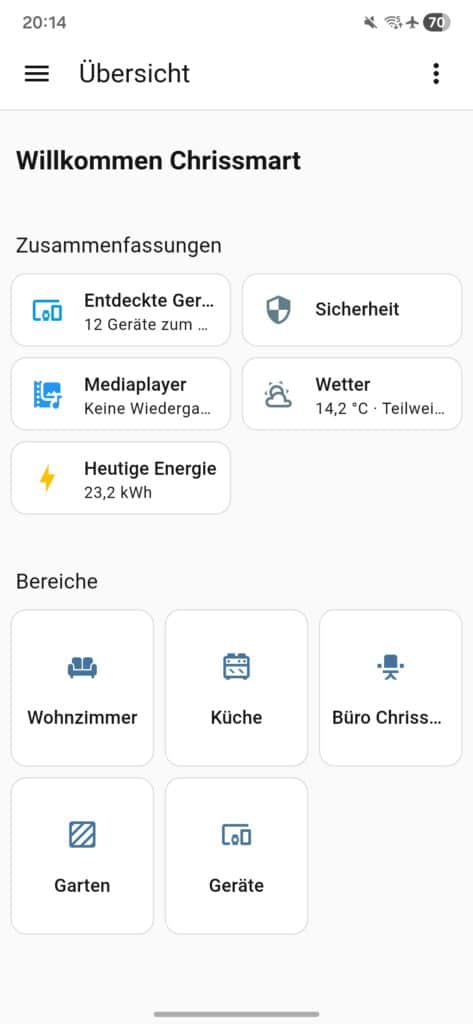
Immediately after setup, the "Today's Energy" section of the dashboard will be updated. Detailed analyses in the energy dashboard are typically displayed after about two hours, as sufficient measurement data must first be collected.
Conclusion on FRITZ! Smart Energy 250 and Home Assistant
The FRITZ!Smart Energy 250 This is a practical electricity sensor that reliably and conveniently transmits the measurement data from a digital electricity meter to your smart home. Setup via the FRITZ!App Smart Home is intuitive and quick.
In combination with Home Assistant The collected data can be further processed, for example for automation or detailed consumption analyses. This significantly increases its practical value and allows for the targeted identification of potential savings.
The support of bidirectional meters for recording fed-in energy opens up additional application possibilities, particularly in the context of balcony power plants and photovoltaic systems. This allows, for example, intelligent analysis of feed-in and consumption, which can then be used for automated control systems.
Source/Photo: (fritz.com ( / Amazon / Chrissmart)
FRITZ!Smart Energy 250
Intelligent power sensor, electricity consumption meter for optimizing energy costs, compatible with FRITZ!Box via DECT, energy consumption via app or FRITZ!OS
IOmeter SmartMeter
Smart meter electricity meter reading with IR read head, WLAN and app – with battery or USB-C – Home Assistant compatible
Tasmota electricity meter
Read electricity meters via Wi-Fi, using Tasmota software for smart home integration

My name is Christian, and I founded this blog in 2024. I'm a trained communications electronics technician, a tech enthusiast, and a smart home aficionado with many years of experience in the field of networked household appliances. I passionately follow current developments and regularly test new products to provide clear insights and practical recommendations.