Home Assistant 2026.6 is available starting today, and the developers have implemented numerous improvements. The focus is on simplified dashboard creation, more powerful automations, and significantly expanded infrared support.
Home Assistant dashboards are becoming easier to create.
One of the biggest changes concerns the dashboard editor. Previously, when adding new maps, users first had to decide which map type to use. This was often confusing for beginners.
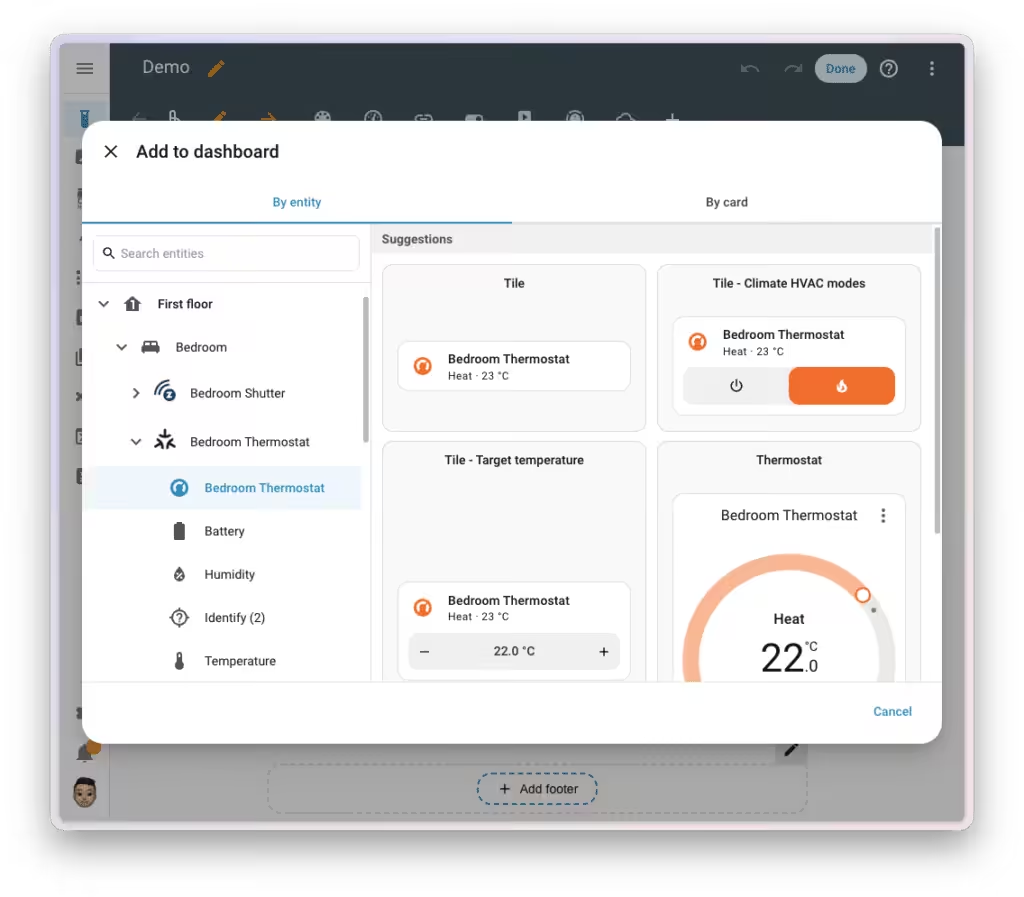
Home Assistant version 2026.6 introduces a new "By Entity" mode. Instead of selecting a card first, the user selects a device or entity. Home Assistant then automatically suggests suitable cards and displays a preview. This makes creating new dashboards significantly more intuitive.
Weather and media maps receive new features
The popular tile-based maps will also be further expanded.
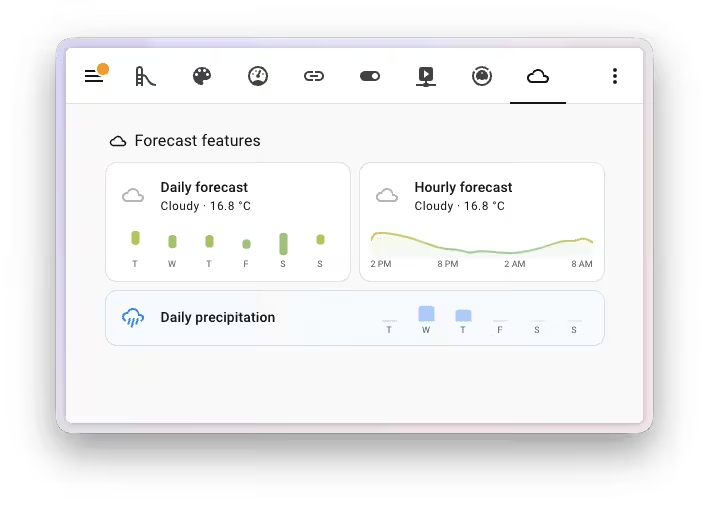
Weather maps can now display temperature and precipitation forecasts directly within the map. This information can be shown either compactly next to the title or at the bottom of the map.
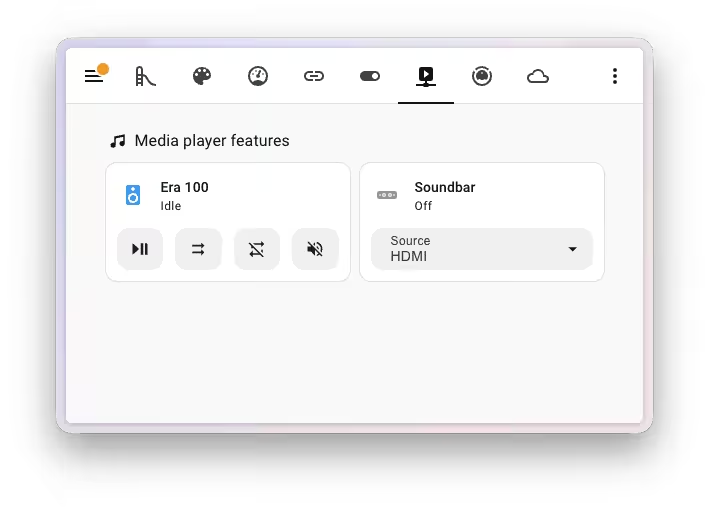
Additional controls are now available for media players. New features include mute, shuffle, repeat, and the ability to customize the control layout. This allows for more flexible control of media players directly from the dashboard.
The automation editor will be significantly more user-friendly.
The automation editor also receives numerous improvements. The new status indicators for conditions are particularly useful. Home Assistant now shows directly whether a condition is currently met or not, making it much easier to identify errors.
Other new features include:
- Display of actually monitored entities on scope triggers
- Search function for triggers and conditions
- Note fields for individual triggers, conditions, and actions
- Improved error messages for YAML indentation errors
Especially in more complex automation systems, these improvements should significantly simplify troubleshooting.
Infrared can now also receive
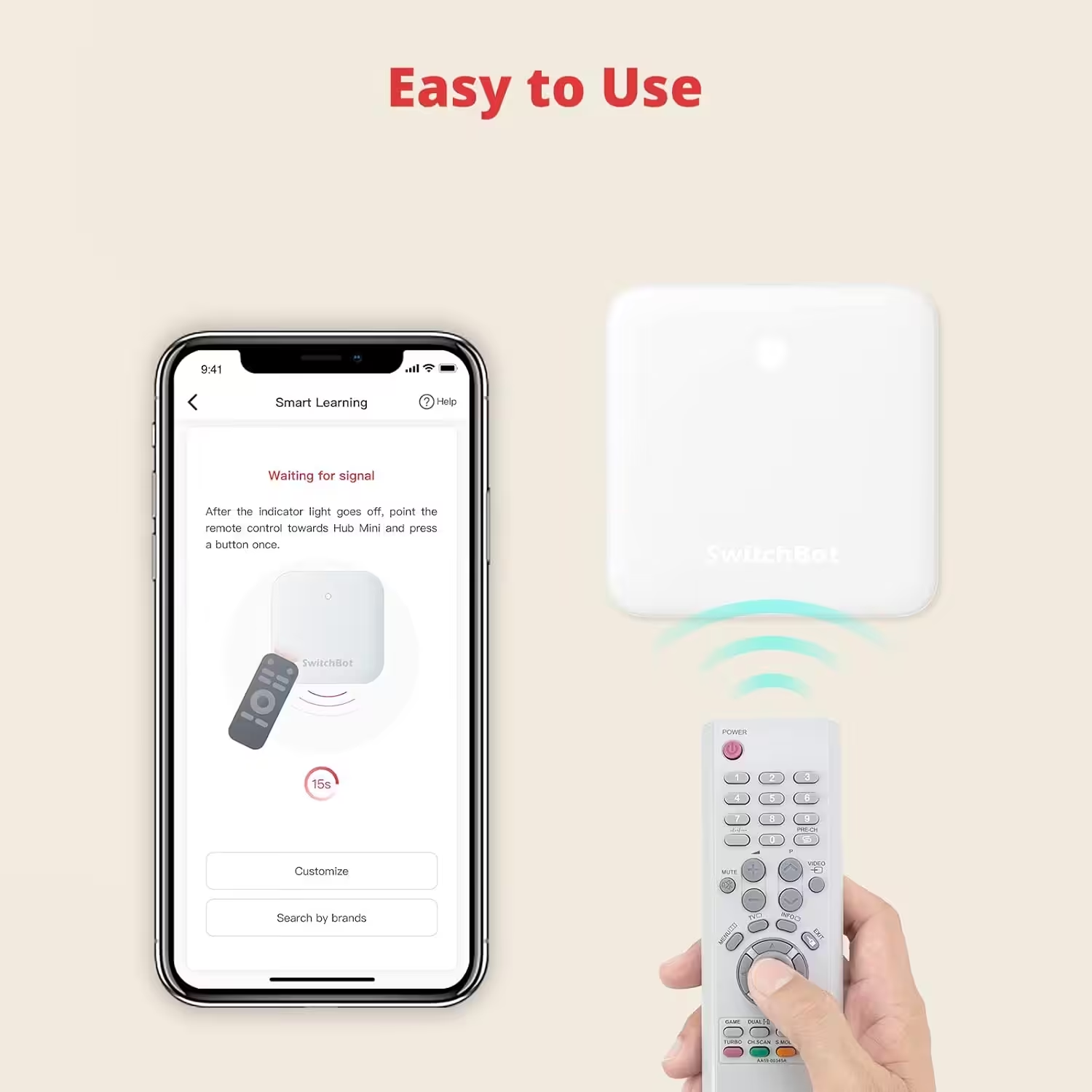
After in Home Assistant 2026.4 Having first introduced native infrared support, Home Assistant is now taking the next step. With version 2026.6, compatible IR devices can not only send signals but also receive them. This allows traditional remote controls to be used as triggers for automations. At the same time, the device status remains better synchronized between the remote control and Home Assistant. This opens up new integration possibilities, especially for televisions and air conditioners.
SwitchBot Hub Mini Smart IR
Connects to Wi-Fi, air conditioning control, compatible with Alexa, Google Home, Siri, IFTTT (White)
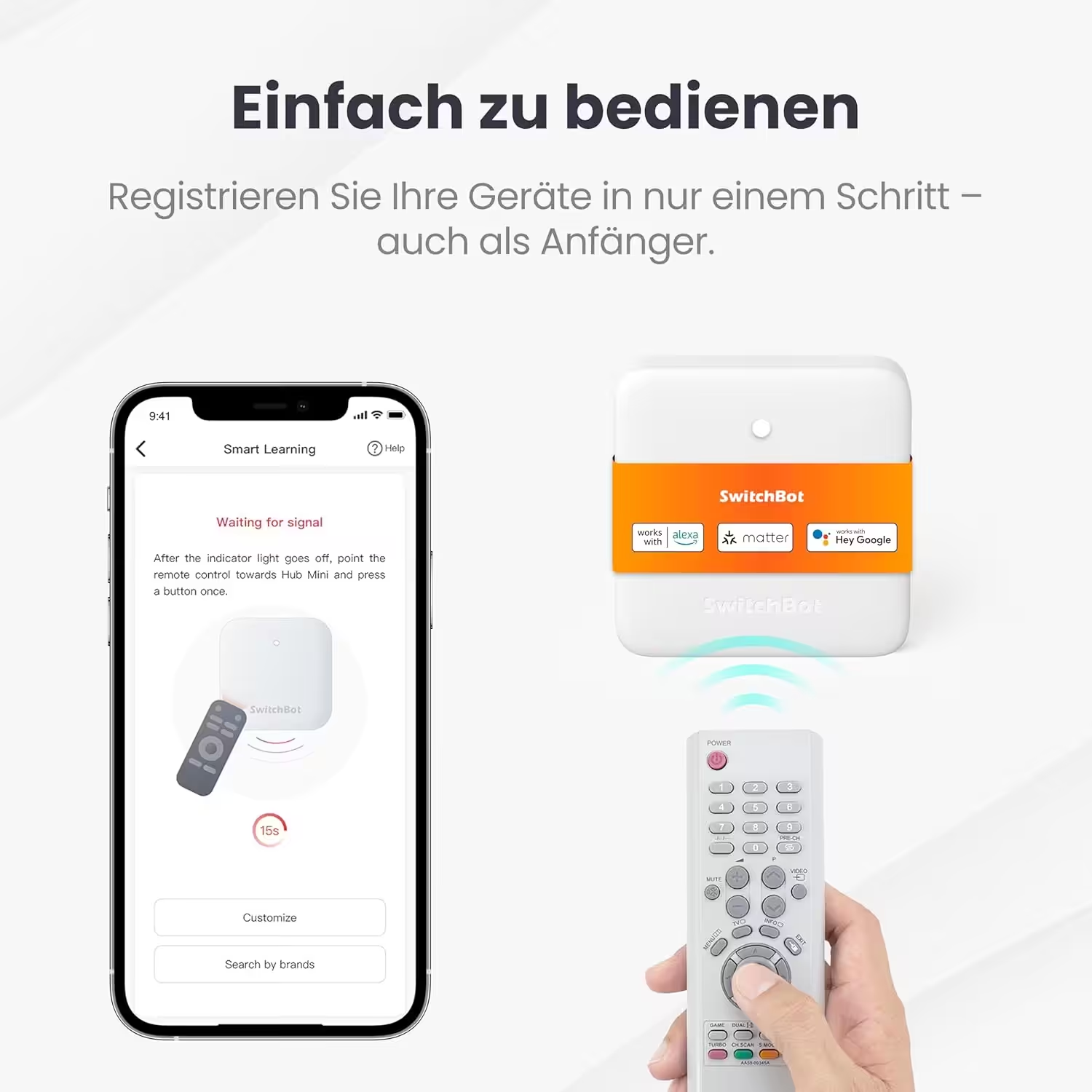
SwitchBot Hub Mini with IR and Matter
Compatible with Alexa/Google Home/Apple Home, controls air conditioners and IR devices via app or voice, connects SwitchBot devices, 2.4GHz Wi-Fi only
Improvements for Z-Wave locks and Matter
There are also new developments in the area of smart locks and Matter. Z-Wave door locks now feature integrated user and access data management directly within Home Assistant with version 2026.6. This allows users to manage PIN codes and access data without relying on the lock manufacturer's app.
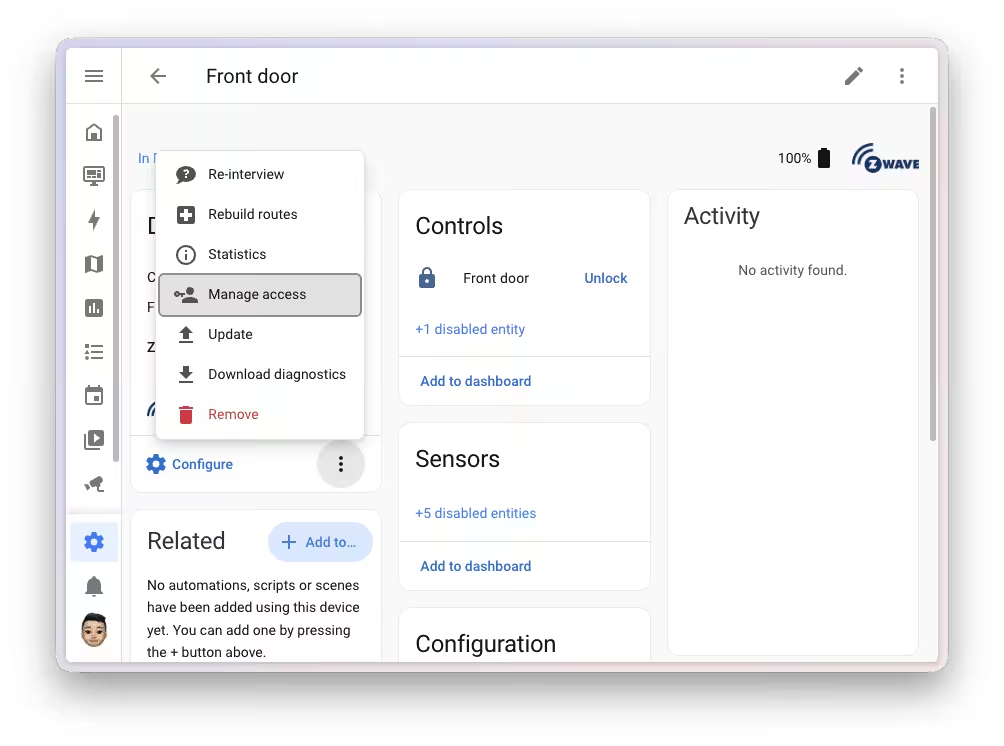
About the new feature „"Manage access"“ On the device page of a compatible Z-Wave lock, users can see an overview of all registered users and their login credentials. New users can be created, and existing permissions can be edited or removed. If an attempt is made to reuse a PIN code that has already been used, Home Assistant warns the user instead of silently overwriting existing login credentials.
Communication takes place directly between Home Assistant and the lock via the Z-Wave network. A cloud connection, manufacturer's app, or internet connection is not required.
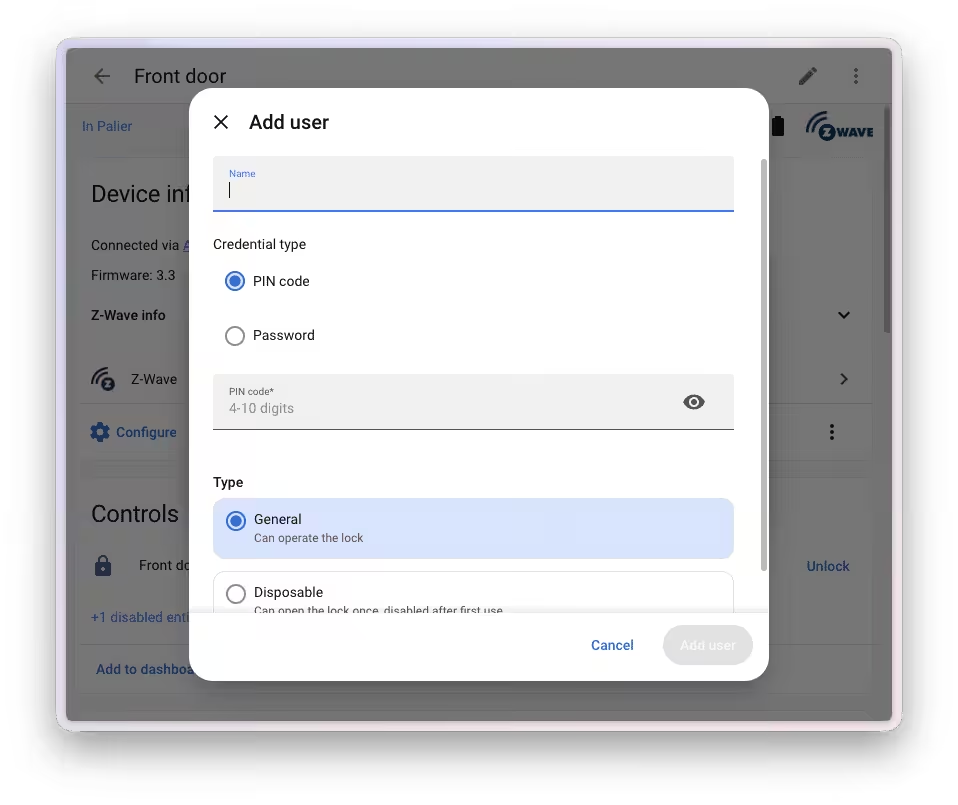
Compared to the existing Matter solution, the Z-Wave variant offers additional features. Users can receive multiple access credentials of the same type, such as a permanent and a temporary PIN code. Furthermore, compatible locks support alphanumeric passwords in addition to traditional numeric PIN codes.
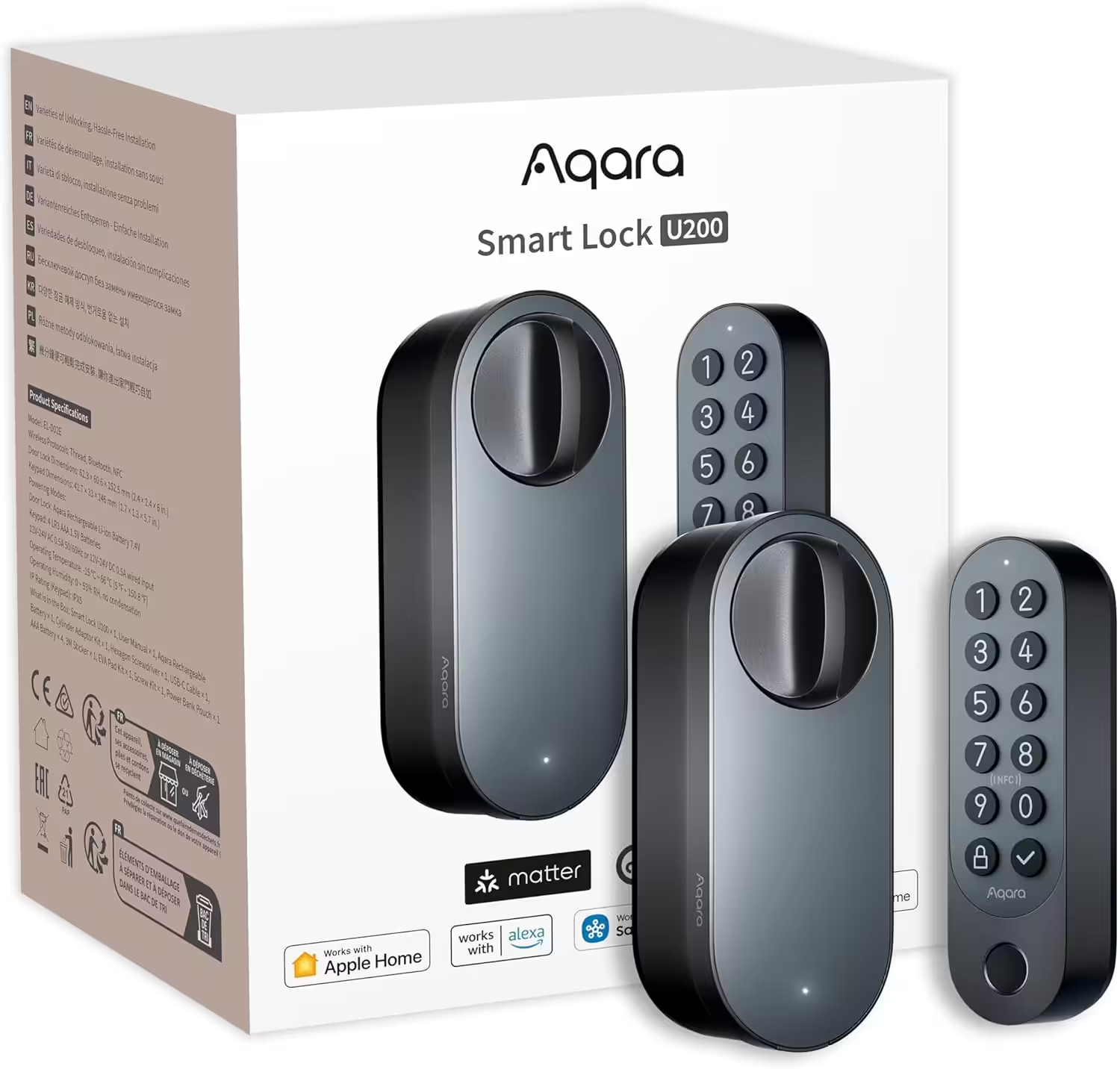
Aqara Smart Lock U200 with fingerprint scanner
Matter Over Thread, Smart Door Lock with Apple Home Key and Rechargeable Battery, Supports HomeKit, Google Home, Alexa and SmartThings, Black
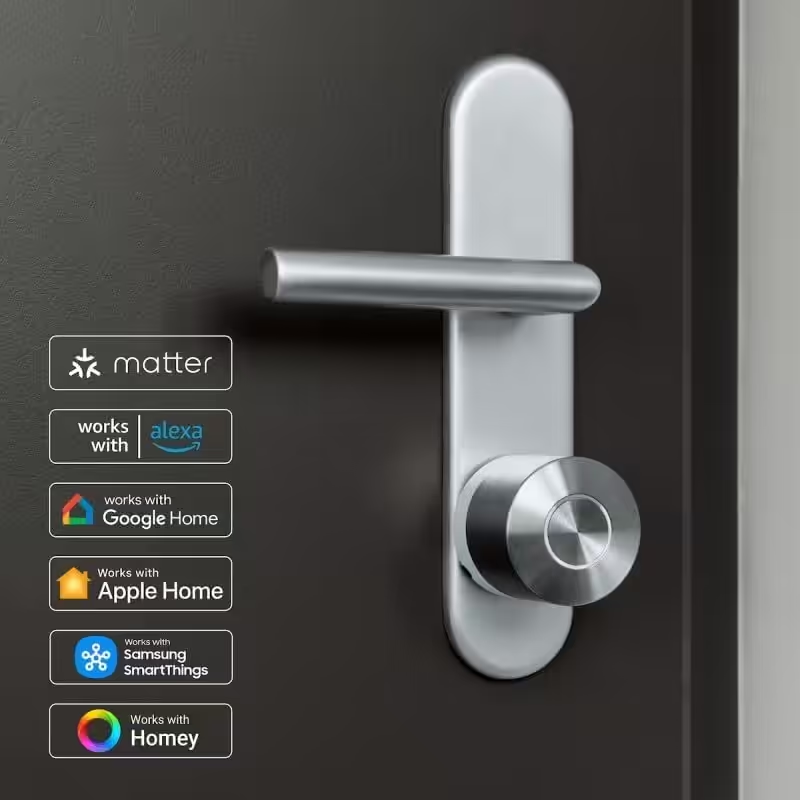
Nuki Smart Lock Pro with Matter
Bluetooth, WLAN & Matter, for effortless integration into the smart home; electronic door lock allows the door to be locked remotely; easy to retrofit without cylinder replacement.
Matter integration has also been further expanded. New support has been added for sirens integrated via Matter. Additionally, Home Assistant improves the detection of the actual reachability of devices behind Matter bridges, resulting in more reliable status messages. Improvements for Z-Wave locks and Matter have also been implemented.
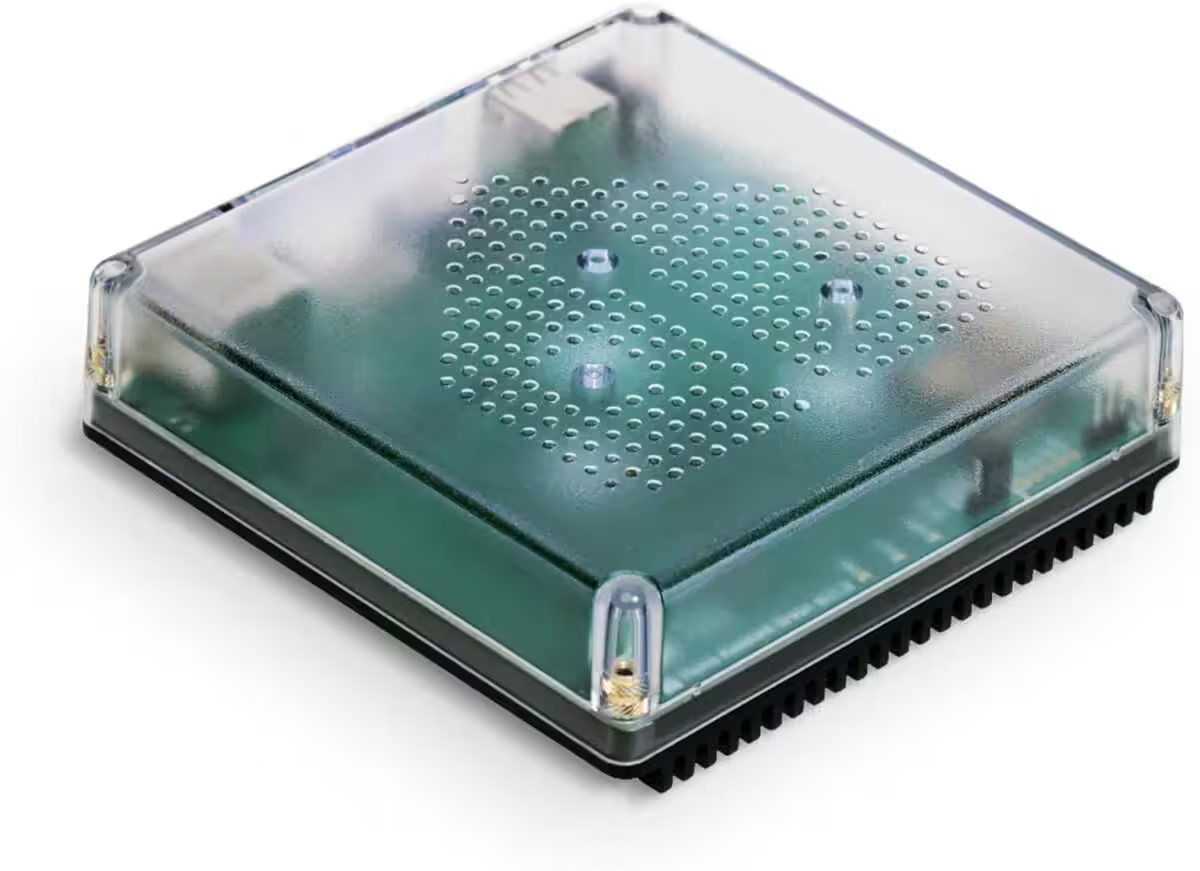
Nabu Casa Home Assistant Green
The easiest way to get started with Home Assistant – With Home Assistant already installed, all you need to do is plug in the included power adapter and Ethernet cable to get started | Official Hardware
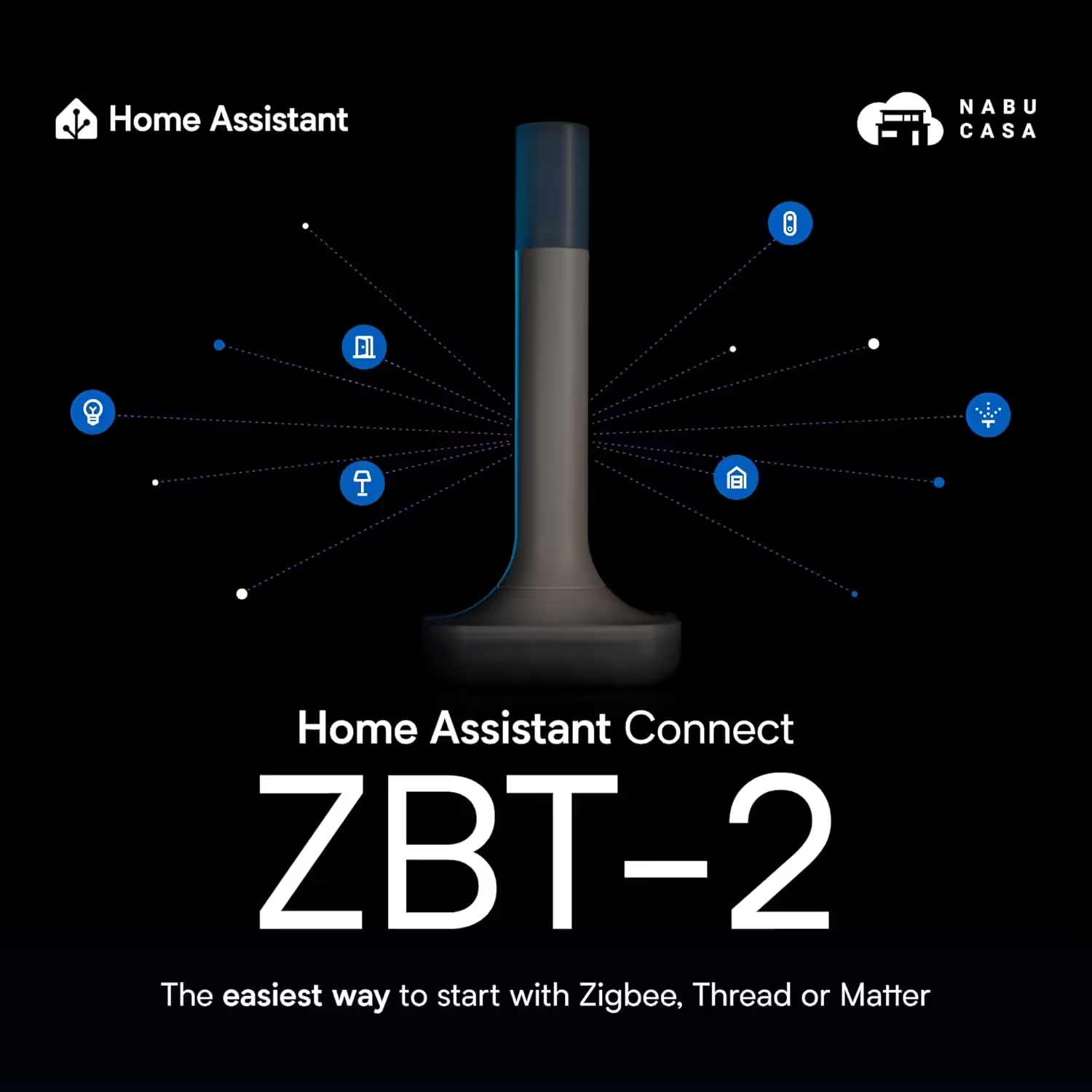
Home Assistant Connect ZBT-2
Home Assistant Connect ZBT-2 | Connect Zigbee, Thread or Mater devices with Home Assistant | Official Hardware
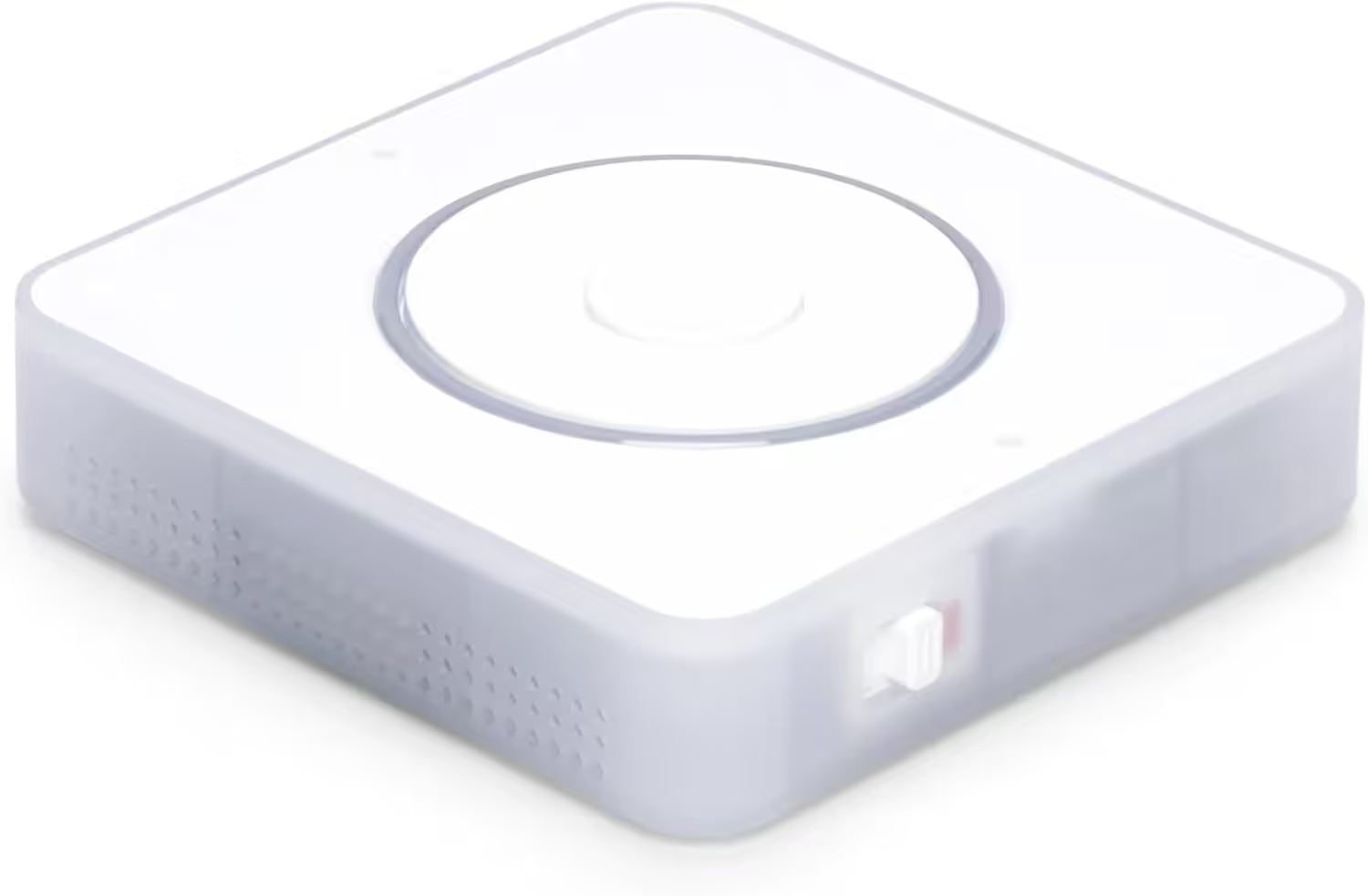
Nabu Casa Home Assistant Voice
Preview Edition | Smart speaker for local voice control | Compatible with Home Assistant | Privacy focus
Source/Photo: (Chris Smart / Amazon / HA Release Notes)
My name is Christian, and I founded this blog in 2024. I'm a trained communications electronics technician, a tech enthusiast, and a smart home aficionado with many years of experience in the field of networked household appliances. I passionately follow current developments and regularly test new products to provide clear insights and practical recommendations.