The Home Assistant community regularly develops new ideas for controlling a smart home efficiently and elegantly. Alongside conventional dashboards on tablets or wall displays, an alternative approach is increasingly coming into focus: a dedicated display with an E-Ink screen.
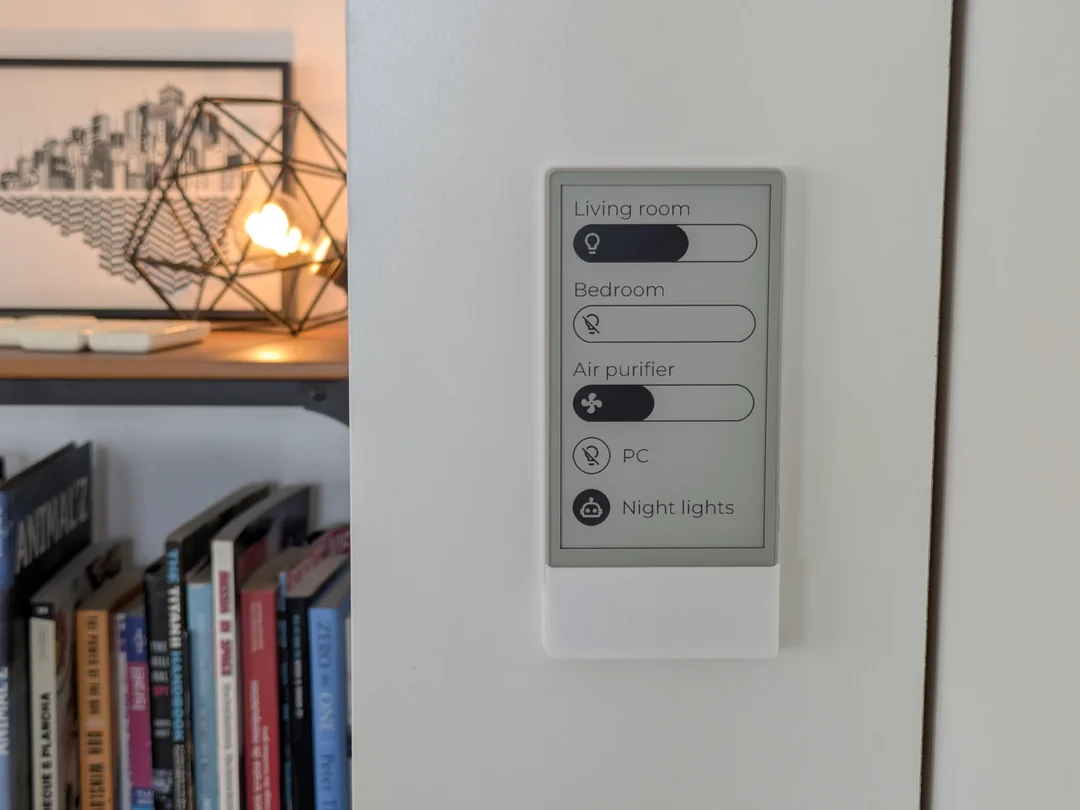
A project recently presented on the subreddit shows how an E-Paper display can be used as a stylish control panel for Home Assistant – discreet, clear and without the typical drawbacks of conventional screens.
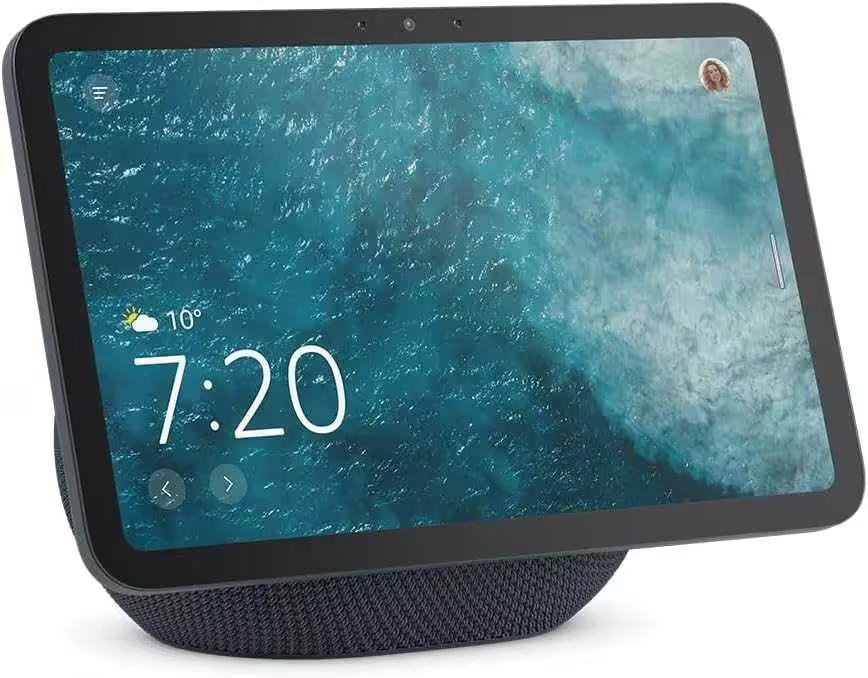
Amazon Echo Show 8 (latest generation)
8.7-inch HD display with room-filling 3D audio and Alexa, graphite, smart home hub
Zigbee + Matter + Thread Border Router
Idea and motivation: controlling Home Assistant without a tablet
The aim of the project is an always-available control panel for Home Assistant that does not require a constantly illuminated display. Tablets are flexible, but they also have disadvantages: high power consumption, distractions from other apps and an often excessive range of functions.
An E-Ink display for Home Assistant offers clear advantages here:
- extremely low power consumption
- excellent readability
- calm, minimalist appearance
Hardware: ESP32, E-Ink and 3D printing
The hardware is based on an ESP32 E-Ink touchscreen, such as a LilyGo T5 E-Paper S3 Pro* or an M5Stack M5Paper S3*. These devices combine an ESP32 with Wi-Fi, a touchscreen and an E-Paper display.
This makes them ideal as a Home Assistant client without additional hardware. The wall mount is made using 3D printing and is designed to hide the USB cable. This gives the device a premium appearance and lets it blend neatly into the living space. The required 3D model and detailed instructions are available for download. The Home Assistant integration and the required software libraries are documented on GitHub dokumentiert.
Direct Home Assistant connection via WebSocket
The direct connection to Home Assistant via the WebSocket API is particularly interesting from a technical perspective. The E-Ink remote communicates directly with the Home Assistant instance without additional middleware.
This makes it possible, among other things, to:
- control lights and switches
- activate Home Assistant scenes
- display sensor and status information
Changes are transmitted almost in real time. The user interface is specifically optimized for E-Ink. The typical brief flicker during screen updates is inherent to the technology, but is barely noticeable in everyday use.
Power supply: the biggest limitation
Although E-Ink displays themselves consume very little power, the permanent Wi-Fi connection to Home Assistant requires energy. In the current implementation, the integrated battery lasts about one day when the device is permanently online.
In practice, the Home Assistant remote control is therefore usually powered continuously via USB. The community is actively discussing optimizations – we look forward to future improvements.
Conclusion: E-Ink as an alternative to the Home Assistant tablet
The project is not a full replacement for a Home Assistant dashboard on a tablet – and that is precisely its strength. It is a specialized control panel, reduced to the essentials and ideal for fixed functions such as lights, scenes or status displays.
For makers, the project offers an exciting insight into alternative control concepts. The solution is not yet fully mature, but it impressively demonstrates the potential of E-Ink displays with Home Assistant.
Source/photo: (Reddit/ Amazon /ZeKWork )
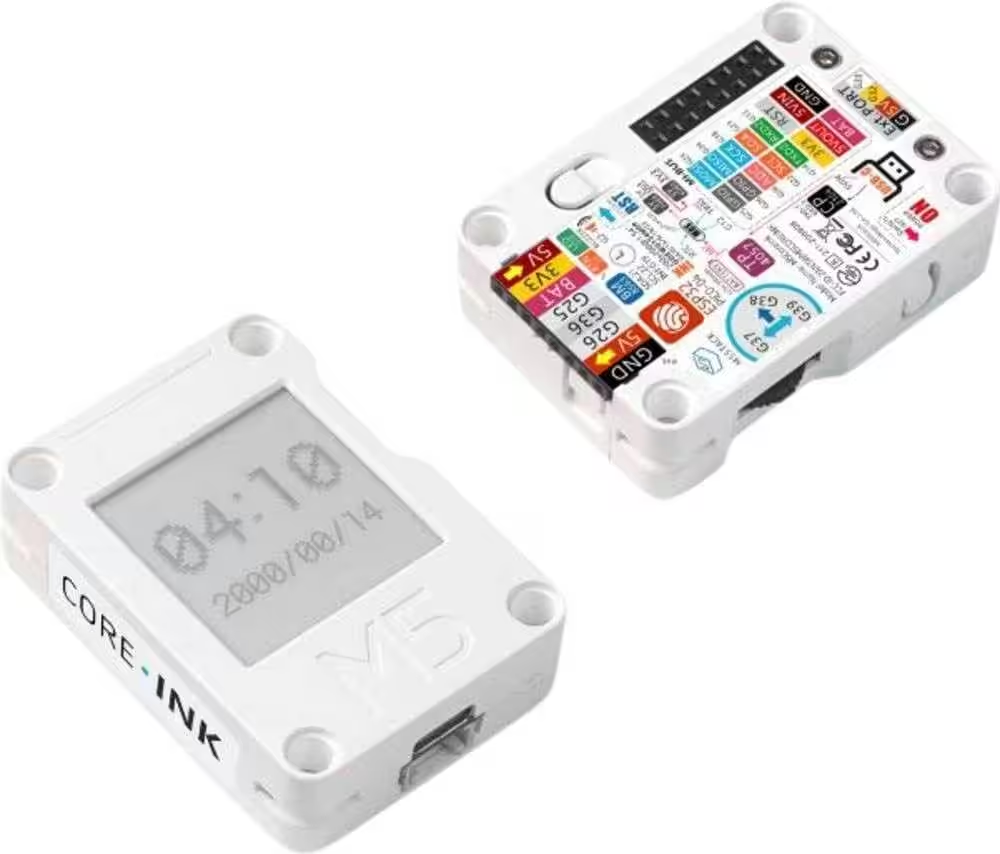
M5 Stack M5Stack microcontroller
Home Assistant 2026.9: 7 Major New Features at a Glance
Review: FRITZ!Smart Energy 250 – Power Sensor for Digital Electricity Meters
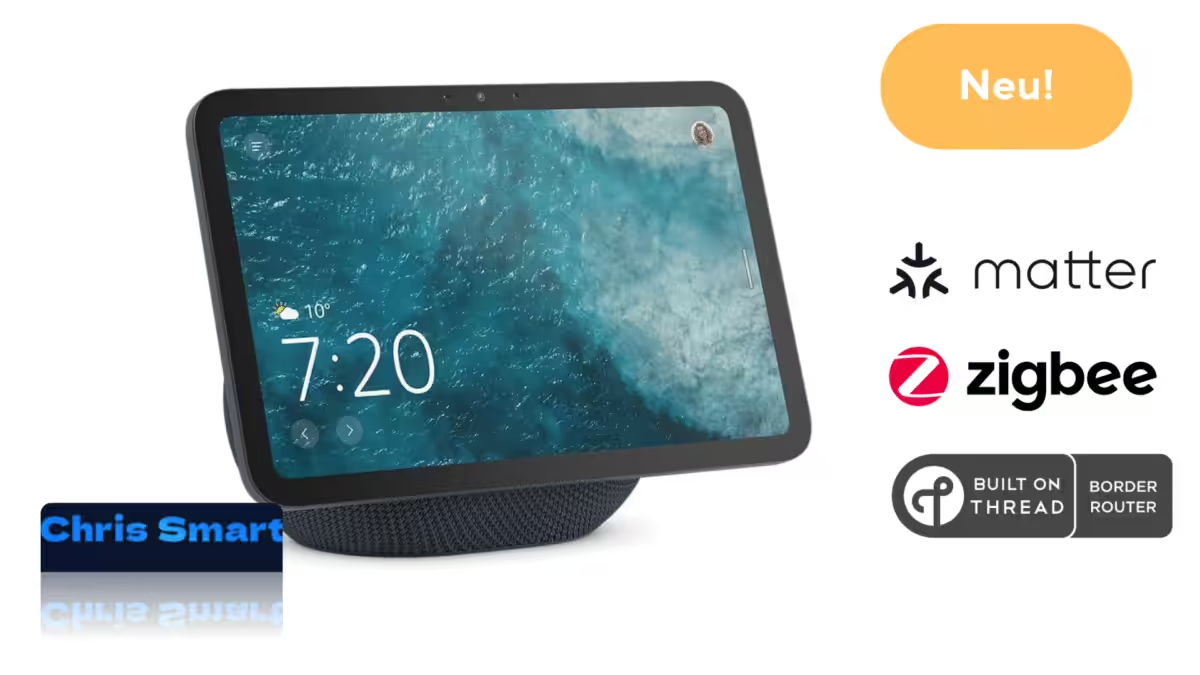
Echo Show 8 as a smart home hub: Overview of Zigbee, Matter, and Thread border router capabilities

Home Assistant 2026.2: More clarity and comfort in the February update
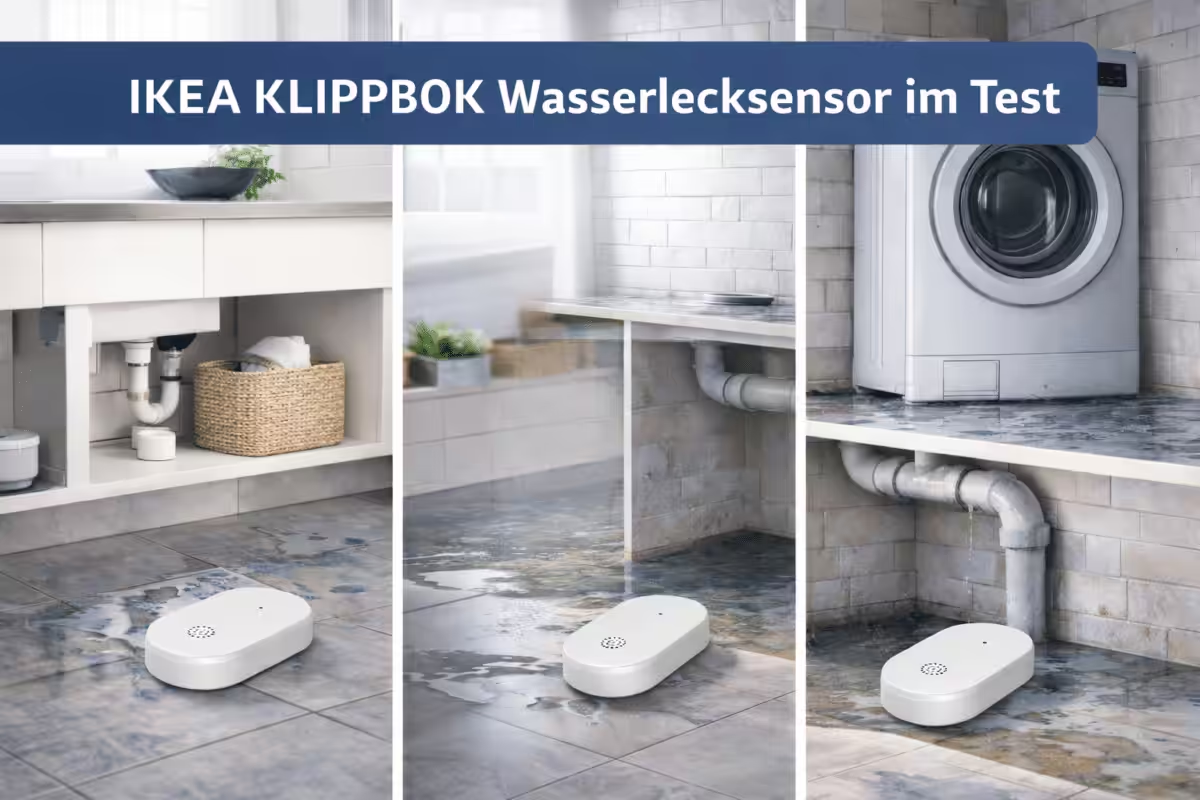
Small, smart, Matter-ready – IKEA’s new KLIPPBOK water leak sensor
Home Assistant 2026.1: New dashboard, smarter automations and a clearer overview
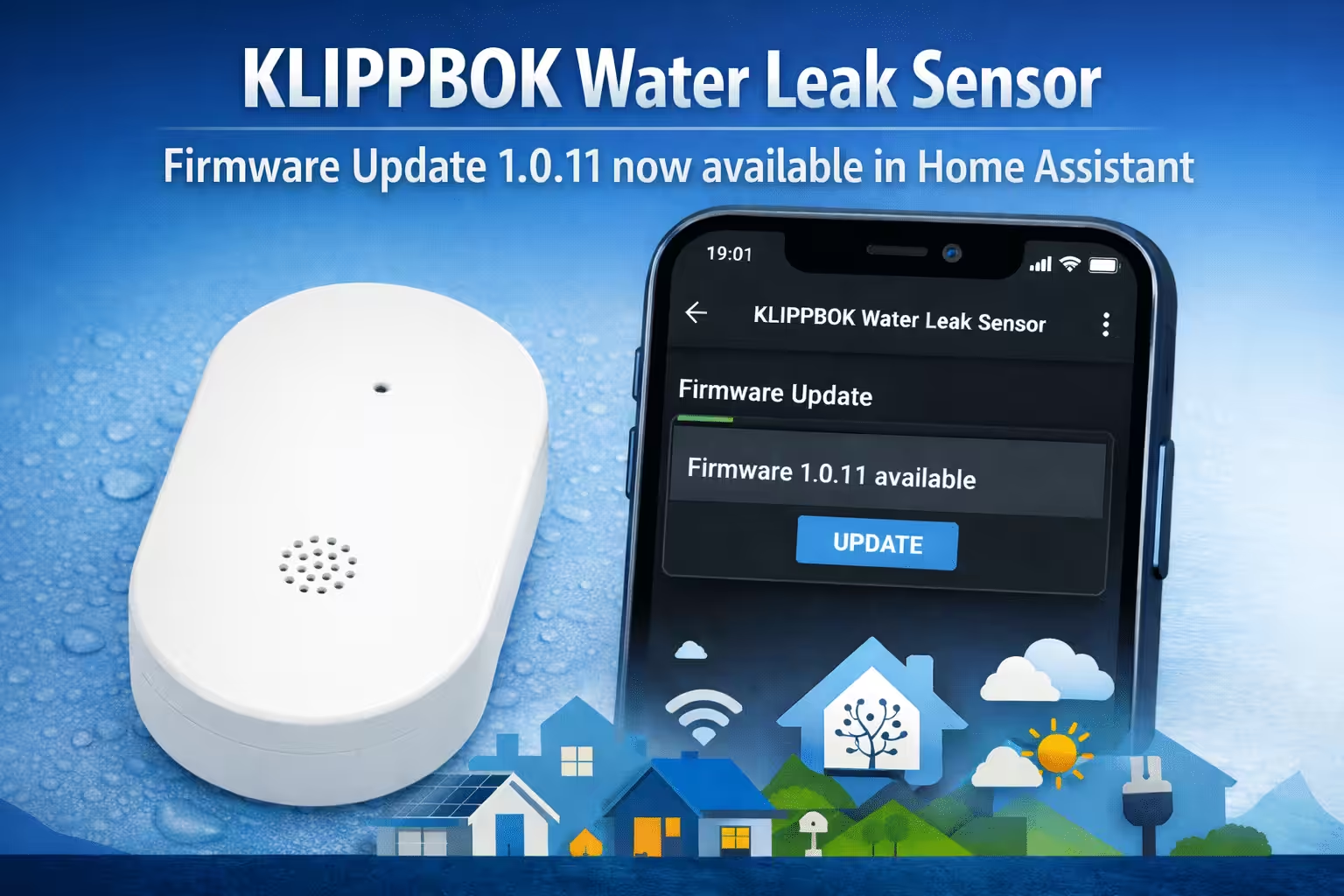
IKEA KLIPPBOK water leak sensor: Firmware 1.0.11 now available in Home Assistant
SONOFF Orb: Smart wall switches and sockets with Matter or Zigbee
Home Assistant 2026.4: Infrared support, new automations and major UI improvements
Home Assistant 2026.5 unveiled: More options for older hardware, modern dashboards and smarter automations

Ich bin Christian und habe den Blog 2024 gegründet. Ich bin gelernter Kommunikationselektroniker, technikbegeistert und Smart-Home-Enthusiast mit langjähriger Erfahrung im Bereich vernetzter Haushaltsgeräte. Mit großer Leidenschaft verfolge ich aktuelle Entwicklungen und teste regelmäßig neue Produkte, um verständliche Einblicke und praxisnahe Empfehlungen zu geben.