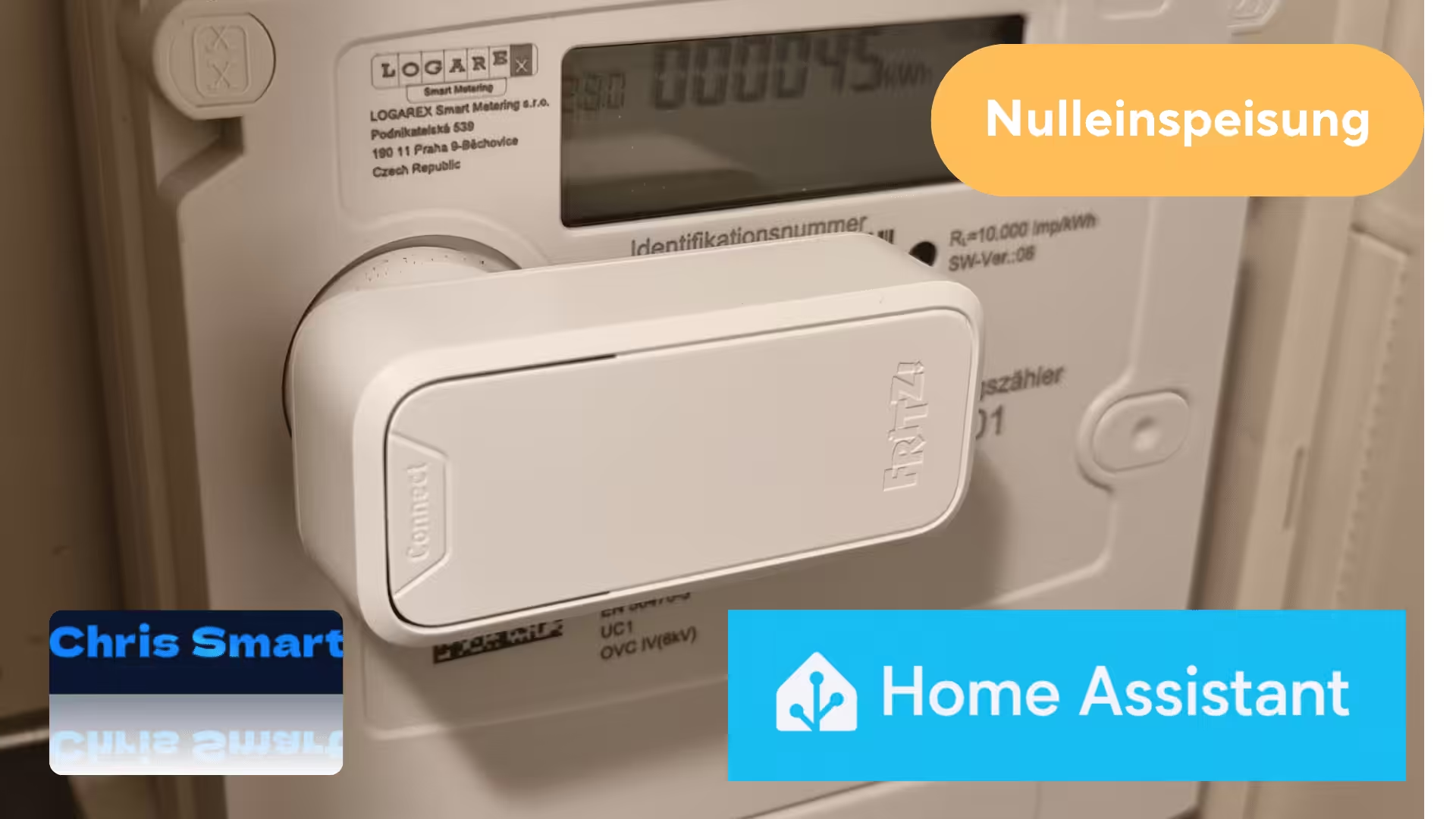
Many owners of balcony solar power systems with storage want to minimize their feed-in to the public grid. Ideally, they only supply as much power as is actually needed in the household. Current systems often use special smart meters that record electricity consumption almost in real time and adjust the inverter's output accordingly. However, this requires installation by an electrician, and I wanted to avoid the associated costs for the time being.
Therefore, I used a different approach and connected the existing devices together. Using the FRITZ! Smart Energy 250*, one Anker SOLIX solar bank* and Home Assistant* I have implemented a functioning zero feed-in system, and this without an additional smart meter in the fuse box.
The initial situation
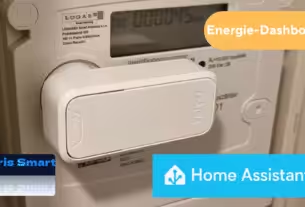
I have been using the FRITZ! Smart Energy 250 for reading my digital electricity meter. The sensor is placed directly onto the optical D0 interface of the electricity meter and transmits the measured values via DECT to the FRITZ!Box*.
The data is then available via FRITZ!SmartHome in Home Assistant available and can be used both in Energy Dashboard It can be visualized and used for automation.
For electricity generation, I use a balcony power plant with integrated storage and a maximum feed-in power of 800 watts. In my case, a Anker SOLIX Solar Bank 2 E1600 Pro* for use. The Anker Solix Integration Home Assistant now also supports other models such as the Anker Solar Bank 2 E1600 AC* as well as the Anker Solar Bank 3 E2700*. The list of supported devices is continuously being expanded, and current models such as the Anker SOLIX Solar Bank 4 Pro* will also be supported shortly.
Before implementing it with Home Assistant, I operated the solar power bank in the custom mode of the Anker app. This involved setting a schedule with fixed feed-in values for different times of day. I created the feed-in curve based on several measurements throughout the day and tried to align it as closely as possible with my household's base load. This allowed the solar power bank to cover a large portion of the continuously running appliances, such as the refrigerator, home office equipment, and internet router, during the day.
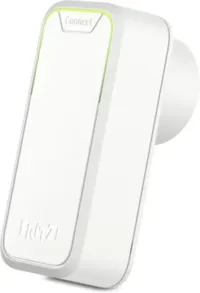
FRITZ!Smart Energy 250
Intelligent power sensor, electricity consumption meter for optimizing energy costs, compatible with FRITZ!Box via DECT, energy consumption via app or FRITZ!OS
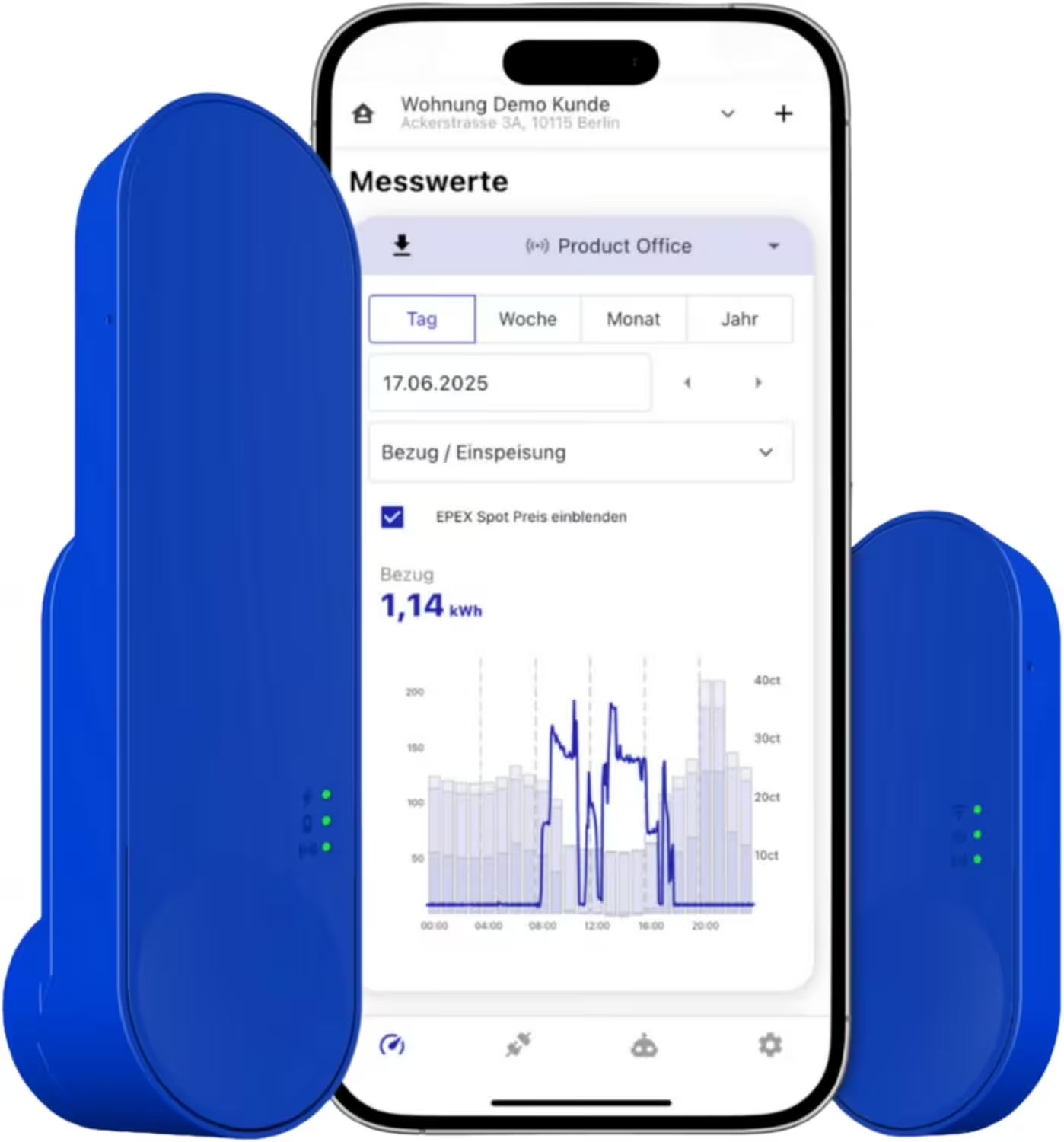
IOmeter SmartMeter
Smart meter electricity meter reading with IR read head, WLAN and app – with battery or USB-C – Home Assistant compatible
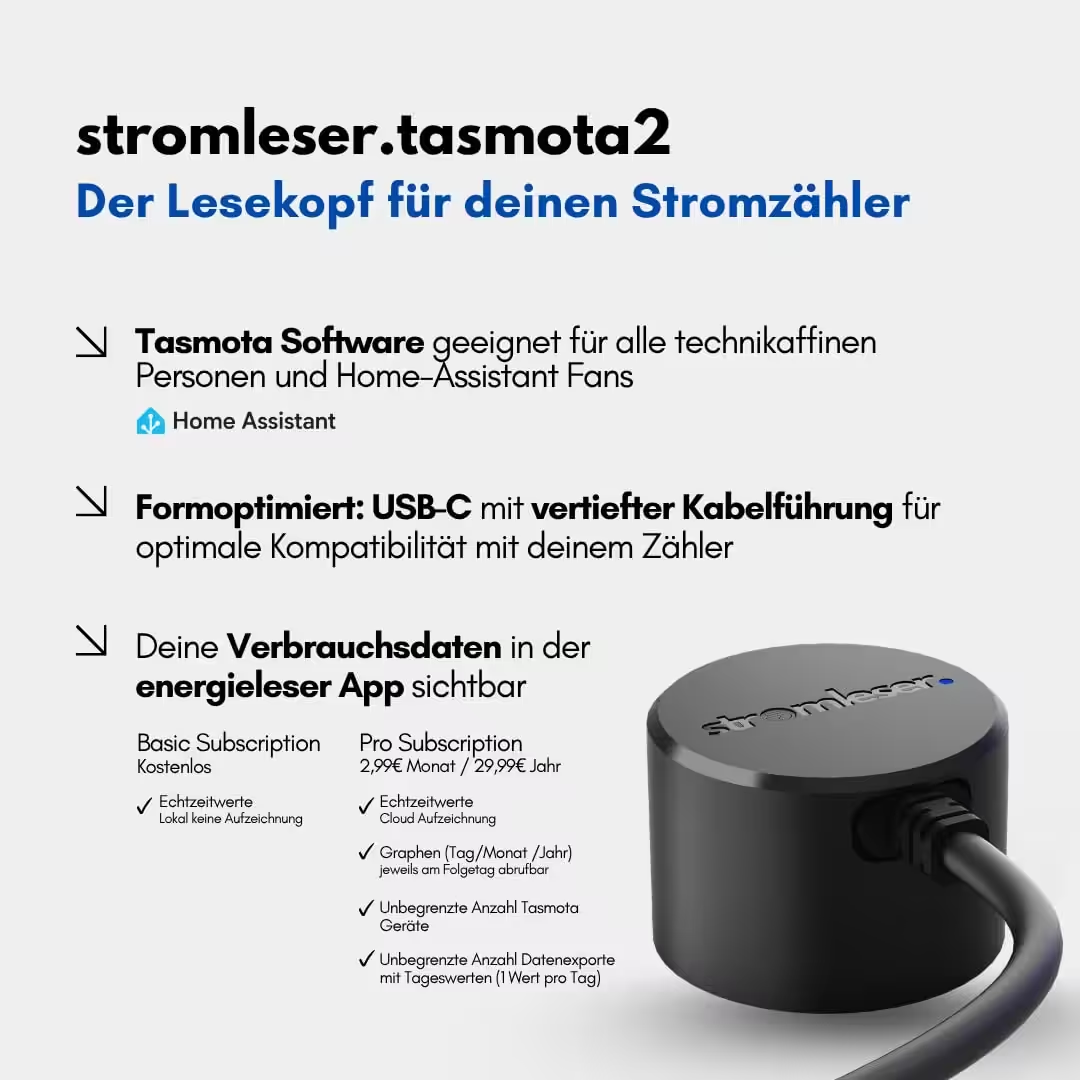
Tasmota 2 electricity meter
Read electricity meters via Wi-Fi, using Tasmota software for smart home integration
Operating principle of zero feed-in in Home Assistant
The entire system is controlled via automation in Home Assistant. The FRITZ! Smart Energy 250 serves as a sensor for the current power flow at the grid connection point.
sensor.fritz_smart_energy_250_powerThe power measured by the electricity meter is compared with the currently set feed-in power of the balcony power plant.
sensor.solarbank_2_e1600_pro_ac_hausabgabeFrom this difference, Home Assistant calculates a new target value, which is then transferred to the Anker SOLIX solar bank.
number.solarbank_2_e1600_pro_system_feed-in specificationThe feed-in power is continuously adjusted. This is triggered by changes in the power output of the FRITZ! Smart Energy 250. A 10-second delay is also integrated to prevent unnecessary adjustments.
The goal of the automation is to keep grid consumption or feed-in as close to 0 watts as possible. A tolerance of ±5 watts was defined for this purpose, so that the solar bank does not react to every minor fluctuation.
abs > 5 The power input can be flexibly adjusted between 0 and 800 watts.
 {{ [current_value + (stromverbrauch ), 800] | min }}
 {{ [current_value + stromverbrauch, 0] | max }}
The sensor and entity names used in this example are from my installation and may therefore be different in yours. You can find the correct names directly in the device and entity details of Home Assistant.
The complete YAML code for my automation can be added to Home Assistant under Automation. Create a new automation and then select "Edit in YAML" via the three dots.
alias: Zero feed-in with Anker Solix Solarbank E1600 description: Attempts to keep power consumption at 0 watts with Anker Solix Solarbank E1600 triggers: - trigger: state entity_id: - sensor.fritz_smart_energy_250_leistung enabled: true conditions: [] actions: - repeat: while: - condition: template value_template: > {% set stromverbrauch = states('sensor.fritz_smart_energy_250_leistung') | float(0) %} {{ stromverbrauch | abs > 5 }} sequence: - action: number.set_value target: entity_id: number.solarbank_2_e1600_pro_system_einspeisevorgabe data: value: > {% set stromverbrauch = states('sensor.fritz_smart_energy_250_leistung') | float(0) %} {% set current_value = states('sensor.solarbank_2_e1600_pro_ac_hausgabe') | float(0) %} {% if power consumption > 0 %} {{ [current_value + (power consumption ), 800] | min }} {% else %} {{ [current_value + power consumption, 0] | max }} {% endif %} - delay: hours: 0 minutes: 0 seconds: 10 milliseconds: 0 mode: single
💬 I look forward to hearing about your experiences, optimization suggestions, and ideas for improving automation in the Comments.
Improvement potential of DIY zero feed-in
The biggest criticism of the FRITZ! Smart Energy 250 is its comparatively low update rate. Data is typically only transmitted to Home Assistant every 30 to 60 seconds.
This is obviously not ideal for very fast decisions. However, in practice, the solution has proven to work surprisingly well nonetheless.
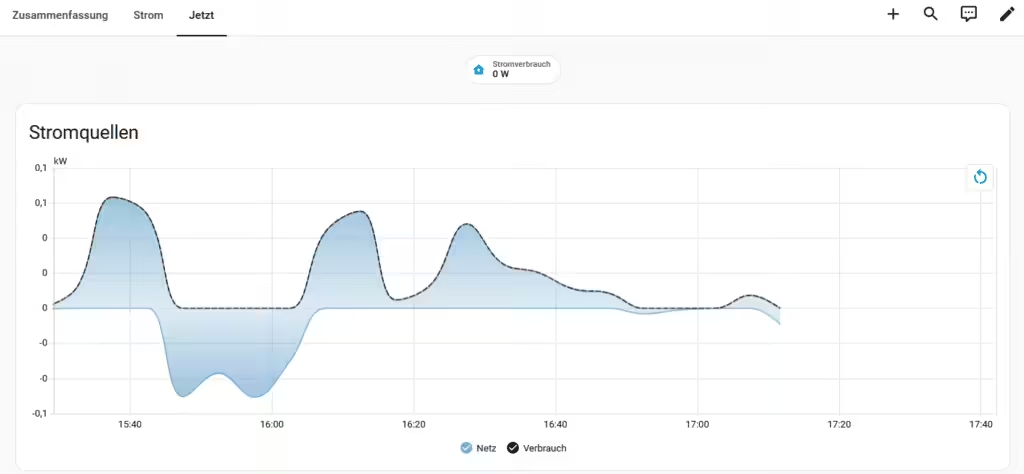
The fluctuations in the regulation are clearly visible in the display of the measured power of the FRITZ! Smart Energy 250.
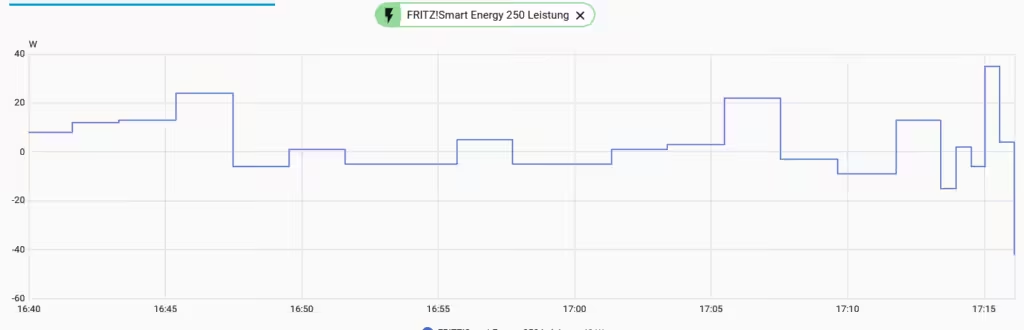
Typical appliances like refrigerators, consumer electronics, lighting, or computers usually don't cause extremely rapid load changes. The solar power bank can therefore reliably balance a large portion of daily electricity consumption. Short-term load peaks, for example from a kettle, oven, or induction cooktop, cannot be completely compensated for due to the delayed transmission of measured values. In these cases, there is a brief draw from the grid before the control system adjusts.
Conclusion
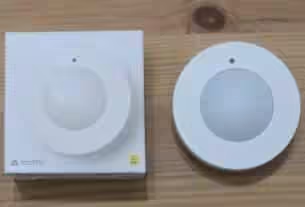
Even though the FRITZ! Smart Energy 250 wasn't originally designed for controlling balcony solar panels, it works surprisingly well as a data source for simple zero-feed-in when used with Home Assistant. While the update rate of approximately 30 to 60 seconds doesn't prevent perfect real-time control, the accuracy is perfectly adequate for many applications. So, if you already have one Smart Meter IR Read HeadAnyone who owns an Anker SOLIX solar bank can implement intelligent power management with manageable effort, significantly reducing feed-in to the public grid and increasing self-consumption. Despite some limitations, the solution performs well in everyday use. A particularly attractive feature is that existing hardware can be used without having to install additional components.
Support
If you've read this far, you've probably already noticed that a lot of work went into it. Research, testing, screenshots, bug analysis, writing, and regular updates often take many hours – sometimes even several days.
You can support me via PayPal or Buy Me a Coffee. Many thanks to all readers who support chrissmart.de!


Source/Photo: (Amazon / solar modules-gladbeck / HA anchor / Chrissmart)

My name is Christian, and I founded this blog in 2024. I'm a trained communications electronics technician, a tech enthusiast, and a smart home aficionado with many years of experience in the field of networked household appliances. I passionately follow current developments and regularly test new products to provide clear insights and practical recommendations.
Hello everyone,
I just implemented my zero-feed-in system yesterday using Google Gemini. I have the V2 E1600 Pro (and the older V1). For meters, I'm using the Hichi Volkszähler and a Shelly PM that measures the input from the battery to the grid. Both update every second. It's been running since yesterday afternoon, and the batteries lasted until 9 a.m. this morning.
If you're interested in the code in automations.yaml:
The sensor.online_measured_consumption_sw reading is the sum of L1, L2, and L3, which are recorded every second. Solar power feed-in is automatically deducted.
# Zero feed-in
– alias: „Solar bank: Dynamic zero feed-in“
Description: "Regulates the feed-in target of the Anker solar bank based on actual consumption. JS 6/2026"„
mode: restart
trigger:
– platform: time_pattern
# rule interval: Every 45 seconds
seconds: „/45“
action:
– choose:
# CASE 1: Battery is empty (Set default to 0W)
– conditions:
– condition: template
value_template: "{{ states('sensor.sb_2_e1600_pro_ladestand') | float(0) 0 }}"„
sequence:
– service: number.set_value
target:
entity_id: number.sb_2_e1600_pro_system_einspeisevorgabe
data:
value: 0
# CASE 2: Normal operation
– conditions:
– condition: template
value_template: "{{ states('sensor.sb_2_e1600_pro_ladestand') | float(0) > 5 }}"„
# Check if the deviation is greater than the dead zone (here 15W).
– condition: template
value_template: >
{% set current_setting = states('sensor.sb_2_e1600_pro_feedforward') | float(0) %}
{# CORRECTED HERE: Shelly value is negative when feeding power into the house}
{% set shelly = states('sensor.akku_shelly_performance') | float(0) * -1 %}
{% set netz = states('sensor.online_gemessener_verbrauch_sw') | float(0) %}
{% set target = shelly + network %}
{{ (ziel – aktuelle_vorgabe) | abs > 15 }}
sequence:
– service: number.set_value
target:
entity_id: number.sb_2_e1600_pro_system_einspeisevorgabe
data:
value: >
{% set current_setting = states('sensor.sb_2_e1600_pro_feedforward') | float(0) %}
{# CORRECTED HERE: Shelly value inverted #}
{% set shelly = states('sensor.akku_shelly_performance') | float(0) * -1 %}
{% set netz = states('sensor.online_gemessener_verbrauch_sw') | float(0) %}
{% set target = shelly + network %}
{Adjust parameter # here #}
{% set max_change = 200 %}
{# Calculation of the limited step size #}
{% set diff = target – current_setup %}
{% if diff > max_change %}
{% set new_setting = current_setting + max_change %}
{% elif diff 800 %}
800
{% elif new_setup < 0 %}
0
{% else %}
{{ neue_vorgabe | int }}
{% endif %}
Restart Automations.yaml. And delete the schedules in the Anker app.
VG Jürgen
Hi Chris,
First of all, a big compliment on your post – really interesting and clearly explained.
I also use Home Assistant and recently ordered the Anker Solix Solarbank 4. Additionally, I installed the AVM Smart Energy 250 on my electricity meter.
To be honest, I'd rather not switch to the EcoTracker. Likewise, I'd prefer not to have an electrician work on my house's electrical system right now, as I've already invested a considerable amount of money in the solar panel.
Since Anker Home Assistant is now officially supported, I'm wondering if there's now an easy way to make the solar bank and the AVM Smart Energy 250 work together.
And if possible, I'd also be happy if I didn't have to spend hours manually editing YAML files. 😄 That's not exactly my favorite thing to do.
Perhaps you have an idea or know an elegant solution. Regards, Mike