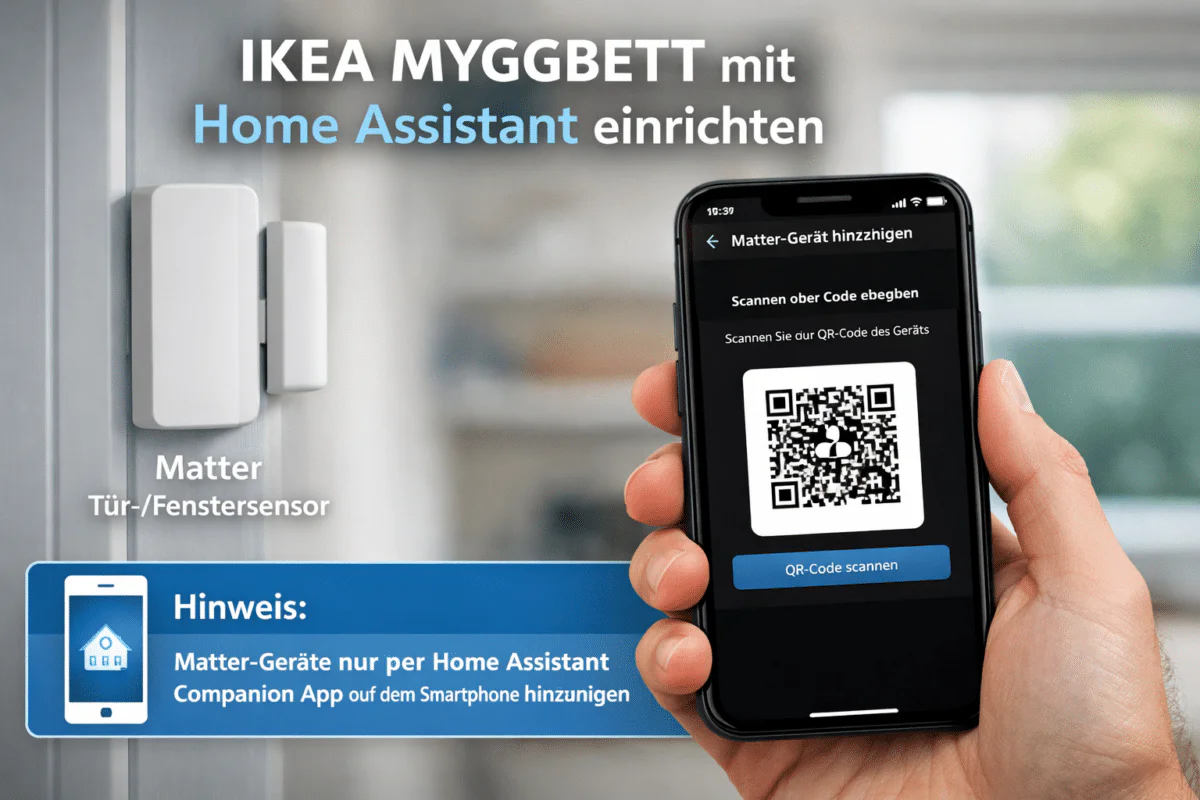
Thanks to the open Matter standard, the MYGGBETT door/window sensor from IKEA can be directly integrated into Home Assistant. This means a traditional hub from IKEA or similar companies is not required. Instead, the sensor communicates via Thread and is integrated into Home Assistant.
This makes the MYGGBETT particularly interesting for users who want to set up their smart home locally, independently of manufacturers, and without Cloud mandate want to operate them. Other manufacturers such as Homematic IP offer this solution, for example with the Smart Home Central Unit CCU 3 yes, but it does not support other standards such as Thread.
💡 Chrissmart is giving away a MYGGBETT among all those who up to the 31.01.2026 a comment under the linked Article Leave a message and briefly describe why you are interested in the sensor. Good luck!
Requirements in detail
For the integration to function smoothly, the following prerequisites must be met.
- Latest version of Home Assistant on a compatible device, e.g.
- Raspberry Pi*
- Home Assistant Green*
- Home Assistant Yellow* (Chrissmart recommendation)
- A functioning Thread Border Router, e.g.
- Aqara Smart Hub M200*
- Home Assistant Connect ZBT-2*
- Amazon Echo Show 11*
- Home Assistant Yellow* (Chrissmart recommendation)
- MYGGBETT sensor with inserted AAA battery*
- Matter QR code or numeric pairing code (on the sensor or packaging)
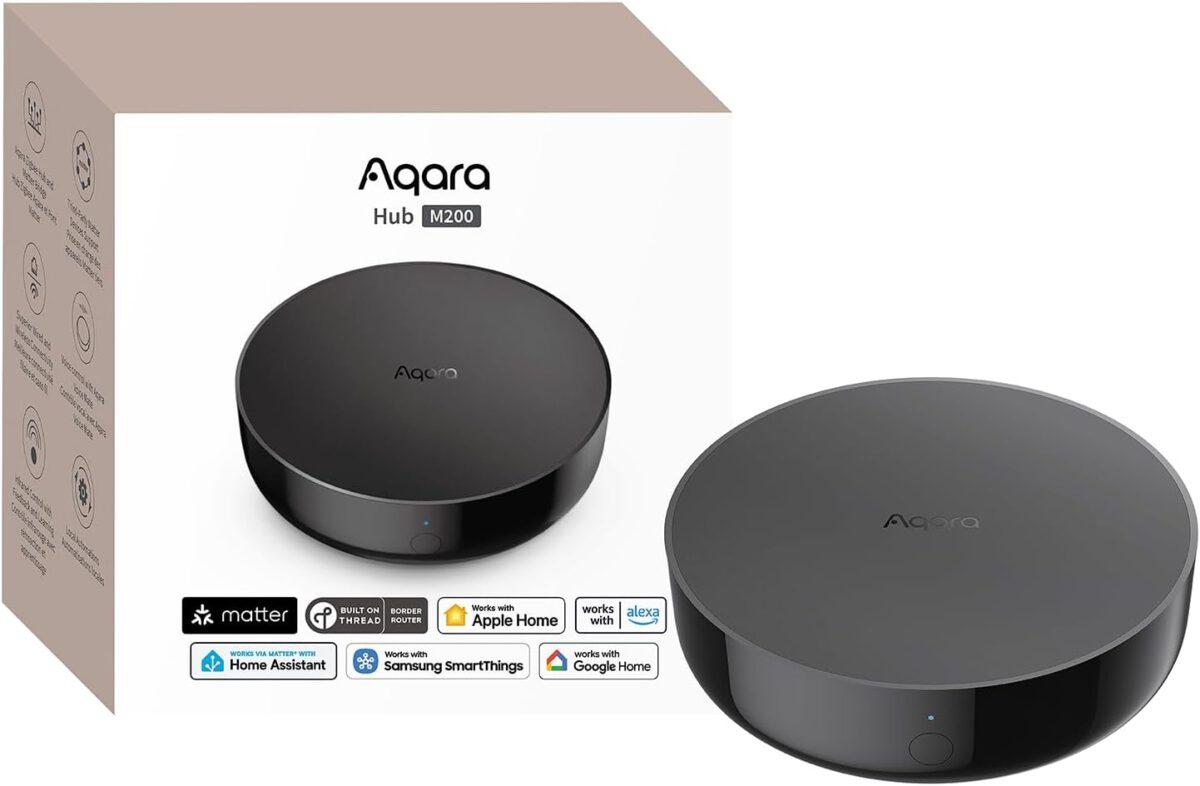
Aqara Smart Hub M200
Matter controller, Thread boundary router with Aqara Zigbee, Bluetooth, WLAN, PoE, IR, supports Amazon Alexa, Apple HomeKit, Home Assistant, SmartThings, Google Home
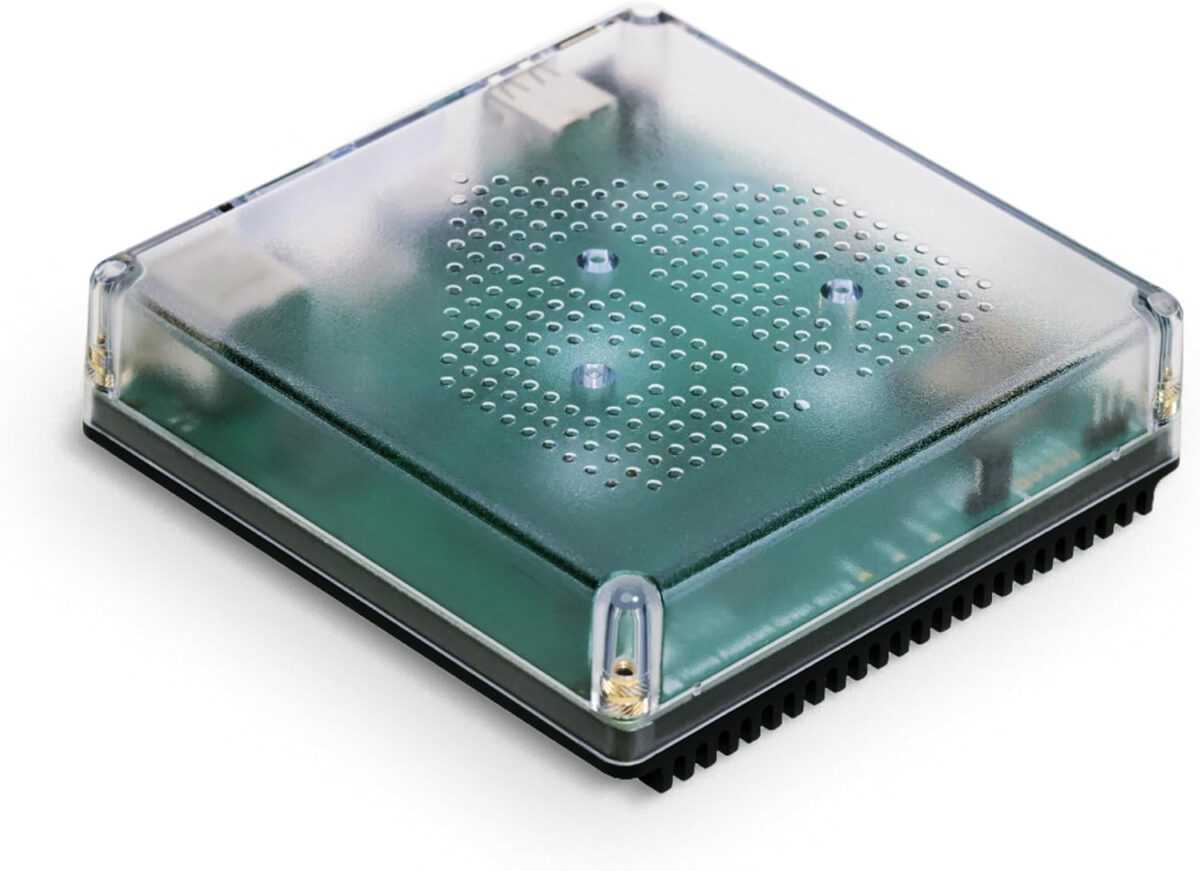
Nabu Casa Home Assistant Green
The easiest way to get started with the Home Assistant – With the Home Assistant already installed, all you need to do is plug in the included power adapter and Ethernet cable to get started.
Home Assistant Connect ZWA-2
Connect Z-Wave devices to Home Assistant | Official Home Assistant Hardware
IKEA MYGGBETT Home Assistant
Adding Matter devices requires the Home Assistant Companion App on your smartphone, as the pairing process is currently only possible via the app.
Open Matter integration:
Settings → Add to Home Assistant → Add device → Add Matter device choose.


Add device:
New Select → Scan QR code or manually enter pairing code → Prepare the setup


Select thread network:
If multiple border routers are present, select the desired Thread network. After a few seconds, the MYGGBETT should appear as a new device.
💡 Are you interested in IKEA smart home products?
We have various IKEA Smart Home Devices tested and successfully in Home Assistant integrated. This includes, among other things, the MYGGSPRAY Motion Detector, BILRESA remote control, TIMMERFLOTTE Temperature and humidity sensor as well as the KAJPLATS LED light bulb E27. In our articles, we show how the integration works, what functions are available in Home Assistant, and what our everyday experiences have been.
IKEA MYGGBETT Home Assistant
The device information displays the firmware version, hardware version, and connection type (Matter). The sensor tile shows the status. „"open"“ or „"closed"“ The symbol is displayed according to the current sensor status. The door symbol can be replaced with a window or similar.


Under configuration It will indicate whether the installed firmware version is up to date. In the area diagnosis The battery charge level (in percent) and battery voltage can be viewed. The battery type (AAA) is also displayed. Furthermore, options for assigning to... Automations, scenes, or scripts available. In the tile activity is finally a History viewable.
Some parameters can be displayed in detail and as a diagram or as Activity history over time represent.


Conclusion
With the MYGGBETT door/window sensor, IKEA demonstrates how practical the Matter standard can be in everyday life. Integration with Home Assistant is stable, fast, and without unnecessary complexity.
The sensor deliberately forgoes additional functions and focuses on its core task: reliably detecting door and window status. For Home Assistant users who rely on open standards and local automation, the MYGGBETT is a sensible and attractively priced addition.
Source/Photo: (Amazon / IKEA)
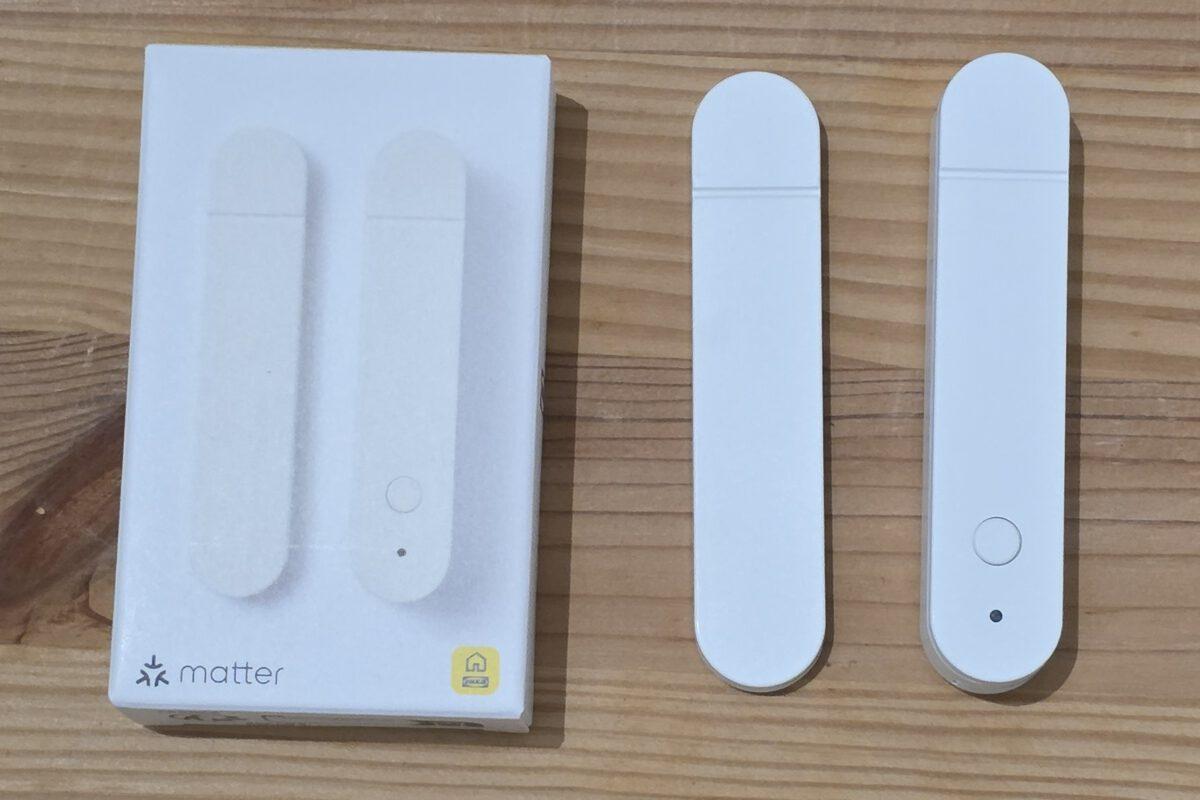
MYGGBETT
Smart door/window sensor
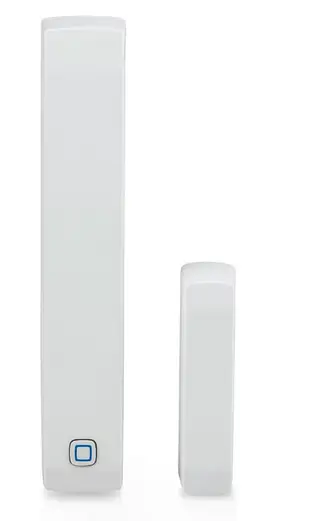
Homematic IP Smart Home window and door contact with magnet
Digital sensor for efficient heating, window monitoring via app, energy saving, Alexa, Google Assistant
💬 Which IKEA smart home products are you currently using? Feel free to share your experiences in the comments.

My name is Christian, and I founded this blog in 2024. I'm a trained communications electronics technician, a tech enthusiast, and a smart home aficionado with many years of experience in the field of networked household appliances. I passionately follow current developments and regularly test new products to provide clear insights and practical recommendations.
I also purchased several MYGGBETTs and successfully integrated them. Both in the IKEA Home app via Dirigera and then subsequently in Home Assistant.
My only problem now is that the responses in Home Assistant are communicated very late. For example, this morning: according to the IKEA app, the window opened at 9:29 (correct), but Home Assistant didn't react until 9:57.
Similar issue with closing: IKEA app 11:26 (correct), HA only reacted at 11:30.
After successful installation and integration into HA, HA responded correctly the first four or five times, then the time delays began.
Does anyone have any tips?
I started with Aqara door/window sensors. These were rather unstable from the beginning. They've become somewhat more stable since my Zigbee network expanded. Nevertheless, I then bought the Parasol sensor from Ikea for the missing window. I find the rechargeable AAA batteries a real plus, and the sensors are generally stable, even if the pairing itself is sometimes problematic. Now I'm really interested to see how the MYGGBETT sensors compare. I already have TIMMERFLOTTE in use and am quite satisfied, even though the initial setup with Home Assistant was a bit bumpy. I think Home Assistant still has some catching up to do here compared to Zigbee integration.
What exactly was causing the problems? Matter over Thread is running very stably for me, and new devices connect without any issues on the first try. Which Thread Border Router(s) are you using? Are you using the OTBR add-on?
I'm running the Home Assistant Connect ZBT-1 on OpenThread RCP 2.4.4.0 firmware with the OBTR add-on. Initially, I was missing the "Sync Thread credentials" in the Home Assistant app. Then, for the first time, it worked to connect my timer fleet, and I updated the firmware.
I then wanted to share the device with Google Home, which worked initially, but shortly afterwards the sensor was no longer accessible or responding via either Google or Home Assistant. After a firmware reset, it wouldn't connect to Home Assistant at all.
So I reset the Thread network in Home Assistant. However, the "Sync Thread credentials" no longer worked correctly because my smartphone kept trying to connect the device to the old Thread network. The only solution was to clear the Google Play Services data. After that, the "Sync Thread credentials" worked again, and the smartphone added the sensor to the correct Thread network. For now, I'm avoiding sharing the sensor with other Border routers and will share it the traditional way with Google and Alexa.
I then added a second Timmerflotte. This time the connection was immediate and problem-free. A day later, it briefly dropped out, but then a few hours later it was suddenly reachable and online again.
Perhaps the network is still too unstable without additional routers; let's wait and see.
Hi, interesting post. All this IKEA Matter over Thread equipment looks really interesting. Maybe this will lead to a breakthrough in the Matter over Thread field.
I have 70 Matter over Thread devices myself (40 Eve, 25 Aqara, 5 Philips Hue). I'm interested in the Myggbett because I'd like to compare it to the Eve Door & Window sensors in everyday use. I appreciate that Ikea has opted for AAA batteries. The size (ER14250) of the Eve batteries for the Door & Window sensor is rather small.
Furthermore, it's important to me that device updates are received via Matter OTA and therefore directly through Home Assistant or Apple Home. Eve does this very well, and I'm not worried about Philips Hue; I'm sure they'll manage it. But I'm not so sure about Aqara. I definitely don't want to buy an Aqara Hub.
You shouldn't recommend Home Assistant Yellow anymore. It has reached the end of its lifecycle, even though it still receives updates. I have one in use myself.
——————
This product is no longer in production, but continues to receive software updates. Check out Home Assistant Green if you're looking for a great way to get started.
Source: https://www.home-assistant.io/yellow/